-
Jira Weather Gadget App
Inspiration
I wanted to make Jira dashboards a little less... dry. Since the teams are scattered across cities and time zones, we thought—why not bring in a live weather gadget? It adds a bit of personality and real-world context to our daily workflow.
☁️ What it does
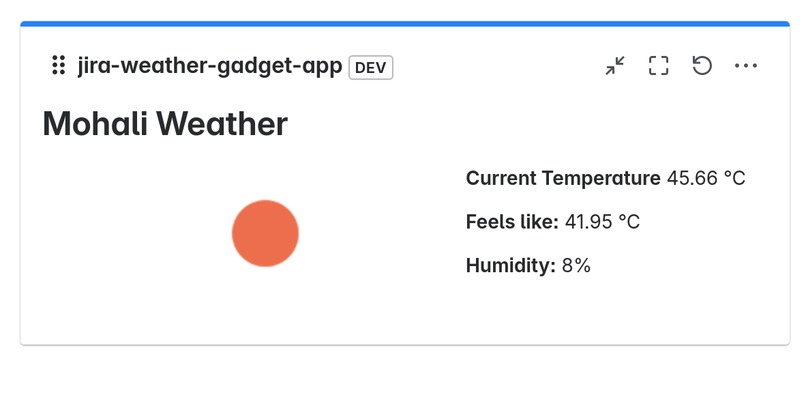
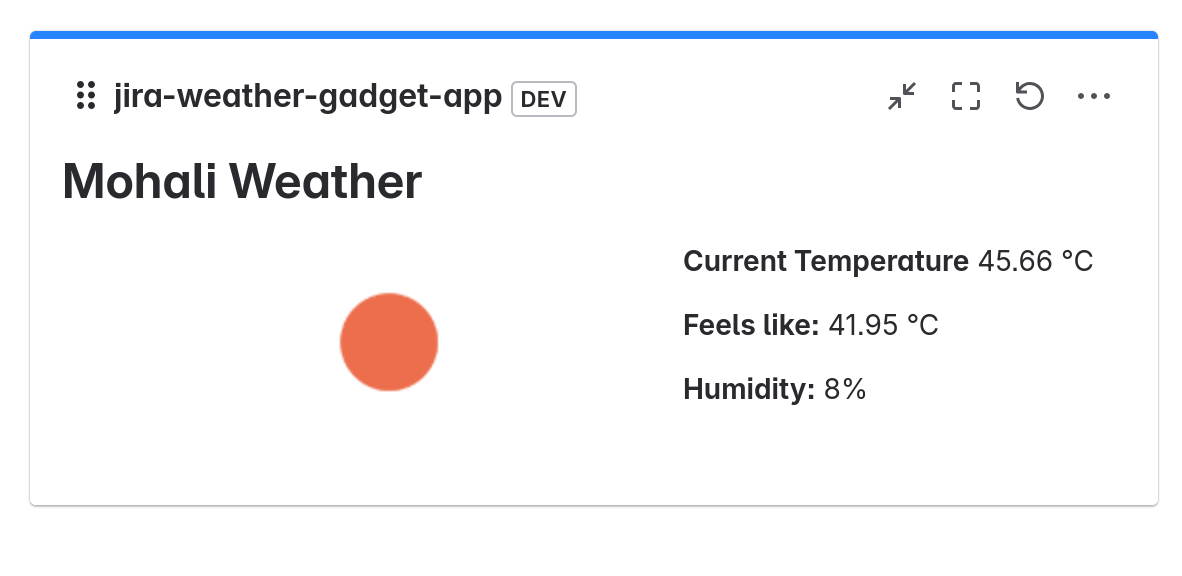
The Jira Weather Gadget shows live weather updates for a city you pick. Just enter the city and country, choose the right match, and voilà—your dashboard now tells you the temperature, humidity, and whether it’s sunny, rainy, or snowing outside.
🛠 How I built it
I used Atlassian Forge with React for the frontend and built backend resolvers to call the OpenWeatherMap API securely. The form uses react-hook-form to manage inputs and validations, and the weather view updates automatically based on your saved location.
Challenges
- Handling multiple cities with the same name (hello, Springfield).
- Getting smooth UX between typing and showing location matches.
- Keeping the UI clean in the limited space of a gadget.
Wins
- It works!
- It’s simple, but fun.
- We kept it secure and lightweight, using Forge the right way.
What I learned
- Building on Forge is fast, but comes with its own quirks.
- Even small UI touches make tools more engaging.
- APIs can be unpredictable—handling edge cases is key.
What’s next
- Auto-refresh every hour
- Dark mode themes based on weather
- Smarter defaults (like using IP to pre-fill location)

Log in or sign up for Devpost to join the conversation.