-
-
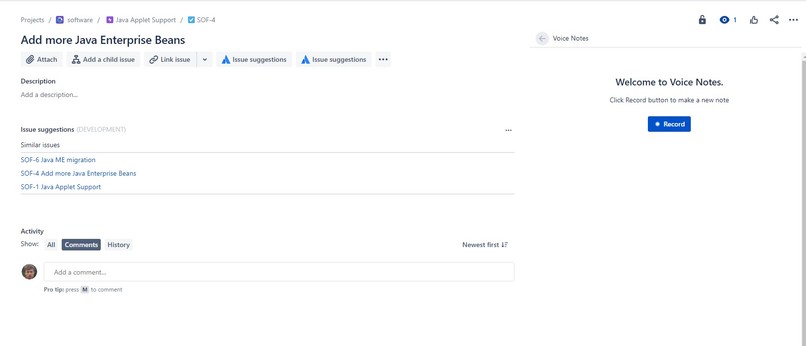
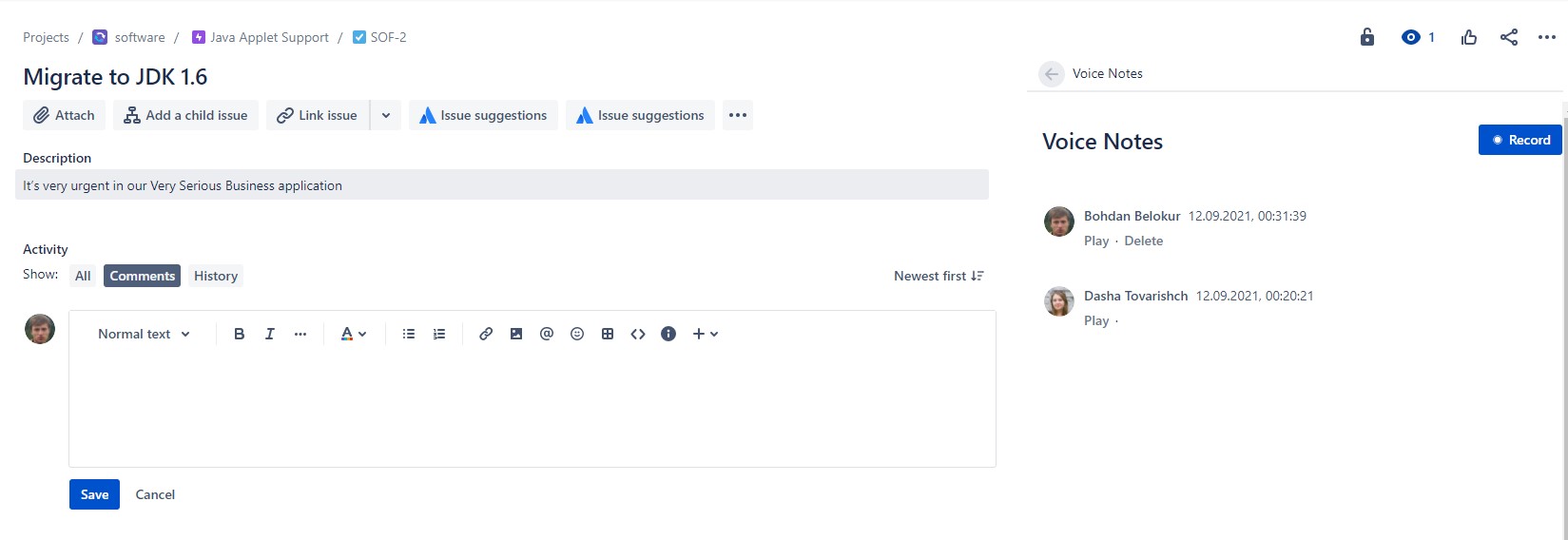
Empty view
-
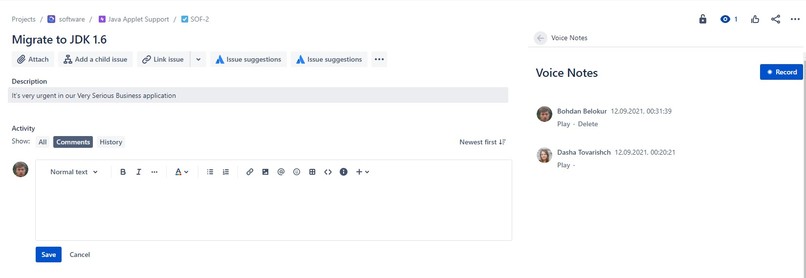
View with users' notes
-
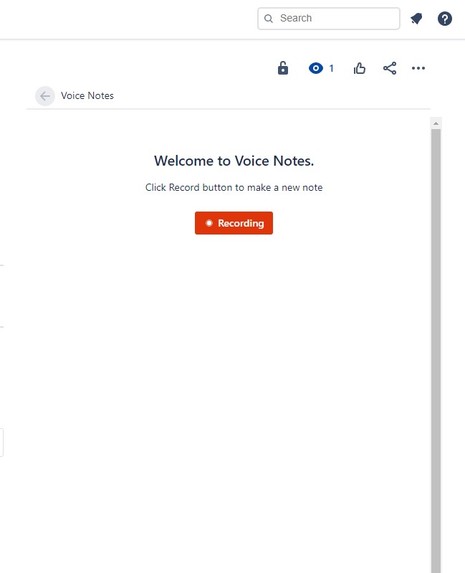
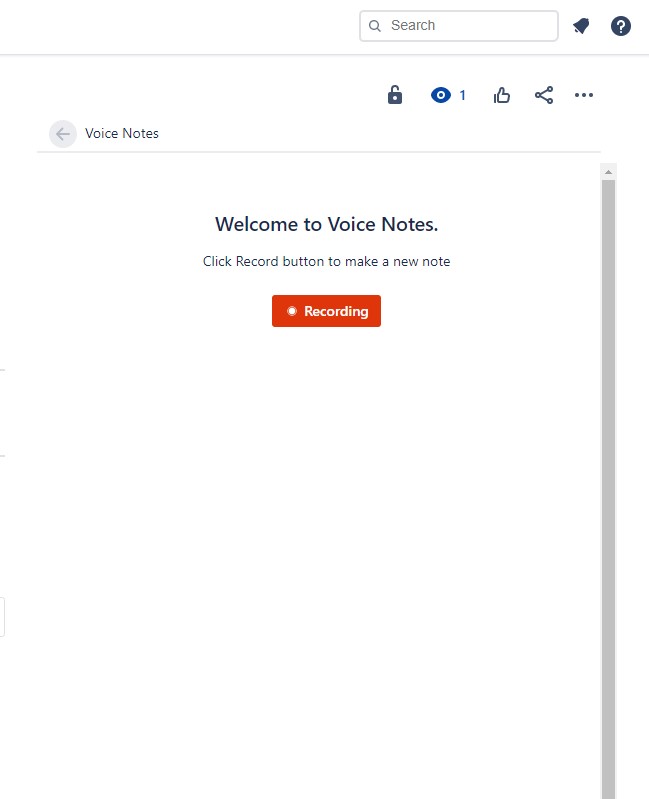
Recording
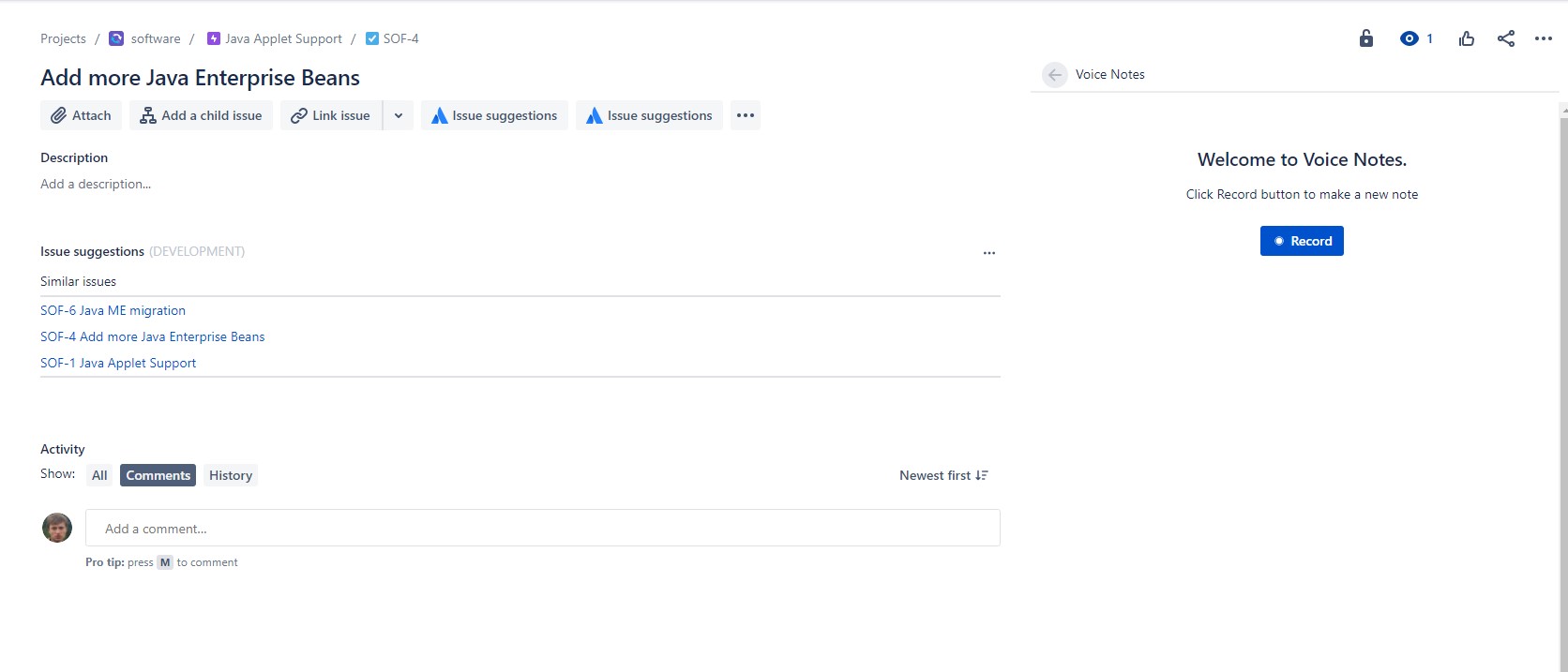
Inspiration
There are a lot of messengers that allows you to send voice recording instead of typing a text. If you're in rush it's easier to press the button, record the speech and send. Jira Voice Notes adds this simple feature to Jira tickets.
What it does
On the right side of the issue's screen user can open Voice Notes panel. It contains record button and a list of other users' notes. User can add a new one(microphone must be connected to the device and mic usage must be enabled to access the page), listen to recorded speech, or listen other peoples' notes. One issue should contain many notes. The User can remove his notes only.
How we built it
I use Atlassian Forge and custom UI bridge features. The Frontend was written on React with Atlaskit components.
Challenges we ran into
- Using Aaxios in the forge resolver was a problem.
- On the first stage of app development I wanted to add notes as attachments to the Jira issue, but it was not possible. (https://community.developer.atlassian.com/t/how-to-add-an-attachment-to-issue-in-forge/51837 )
Accomplishments that we're proud of
That's not my first Forge application, but it's the most valuable (I think)
What's next for Jira Voice Notes
Add speech recognition Add saving notes as text comments to the issue



Log in or sign up for Devpost to join the conversation.