-
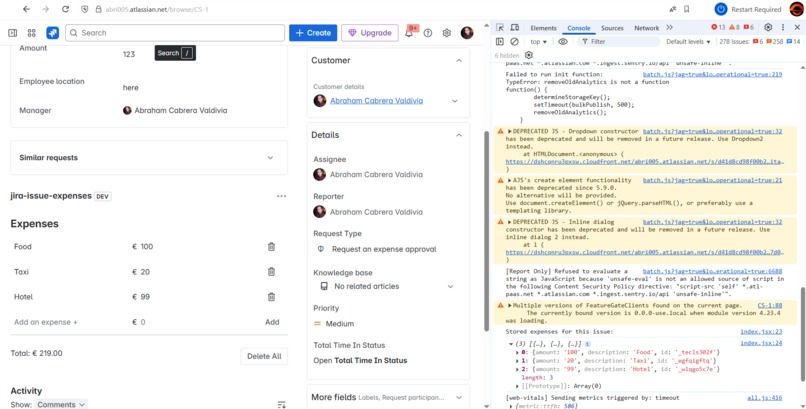
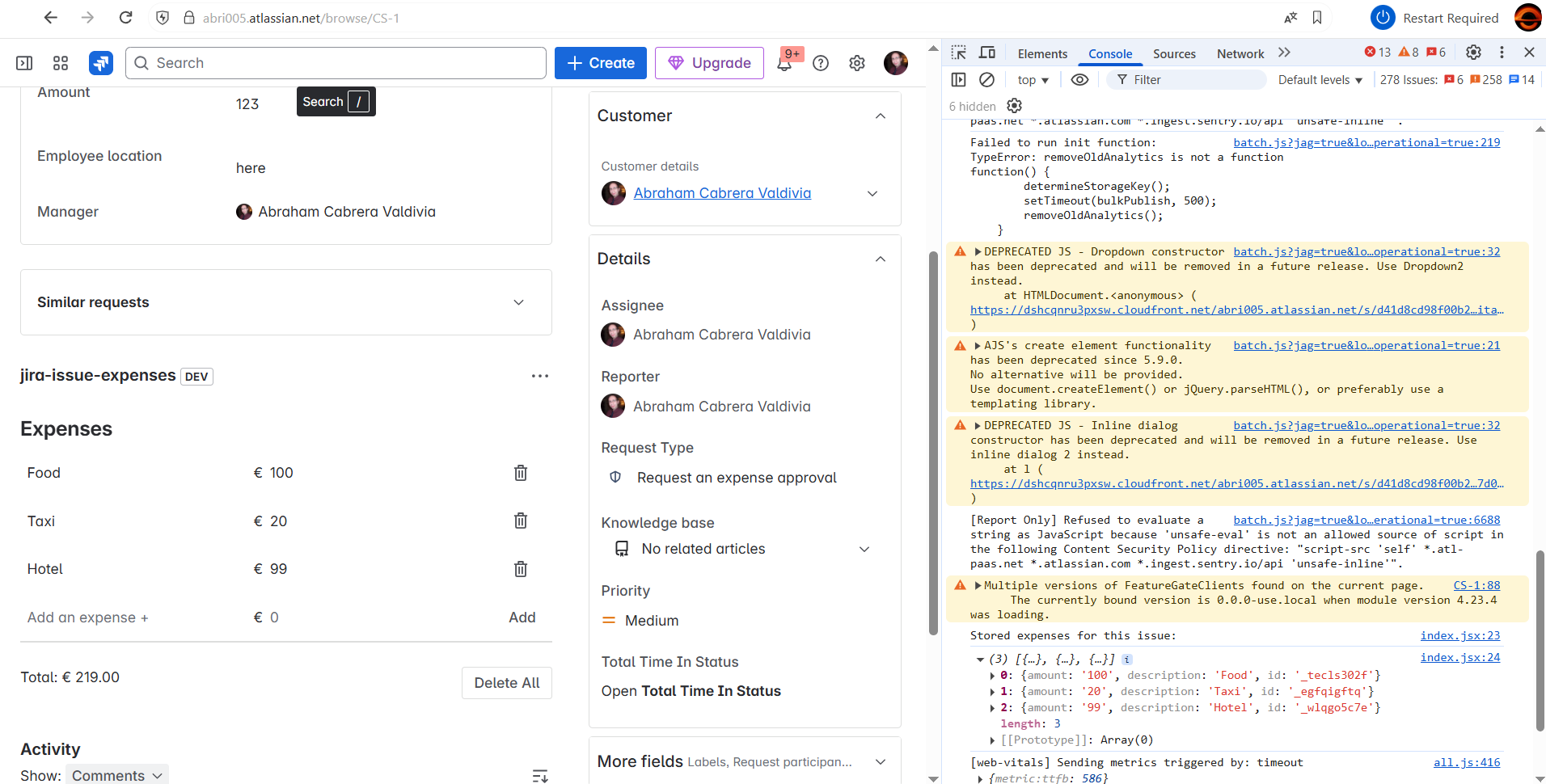
The Forge app in action
🚀 Inspiration:
I found this tutorial for Jira-issue-expenses quite interesting. Tracking time is easy in Jira—but tracking cost is often a disconnected, manual process. This tutorial shows a simple way to see how much each issue, epic, or sprint really costs—without spreadsheets or third-party tools.
💡 What it does:
Jira Issue Expenses is a Forge app that calculates and displays the total cost of any expense entered. It adds a cost panel directly to the issue view, giving project managers, finance teams, and developers instant visibility into project expenses.
🛠️ How we built it:
We used Atlassian Forge to build the app with UI Kit and Forge storage. The app was designed to be lightweight, secure, and easy to install with zero configuration. The tutorial is available online for anybody to follow it.
🧗 Challenges we ran into:
Working around Forge UI limitations to make the interface both minimal and useful. Spotting little bugs in the code, specially around useEffect.
🏆 Accomplishments that we're proud of:
A clean integration that works natively inside Jira with no setup. Making financial data accessible without needing an external tool. Building a real use-case app from scratch in a short time frame!
📚 What we learned:
How to get the most out of the Forge platform (and what to avoid). The value of simplicity—users want results fast, not more dashboards. How useful even small enhancements can be when placed in the right workflow.
🔮 What's next for Jira Issue Expenses:
Keep coding in Forge!

Log in or sign up for Devpost to join the conversation.