-
Jira Expense Tracker
✨ About the Project: Jira Expense Tracker 🚀 Inspiration While working with Jira on day-to-day tasks, I noticed that users often need a quick and lightweight way to track expenses or to-do items related to an issue—without switching to other tools like spreadsheets or notes. This inspired me to build an in-Jira tracker using Atlassian Forge.
🧠 What I Learned Through this project, I learned:
How to use Forge's UI Kit and Dynamic Table to create clean UIs inside Jira.
How to leverage the Forge Storage API for persistent data management.
The process of managing app permissions and handling user-generated data securely using resolvers.
The overall Forge development workflow from setup to deployment.
🛠️ How I Built It (Step-by-Step) Started with the jira-issue-panel template to embed the app into Jira issues.
Deployed and installed the app in a development environment using forge deploy and forge install.
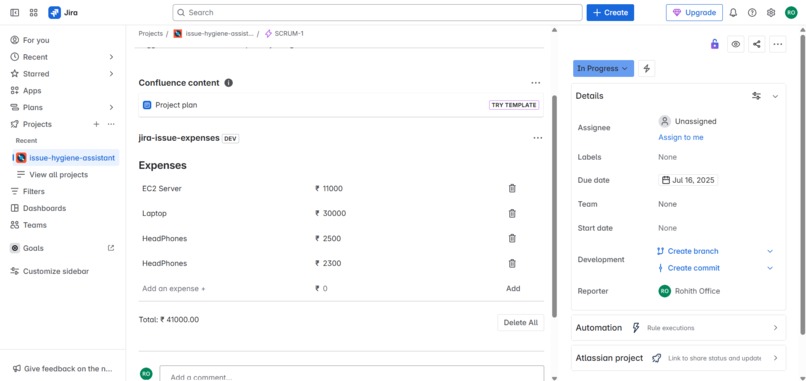
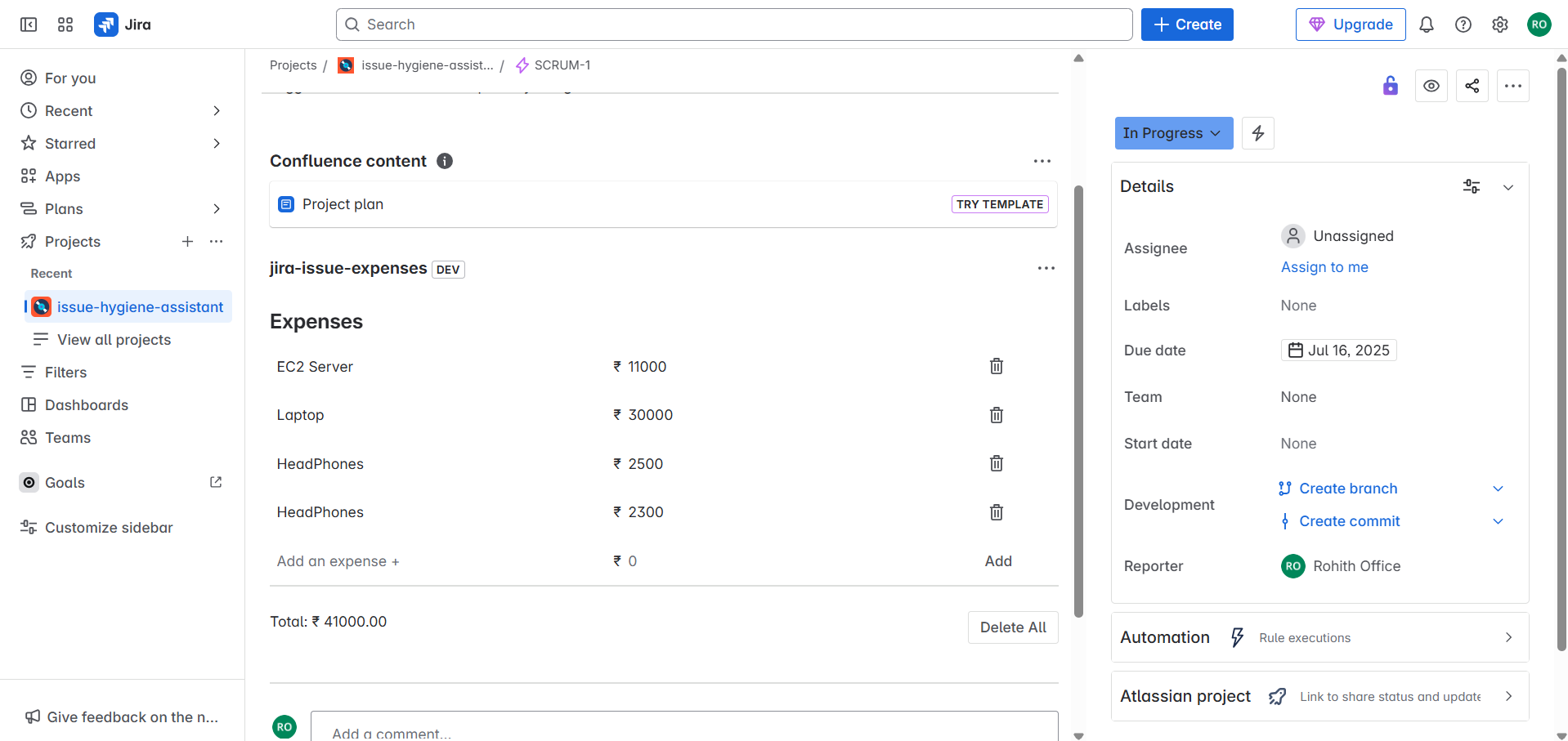
Displayed test data inside a Dynamic Table to simulate a to-do/expense list.
Improved the UI, adding table headers and formatting to make it more user-friendly.
Added an input row to let users submit new to-do/expense items from within the table.
Updated the manifest.yml with proper storage read/write permissions.
Used Forge resolvers to connect UI events with backend functions that store data using the Forge Storage API.
Successfully implemented add, read, and delete functionality for each list item.
⚠️ Challenges Faced Understanding the correct structure and flow for resolvers and permissions in Forge.
Handling dynamic updates to the table after user interactions without full page reloads.
Learning to debug issues in the Forge development environment with limited logs.
Ensuring storage read/write worked correctly within the app’s scope and access model.
Built With
- forge
- forgestorage
- javascript
- jiraissuepanel
- react
- uikit
- yml

Log in or sign up for Devpost to join the conversation.