-
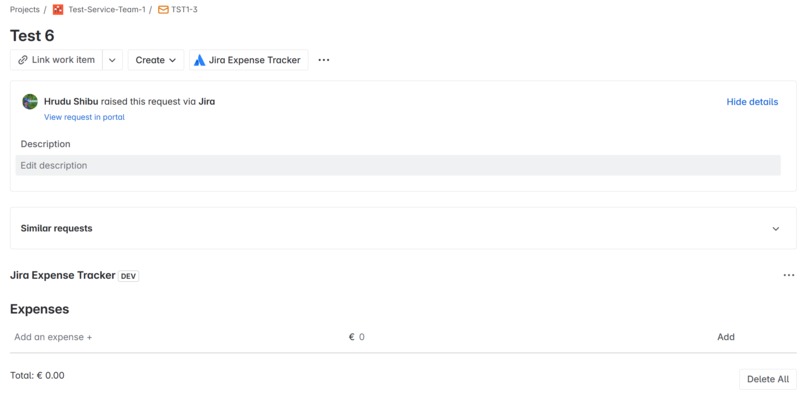
demo1- start window
-
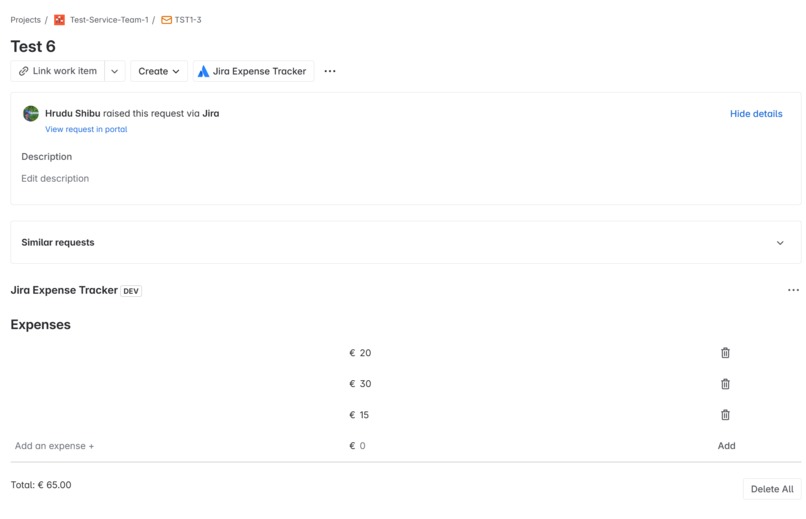
demo2-calculation
Inspiration
As a project manager, I often found it challenging to keep track of issue-specific expenses within Jira. I wanted a simple, in-context way to log, edit, and sum up costs directly in Jira issues—no more scattered spreadsheets or lost receipts!
What it does
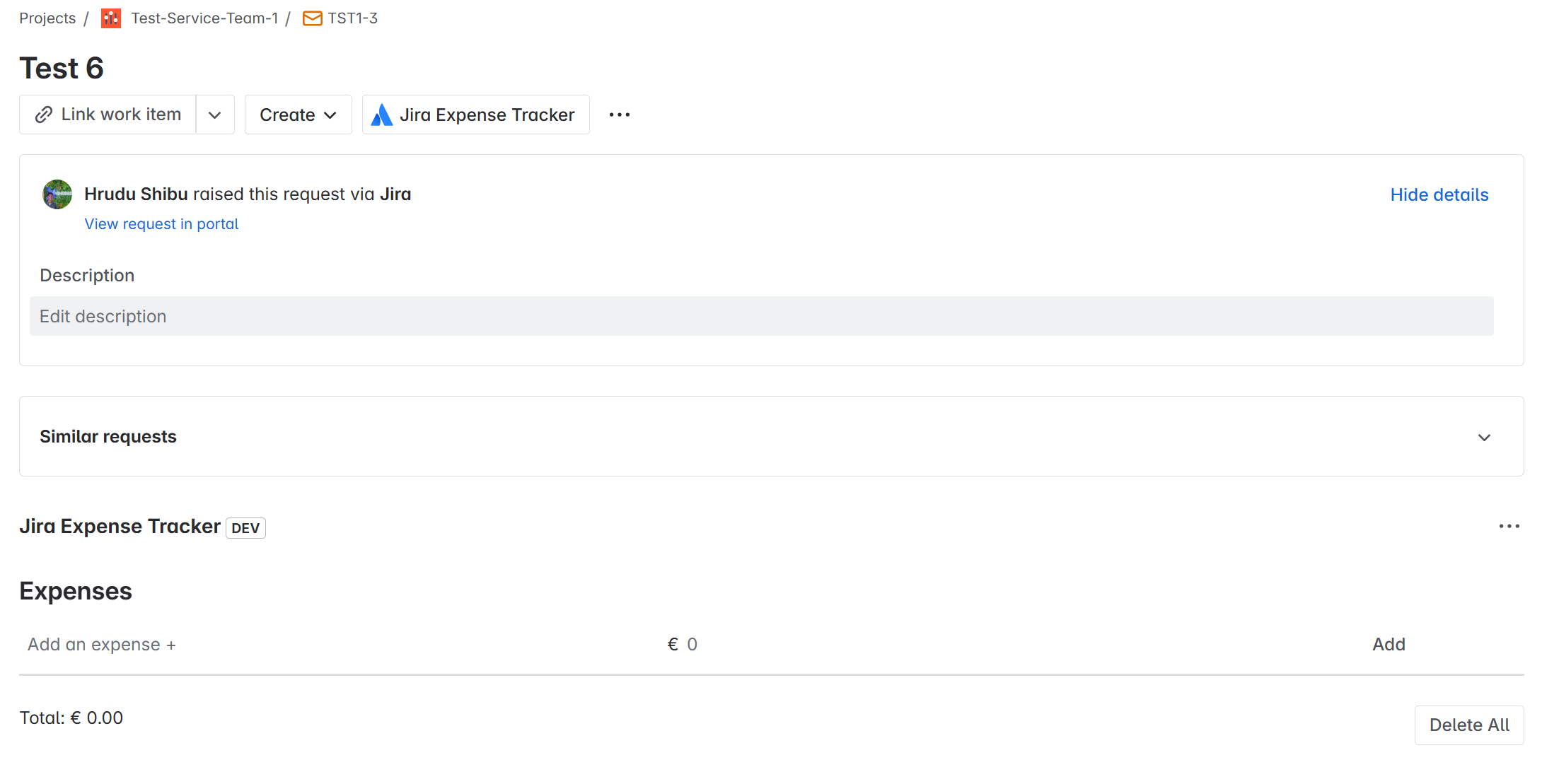
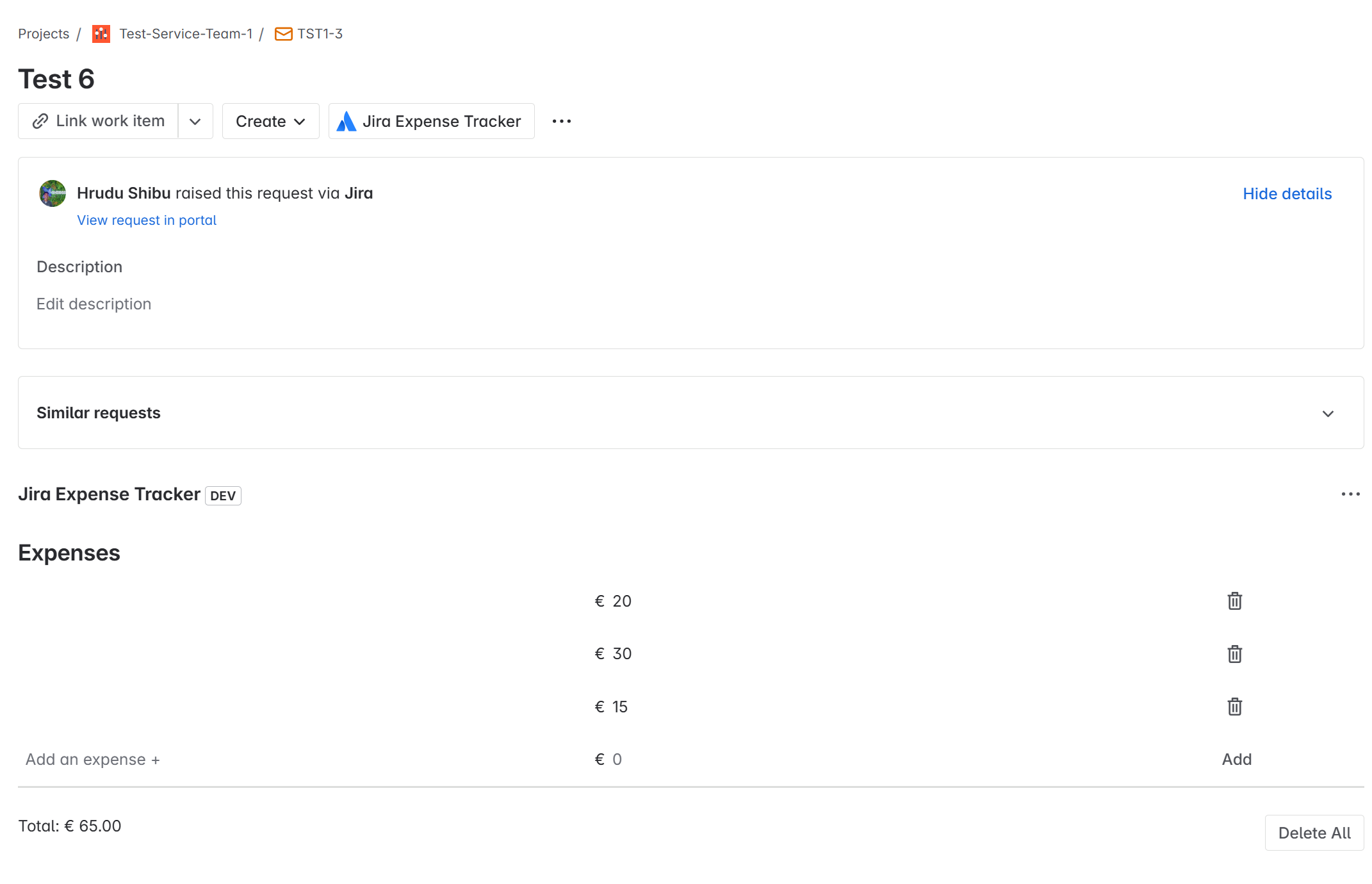
Jira Expense Tracker adds a panel to every Jira issue where you can:
- Add, edit, and delete expense items (with descriptions and amounts)
- Instantly see the total cost for the issue
- Manage spending right where the work happens
How I built it
- I used Atlassian Forge to build a Jira Issue Panel app.
- The front-end is built with Forge UI Kit and React.
- User-entered expenses are stored and retrieved securely using Forge’s Storage API.
- All data is scoped to each issue, so teams can manage expenses per task or bug.
Challenges I ran into
- Understanding the Forge app lifecycle and permissions model took some experimentation.
- Debugging storage and resolver function connections was tricky at first, but the official docs and logs were helpful.
- Making sure the UI updates instantly with new or edited data required careful state management.
What I learned
- How to structure a Forge app and connect the UI to backend resolvers.
- Using Forge Storage API to persist data per Jira issue.
- How to test and debug Forge apps inside the Jira Cloud environment.
What's next
- Add support for different currencies and user preferences.
- Export expense data for reporting and invoices.
- Maybe add charts or summaries for project-level cost tracking!
Thank you for checking out my project!
Built With
- atlassian-forge
- forge-ui-kit
- javascript
- jira-cloud
- react


Log in or sign up for Devpost to join the conversation.