-
-
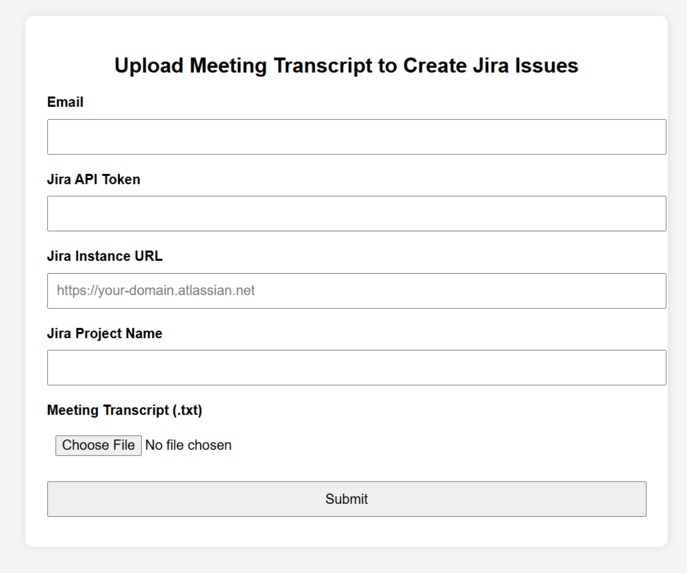
UI
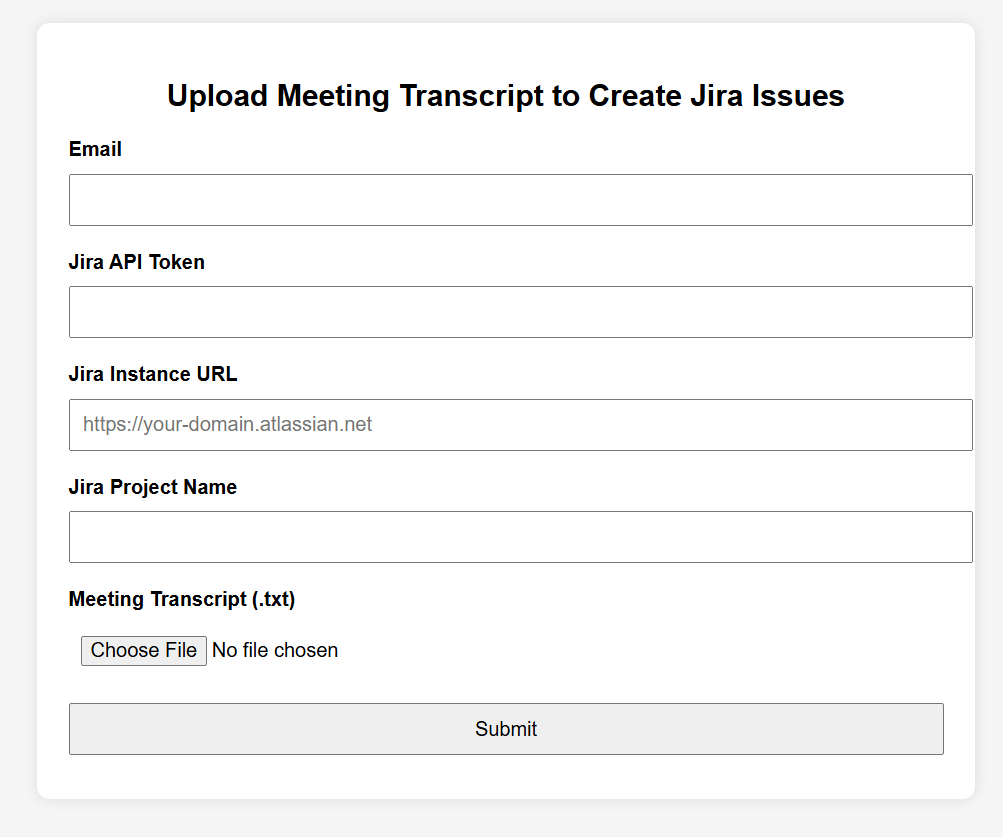
Inspiration
Meetings often generate critical decisions, tasks, and next steps — but they rarely translate cleanly into project tracking or documentation systems. Manual efforts to create Jira tickets and update Confluence pages are time-consuming and error-prone. We were inspired to build a solution that automates this bridge — turning natural language from meeting transcripts into actionable Jira tasks and detailed Confluence documentation — without human intervention.
What it does
Our platform allows users to upload a raw meeting transcript file and, using advanced natural language processing, it: Extracts action items and task descriptions Identifies and assigns the right team members to each task Automatically creates corresponding issues in the relevant Jira project
How we built it
Frontend: HTML form served by Flask for collecting user input and file uploads Backend: Flask server processes the transcript file, calls the Moonshot OpenAI API to generate MoM, and uses regex to extract task and assignee pairs Jira Integration: Jira REST API is used to fetch project keys, user account IDs JQL used to avoid duplicate issue creation New issues are created and linked to MoM
Challenges we ran into
Handling inconsistent or ambiguous assignee references in transcripts Formatting variability in both meeting inputs and AI outputs Managing Jira and Confluence API permissions and scopes securely Detecting and preventing duplicate tasks intelligently
Accomplishments that we're proud of
Built a fully automated pipeline from transcript to task Achieved seamless API integration with both Jira and Confluence Enabled dynamic resolution of user identities based on names mentioned in the transcript Delivered a clean, intuitive user interface that works with real meeting data
What we learned
How to leverage AI for structured information extraction from messy, natural language input Best practices for interacting with Jira and Confluence APIs securely Effective prompt engineering for producing reliable and structured outputs from LLMs Importance of validation and consistency checks in automation pipelines
What's next for Jira Automation Platform
Automated Confluence Page Creation: Automatically generate a well-formatted Confluence page summarizing each meeting and link it to the related Jira project. Bidirectional Linking: Ensure each created Jira issue is backlinked to its corresponding Confluence MoM page for complete traceability. Real-Time Sync: Keep Confluence documentation updated when any linked Jira issues are modified or closed. Confluence Templates: Use dynamic templates to standardize pages with sections like Summary, Action Items, and Attendees. Unified Reporting Dashboard: Integrate Confluence tables with Jira filters to build live dashboards showing the progress and ownership of action items. Advanced Permissions Sync: Automatically reflect Jira project-level permissions on linked Confluence pages to maintain consistent access control.
