Inspiration
For students, researchers, and developers, platforms like YouTube offer invaluable educational lectures, technical walk-throughs, and tutorials. However, they are also heavily optimized attention traps: a quick search for a coding syntax fix or lecture clip can quickly unravel into an hour-long loop of algorithmic Shorts and clickbait recommendations.
Most website blockers take a blunt, all-or-nothing approach—blocking entire websites or flashing harsh error screens that induce guilt without helping sustain focus. We wanted to build Jigra: a surgical study shield that preserves access to valuable educational content while stripping algorithmic distractions, paired with an encouraging desktop companion and structured micro-breaks that reinforce healthy productivity habits.
What it does
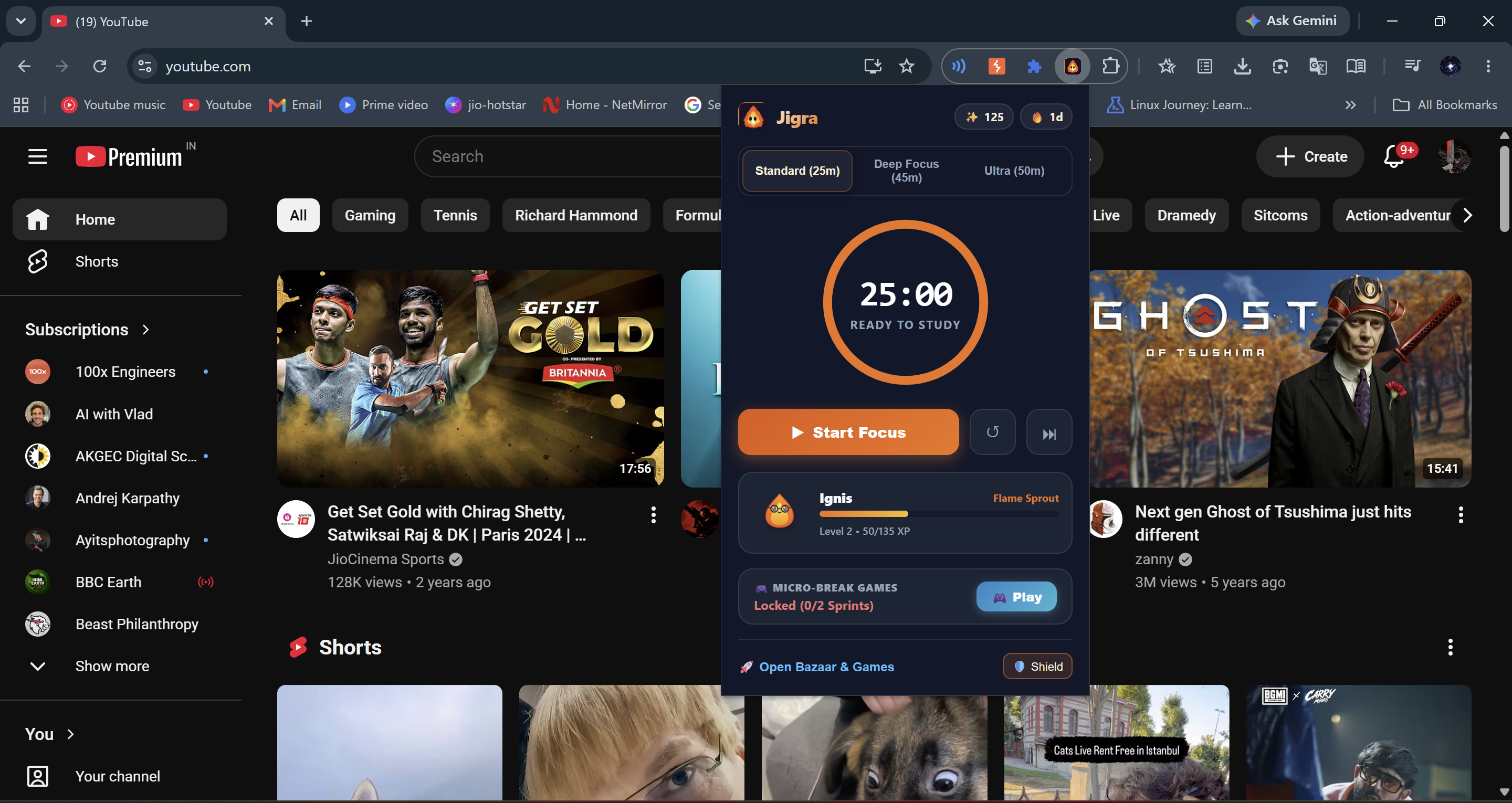
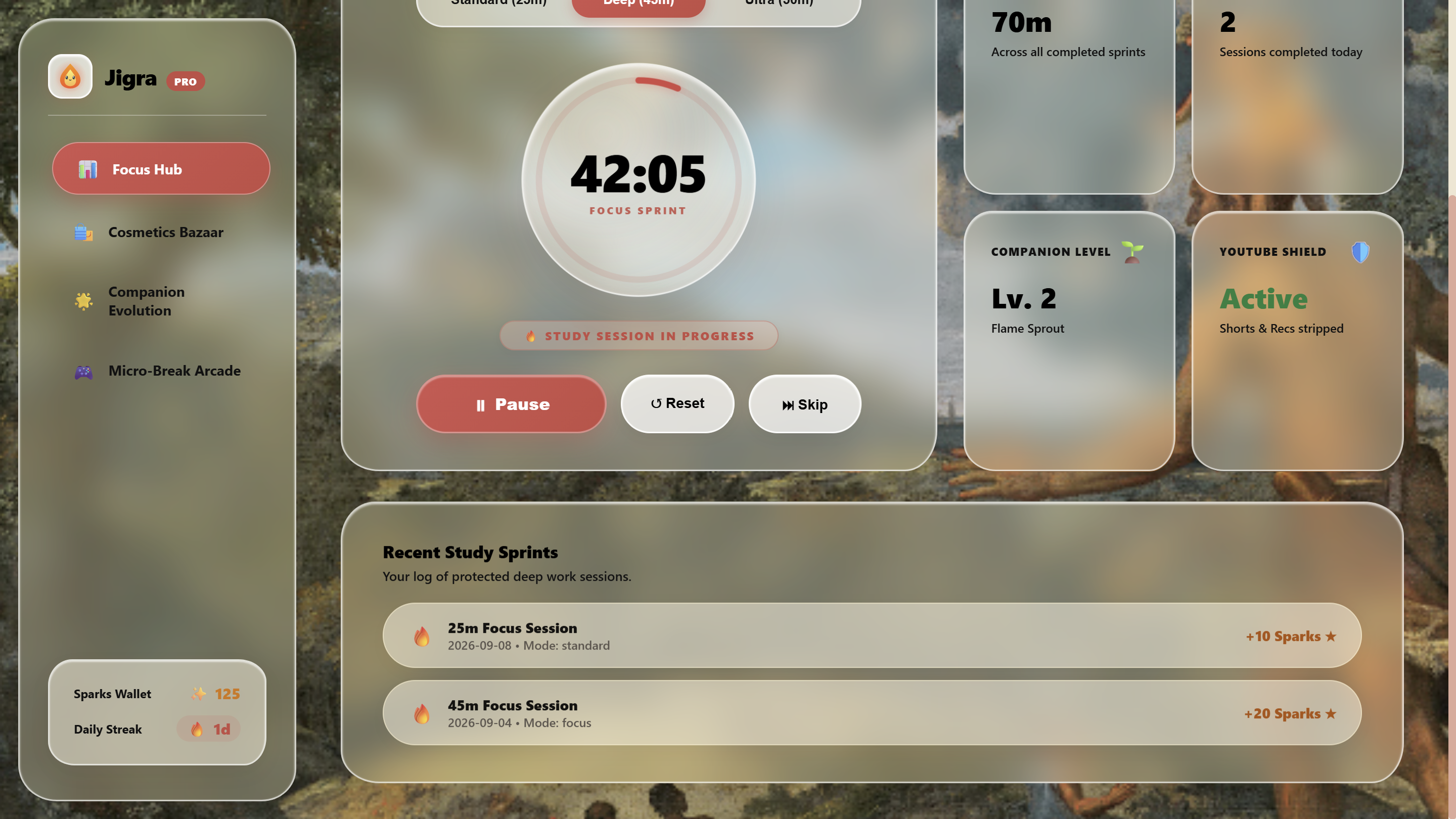
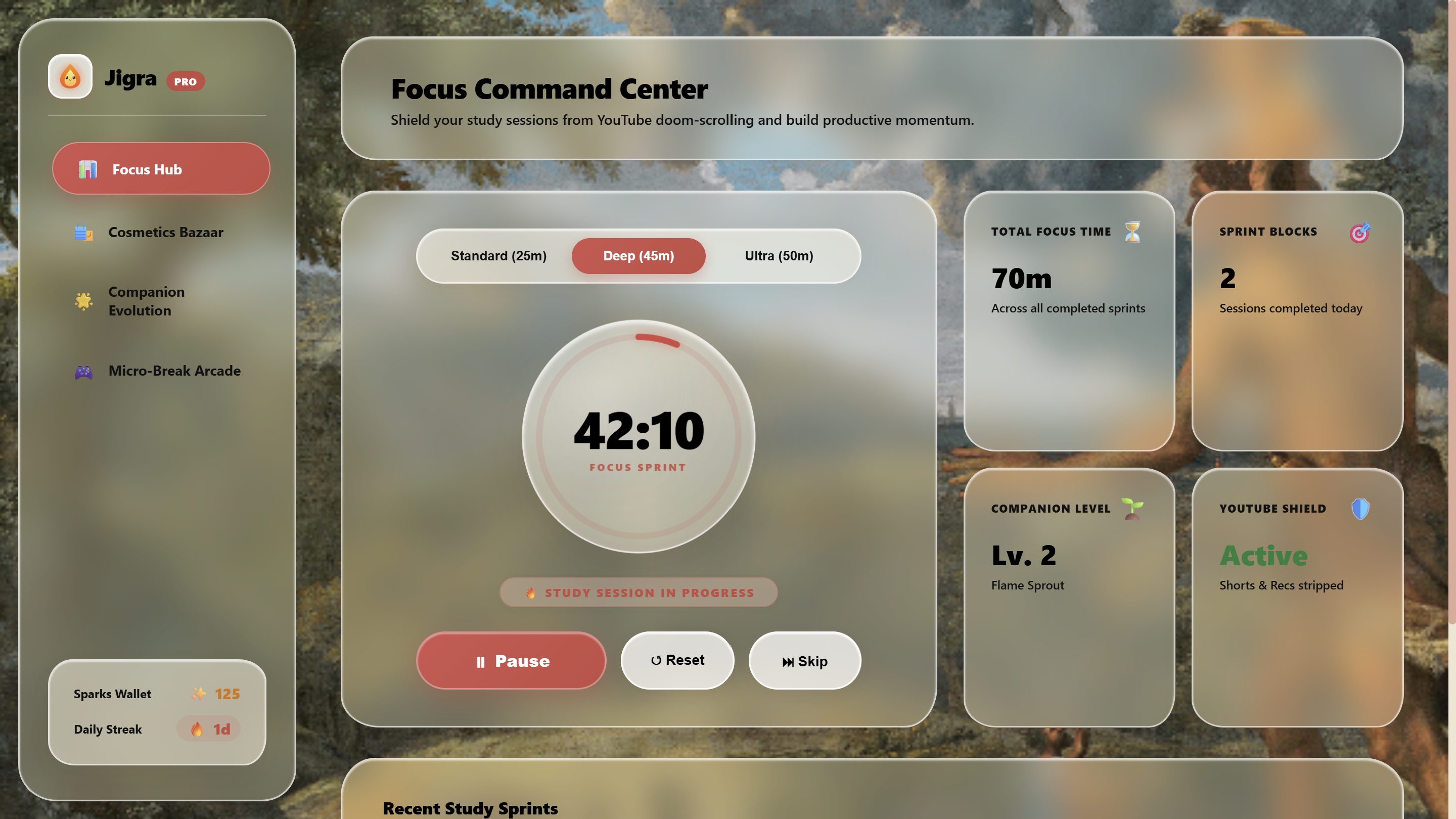
Jigra is a gamified Chrome extension designed to eliminate digital doom-scrolling and structure study sessions:
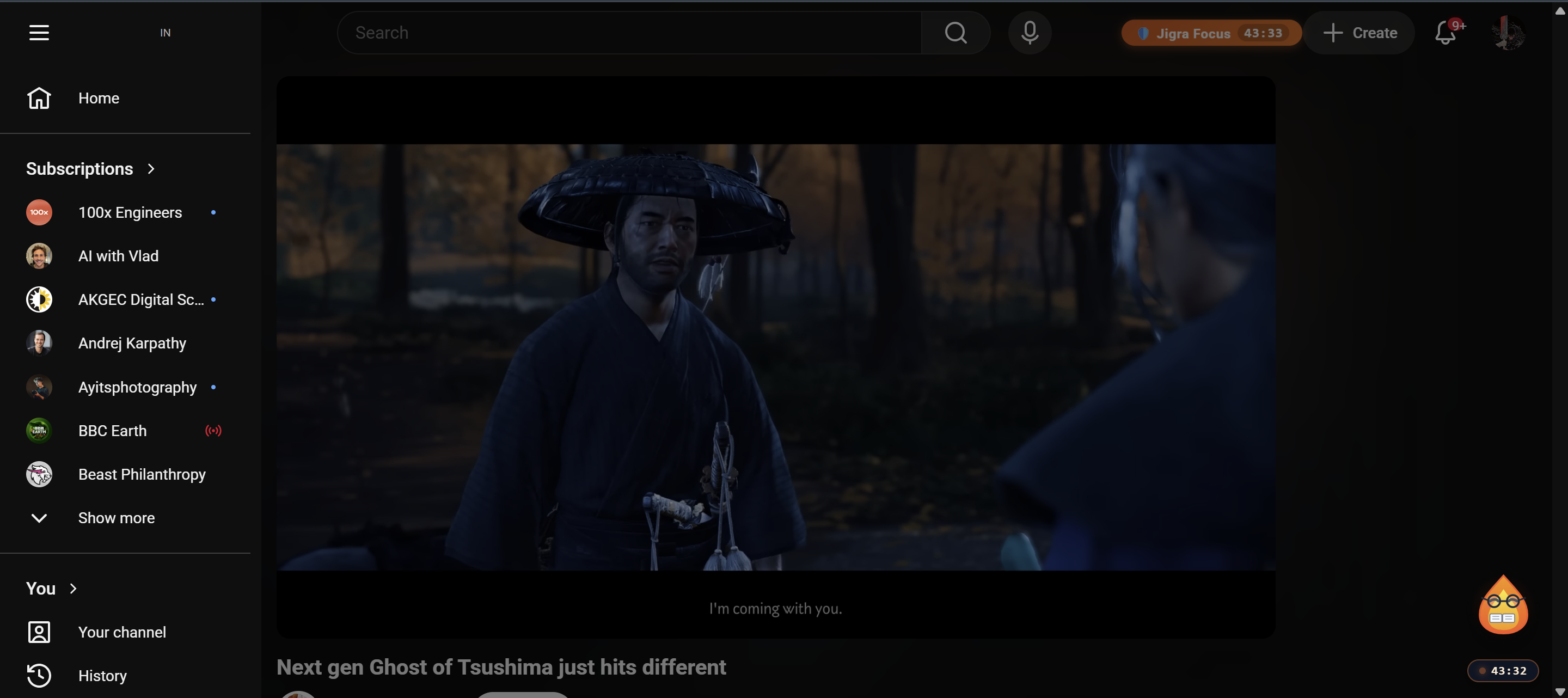
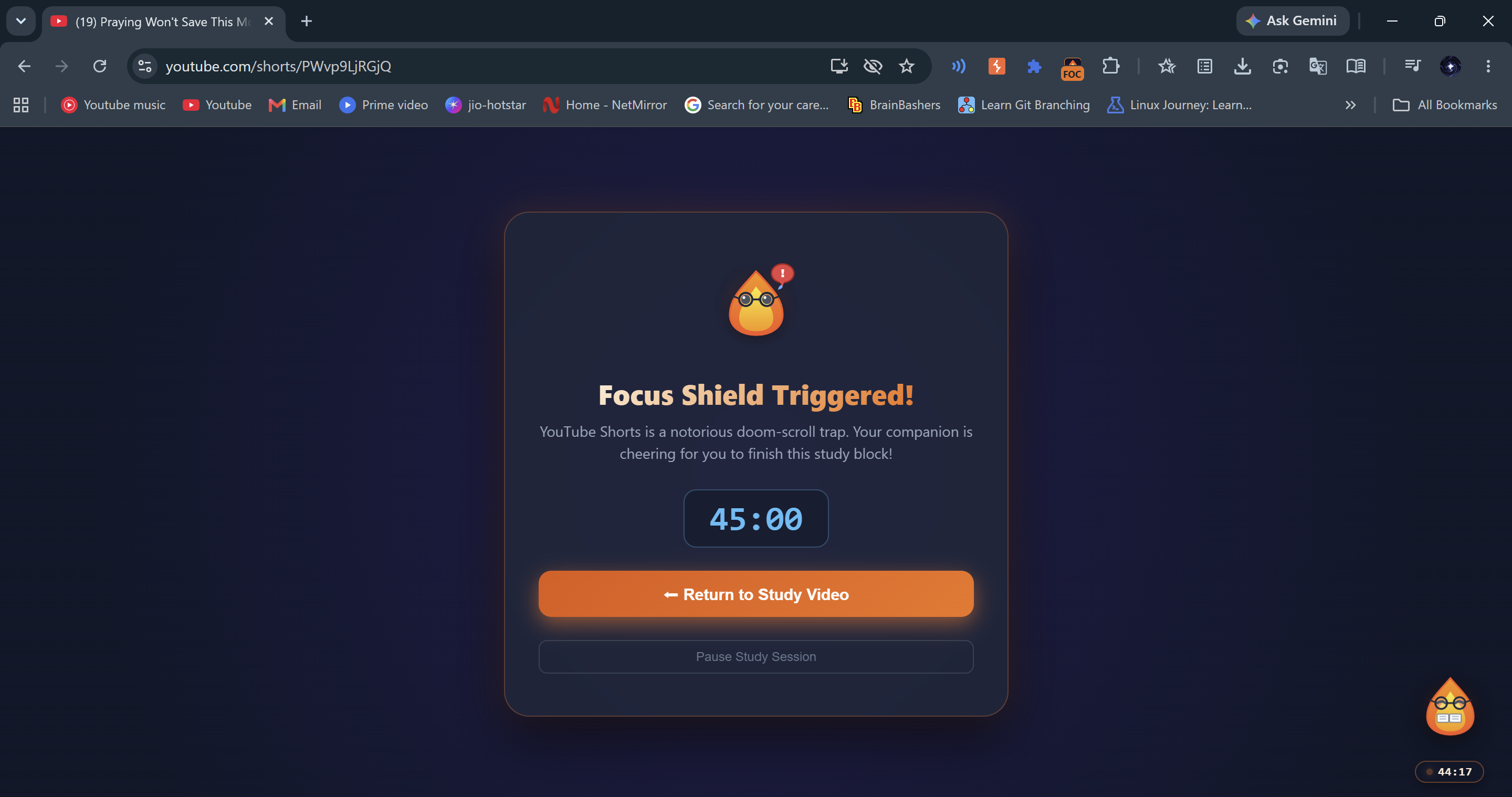
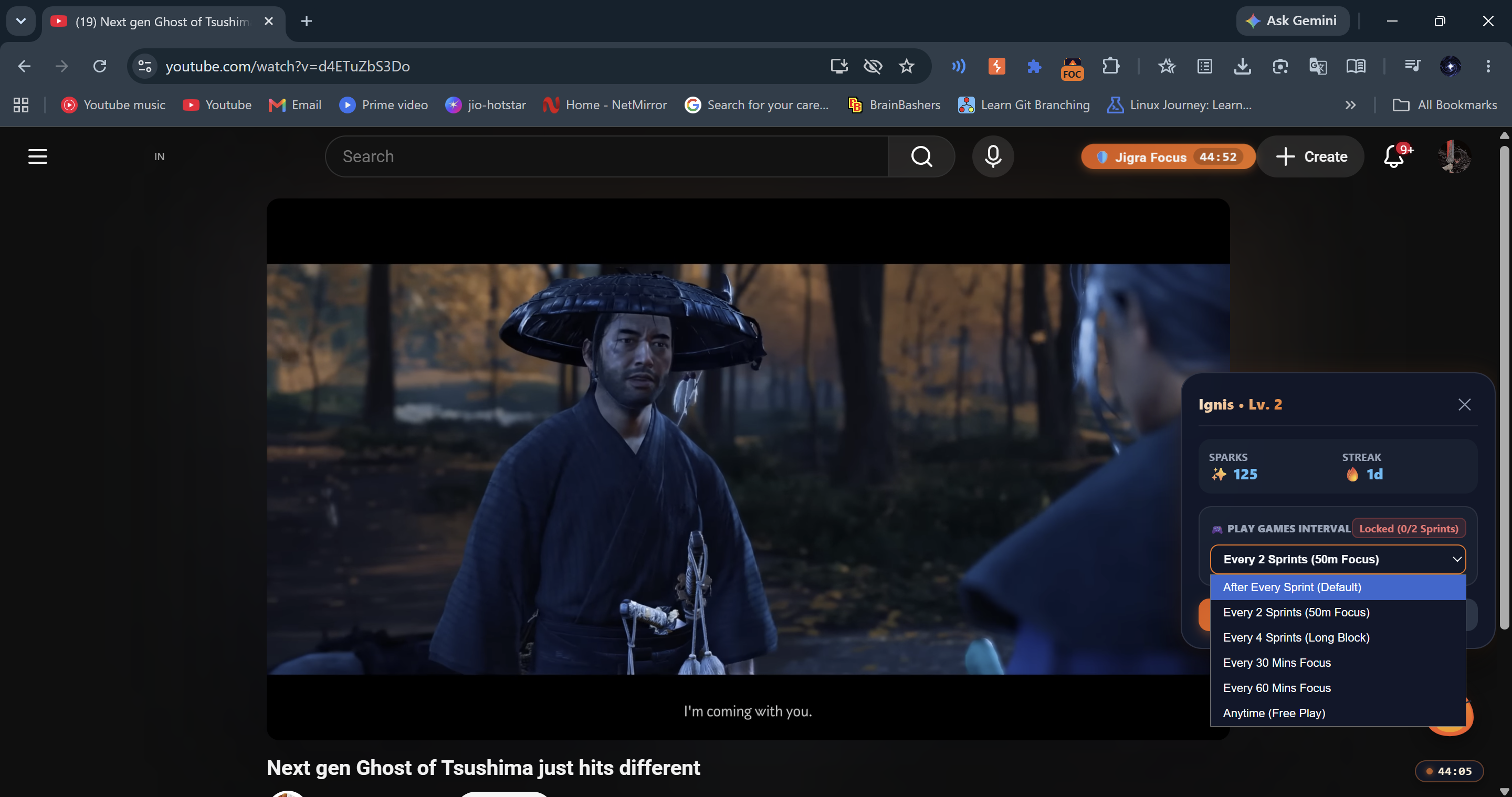
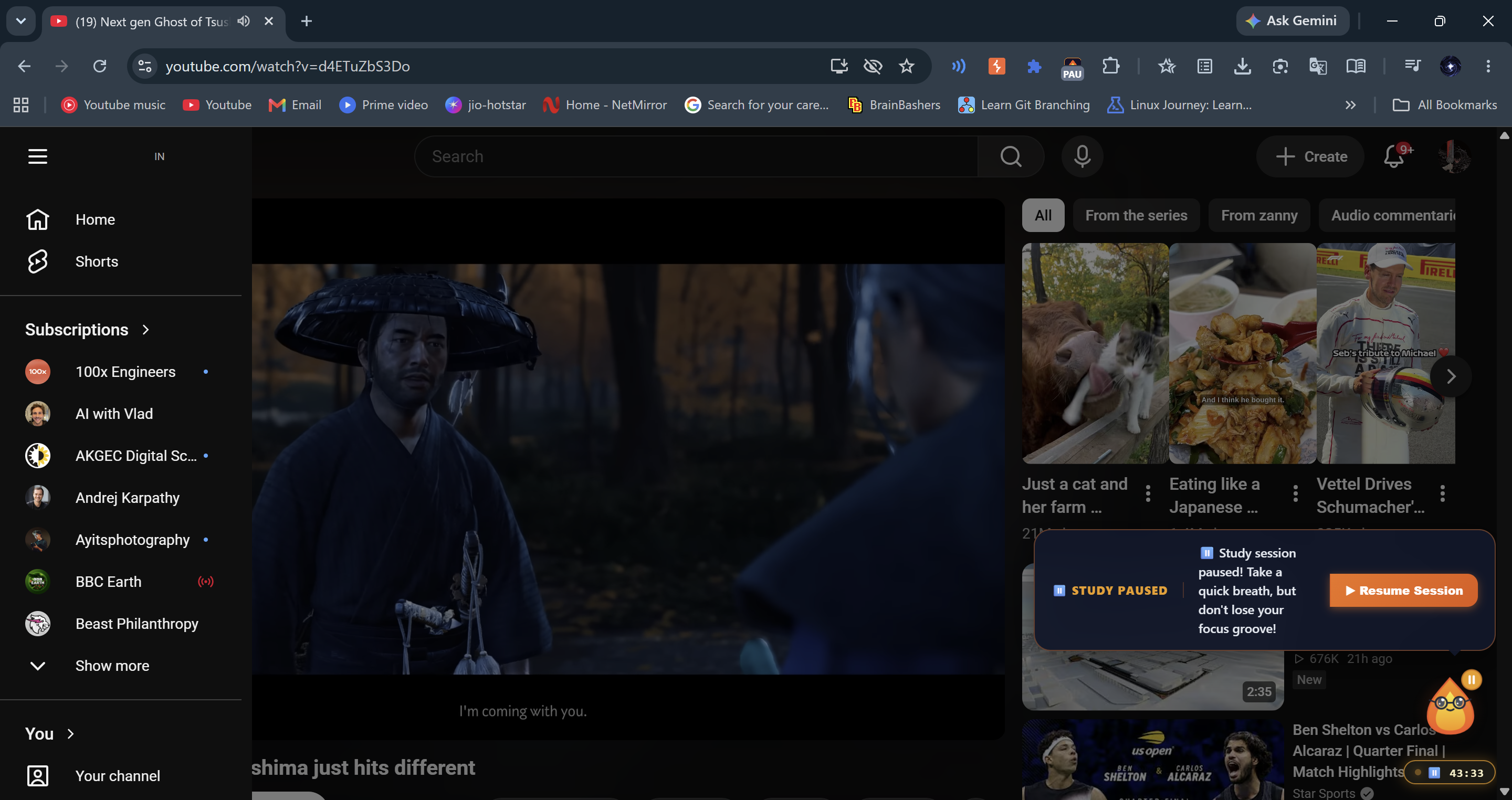
Context-Aware YouTube Shield: Strips recommendation sidebars (#secondary), comments (#comments), infinite home feeds, and end-screen suggested tiles during active focus sprints. It automatically intercepts /shorts/* single-page transitions and displays a focus shield modal, with an optional 5-second hold deterrent in Ultra Focus Mode to prevent impulsive early exits.
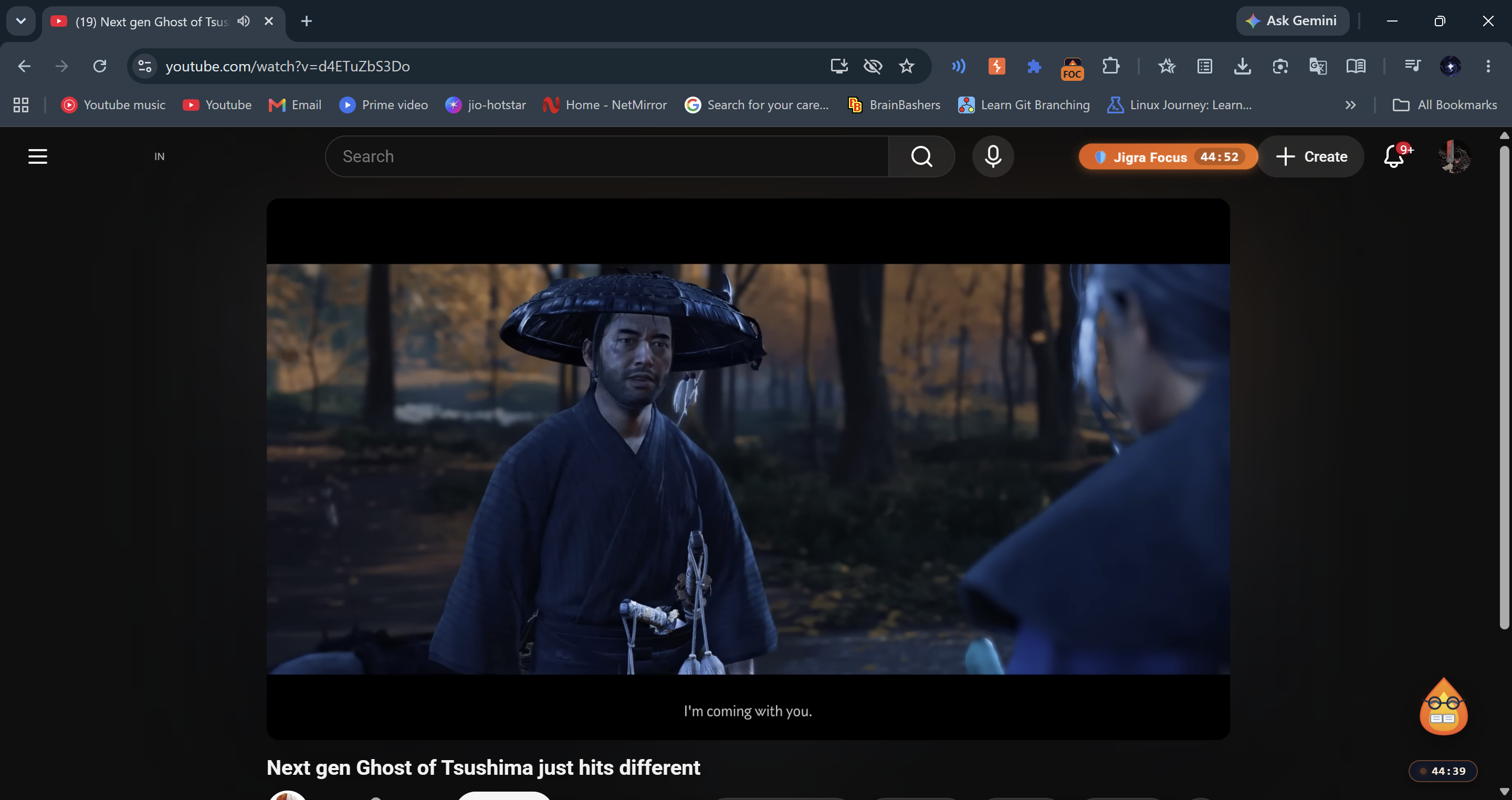
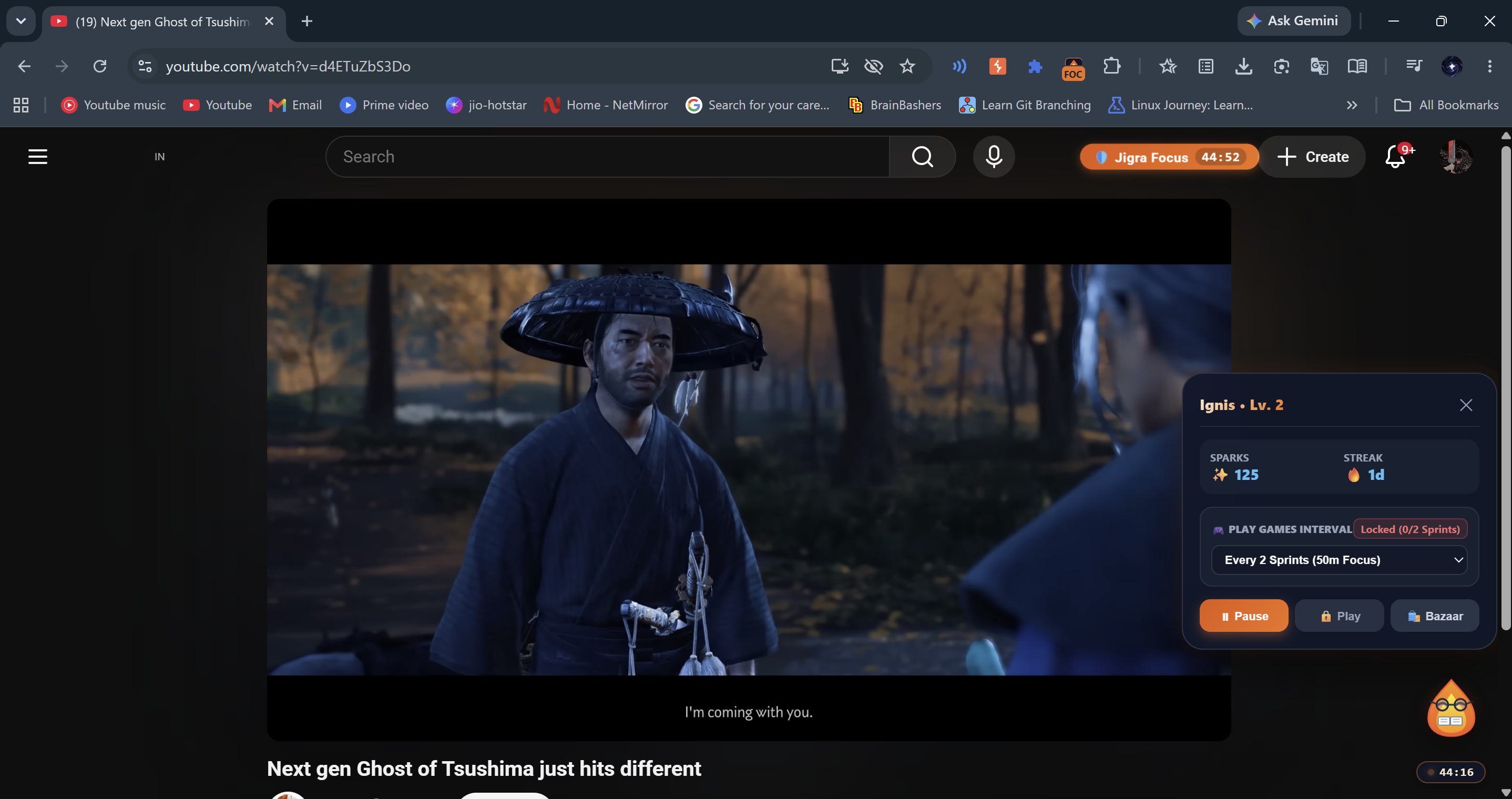
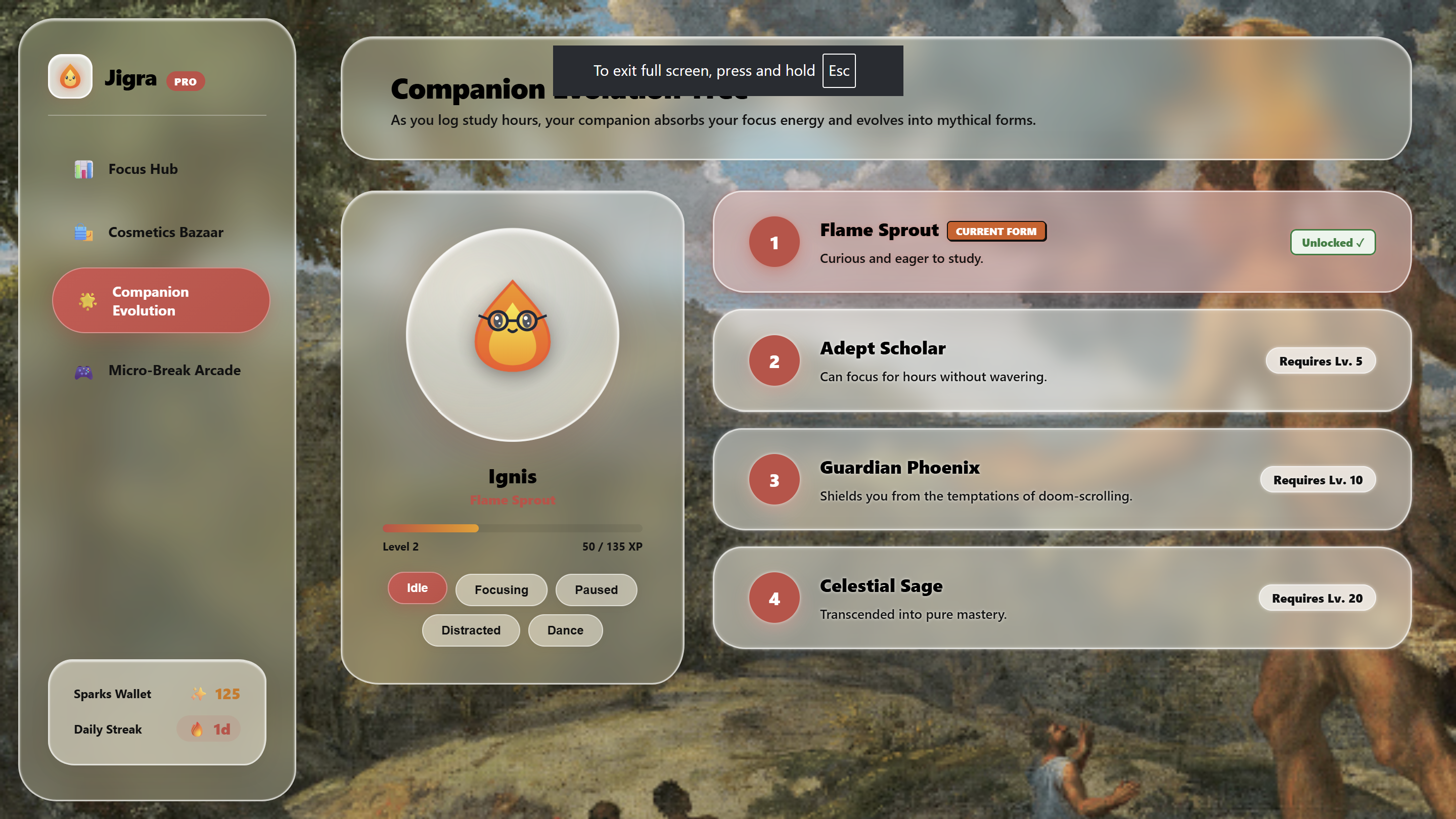
Interactive Desktop Companion: An animated, edge-snapping avatar docks smoothly to the screen boundary. It reacts dynamically to the user's workflow: gently breathing and studying during sprints, knocking on the screen if blacklisted distraction sites are visited, and celebrating completed Pomodoro intervals.
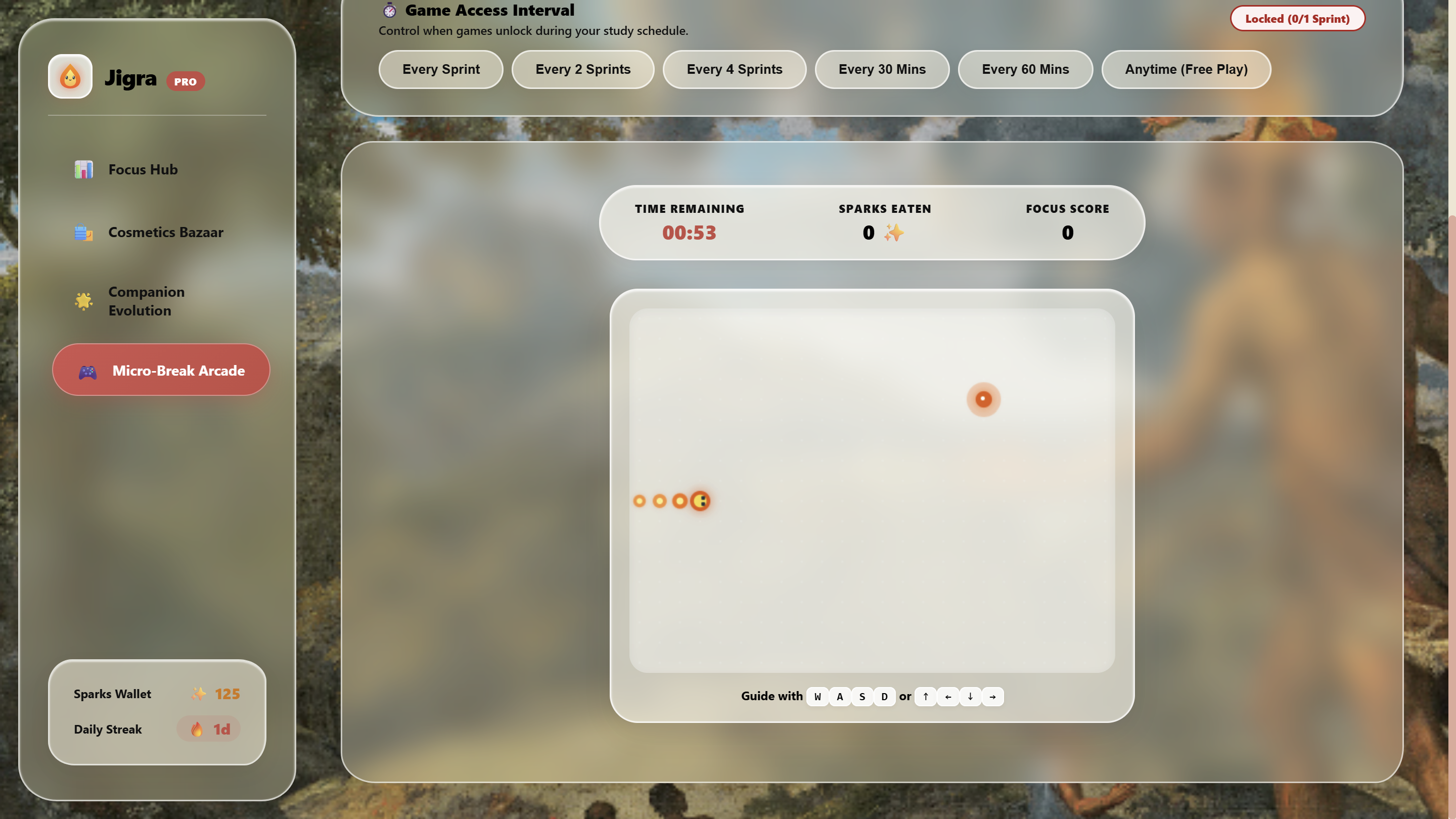
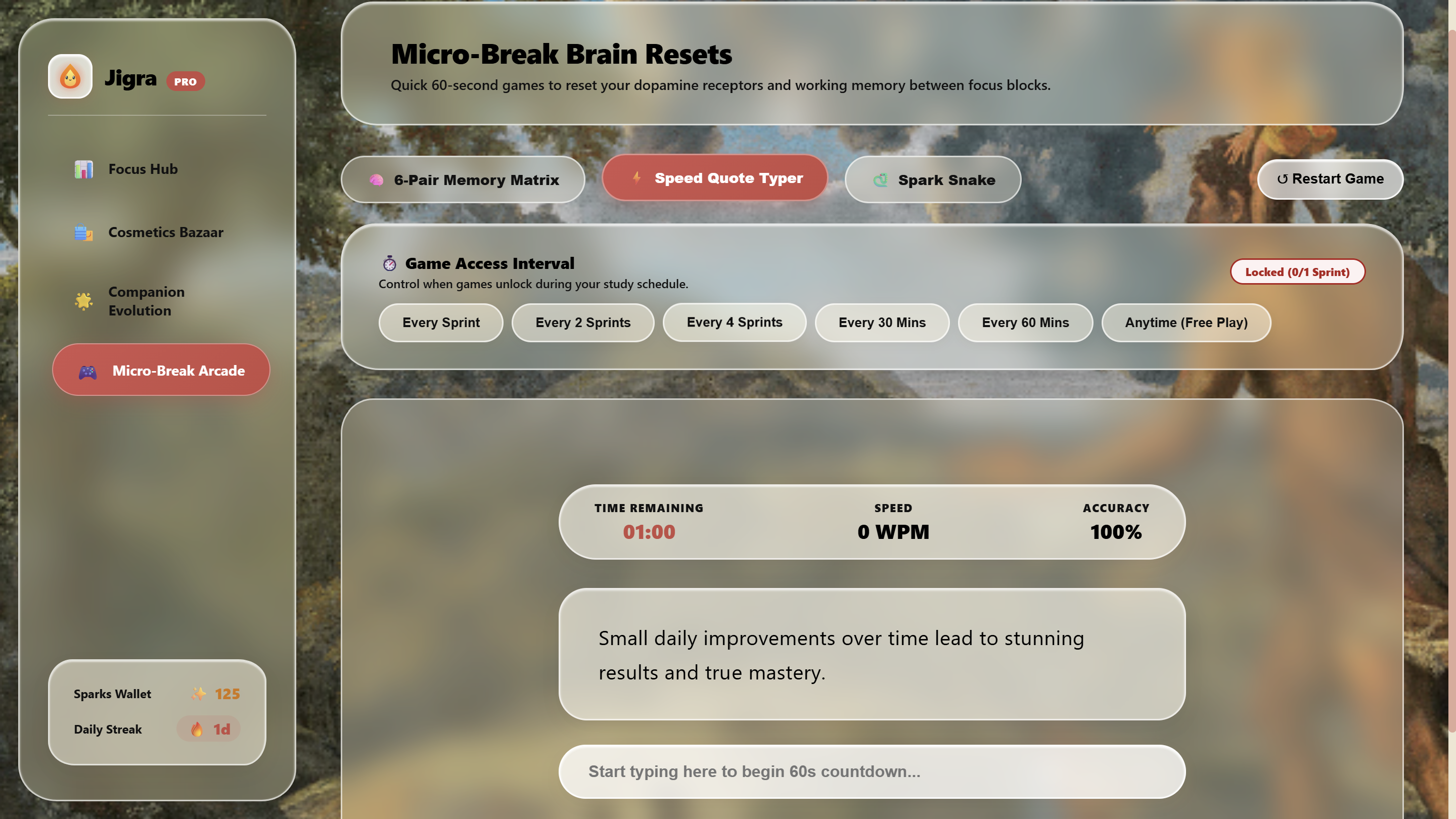
60-Second Micro-Break Arcade: Replaces social media checking with brief cognitive resets—including a 12-card 3D Memory Matrix and a Speed Quote Typer - with a strict 60-second limit that automatically transitions the user back to work.
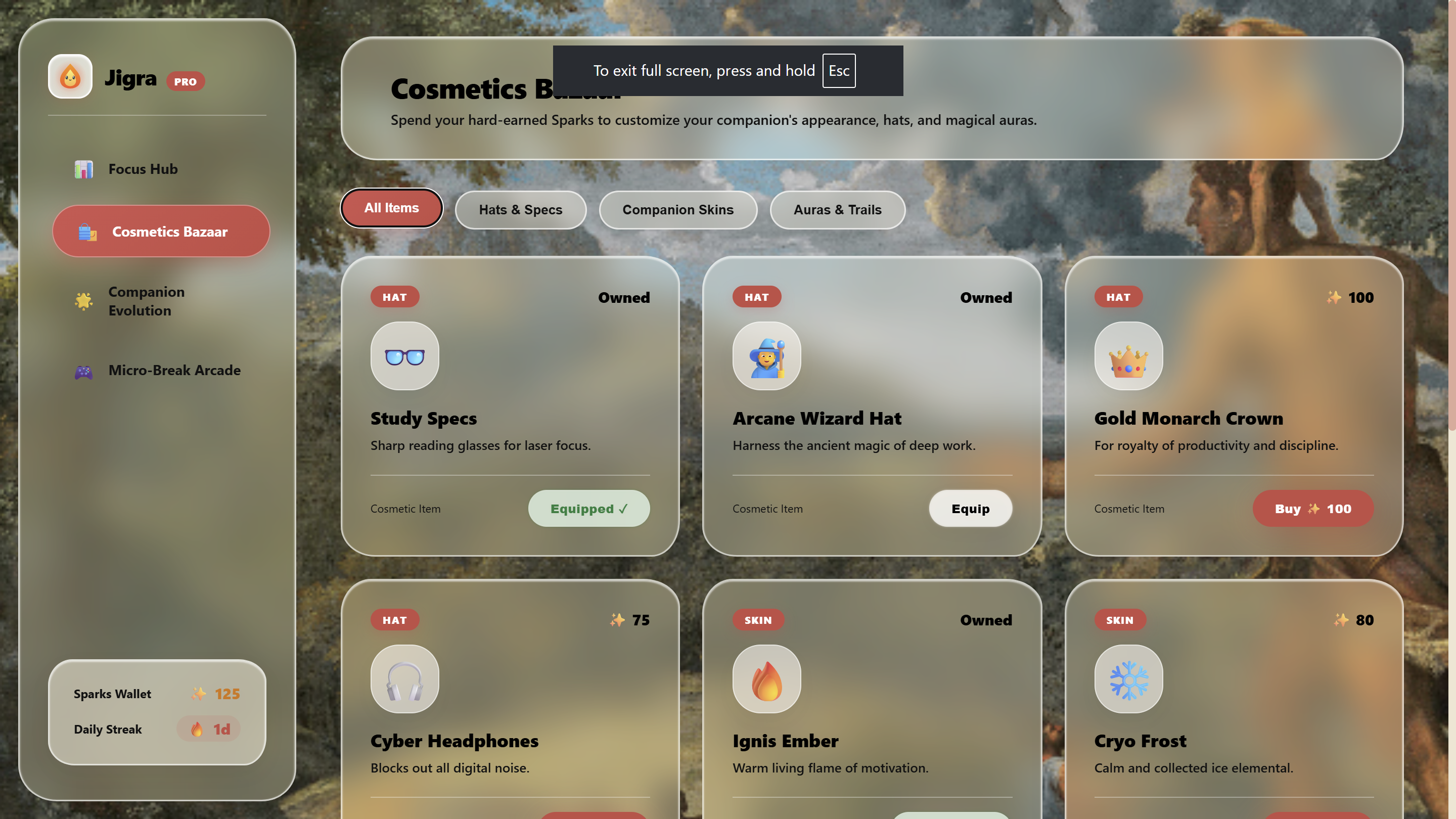
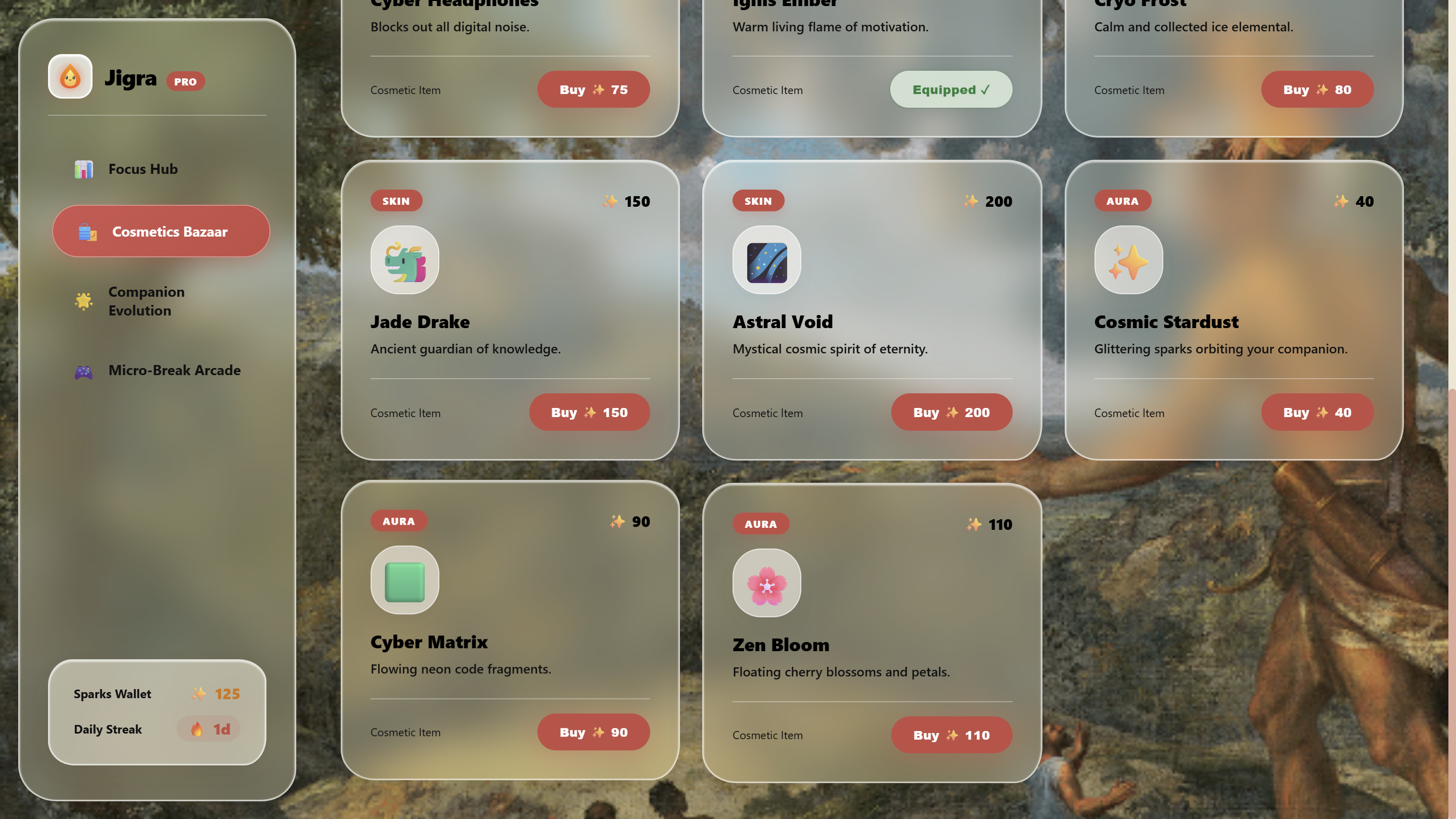
Sparks Economy & Evolution: Completing study sprints and mini-games awards currency ("Sparks") to spend in the Bazaar on cosmetics, skins, and auras, leveling the companion through a 4-tier evolution path from Flame Sprout to Celestial Sage.
How we built it
Platform & Standards: Engineered as a Chrome Extension using Manifest V3 (MV3) with service workers, written in Vanilla JavaScript (ES6+), HTML5, and CSS3 with glassmorphic styling.
DOM Encapsulation: Implemented a closed Shadow DOM (#jigra-companion-root) for the floating companion to prevent website stylesheets from bleeding into the HUD, ensuring consistent visuals across any page.
Procedural Web Audio Engine: Utilized the native Web Audio API (AudioContext) to generate retro 8-bit fanfares, alert knocks, and ambient cues programmatically, keeping the extension lightweight and eliminating external media dependencies.
Lifecycle & State Management: Leveraged chrome.alarms and chrome.storage.local within the background service worker to maintain drift-free countdown timers and keep session progress in sync across tabs.
Challenges we ran into
Single-Page Application (SPA) Navigation: YouTube changes content and routes dynamically without full page reloads. Catching transitions into /shorts/* and dynamically stripping recommendation elements without interfering with normal playback controls required carefully timing MutationObserver routines and hooking into YouTube navigation events (yt-navigate-finish).
Cross-Site Style Collisions: Ensuring the floating companion behaved consistently across different site designs (varying CSS resets, dark modes, and high z-index overlays) necessitated a closed Shadow DOM and explicit screen coordinate mapping for draggable physics and edge-docking.
MV3 Service Worker Inactivity: Because Manifest V3 service workers shut down when idle, maintaining reliable Pomodoro timer states required shifting from simple setInterval counters to timestamp-based delta calculations backed by chrome.alarms.
Accomplishments that we're proud of
Synthesizing retro audio effects and celebratory fanfares in code using the Web Audio API without relying on external audio assets.
Creating an unintrusive companion UI that docks cleanly to the screen edges and provides immediate visual feedback on session progress.
Implementing a non-destructive YouTube content script that isolates the primary video player while removing algorithmic clutter without breaking native controls or fullscreen modes.
Striking a functional balance with the micro-break arcade, providing a quick mental rest that automatically shuts off after 60 seconds to prevent breaks from expanding into longer distractions.
What we learned
Practical experience with Chrome Extension Manifest V3 service worker lifecycles, cross-script messaging, and local storage synchronization.
Designing self-contained web components using the Shadow DOM to isolate styles in untrusted host environments.
Basic audio synthesis concepts using oscillators, gain envelopes, and frequency sweeps via the Web Audio API.
The effectiveness of positive feedback loops and gamification over rigid blocking mechanisms when cultivating consistent study habits.
What's next for jigra
Multi-Browser Support: Adapting the codebase for Firefox and Safari.
Custom Domain Rules & Presets: Allowing users to configure tailored distraction-blocking profiles for specific workflows (e.g., coding, academic research, writing).
Sync & Study Rooms: Exploring lightweight, shared timer sessions where study groups can sprint together and view each other's companion progress.
Expanded Mini-Game Library: Adding additional micro-break options such as quick breathwork guides and mental math drills.
Built With
- chrome
- chrome-alarms-api
- chrome-storage-api
- css3
- html5
- javascript
- manifest-v3
- service-worker
- shadow-dom
- web-audio-api
- web-components


Log in or sign up for Devpost to join the conversation.