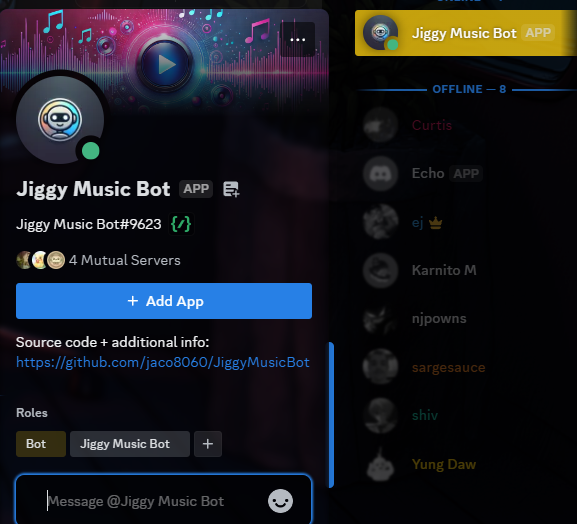
JiggyMusicBot
Inspiration
I created JiggyMusicBot because I wanted a simple, reliable way to bring music to Discord servers without relying on bloated or ad-heavy bots. As someone who enjoys coding and music, I saw an opportunity to build a lightweight bot that could handle YouTube playback and direct audio uploads—something I'd personally use in my own servers.
What it does
JiggyMusicBot is a Discord bot that lets users play music in voice channels. It supports:
- Playing songs from YouTube (via URLs or search queries)
- Uploading audio files like MP3s or WAVs
- Managing playback with a queue system
- Key features:
- Skipping tracks
- Stopping playback
- Viewing the queue
- Toggling repeat mode
All features are controlled through intuitive slash commands.
How I built it
JiggyMusicBot was built using:
Core Technologies:
- Python with discord.py library for Discord API integration
- discord.ext.commands for handling slash commands
- yt_dlp for fetching YouTube audio streams
- ffmpeg for audio processing
Deployment:
- Runs in a Docker container for easy deployment
- Environment variables managed via .env file and dotenv
- Automated builds and restarts for:
- Windows (via batch file)
- Raspberry Pi (via bash script)
Challenges I ran into
- Audio Stability: Getting ffmpeg and pynacl to work reliably for streaming audio was tough—random disconnects and format issues took hours of troubleshooting.
- YouTube Restrictions: Handling YouTube's rate limits and parsing search results with yt_dlp required careful error handling to avoid bot crashes.
- Raspberry Pi Limits: Running the bot on a Raspberry Pi Zero 2 W with DietPi was slow due to limited resources, so I had to optimize the Docker image and reduce dependencies.
- Slash Command Setup: Syncing slash commands with Discord's API and ensuring they worked across servers was trickier than expected, especially with the new intents system.
Accomplishments that I'm proud of
- Cross-Platform Support: The bot runs smoothly on both Windows and a Raspberry Pi, thanks to Docker and detailed setup guides.
- File Upload Feature: Implementing direct audio uploads alongside YouTube playback sets it apart from many other music bots.
- Reliable Deployment: The automated start scripts (batch for Windows, bash for Pi) make it dead simple to get the bot up and running.
- Clean Code: Using Poetry for dependency management kept the project organized and reproducible.
What I learned
- Discord API: I got hands-on with discord.py and learned how to manage voice connections and intents like MESSAGE CONTENT.
- Audio Streaming: Working with ffmpeg and yt_dlp taught me the nuts and bolts of audio processing and streaming over Discord.
- Docker: I leveled up my Docker skills, especially for lightweight setups on resource-constrained devices like the Raspberry Pi.
- Debugging: Tracking down audio bugs improved my ability to read logs and test incrementally.
What's next for JiggyMusicBot
- Spotify Support: Adding Spotify playback (via API or URL parsing) to expand music options.
- Queue Enhancements: Features like reordering or removing specific songs from the queue.
- Performance Boost: Optimizing the bot for faster startup and lower memory use, especially on the Raspberry Pi.
- Web Dashboard: A simple web interface to control the bot remotely or view queue status outside Discord.
- Multi-Server Stability: Testing and improving the bot's ability to handle multiple servers at once without hiccups.

Log in or sign up for Devpost to join the conversation.