-
-
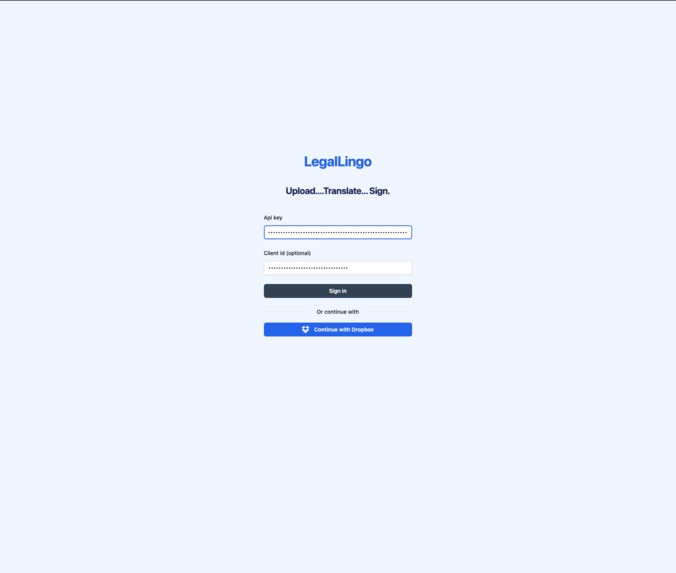
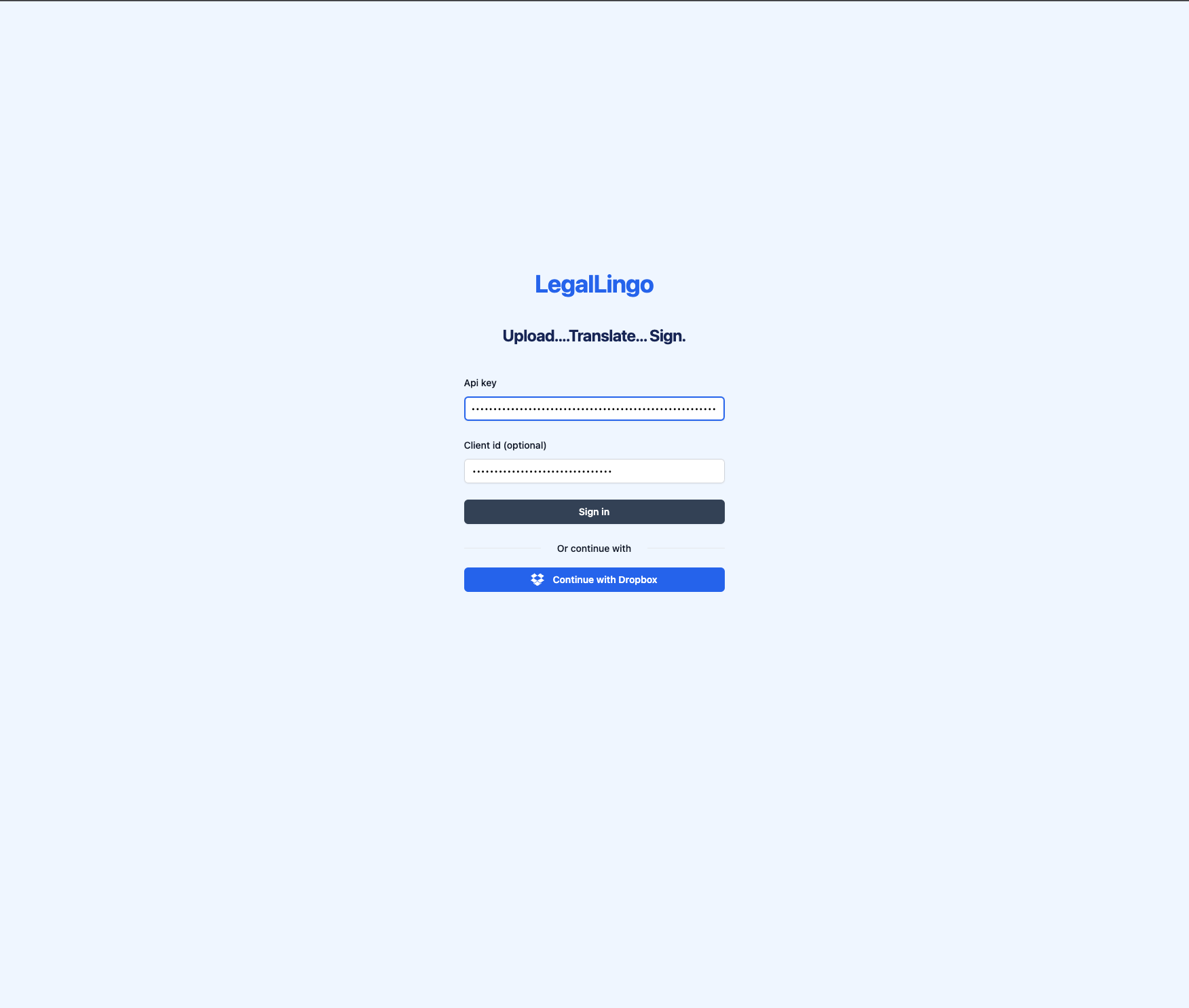
Login page
-
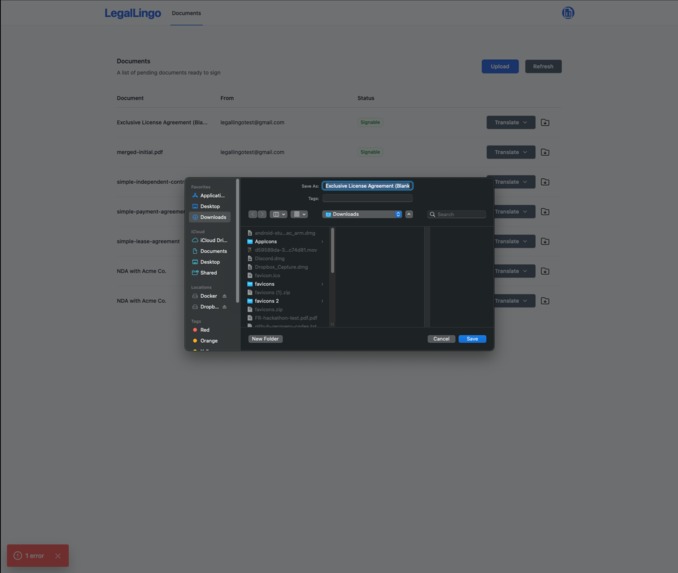
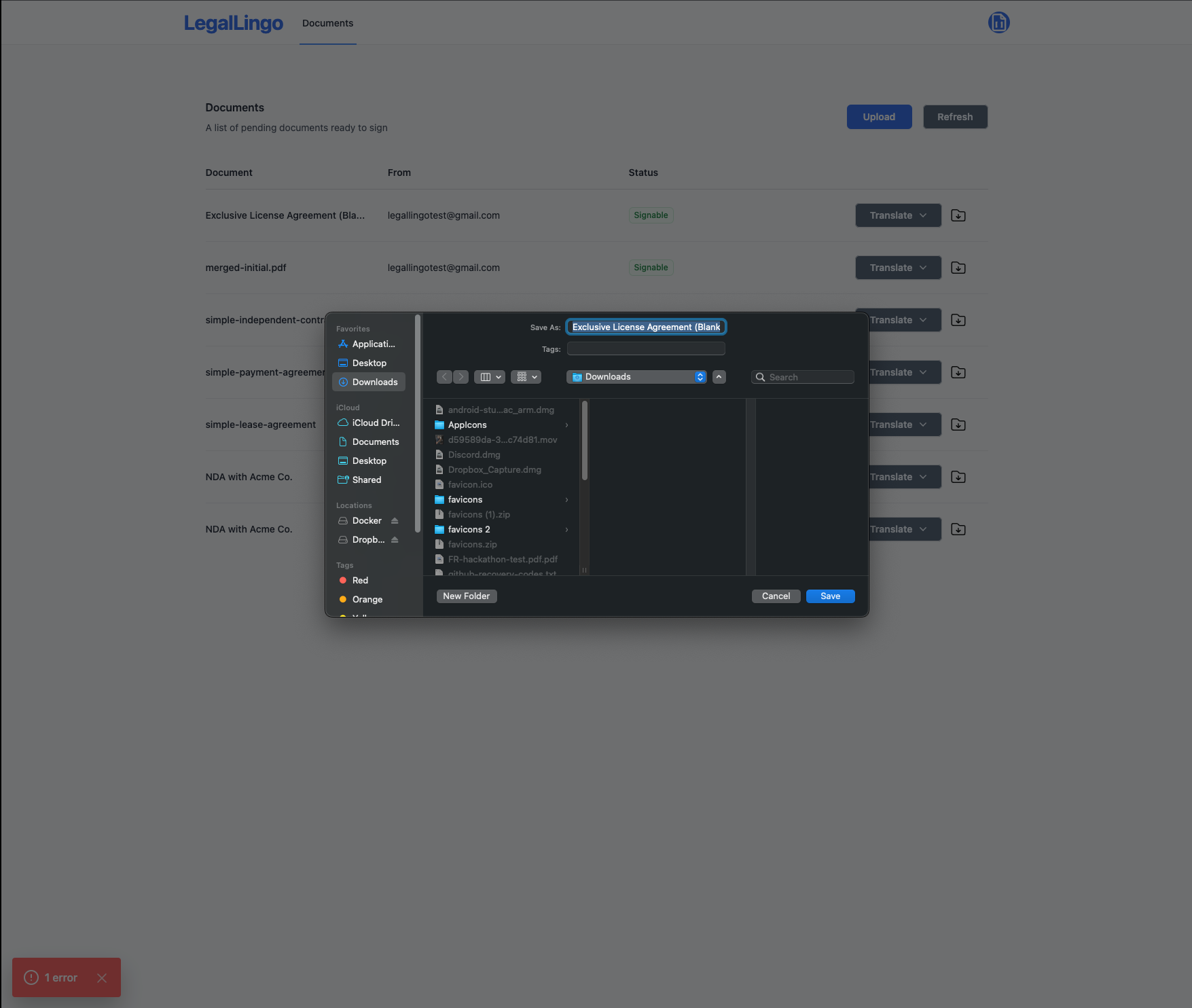
Download a document
-
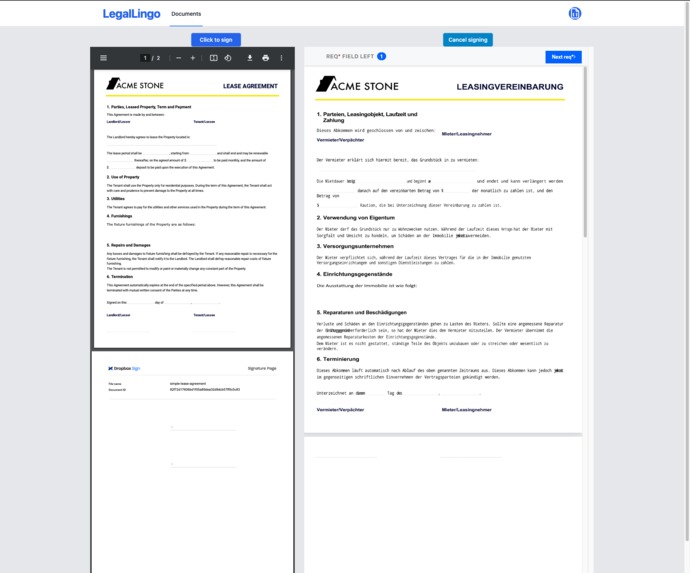
Signing translated document
-
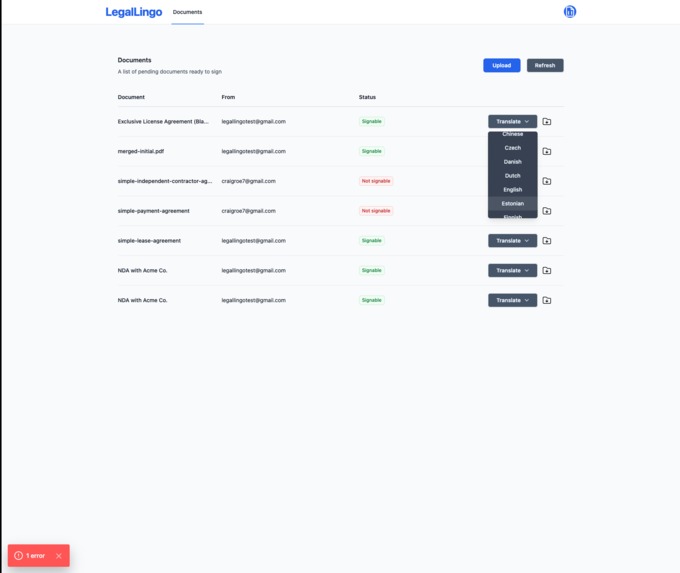
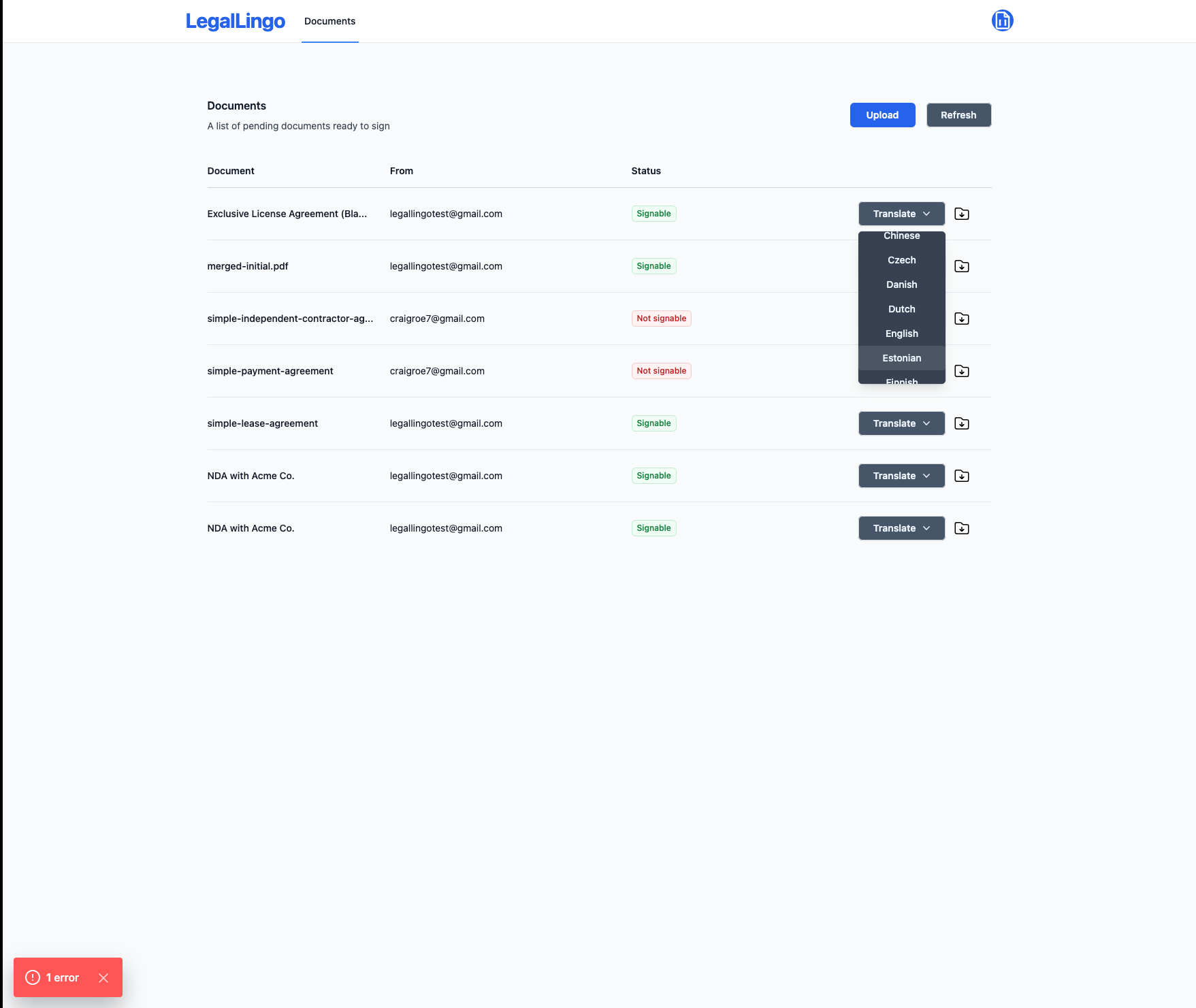
Choose language
-
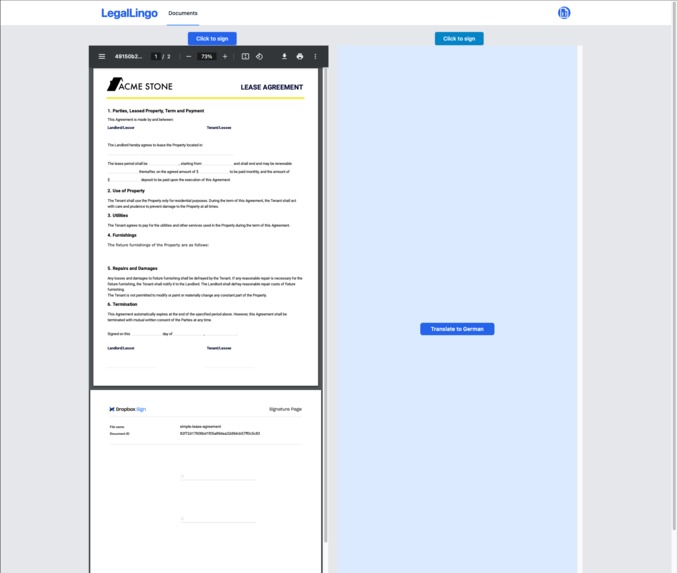
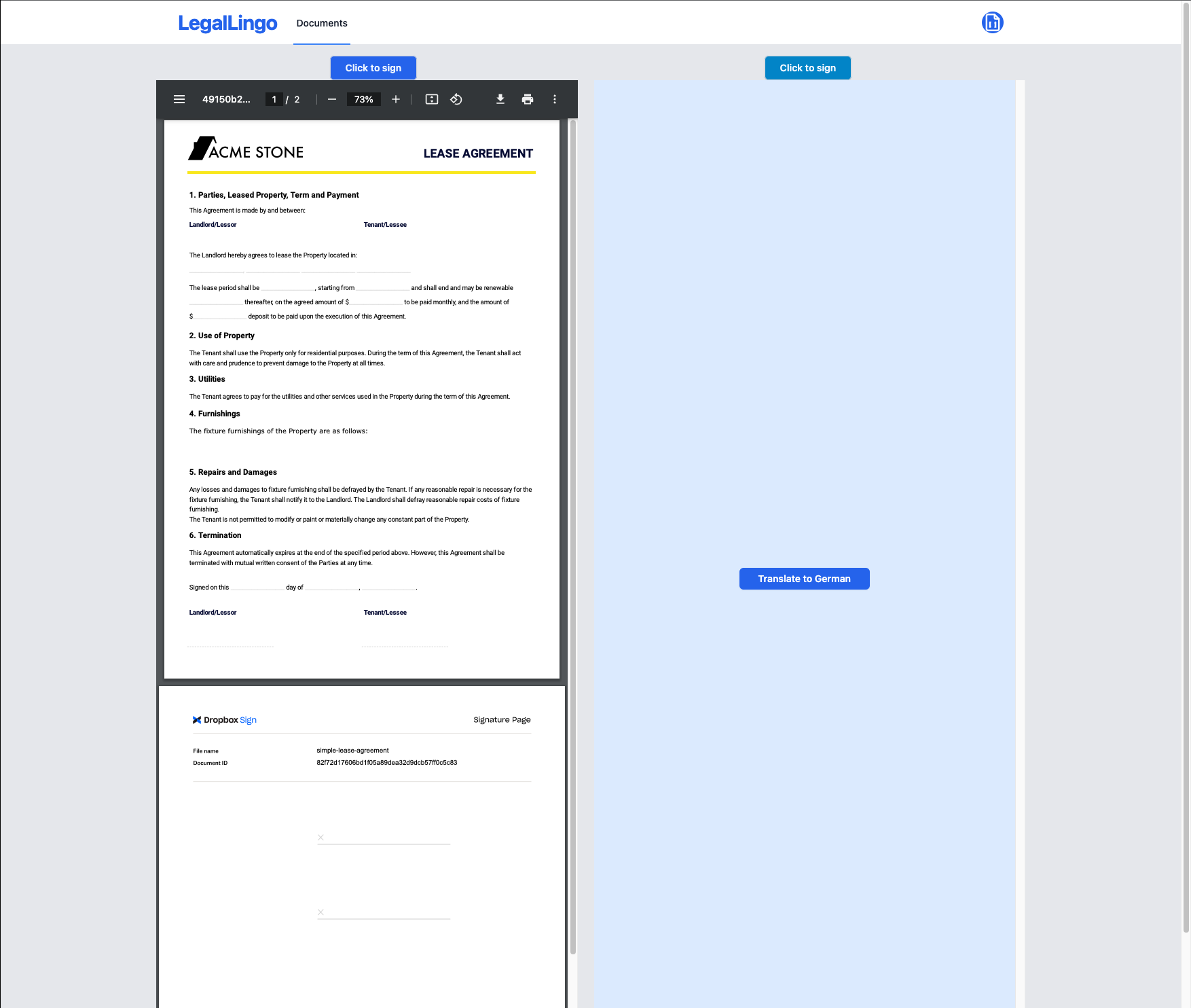
Original document and option to translate
-
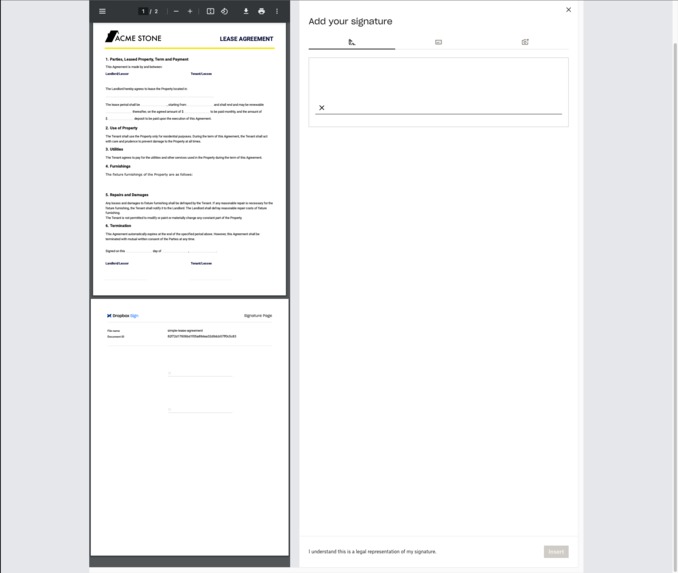
Adding signature to translated document
-
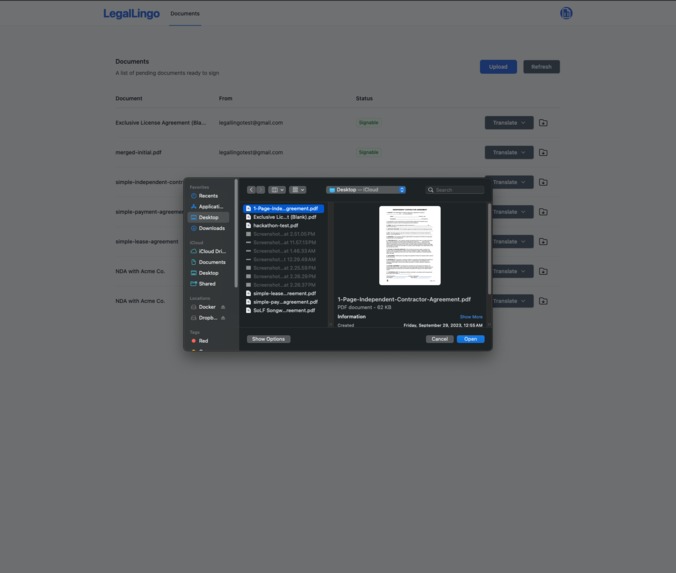
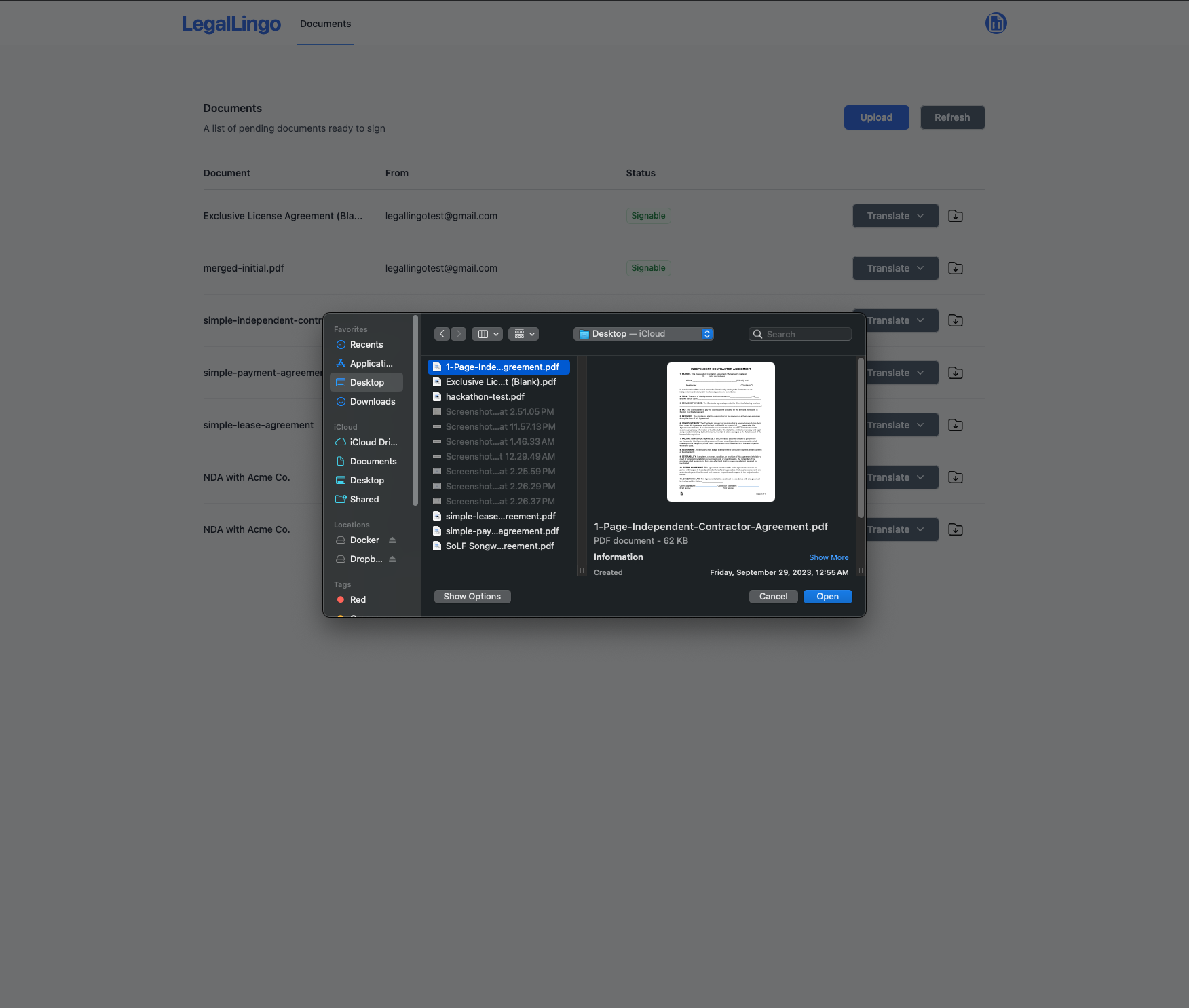
Upload a document
-
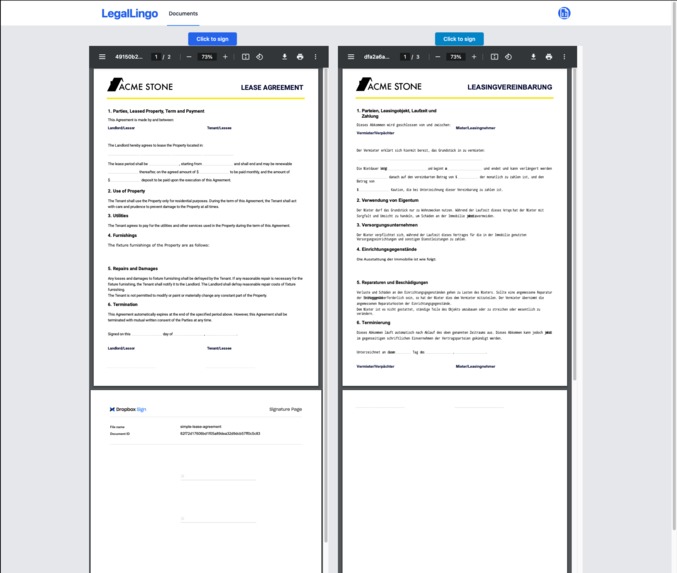
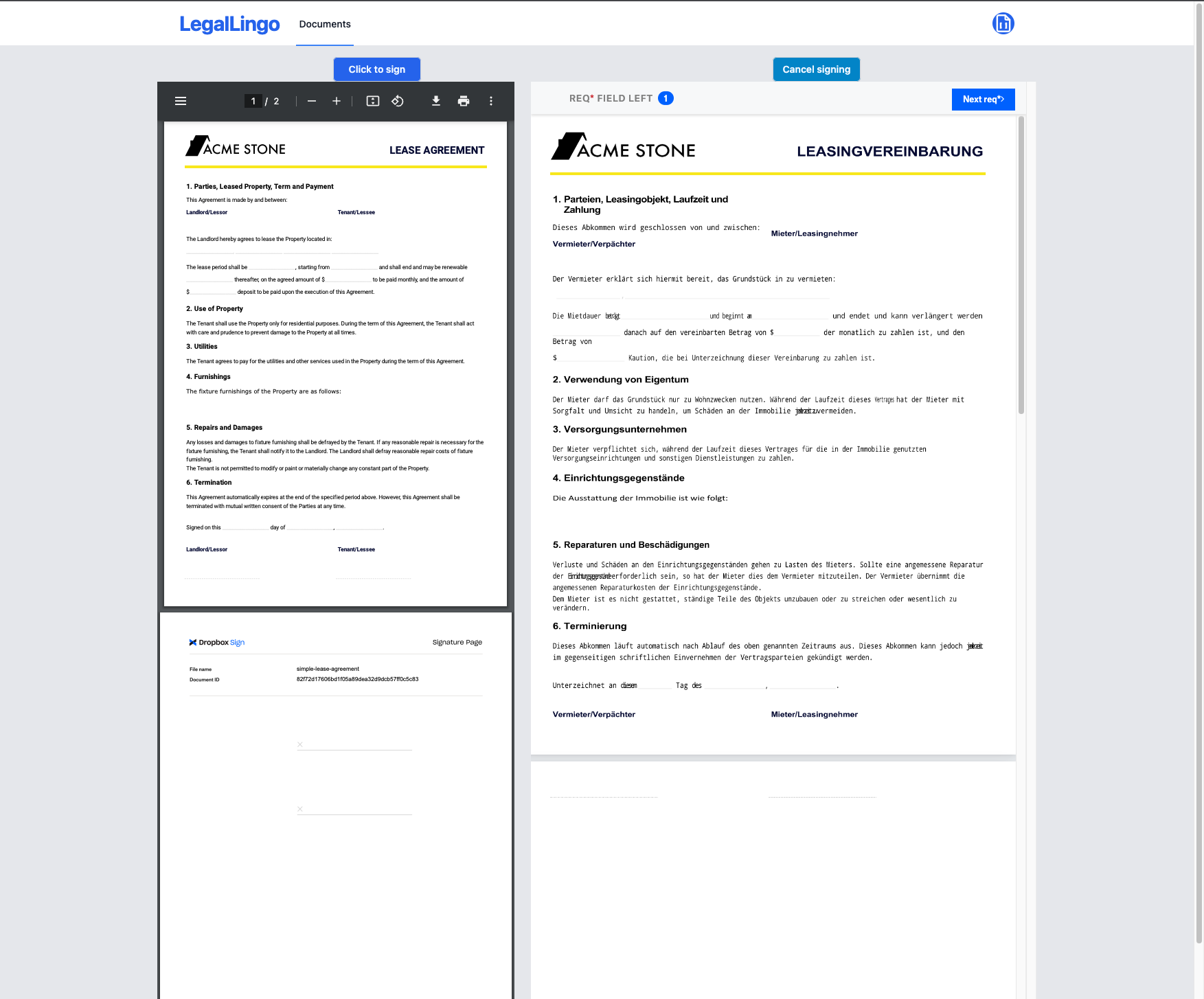
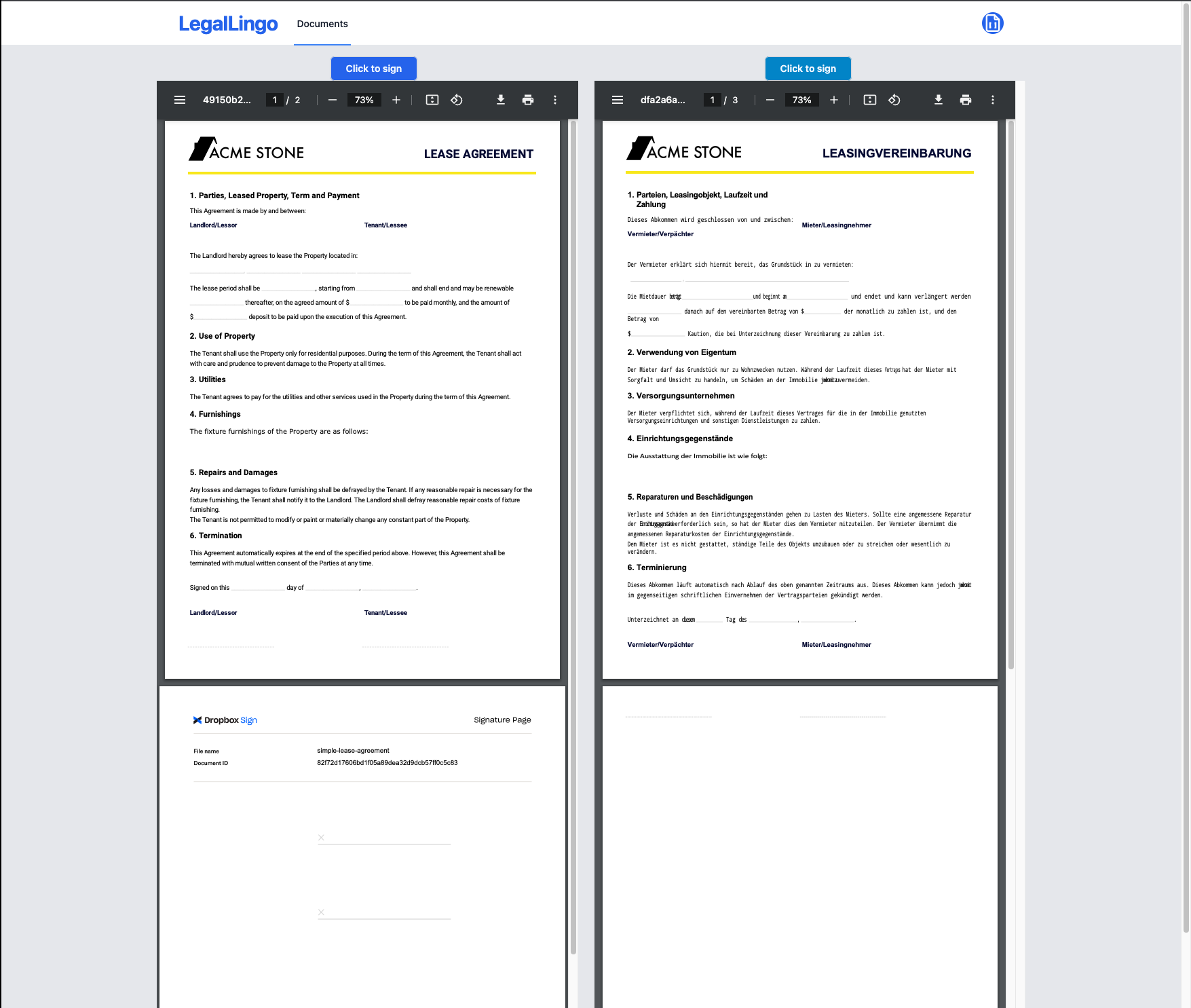
Original document and translated document side by side
-
Pitch Deck Cover
-
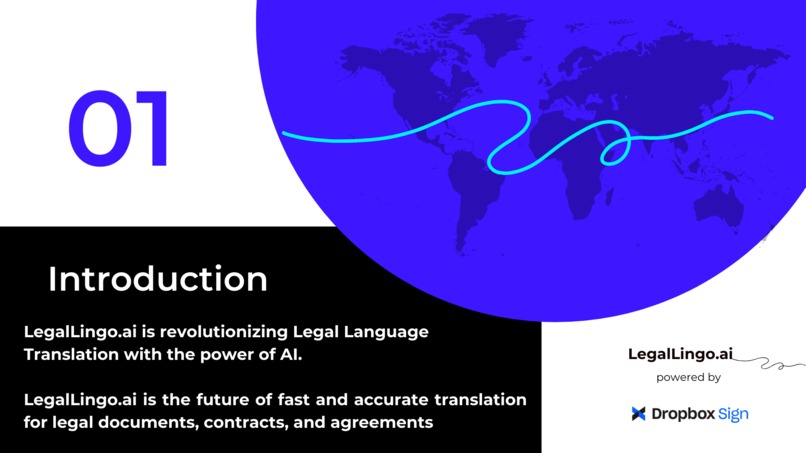
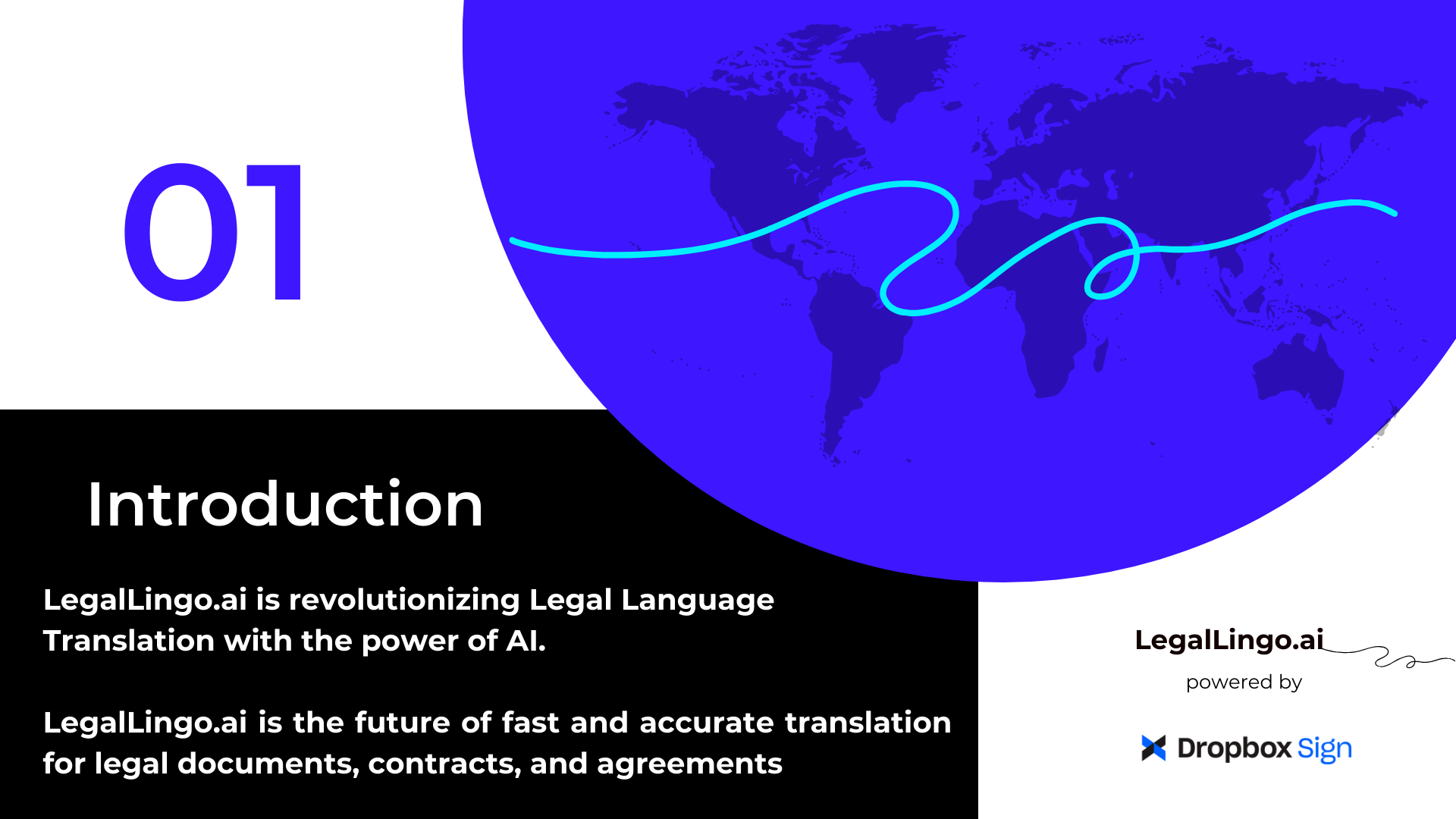
Pitch Deck - Introduction
-
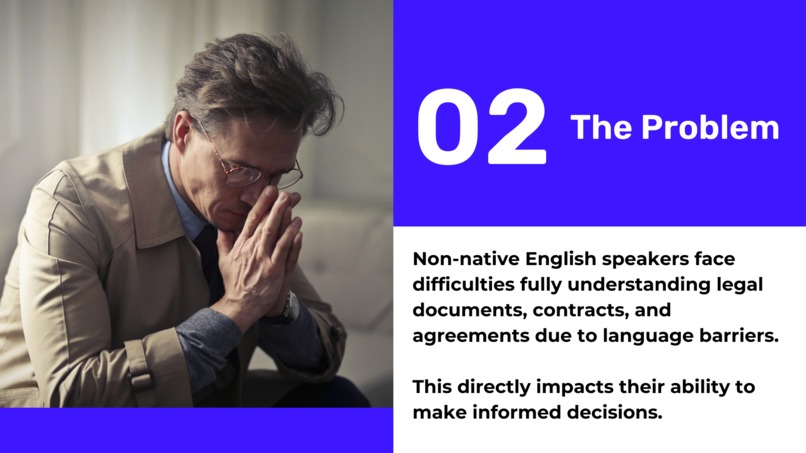
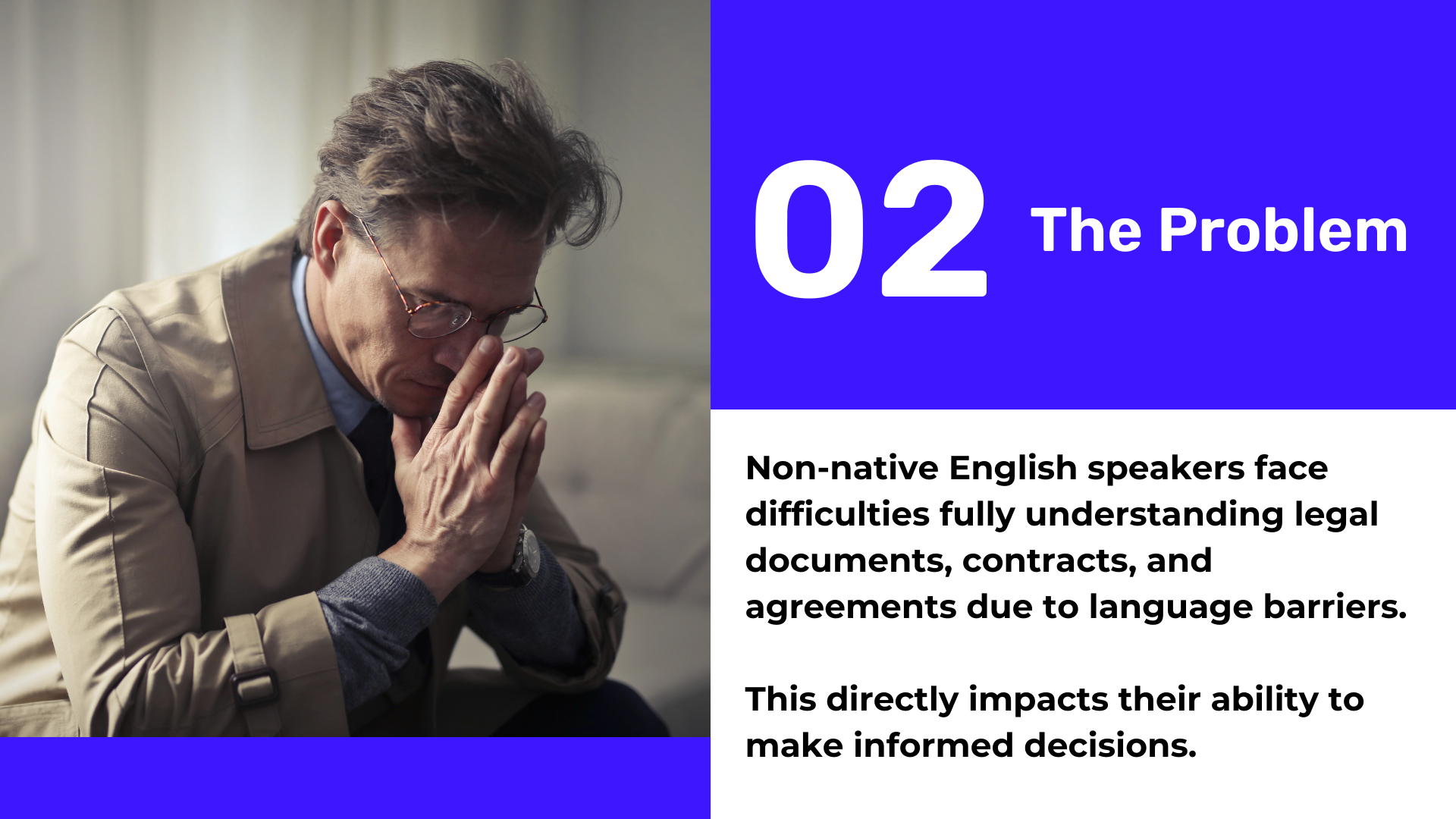
Pitch Deck - The Problem
-
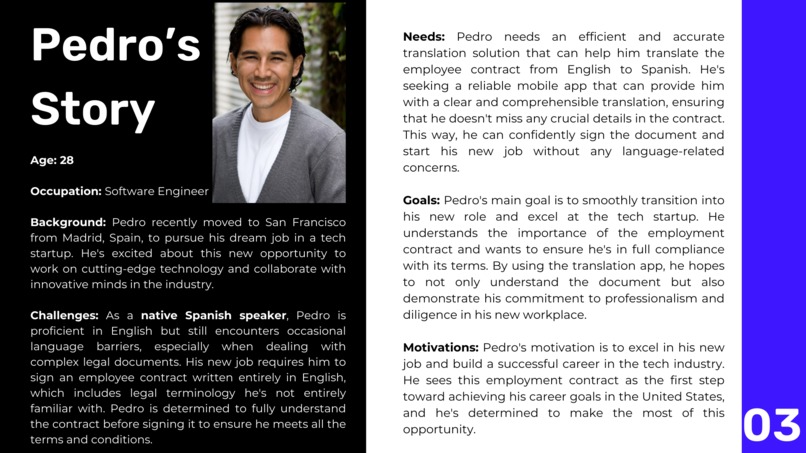
Pitch Deck - Pedro's Story
-
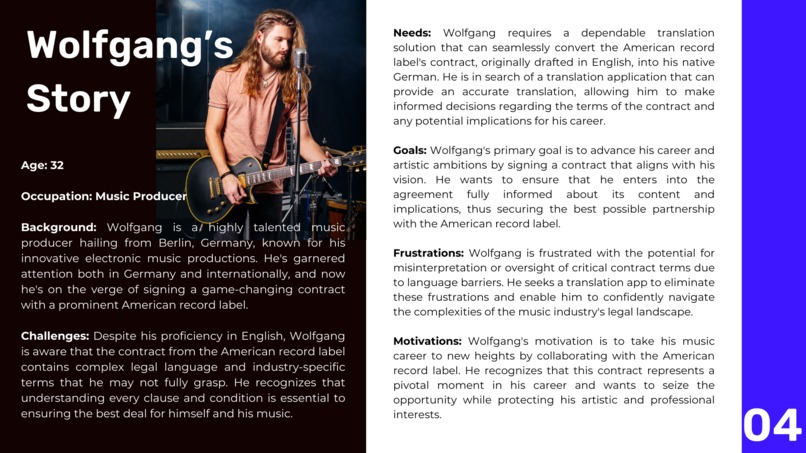
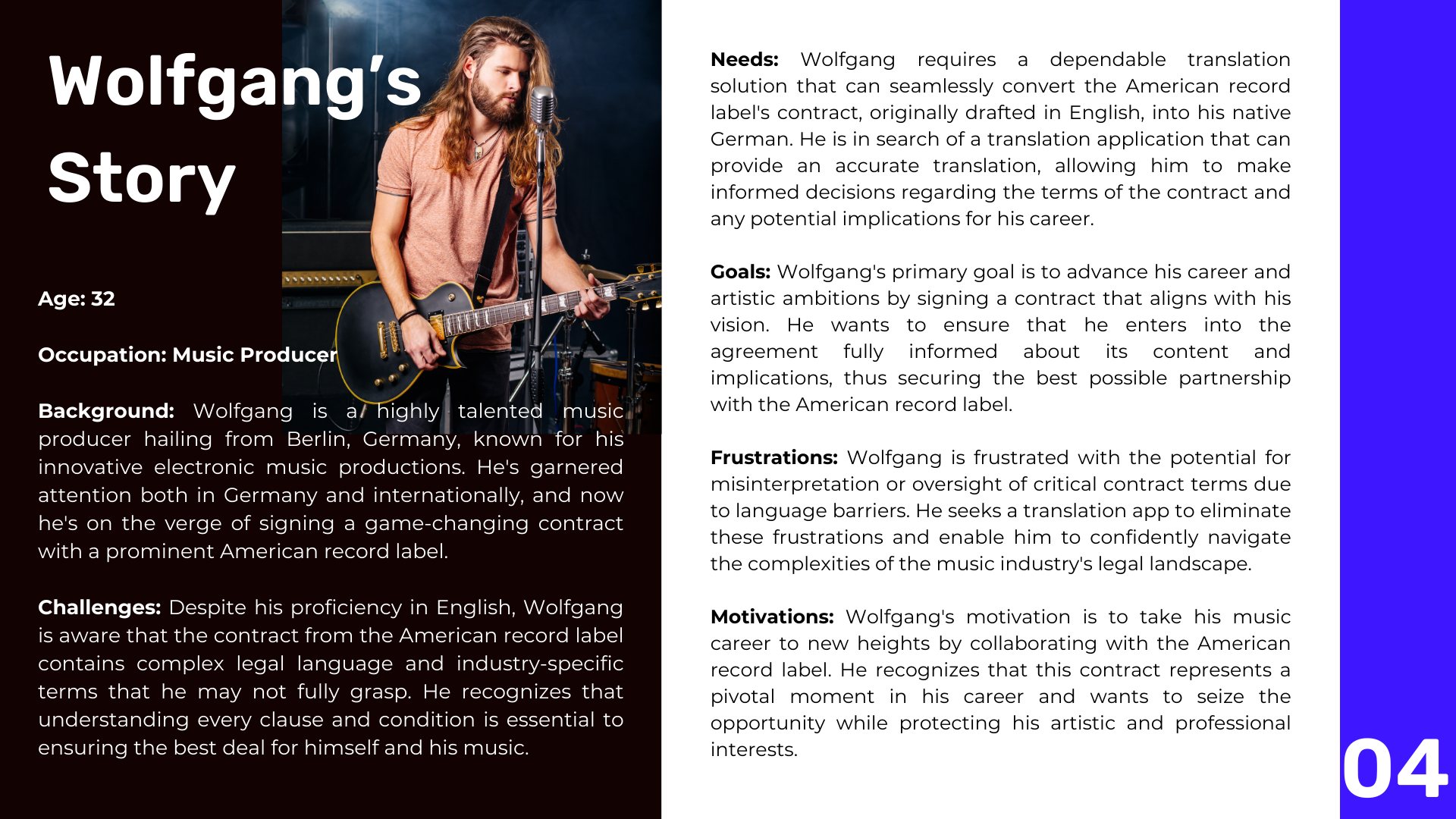
Pitch Deck - Wolfgang's Story
-
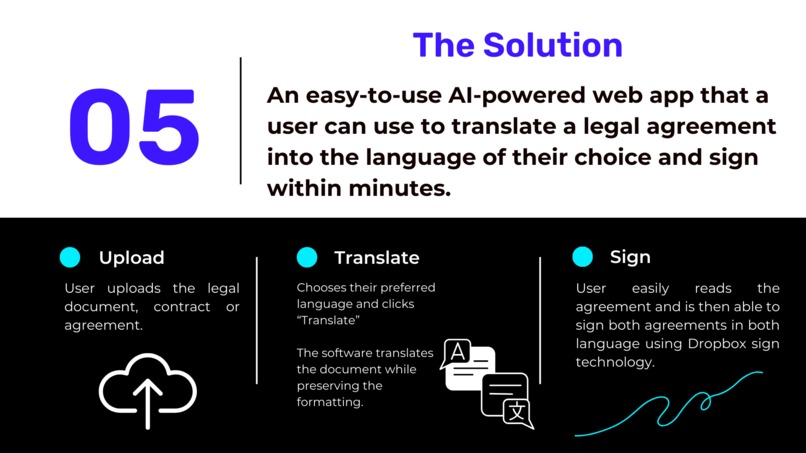
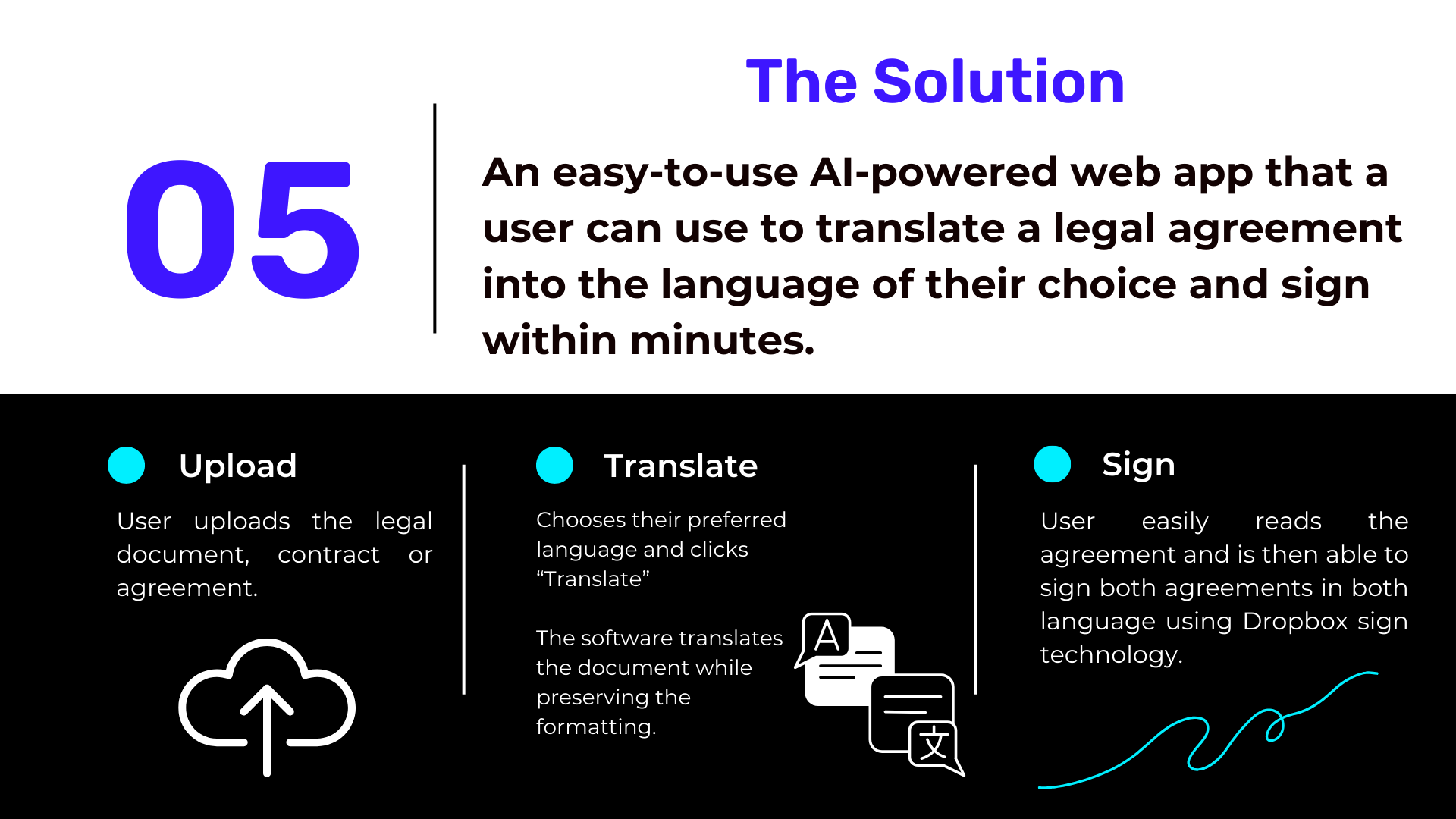
Pitch Deck - The Solution
-
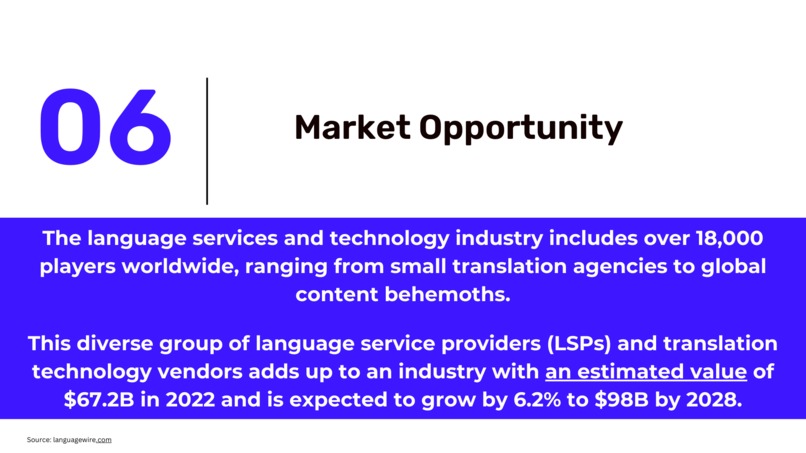
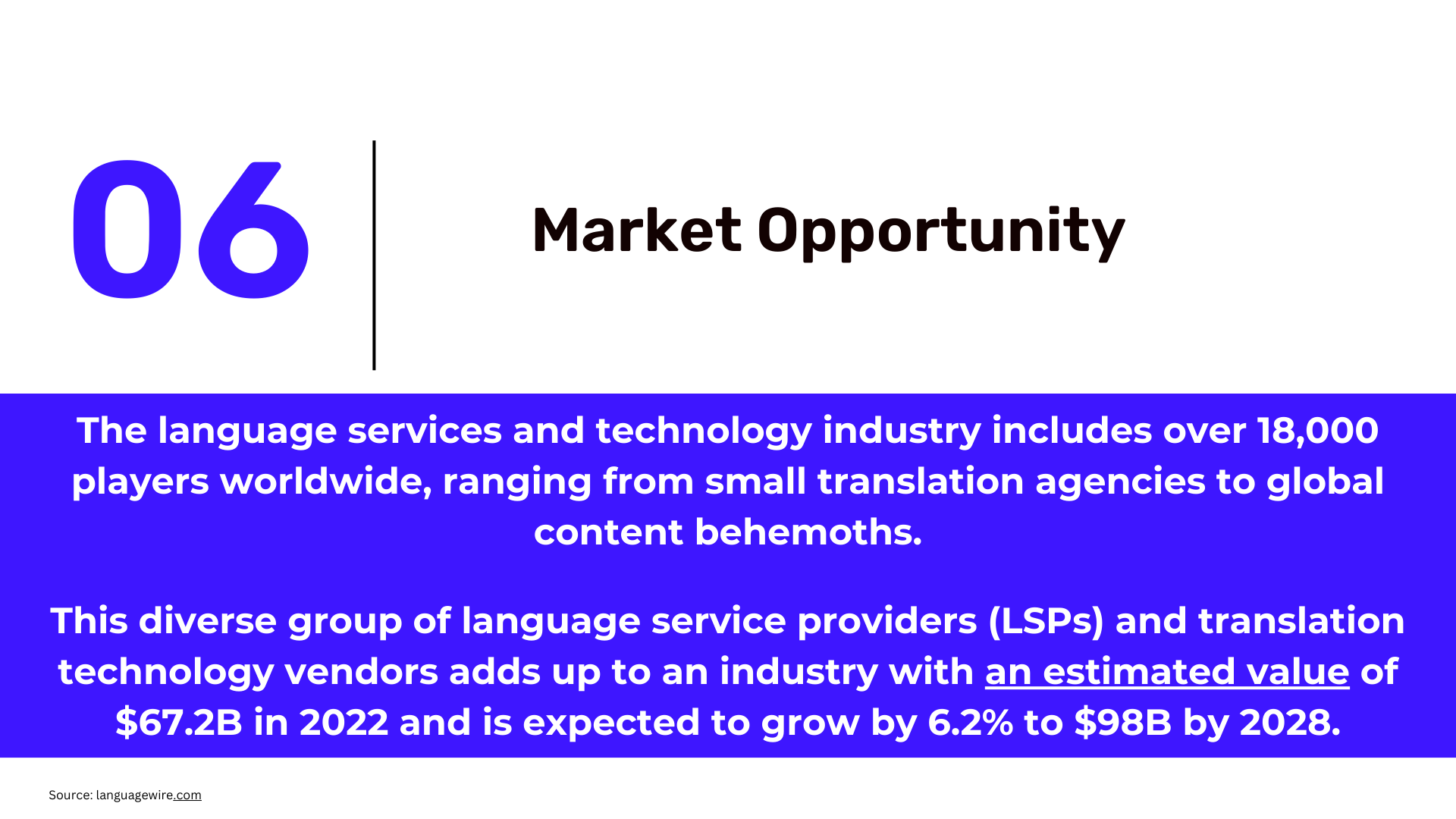
Pitch Deck - Market Opportunity
-
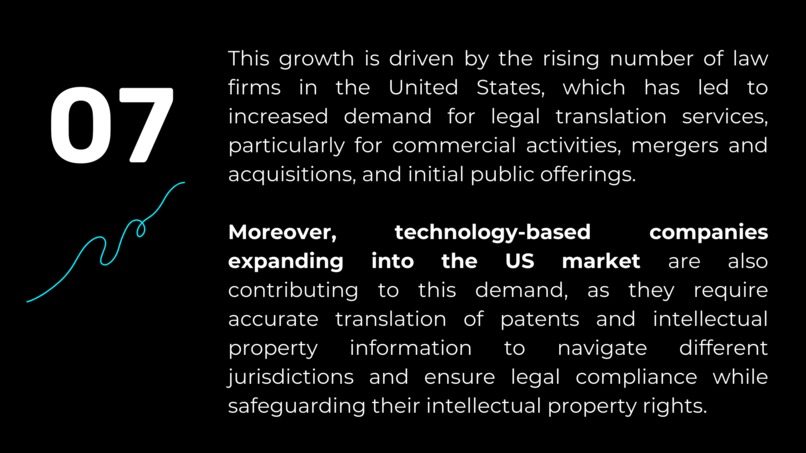
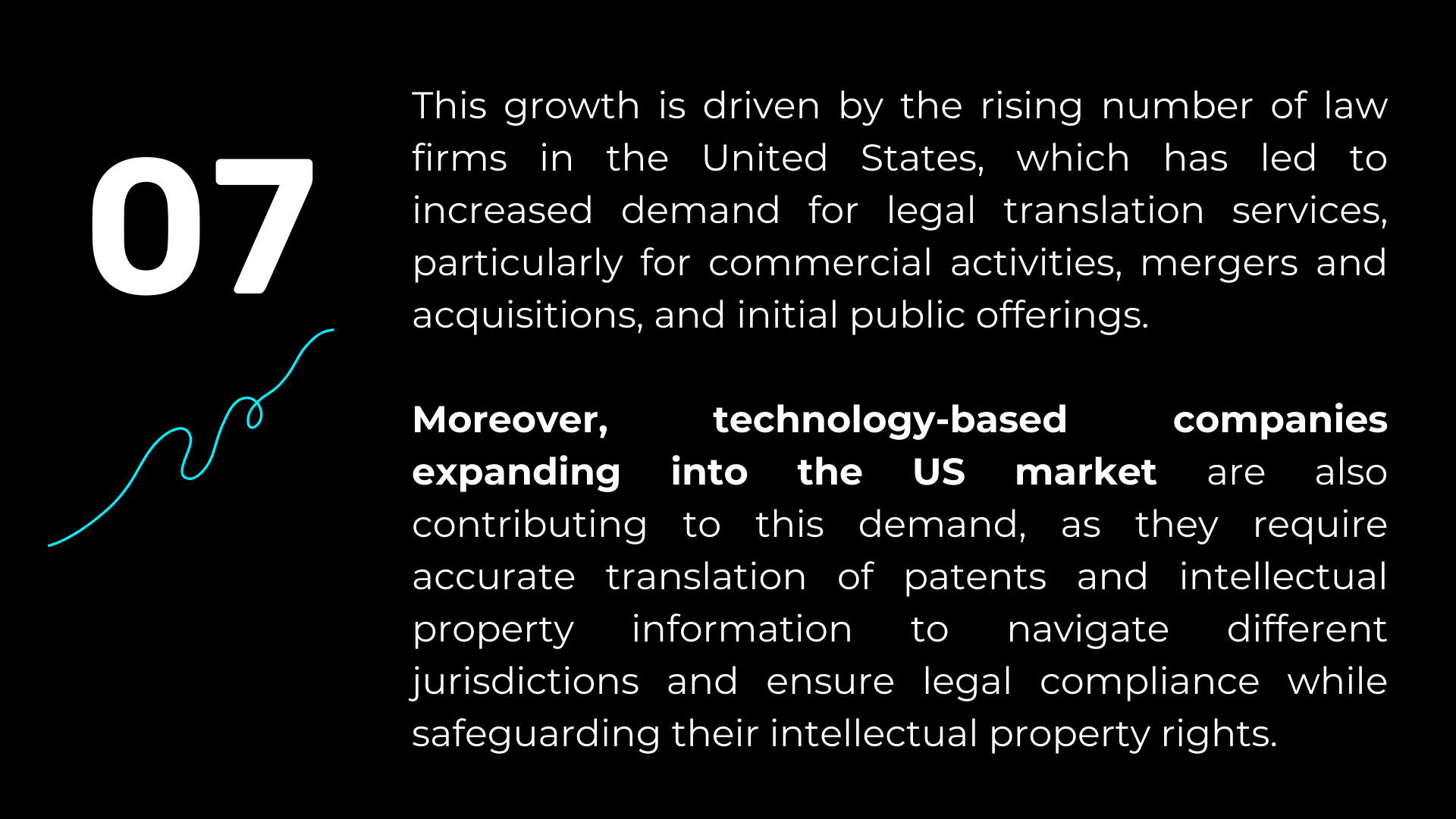
Pitch Deck - Market Opportunity
-
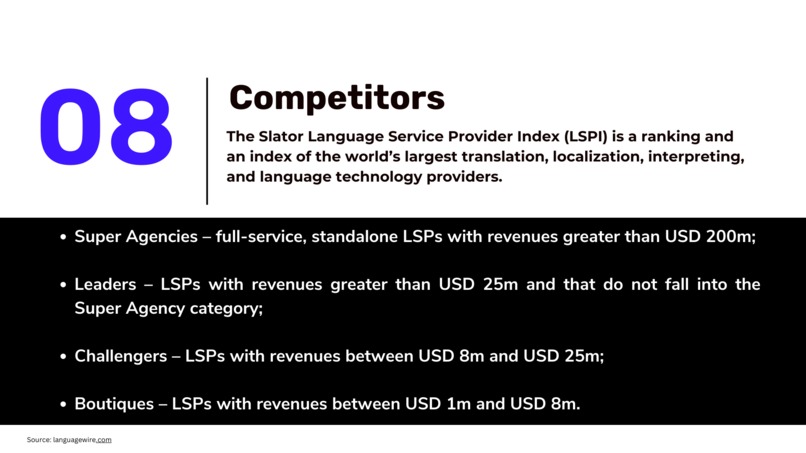
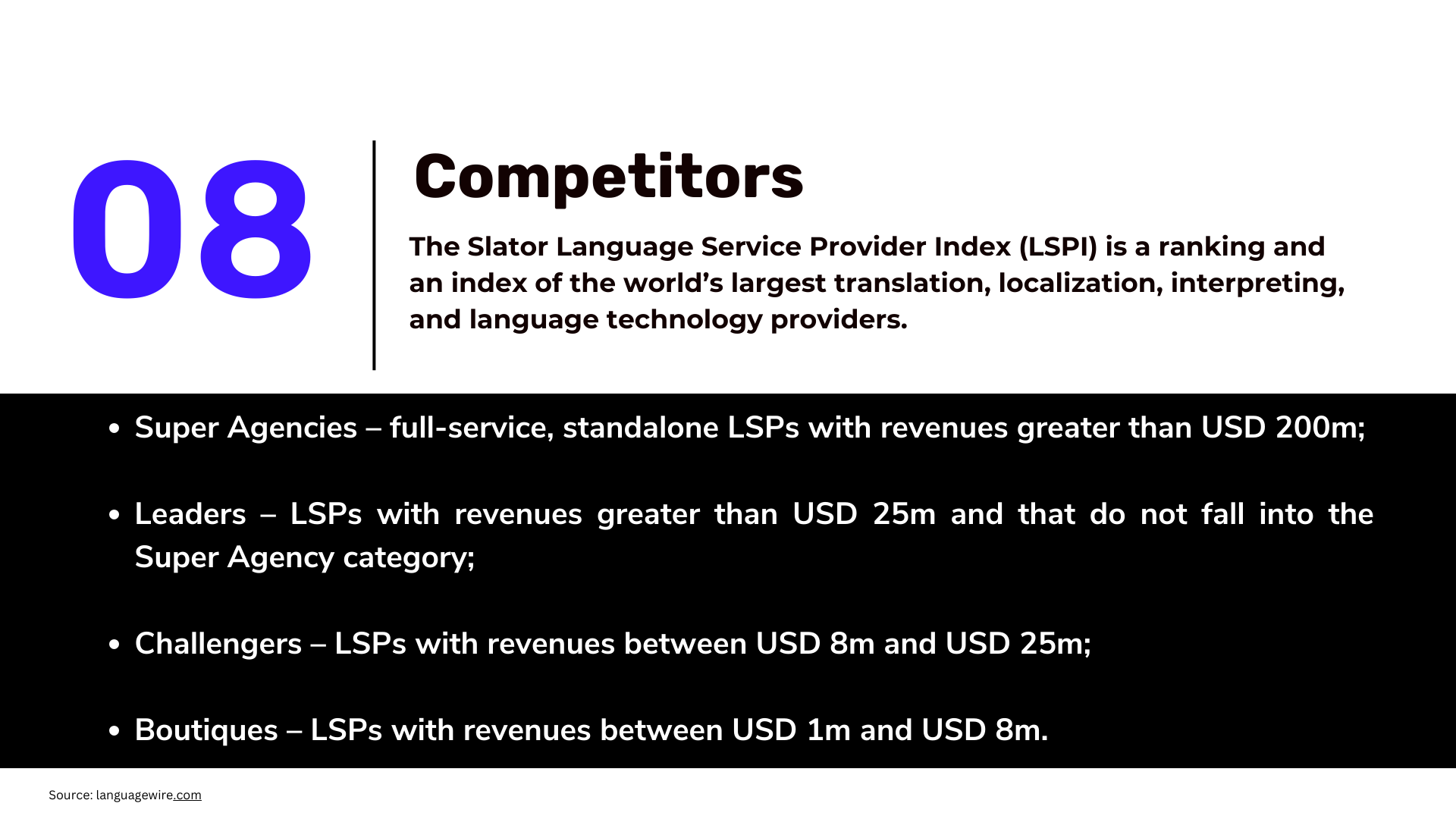
Pitch Deck - Competitors
-
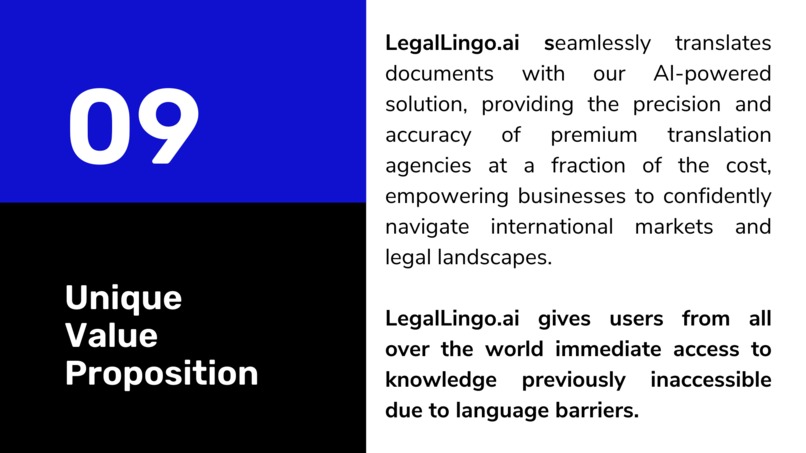
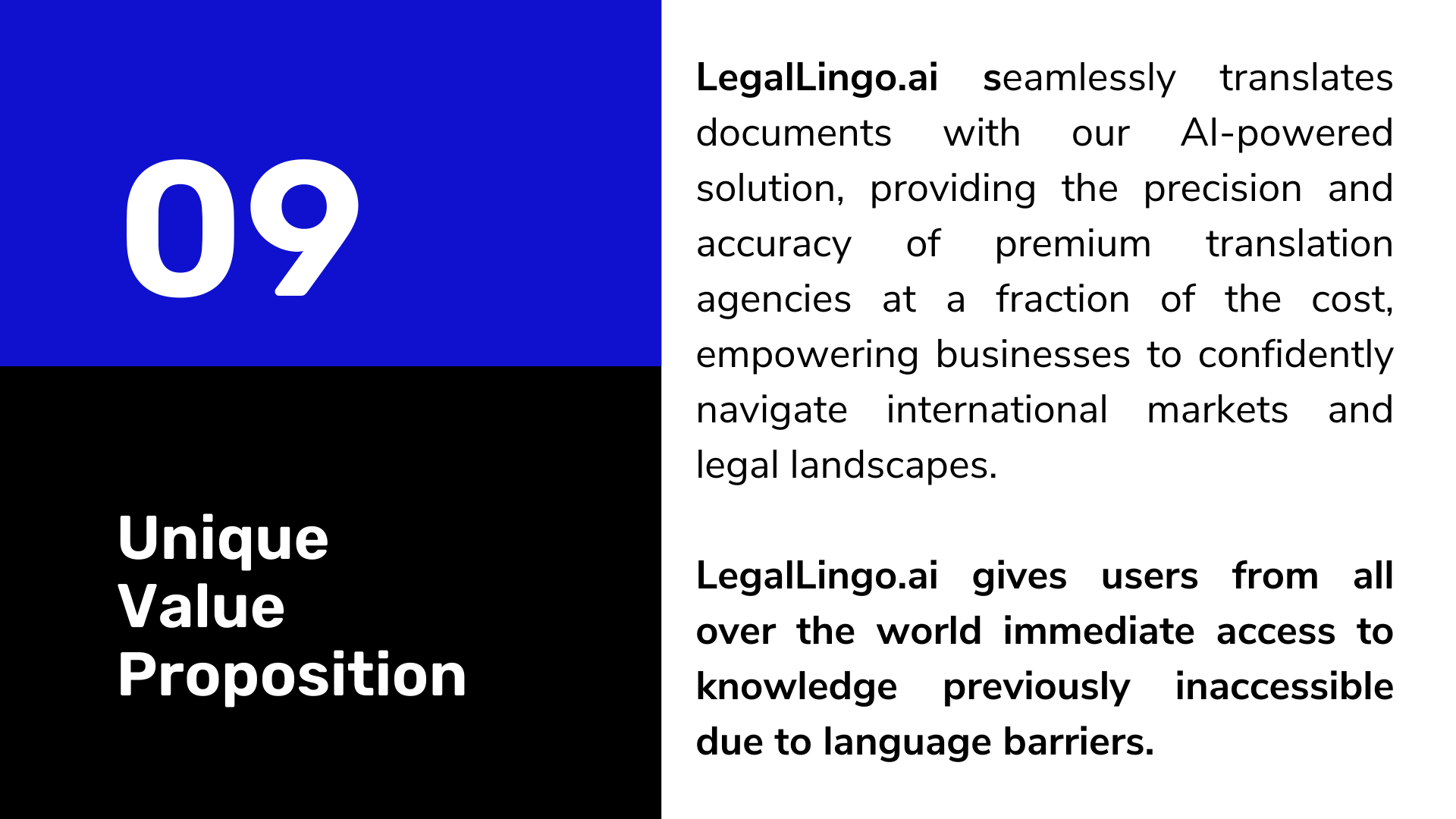
Pitch Deck - Unique Value Proposition
-
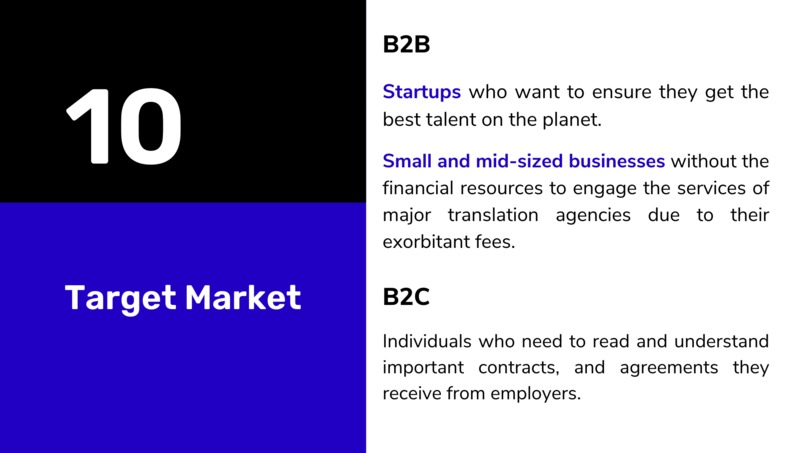
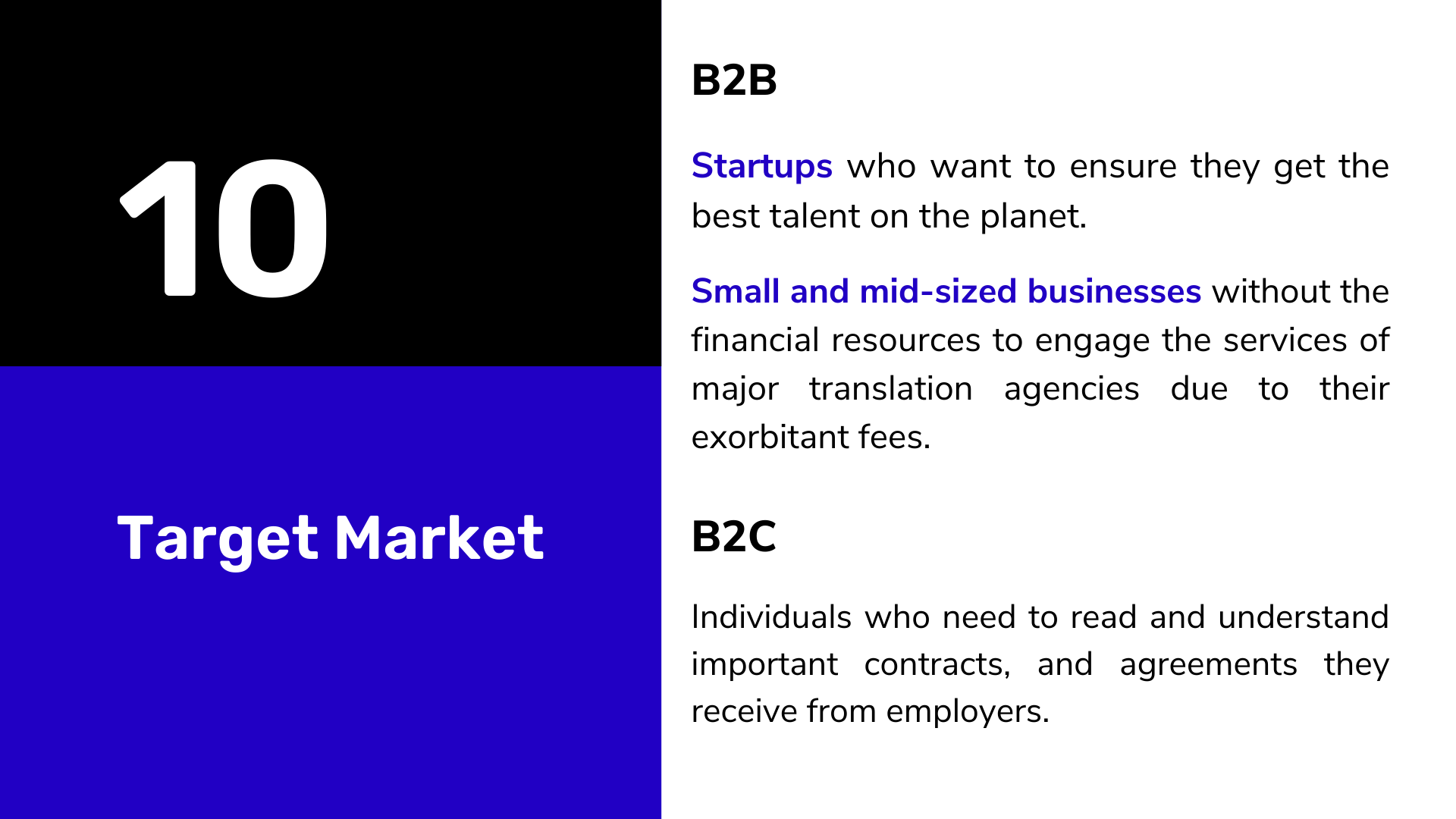
Pitch Deck - Target Market
-
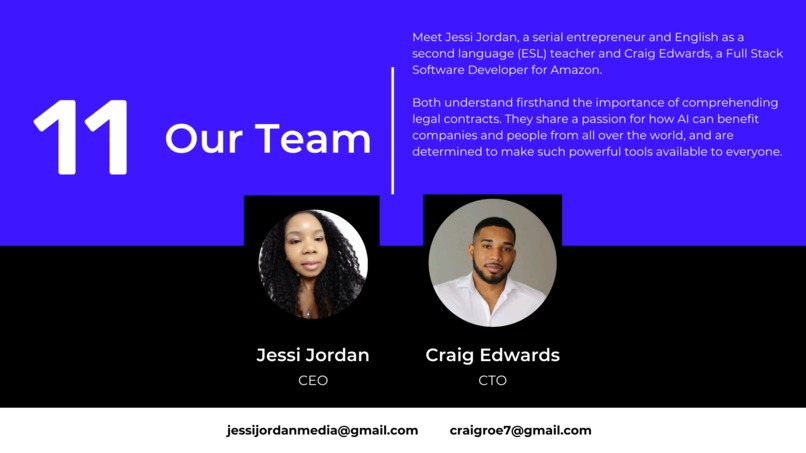
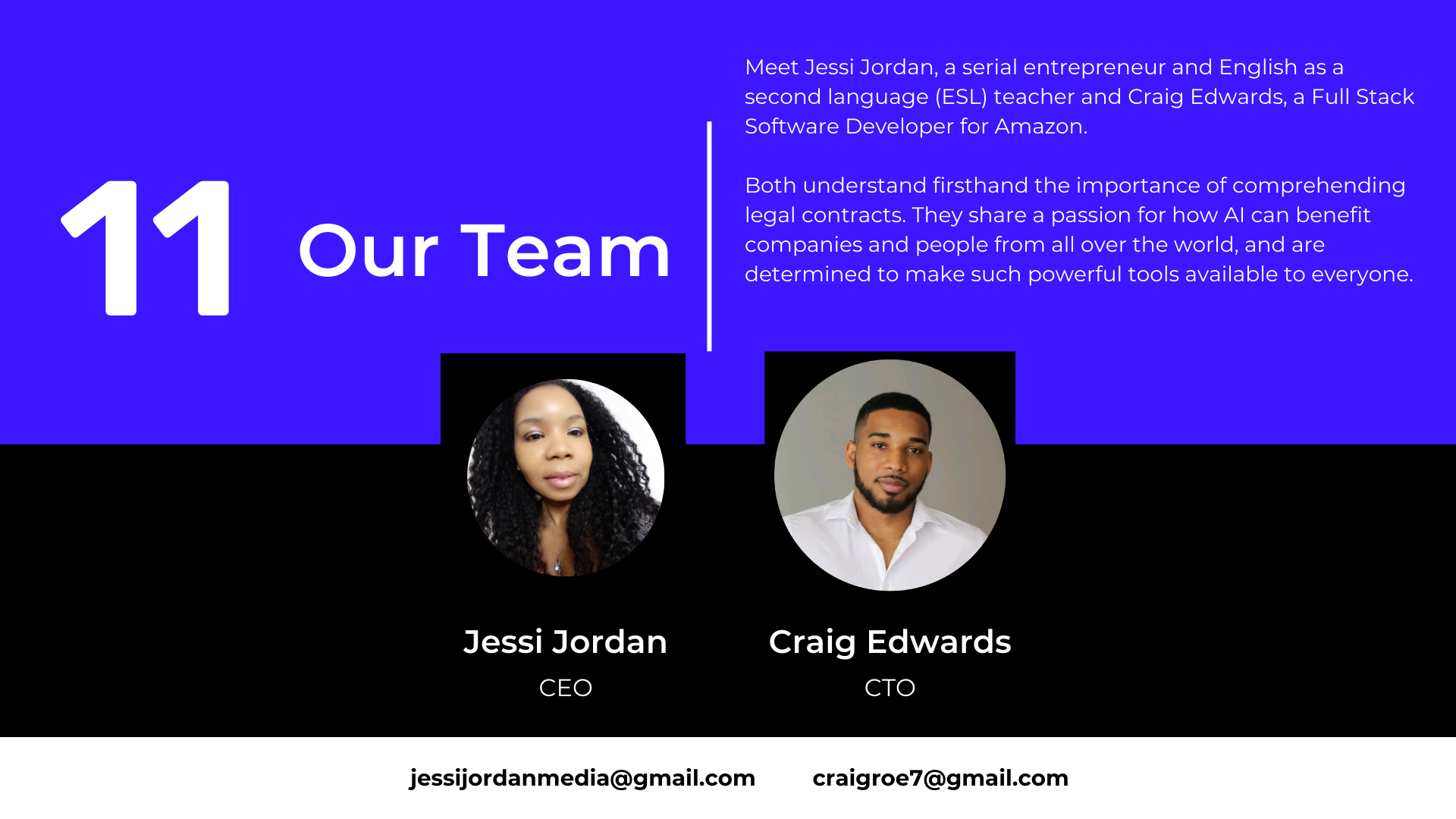
Pitch Deck - Our Team
-
Thank you for watching!


Inspiration
The document translation industry is a multibillion dollar industry however it is "gate kept" by large fees and translation experts. With advancements in AI, specifically it's advancements in generative text, we can now translate text in a more reliable manner without missing as much context. We see this as a growing field and LegalLingo makes it more accessible to your everyday business and user.
What it does
LegalLingo is an AI translation web app for legal documents, contracts and agreements powered by Dropbox sign.
It allows you to: 1. Upload new documents if you choose too
- See a list of your available documents and which one of those documents have a signature pending
- View and Translate chosen document from one of our 29 available languages.
- Sign original document and translated documents and sync them to your dropbox account.
- Download any document in your account to your device.
How we built it
We built it by creating a dashboard which syncs to your dropbox folder using the dropbox sign API to get your list of signature requests. In that dashboard you can choose to translate your document in a language of your choice which opens up a new page. On that new page, towards the left side you'll see your original document. There's a button available to click to sign which calls the dropbox embedded API to load a new iframe to sign your document. Towards the right side there's a translate button which when clicked will begin the translation process using DeepL AI APIs. Your document will then be displayed in your selected language with the formatting in tact. You may then choose to sign this document. Your translated and signed document will be uploaded and sync'd to your dropbox account.
Challenges we ran into
Originally wanted to be able to sign both documents (base and translated) with one click of a button to have a smoother user flow but couldn't as embedded signing is in dropbox's isolated environment so they can't interact with each other.
Dropbox's /createEmbedded api only has 10 tries per day for free account. Uploading a new document to sign or signing a translated document (requires upload) fails after 10 tries for that day.
What's next for LegalLingo.ai
Next up we want too: 1. Enable oAuth and get our app approved so users can sign in with a click of a button 2. Improve our user flow so the process of translating and signing is quicker. 3. Enable access in a mobile app so can scan, upload, translate, sign right from their mobile phone.
NOTE for the Judges
We included the login API and Client ID in the "additional info" section Dev Post provides that is meant for the judges only. Please look there for the zip file containing a document with the login API, Client ID and our presentation pitch deck pdf. Thank you!
Built With
- deepl
- nextjs
- node.js
- supabase
- typescript


Log in or sign up for Devpost to join the conversation.