-
Screenshots
-

-
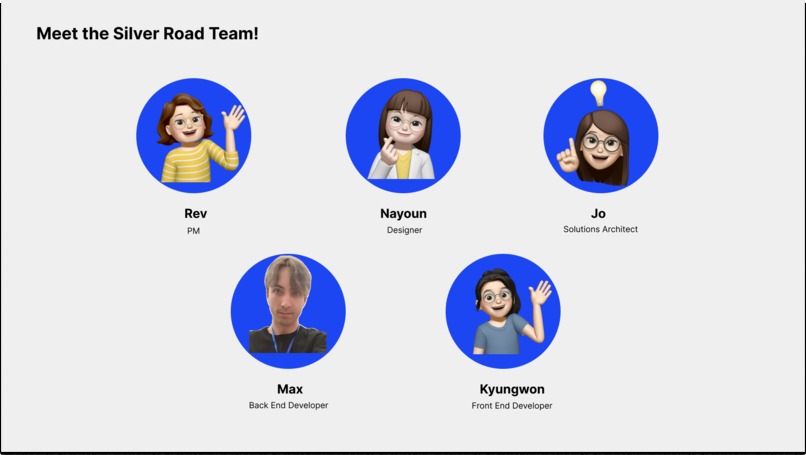
Team Profiles
-
-
-
Features
-
Beneficiaries
-
Problem Space
-

Inspiration
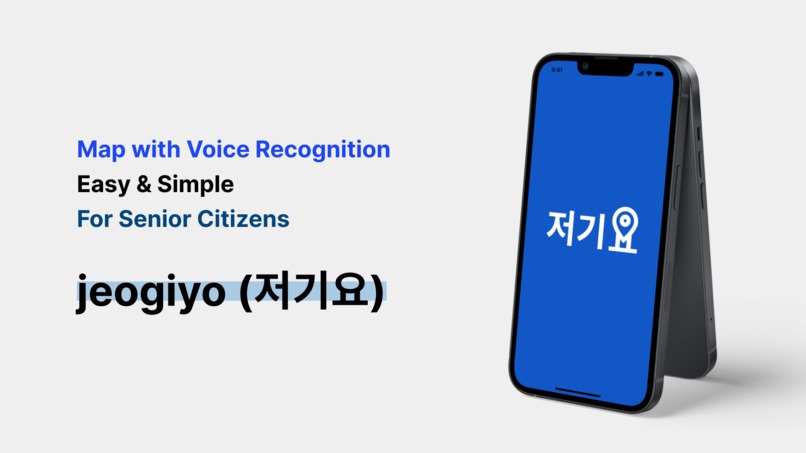
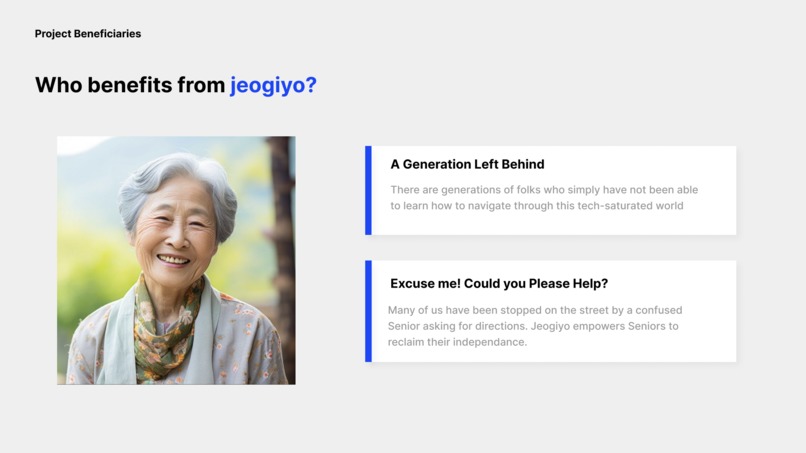
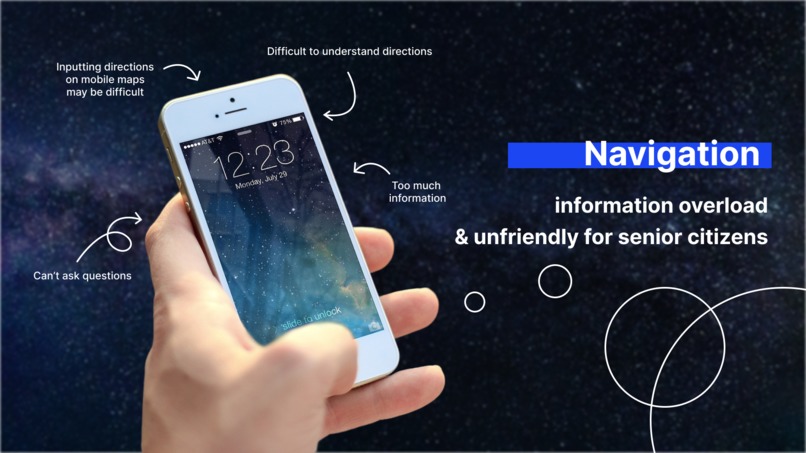
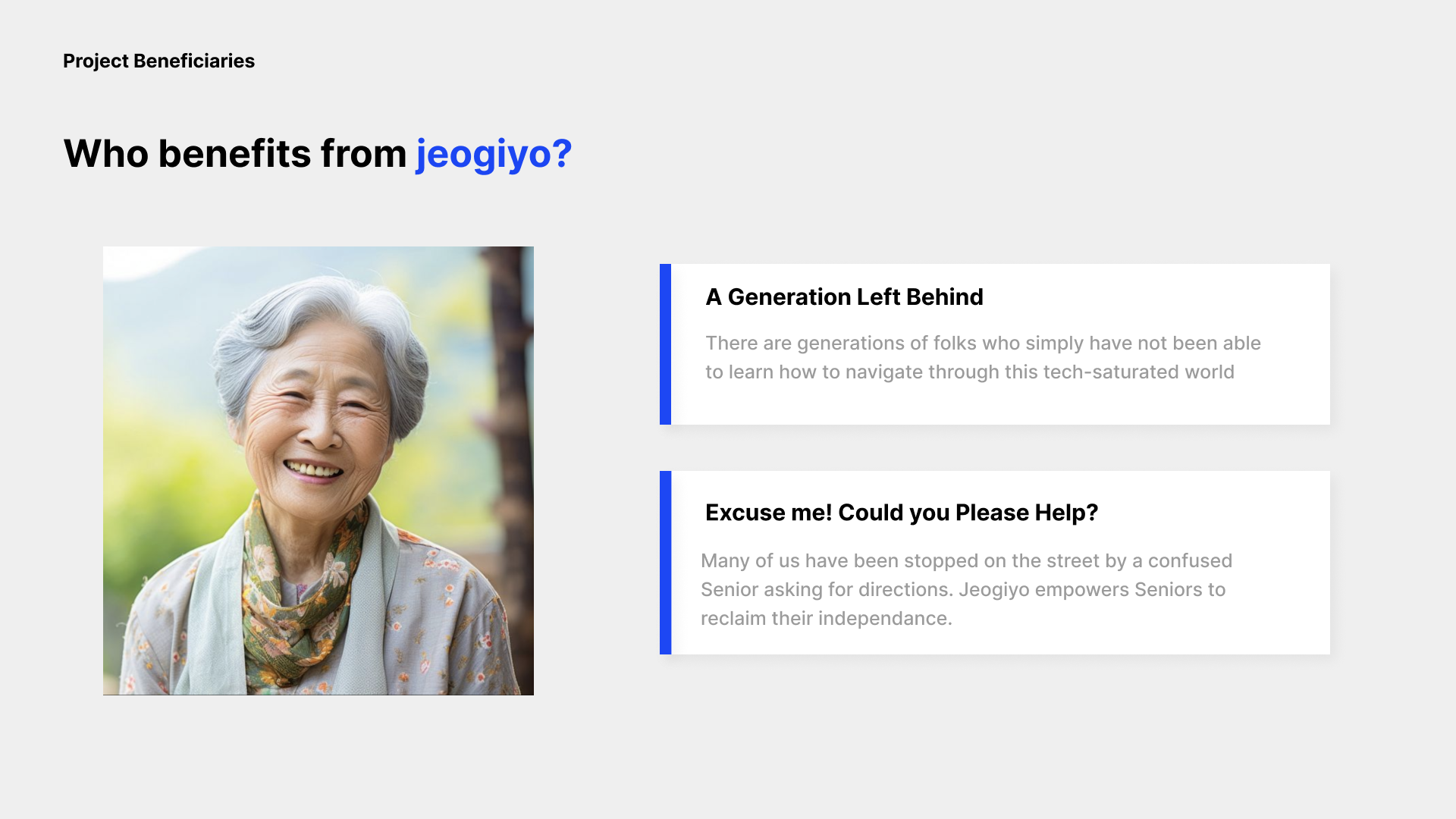
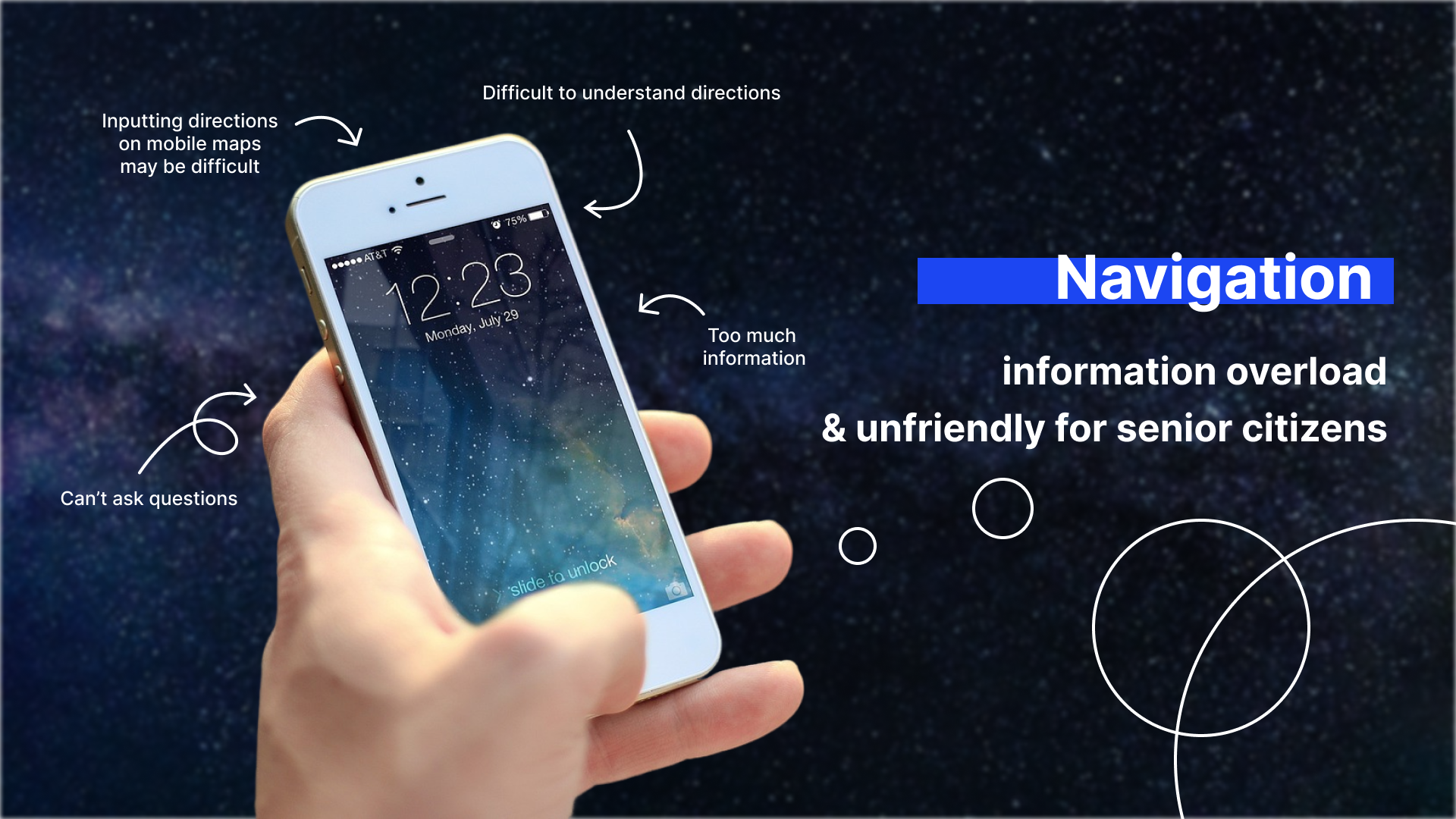
The inspiration behind this product comes from the growing challenges senior citizens face when trying to navigate modern technology and digital maps. As technology becomes more complex, many seniors struggle to use devices that are not designed with their needs in mind, leading to feelings of frustration, isolation, and even fear of getting lost.
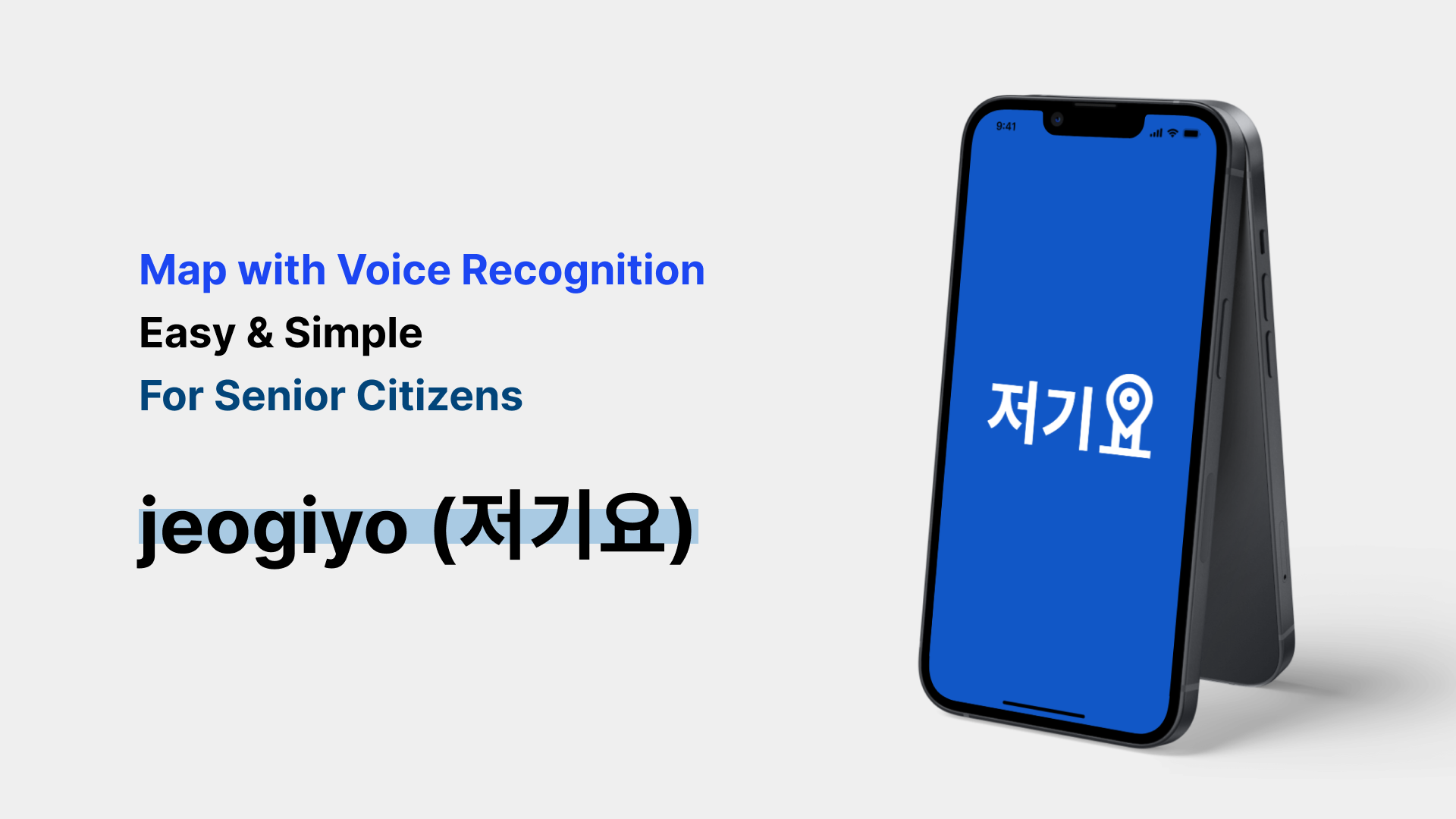
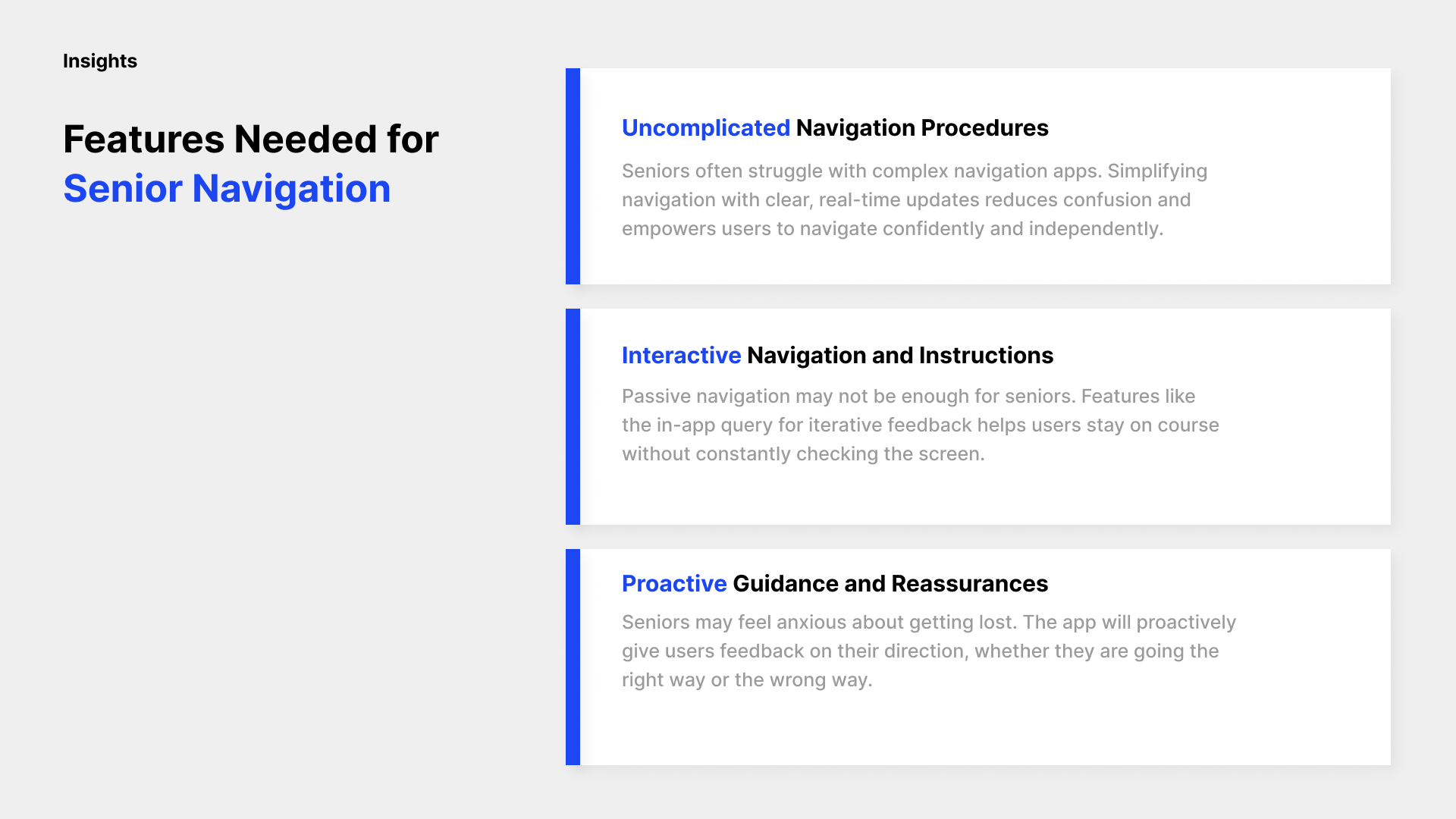
Recognizing this gap, we wanted to create a tool that empowers seniors to regain their independence by providing a simple, intuitive navigation app. Our goal is to reduce anxiety by offering real-time guidance, interactive feedback, and voice recognition, all tailored to the unique needs of older users. This app is inspired by a desire to help seniors stay connected, mobile, and confident as they navigate their daily lives, ensuring that technology serves as an aid rather than a barrier.
What it does
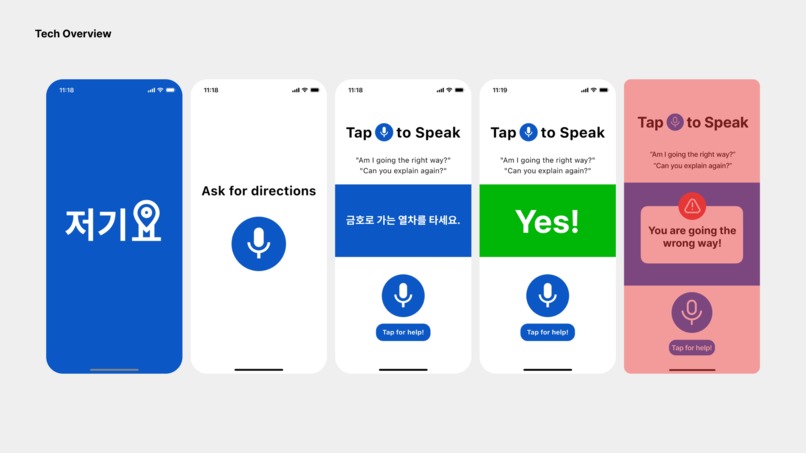
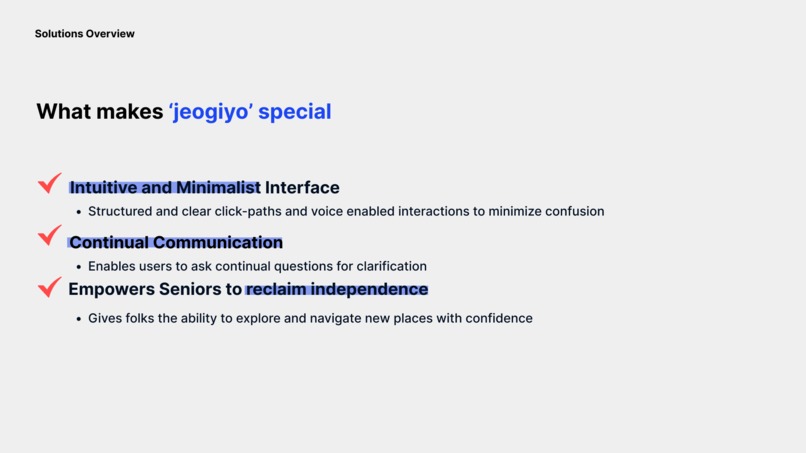
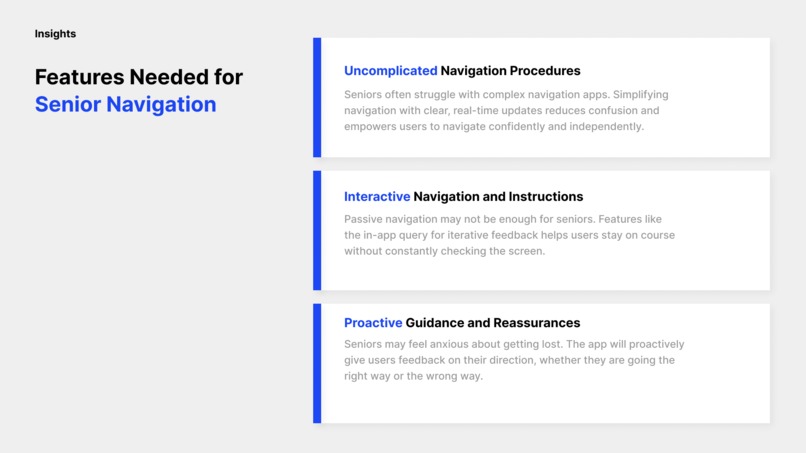
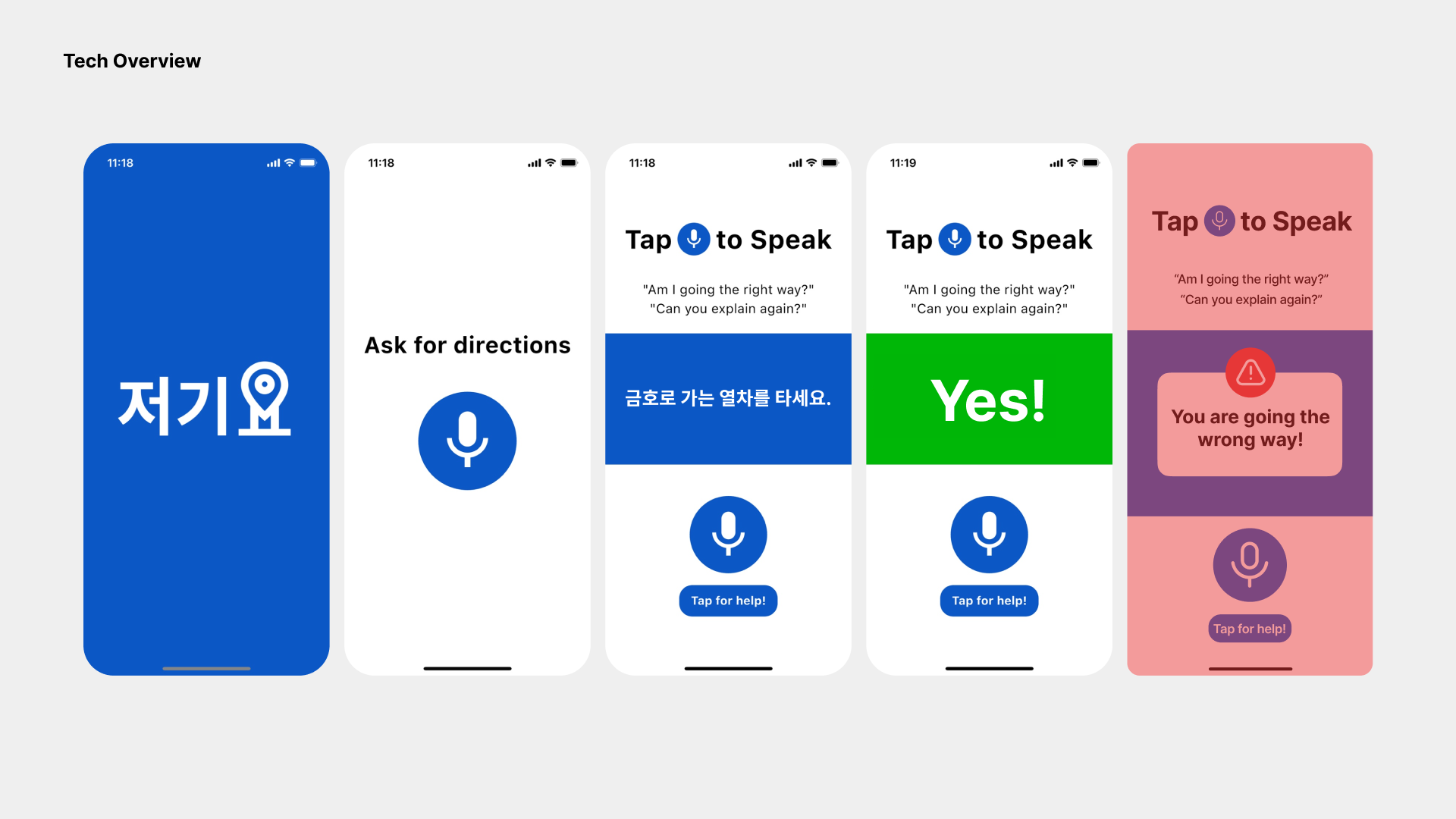
Helps navigate for senior citizens by allowing them to interact with the app through voice commands:
The app enables seniors to communicate directly by speaking to it, reducing the need for typing or complicated touch gestures. This makes it easier for users to input destinations, get directions, and receive information in a way that’s more natural and accessible for those who may struggle with small screens or complex interfaces.
Provides repetitive instructions with follow-up questions to ensure clarity and confidence during navigation:
To further support senior users, the app repeats important navigation instructions, ensuring they understand each step. It also asks simple follow-up questions to confirm their comprehension and readiness to proceed, creating a supportive, guided experience that minimizes confusion and enhances confidence while traveling.
How we built it
A Flutter-based app supporting Android, iOS, and Web platforms. Features include text-to-speech for audible responses, speech-to-text for user input, and location services.
Backend utilizes a REST API written in TypeScript, hosted on Cloudflare Workers. It incorporates Seoul subway station data and uses GPT4-mini for question interpretation, including translation to English and question classification.
The app provides location-aware responses, comparing user coordinates with station locations and tracking movement to confirm correct directions. Supports multiple languages through translation.
Challenges we ran into
At first we wanted to incorporate a map into the interface but quickly realized that due to the limitations of map APIs from Korean map applications (likely due to wanting to steer users to their own platforms), that this was not possible within the scope of our time.
Accomplishments that we're proud of
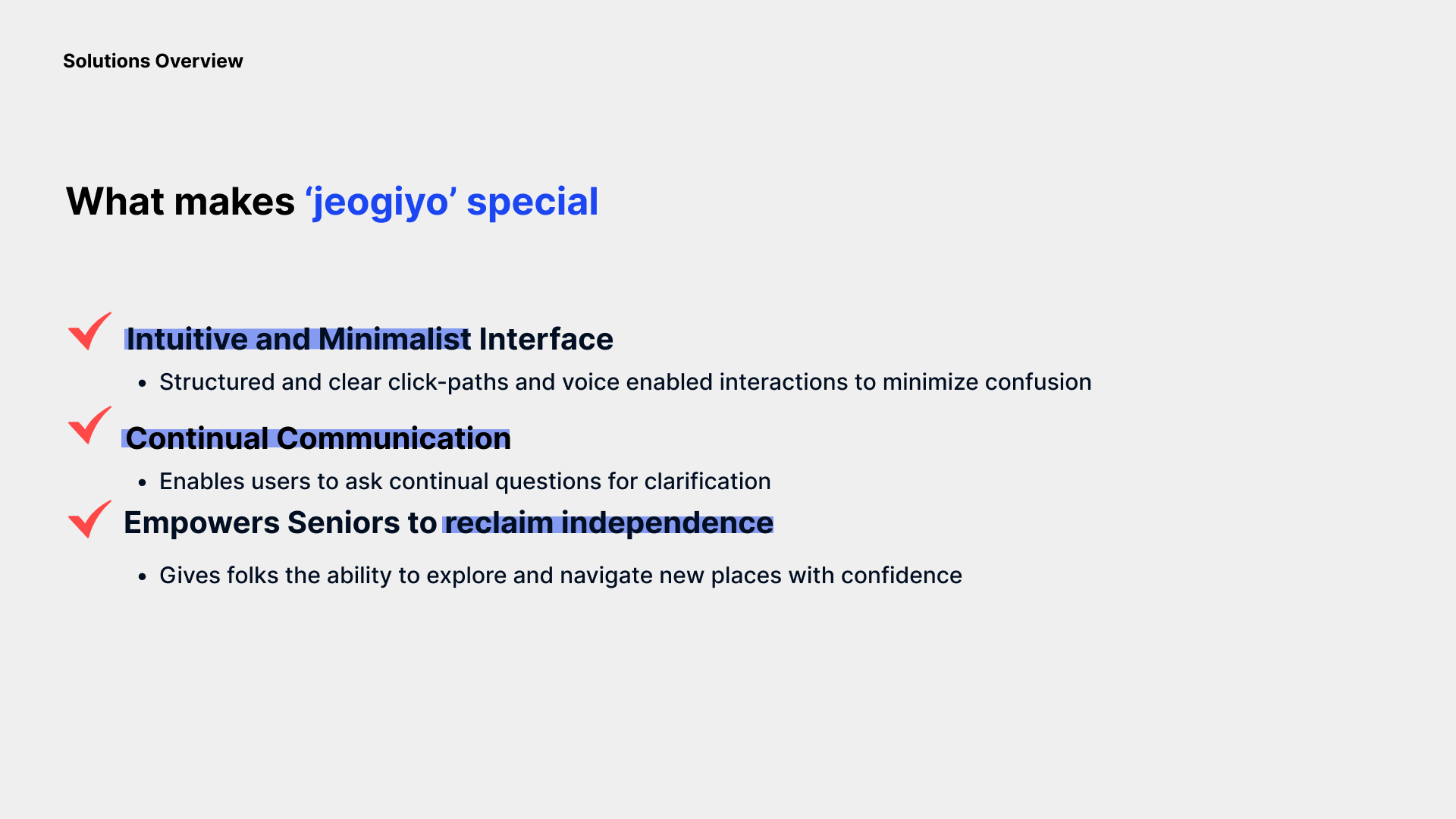
We are proud of creating a solution that truly empowers senior citizens to navigate the world more confidently and independently. By focusing on simplicity and accessibility, we’ve built an app that reduces the frustrations many seniors face with modern technology. We’ve integrated voice commands, proactive guidance, and real-time feedback, making it easier for seniors to engage with and trust the app. We’re also proud of our commitment to understanding their unique needs, offering features like repetitive instructions and follow-up questions to ensure clarity. Overall, we’re proud that this app helps bridge the digital divide and enhances the quality of life for older adults.
What we learned
What we learned is that navigating the world of technology can be quite challenging for senior citizens. Many struggle with complex interfaces, small text, and overwhelming options, which make even basic tasks like using navigation apps difficult. We discovered that voice interaction is much more intuitive for seniors, as it allows them to communicate naturally without the need to type or search through menus. Additionally, providing clear, repetitive instructions is essential to reinforce understanding and build confidence. Follow-up questions also help ensure users feel secure and are ready to proceed. We also learned that proactive feedback, such as real-time alerts through vibrations or popups when a user goes off track, offers much-needed reassurance and helps them adjust their course quickly. Ultimately, simplicity and accessibility are key in empowering seniors to use technology independently and confidently.
What's next for Jeogiyo
Expanding the app to include real time navigation and alerting based off of current location. For example, if one gets on the right subway line but in the wrong direction, the app will alert.
Built With
- cloudflare
- flutter
- gpt
- location
- r2
- rest
- serverless
- speech-to-text
- text-to-speech
- typescript


Log in or sign up for Devpost to join the conversation.