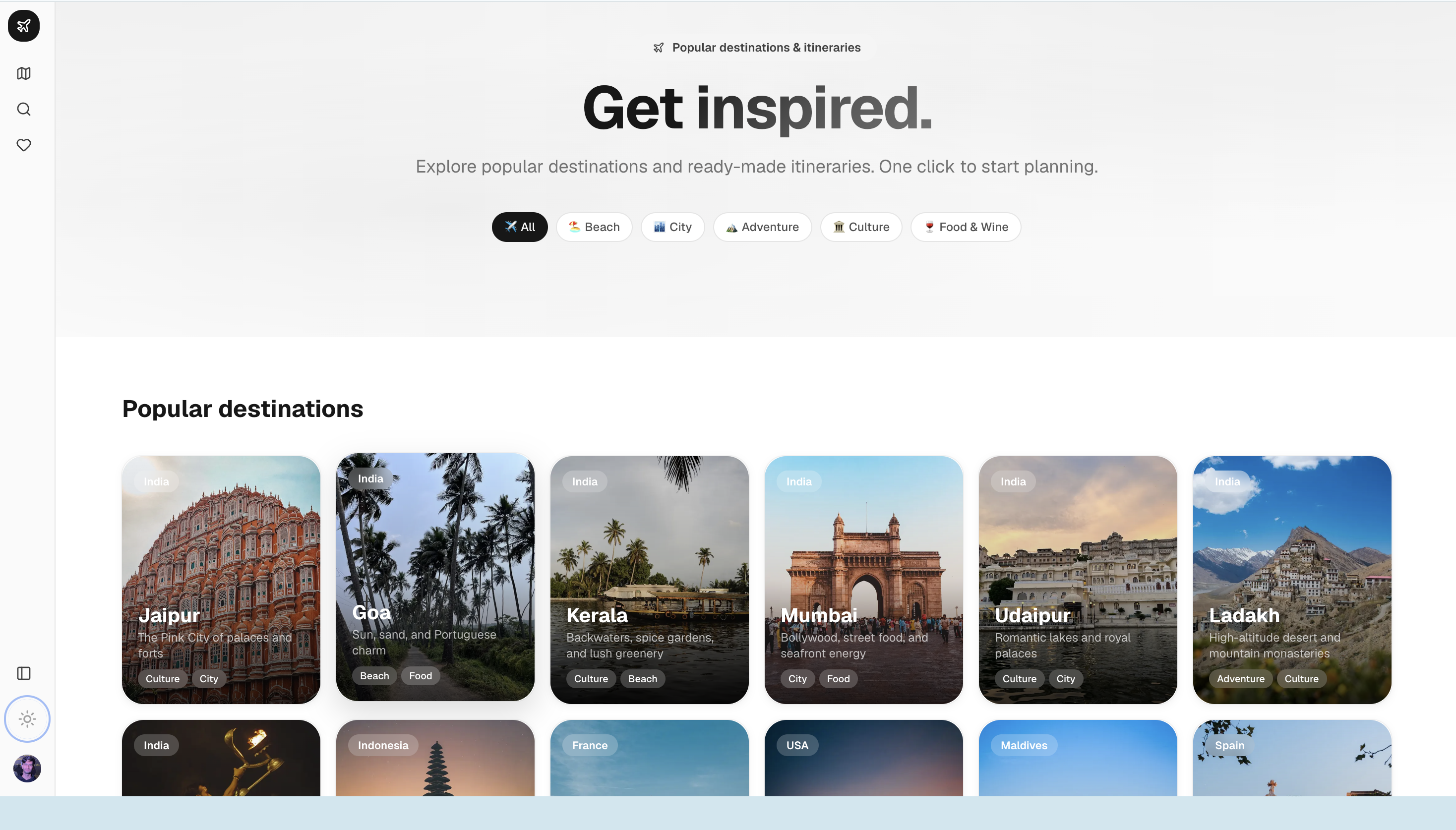
Jento — Building an AI Trip Planner That Actually Knows Real Places
Inspiration and What it does
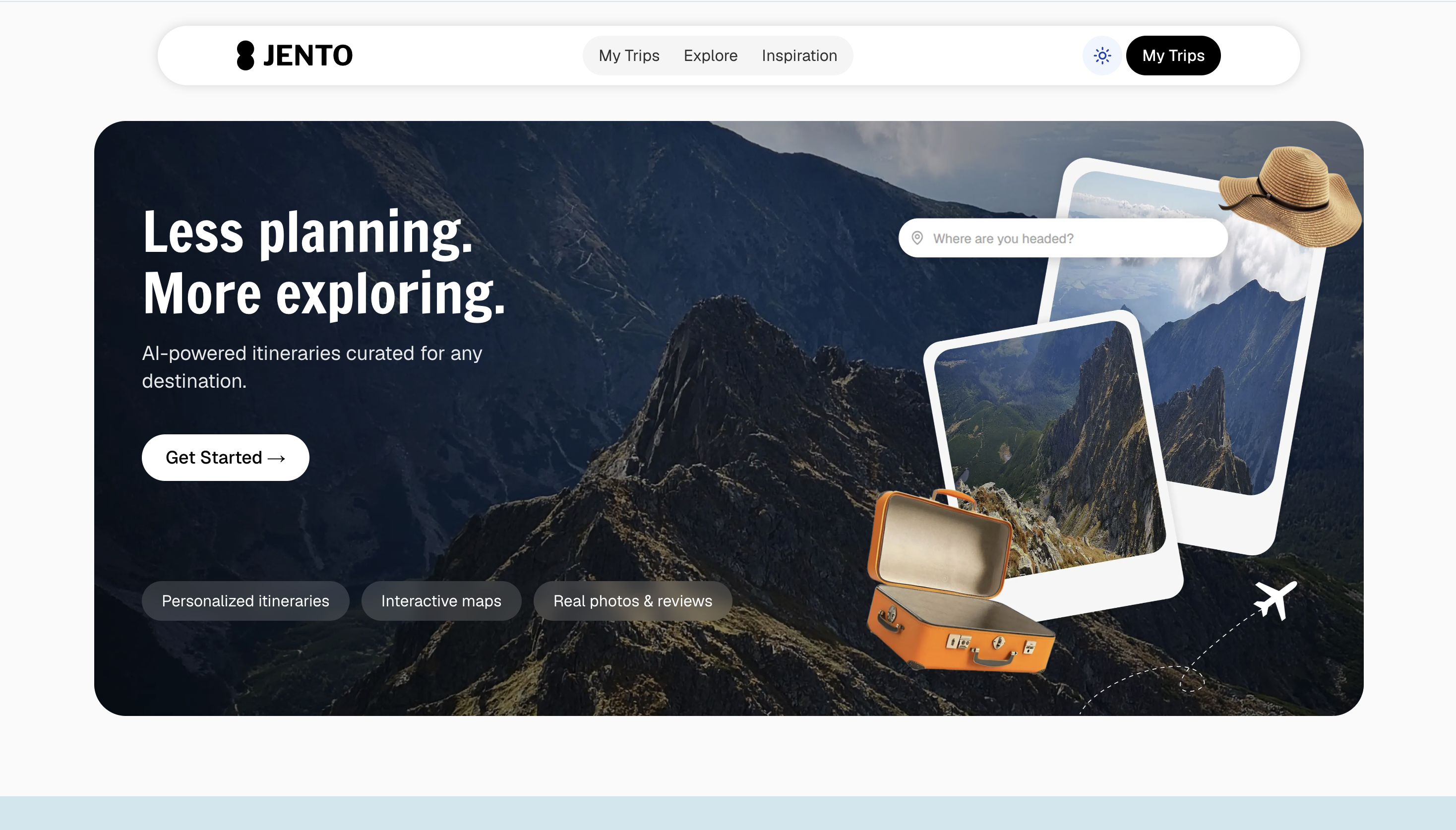
Planning a trip should feel like talking to a well-traveled friend—not like juggling twelve browser tabs. I kept hitting the same wall: generic blog lists on one side, rigid booking flows on the other, and nothing in between that understood my constraints (dietary needs, pace, “no tourist traps”).
How we built it
Stack
| Layer | Choice |
|---|---|
| Frontend | Next.js 16, React 19, Tailwind CSS 4, Radix UI, Framer Motion |
| AI | Gemini (gemini-3.1-flash-lite) + Vercel AI SDK (streamText, tools) |
| Data | Prisma 7, PostgreSQL on Neon |
| Auth | Clerk (+ webhooks for user lifecycle) |
| Maps & places | Google Maps JavaScript API, Places API (New) |
| Media | Cloudinary, Unsplash |
Core flow
- Sign in → Clerk provisions a user; webhooks keep the DB in sync.
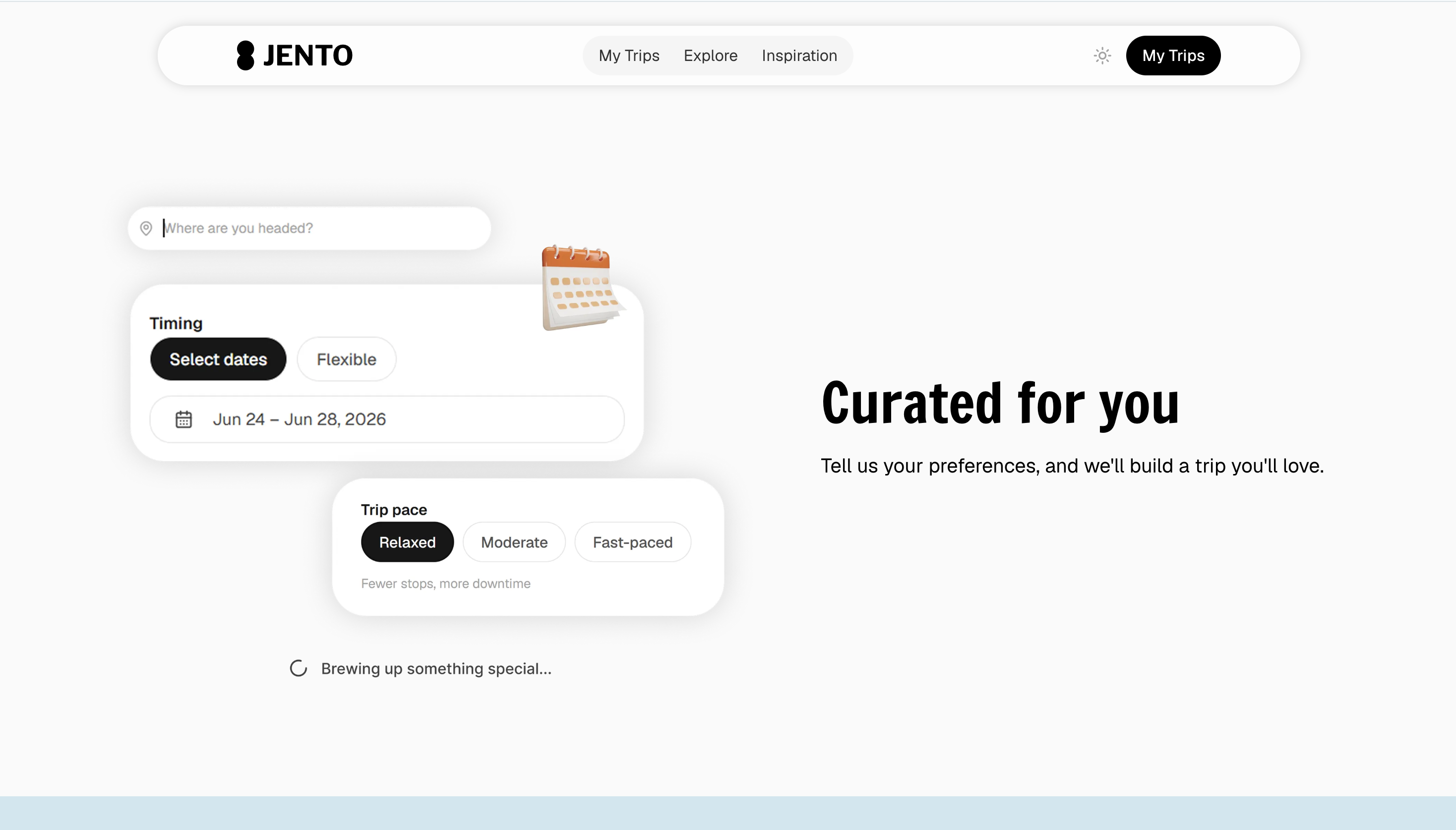
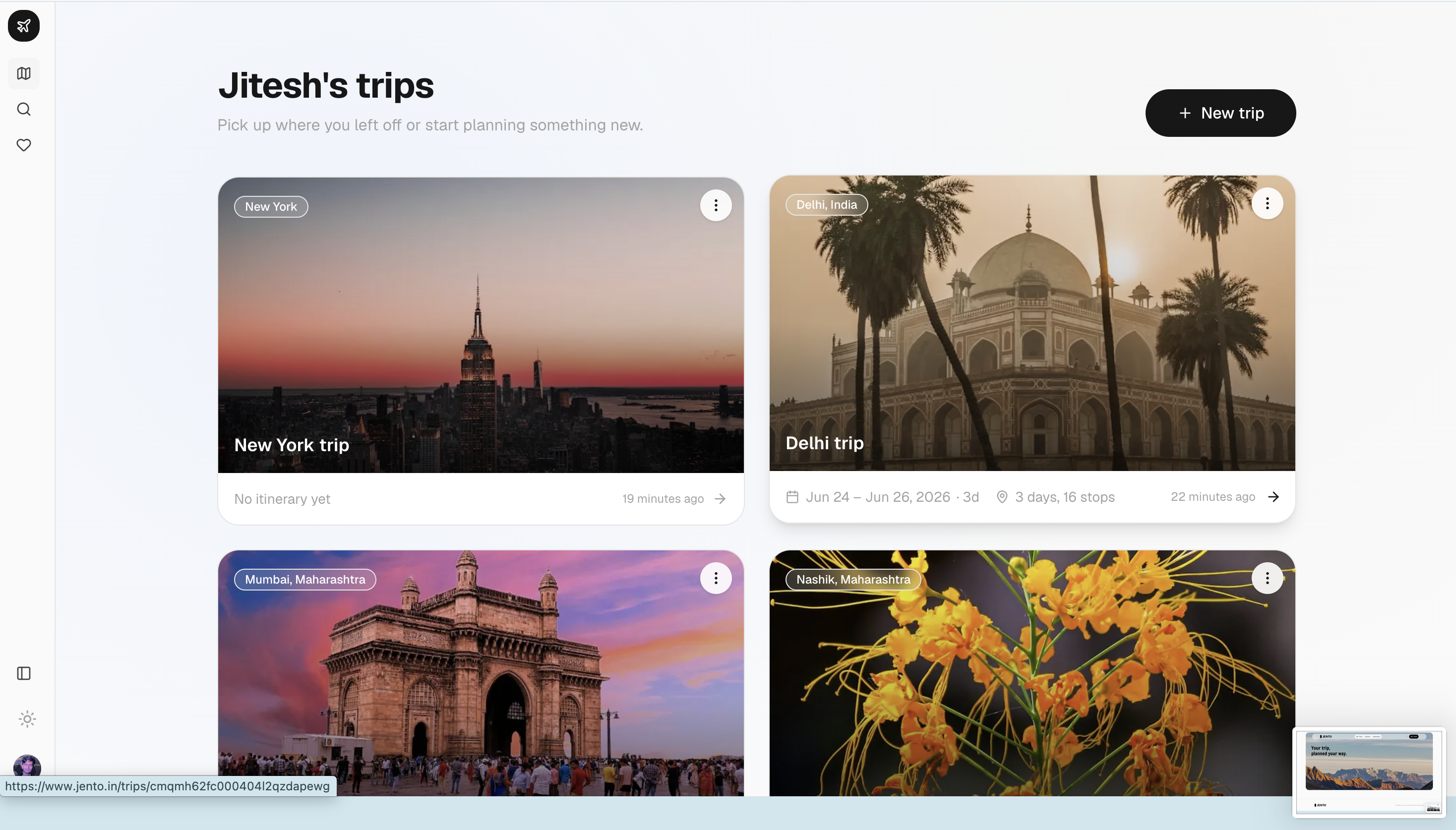
- Create a trip → destination, dates, pace, dietary prefs, optional road-trip stops.
- Chat →
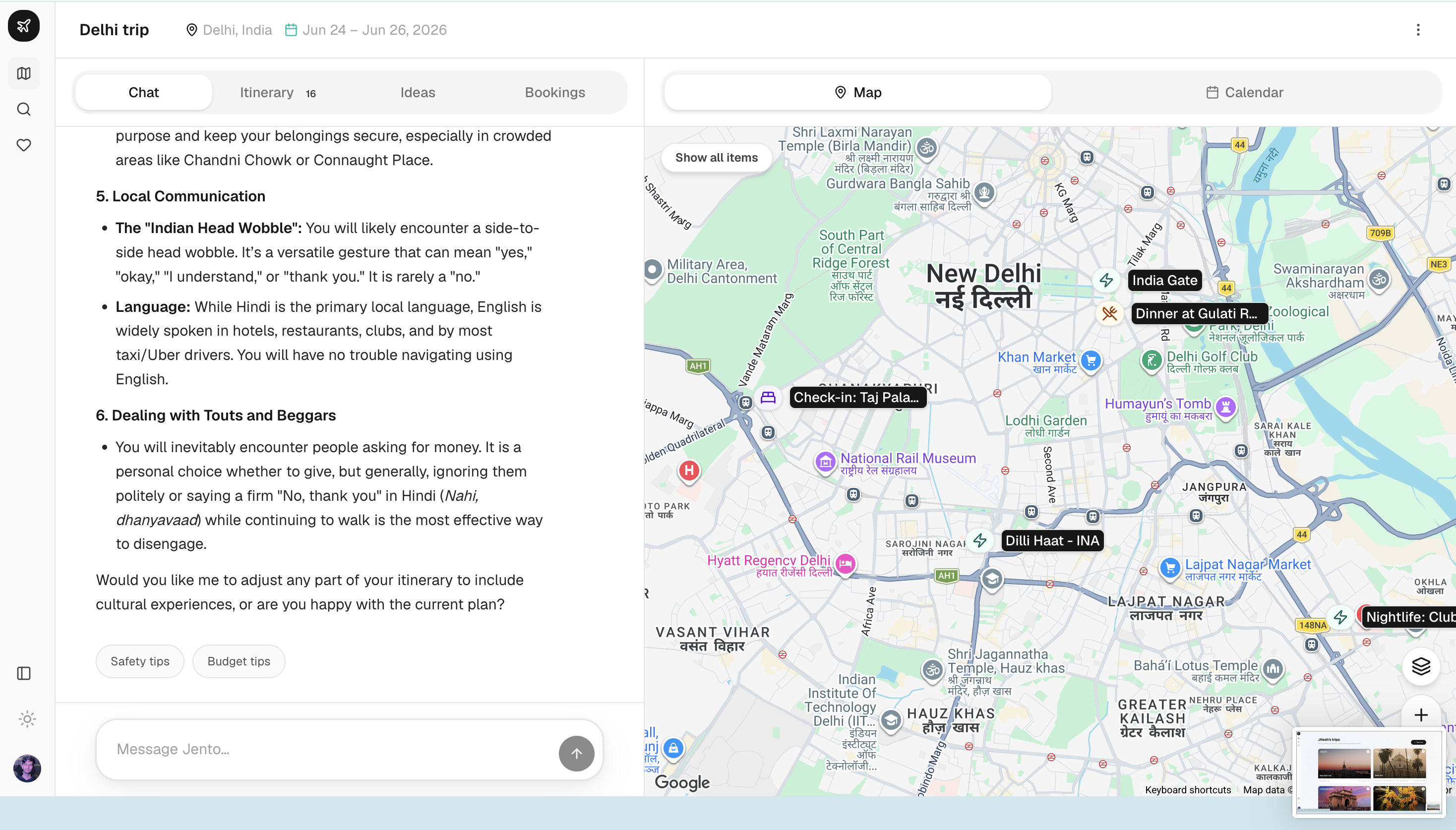
/api/chatstreams responses with tools:google_maps— grounded place searchgetDrivingTime— real driving durations for road tripssaveItinerary/updateItineraryDay— persist structured plans
- Enrich → Places API fills photos, reviews, and coordinates; results are cached in
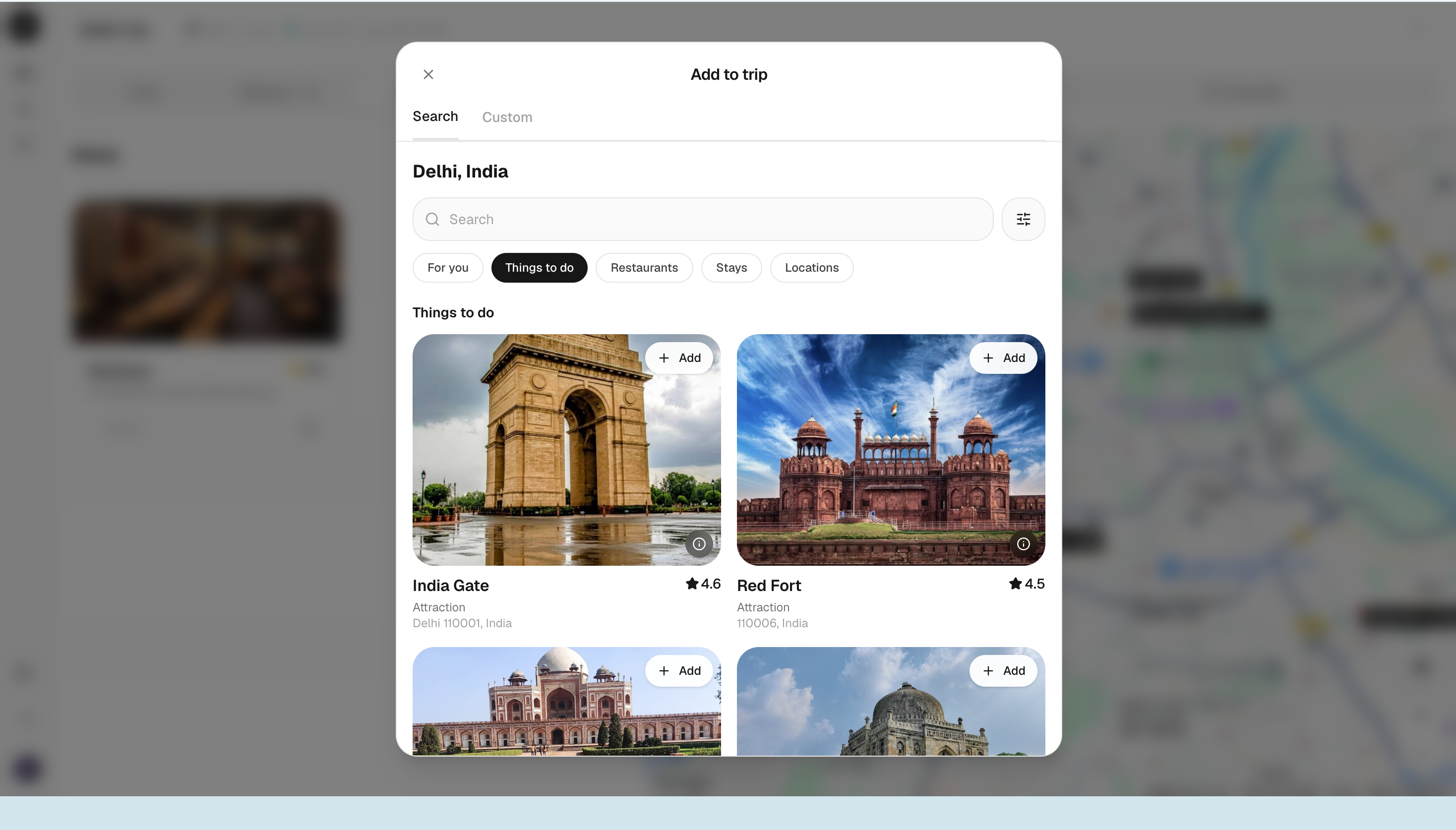
PlaceCache. - Explore in UI →
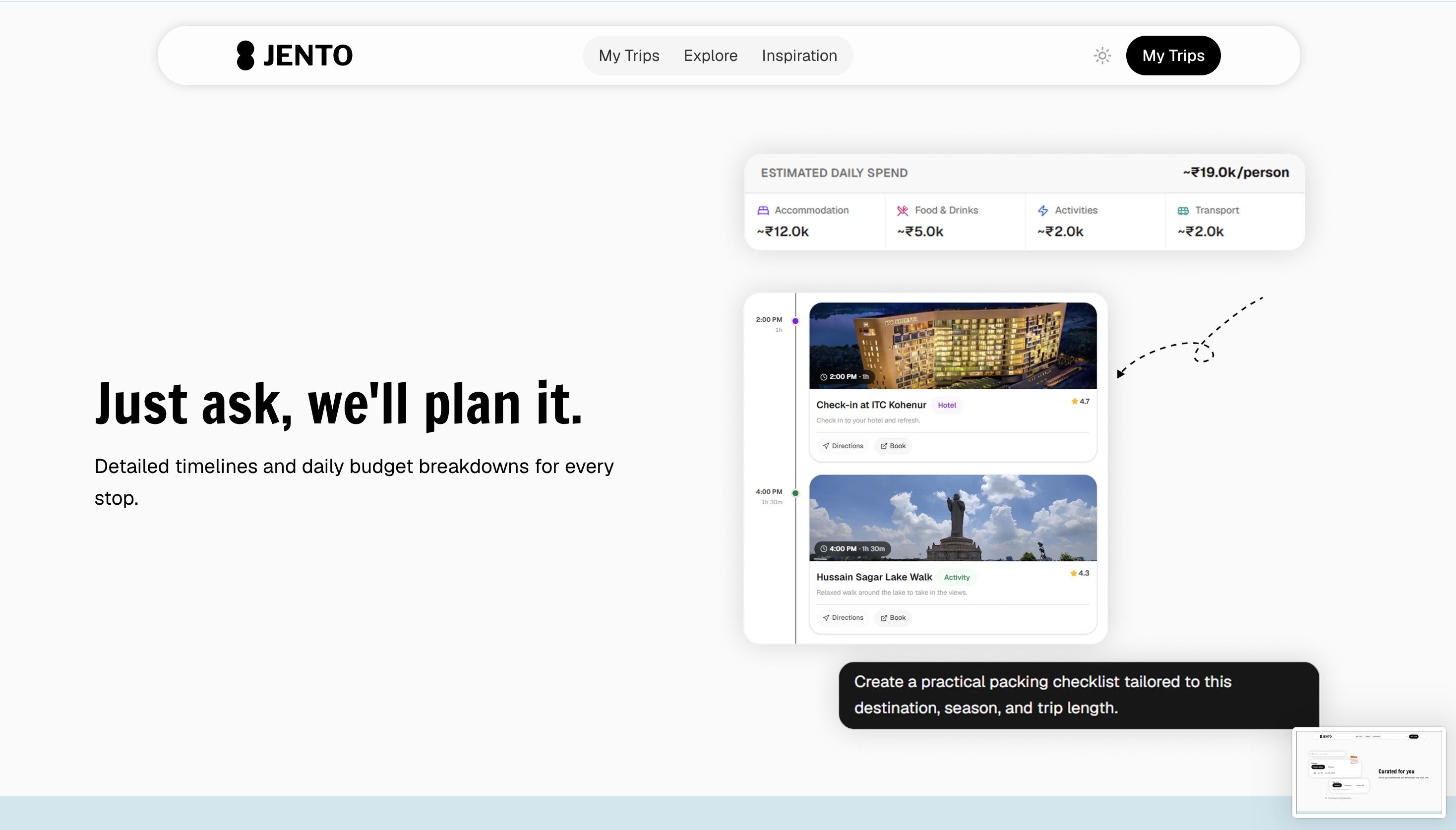
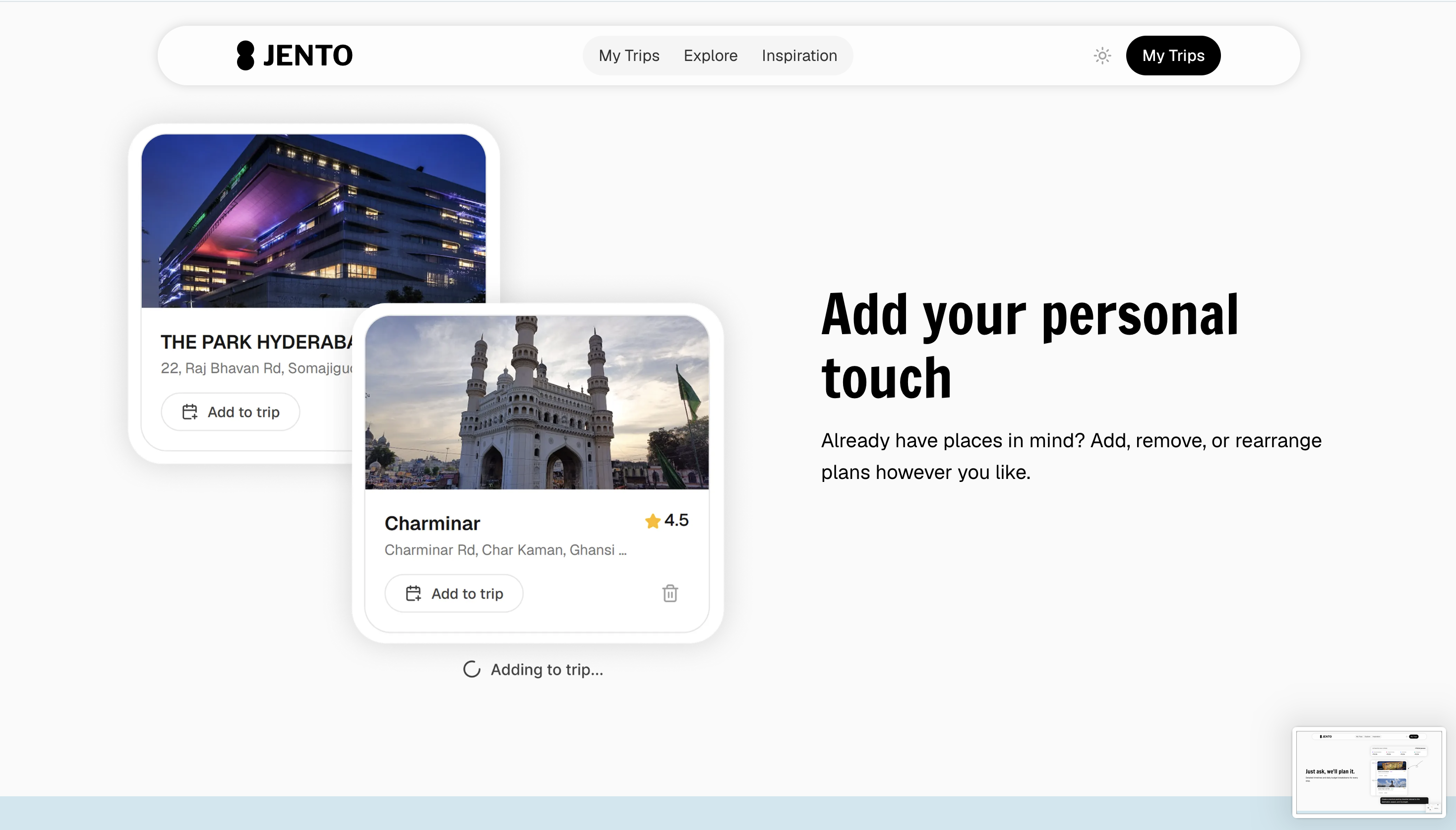
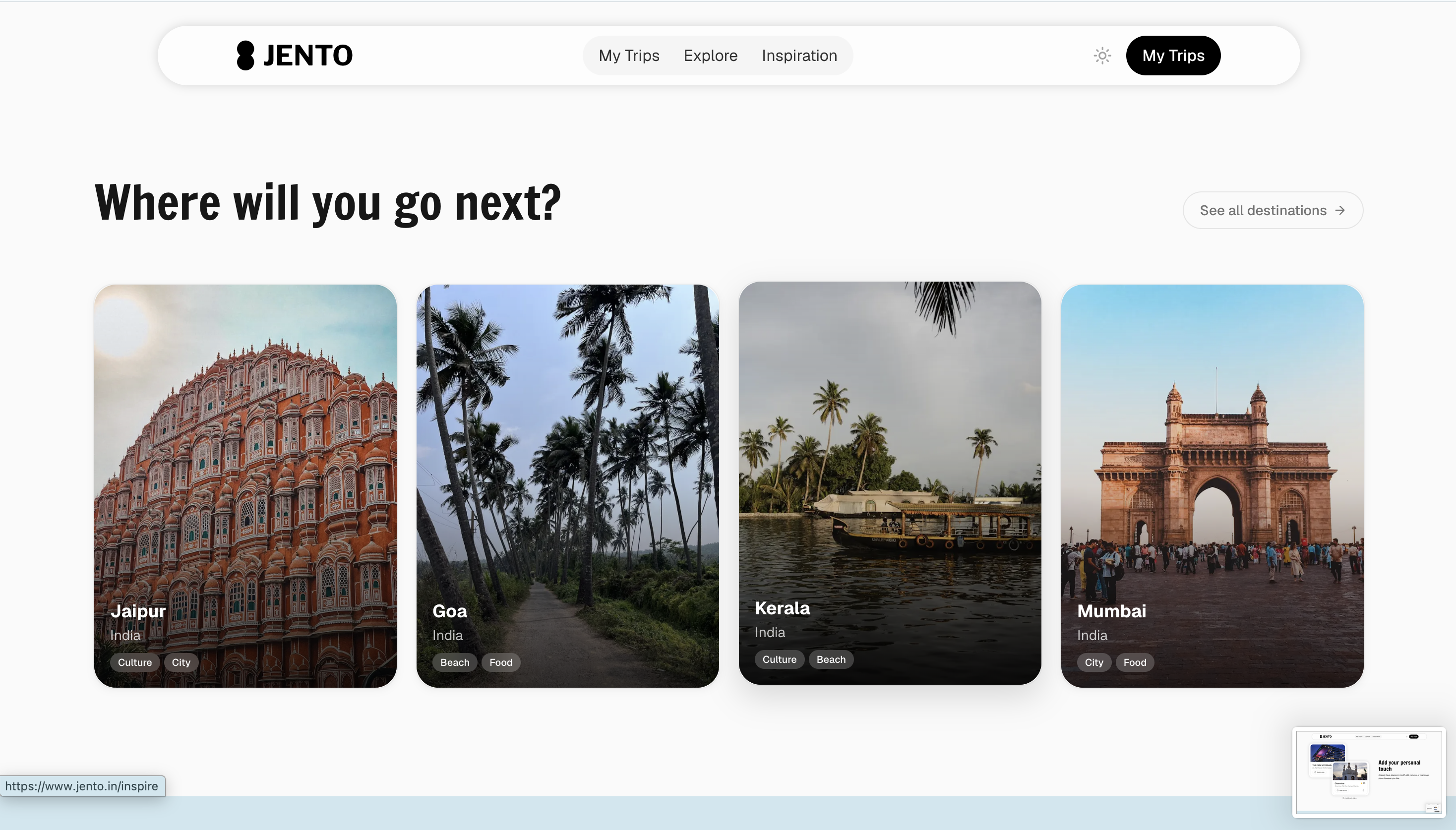
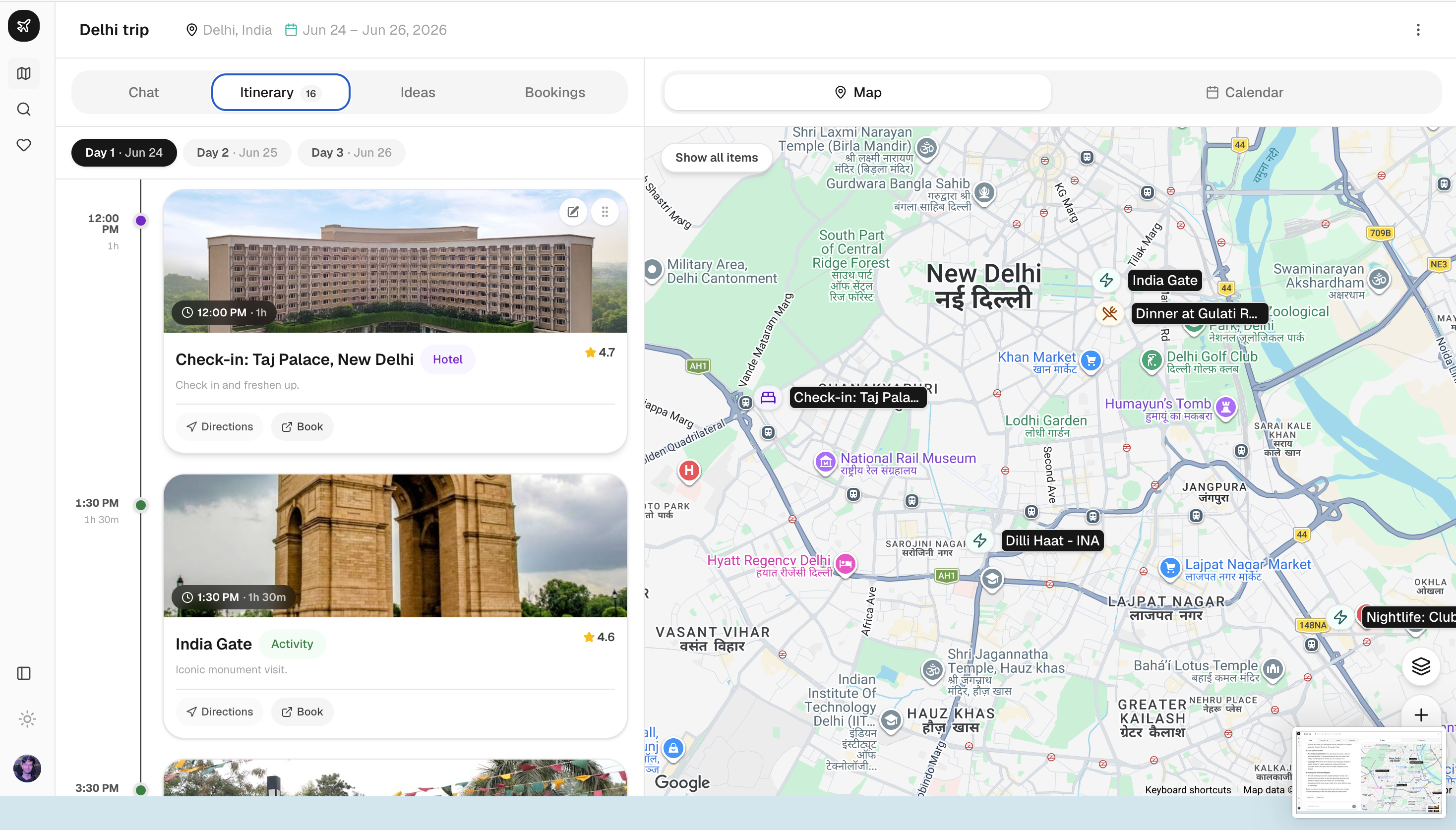
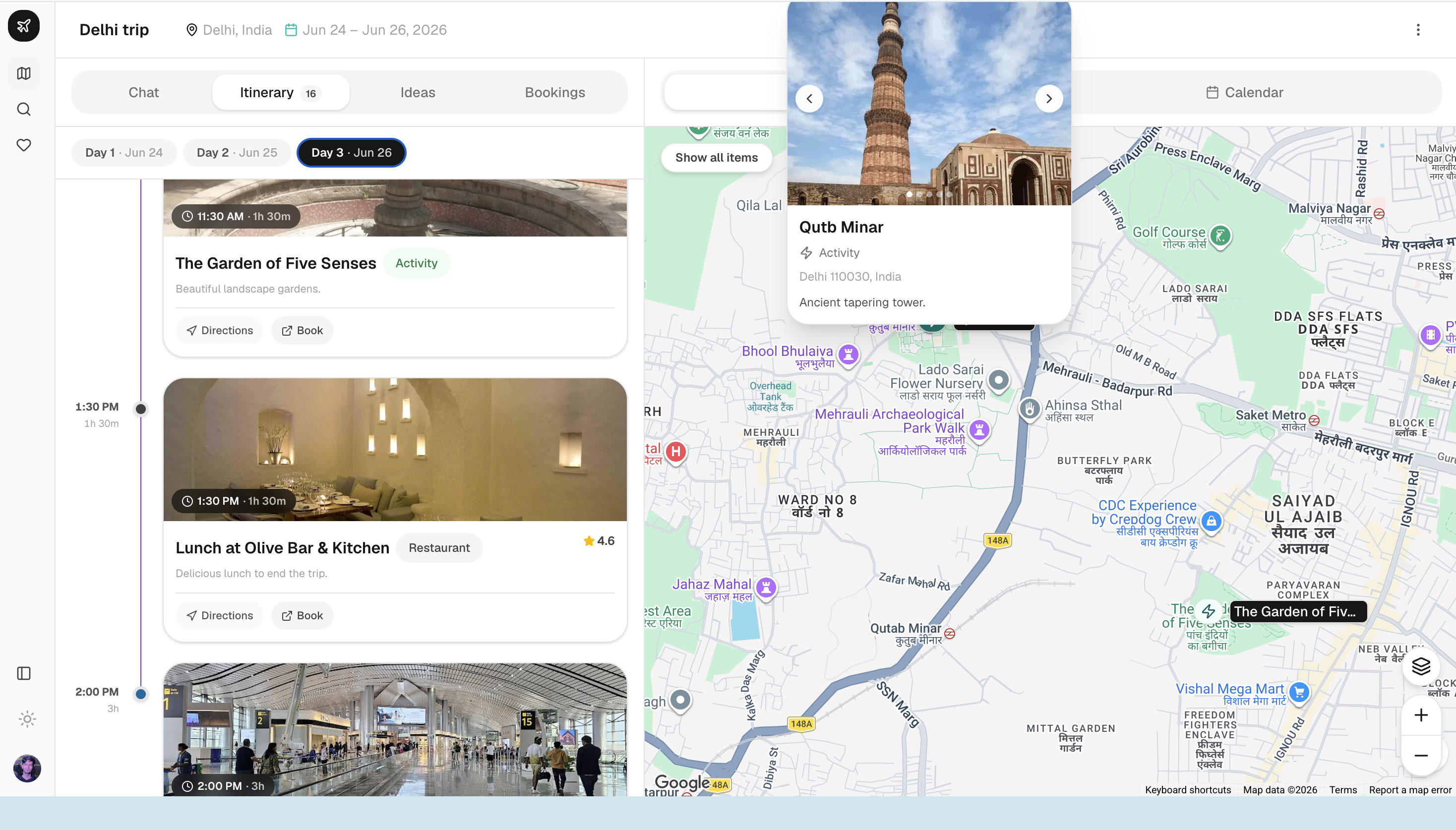
TripPlannercombines chat, day timeline, ideas panel, bookings, calendar, and a dynamically loaded map. - Export & book → PDF export and deep links to external booking sites.
Challenges we ran into
1. Place ID integrity
Early prototypes looked polished until a few googlePlaceId values didn’t resolve in Places API. The fix was layered: strict Zod descriptions, repeated prompt warnings, and server-side persistence that rejects drafts missing IDs for non-transport items.
2. Streaming + tool loops
Multi-step tool use (stopWhen: stepCountIs(10)) means the UI must handle partial streams, tool calls, and itinerary refreshes without race conditions. The planner re-fetches itinerary state after saves so the timeline and map stay aligned with what the model just wrote.
3. Maps in Next.js
Google Maps can’t SSR cleanly. TripMap is loaded with dynamic(..., { ssr: false }), which solved hydration issues but added loading-state UX work (skeletons, “Loading map…” placeholders).
4. Cost and abuse
Unbounded chat against Gemini + Maps grounding gets expensive fast. Per-trip chat limits (isChatLimitReached) were a late but necessary addition.
Accomplishments that we're proud of
Shipped a full-stack AI planner, not a demo. Jento runs on Next.js 16, Clerk, Prisma + Neon, and Gemini—with auth, persistence, streaming chat, and a production-minded API layer from day one.
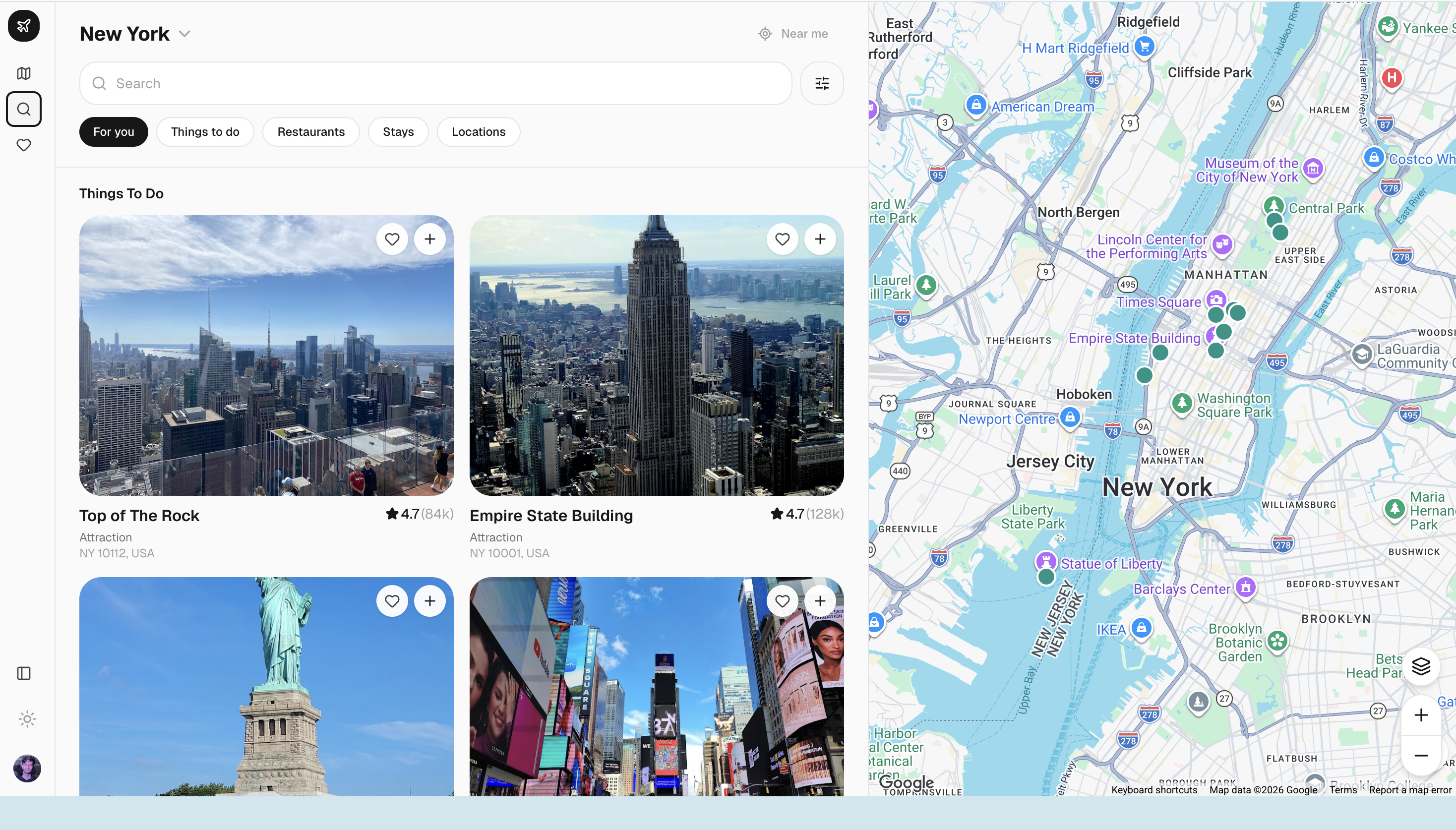
Grounded recommendations that map to real places. Every activity, meal, and hotel is tied to a verified
googlePlaceIdfrom Google Maps grounding—not invented venue names. Photos, reviews, and coordinates flow through Places API and aPlaceCachelayer.Conversation that respects user context. Pace, dietary preferences, road-trip waypoints, and “end day by” cutoffs are captured at trip creation and baked into the system prompt, so the AI plans around constraints instead of re-asking them.
A planner UI worth using after generation. The trip view combines chat, a day-by-day timeline, drag-and-drop editing, an interactive map, ideas and bookings panels, calendar view, and PDF export—so users can refine plans without starting over.
Thoughtful guardrails for real usage. Per-trip chat limits, webhook-driven user sync, and read-only planner mode (
isOwner) lay groundwork for sharing and cost control before scale.
What we learned
1. LLMs need structure, not just charisma
Free-form chat is great for discovery; itineraries need schemas. I learned to constrain Gemini’s output with Zod and the Vercel AI SDK’s tool-calling layer so every day, item, and place ID lands in a predictable shape before it ever hits the database.
2. Grounding beats hallucination
The hardest lesson: an AI that invents a restaurant name is worse than no AI at all. Jento uses Google Maps grounding via Gemini’s google_maps tool, with explicit prompt rules:
- Every activity, meal, and hotel must carry a
googlePlaceIdcopied exactly from grounding metadata—never fabricated. - Trip context (destination coordinates) is passed through
retrievalConfig.latLngso recommendations stay geographically honest.
3. Preferences belong upstream
Pace, dietary restrictions, road-trip waypoints, and “end day by” cutoffs are captured at trip creation, then injected into the system prompt so the model doesn’t re-ask questions the user already answered. That small UX decision dramatically improved conversation quality.
4. Production means guardrails
Chat rate limits, webhook-driven user sync, health checks, and analytics (Pendo) taught me that the demo path and the production path diverge quickly—especially when every itinerary generation hits multiple paid APIs.
What's next for jento
Production hardening — Error monitoring, tighter rate limits, and health-check alerting as traffic grows.
Monetization & maps — Affiliate IDs on booking deep links.
Longer term, we want collaborative planning (multiple editors on one trip) and mobile-native polish so Jento is as useful on the road as it is at the desk.
Built With
- clerk
- cloudinary
- cursor
- gemini
- google-directions
- google-maps
- google-places
- neon
- nextjs
- pendo
- postgresql
- prisma
- tailwind
- typescript
- unsplash
- vercel
- zod


Log in or sign up for Devpost to join the conversation.