Inspiration
I currently use tools like InVision and Principle to build mobile app prototypes. These are useful for testing interactions and flows, but they're limited to static (fake) content.
Recently, I stumbled upon an open source project called Jasonette ( http://jasonette.com ) which is a mobile app that builds itself on demand using a JSON file you create and host online.
I also recently received a "Buoy Local" gift card (it's a Maine thing) and decided that for this Hackathon I wanted to try building a Buoy Local business locator app to see how easily I could build a native mobile app using Jasonette.
What it does
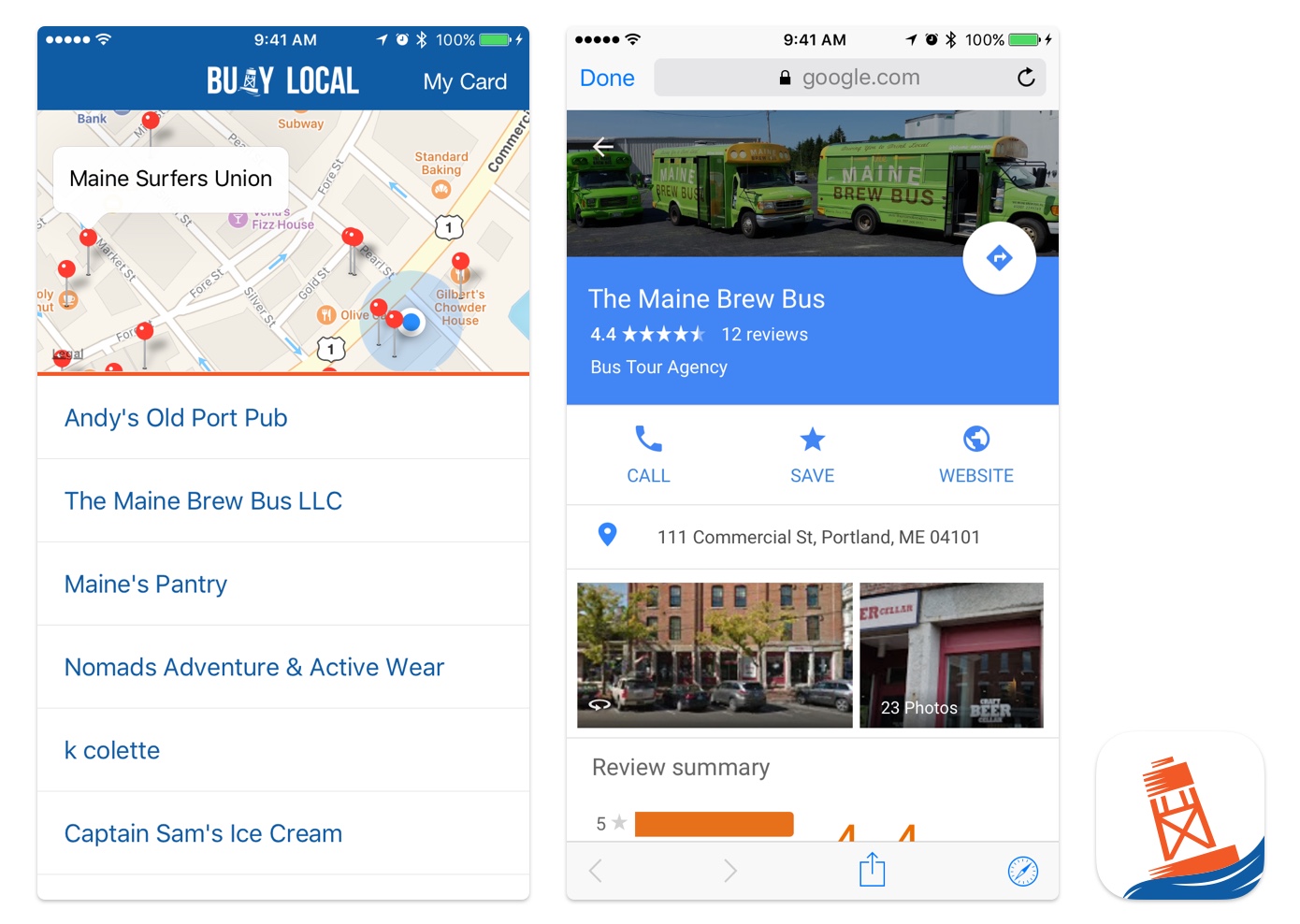
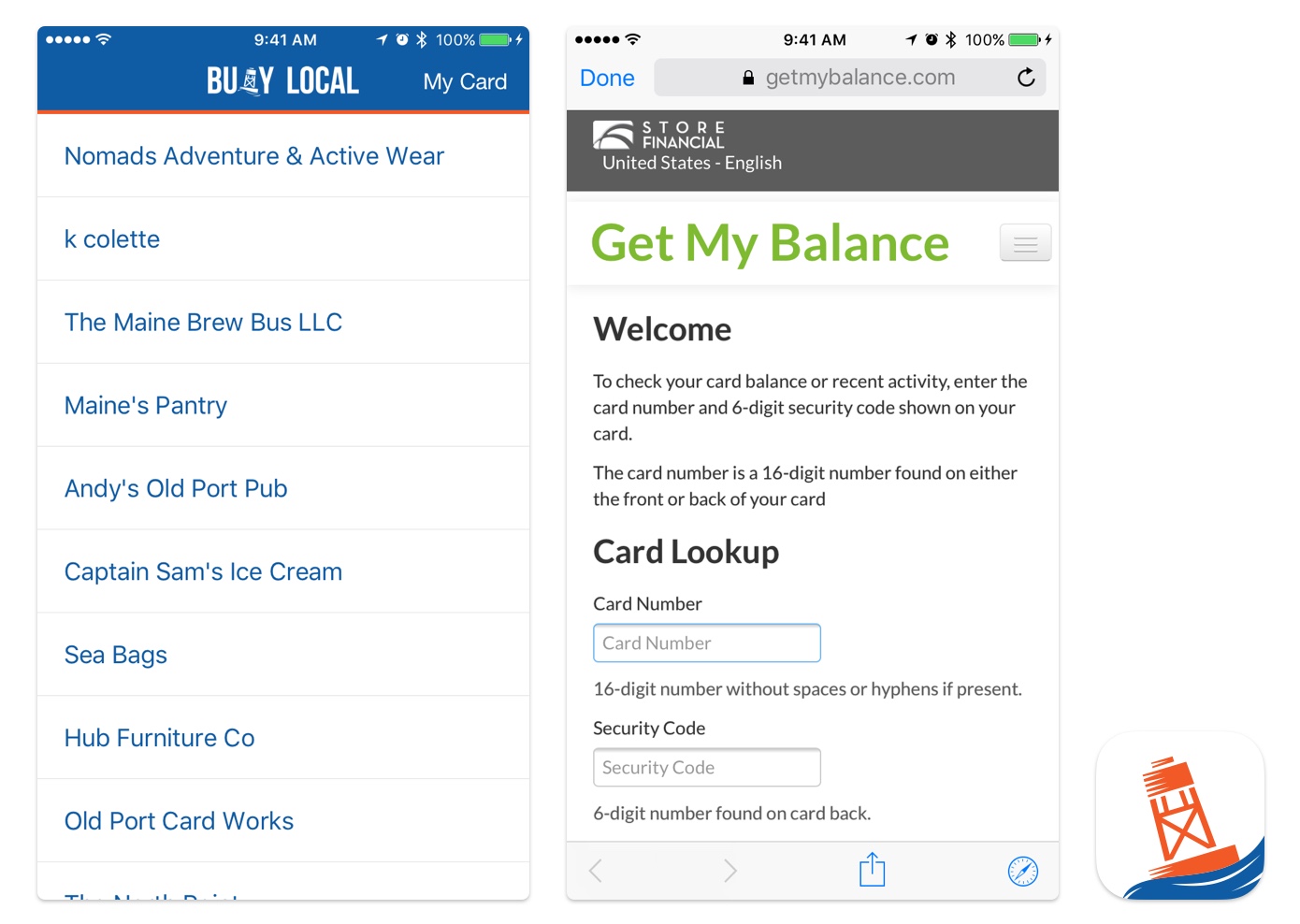
The mobile app I've created extracts all the places where a Buoy Local gift card can be redeemed from a Google Map on the Buoy Local website ( https://www.buoylocal.com/directory ) and then displays those places in a list sorted by their proximity to the device's GPS location (and on a map too). It also allows you to tap places to view them on Google Maps (for more info and directions) as well as access a website where the gift card balance can be looked up.
How I built it
The app consists of two components:
A JSON configuration file which defines how the app looks and functions. You can view the source of that file here: http://dev.justinvelgos.com/buoylocal/app.json
A JSON data file (dynamically generated using PHP) which is passed GPS coordinates by the app that it uses to calculate distances and reorder a list of places extracted from a Google My Places Map (you can alter the URL of a Google My Places map to return a KML file instead of a map, so I used that URL along with PHP's simplexml_load_file to extract the place names and coordinates I needed).
You can test out the app by downloading the Jason iOS app from the App Store: https://itunes.apple.com/us/app/jason./id1095557868?mt=8
After launching Jason, enter the URL of the JSON configuration file (above).
-
Once I got the app working in the Jason app, I downloaded the Jasonette Xcode project and used the scripts it came with to generate a standalone iOS app that references my JSON configuration file. I added icon assets, edited some other configuration details and was able to successfully build the app to my device.
Challenges I ran into
I used a basic text editor to create my JSON configuration file and discovered that you can lose quite a lot of time to missing closing brackets and parenthesis etc. :P In the future I would like to find a JSON editor that makes it impossible, or at least less likely to write invalid JSON.
Also, while Jasonette is pretty impressive in how quickly you can get something built, it's also quite limited at the moment. There is very little styling control beyond background colors, fonts and padding. Map's can't really do anything other than display pins, etc. Also, there is an Android version of the Jason viewer app, which means Jasonette projects can be cross-platform, however there isn't feature parity with the iOS version yet so many basic features I needed (like GPS location) were unavailable.
Accomplishments that I'm proud of
I got a handy little app from concept to a working build on my device in just 2 days! I'm also proud that I managed to cobble together some PHP that's actually functional :P

What I learned
Due to it's limitations, Jasonette probably won't be the right tool every time I want to build a prototype (or rapid app) that uses live data, but when the scope of an idea does happen to fit Jasonette's capabilities it's a great tool for rapid app development with limited technical knowledge.
What's next for Jasonette-sploration
Jasonette supports embedding javascript within it's configuration JSON file. I would like to try moving all the logic from my PHP file (which processes the source KML, calculates distances and reorders) into the config JSON file. If that's possible, it would make the whole project a lot more accessible and portable.
I would also like to try creating an alternate version of the app which uses the ArcGIS API for Javascript to extract places from features in an Esri Web Map, in place of KML from a Google My Map.


Log in or sign up for Devpost to join the conversation.