Inspiration
I’ve always been inspired by AI assistants like Iron Man’s Jarvis and wanted to create my own voice-controlled assistant. I wanted to explore how voice recognition, APIs, and AI models can work together in one project.
What it does
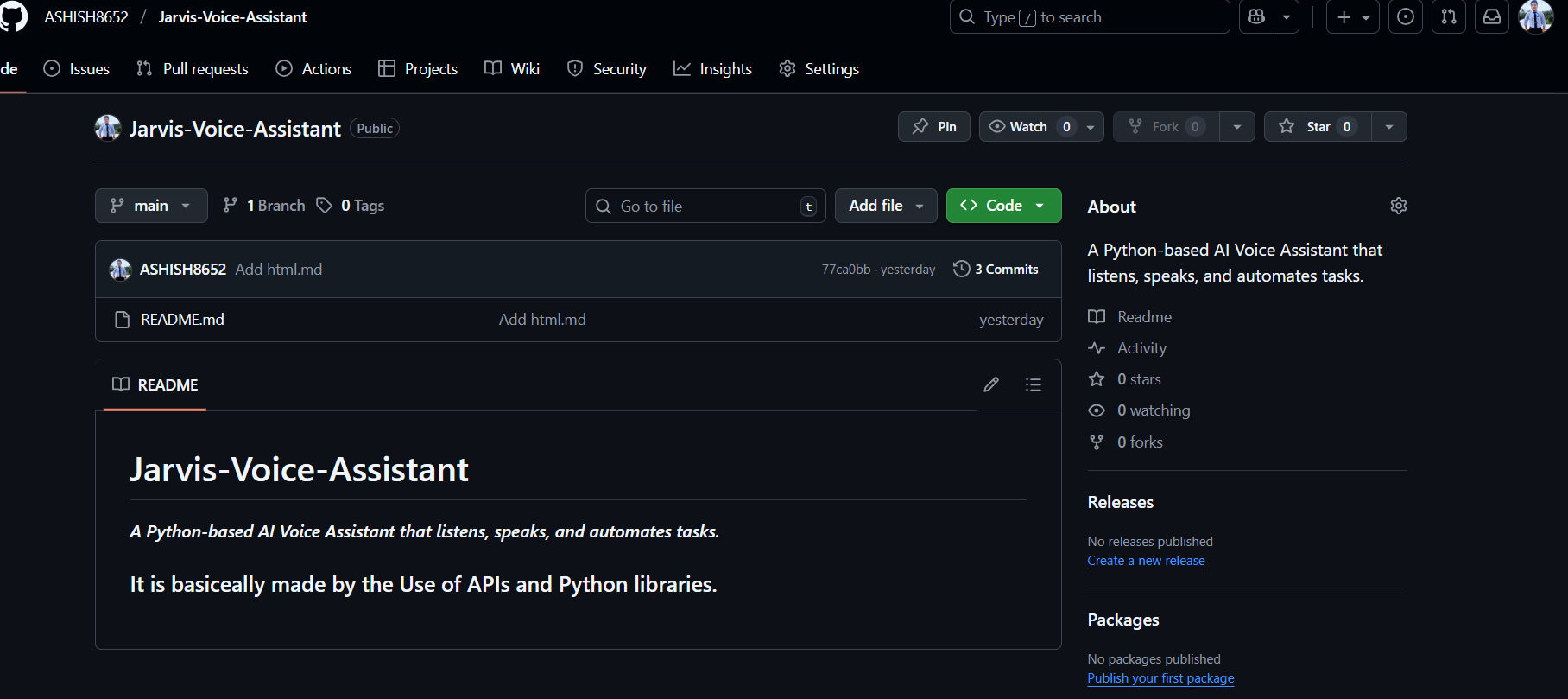
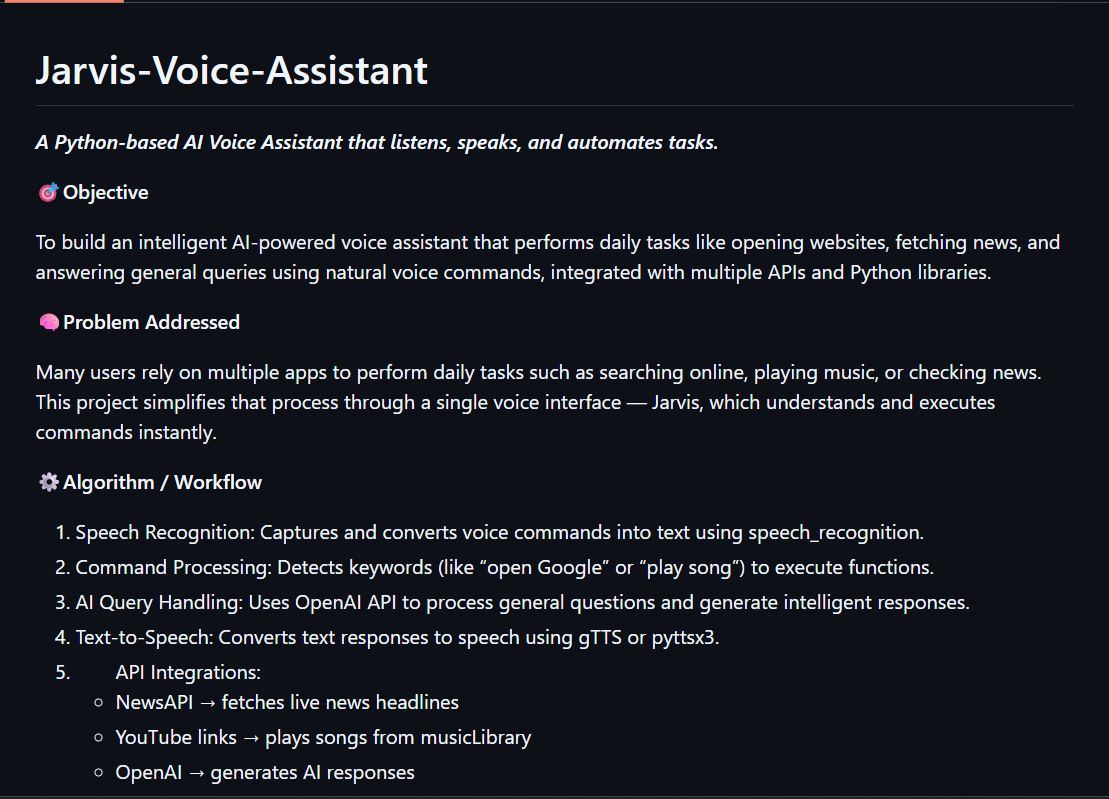
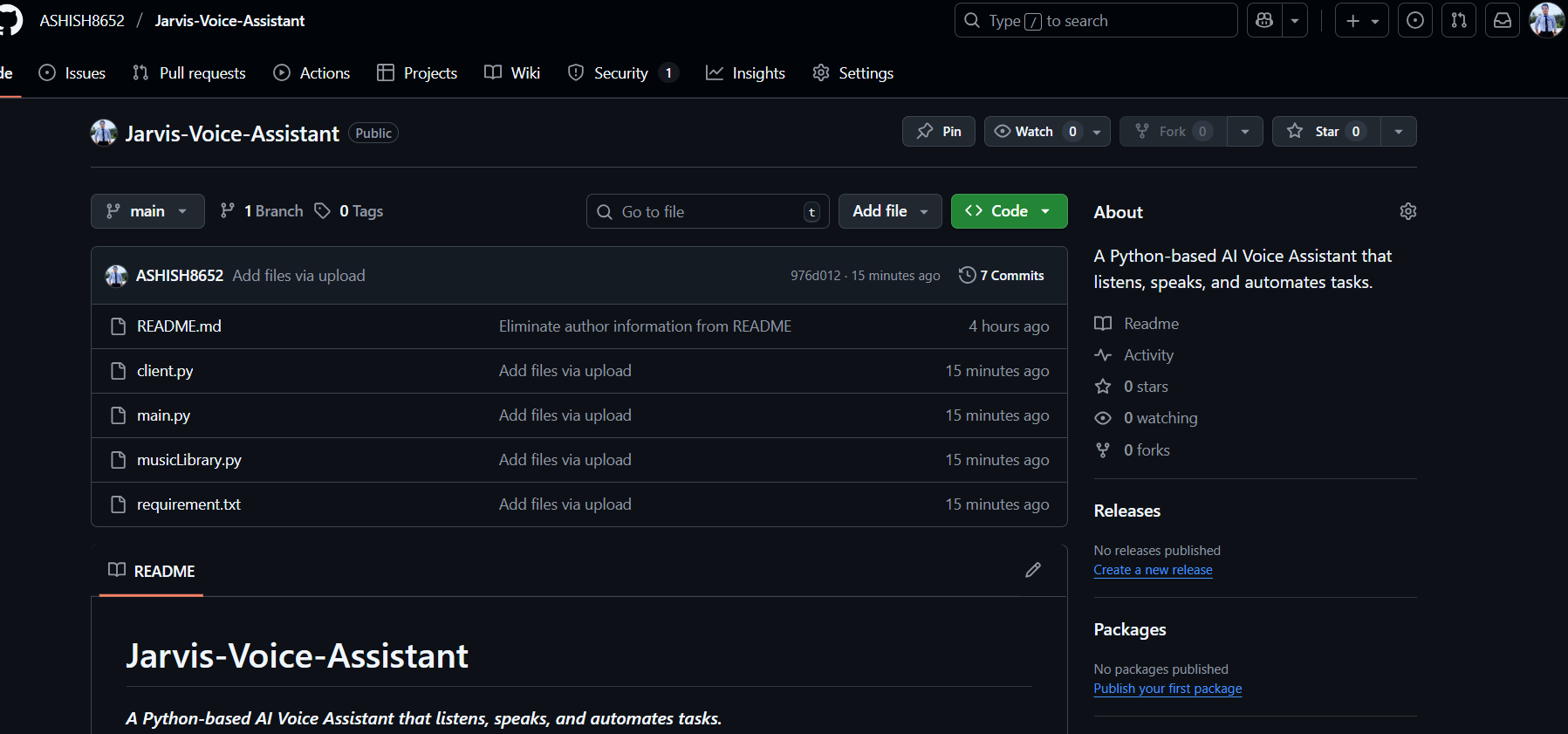
Jarvis is an AI voice assistant built using Python. It listens to your voice commands and performs actions like:
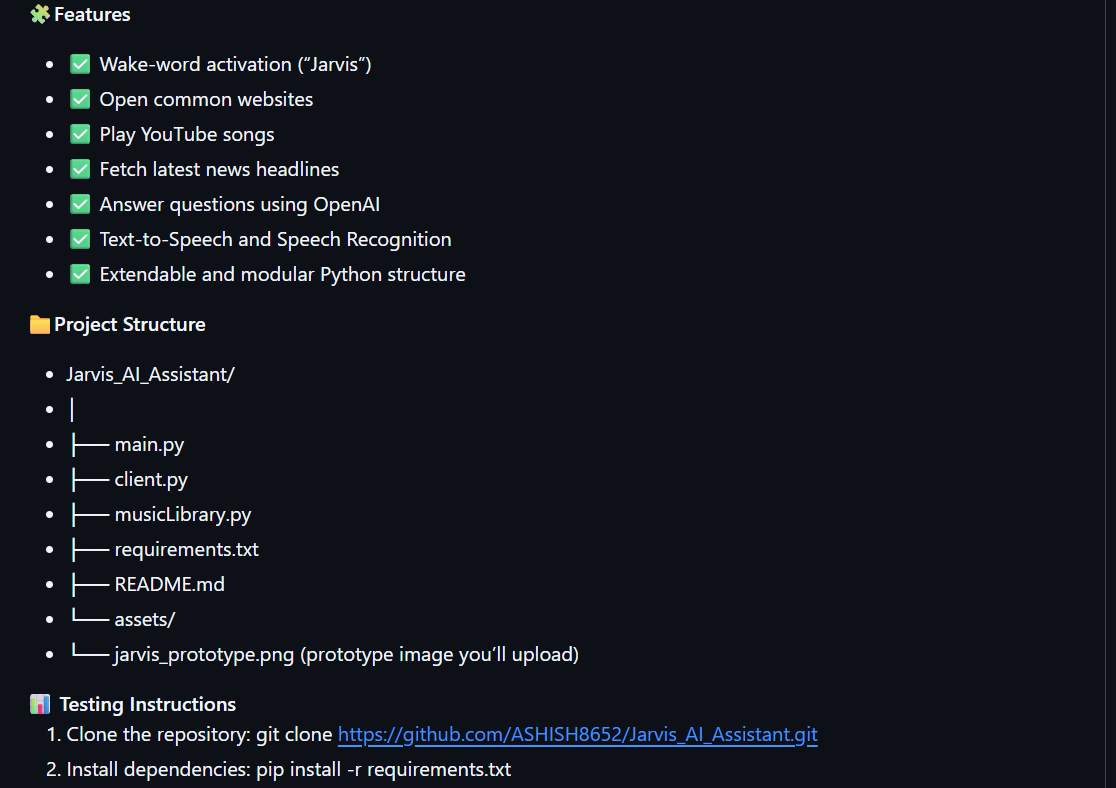
Opening popular websites (Google, YouTube, LinkedIn, etc.)
Playing songs from YouTube
Reading the latest news headlines
Having short conversations using OpenAI’s API
How we built it
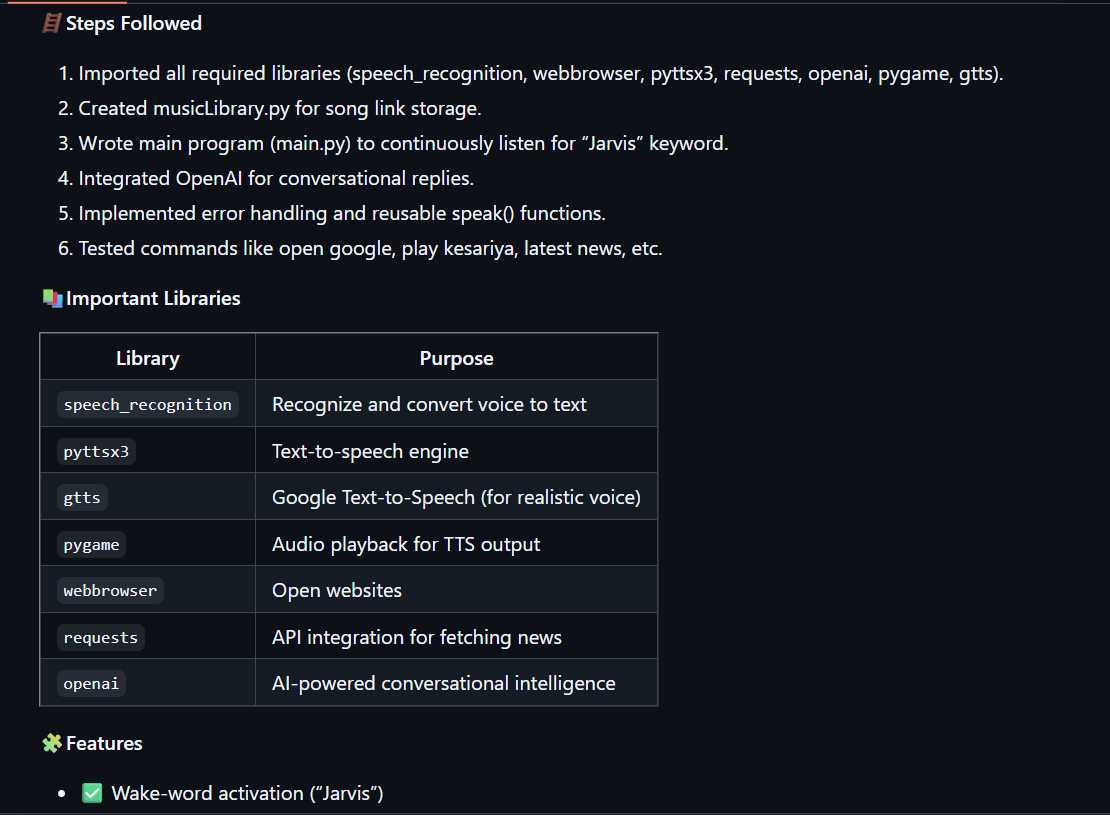
Jarvis uses:
speech_recognition for voice input
gTTS and pygame for speech output
requests for real-time news API
webbrowser for site automation
OpenAI API for chat responses All integrated in Python. The code listens for the wake word “Jarvis,” then processes commands intelligently.
Challenges we ran into
Handling noisy voice input and recognition errors
Managing multiple APIs and their responses
Avoiding blocking audio loops while playing sound
Maintaining clean and responsive code
Accomplishments
Successfully created a multi-functional AI assistant
Integrated live APIs
Learned about real-time audio processing and AI chat integration
What we learned
How to combine APIs, NLP, and speech modules in Python
Basics of AI prompt tuning
Importance of code modularity and security (hiding API keys)
What’s next
Add Chrome browser automation (summarize pages, read emails)
Add a GUI with custom voice models
Connect with Google Calendar or Gmail APIs

Log in or sign up for Devpost to join the conversation.