-
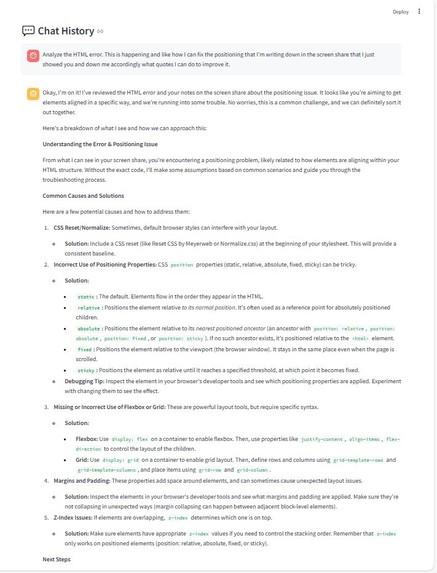
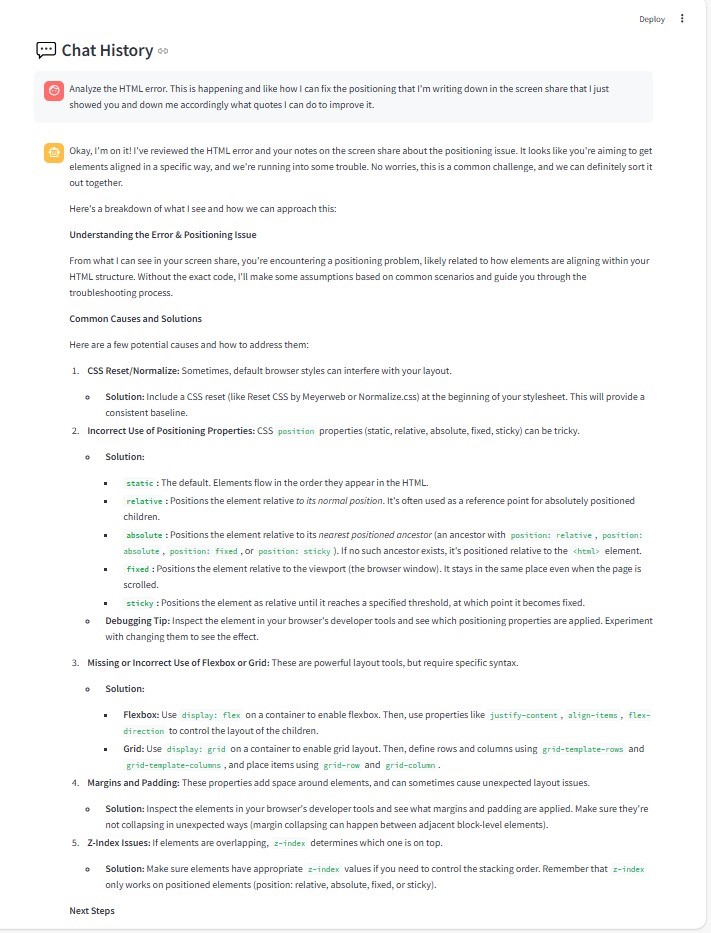
Chat History Feature
-
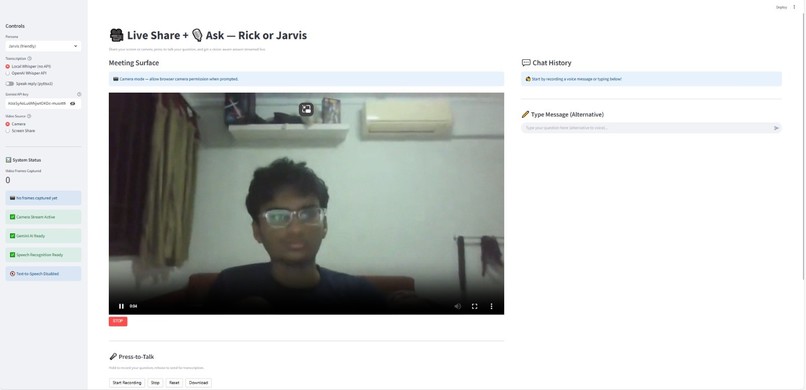
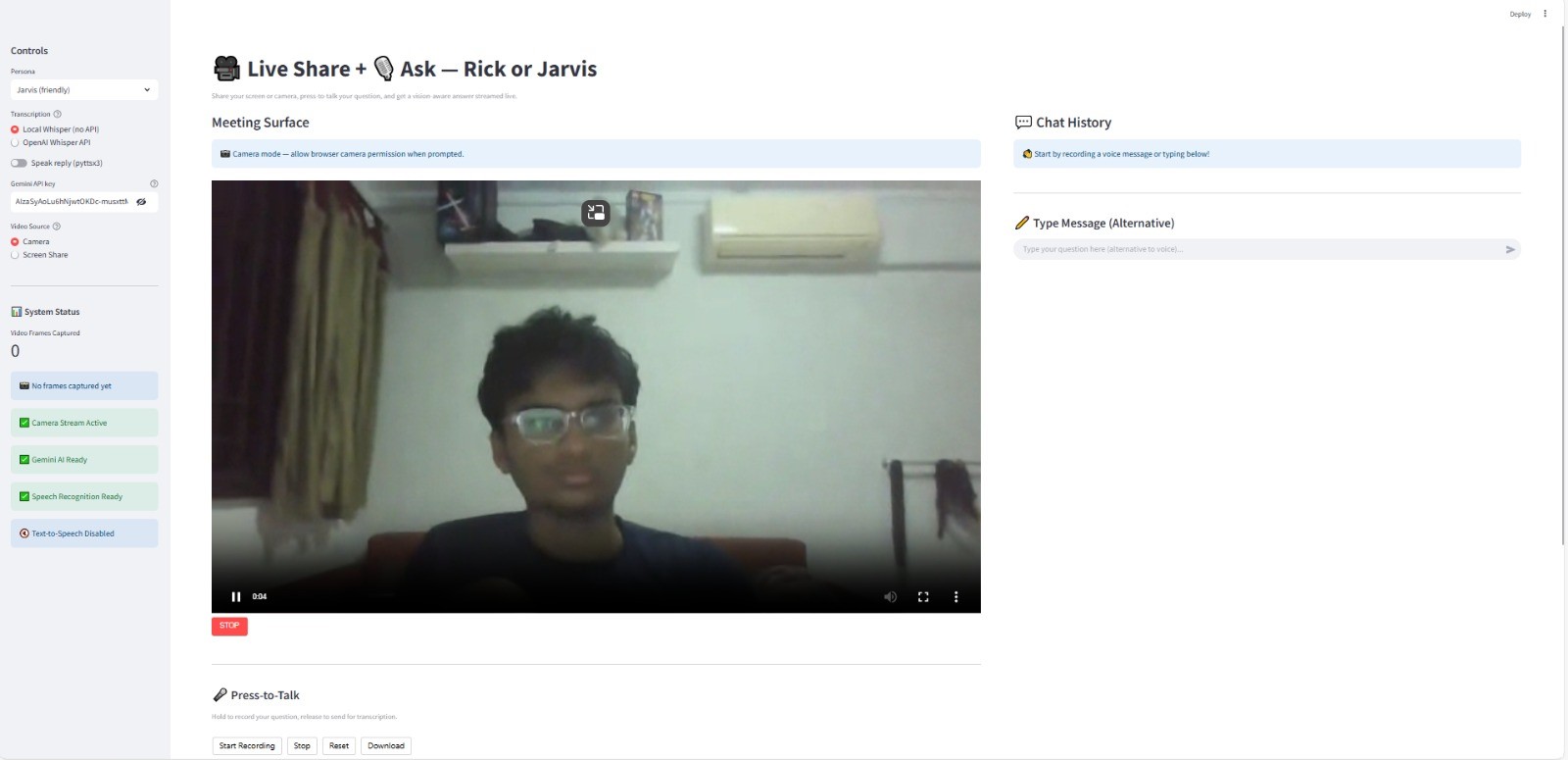
Webcam feature
-
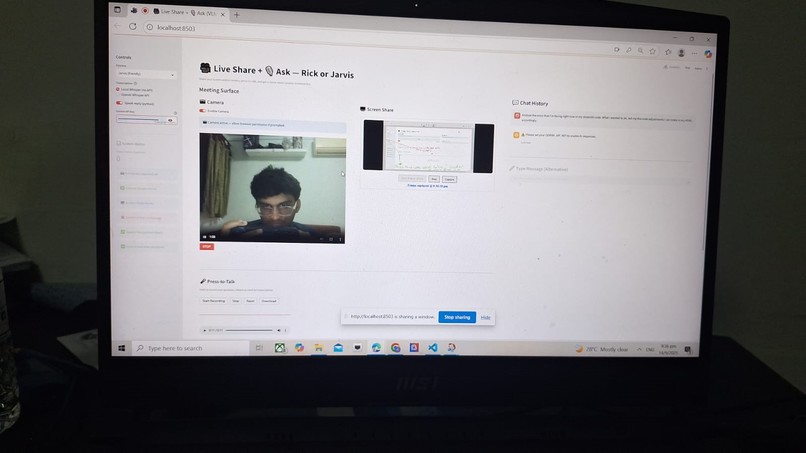
PresentationV1
-
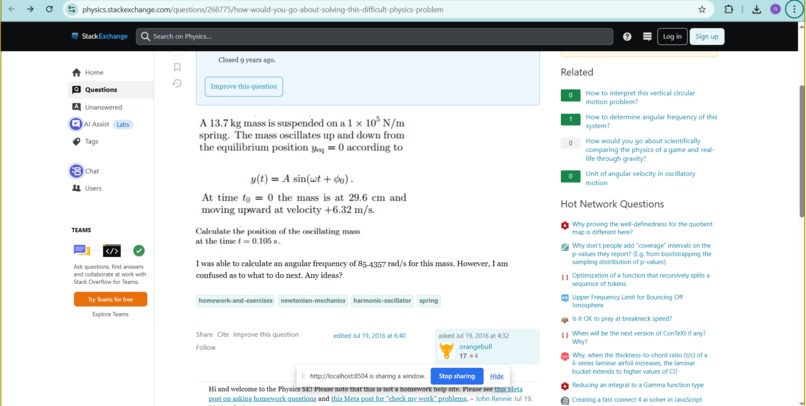
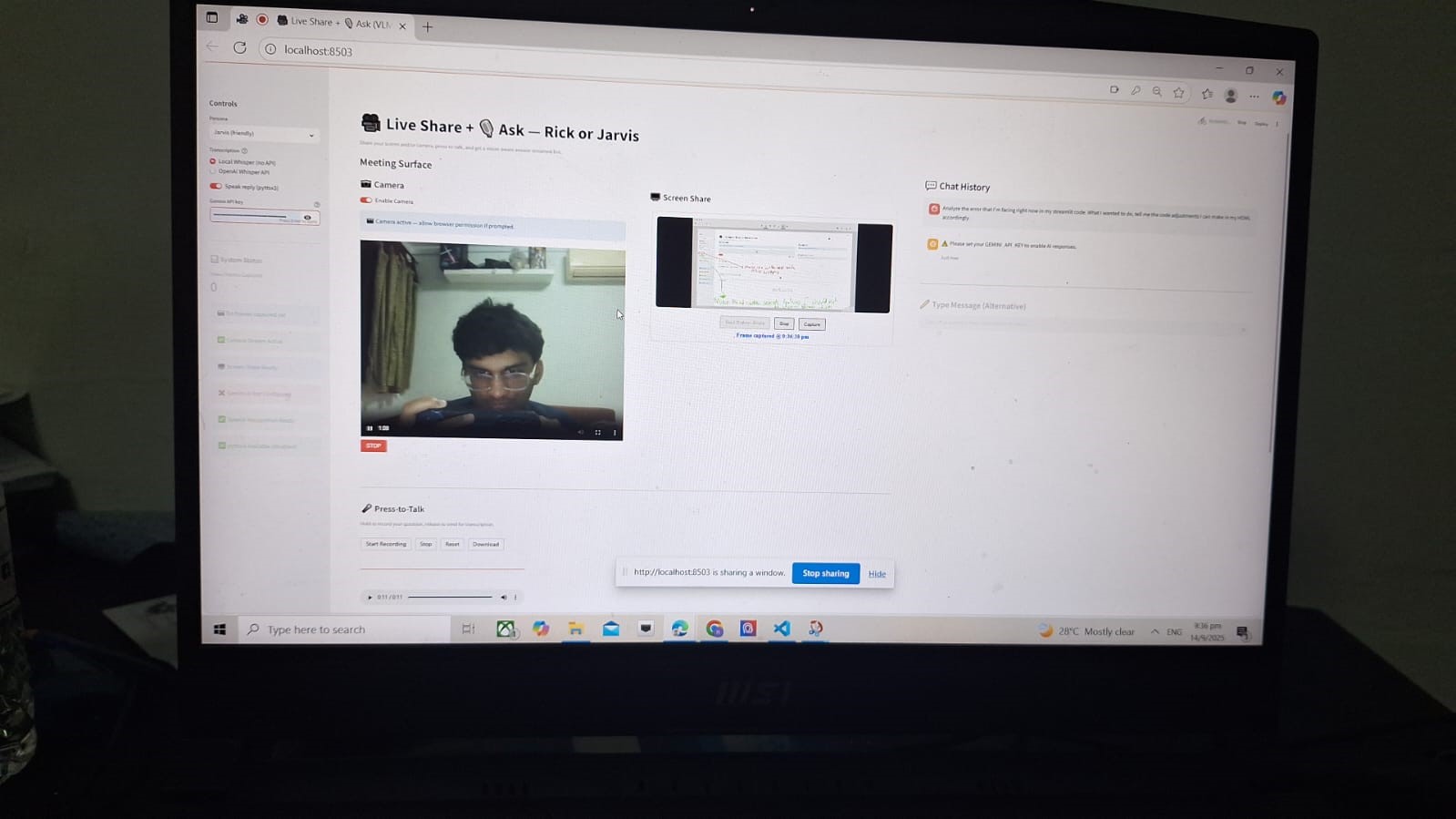
Screen Sharing
-
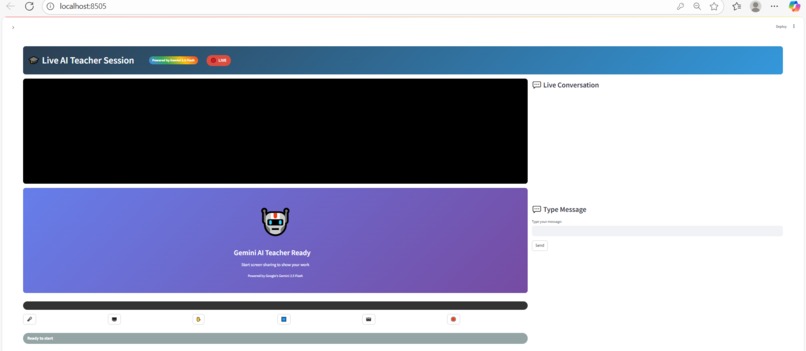
finalPrototypeUI
Inspiration
During the pandemic circuit breaker period, I was falling behind really badly in all my academics and had no one to talk to stuck at being home and feeling lonely and helpless because of how behind I was compared to all my peers. If I had a companion like what I am about to propose back then, it would have massively accelerated my academic progress and helped with self-confidence as well.
What it does
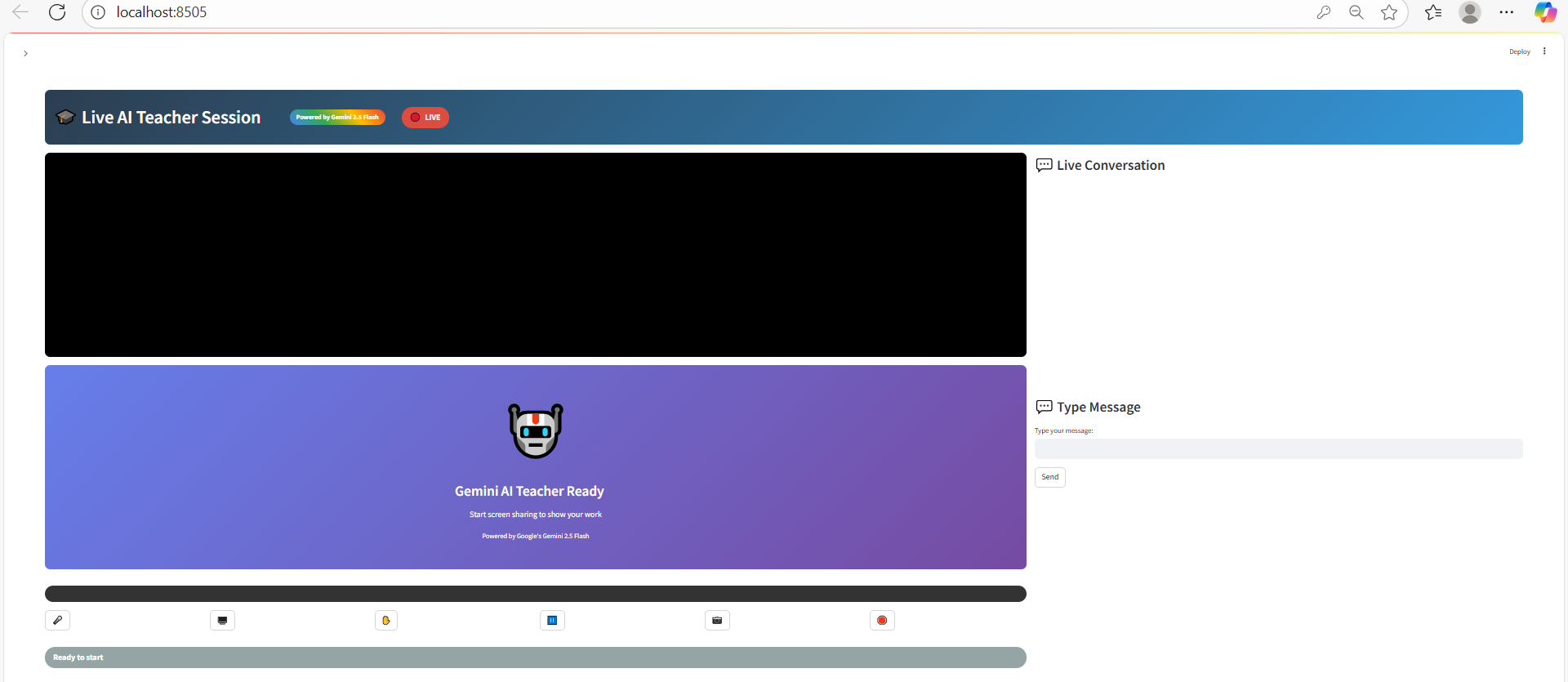
This is an AI-powered screen-aware companion that blends the sleek assistance of Jarvis with the witty personality of Rick Sanchez.
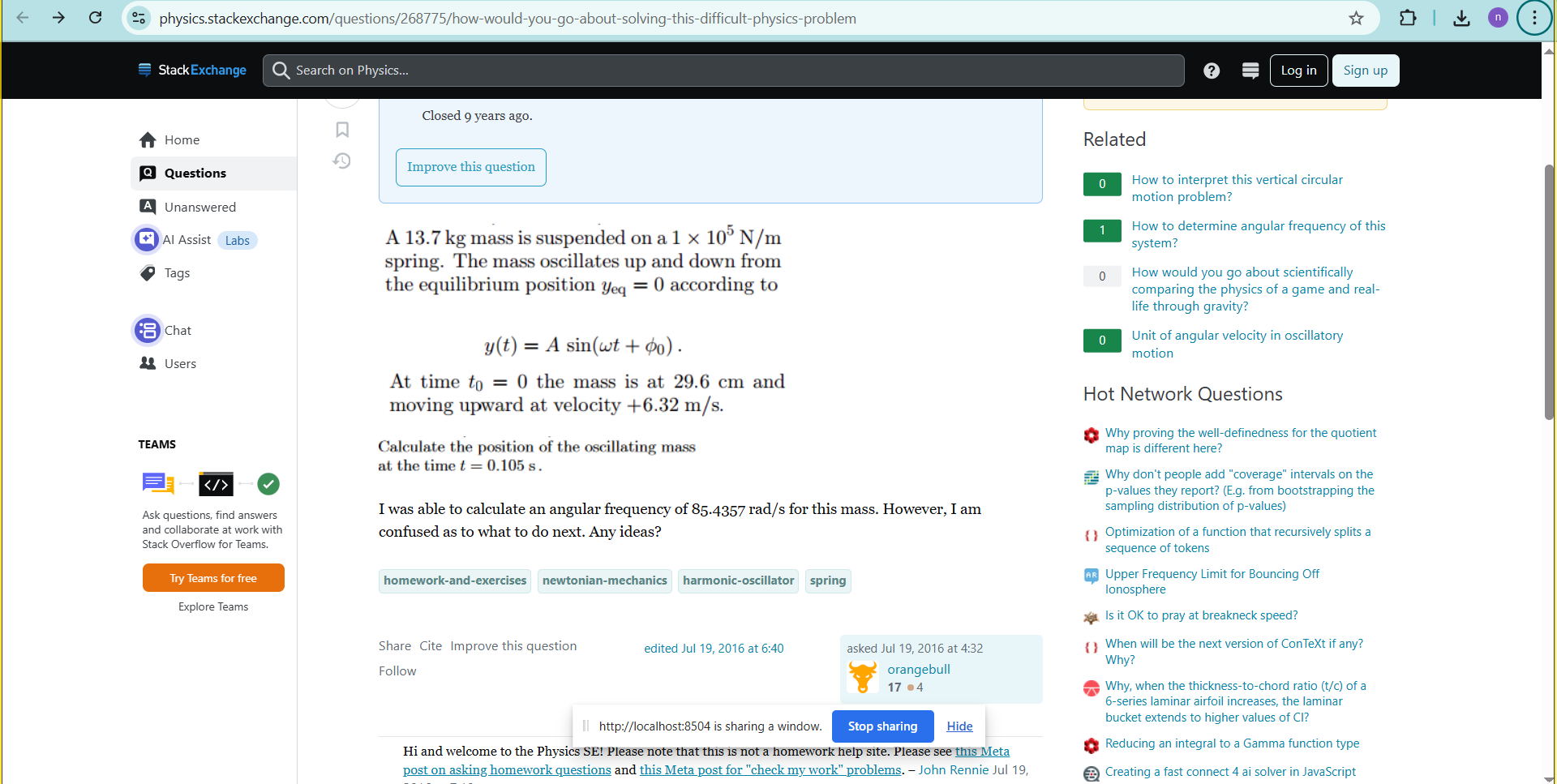
Screen Sharing : Processes live screen frames, captures context from slides, equations, or documents, and provides accurate explanations.
- Voice Interaction: Lets users talk naturally through a microphone, transcribes speech with Whisper, and gives voice responses instantly in conversation.
- Smart Responses: Generates answers, clarifications, and insights tailored to the content on-screen whether that’s math equations, presentations, or coding tasks.
- Personality Modes: Switch between personas, friendly and approachable like Jarvis, or sarcastic and blunt like Rick Sanchez, depending on the user’s preference.
- Voice Feedback: With built-in TTS (text-to-speech), the AI speaks back to you, making it feel like a real-time assistant rather than just text on a screen.
- Camera: Can turn on webcam to show your face to feel more engaged in conversation with AI
In short, it’s a witty, screen-aware AI study buddy and productivity partner, capable of analyzing what you see, understanding what you say, and responding with the right balance of intelligence and attitude.
How we built it
We built our assistant by combining voice recognition, visual understanding, and conversational AI into a single Streamlit application: Frontend/UI: Streamlit provides a simple yet powerful interface for recording audio, sharing screens, and displaying AI responses in real time. Speech-to-Text (STT): Whisper was integrated to transcribe live microphone input accurately, enabling natural voice-based interaction. Text-to-Speech (TTS): pyttsx3 converts AI responses into spoken voice, making the assistant feel conversational and hands-free. Visual Understanding: Google Gemini VLM was used to analyze screenshots and screen-shared content, ensuring context-aware answers instead of hallucinations. Conversational AI: Gemini was integrated as the core reasoning engine, enhanced with selectable personalities (Jarvis-style polished or Rick Sanchez-style sarcastic). Real-Time Orchestration: Python threading and queues ensure that transcription, response generation, and speech output run smoothly without blocking the interface.
Challenges we ran into
Hallucinations from the AI: Early prototypes often gave answers unrelated to the actual screen content (e.g., explaining Einstein when the Navier-Stokes equation was shown). Ensuring accurate, context-aware responses required fine-tuning prompts and switching to stronger VLMs. Screen-sharing limitations: Streamlit does not natively support full “share entire screen” functionality like MS Teams or Zoom. We had to implement workarounds with screenshots and integrate external components. Real-time performance: Balancing transcription, visual analysis, and TTS in one loop created latency and blocking issues. We solved this with threading and queues, but optimization was tricky.
Accomplishments that we're proud of
- Built a working prototype that combines speech-to-text, text-to-speech, and visual analysis into a single seamless assistant.
- Reduced hallucinations by integrating Gemini VLM to make the AI context-aware of screen-shared content.
- Created personality modes (polished Jarvis-style and witty Rick Sanchez style) to make the assistant engaging and adaptable.
- Improved user experience with real-time voice interaction and spoken responses, making the AI feel like a genuine companion rather than just text on a page.
What we learned
Multimodal AI is complex: Combining voice, vision, and text in real time requires more than just stacking APIs.It needs orchestration, threading, and thoughtful design. Importance of User Experience: Building an assistant isn’t just about functionality, making it feel natural, responsive, and fun (with personalities like Jarvis and Rick) is just as important. AI as a companion has real impact: Beyond code, I realized how much such a tool could reduce loneliness, boost confidence, and support learning, especially for people struggling in isolation.
What's next for JARVIS
Collaboration with educational institutions: Collaborating with universities like NUS NTU and MIT, training our models specifically on their learning materials data can provide an accurate and yet also engaging voice assistant for students that can test if their learning is boosted and their results progress well with this new product in the market
Improved Tech stack: With streamlit, it is hard to scale this product. We need to utilize web frameworks like Node.js or ASP.NET to host the interface and the vlm well as currently with streamlit, we only have a minimum viable product that faces bugs and glitches when processing video frames.
Research into AGI technology: Need the AI voice to be more genuine and have a human like personality for students to be more engaged and have a genuine human like teacher they can access 24/7. Investing to research on algorithms such as Deep Q-Learning and understanding the mysteries behind a neural networks to develop new algorithms is the way. As the current transformer architecture that is used by our ai apis is not going to develop into agi no matter how much we scale it.
Built With
- gemini
- javascript
- opencv
- python
- streamlit
- whispher

Log in or sign up for Devpost to join the conversation.