-
Features

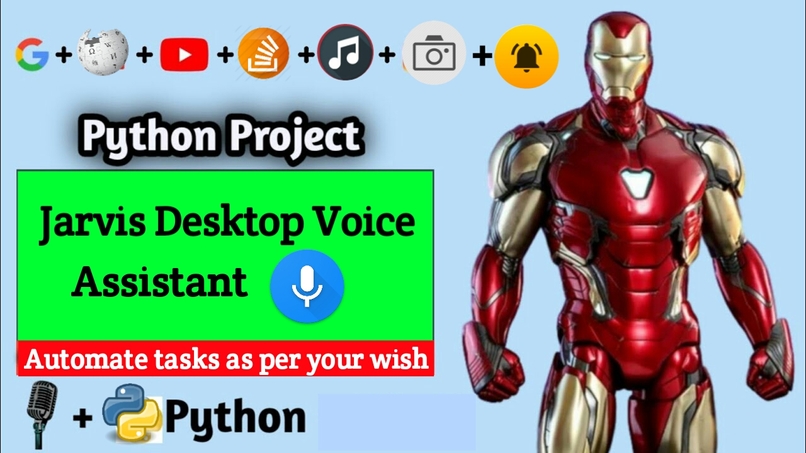
Jarvis Desktop Voice Assistant
Have you ever wondered how cool it would be to have your own assistant? Imagine how easier it would be doing Wikipedia searches without opening web browsers, and performing many other daily tasks like playing music with the help of a single voice command, opening different browsers in just a voice command.
This project is simple desktop voice assistant built with python named as “Jarvis Desktop Voice Assistant”. This project is fully completed and error free. It was compiled in VS Code Editor.
Let's be honest, it's not as intelligent as in the movie, but it can do a lot of cool things and automate your daily tasks you do on your personal computers/laptops.
Features
It can do a lot of cool things, some of them being:
- Greet user
- Tell current time and date
- Launch applications/softwares
- Open any website
- Tells about any person (via Wikipedia)
- Can search anything on Google
- Plays music
- Take important note in text file
- Can take screenshot and save it with custom filename
Moules/Libraries Used
Pyttsx3
- A python library that will help us to convert text to speech. In short, it is a text-to-speech library.
- It works offline, and it is compatible with Python 2 as well as Python 3.
Datetime
- To provide current or live time to Assistant.
- Used for greeting user according to time.
Speech Recognition
- Library for performing speech recognition, with support for several engines and APIs, online and offline.
- Used for taking input from microphone as a source to perform tasks.
Wikipedia
- Wikipedia is a Python library that makes it easy to access and parse data from Wikipedia.
- It helps the user to get results for a particular query or search.
Web Browser
- The web browser module provides a high-level interface to allow displaying Web-based documents to users
- Under most circumstances, simply calling the open() function from this module will do the right thing.
OS
- The OS module in Python provides functions for interacting with the operating system.
- This module provides a portable way of using operating system-dependent functionality.
Random
- We can generate random numbers in Python by using random module.
- These are pseudo-random number as the sequence of number generated depends on the seed.
PyAutoGui
- Pyautogui is a library that allows you to control the mouse and keyboard to do various things.
- In this project we use this library for taking screenshots of the screen.
WHY TO USE JARVIS?
It fulfils the own personnel desktop voice assistant.
It has an easy to install and use interface.
It accepts inputs even through voice or keyboard.
It automates tedious tasks like deployment, unit testing through a single command.
Advantages / Disadvantages
| S.No. | Advantages | Disadvantages |
|---|---|---|
| 1. | Secure | Costly |
| 2. | Easy to use | Expensive equipments |
| 3. | Custom commands | Limited language support |
| 4. | Helpful for disabled ones | It cannot work in noisy environments |
| 5. | Can't work with variety of commands | Can't use for more than one person at a time |
Conclusion
Through this voice assistant, we have automated various services using a single line command. It eases most of the tasks of the user like searching the web, retrieving weather forecast details, vocabulary help and medical related queries.
We aim to make this project a complete server assistant and make it smart enough to act as a replacement for a general server administration. The future plans include integrating Jarvis with mobile using React Native to provide a synchronized experience between the two connected devices.
Further, in the long run, Jarvis is planned to feature auto deployment supporting elastic beanstalk, backup files, and all operations which a general Server Administrator does. The functionality would be seamless enough to replace the Server Administrator with Jarvis.
Author
👤 Kishan Kumar Rai

Log in or sign up for Devpost to join the conversation.