-
-
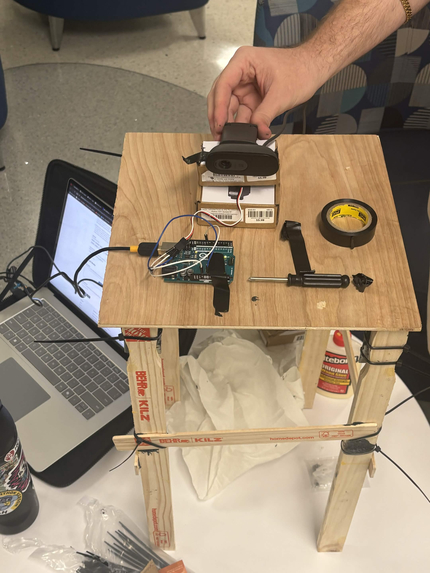
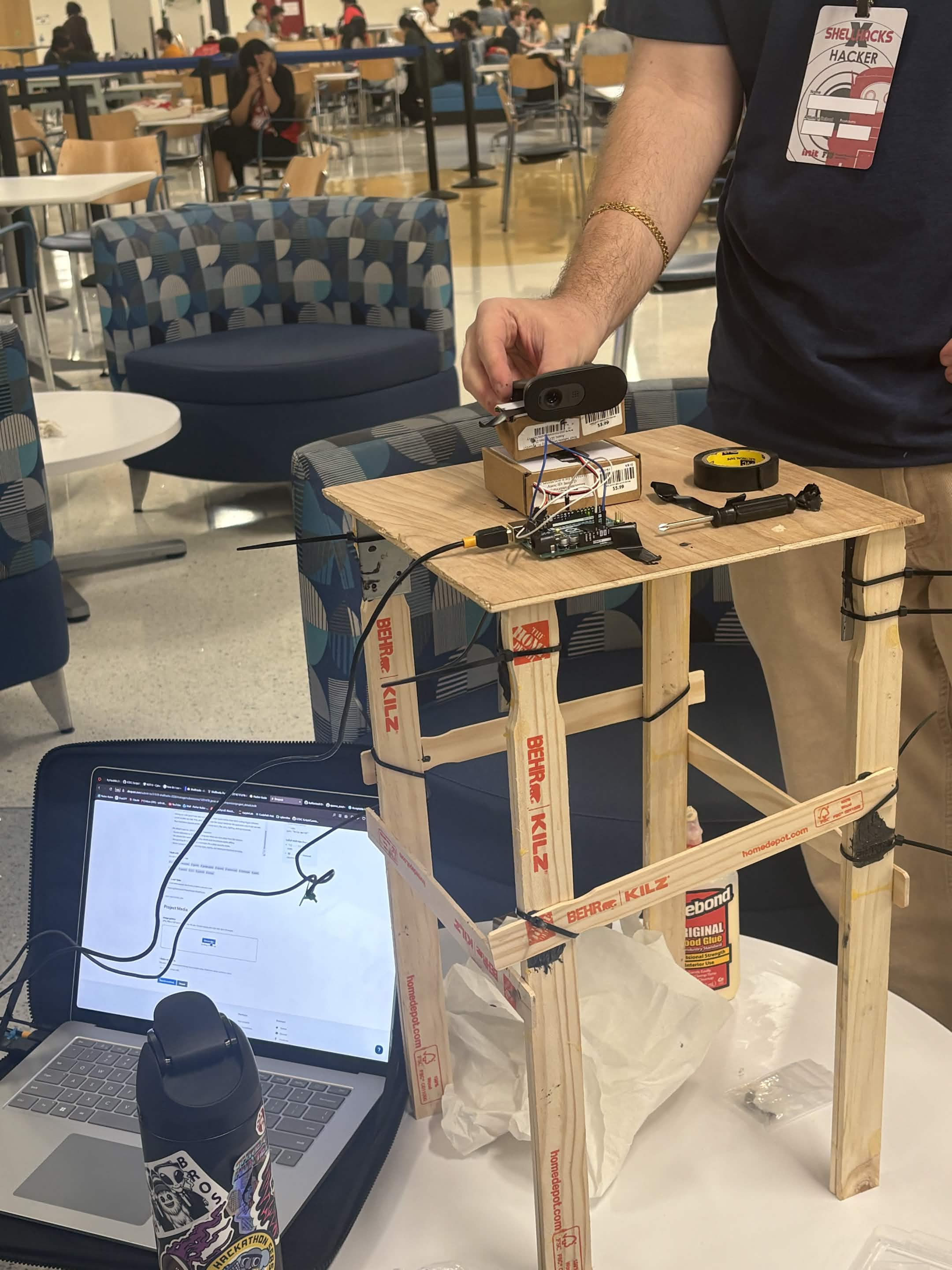
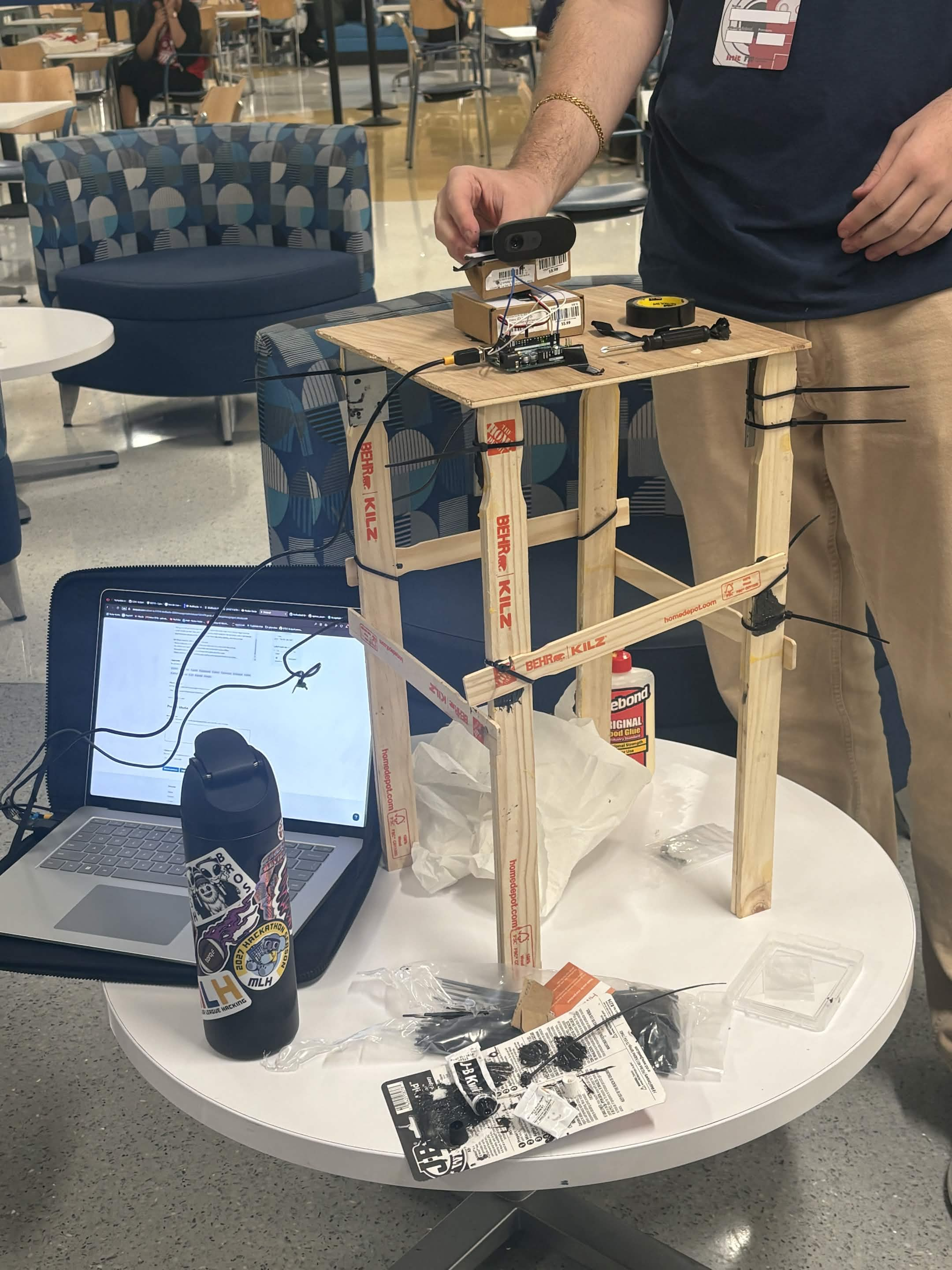
Top Down Image
-
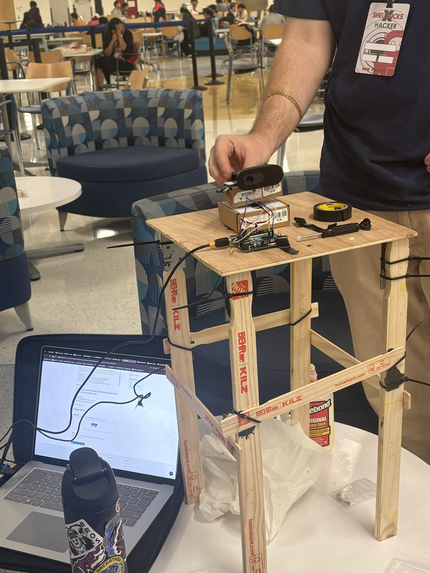
Forward Image
-
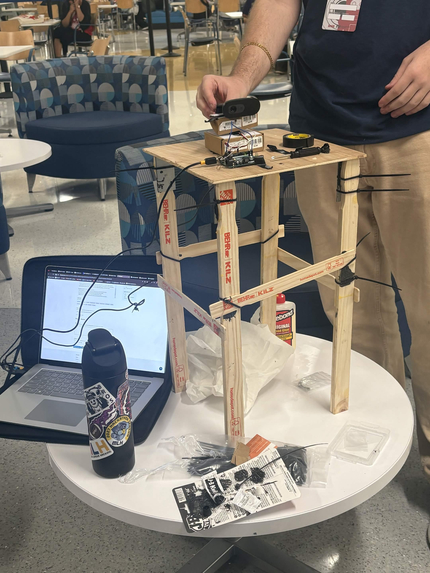
Forward Image Pt.2
Inspiration
Most AI assistants live in a chat window. You type, it answers, and it has no idea what is happening in the room. We wanted something that sits on your desk like a real assistant: it can see what you are holding, knows when you walk in, follows you with its head, and actually does things on your computer when you ask. No typing, no clicking through menus.
What it does
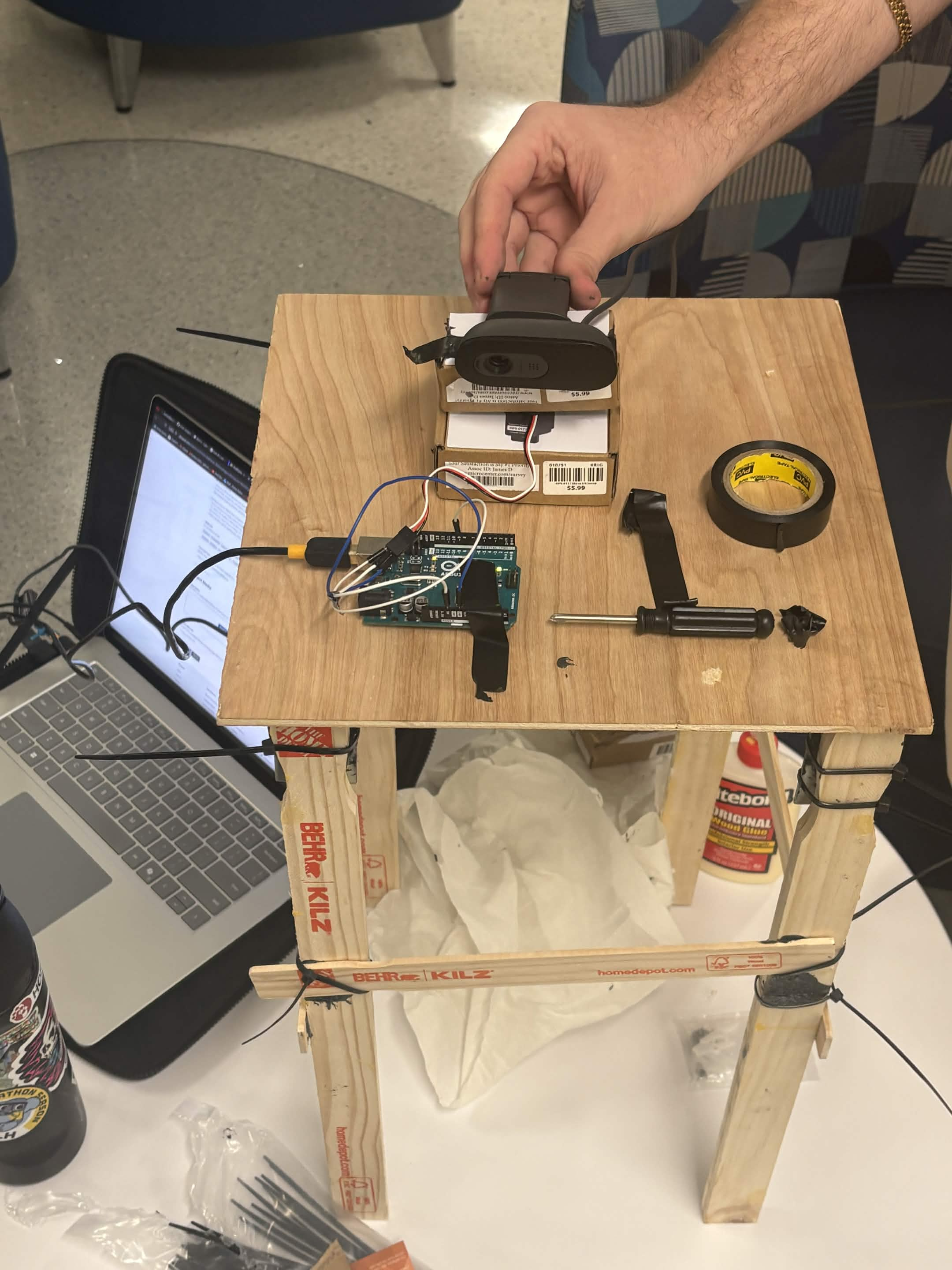
JARVIS is a voice-controlled desk robot with a camera on a pan/tilt servo head.
- Talk to it naturally. Ask what you are holding, have it read a label, or ask what the error on your screen means. It looks through the camera (or at your screen) and answers out loud.
- It follows you. Face tracking drives the servo head so you stay centered. Say "track the mug" or drag a box around anything, and it follows that object instead.
- Hand gestures. Thumbs up takes a photo after a 3-2-1 countdown, a peace sign starts and stops recording, an open palm mutes the mic, and thumbs down resets everything.
- Real actions on your PC. It takes photos, records video, zooms in on details, copies text it reads into your clipboard, runs web searches, saves notes, and builds an HTML report of the session with captioned photos and a summary.
- Aware, not annoying. It quietly keeps track of who is in front of it and what they are doing, so it can answer "what have I been doing?" In proactive mode it speaks up on its own when something is worth mentioning, like you coming back to your desk, but it never talks over you.
How we built it
- Voice: ElevenLabs Conversational AI handles speech in and out. Every capability is a client tool the agent calls on its own, and we wrote a setup script that registers all 19 tools and the system prompt through the ElevenLabs API.
- Vision: Gemini answers questions about the camera and screen, finds objects by name, reads text, and writes the session report.
- Local perception: OpenCV 5 with models from the OpenCV Zoo runs fully on the laptop: YuNet for faces, MediaPipe palm and hand landmark models for gestures, and VitTrack for following objects. None of it costs an API call.
- Hardware: An Arduino drives two servos. Python sends pan targets over serial, and the Arduino glides the servos there smoothly instead of snapping.
- App: A Python app with a live camera window you can resize to any shape or go fullscreen, a clickable control bar, mouse-wheel zoom, and live captions of the conversation.
Challenges we ran into
- The agent said "look" out loud instead of calling the tool. The tool existed but wasn't properly attached to the agent. Scripting the whole agent setup fixed it for good.
- JARVIS kept talking to itself. The mic picked up its own voice from the speakers, so it answered itself. We gate the mic while it speaks and added a mute toggle.
- Face tracking kept losing us. The classic Haar detector missed tilted heads, dim light, and faces a few feet away. Switching to YuNet fixed all three at the same speed, and a sticky, smoothed target stopped the servos from jumping between people.
- Servo tracking overshot. Mapping face position straight to an angle doesn't work when the camera moves with the head. We rewrote it as a closed loop that nudges the head until you're centered.
- We burned our Gemini free-tier quota fast. The background awareness loop was calling it too often. Now it only looks when something actually changes, falls back to other models, and does as much as possible locally.
- Upgrading to OpenCV 5 removed the old face detector we used as a fallback, so we tested every OpenCV call against both 4.12 and 5.0.
Accomplishments that we're proud of
- A robot that reacts to you through voice, gestures, and presence, not just typed commands.
- Hand gestures and object tracking that run entirely on the laptop with no cloud calls.
- A voice agent that decides for itself which tools to use and chains them, like looking at an object and then searching for it online.
- Keeping the camera smooth at around 30 fps with face, hand, and object models all running.
What we learned
- Giving an LLM good tools and clear descriptions works better than hard-coding trigger phrases.
- Local models are fast, free, and reliable. Save the cloud model for the questions only it can answer.
- Real hardware exposes problems simulations don't, like echo, lighting, and servo power.
What's next for JARVIS Desk Companion
- Person detection so it keeps tracking you when you turn away from the camera.
- On-device text reading so reading labels and documents works offline.
- Recognizing its owner versus a stranger, for a desk security mode.
- Wider computer control: opening apps, typing, and keyboard shortcuts by voice.


Log in or sign up for Devpost to join the conversation.