-
-

Home Page
-

About Page
-
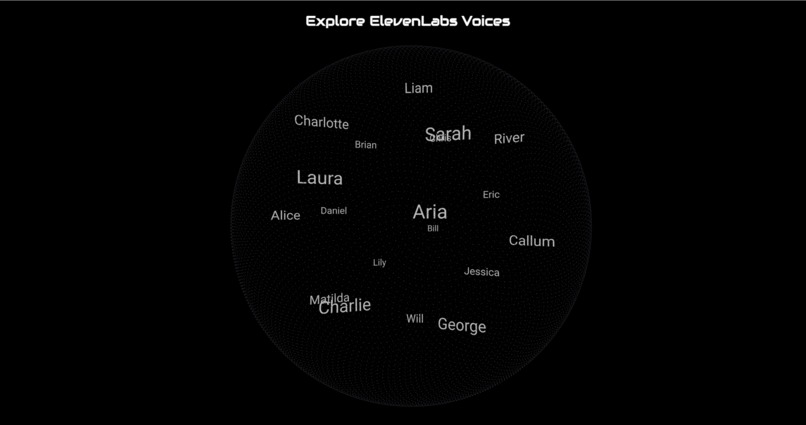
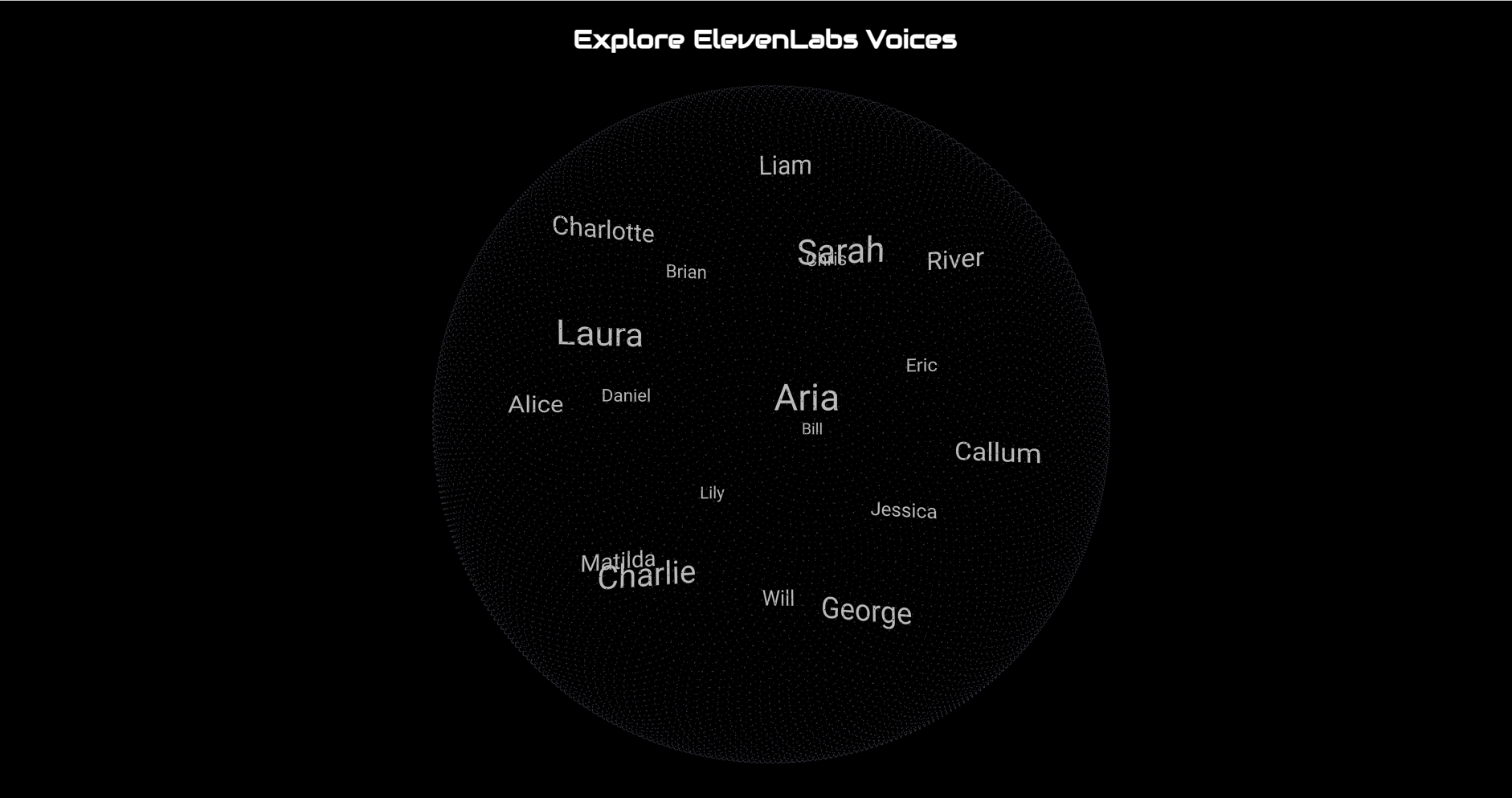
ElevenLabs Voices

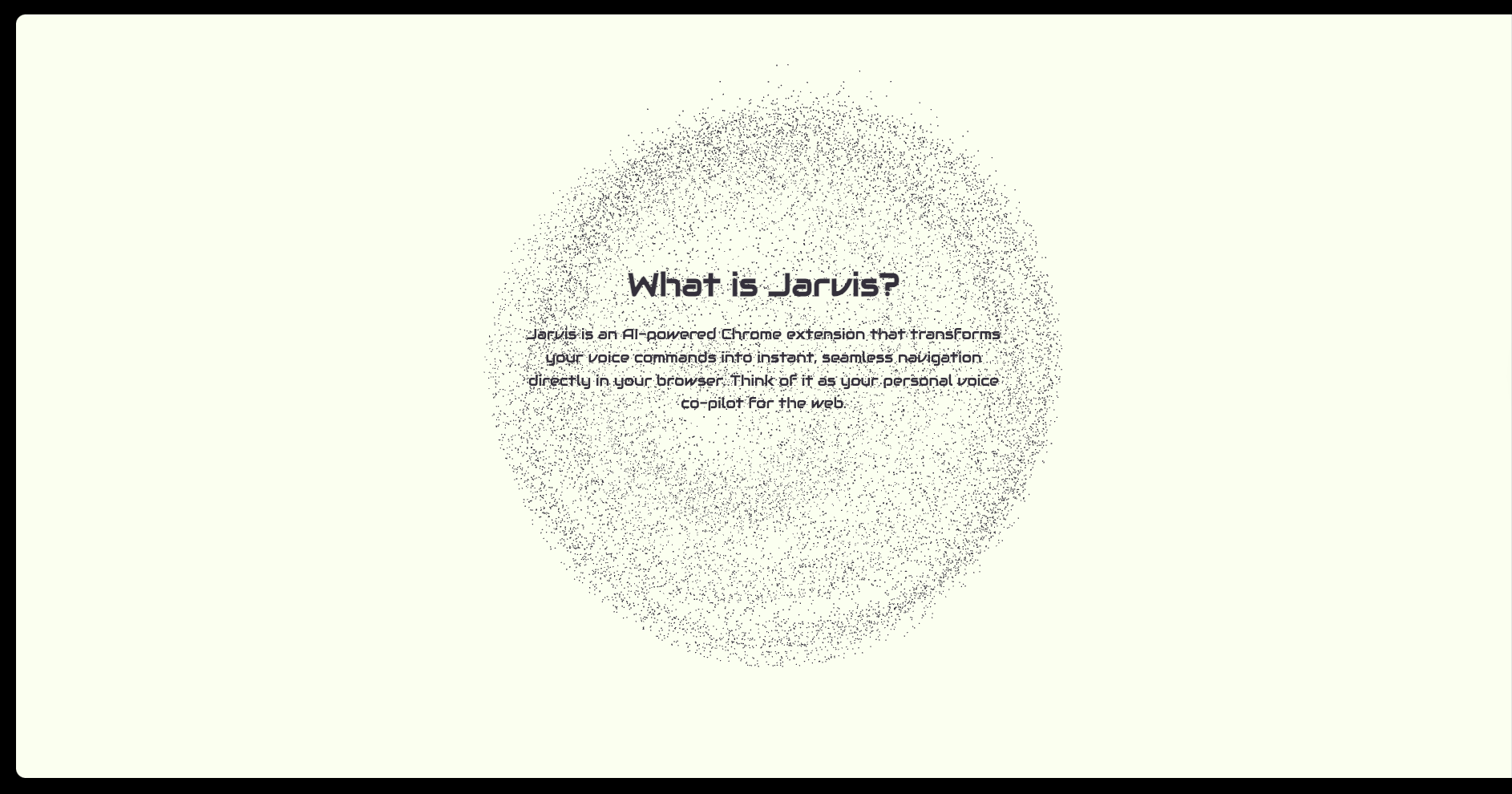
Inspiration
As technology evolves, we spend countless hours navigating browsers manually. We imagined a future where voice takes the front seat -- a hands-free, frictionless browsing experience. Inspired by sci-fi AI assistants like JARVIS, I wanted to bring that vision to life in the browser using the modern AI models.
What it does
The Jarvis Chrome Extension transforms your browser into a voice-activated assistant. Just say "Jarvis", and it starts listening to your commands -- whether it's scrolling a page, opening links, navigating tabs, or summarizing content using ChatGPT. The user can subscribe to premium features like advanced commands or faster response time via a seamless paywall integrated with RevenueCat.
How we built it
Frontend: React Voice Recognition: Web Speech API AI Integration: ChatGPT Text-to-speech: ElevenLabs for high-quality AI voice feedback Payments: RevenueCat Backend: Node.js + Express server
Challenges we ran into
- Getting wake word detection to work reliably without draining performance
- Handling speech recognition accuracy and avoiding unwanted activation
- Integrating RevenueCat since this is my first time working with payments
- Delays in voice processing
Accomplishments that we're proud of
Built a fully functional voice-controlled Chrome extension from scratch Added a custom subscription flow using RevenueCat Seamless AI integration with real-time interaction
What we learned
Managing state and time between asynchronous voice, AI, and UI updates Importance of having a backup integration method when a feature fails. How to set up a secure payments flow
What's next for Jarvis Chrome Extension
Make it even more functional across various other functions of Google Chrome Enable natural conversation flow using memory and context Support multi-tab control Improve wake word accuracy and allow custom wake words

Log in or sign up for Devpost to join the conversation.