-
-
1
-
2
-
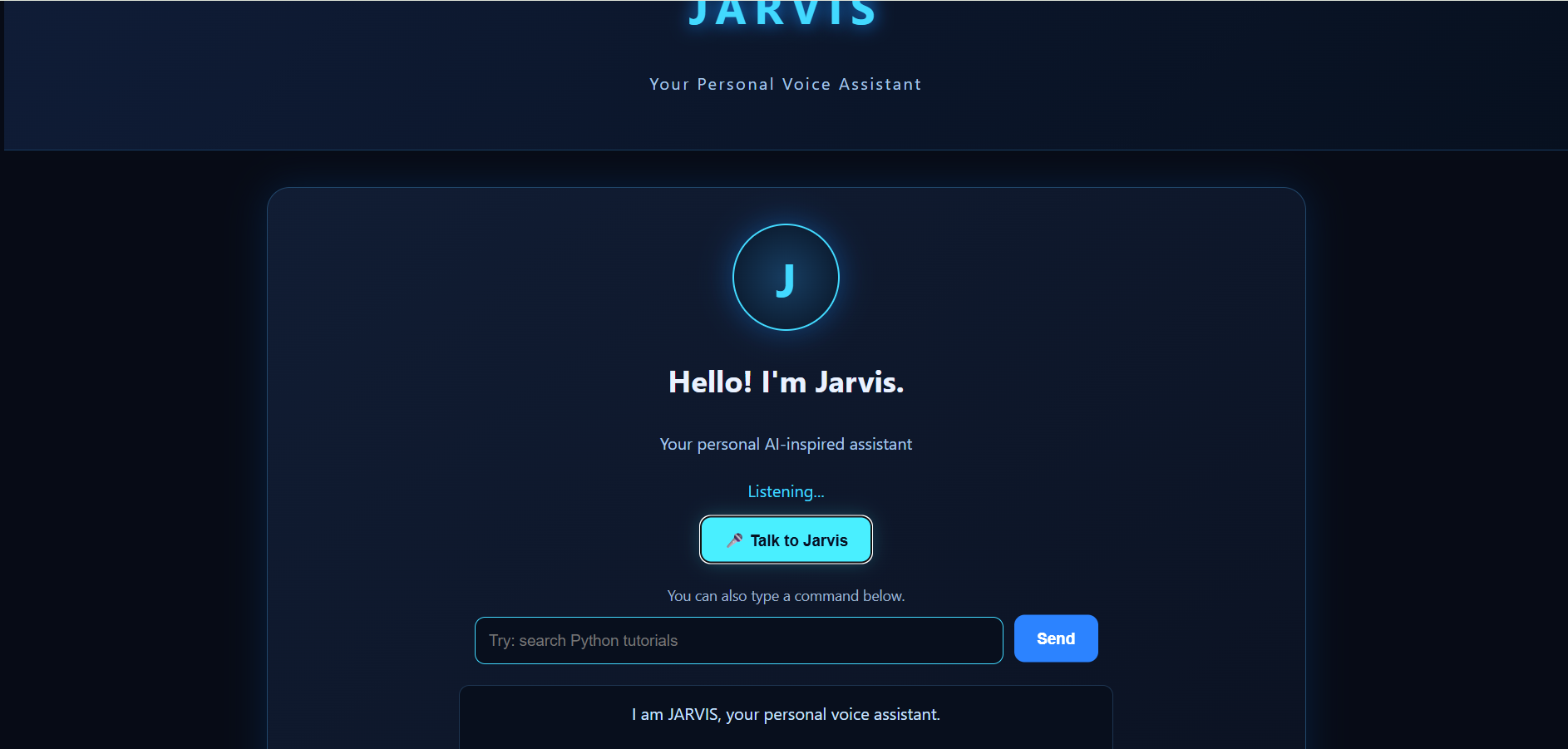
listening
-
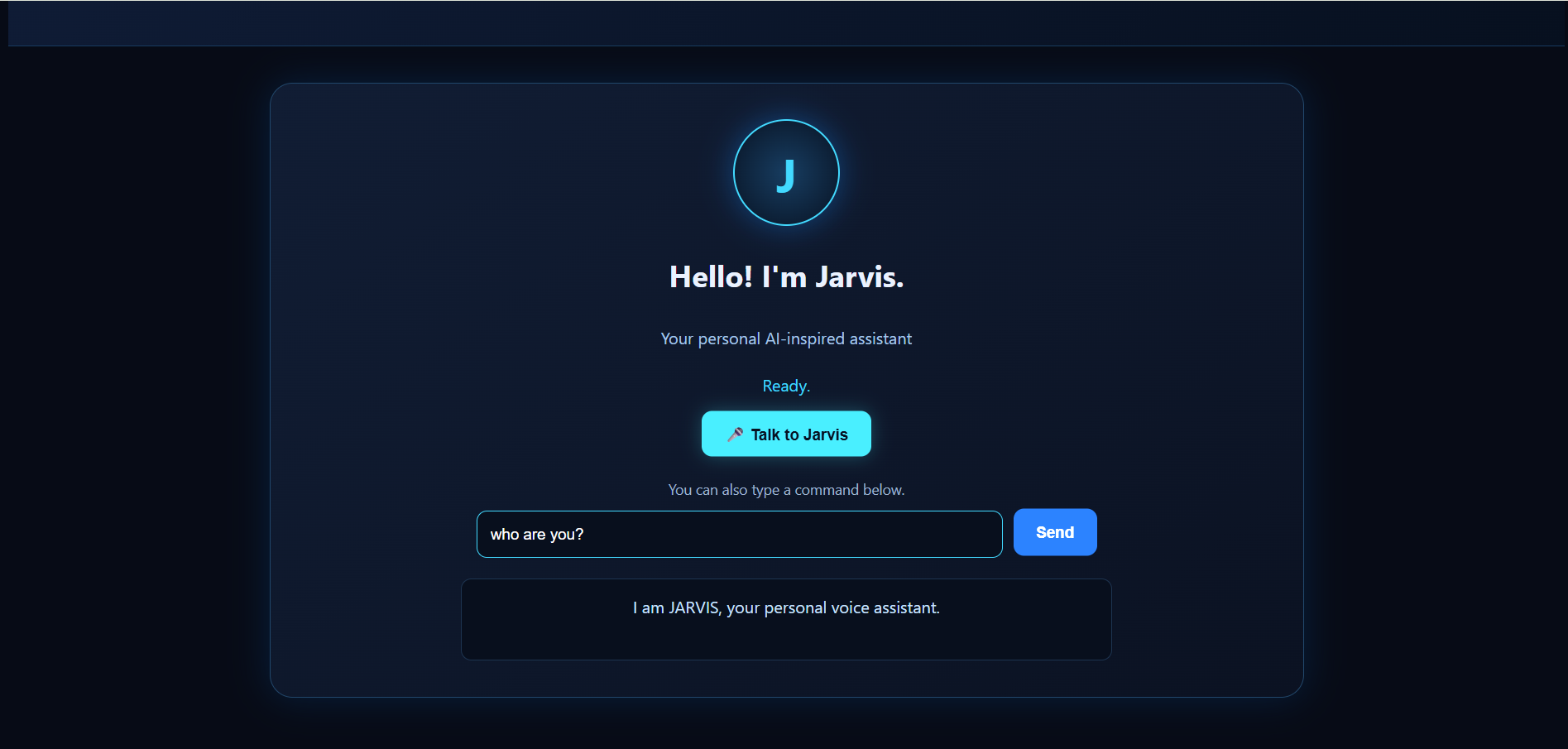
text reply
Inspiration
The inspiration behind JARVIS AI came from the idea of creating a personal assistant that makes interacting with technology more natural and convenient. Inspired by intelligent virtual assistants, we wanted to build a system that could understand voice input, answer questions using AI, and help users perform everyday tasks through a simple interface. Rather than relying entirely on predefined commands, we wanted JARVIS to go a step further by integrating Google's Gemini AI, allowing it to respond to a wider range of questions.
What it does
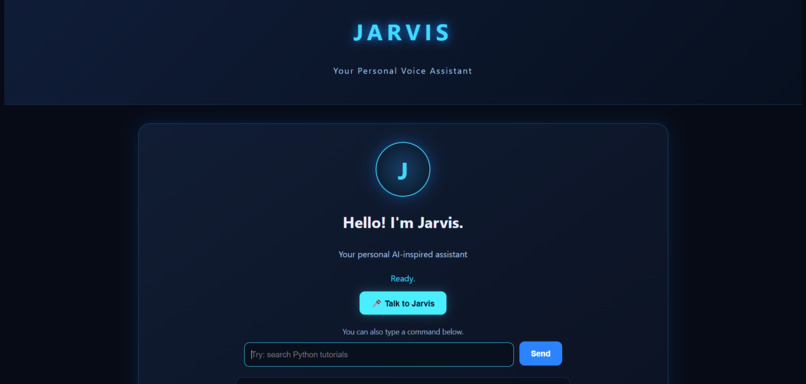
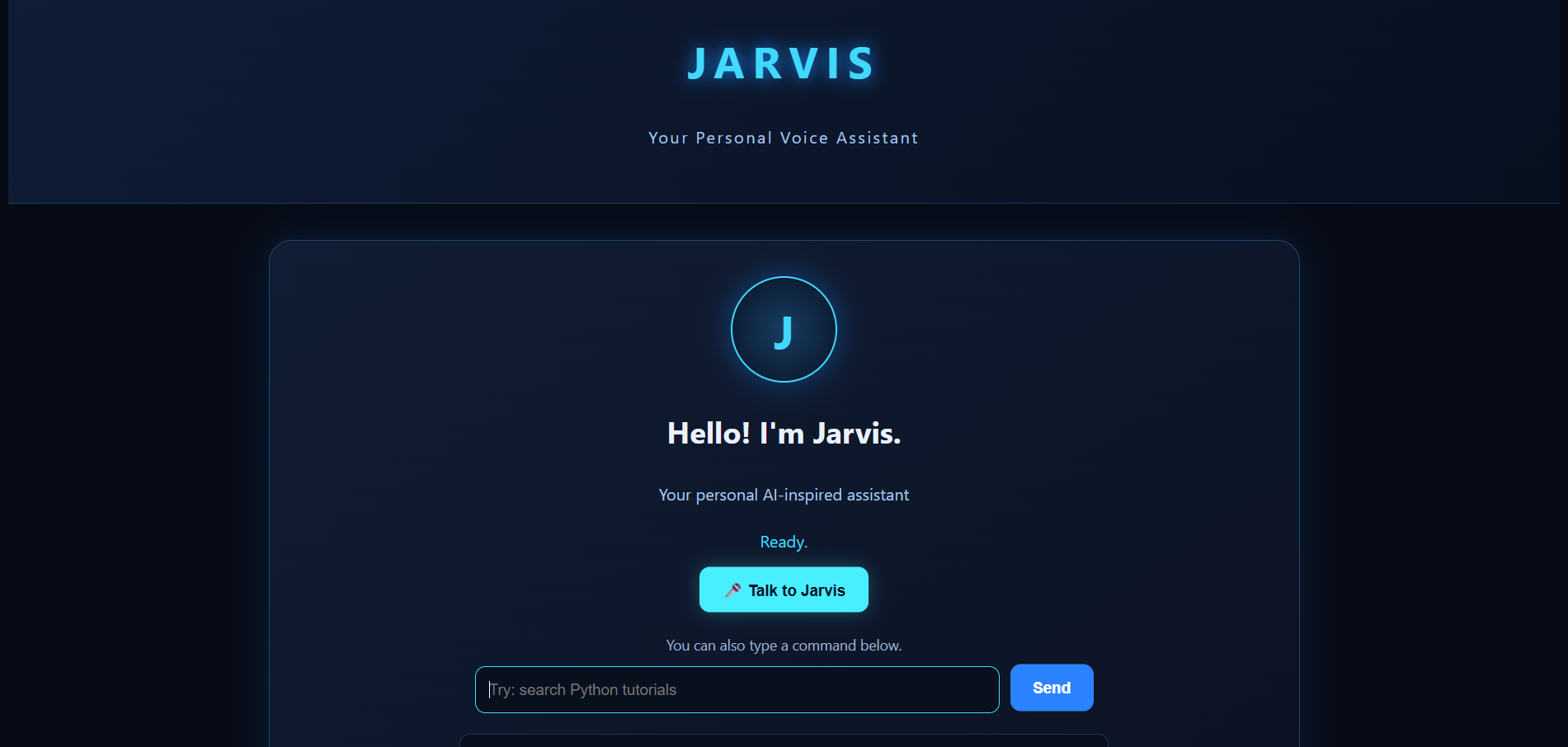
JARVIS AI is a web-based personal voice assistant that combines voice interaction, a Python backend, and generative AI.
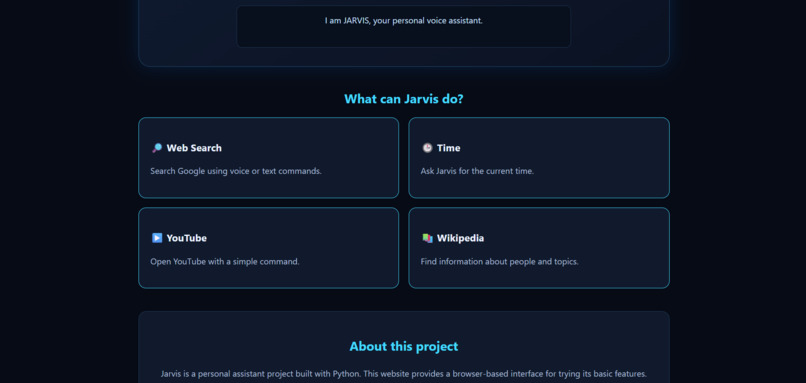
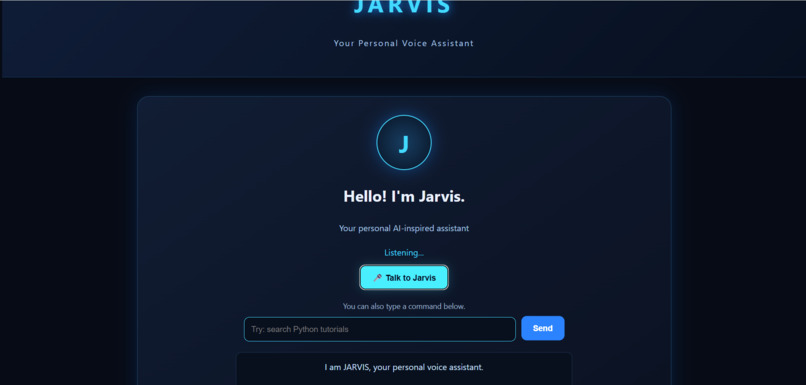
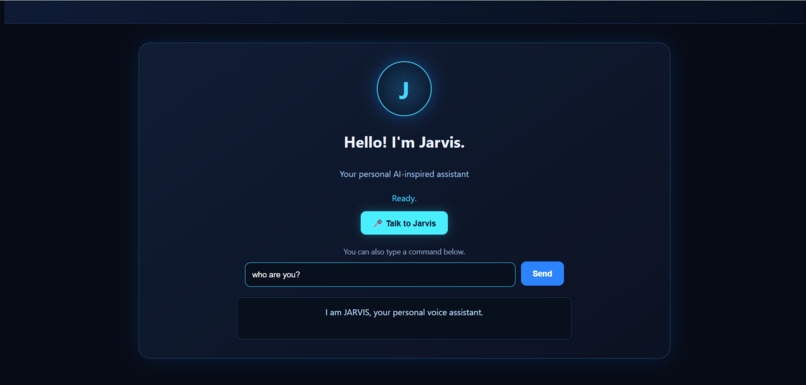
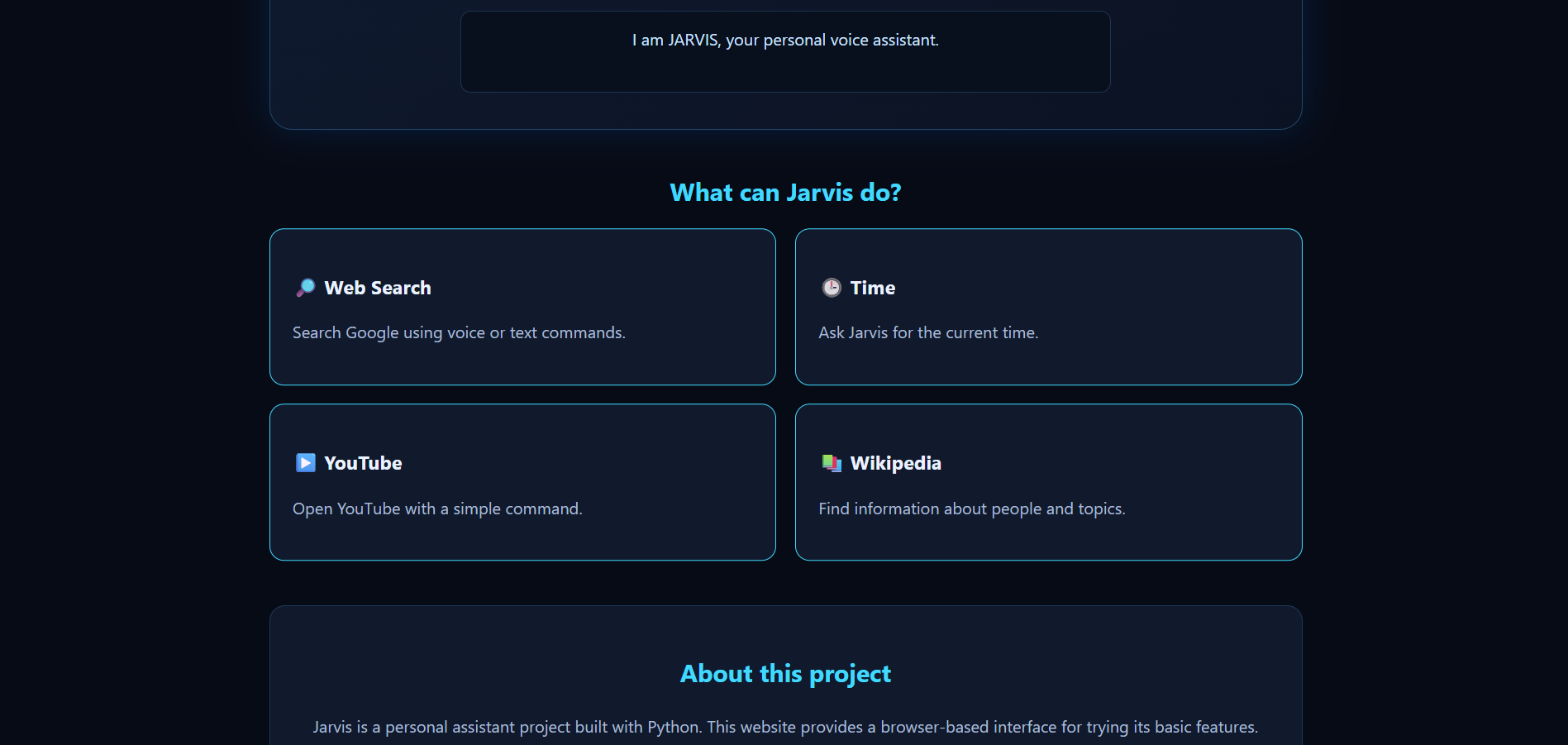
Its current features include: ~Voice Interaction: Allows users to communicate with JARVIS using speech through the web interface. ~AI-Powered Answers: Uses Google's Gemini API to answer general questions beyond a fixed set of commands. ~Everyday Commands: Responds to greetings, tells jokes, and provides the current date and time. ~Web Interface: Provides a simple interface for interacting with the assistant. ~Python Backend: Uses Flask to process commands and connect the web interface to the AI service.
Our goal is to make AI interaction accessible through a familiar, conversational experience.
How we built it
We developed JARVIS using a combination of web technologies, Python, and Google's Gemini AI.
Technologies used: Python: Backend logic and command processing. Flask: Connects the web interface to the Python backend through HTTP endpoints. HTML and CSS: Structure and styling of the user interface. JavaScript: Browser-side interaction and voice features. Web Speech API: Supports speech recognition and spoken responses in the browser. Google Gemini API: Generates AI-powered responses to general questions. Git and GitHub: Version control and project management.
The Flask backend receives commands from the web interface. It handles supported everyday commands directly and sends other questions to the Gemini API. The resulting response is then returned to the interface.
We also designed the integration so that the Gemini API key stays on the Python server rather than being exposed in browser-side JavaScript.
Challenges we ran into
One of our main challenges was connecting the browser interface with the Python backend while keeping the existing voice assistant functionality working.
We also worked through JavaScript errors, communication between frontend and backend components, and the integration of AI-generated responses into the existing command-processing system.
Another important consideration was API key security. We used an environment variable to store the Gemini API key rather than placing it directly in the frontend code.
These challenges helped us understand how individual components voice recognition, frontend interaction, backend processing, and AI services work together to form a complete application.
What we learned
Building JARVIS AI helped us gain practical experience with:
- Integrating a generative AI API into a web application.
- Building backend services with Python and Flask.
- Connecting frontend and backend components.
- Working with browser-based speech technologies.
- Managing API credentials more securely.
- Debugging and testing a multi-component application.
- Improving an existing project incrementally instead of rebuilding it from scratch.
The project strengthened our understanding of how AI can be integrated into everyday applications
What's next for JARVIS AI - Your Intelligent Voice Assistant
We envision expanding JARVIS AI with more useful tools, richer conversational interactions, and additional capabilities that make it more practical for everyday use.
Future improvements could include integrating external tools through the Model Context Protocol (MCP), adding more useful actions, and improving the assistant's ability to handle multi-step requests.
Our long-term goal is to evolve JARVIS from a voice-enabled question-answering assistant into a more capable personal AI assistant.

Log in or sign up for Devpost to join the conversation.