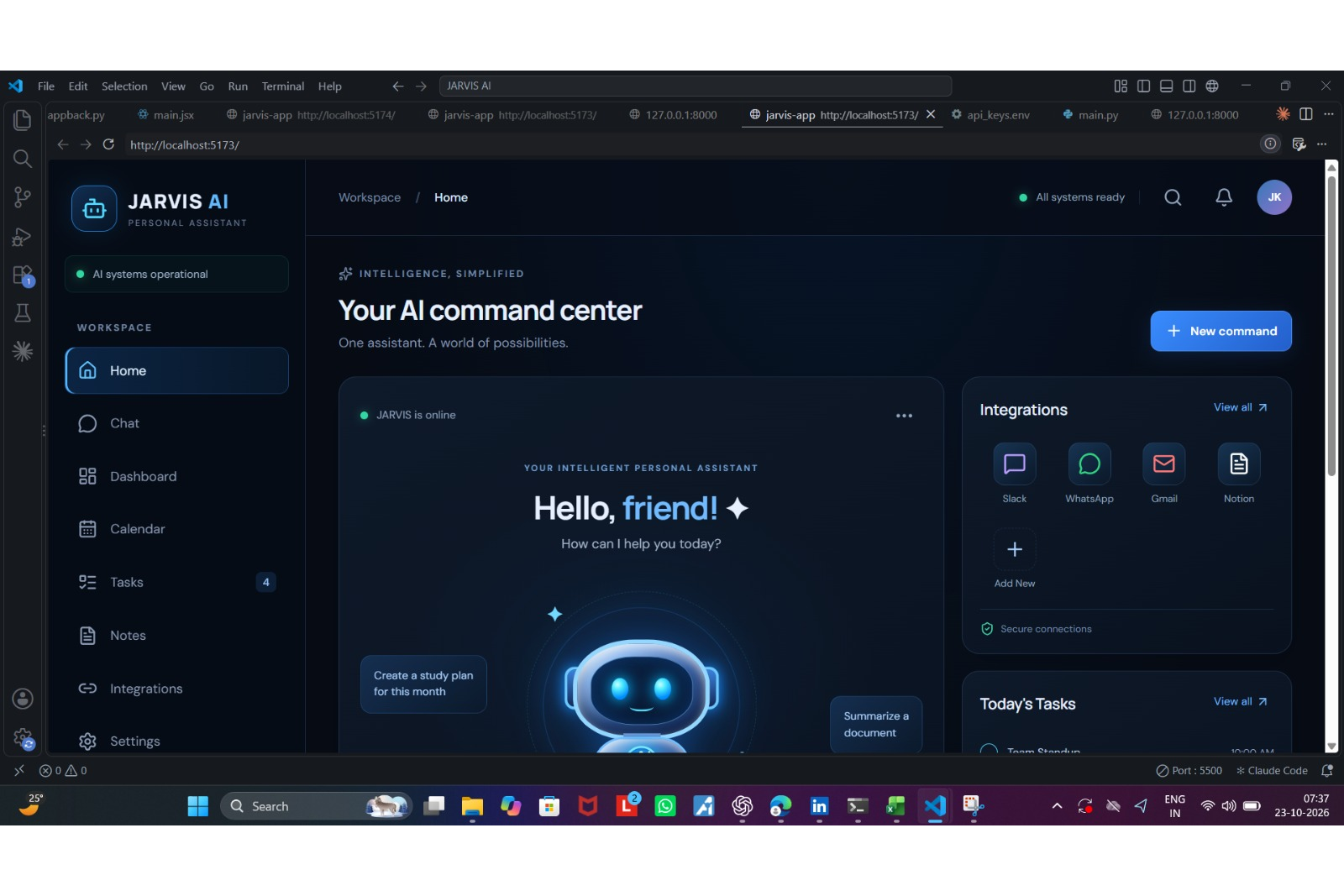
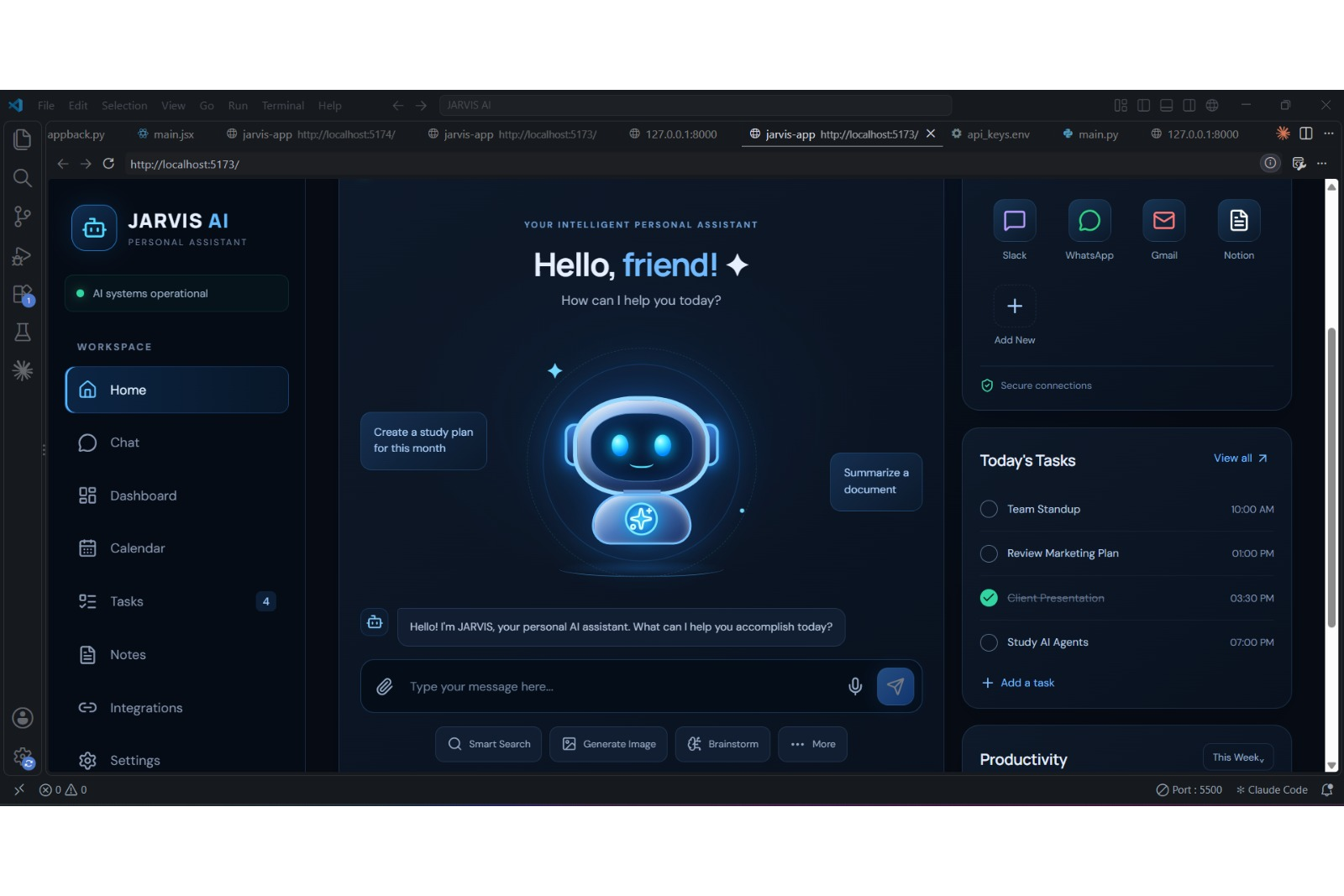
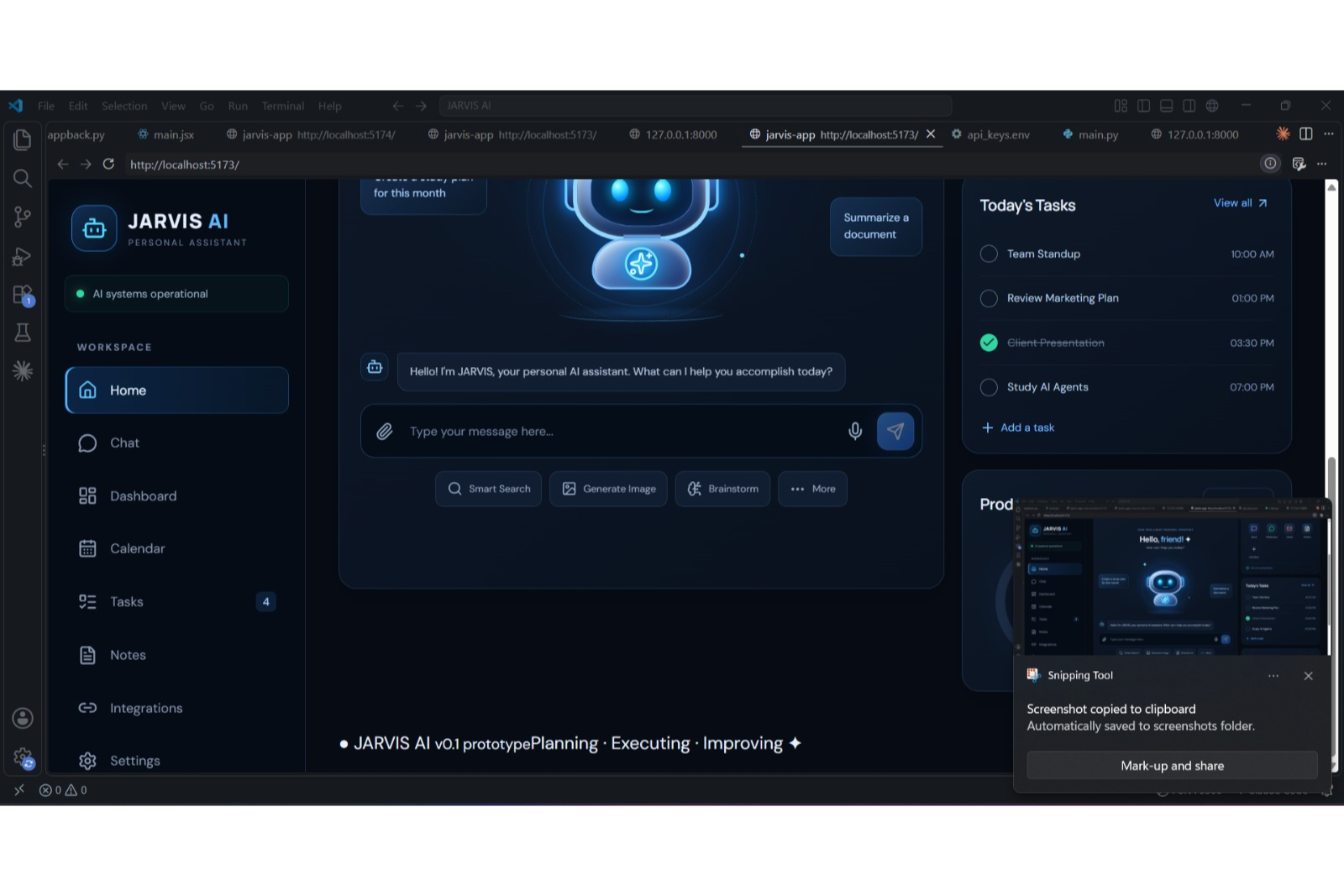
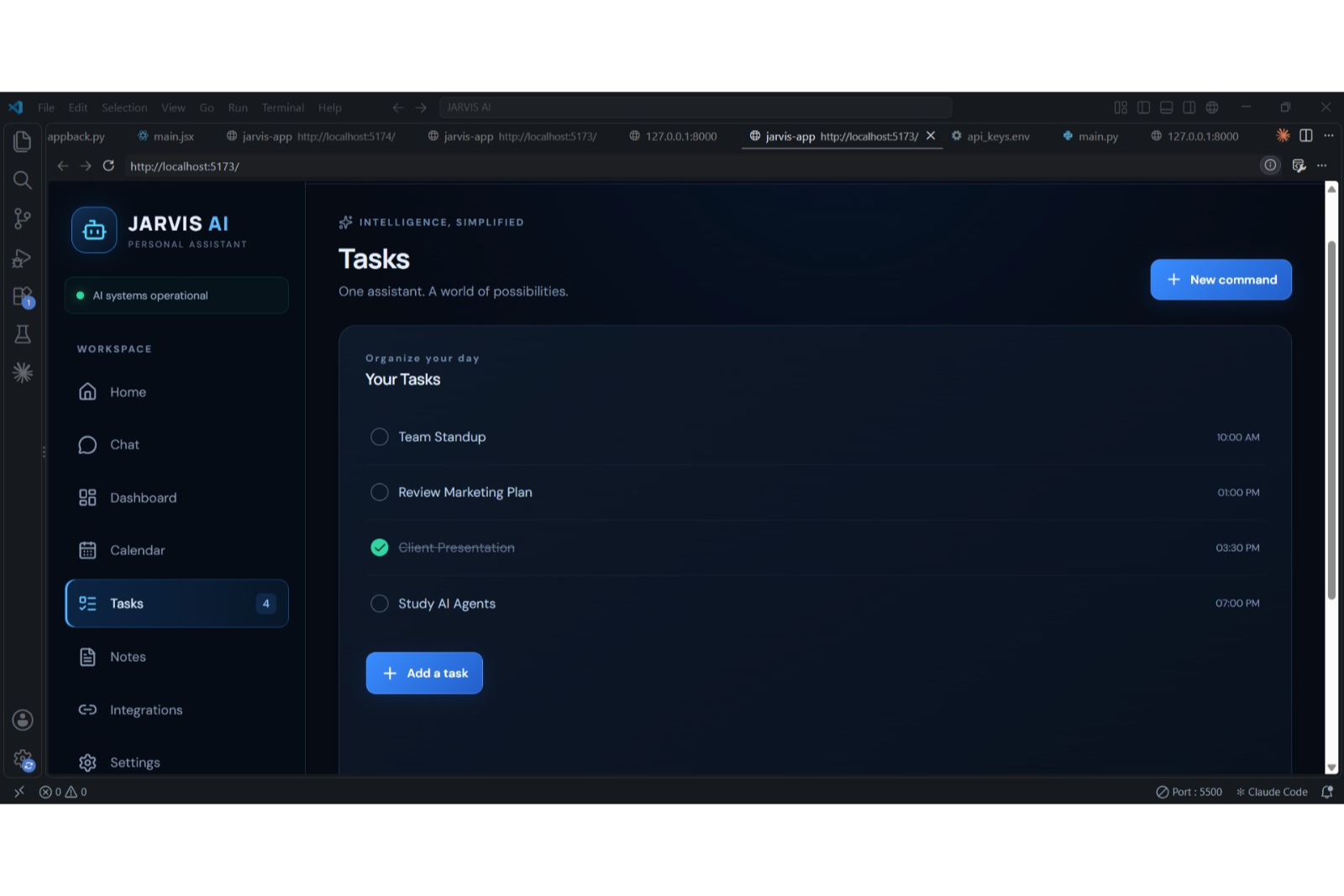
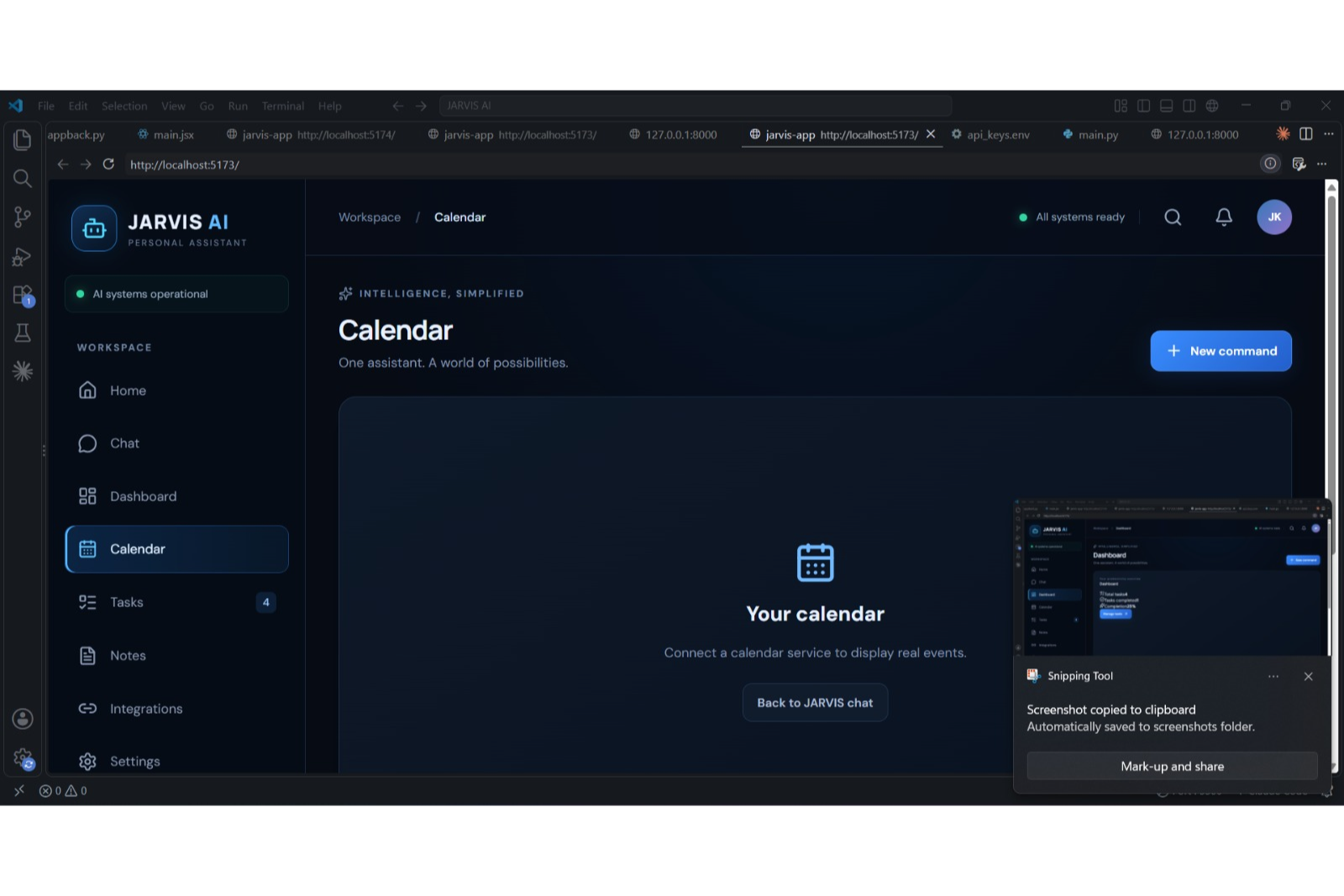
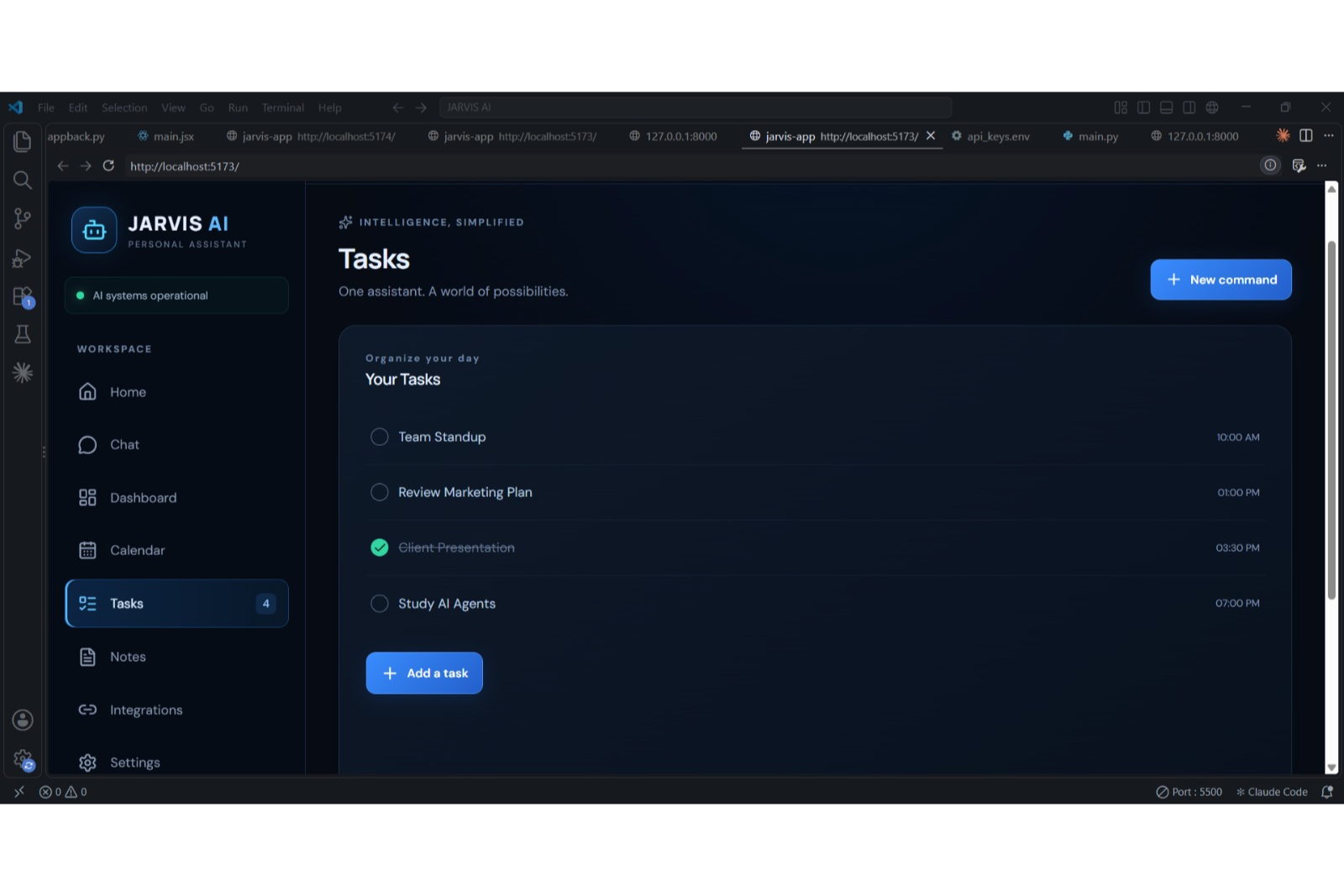
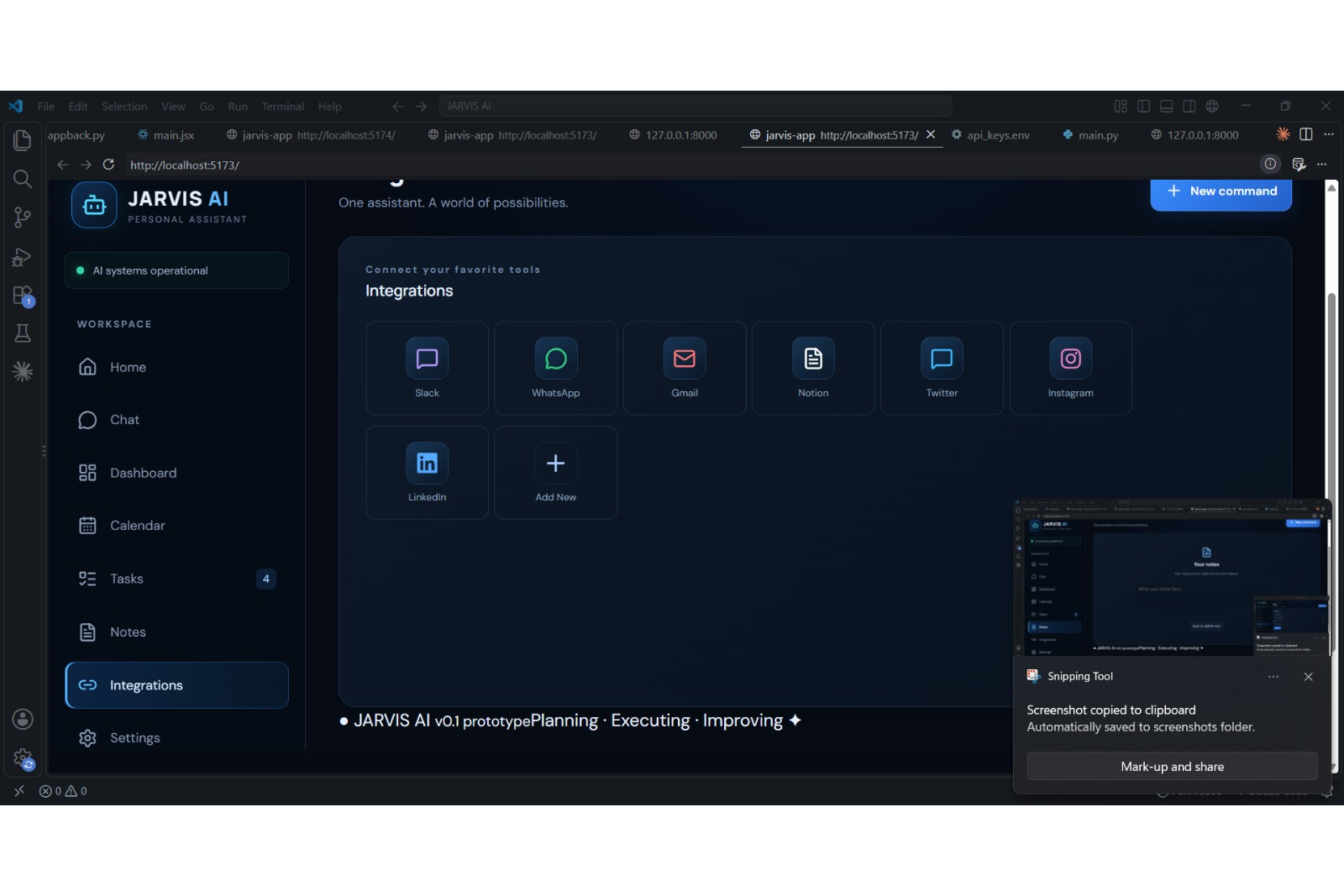
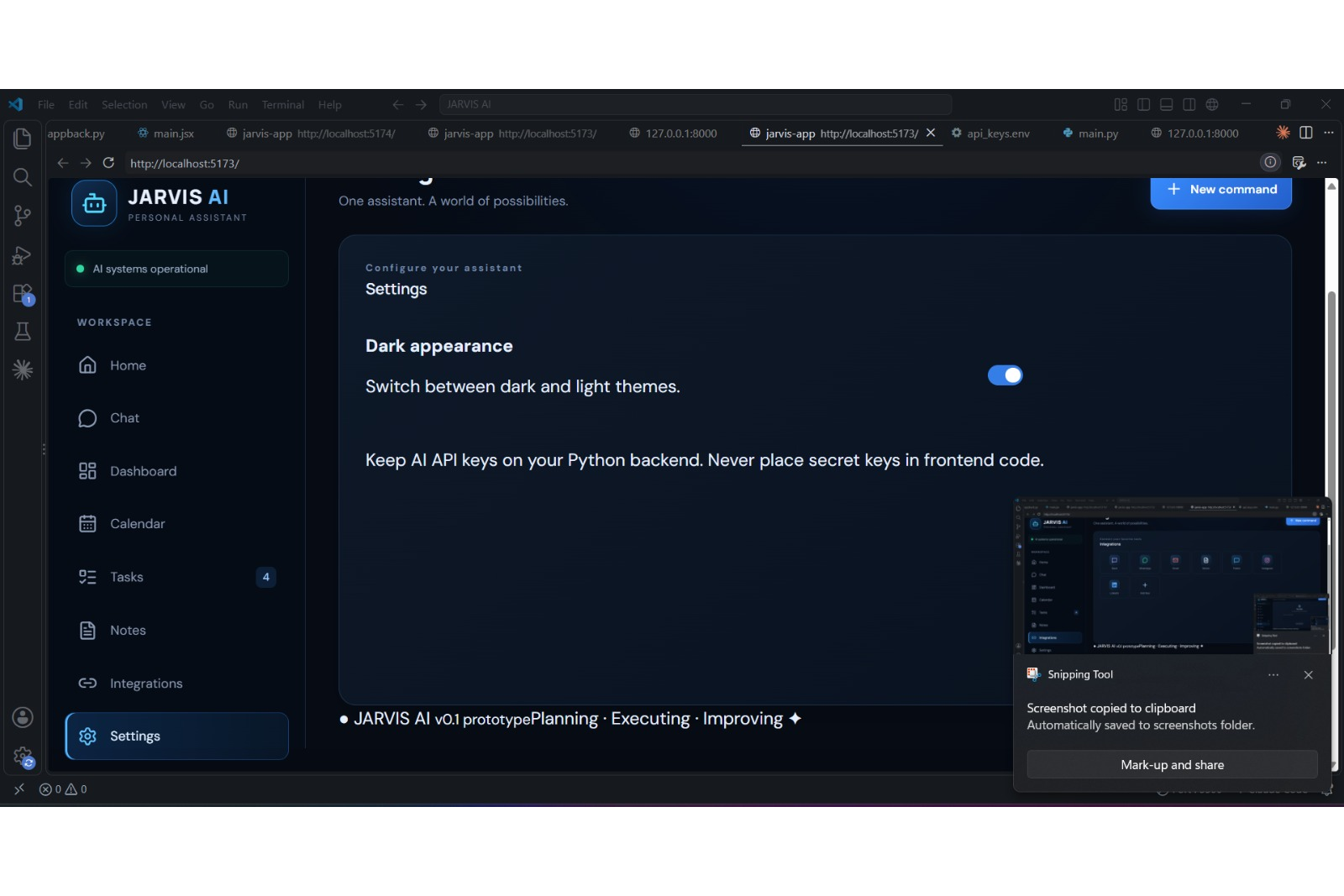
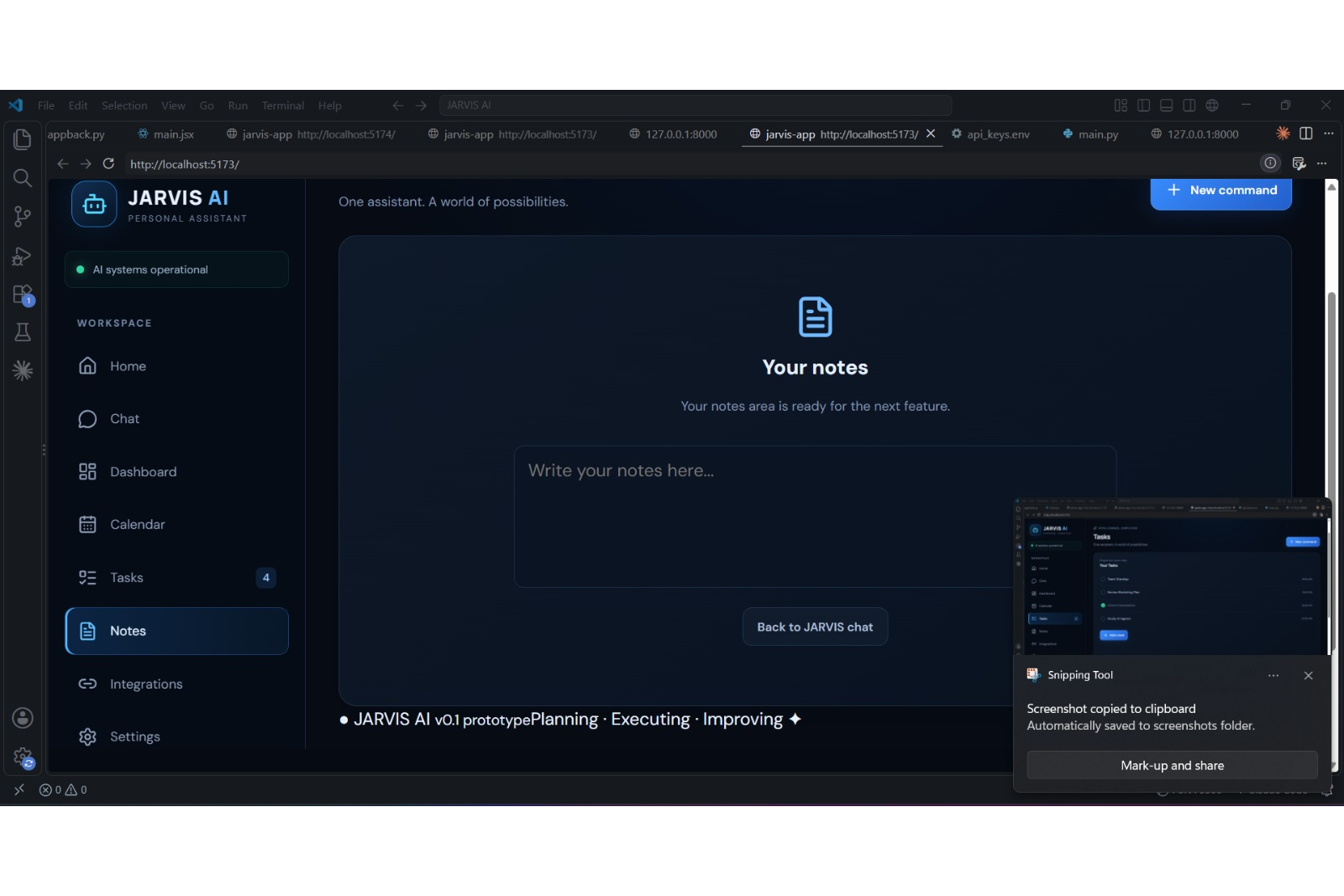
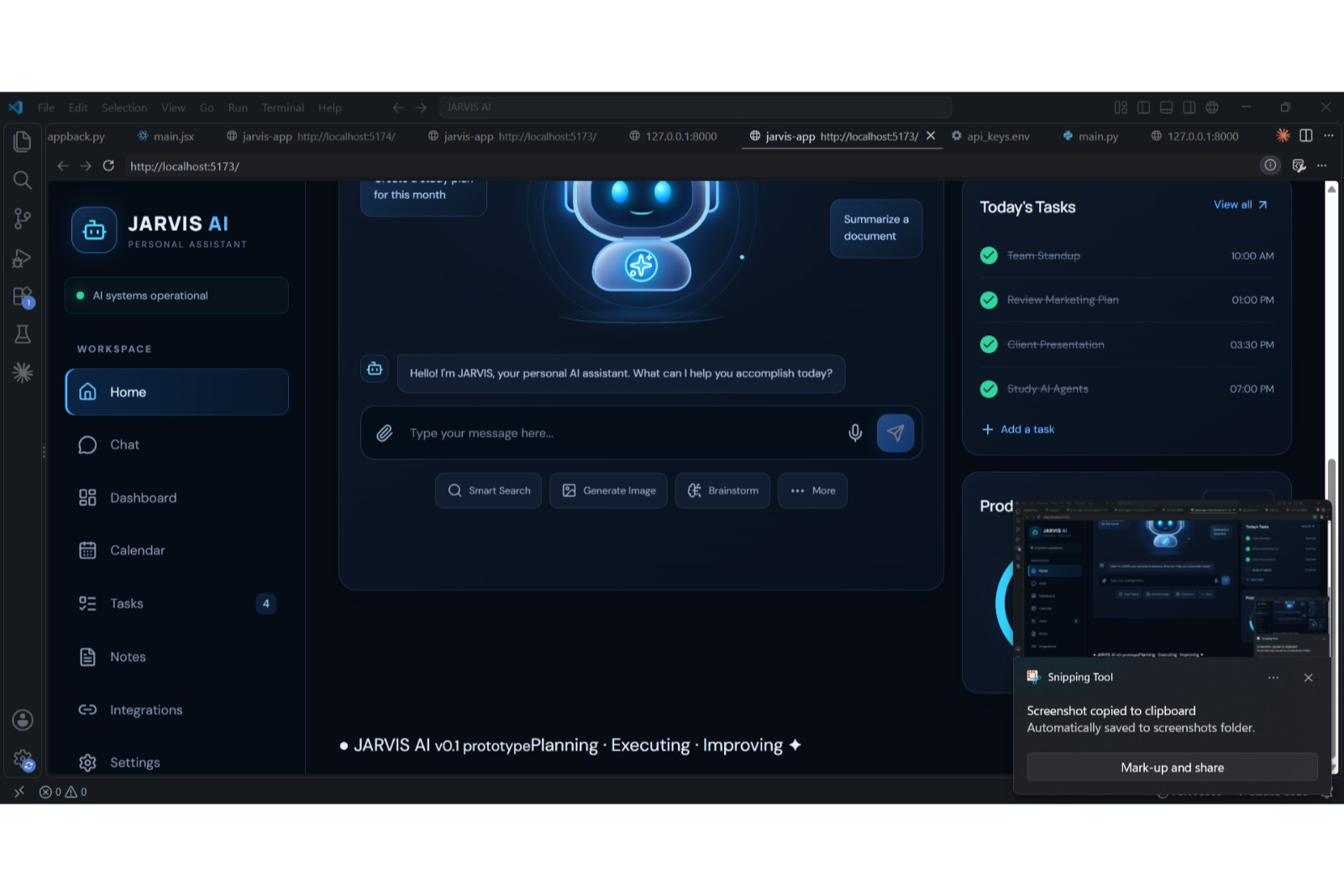
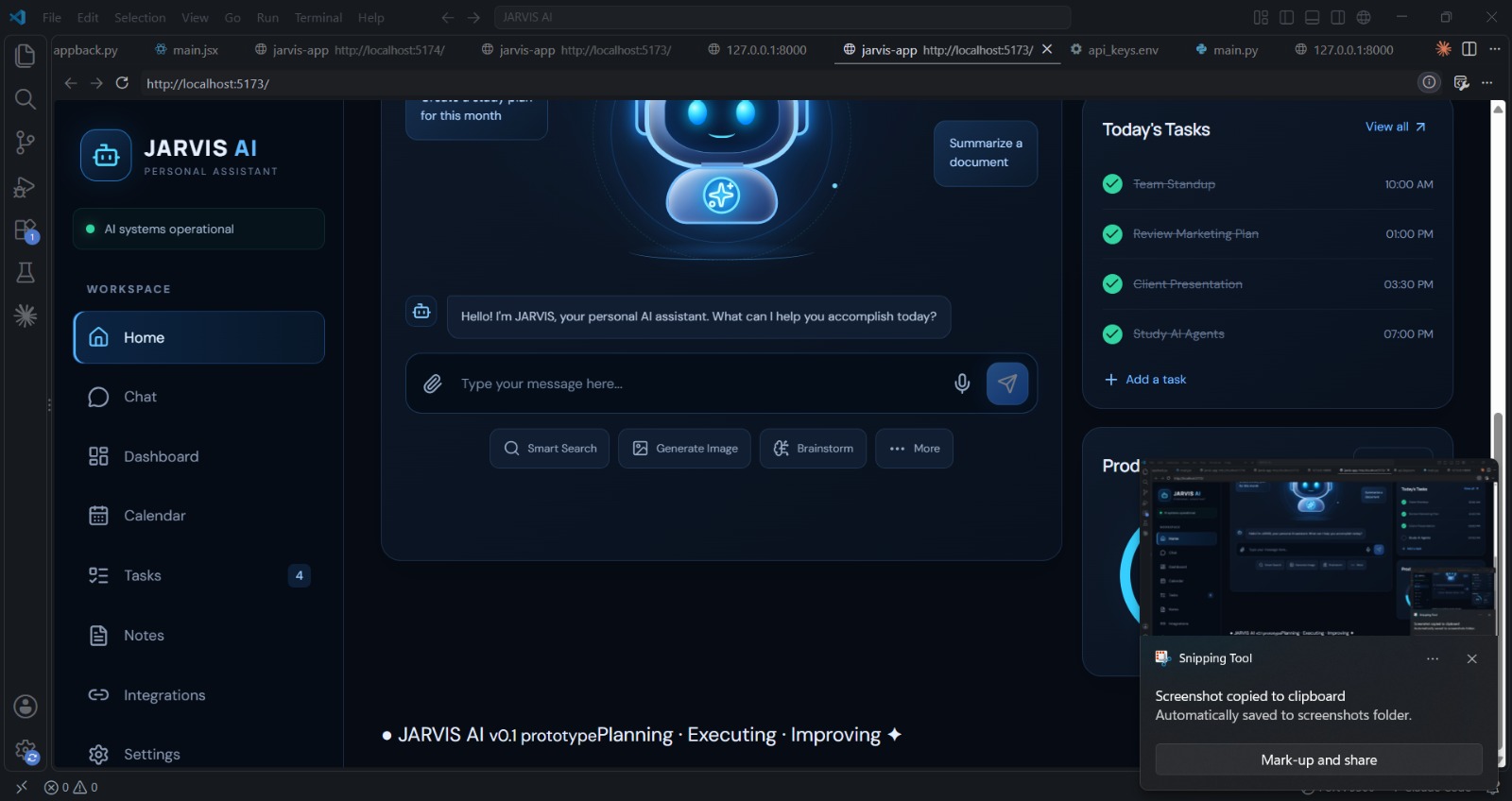
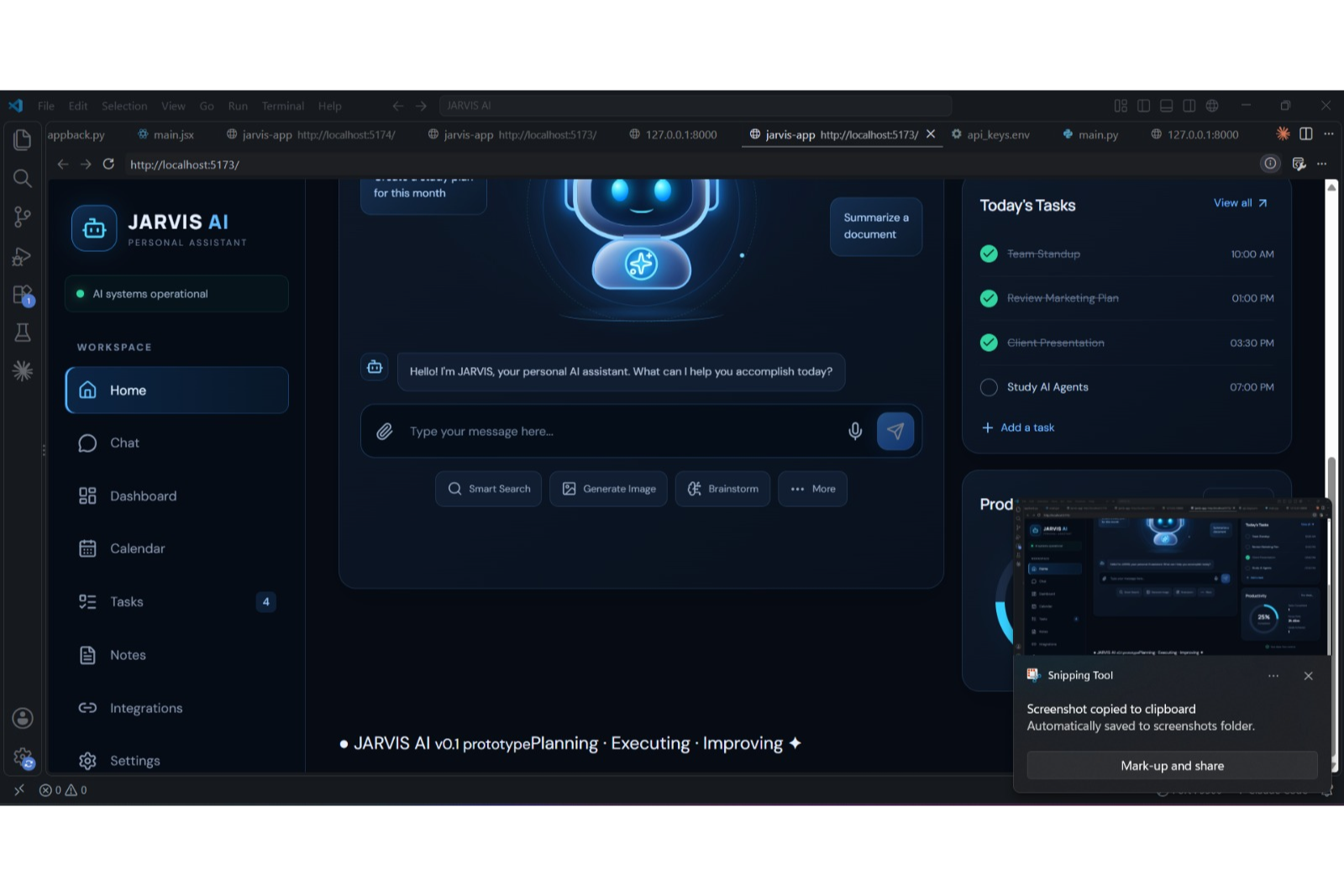
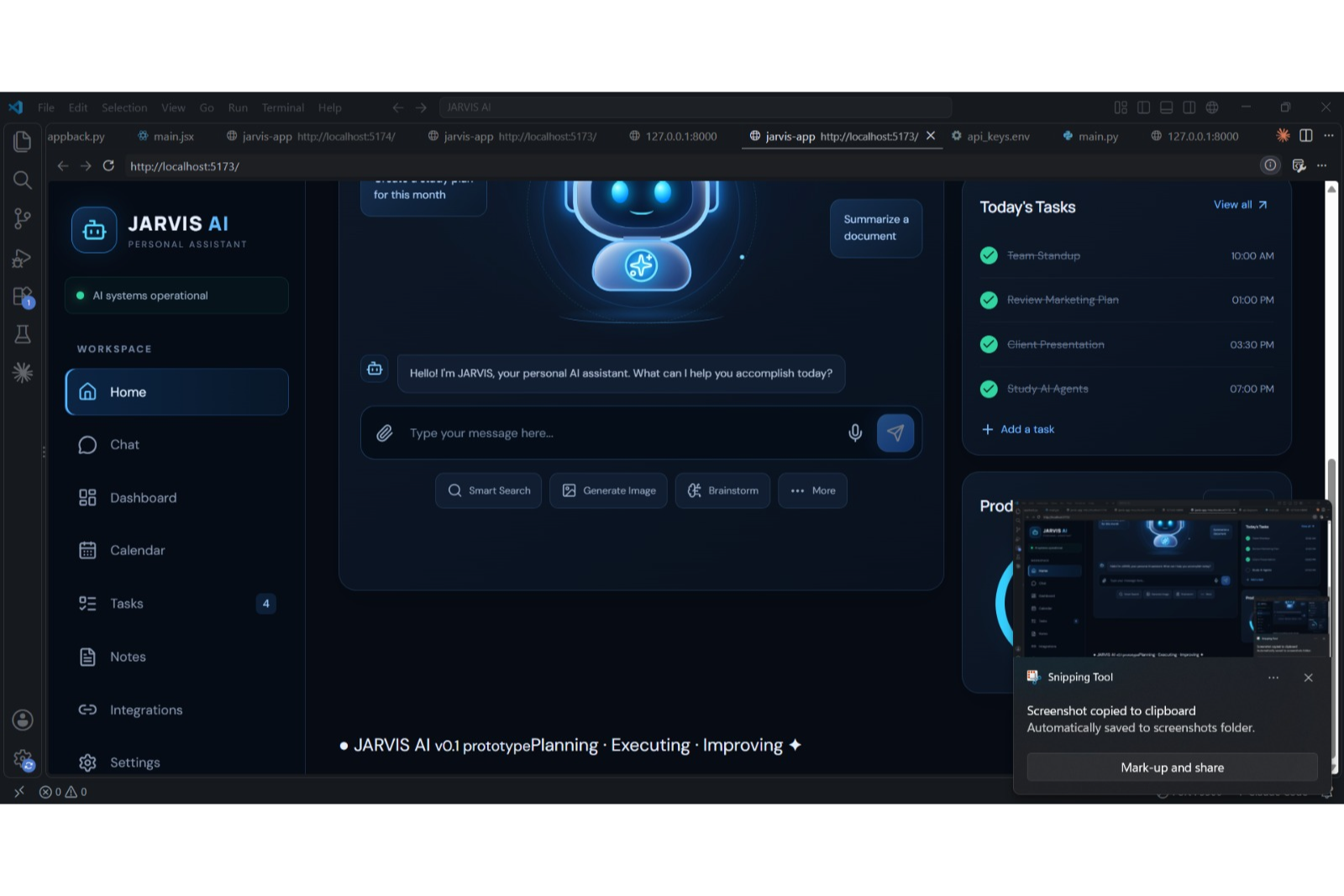
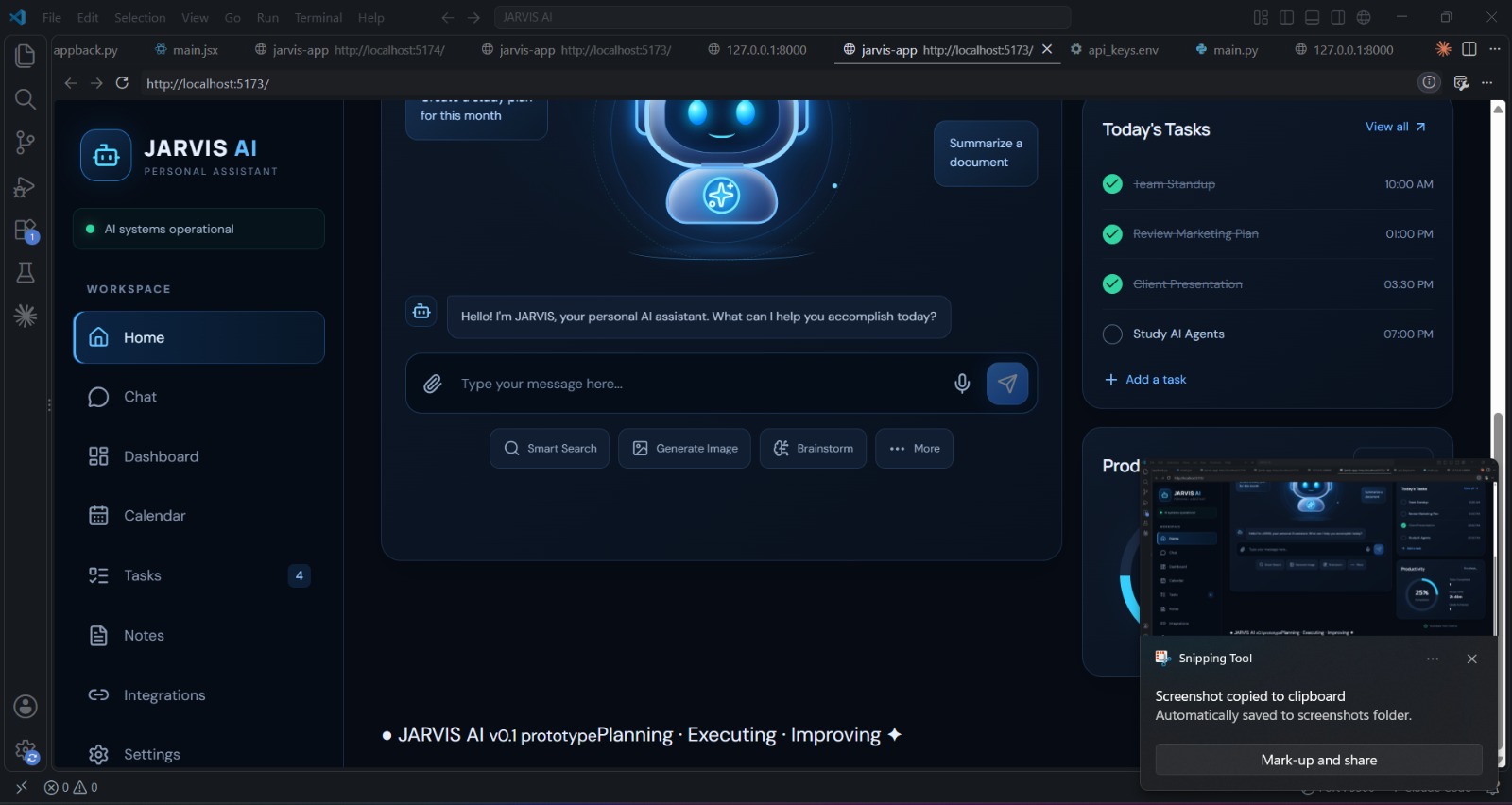
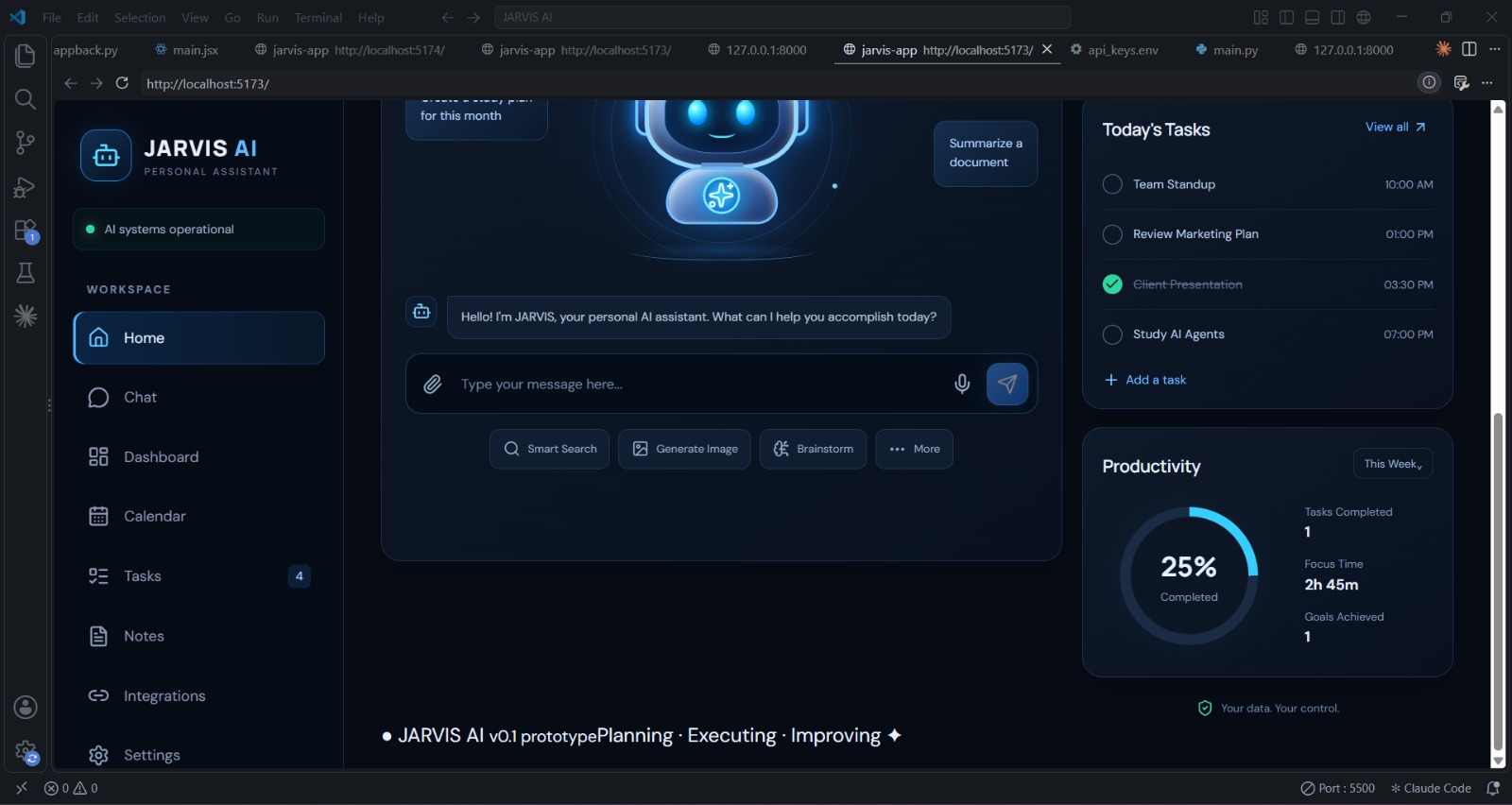
Inspiration We wanted a personal assistant like Jarvis from the movies, one place to chat, plan your day, and connect your everyday tools. Most assistants are scattered across many apps, so we built a single command center. What it does JARVIS AI is a web dashboard with a chat assistant, a task list with a productivity tracker, a notes area, and an integrations panel (Slack, WhatsApp, Gmail, Notion, Instagram, LinkedIn). You type a command and the AI backend replies. The dashboard shows your completed tasks and progress. How we built it Frontend: React with Vite, custom CSS for a dark, futuristic interface, and Lucide and React Icons for the icons. Backend: A Python FastAPI server that receives commands from the chat and sends them to the Claude API. Security: The API key stays on the backend in a .env file, never in the frontend code. Challenges we ran into Setting up the Vite and React environment and fixing import and CSS path errors. Newer versions of Lucide removed brand icons such as Instagram and LinkedIn, so we switched to React Icons. Connecting the frontend to the backend and keeping API keys secure. Accomplishments that we're proud of A polished, responsive dashboard built from scratch. A working chat flow from the React UI to a real AI backend. Debugging real build and runtime errors independently. What we learned How React components, state, and Vite projects fit together. How to read browser console errors and fix them. How frontend and backend communicate through APIs, and why secret keys belong on the server. Next steps: voice commands, real integrations, and memory.
Jarvis Ai
JARVIS AI is a smart personal AI assistant built using React.js, Python, FastAPI, and the OpenAI API. It answers questions, provides date and time information, and aims to simplify daily tasks.
Updates

Leave feedback in the comments!
Log in or sign up for Devpost to join the conversation.