-
-
Testing
-
-
-
Inspiration
I am a Zoology graduate, and my inspiration came from a very specific struggle. During my field trip to the BUK new site agriculture department, I was exhausted. We spent all day trekking, collecting samples, and recording data under the hot sun. But the hardest part wasn't the trek. It was knowing that when we got back, we had to write a 20-page technical report from scratch. The funniest part is that we created a slide presentation and presented it to our lecturers in group in that same day besides writing a full field trip report.
I realized that students spend 90% of their time fighting with formatting and writing, and only 10% on actual scientific discovery. I wanted to build a tool that acts like a "Professor in your pocket"—one that handles the boring documentation so I could focus on the microscope work. I didn't just want an AI chatbot; I wanted an engine that knew exactly how to format a dissertation for my university (BUK) and wouldn't sound like a robot.
What it does
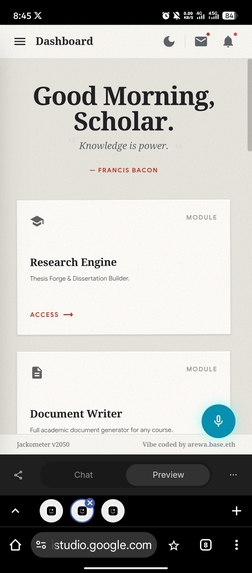
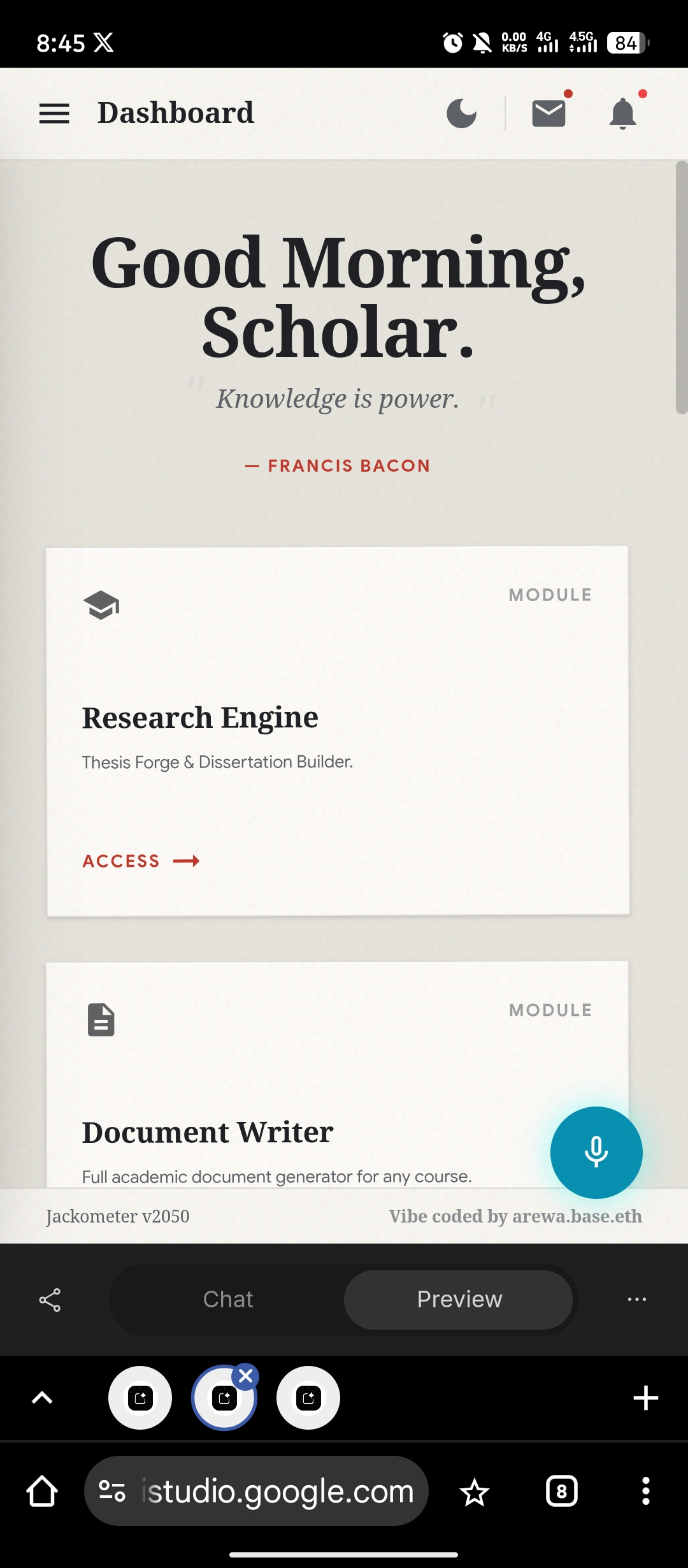
Jackometer is a specialized research assistant app that automates the difficult parts of academic projects:
- Deep Draft (Autopilot): You give it a topic (e.g., "Parasites in Kano Zoo"), and it writes Chapters 1 to 5 continuously. It handles the Title, Abstract, Introduction, and Methodology in one go.
- The Ecological Lens (AR Camera): This solves a big problem for students—proving they were actually at the field site. When you take a picture of your sample, the app automatically stamps the photo with the exact GPS coordinates, Temperature, and Humidity. This provides undeniable proof for grading.
- Premium Access: It helps students find information from expensive, paid journals (like JSTOR or Elsevier) for free, so they can get the best references without paying high fees.
- Rapid Presentation: It takes raw data from a field trip and instantly creates a slide deck for a project defense, allowing students to present their findings the same day they return from the field.
How we built it
I built Jackometer using Google's Gemini 1.5 Pro as the core intelligence engine.
- The Brain: I used the Gemini API to process large amounts of text and generate long-form academic content (Chapters 1-5).
- The Eyes: I integrated the Google Maps Platform and OpenWeatherMap API to fetch real-time environmental data for the AR Camera feature.
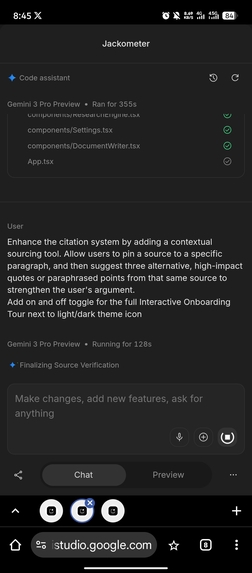
- The Persona: I used "Vibe Coding" to give the AI a specific personality. I trained it to avoid obvious AI words like "delve" or "in conclusion" and to write like an experienced human researcher.
Challenges we faced
- Making it sound Human: The biggest challenge was stopping the AI from sounding generic. I had to create a strict list of "banned words" and teach it to use irregular sentence structures to pass AI detectors.
- Writing Long Documents: Generative AI often stops after a few paragraphs. I had to engineer a "Deep Draft" protocol that forces the model to keep writing until all 5 chapters are finished.
- Math Formatting: Ensuring mathematical formulas for things like fish growth patterns ($W = aL^b$) were formatted correctly in the final document was tricky, but we solved it using LaTeX support.
What I learned
I learned that the gap between a "chatbot" and a "product" is context. A chatbot answers questions; a product solves a problem. By adding features like the Passport Builder and the Offline Mode, I turned a text generator into a complete survival kit for students.
Built With
- gemini-3-pro
- google-ai-studio


Log in or sign up for Devpost to join the conversation.