-
-
Phone connection
-
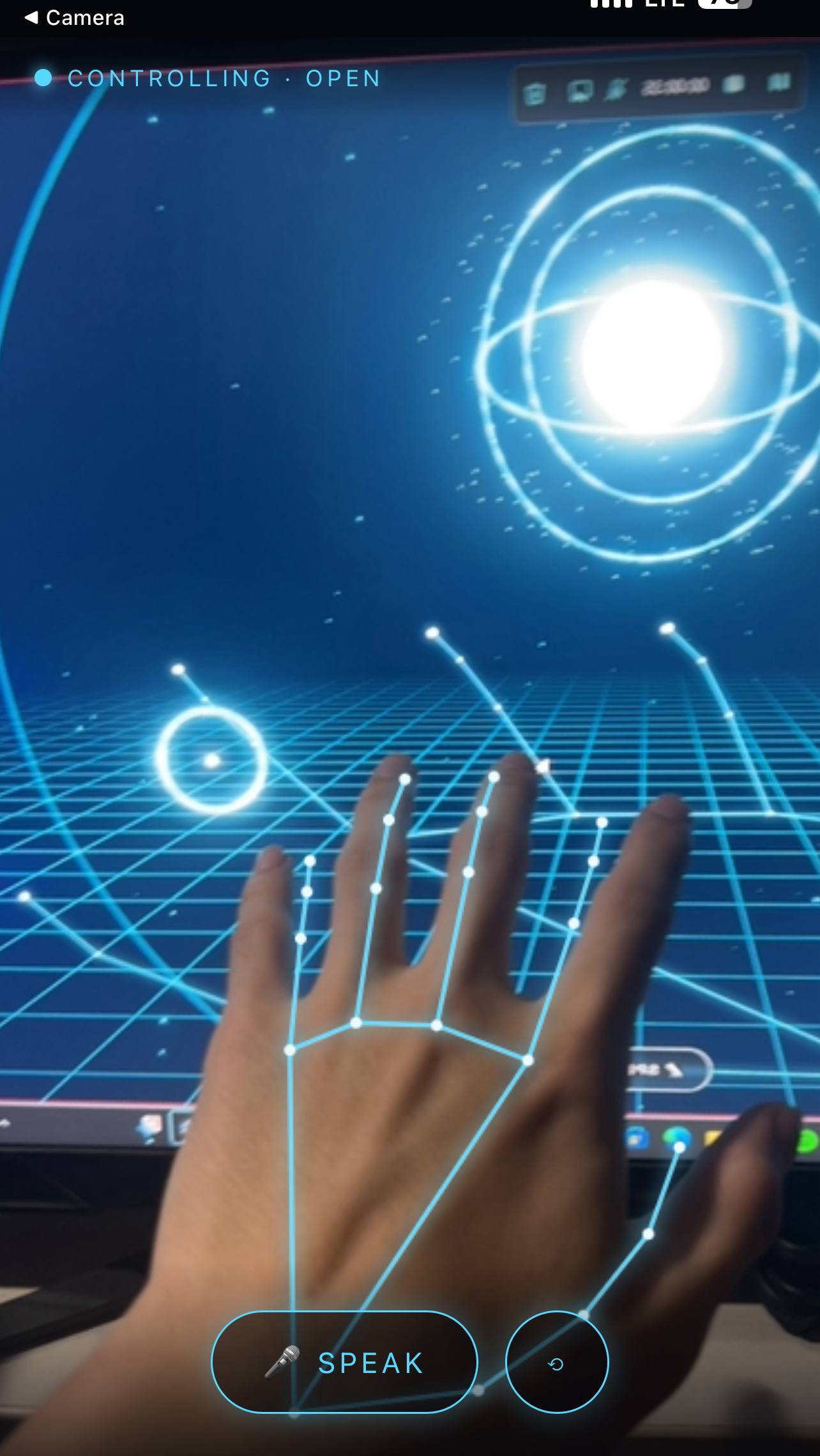
Mediapipe hand tracking
-
Cover
Inspiration
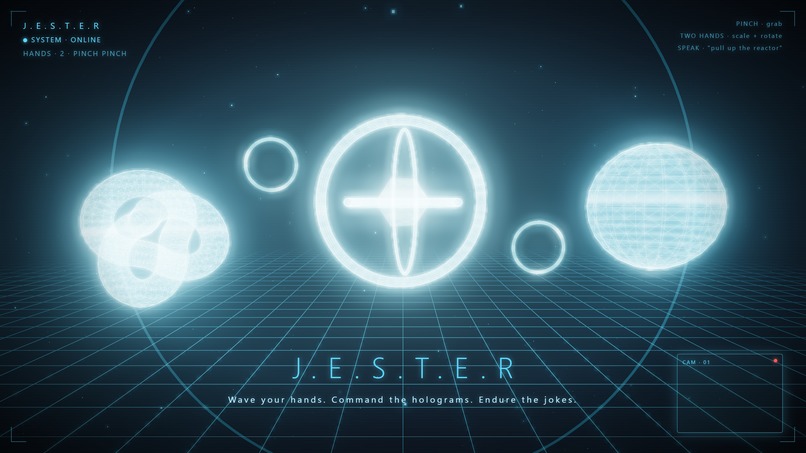
Everyone who's watched Iron Man has wanted to do the thing: stand in the middle of a room, pull a glowing hologram out of thin air, spin it with a flick of the wrist, and have a razor-sharp AI narrate the whole show. We didn't want to watch Tony Stark do it — we wanted to do it ourselves, with no gloves, no headset, and no $3,000 depth camera. Just a webcam, a browser, and a laptop.
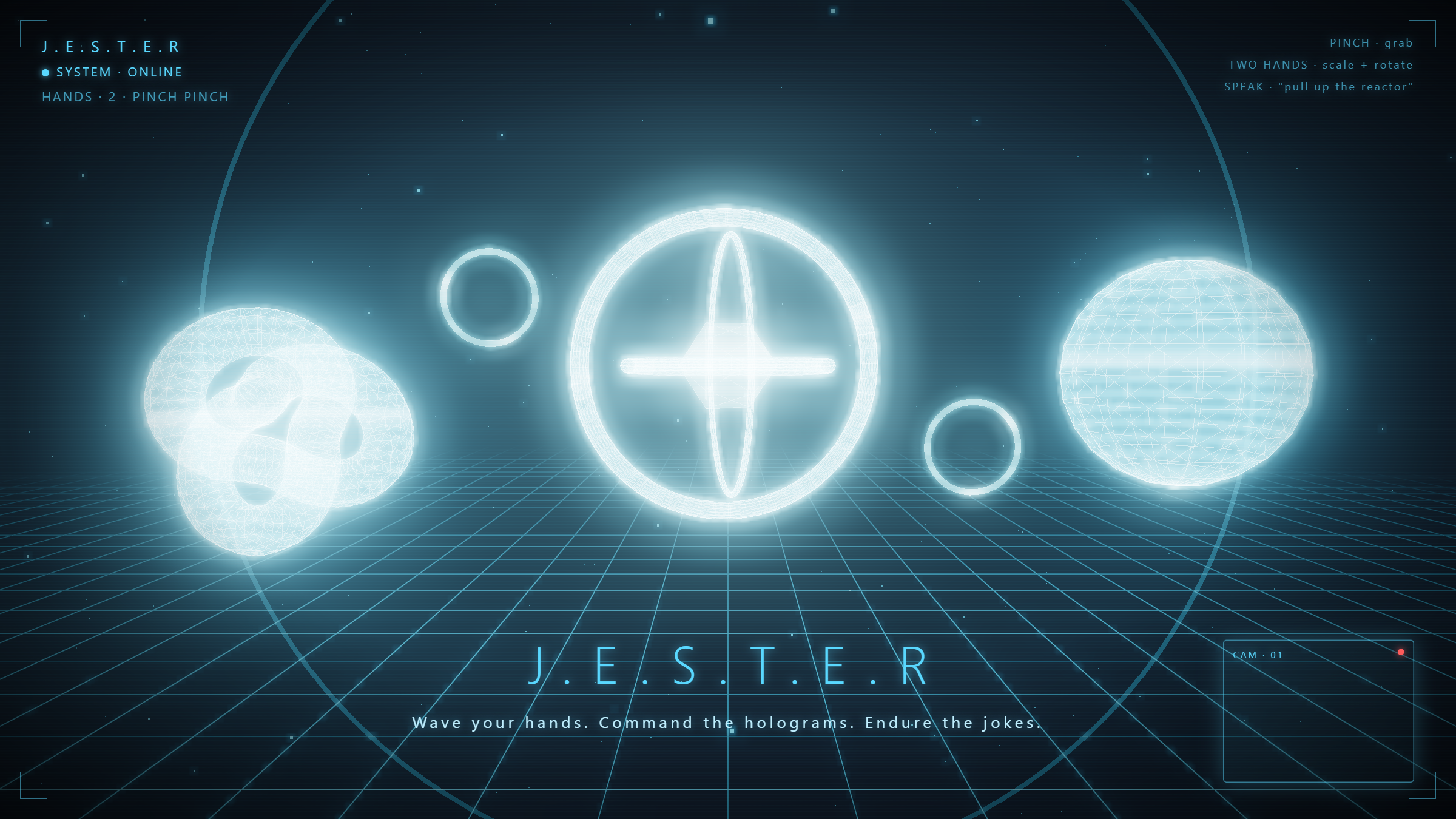
With one twist. JARVIS is unfailingly polite. Ours is not. Meet J.E.S.T.E.R. — the same holographic superpowers, with the manners of a medieval court jester.
What it does
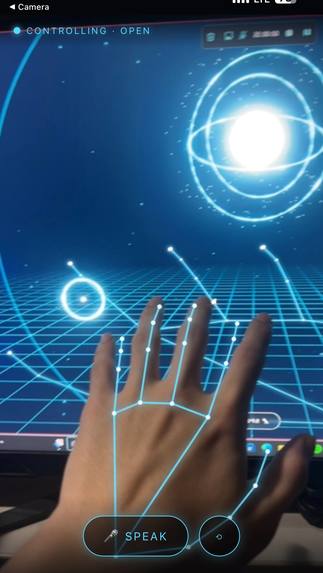
- Sculpt holograms with your bare hands — pinch to grab and move; two-handed pinch to scale (hand distance) and rotate (hand angle).
- Talk to JESTER — it answers in a synthesized voice and acts on the same scene: spawn, dismiss, rotate, reposition, and reshape the display.
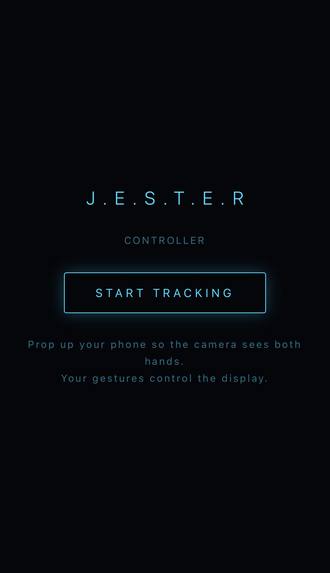
- Phone as the controller — your phone tracks your hands and streams them to a big screen where the holograms live, so you stand back and conduct, Tony-Stark style.
- "Enter the mainframe" — an Electron overlay floats JESTER over your live desktop and lets it actually run your PC by voice: open Spotify/Discord, play and pause, volume, fullscreen, YouTube/web search (it types into the browser and pulls thumbnails you pick by voice), and lock the machine.
- "JESTER, hide" drops it to standby until you say the wake word again — and "what are you built with?" triggers an animated 3D reveal of the tech stack.
How we built it
The whole thing runs on small, readable engines:
Hands: MediaPipe
HandLandmarkergives 21 landmarks per hand at ~30 fps. A stateless per-frameupdate(hands)maps pinches onto grab / move / scale / rotate. The two-hand transform is the fun part — scale is the ratio of hand distance between frames, rotation is the angle of the line between handsLook: three.js with a custom holographic shader (fresnel rim, scanlines, a rising scan-sweep) and Unreal bloom for that projected-light haze.
Brain + voice: one OpenAI
gpt-4o-minicall uses function calling to return both a spoken line and a structured action, so voice and hands drive the exact same scene API. Speech-to-text isgpt-4o-transcribe; text-to-speech isgpt-4o-mini-tts(voice "ash"), with barge-in so you can talk over it.Pairing: a pure room-based WebSocket relay links phone → display; an HTTPS tunnel gives the phone camera the secure origin browsers demand.
PC control: an Electron shell renders a transparent, click-through overlay and routes voice commands to the OS (media keys, app launch, window control).
Challenges we ran into
- "Premature close" from the OpenAI SDK on Node's new
undicistack broke every call. We rewrote the whole pipeline on nativefetch— and nativeFormData/Blobfor audio uploads — to dodge the chunked-encoding bug. - Voice, three times over. Electron has no Web Speech; a PC with no mic can't
hear you; and iOS Safari's recognition is unreliable. The fix that finally worked
everywhere: record on-device and transcribe server-side, upgrading Whisper →
gpt-4o-transcribefor accuracy. - The black-screen trap. Our first desktop overlay went fully opaque and
covered the taskbar — you couldn't reach your own desktop. Transparent
<html>, work-area bounds, and anEscapehatch saved us. - Getting a phone to connect. Stale QR rooms, a false "unpair" on reload, and a Wi-Fi that blocked port 8443 all conspired against us — solved with a persistent room code, smarter relay presence, and moving the tunnel to port 443.
What we learned
Function calling is a superpower for interfaces: collapsing "what to say" and "what to do" into one model call is what let voice and gesture share a single source of truth. We also learned a lot about smoothing noisy landmark data, transparent Electron overlays on Windows, and how much of "AI magic" is really careful plumbing around real-time audio.
What's next
More gestures, multi-user holograms, and teaching JESTER even worse jokes.
Built With
- css
- electron
- express.js
- glsl
- gpt-4o
- html
- javascript
- mediapipe
- node.js
- openai
- tailscale
- three.js
- web-audio-api
- webgl
- websockets


Log in or sign up for Devpost to join the conversation.