-
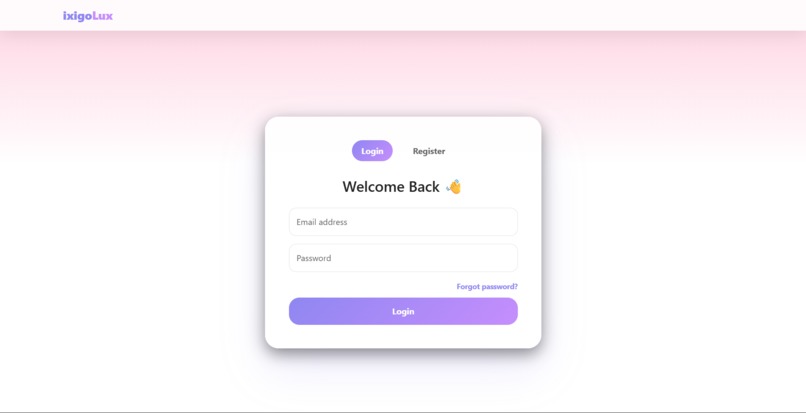
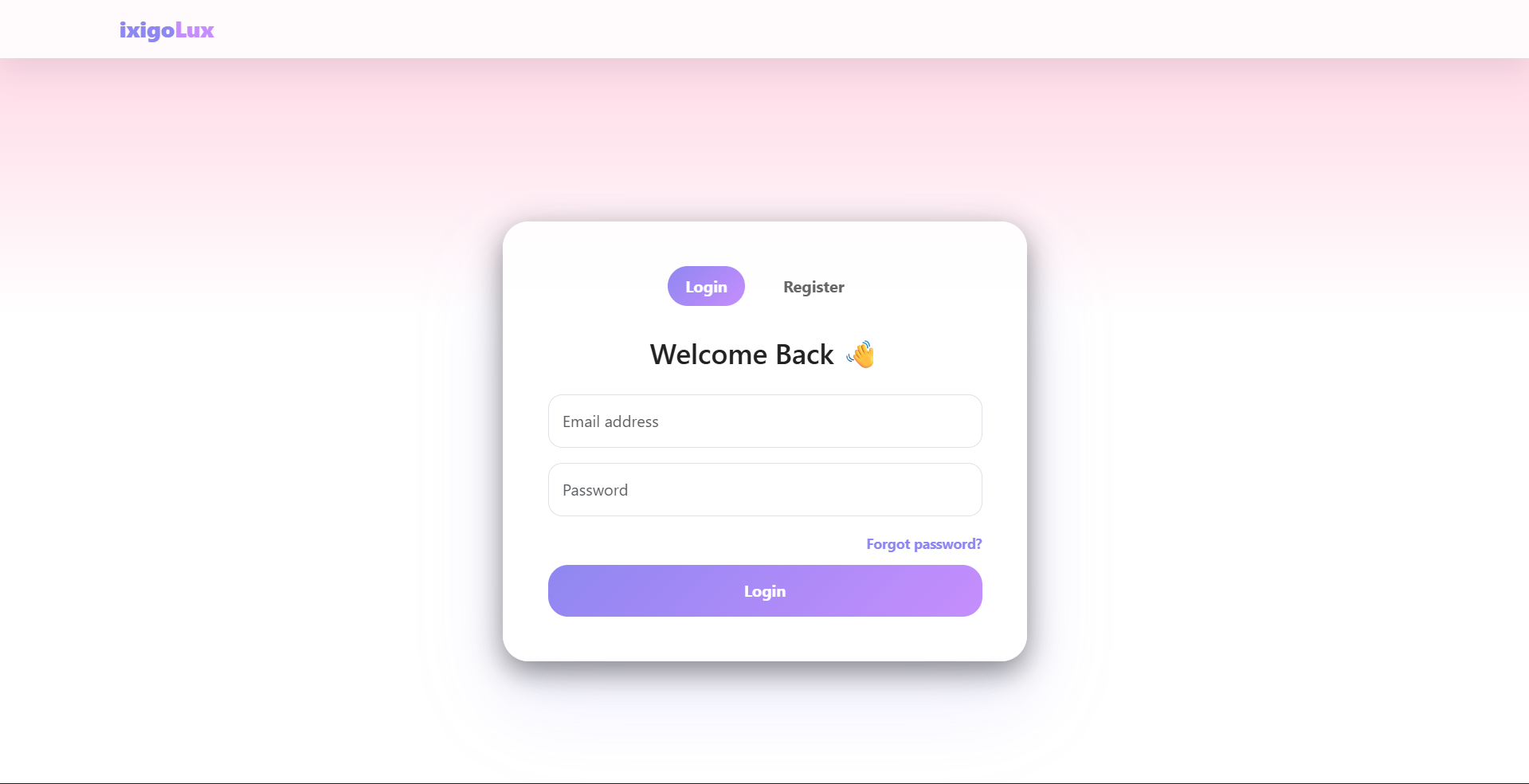
Login / Register Page
-
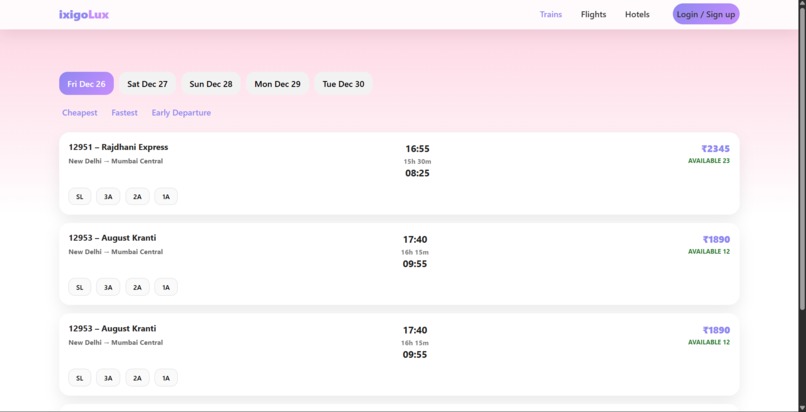
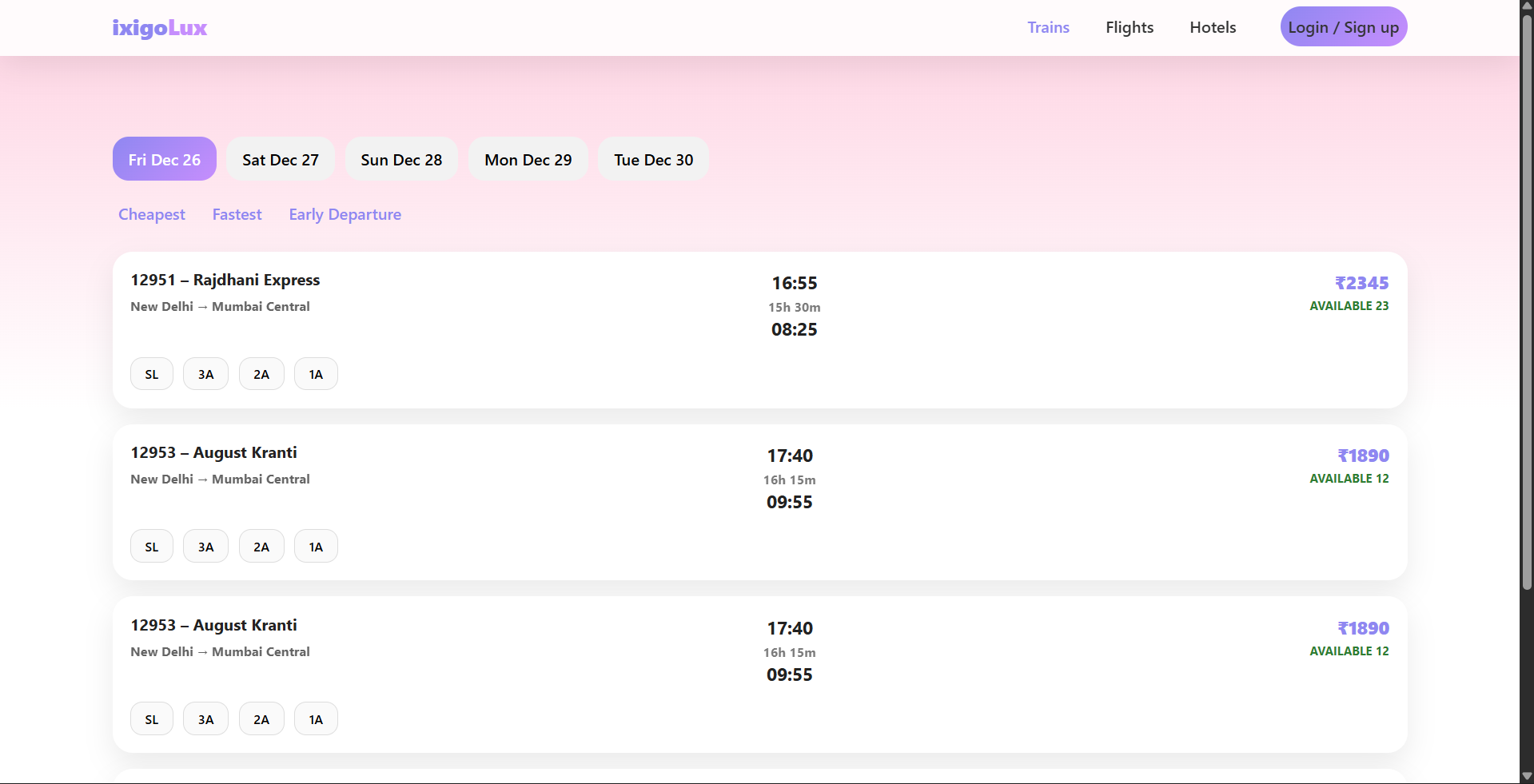
Train Searching Page
-
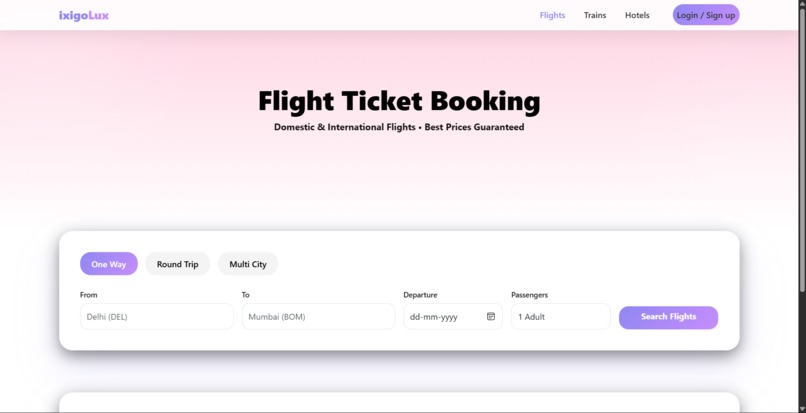
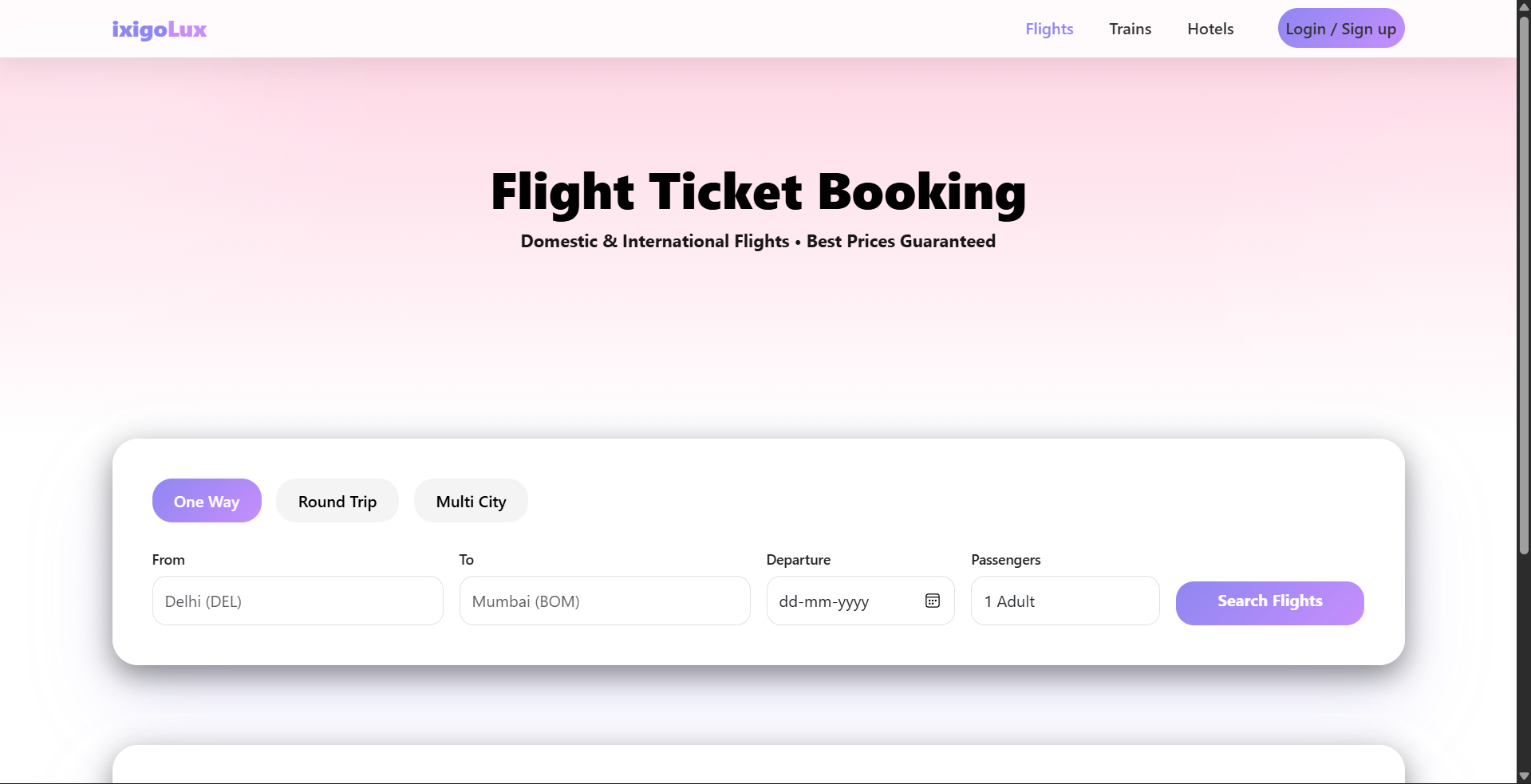
Flight Ticket Booking
-
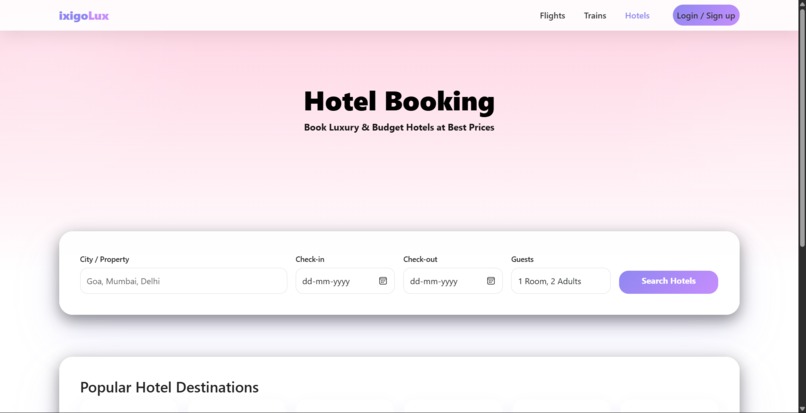
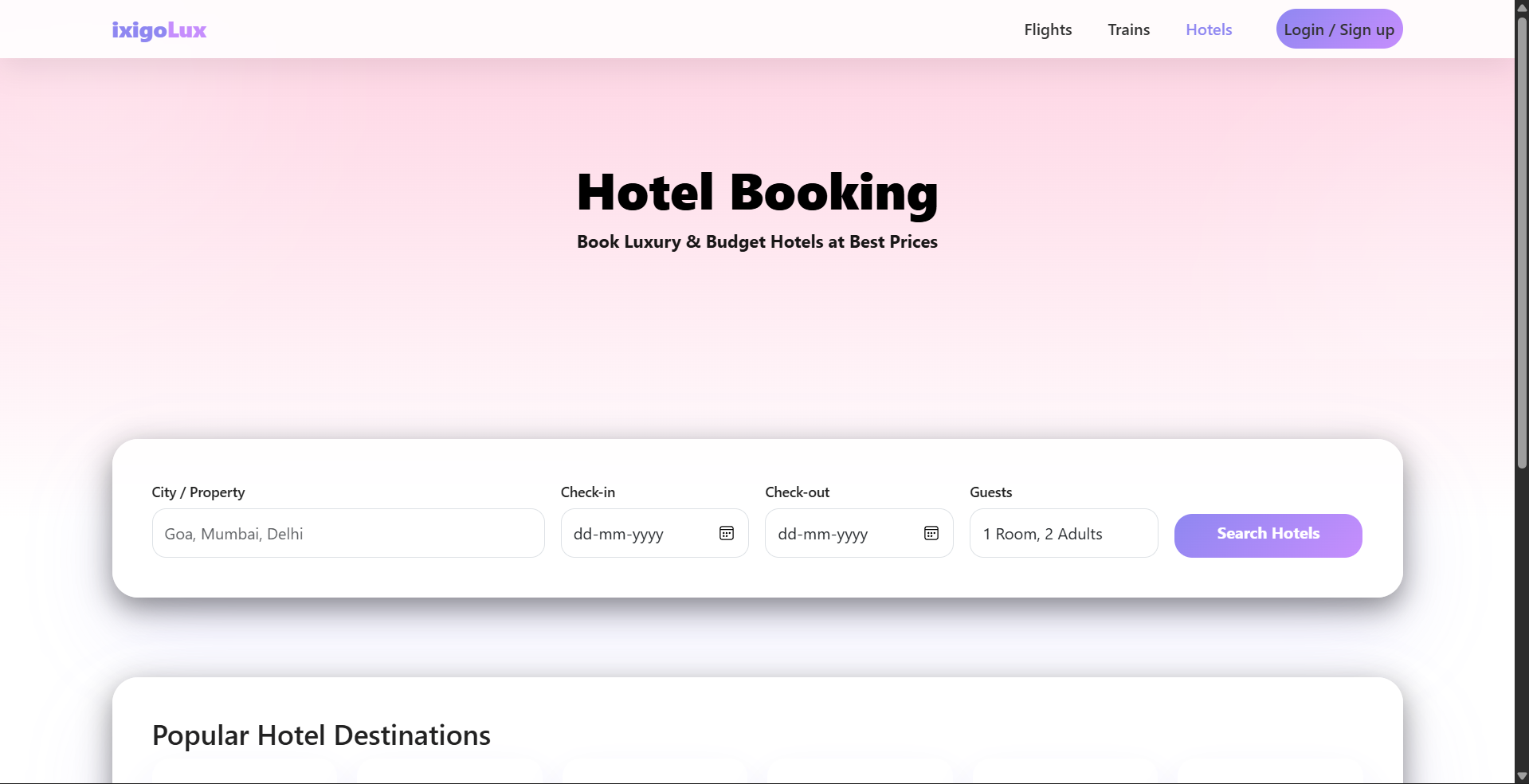
Hotel Ticket Booking
-
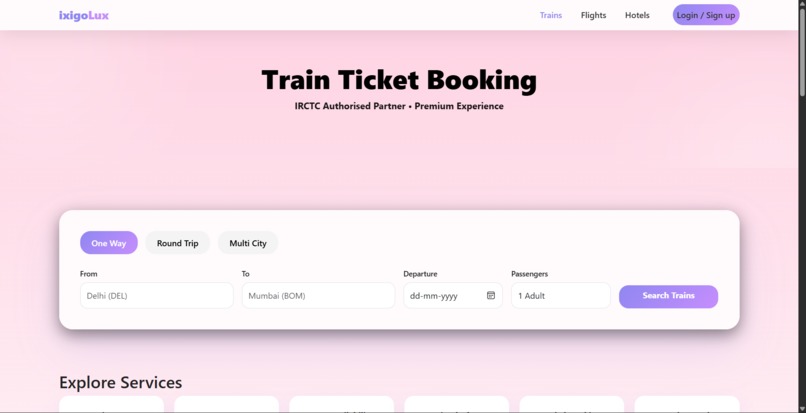
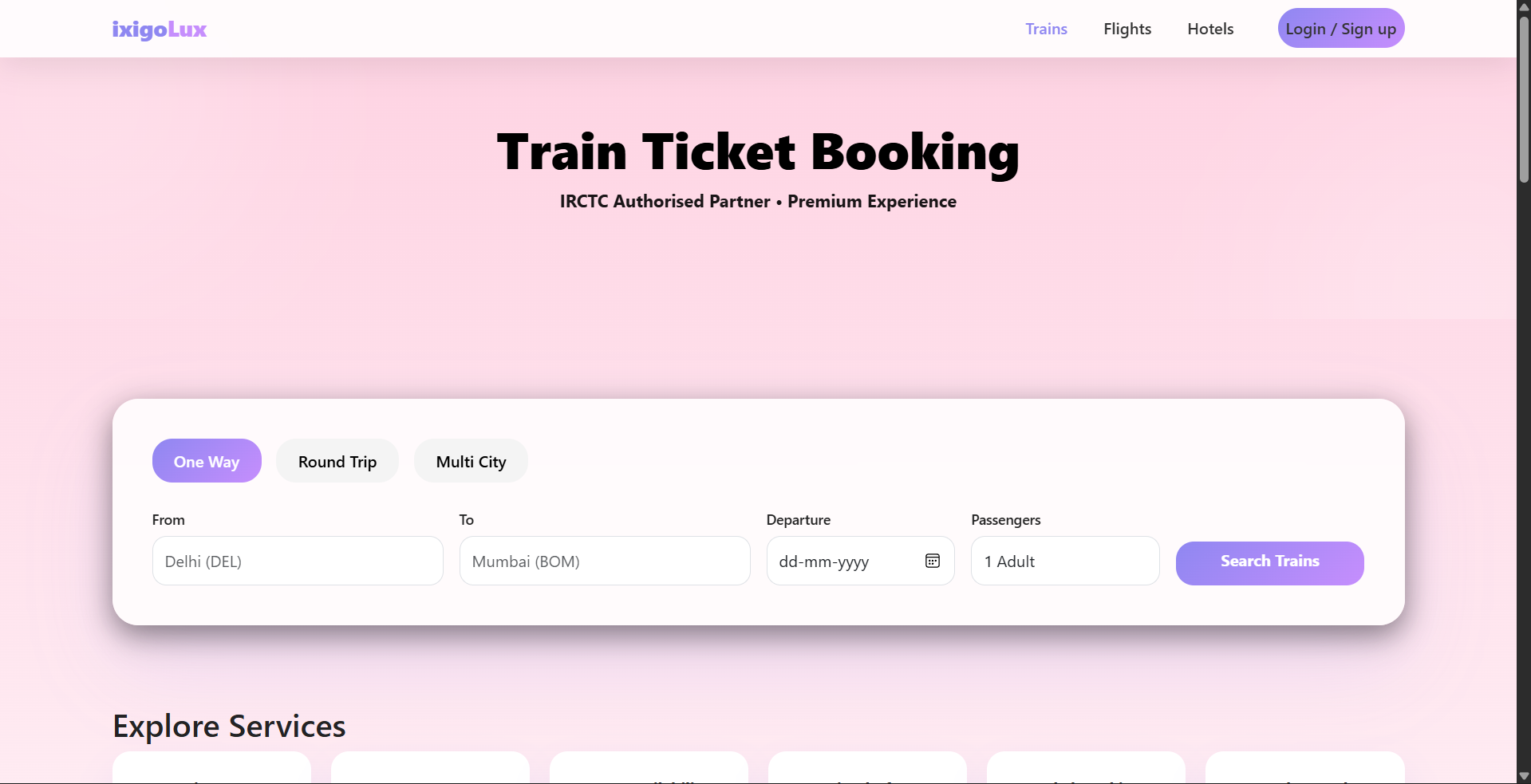
Home page - Train Ticket Booking
-
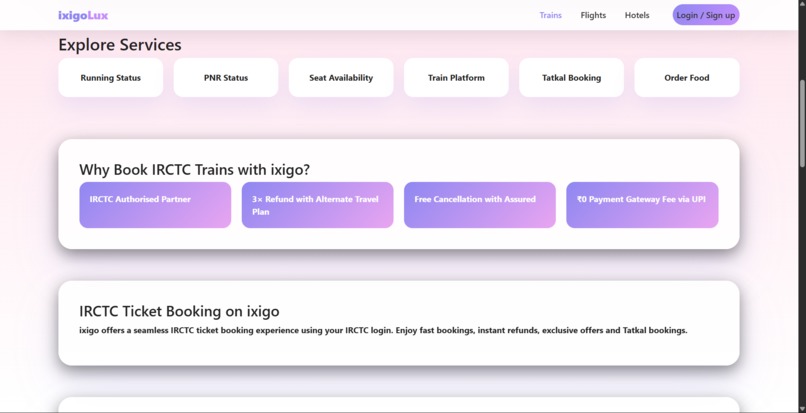
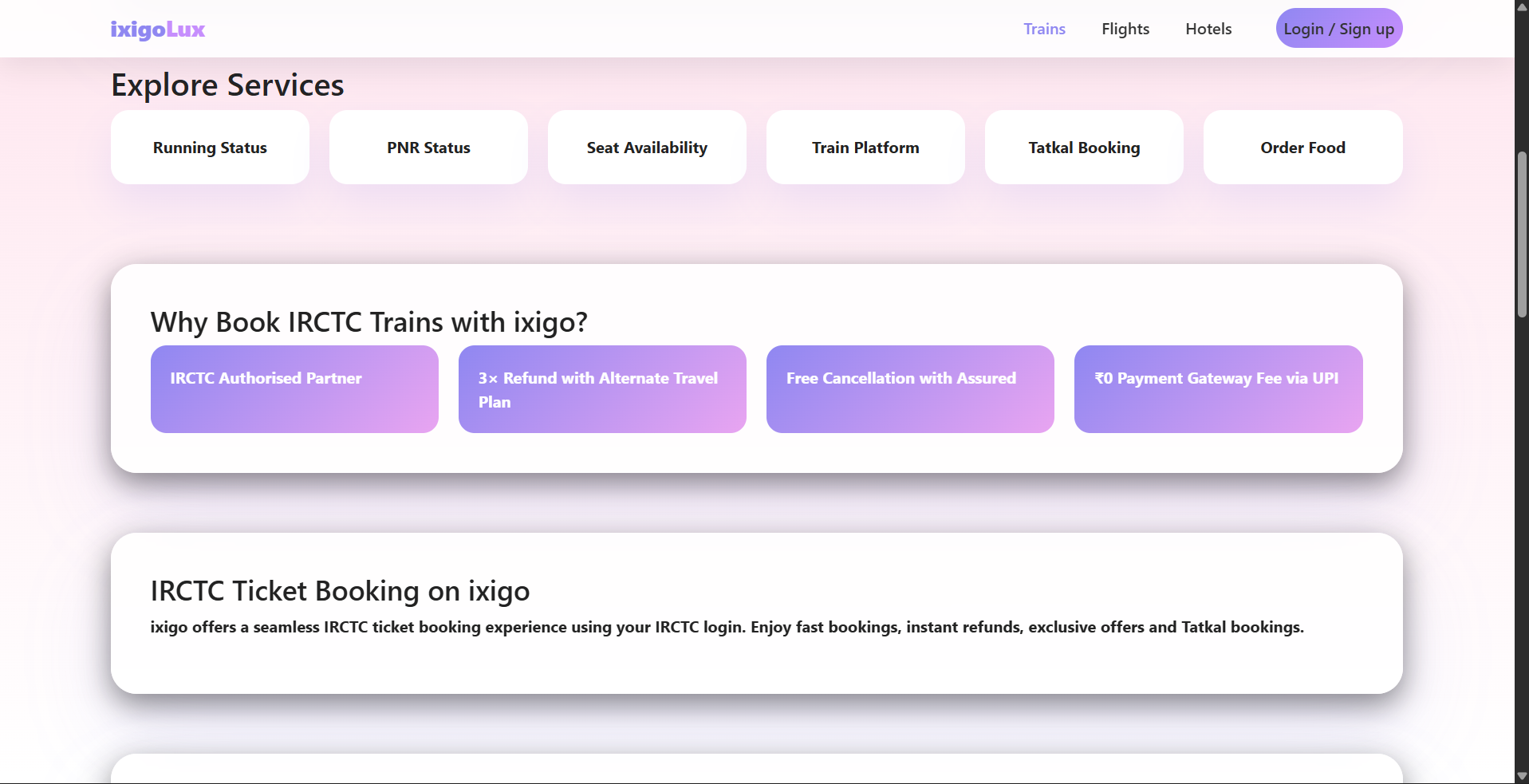
Services
Inspiration:
Many popular ticket booking platforms, including ixigo, were originally designed for desktop users. When viewed on smaller screens, these older interfaces often feel cluttered, slow, and difficult to navigate. This inspired me to redesign ixigo’s old non-responsive UI into a modern, responsive interface that works smoothly across mobile, tablet, and desktop devices.
How I Built the Project:
I built this project using HTML, CSS, and JavaScript, focusing mainly on frontend and UI responsiveness.
Key implementation steps included: Structuring the layout with semantic HTML Designing responsive layouts using CSS Flexbox and Grid Applying media queries to adapt the UI for different screen sizes Enhancing user interaction and behavior with JavaScript Maintaining a clean and consistent design inspired by modern UI practices The goal was not to recreate ixigo’s full functionality, but to improve usability and visual clarity through better design.
What I Learned:
Through this project, I learned: How to convert a non-responsive layout into a responsive design Practical use of media queries for real-world screen sizes Better UI/UX principles, such as spacing, alignment, and readability How small design changes can significantly improve user experience I also gained confidence in planning and structuring a frontend project independently.
Challenges Faced:
Some challenges I encountered during development: Making complex layouts adapt properly on very small screens Maintaining visual consistency across different resolutions Balancing design improvements while keeping the interface simple These challenges helped me better understand responsive design and debugging UI issues.
Conclusion:
This project demonstrates how thoughtful UI redesign and responsive techniques can significantly enhance the usability of an existing platform. It reflects my learning journey in frontend development and my interest in creating user-friendly web interfaces.