Ivyago — the assistant that stays when the network leaves
What inspired it
Two things happened inside a week.
First, I watched a disaster drill on the news: the towers went down, and every phone in the area still had a screen — and nothing on it. A parent with an injured child, a first-aider who couldn't remember a dose, a village cut off from a hospital — all of them holding a device built for the internet, in a moment the internet didn't exist.
The problem
Every AI assistant, search engine, and health app lives in a data center. When a disaster hits, power and connectivity fail first — and the cloud goes silent precisely when someone needs to know what to do, which medicine is safe, or which number to call. An emergency tool that depends on the internet is not an emergency tool.
The solution
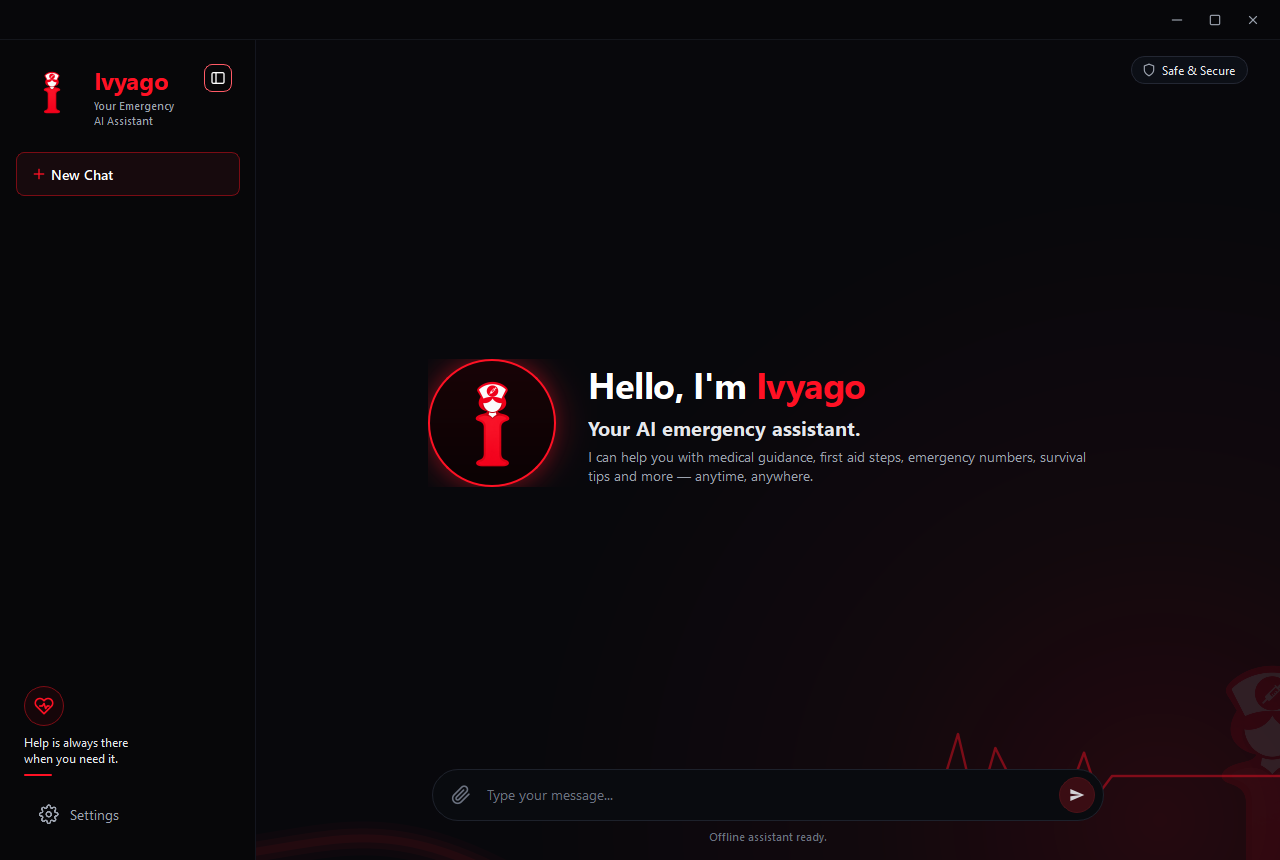
Ivyago is a Windows desktop assistant that runs entirely on your own machine. On first launch you approve one 1.1 GB model download — every byte verified against SHA-256 before it is activated. From that moment on, Ivyago works with the Wi-Fi switched off, forever.
- No account. No API key. No cloud. No telemetry.
- Bundled SQLite reference databases (first aid / body symptoms, medicine safety, emergency numbers) ground critical answers in verified local data instead of letting the model guess.
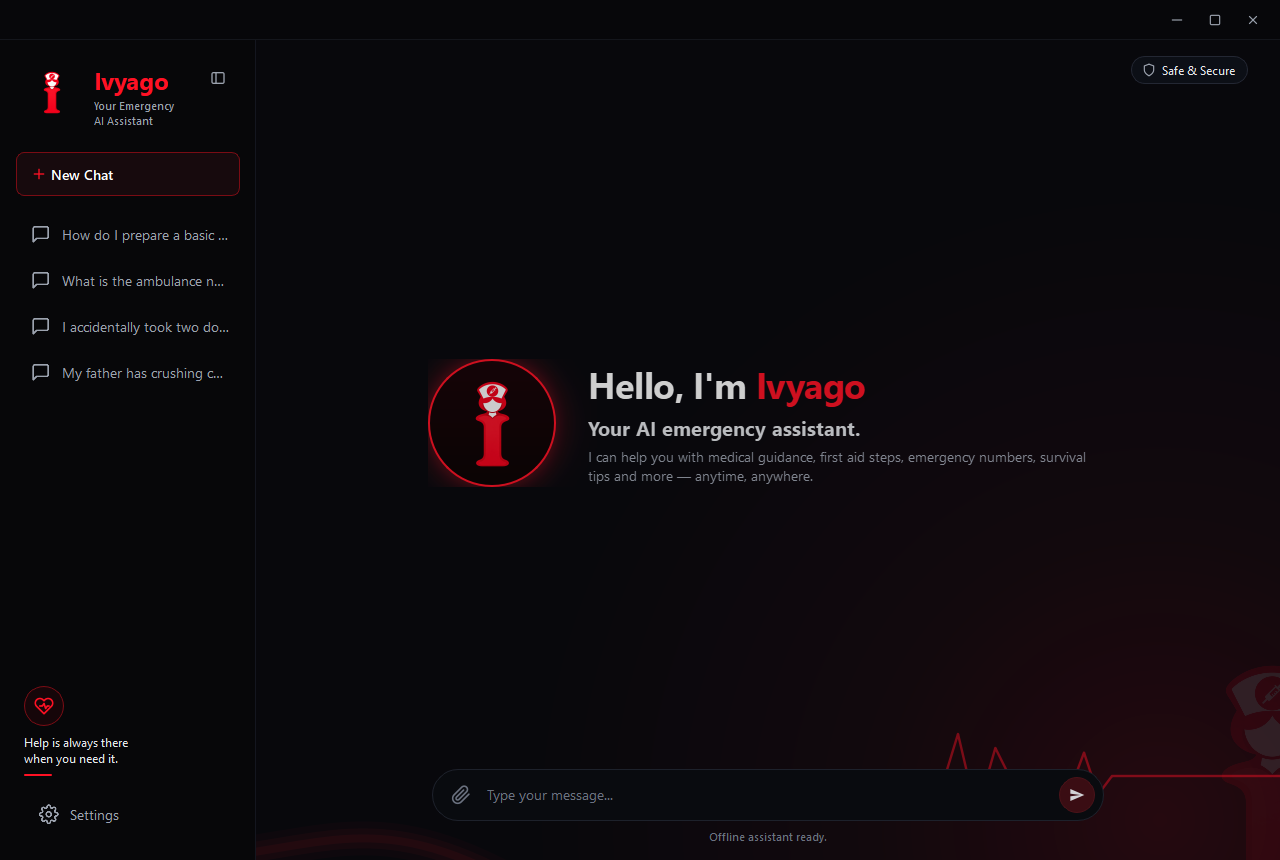
- Chats live in RAM only — closing the app destroys every conversation.
What it does
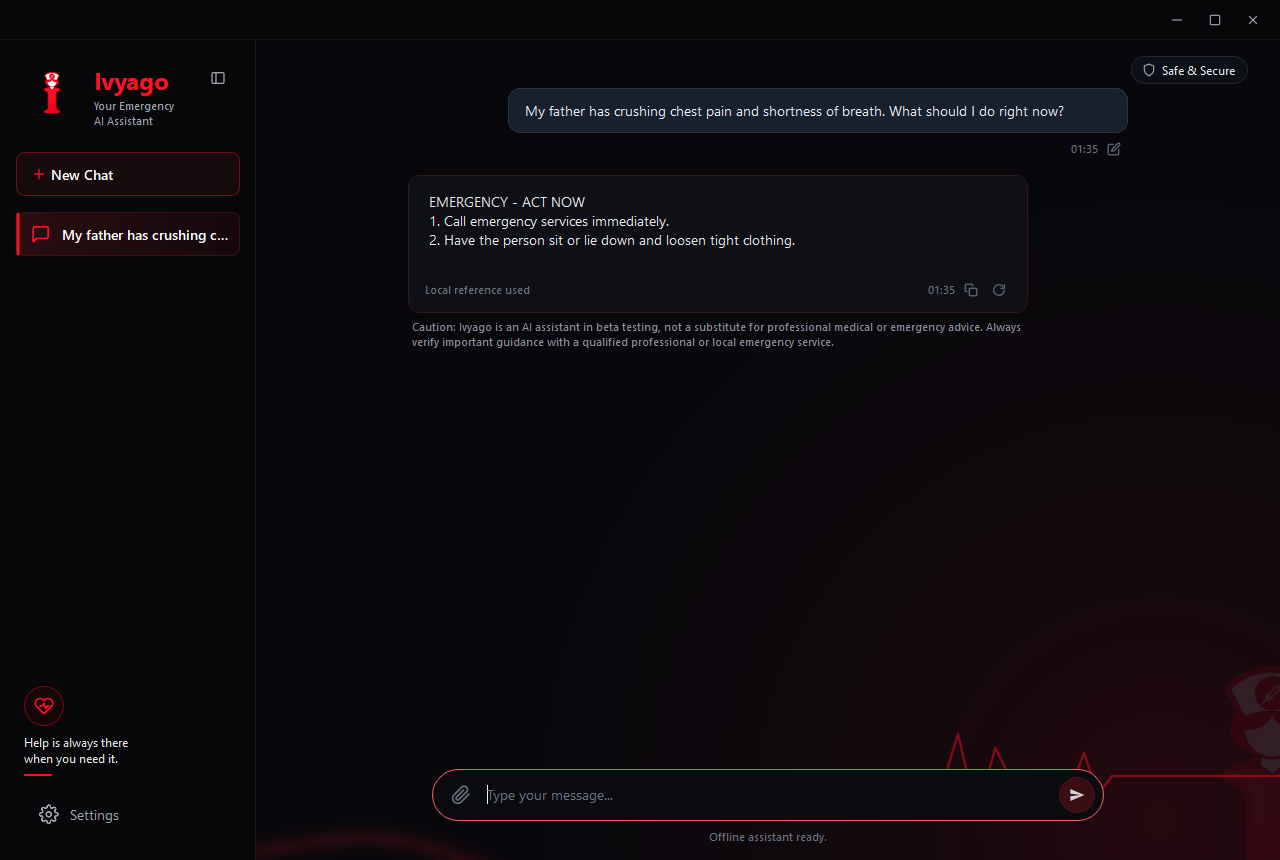
- Emergency first aid — critical symptoms produce immediate, numbered actions with a source note.
- Medicine safety — doses, pregnancy, interactions, accidental double doses; unsafe guidance is blocked by a response policy.
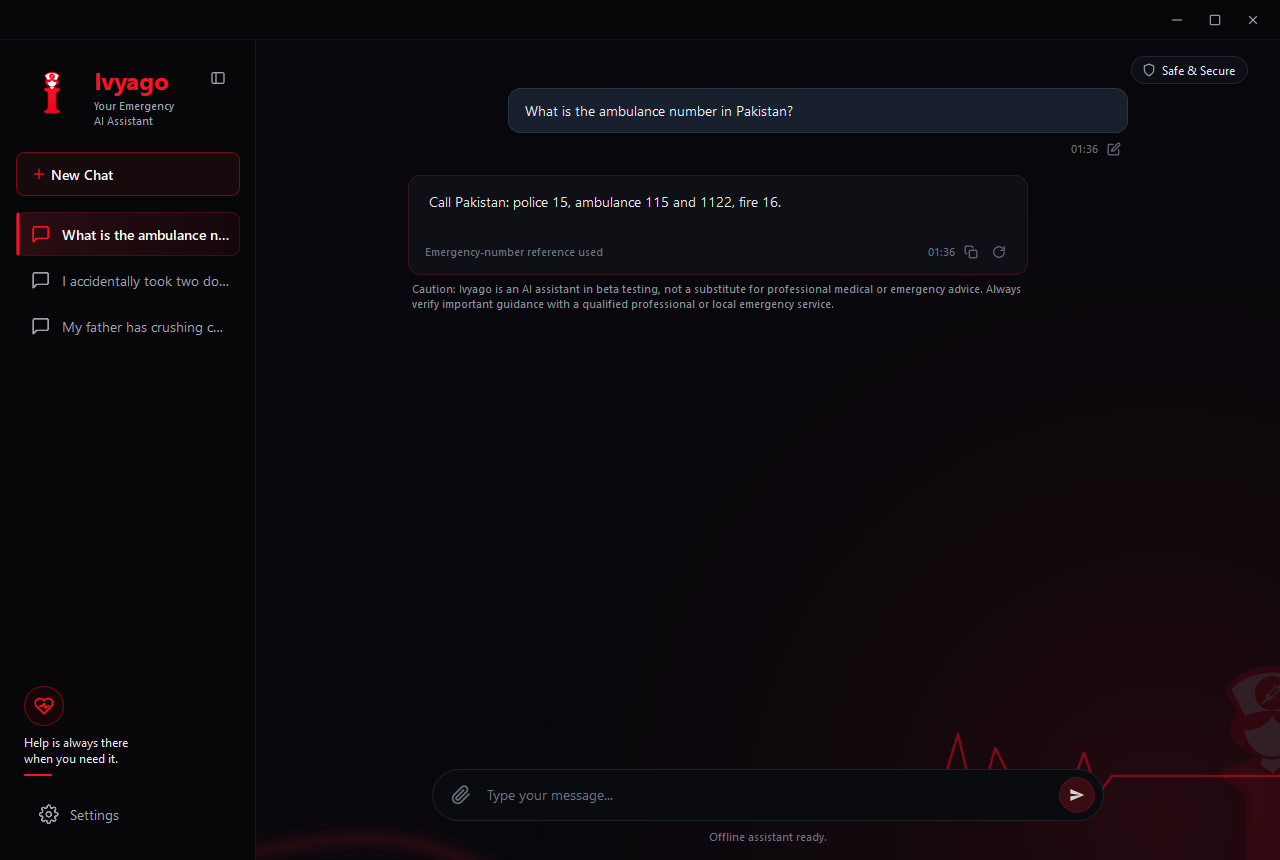
- Emergency numbers — answered from a packaged country reference, not hallucinated.
- General preparedness — first-aid kits, travel and everyday safety.
- Streaming answers with Stop, multiple in-memory sessions, dark theme, resizable frameless window.
How we built it
- Python 3.12 + PySide6 (Qt) frameless desktop UI, built layer by layer across 121 commits: paths and config → services → UI primitives → shell window → views → entry point.
- llama-cpp-python runs Qwen2.5-1.5B-Instruct (Q4_K_M, 1.1 GB) on the CPU — no GPU required, 8 GB RAM recommended.
- A keyword detector routes each message to general, body/emergency, medicine, or emergency-number handling; verified reference rows are selected; the model writes the answer; a response policy cleans it, detects prompt echoes and unsafe medicine guidance, and falls back to the grounded local reference when the generated text isn't usable.
- Resumable downloader: byte-range
Range:resume from.partfiles, disk-space headroom check, SHA-256 verification with automatic discard of failed downloads. - Data pipeline for all three databases: raw → cleaned → verified → final, with cross-check and import reports committed to the repo.
- Packaging: PyInstaller frozen app + NSIS per-user installer (46 MB, no administrator rights), built by
tools/build_windows.py.
Challenges we faced
SSL: CERTIFICATE_VERIFY_FAILEDon a fresh machine. On my own machine everything worked; on a clean install the download died — a machine that didn't know who to trust. I fixed it by anchoring TLS verification to thecertifiCA bundle inside the app (SSL_CERT_FILE), so trust is deterministic on any Windows machine — including brand-new, freshly imaged ones, which is exactly where emergencies happen.- Trusting a 1.5B model with life-safety answers. Solved with keyword routing + verified local reference rows + a response policy that protects critical answers and refuses to present unusable text as final guidance.
- Distributing without a code-signing certificate. The installer and the model both publish SHA-256 checksums in the README so users can verify what they run before they run it.
What I learned
- Constraints make better architecture. "Must work offline" removed whole categories of design questions — no auth, no sync, no API costs, no telemetry — and made the app dramatically simpler and more private than its cloud cousins.
- The bug you fight is the feature you ship. The certificate failure wasn't patched around; it became Ivyago's trust-by-verification design.
- For life-safety answers, honesty beats fluency. Grounding answers in a verified local database, blocking unsafe medicine guidance, and putting a beta caution on every response mattered more than making the model sound confident.
- A small model you fully control beats a big model you don't.
AI assistance used (per Hackathon Rules §3)
- AI tools were used for coding assistance, research, and drafting during the Oct 21–26 build period, as permitted by the rules. Ai tools that I used (freebuff & omnirush)
- Human contributions: overall architecture, the safety/response-policy design, the four-stage curation and verification of all three reference databases, the TLS-trust fix, integration decisions, testing, and every line committed to the repository. I understand and can explain the entire codebase.
- Pre-existing resources credited: Qwen2.5-1.5B-Instruct model (Qwen/Alibaba, Apache-2.0), llama.cpp, PySide6/Qt (LGPL-3.0 notices bundled with the app).
Built with
Python, PySide6 (Qt), llama.cpp, Qwen2.5-1.5B-Instruct, SQLite, PyInstaller, NSIS, certifi, SHA-256
Try it yourself
- Clone https://github.com/Rehan-nawroz/ivyago
- Download
dist/Ivyago-Setup-0.1.0.exe(46 MB) from the repository — its SHA-256 is printed in the README. - Run the installer (per-user, no admin rights), then on first launch let Ivyago download and verify its 1.1 GB model.
- Turn off Wi-Fi and ask it anything.
Requirements: Windows 10/11 x64 · 4 GB RAM (8 GB recommended) · no GPU · no Python required. Building from source: see BUILDING.md.
Safety
Ivyago is an AI assistant in beta, not a substitute for professional medical or emergency advice. Call your local emergency number first.
What's next
macOS and Linux builds (the core is pure Python), code-signed installers, and community-reviewed additions to the reference databases.


Log in or sign up for Devpost to join the conversation.