-
-
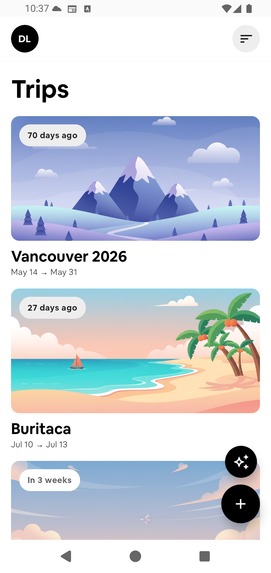
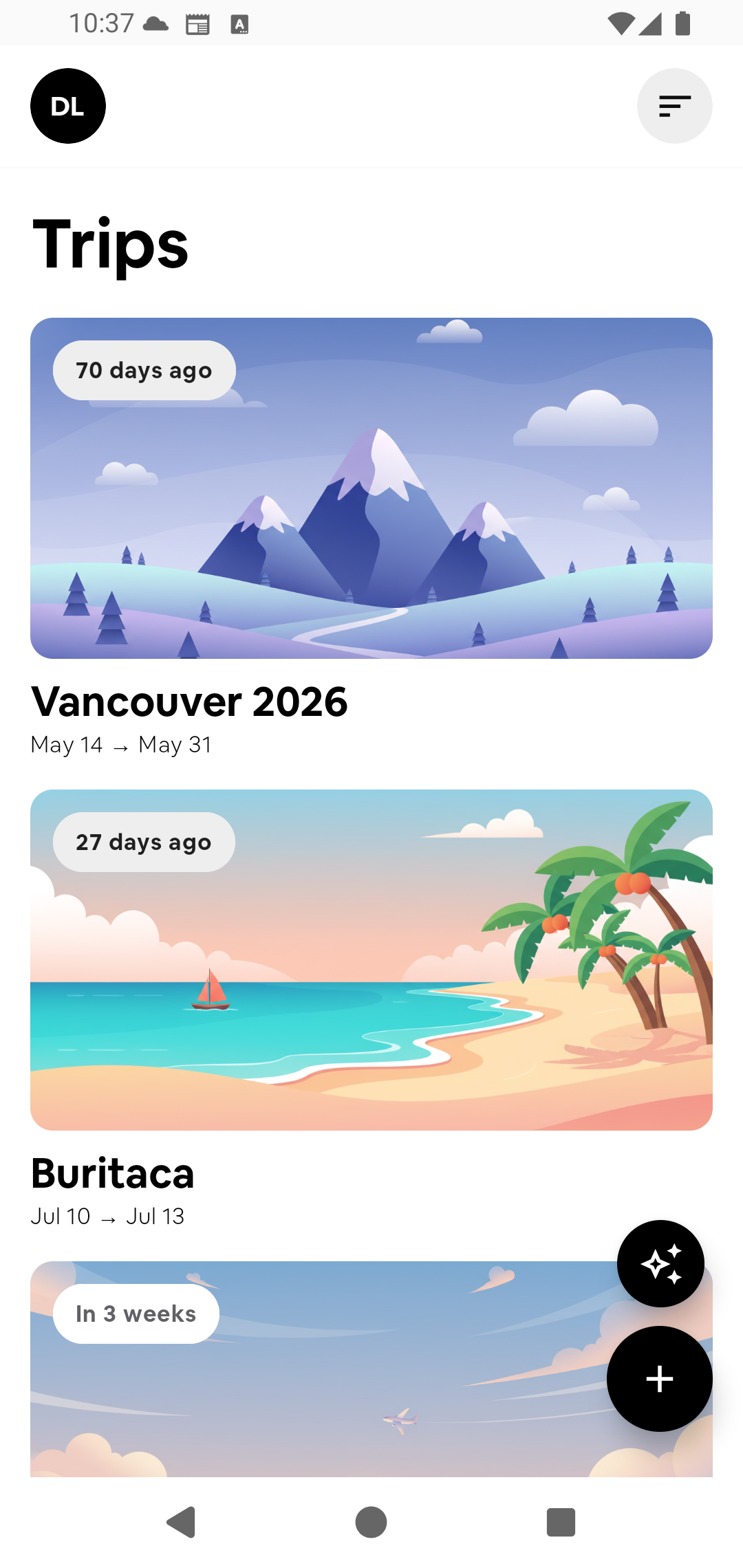
All your trips in one place. Keep past and upcoming adventures beautifully organized and easy to access.
-
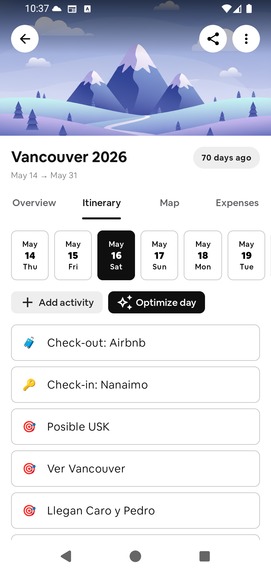
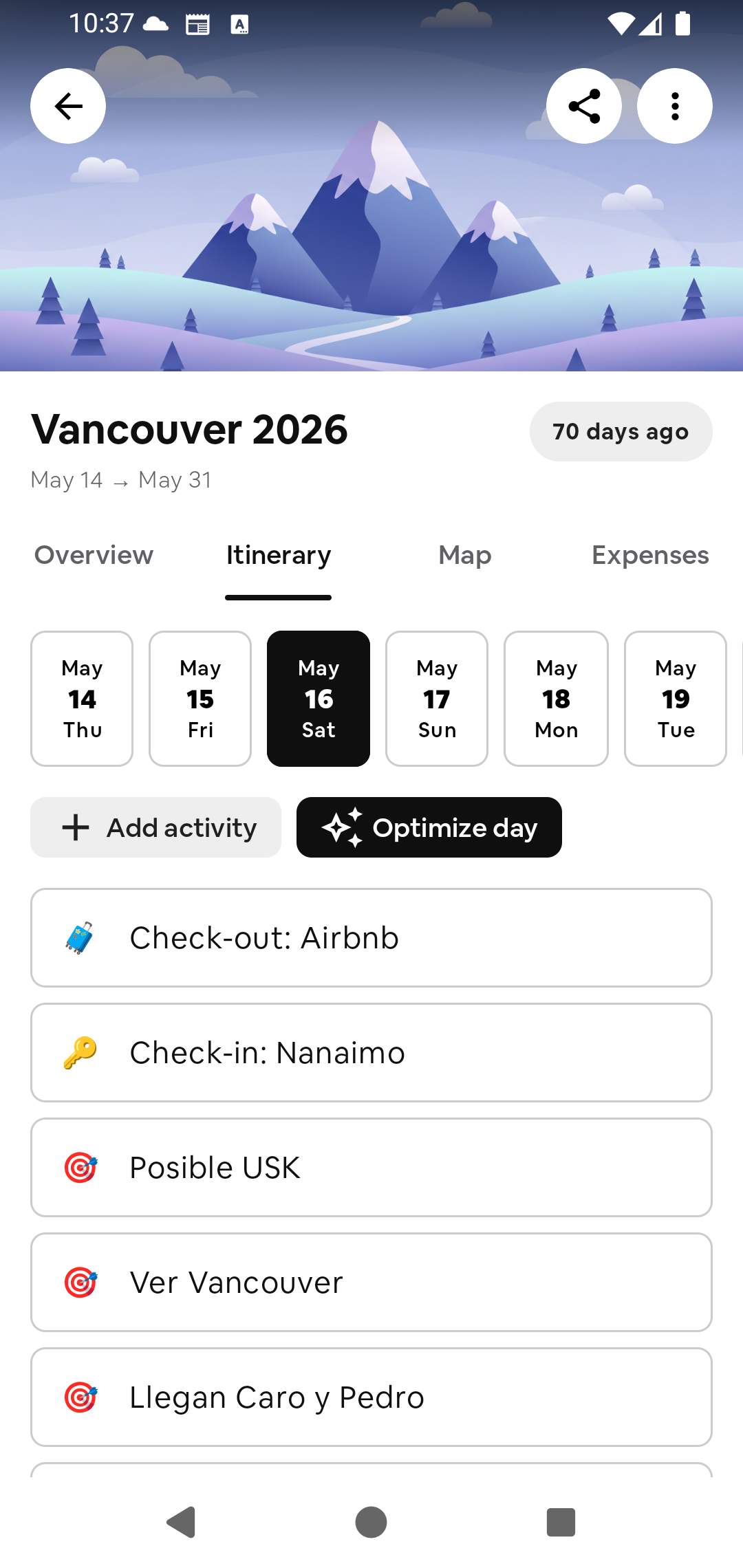
Day-by-day itinerary. Plan each day, add activities, and use AI to optimize your schedule.
-
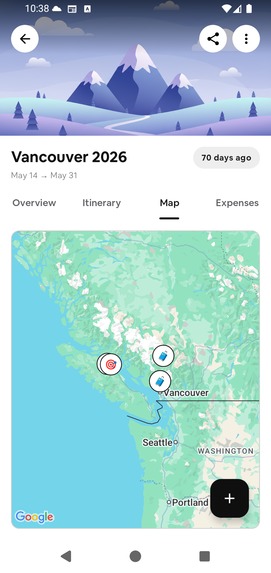
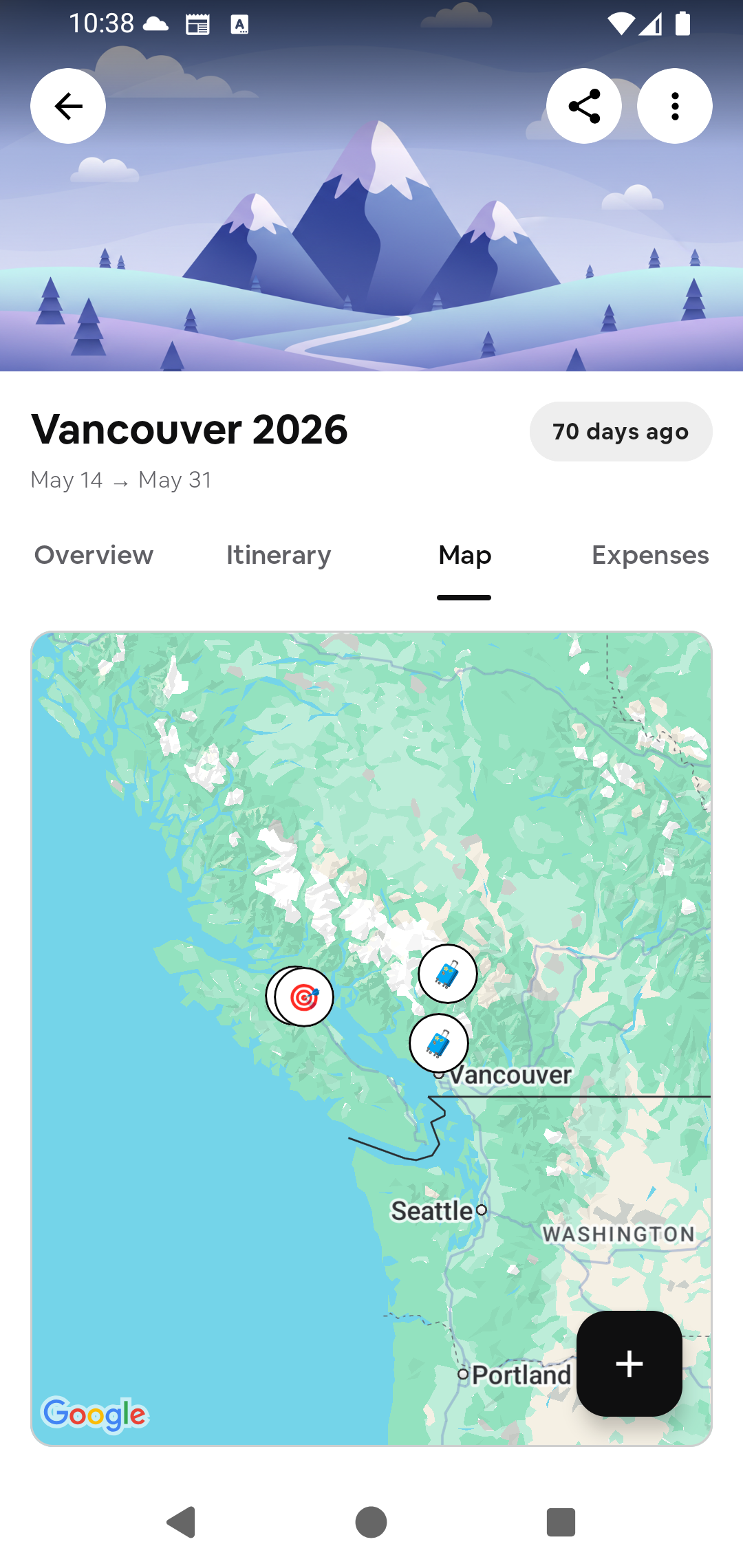
Interactive trip map. View every destination, stop, and route together on an interactive map.
-
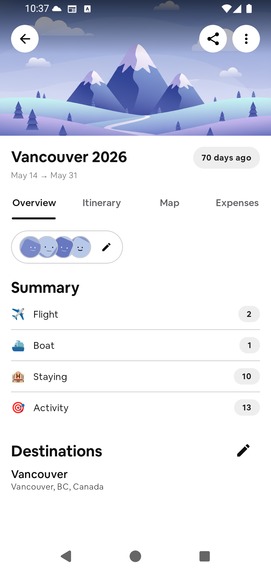
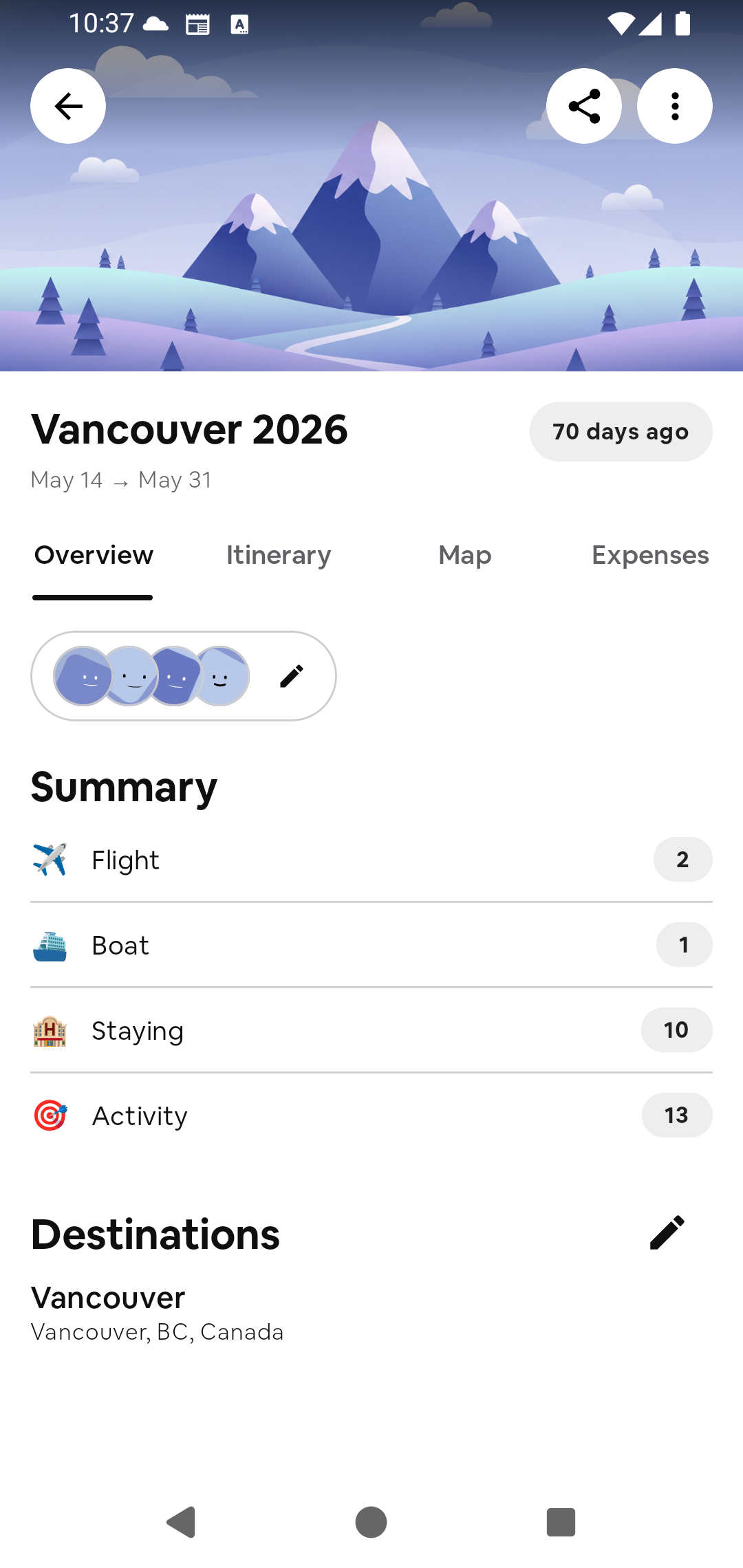
Trip overview. See your trip at a glance, including dates, travelers, flights, stays, activities, and destinations.
-
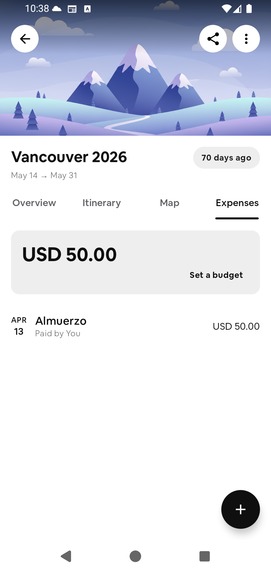
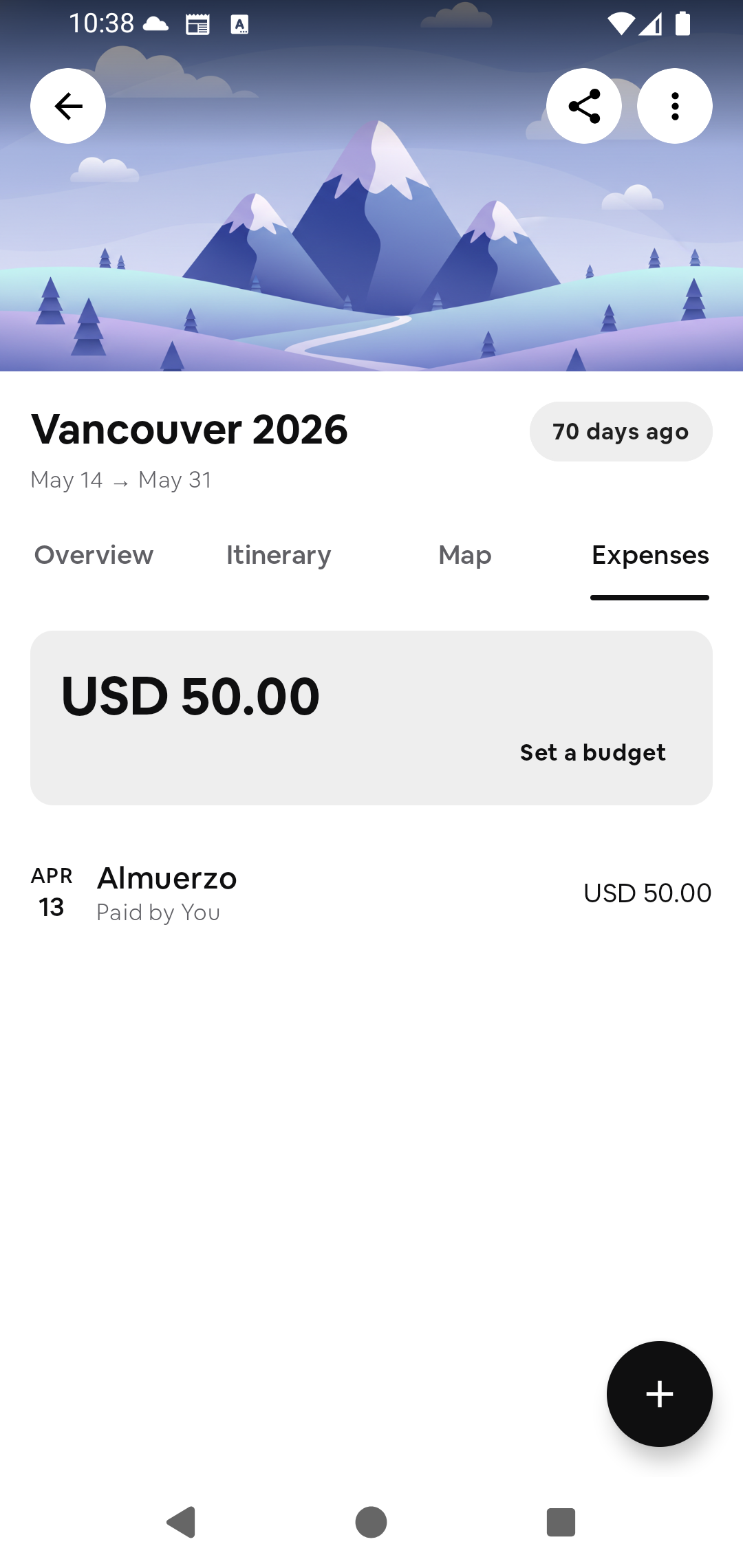
Expense tracking. Set a budget, record expenses, and keep track of who paid during the trip.
-


Inspiration
Planning a trip rarely happens in one place. Flights stay in email, places are saved in Maps, ideas disappear in a group chat, and expenses end up in a note or spreadsheet.
I built Itino because the information may be organized, but the trip usually is not. I wanted one place where a traveler could start with a destination and gradually turn it into a plan the whole group can follow.
What it does
Itino brings the practical parts of a trip together:
- Create a trip with its destination and dates
- Build a day-by-day itinerary for flights, stays, restaurants, activities, and transport
- Search for places, save them, and understand the trip on a map
- Keep ideas in a wishlist until they are ready to schedule
- Record shared expenses, who paid, and what remains to be settled
- Sign in and continue planning across devices
Itino works for a weekend away, but it is designed to remain manageable when a trip has several cities, travelers, and moving parts.
The goal is simple: reduce the coordination around a trip so the group can spend more time enjoying it.
How I built it
Itino is a native Android app written in Kotlin with Jetpack Compose. The interface uses Material 3, while Hilt, coroutines, and StateFlow keep dependencies, background work, and UI state predictable.
Google Maps provides destination and place context. RevenueCat manages premium access and purchase entitlements.
The product is structured around the trip itself. Itinerary items, saved places, travelers, and expenses remain connected instead of behaving like separate tools placed inside the same app.
Monetization
Itino follows a freemium model. Core trip planning remains available for free, while Itino Pro unlocks [INSERT THE REAL PREMIUM FEATURES].
RevenueCat manages purchases, entitlements, and access restoration across devices.
Challenges
The hardest decision was what not to show.
Travel plans contain a lot of information, and an itinerary can quickly begin to feel like a spreadsheet. I spent time reducing each screen to the action that matters at that moment: choose the destination, shape the day, save a place, or record an expense.
Shared expenses also look simple until different participants, partial payments, and unsettled balances are involved. Keeping that state understandable without turning the feature into accounting software required careful modeling.
Another challenge was the onboarding. It needed to demonstrate the product instead of simply describing it, while adapting to different Android screen sizes and keeping its animations smooth.
What I am proud of
The part I am most proud of is that Itino feels like one product.
The itinerary, saved places, map, and expenses all lead back to the same trip. Even when a plan becomes detailed, the interface remains focused on the next useful action.
I am also proud of the onboarding flow. It starts with a destination, builds a day, demonstrates shared expenses, and ends with every trip organized in one place.
What I learned
Itino taught me that travel planning needs structure without becoming rigid. A useful plan must be clear enough to follow and easy enough to change.
It also changed how I approach onboarding. A short demonstration of what the user can accomplish communicates more than a long tour of buttons.
What is next
The next steps are collaborative trip invitations, activity reminders, and PDF itinerary export. These will help every traveler stay informed and keep a portable copy of the plan.
I am also finishing AI-assisted trip drafting from text or voice, with a review step before anything is added to a real itinerary.


Log in or sign up for Devpost to join the conversation.