-
-

ItinerAI
-
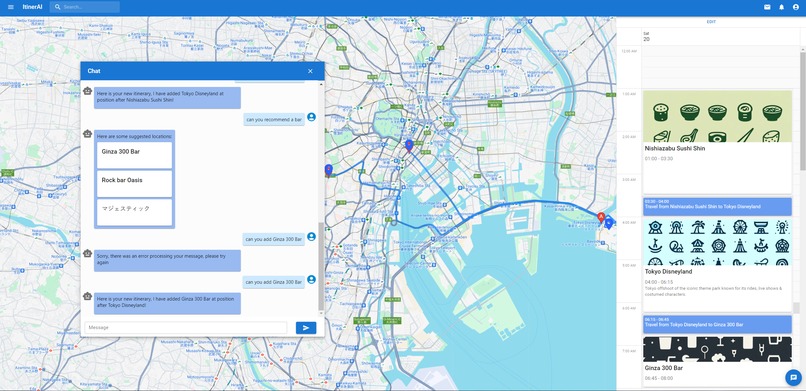
Itinerary Crafted with ItinerAI
-
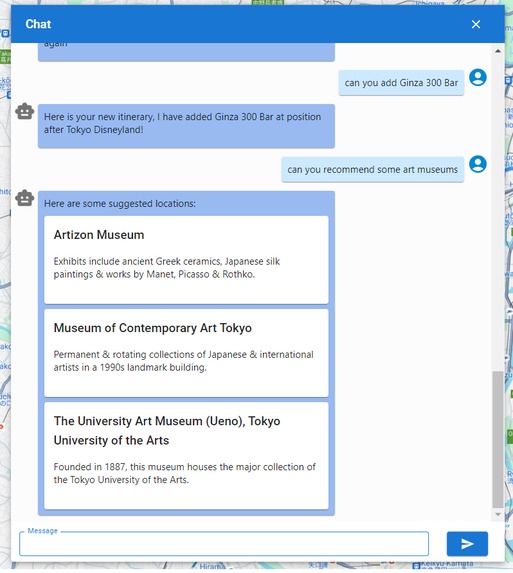
Catered Recommendations in seconds!
-
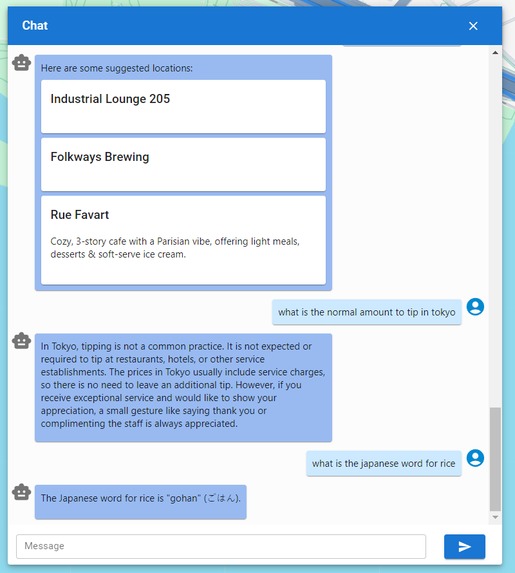
Your helpful assistant
-
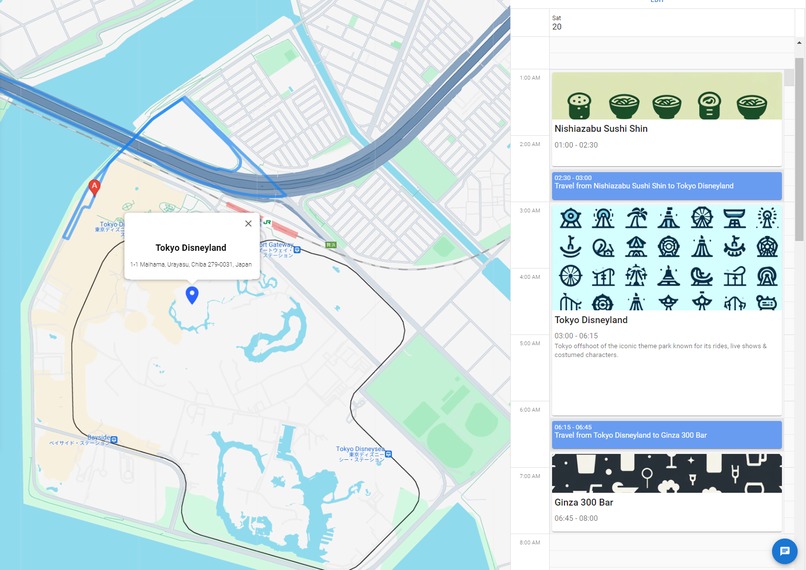
Tokyo Disney Land. Cant Wait!
-
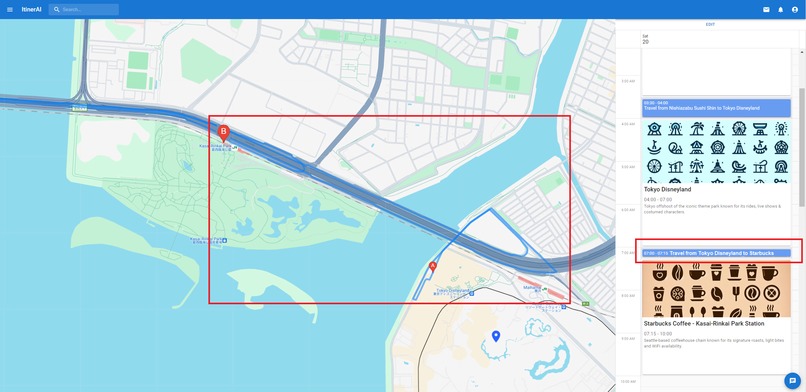
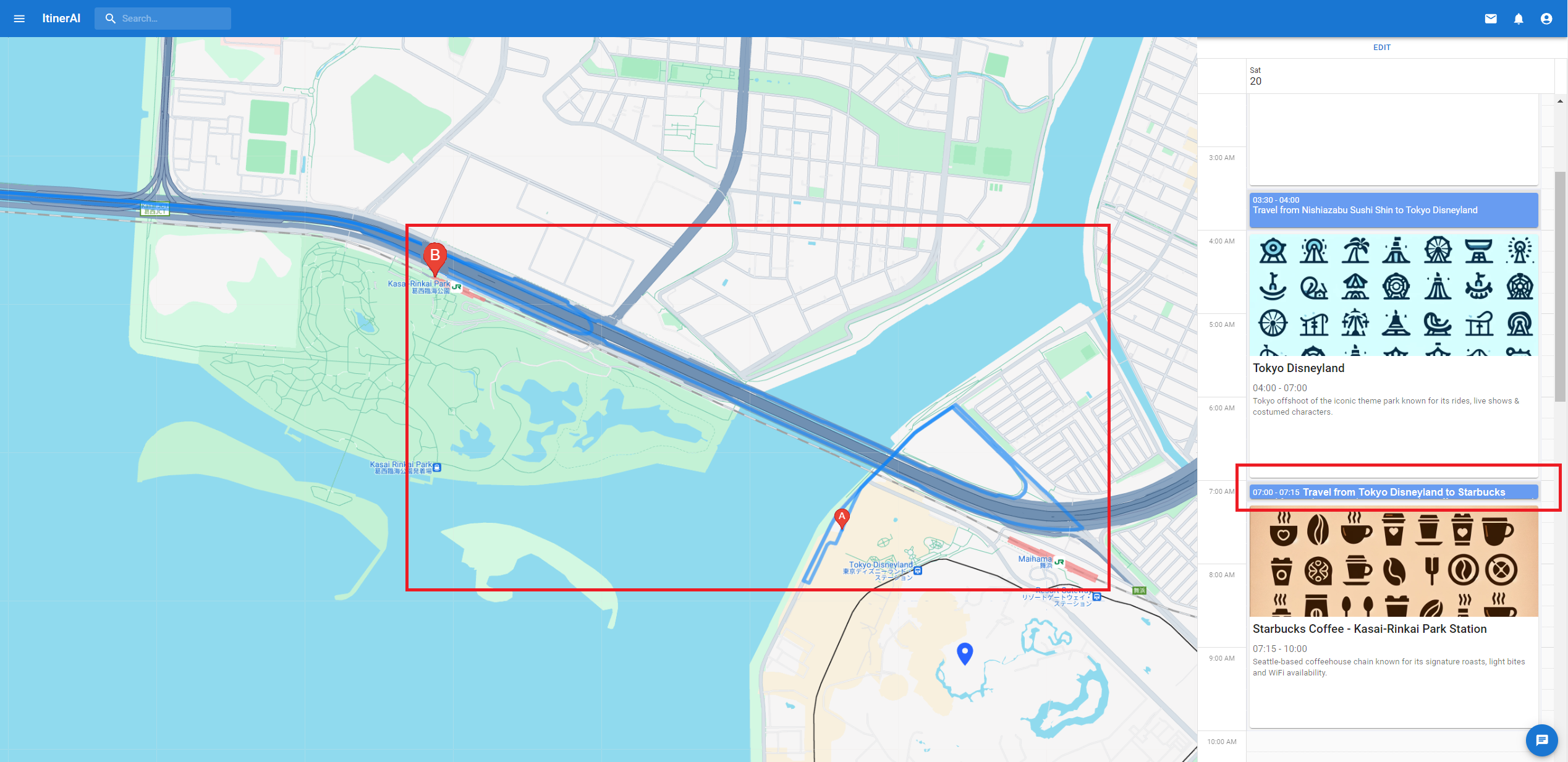
Google Maps Calculated Directions
-
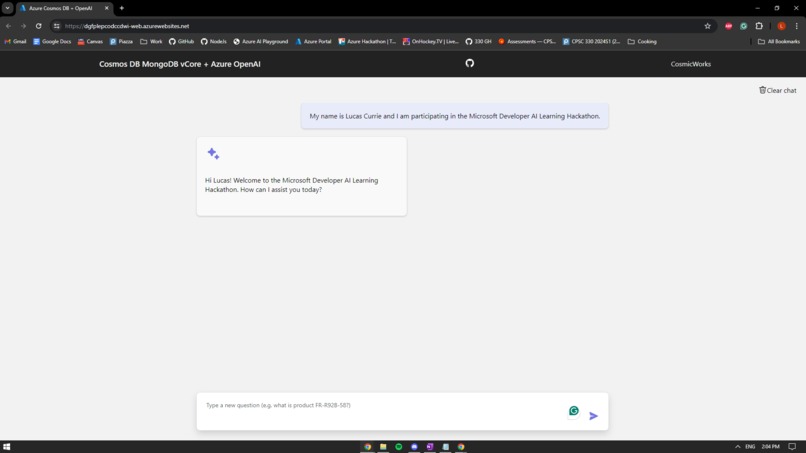
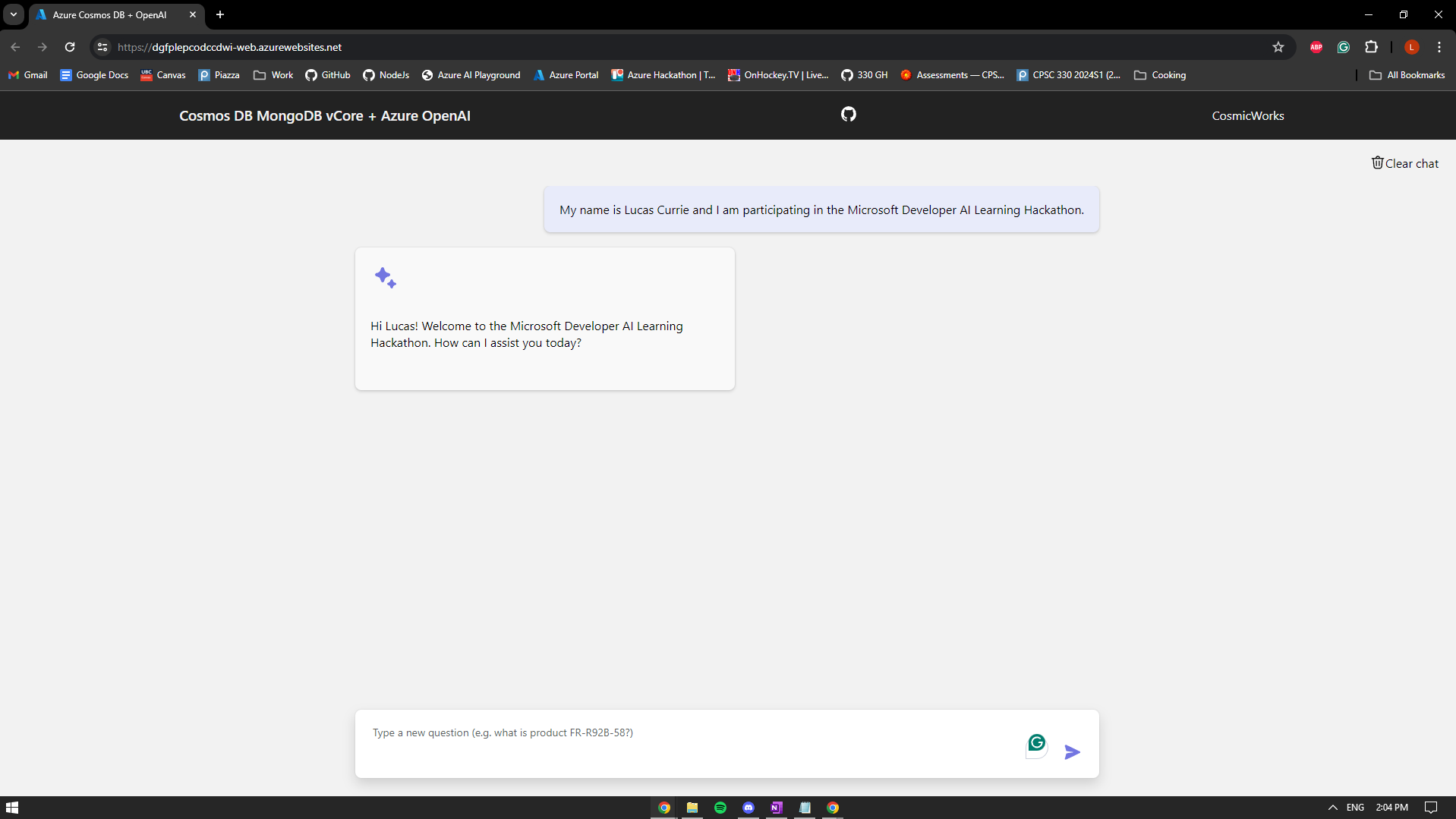
Lucas Screenshot
-
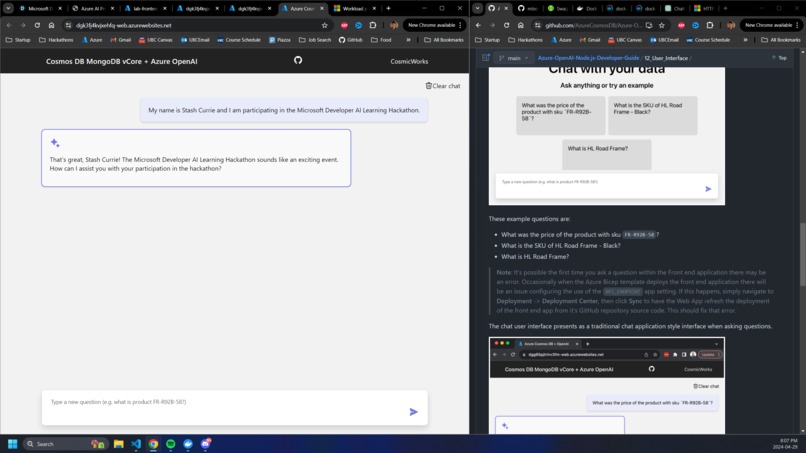
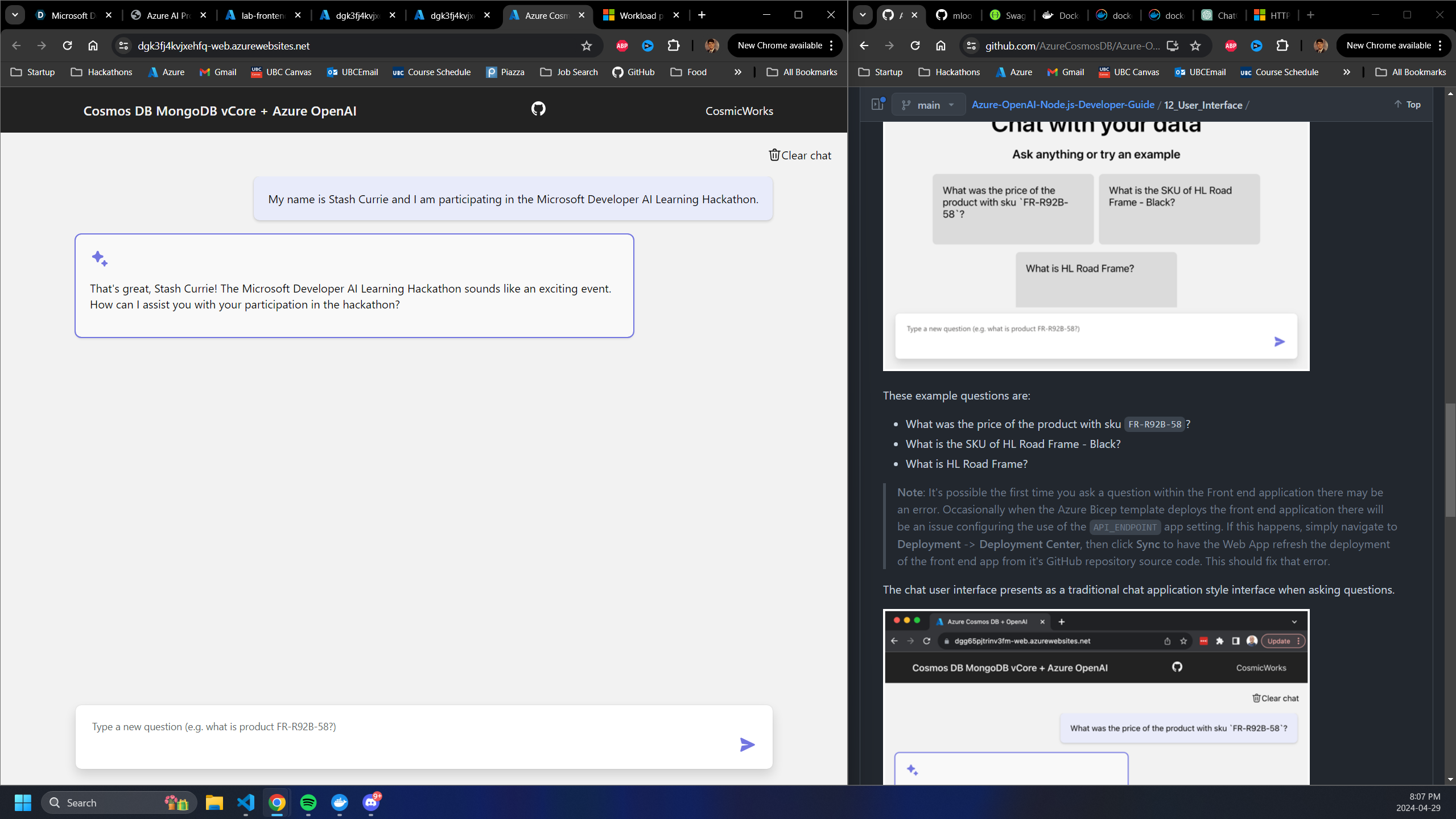
stash screenshot
-
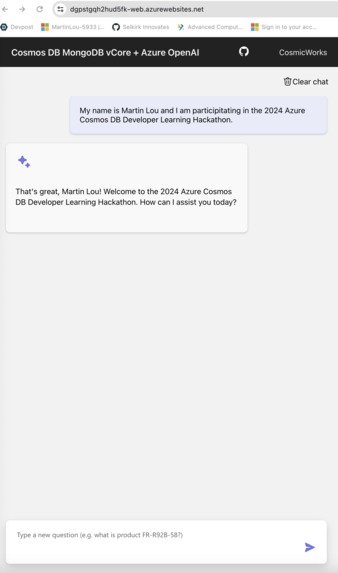
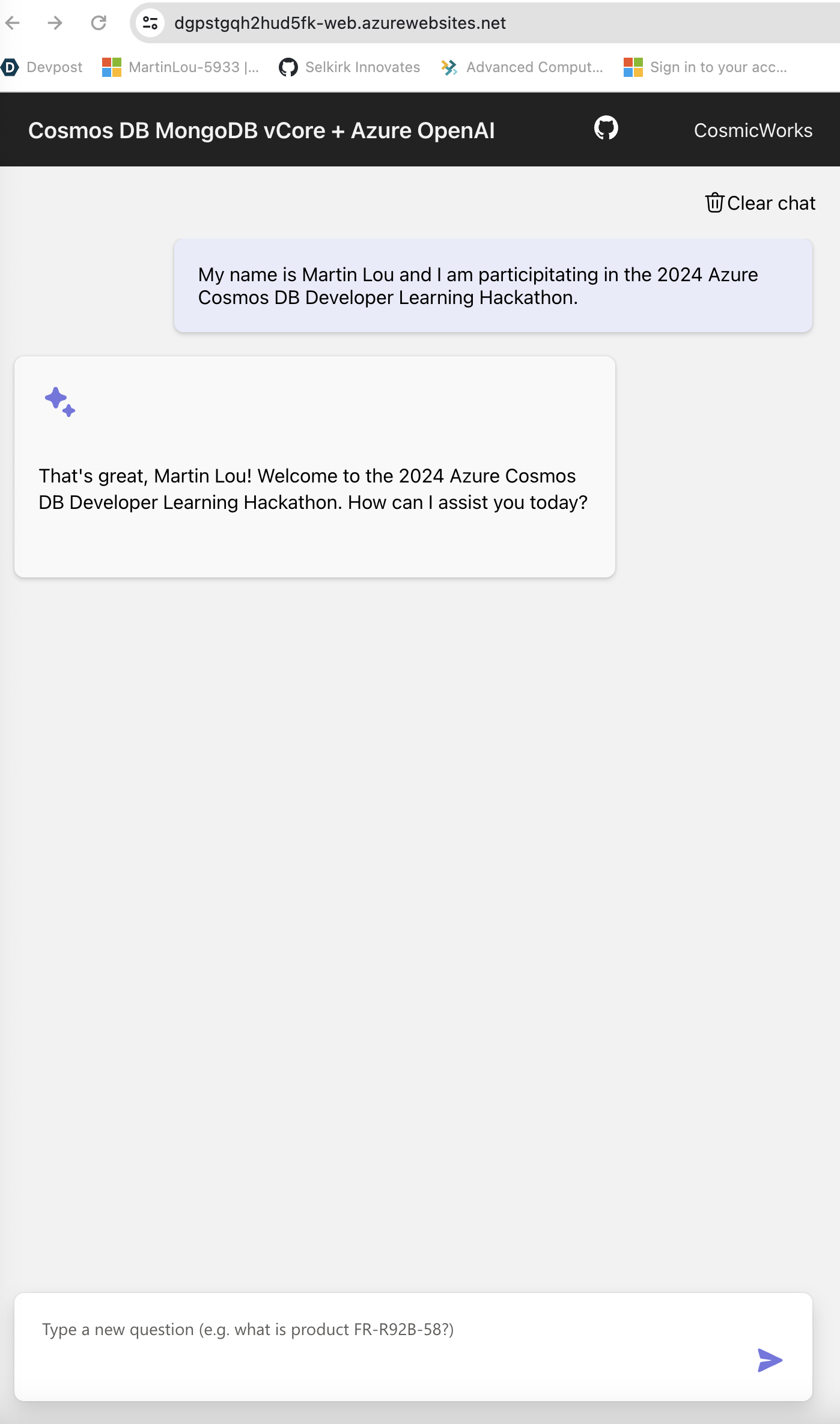
Martin Screenshot

Inspiration
We often dream of creating the perfect itinerary for an upcoming trip, but the reality of planning can be overwhelming. The need to cross-reference various websites, compile findings, and share a cohesive itinerary with friends requires a significant time commitment. This process can be even more daunting when a minor change necessitates numerous updates, disrupting the entire schedule.
What it does
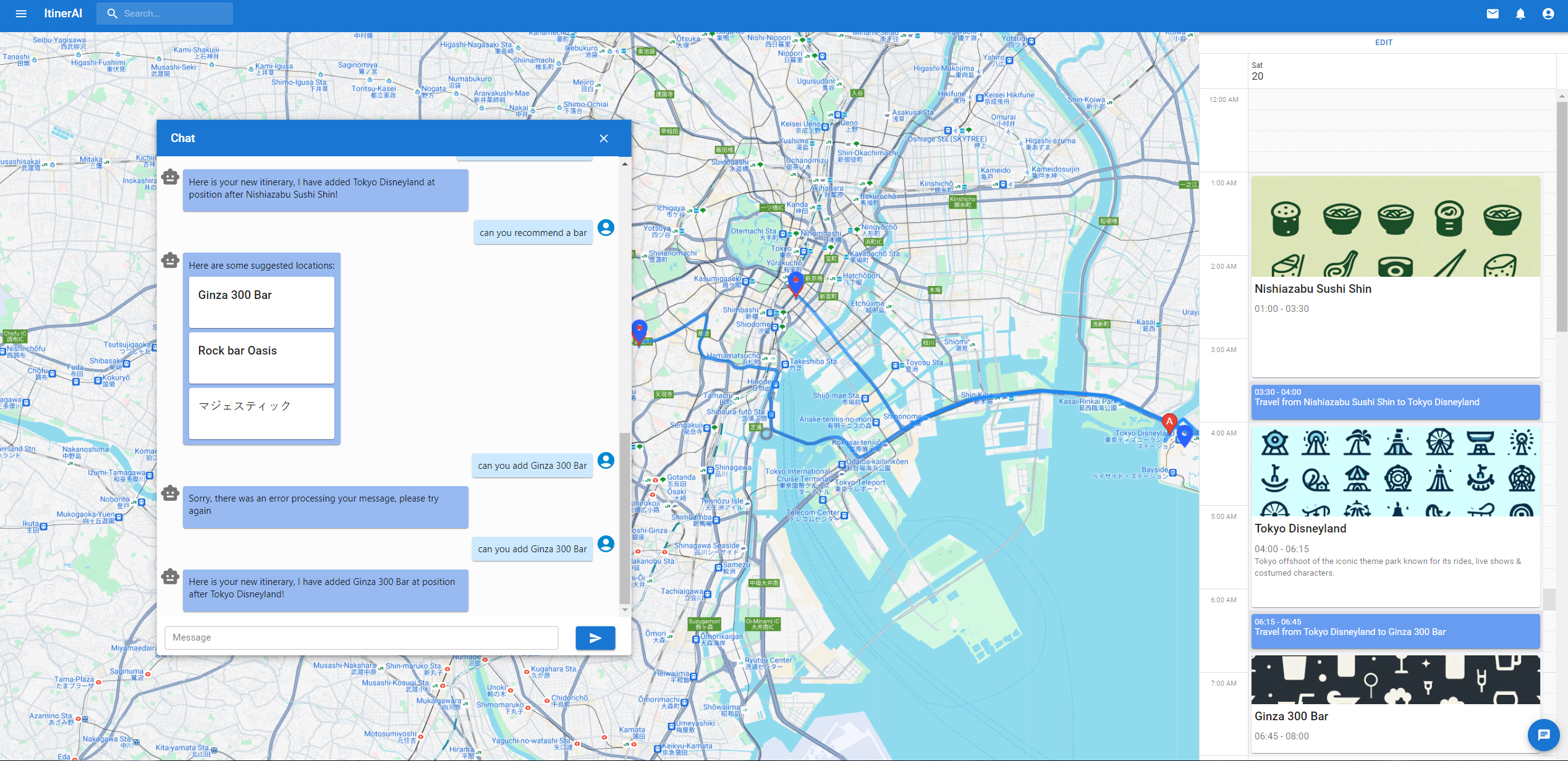
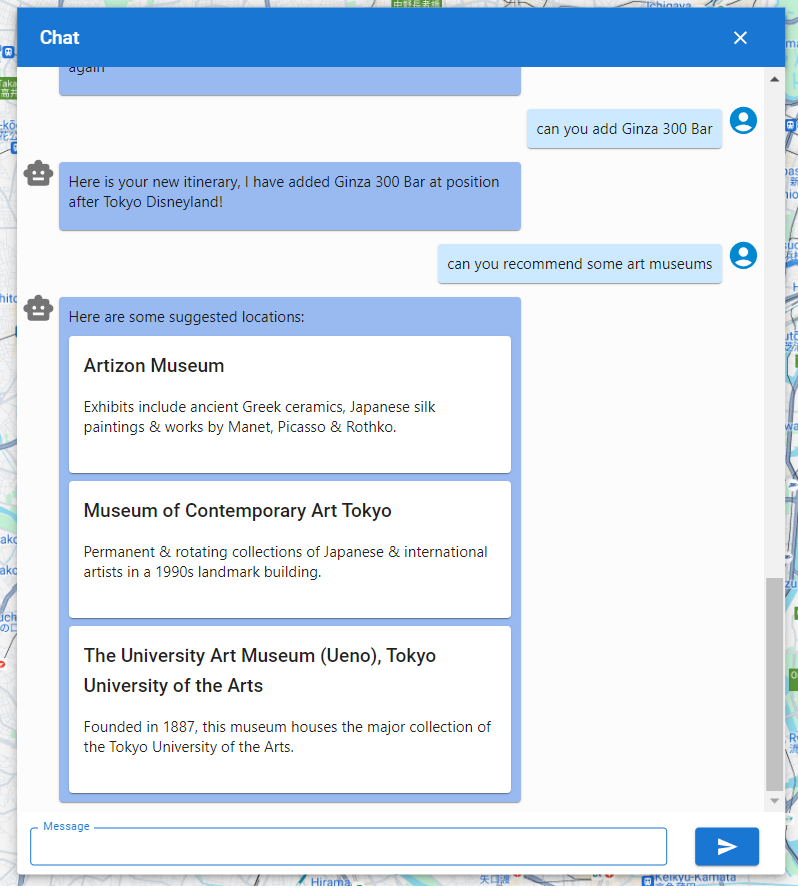
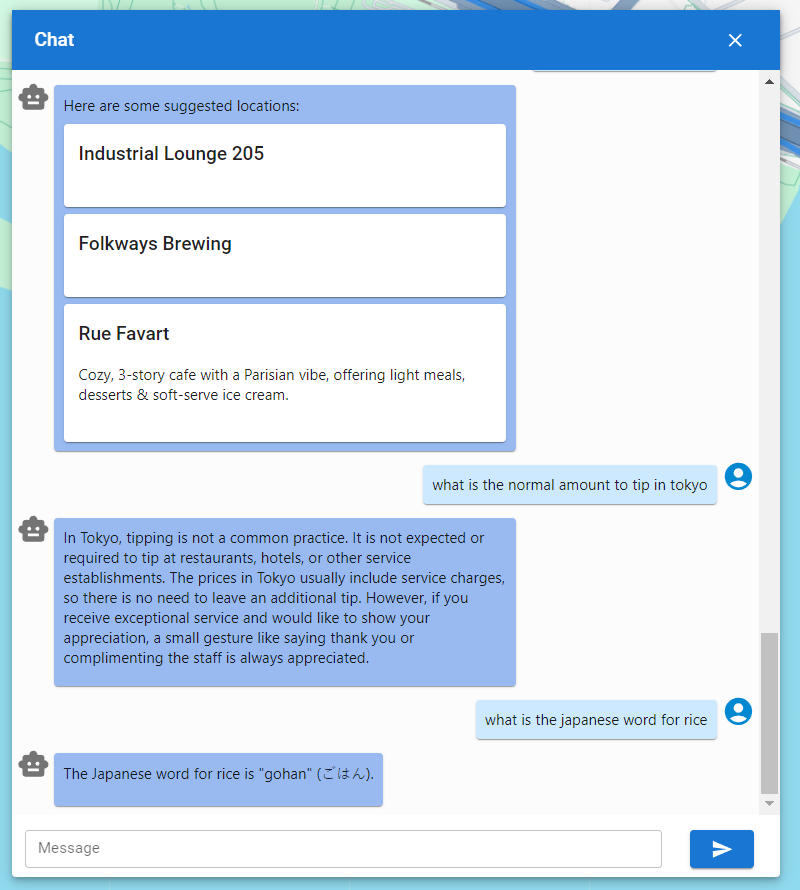
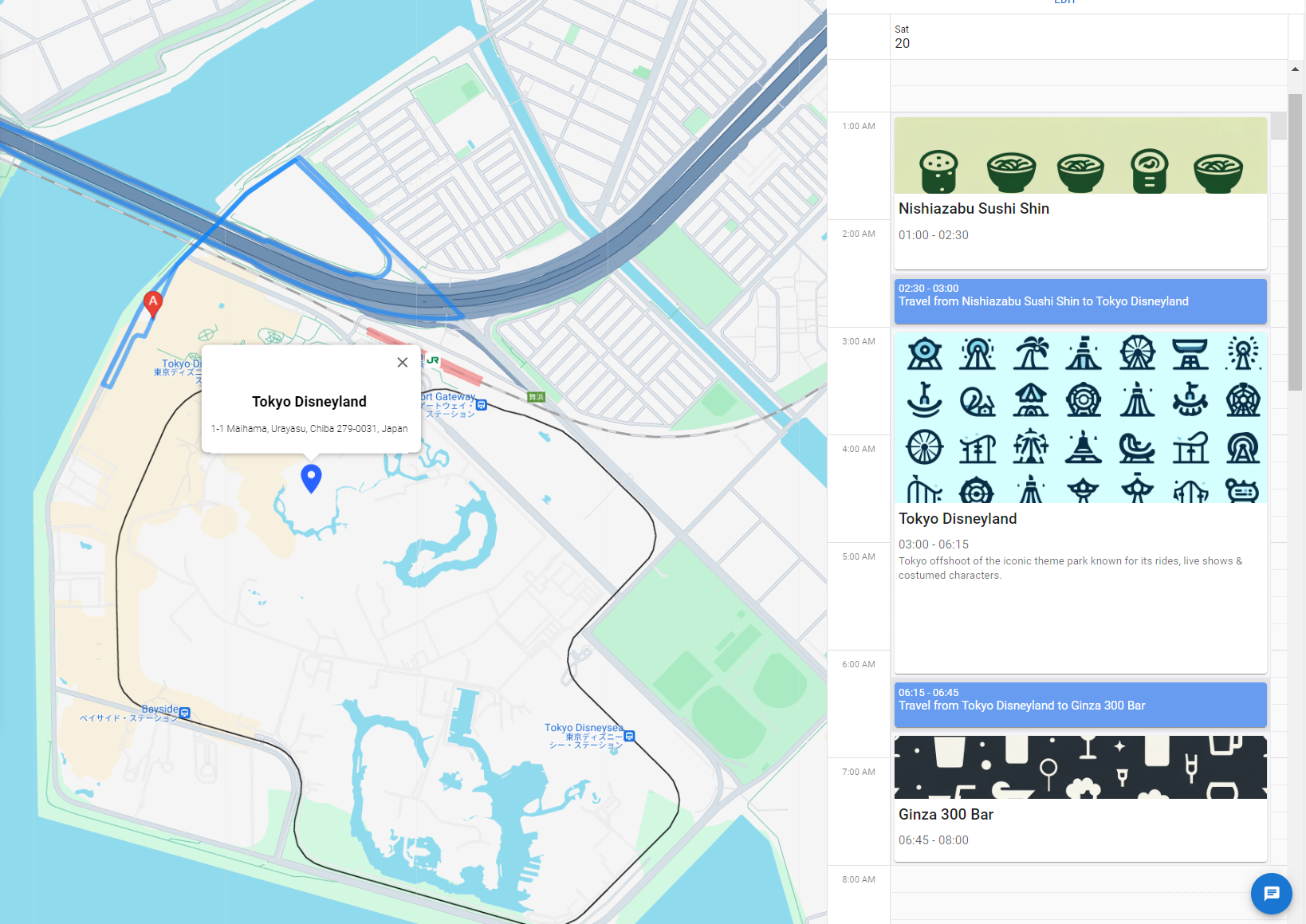
Our app provides a seamless experience by allowing you to effortlessly view your itinerary items on an interactive map, complete with directions. With the help of our intelligent chatbot, you can receive personalized location suggestions and easily add new destinations to your itinerary. Additionally, you have the flexibility to manually rearrange and edit locations, ensuring your travel plans are perfectly tailored to your preferences. This integration makes your journey both enjoyable and efficient, giving you full control over your itinerary with ease.
How we built it
We used REACT with typescript ad node JS as backend. The frontend is deployed using an Azure Static WebApp, which hosts this node JS server as an Azure Function App. The node server talks to our Container App, which hosts a LangChain agent connected to our Azure Cosmos Mongo DB and the AzureOpenAI agent. The node server is able to take all the information back, update the directions using the google maps API, and then serve the data to the front end.
For more details and a digram, see the end of the demo video!
Challenges we ran into
Handling data imports: Where we need to figure out what information are important and what are not for the model to produce the correct suggestions without introducing unnecessary info that might confuse the model.
Too many tokens: Where responses from the chatbot often times contain way more information than we actually need. Hence causing us to easily exceed the token limit.
Formatting the response: Trying to specify the exact format we want the chat bot to provide. Which often times does not work as any slight modifications will cause the json parsing to fail.
Understanding before, after, start, end: Getting the chatbot to understand the relative order of the data, and insert itinerary locations appropriately.
Accomplishments that we're proud of
Able to utilize LLM to interact with our database and have seamless integration with Google Maps. Getting the whole thing deployed and running on Azure was a challenge, but once it was working was super rewarding!
What we learned
CI/CD pipelines, creating resource groups on Azure, using RAG to connect database with chatbot. Azure OpenAI. We feel confident to integrate and create chatbots into any applications!
What's next for ItinerAI
Better memory system and context for the chatbot, more exact result, better user experience, i.e auto completing the prompts to add to the itinerary. More locations than Tokyo!
Built With
- azure
- azurecosmosdb
- azuredockercontainer
- azurefunctions
- azureopenai
- azurestaticwebapp
- docker
- githubactions
- langchain
- rag
- react
- typescript


Log in or sign up for Devpost to join the conversation.