Inspiration
During the last days of my mom’s life, she struggled to find things around the house, often forgetting where they were. Now, my dad faces similar challenges, and it made me think: Why not build an app to help with this?
As an app developer, my first instinct was to create something myself rather than pay for an existing service. I’ve grown increasingly frustrated with the constant rise of subscription models, and I miss the simplicity of one-time purchases. Recently, I decided to take a break from my career and explore ideas that had been on the back burner. This hackathon was the perfect motivator to kickstart my journey into building useful, subscription-free apps.
What it does
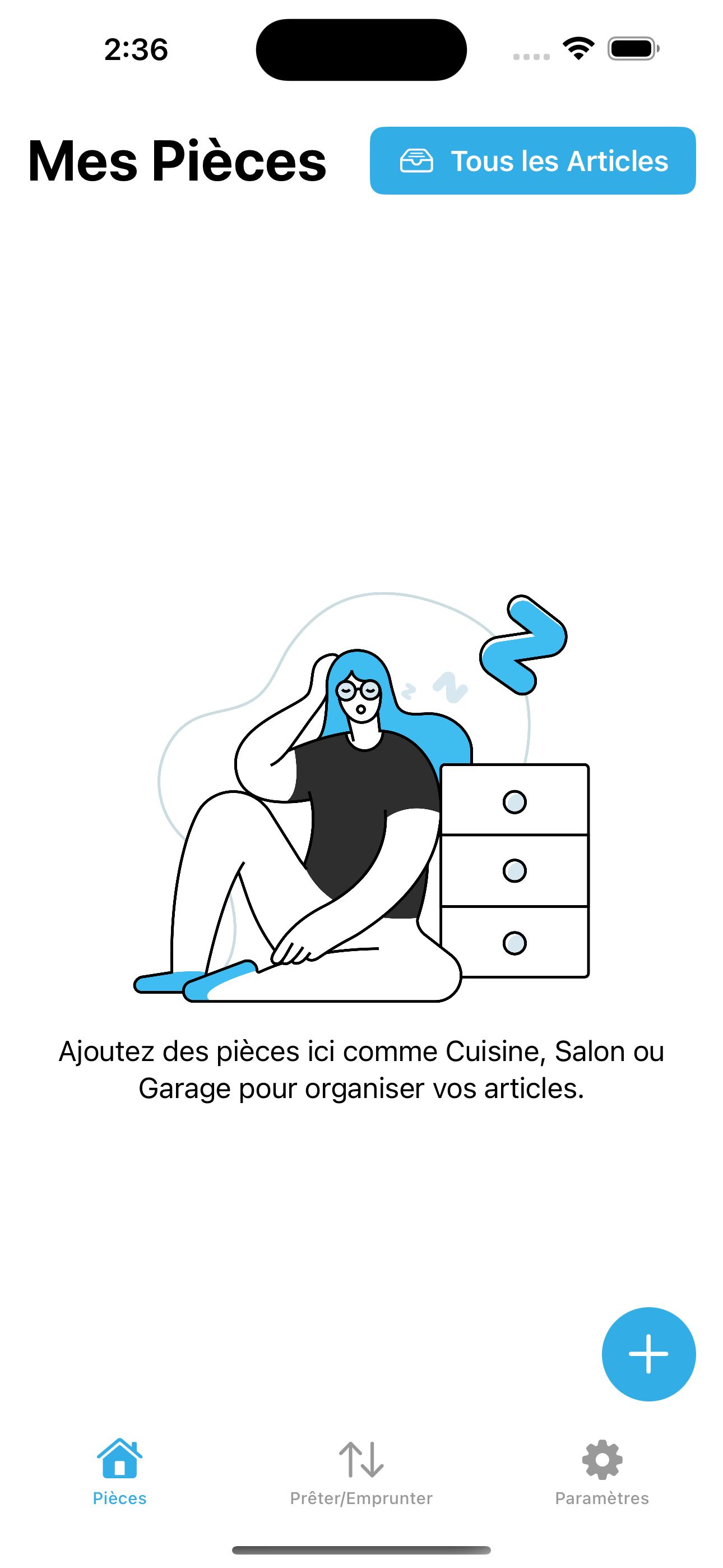
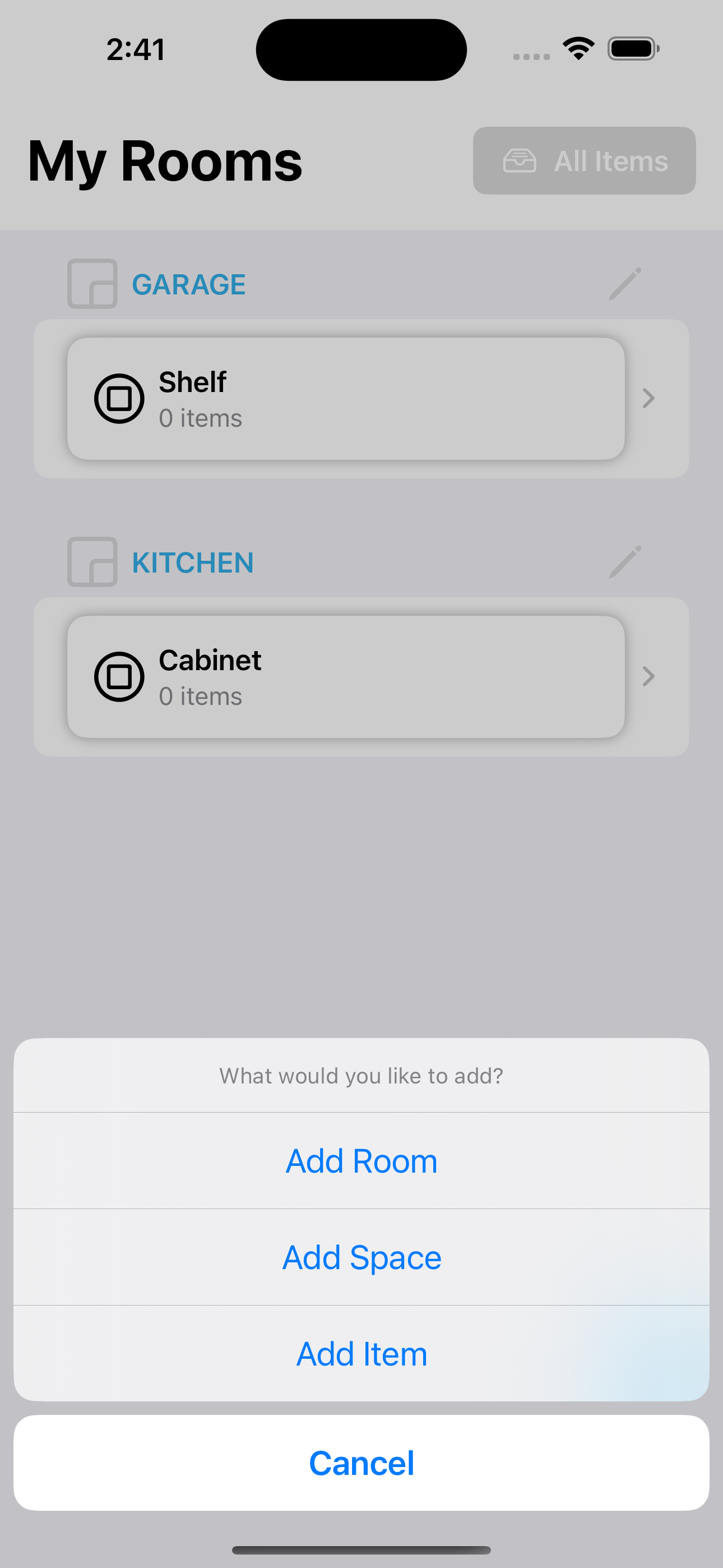
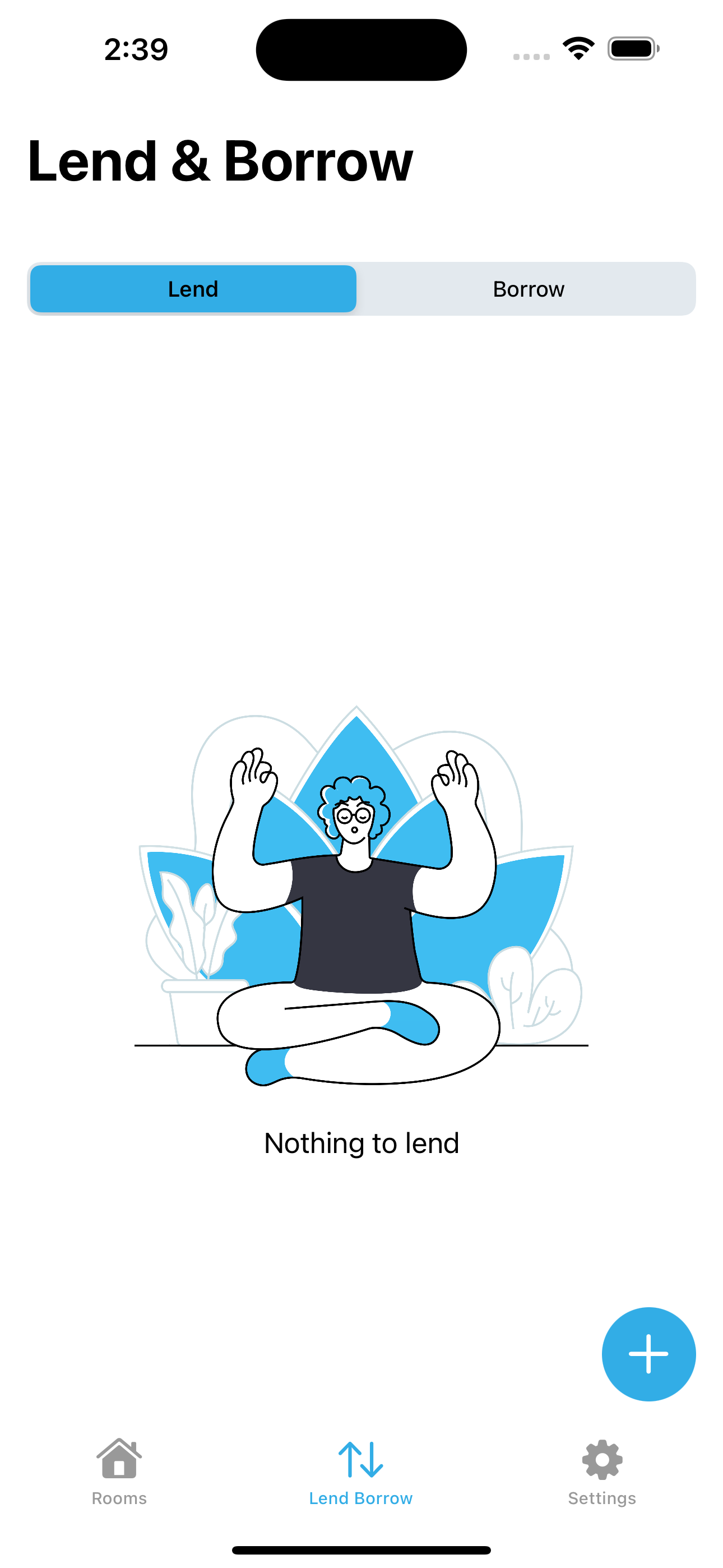
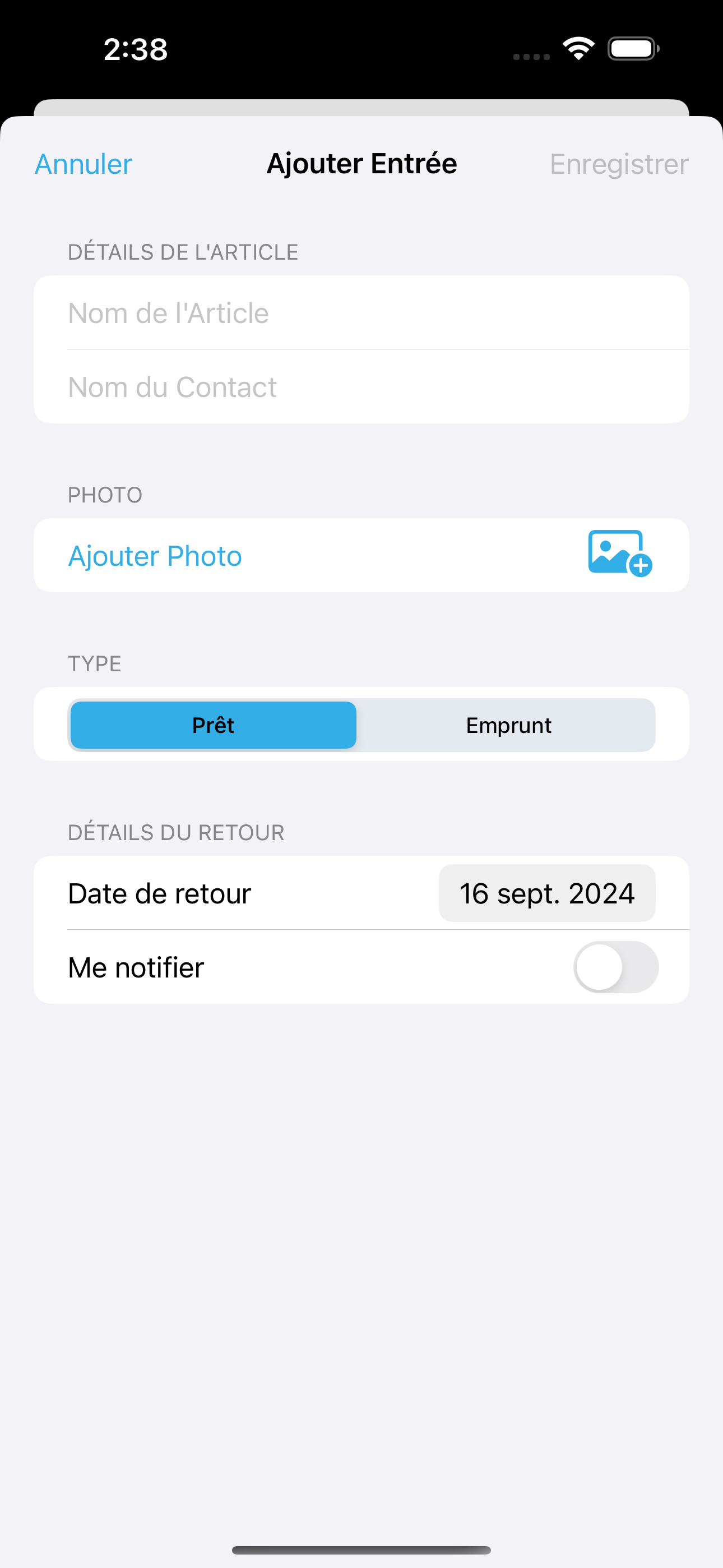
Item Nest helps you effortlessly organize your home, office, or storage spaces. Create rooms, add spaces like boxes or shelves, and track all your items in one simple app. Whether you’re managing a kitchen, a garage, or storage boxes, Item Nest makes it easy to keep everything organized. It also helps you keep track of items you have lend or borrowed
How we built it
I deliberately chose to keep my app simple and focused, without unnecessary complexity. The tech stack was SwiftUI combined with SwiftData, ensuring a smooth and efficient user experience. I avoided using a backend or gathering user data, as my goal was to create something that required minimal maintenance and didn’t compromise user privacy.
Since I am not pursuing a subscription-based model, my approach has been to build a low-cost, high-value app that can stand on its own without recurring payments. It’s important to me to offer an alternative to the subscription-heavy market and deliver a useful product that users can rely on without ongoing costs.
Challenges we ran into
One of the biggest challenges I faced was managing my time. As I transitioned into a new role as an English teacher, balancing my day job, personal responsibilities, and this hackathon project was tough. I frequently found myself stretched thin between work commitments and app development.
However, I used GitHub’s issues and milestones to organize my development process, which was a fantastic tip from Antoine Van Der Lee’s course. For managing my personal and work-life balance, Trello became my go-to tool. These organizational strategies helped me stay on track and meet my goals despite a packed schedule.
Working solo meant I had no collaboration challenges, but it also meant taking full responsibility for all aspects of the project. Having ChatGPT as a coding assistant was incredibly helpful, allowing me to troubleshoot and brainstorm ideas faster than I could on my own.
Accomplishments that we're proud of
Could not get one key feature in. But was proud of releasing an app of my own after such a long time.
What we learned
While I’ve been developing apps since 2010, my recent transition into management had distanced me from hands-on coding. Getting back into development for this project was incredibly rewarding. I had the opportunity to dive deep into SwiftUI, which was both challenging and exciting. I also experimented with RevenueCat for the first time, learning how to implement monetization models, even though I opted not to use a subscription model for this app.
One of the most valuable insights came from Antoine Van Der Lee’s Indie developer course. His tips on staying organized and managing side projects were pivotal to my success during the hackathon. While technical problem-solving was a part of the process, effective time management and task organization proved to be the real game-changers for me.
Additionally, I used ChatGPT as a resource throughout the app development. From debugging issues to brainstorming solutions for specific problems, having an AI assistant was like having a helpful co-pilot during the coding process. It allowed me to move past obstacles quicker and stay focused on the creative aspects of building the app.
What's next for Item Nest
- Moving assistant - This feature helps you create boxes and add items to them. The app can generate a QRCode for the box which you can stick on it. You can just scan the QRCode to know what's in the box. helpful in managing your moving or your storage boxes
- App Intents - I want user to be able to add items to the app through shortcuts.
- Cloud Sync & Family Share - The app would be perfect for families or people sharing the same space.
Built With
- swiftdata
- swiftui

Log in or sign up for Devpost to join the conversation.