


🚀 Inspiration
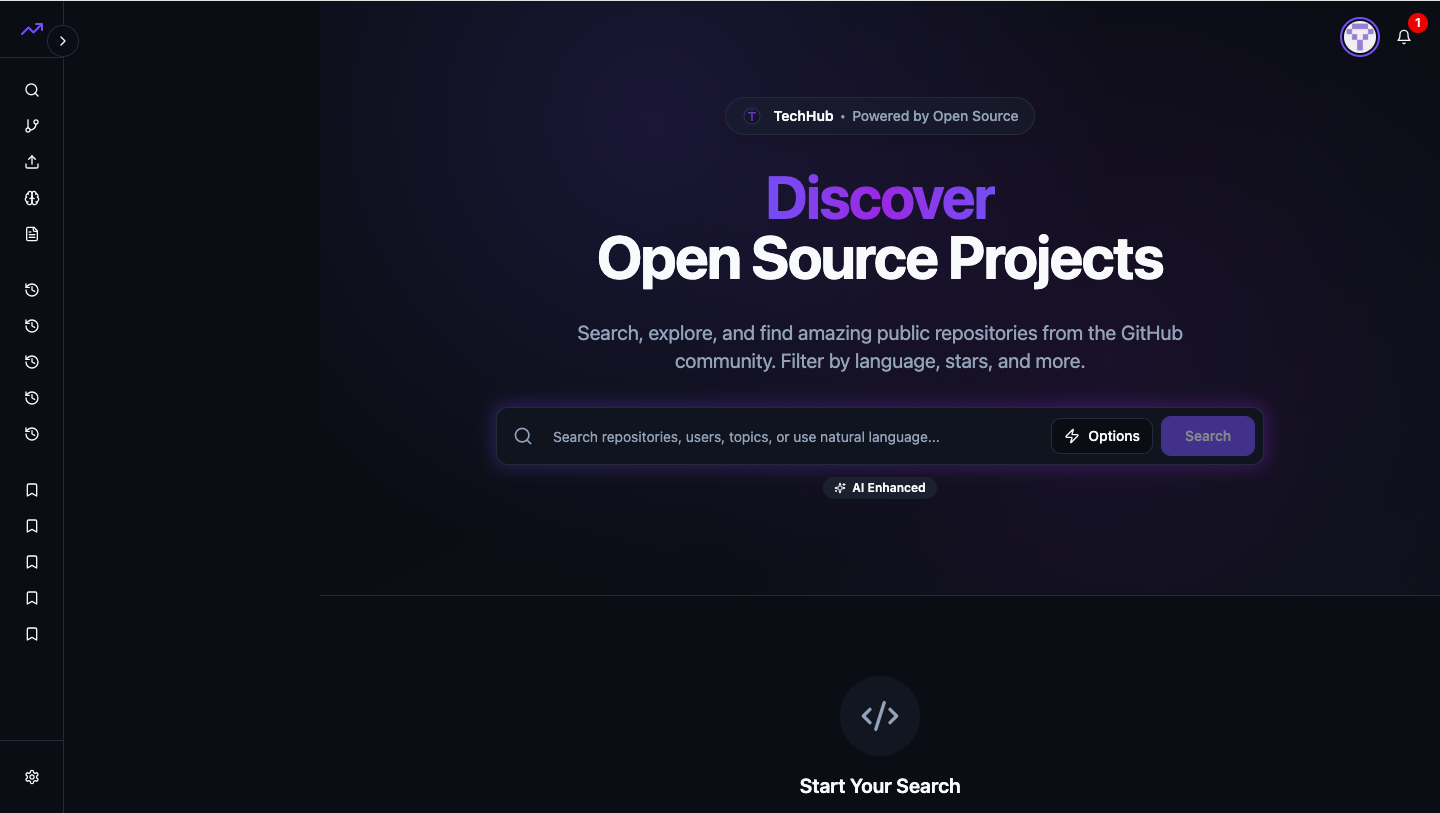
Every developer faces bugs that eat away hours — sometimes days. We wanted to end the cycle of manual debugging and repetitive issue triage. Inspired by GitHub Copilot and AI-driven code analysis tools, we built Issue Analyzer to automatically understand, categorize, and suggest solutions for software issues using intelligent context extraction and structured AI output.
A quality checking tool for games ,software , you just need to scan repository.
💡 What it does
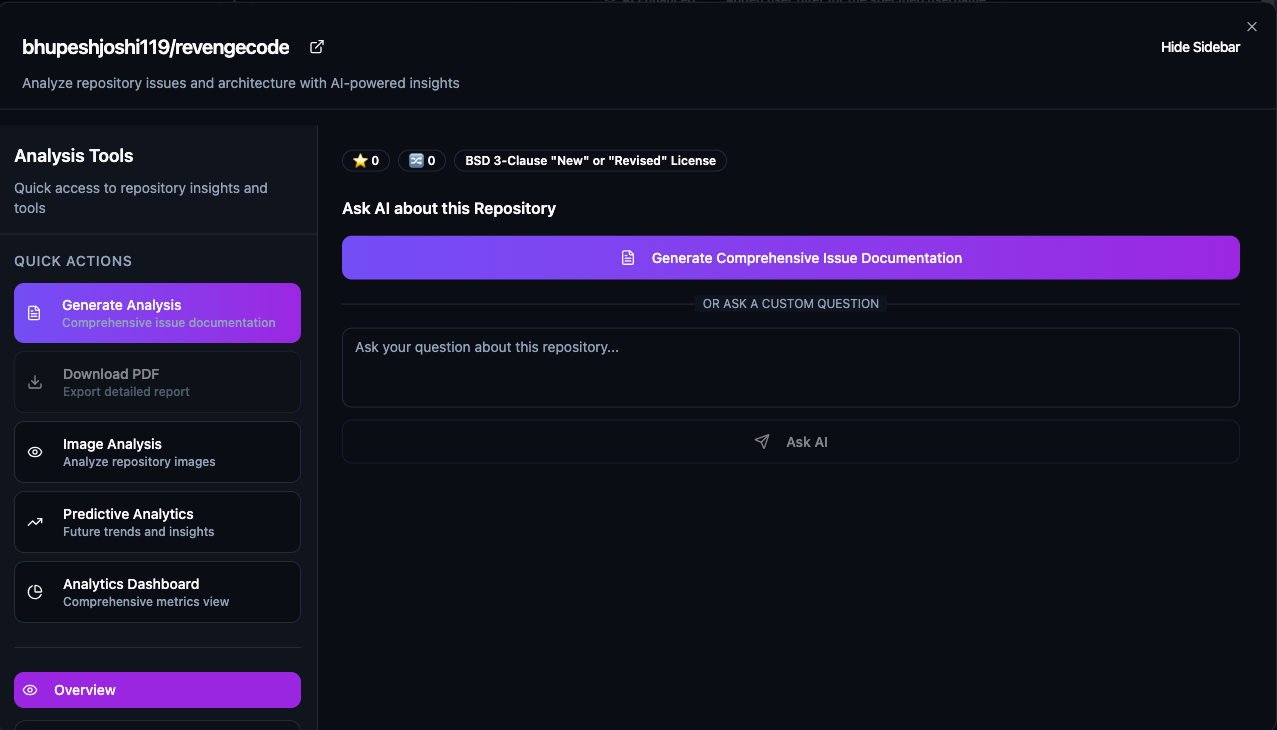
Issue Analyzer acts like a developer’s co-pilot for debugging. It takes bug reports, logs, or screenshots, and:
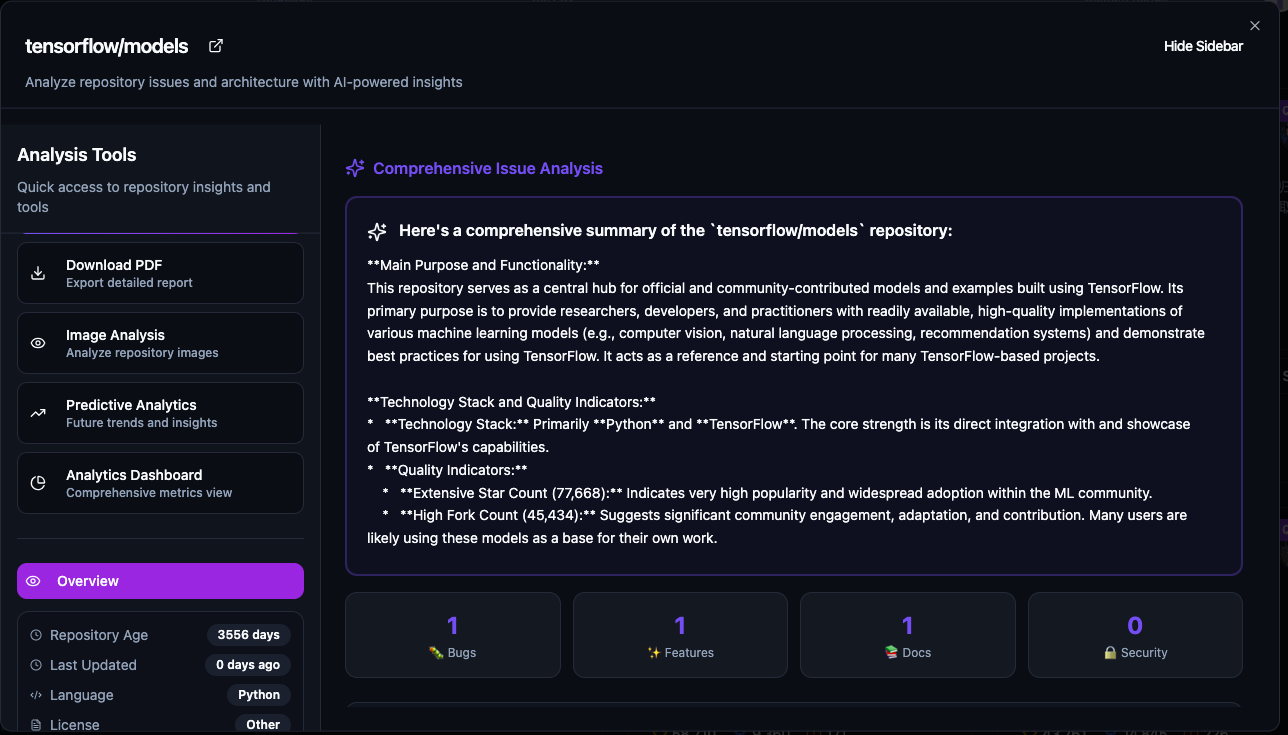
- Analyzes the issue using AI-powered structured analysis
- Detects root causes, severity, and affected modules
- Suggests actionable fixes and references
- Generates clean summaries for developers and project managers
It bridges the gap between raw issue data and actionable engineering insights.
🛠️ How we built it
We used a modern full-stack AI setup:
- *Reacr.js +TypeScript + Node.js * for backend routes
- TensorFlow.js Integration:Client-side image processing for privacy
- Github Rest API for generating structured issue analysis
- Supabase for data storage and authentication
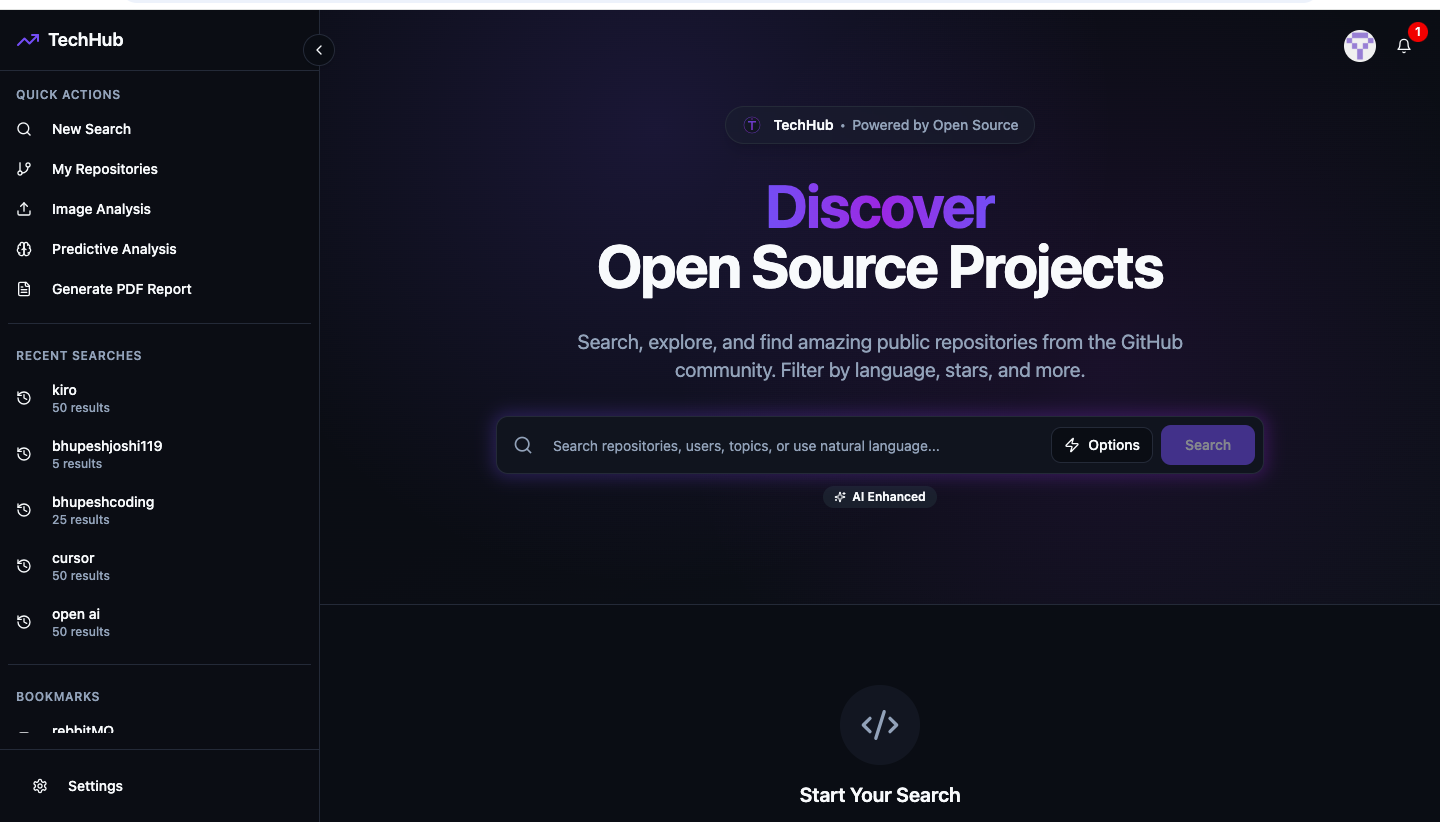
- Tailwind CSS + ShadCN UI for a clean, developer-friendly dashboard
This combination allowed us to quickly analyze real issues and present results in a sleek UI.
🧩 Challenges we ran into
- Getting reliable structured AI outputs and connected stackoverflow
- Handling API token limits and rate constraints during heavy testing
- Ensuring the output remains interpretable for developers, not just plain text
🏆 Accomplishments that we're proud of
- ✅ Achieved accurate bug categorization and root-cause detection in early tests
- ✅ Integrated real GitHub issue data successfully
- ✅ Designed a clean and fast UI that makes debugging less painful
- ✅ Created a foundation for collaborative AI-driven issue management
- ✅ Accomplishment we’re proud of: You can now securely and privately work on your projects using GitHub Login — ensuring safe access and seamless collaboration.
📚 What we learned
- How to guide LLMs to output structured, predictable data
- How to create Vercel configuration for SPA routing
- That UX matters even for dev tools — clarity reduces friction
- How small automation steps can drastically improve developer productivity
- We learned how to implement a Green-Glued Deployment Strategy — enabling smooth, zero-downtime updates with reliable rollback options.
🔮 What's next for Issue Analyzer
- Integrate GitHub and GitLab issue syncing
- Add auto-priority scoring using ML models
- Create a browser plugin to analyze errors directly from the console
- Add team collaboration dashboards for issue tracking and resolution metrics
Built With
- charts.js
- css
- d3.js
- farmer-motion
- git
- github
- html2canvas
- javascript
- jspdf
- node.js
- raddix-ui
- react
- react-query
- supabase
- tailwind
- tensorflow
- typescript

Log in or sign up for Devpost to join the conversation.