
Inspiration
I tried a number of screen time apps, but none of them felt right to me. What bothered me most was setting up rules. There were so many options that it was hard to know what to choose or how. With an app like this, a lot of settings are unavoidable. Still, it's a tool meant to help you stick with a habit, and so often people stumble before they even get started.
Isshin (一心) is Japanese for "setting your whole heart on one thing." I wanted an app where you can set up rules without second-guessing, and that protects your focus so you don't have to fight yourself. So I decided to build it myself.
What it does
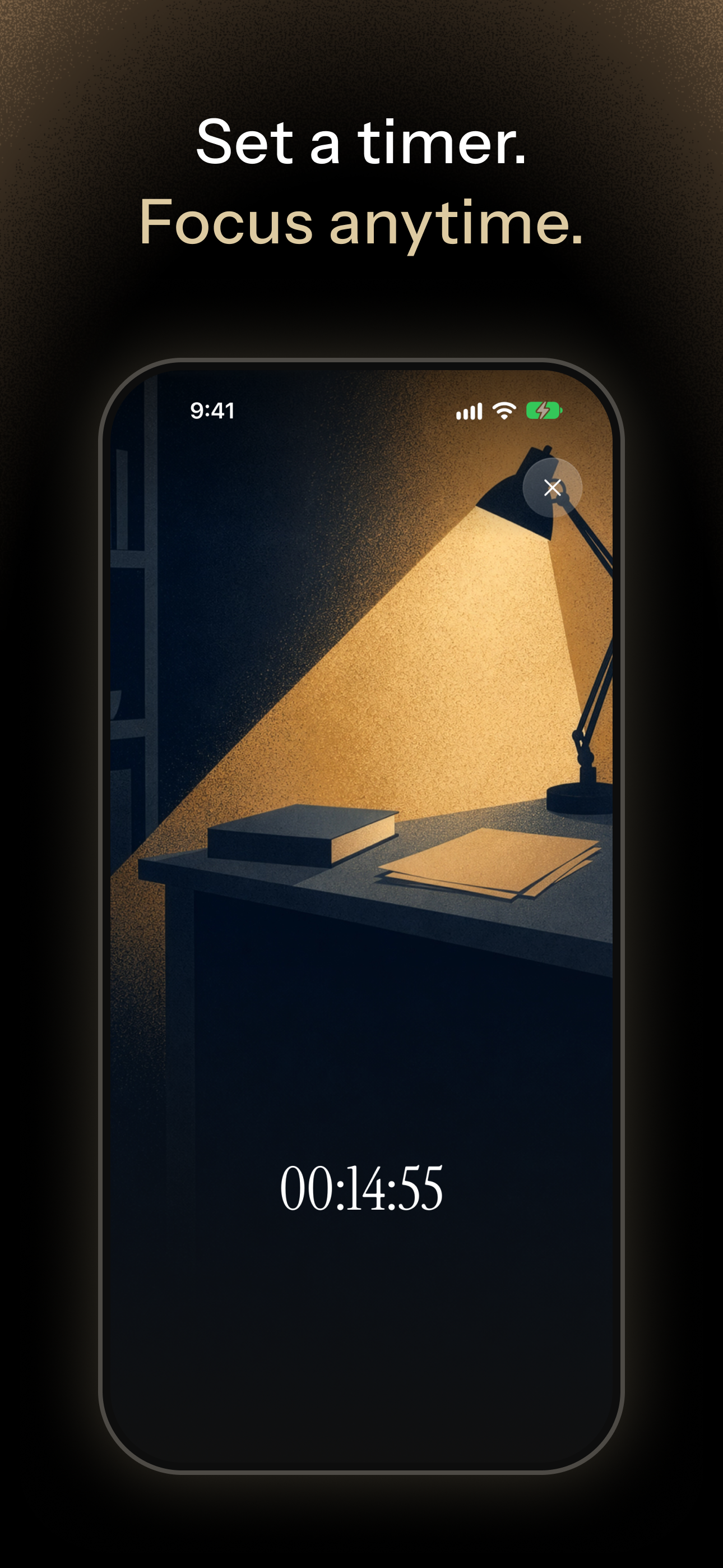
- Focus Timer: Pick a duration and tap once. The apps you chose stay closed until the timer ends, and a Live Activity shows the time left on your Lock Screen.
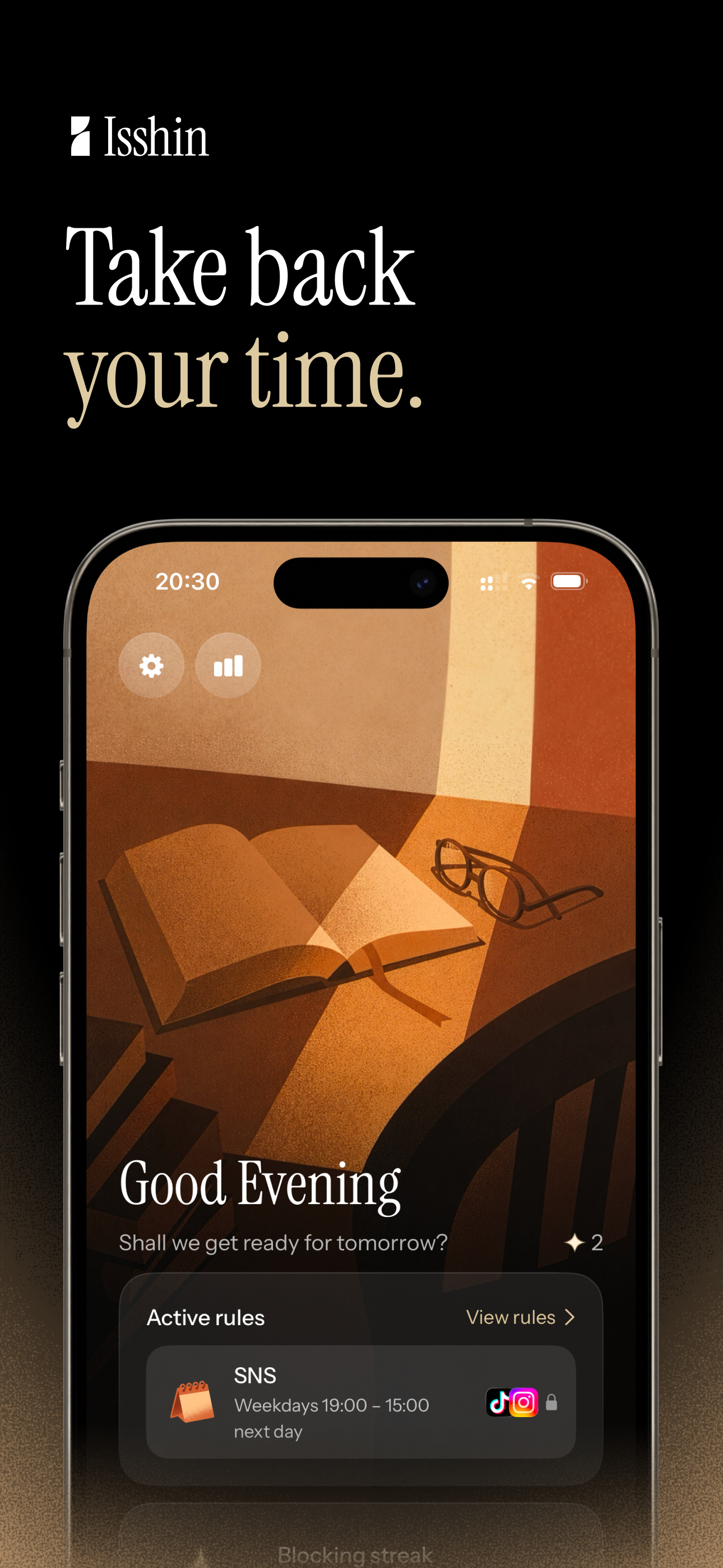
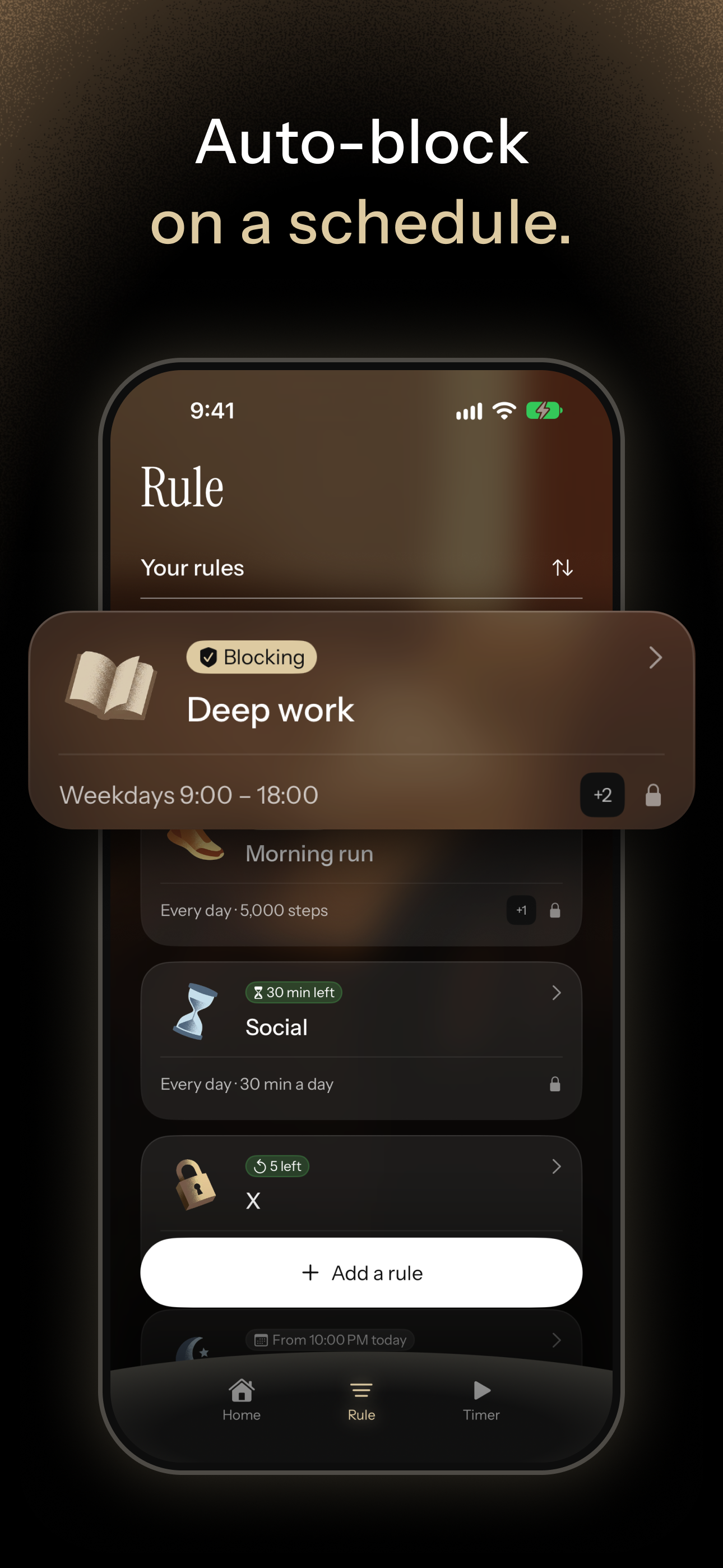
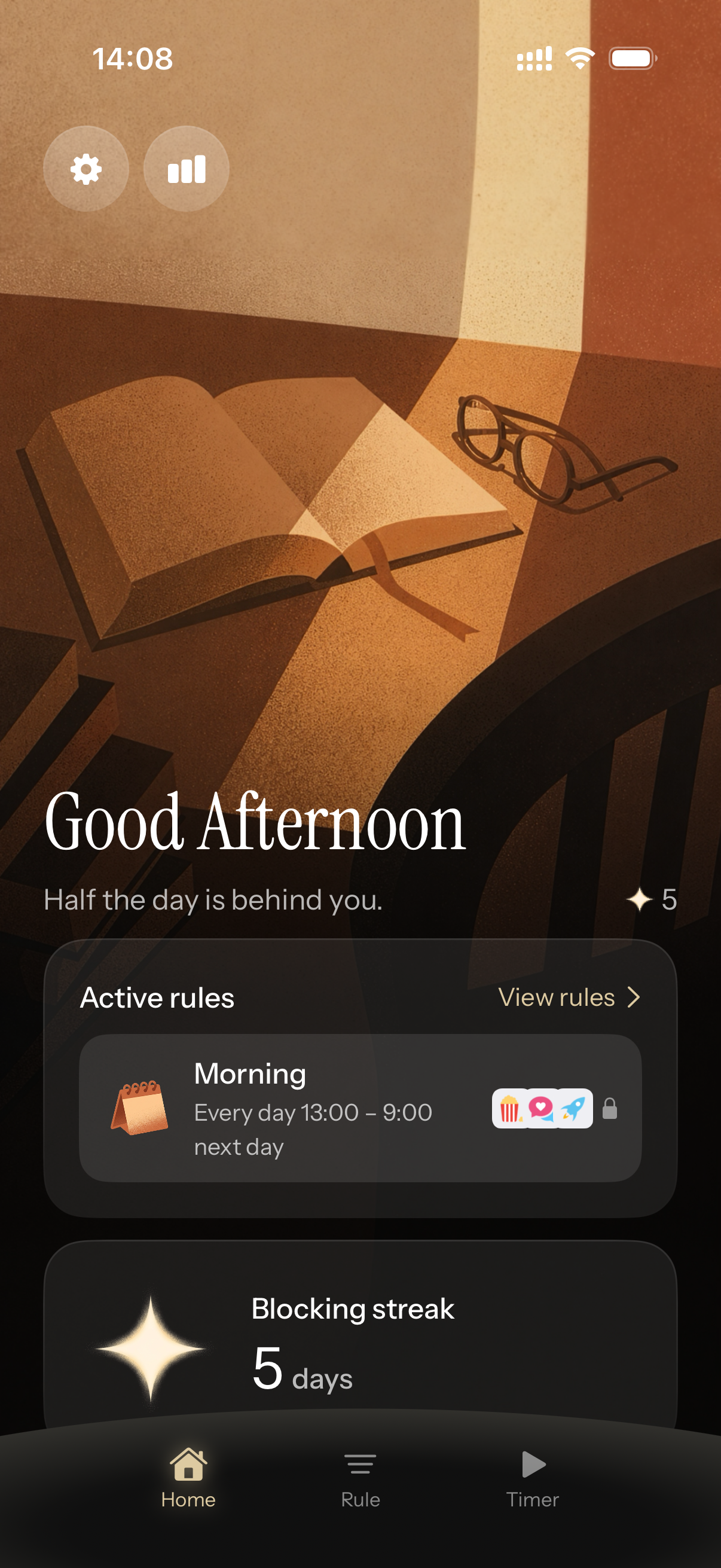
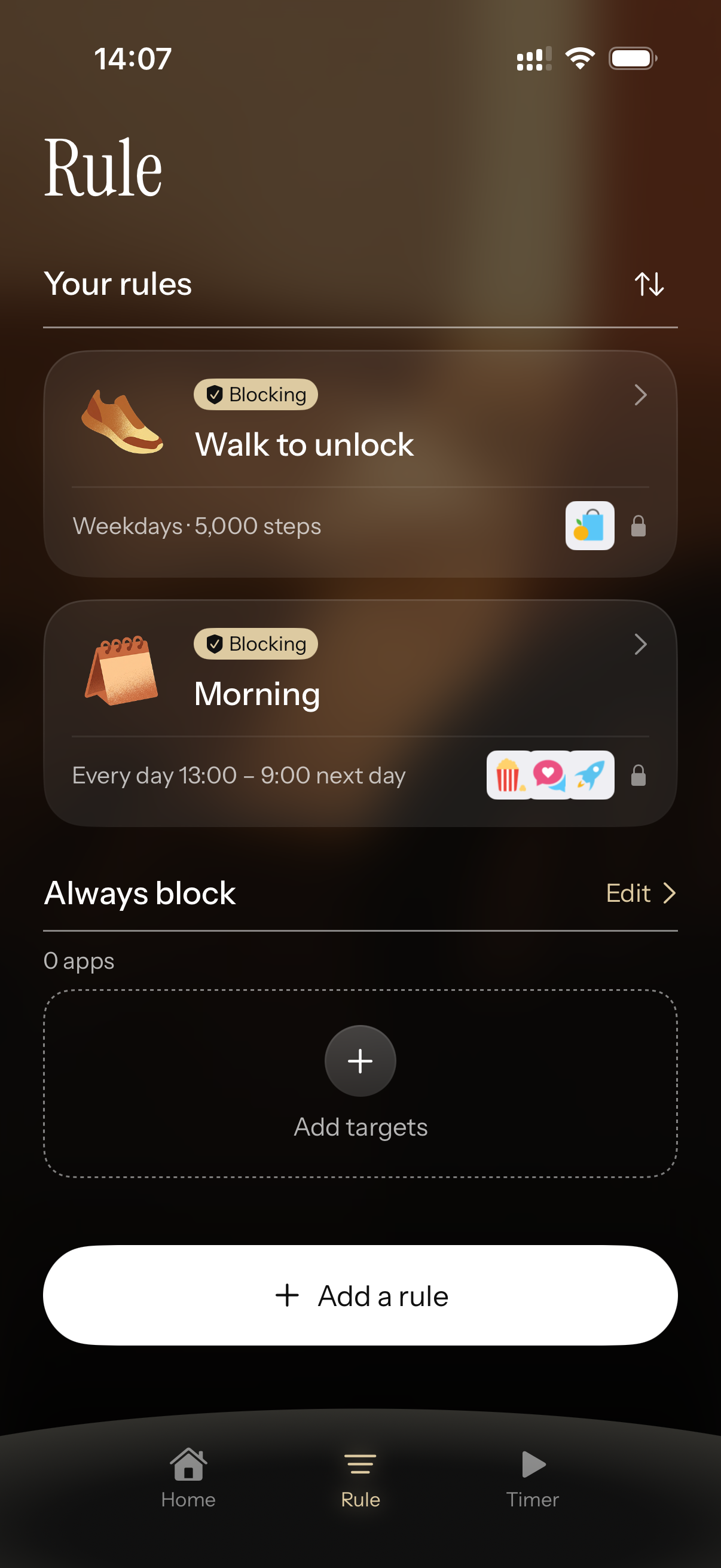
- Rules: Limit apps automatically at the same times every day. For example:
- Schedule (e.g. pause social media on weekdays from 9 PM to 7 AM)
- Time limit (e.g. video apps for up to 1 hour a day)
- Open limit (e.g. games up to 5 times a day)
- Walk to unlock (e.g. locked until you walk 3,000 steps)
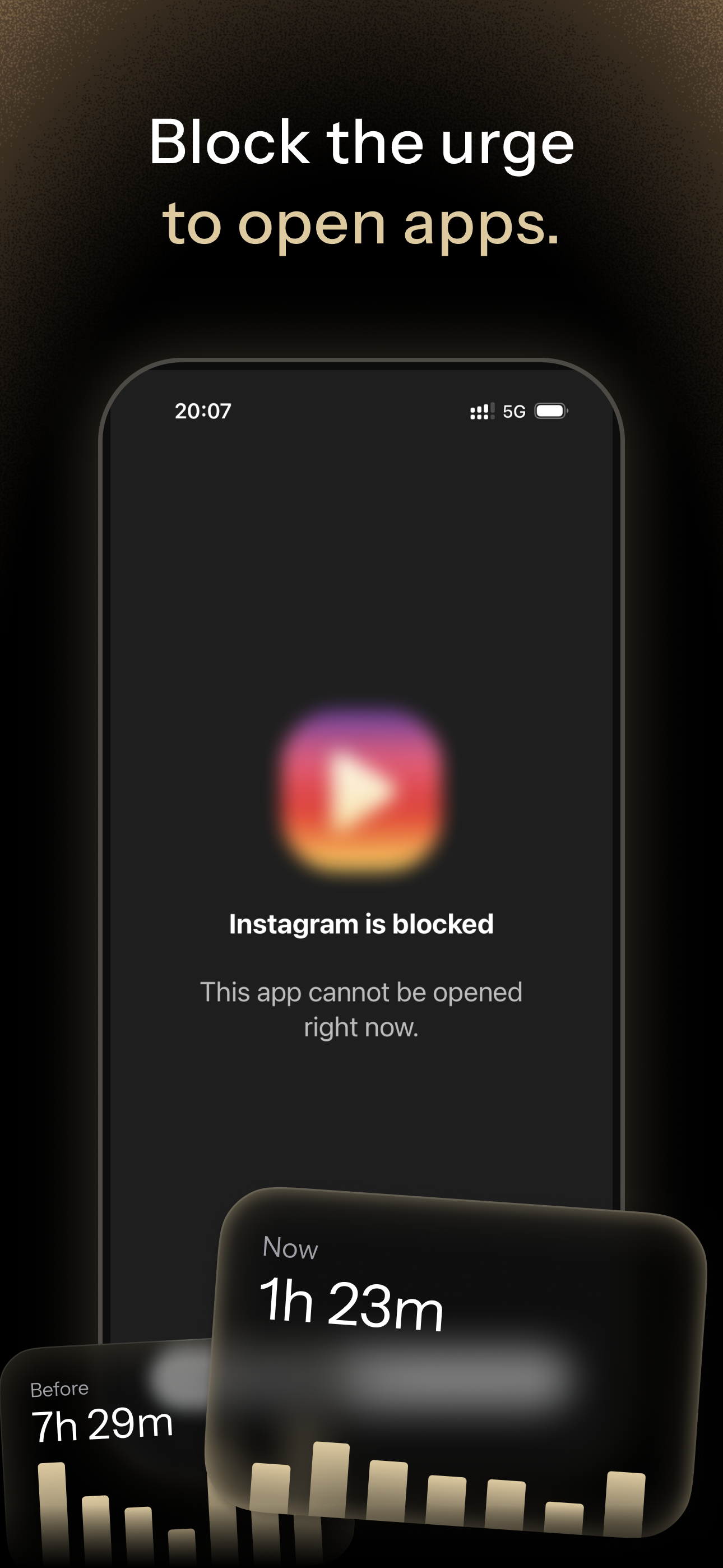
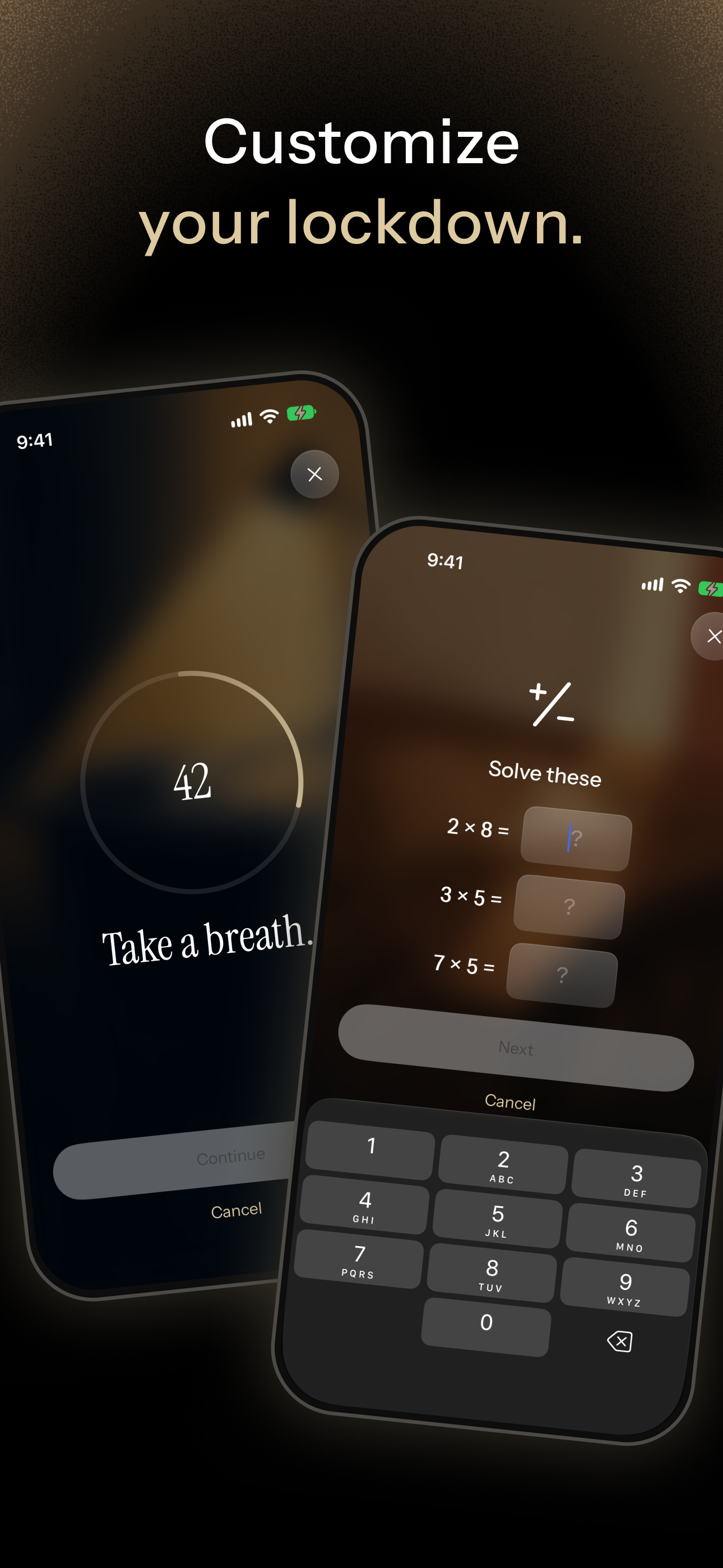
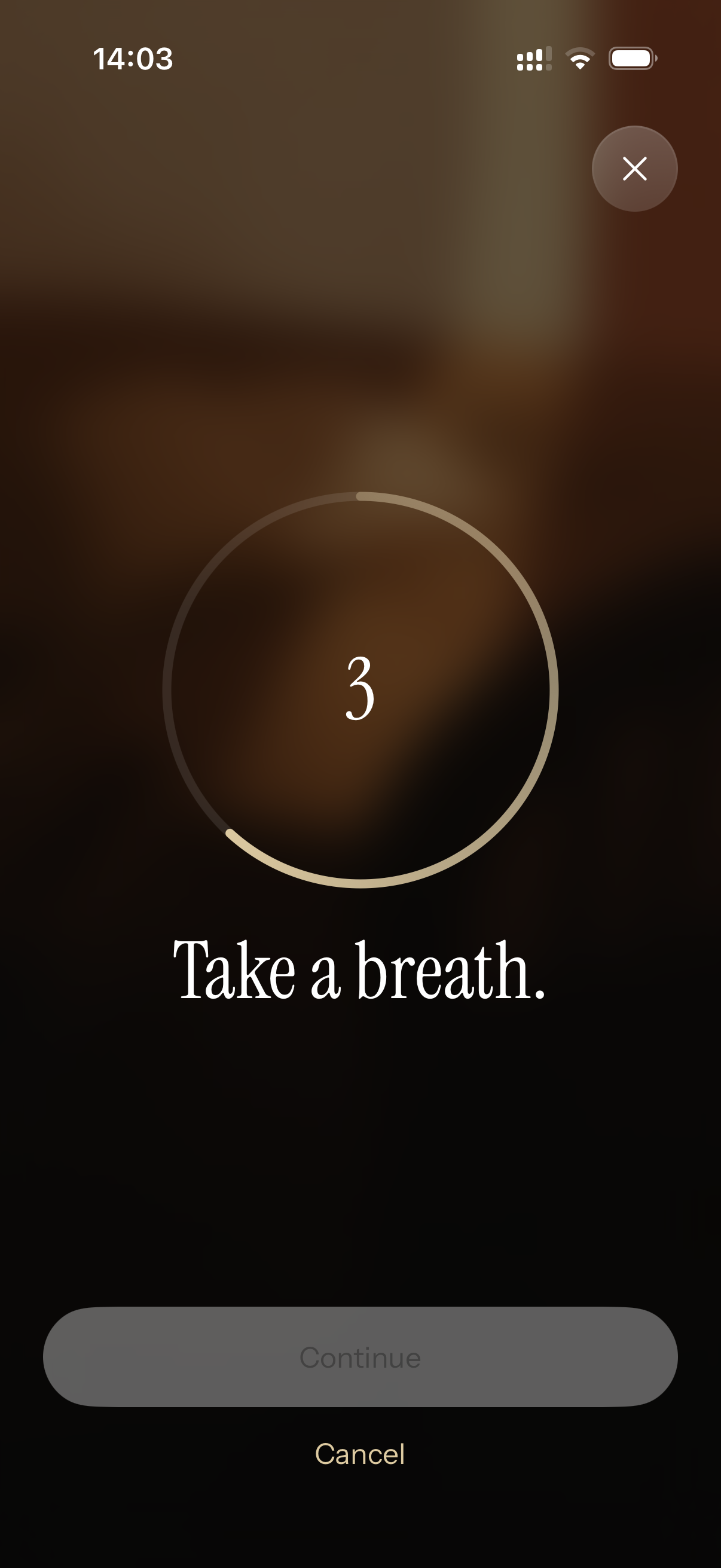
- Block screen with a breathing pause: When you try to open a blocked app, you take a breath before you can unblock it.
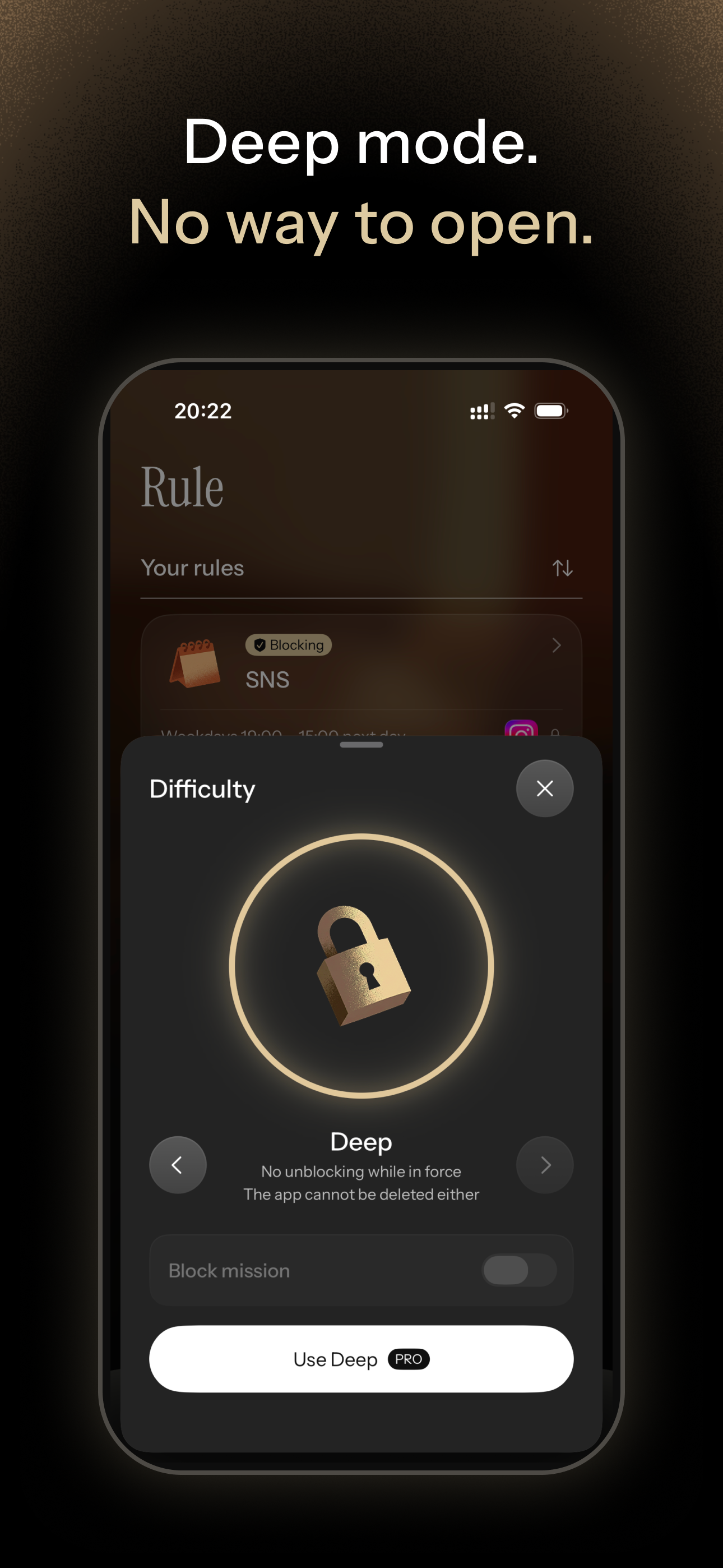
- Unblock difficulty: Four levels: Standard / Strict / Intense / Deep. Make the wait longer, or require a small mission before unblocking (trace a dot, rotate your phone, solve a math problem, copy a passage, or walk in place). In Deep mode, you can't unblock apps or delete Isshin until the block ends.
- Allow list: Block everything except the apps you choose.
- Adult website blocking
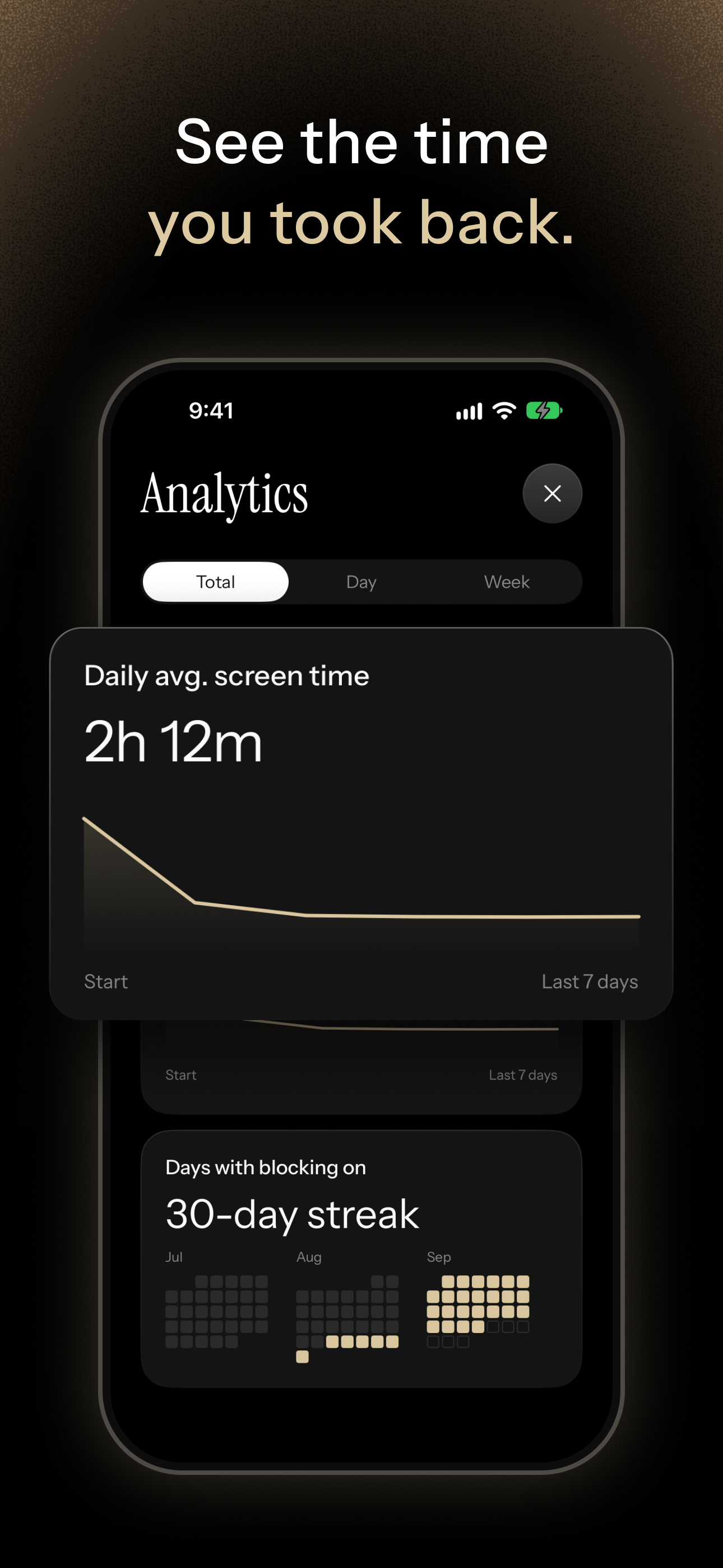
- Stats: Look back on your screen time trends and the time you've taken back.
- Themes: Give the block screen a calm, illustrated background.
How we built it
I'm a UI designer by background. Just like in my day job, I started by writing specs and building wireframes and a design system in Figma. But I worked alongside AI from that very first stage. AI proposed ideas, I reviewed them and gave feedback, and AI revised them. Running that loop, I mapped out and organized every screen, ending up with about 100 wireframed screens.
Implementation followed the same process. AI (Claude Code) wrote the code, I used the app on a real device and pointed out anything that felt off, and AI fixed it. I ran that loop screen by screen until the app was finished.
Thanks to AI, you no longer need to write code to build an app. That's exactly why I believe the real difference now lies in judging whether the result is truly easy to use, and refining it until it is.
Challenges we ran into
- Getting the friction right. Too little, and it's no different from the built-in Screen Time. Too much, and people delete the app. I studied more than 20 apps and tuned the wait times and mission difficulty to the balance I believe works best. But I don't think it's the final answer. Right after launch, it's still just my own sense of it. I'll keep adjusting it as I hear from the people who use Isshin.
- Removing every bit of awkwardness. Accidentally unblocking an app, or a block starting when you didn't expect it: in an app like this, mistakes like these directly cost people's trust. I refined everything, from button placement to when to ask for confirmation to screen transitions, so nothing would feel off.
Accomplishments that we're proud of
- I started building in earnest in August, and finished implementing every feature and shipped Isshin on the App Store within the Shipaton window.
- Despite the number of features, the UI is simple and clear, so even first-time users don't get lost.
What we learned
With AI, the code moves forward fast. But left as is, some parts inevitably end up hard to use or hard to understand. What matters is spotting them with a human eye for quality and steering things in the right direction. I was reminded that the key is not to get carried along by what AI builds, but to stay exacting enough not to miss even the smallest thing that feels off.
What's next for Isshin
I feel there's still a lot of room for Isshin to become more intuitive, clearer, and more fun. By bringing in playfulness and a human touch, I want to grow it into an app where you can set up rules without stress, and where taking back your time itself feels rewarding.

Log in or sign up for Devpost to join the conversation.