-
-
Thumbnail
-
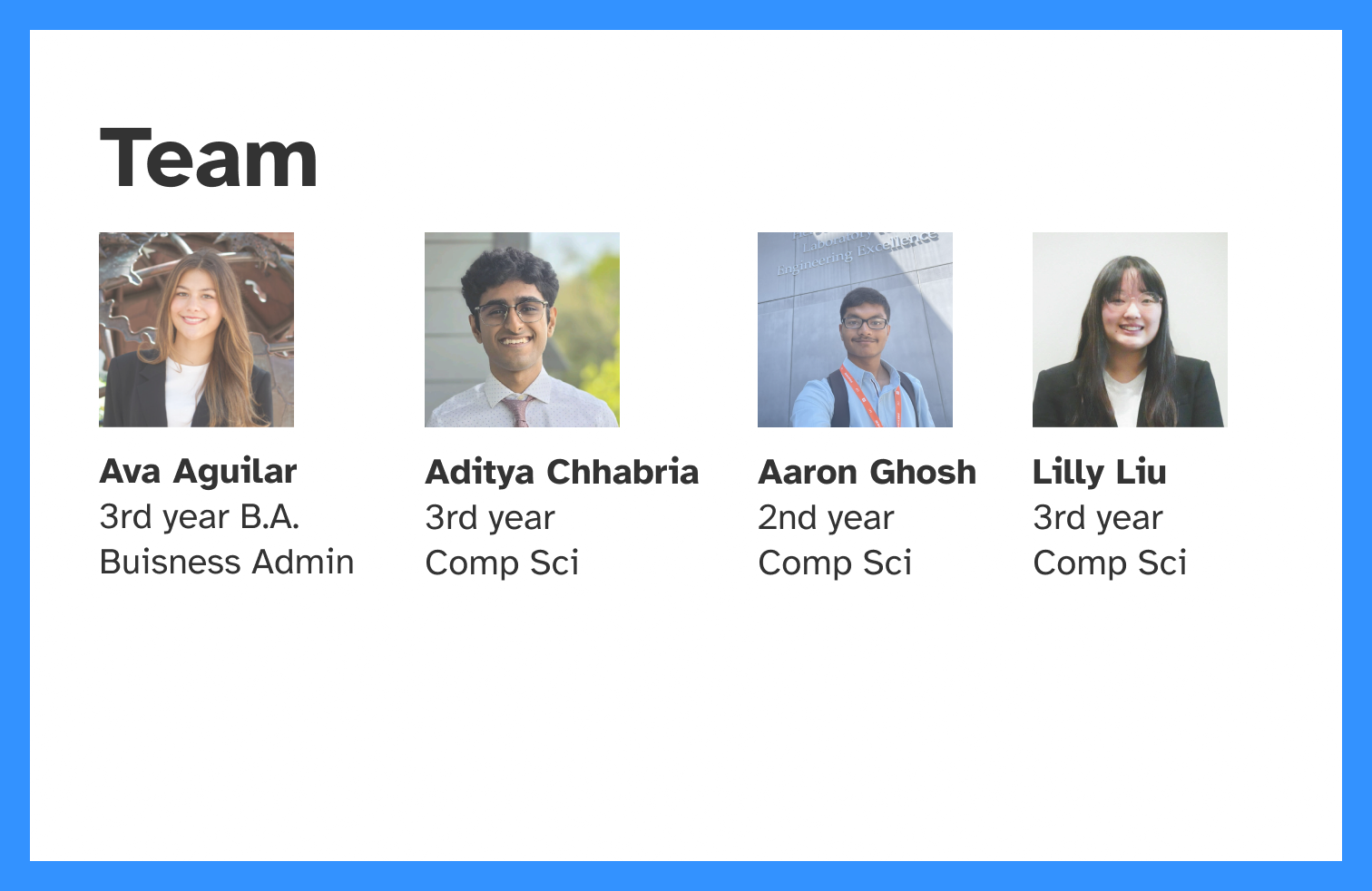
Team
-
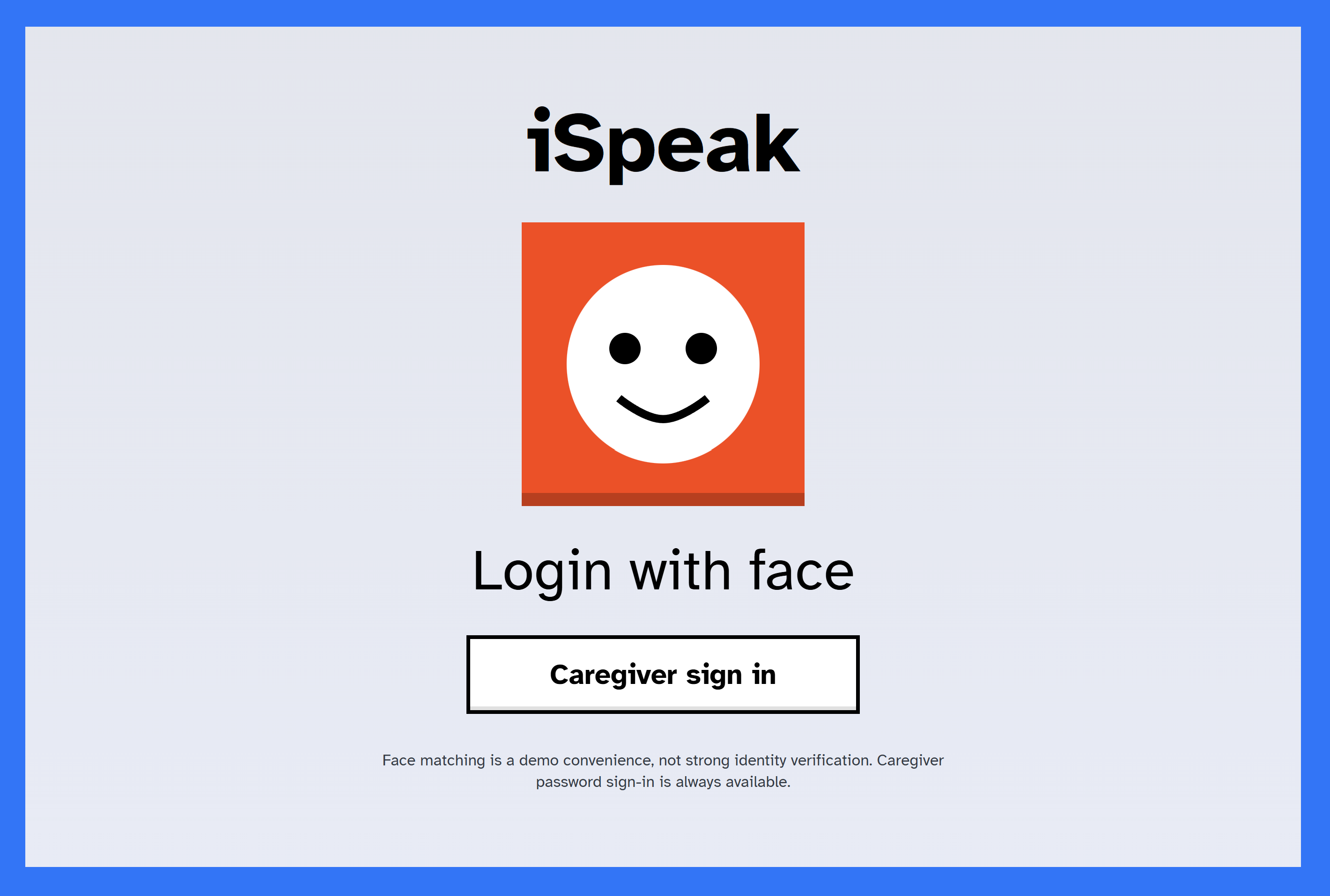
Login
-
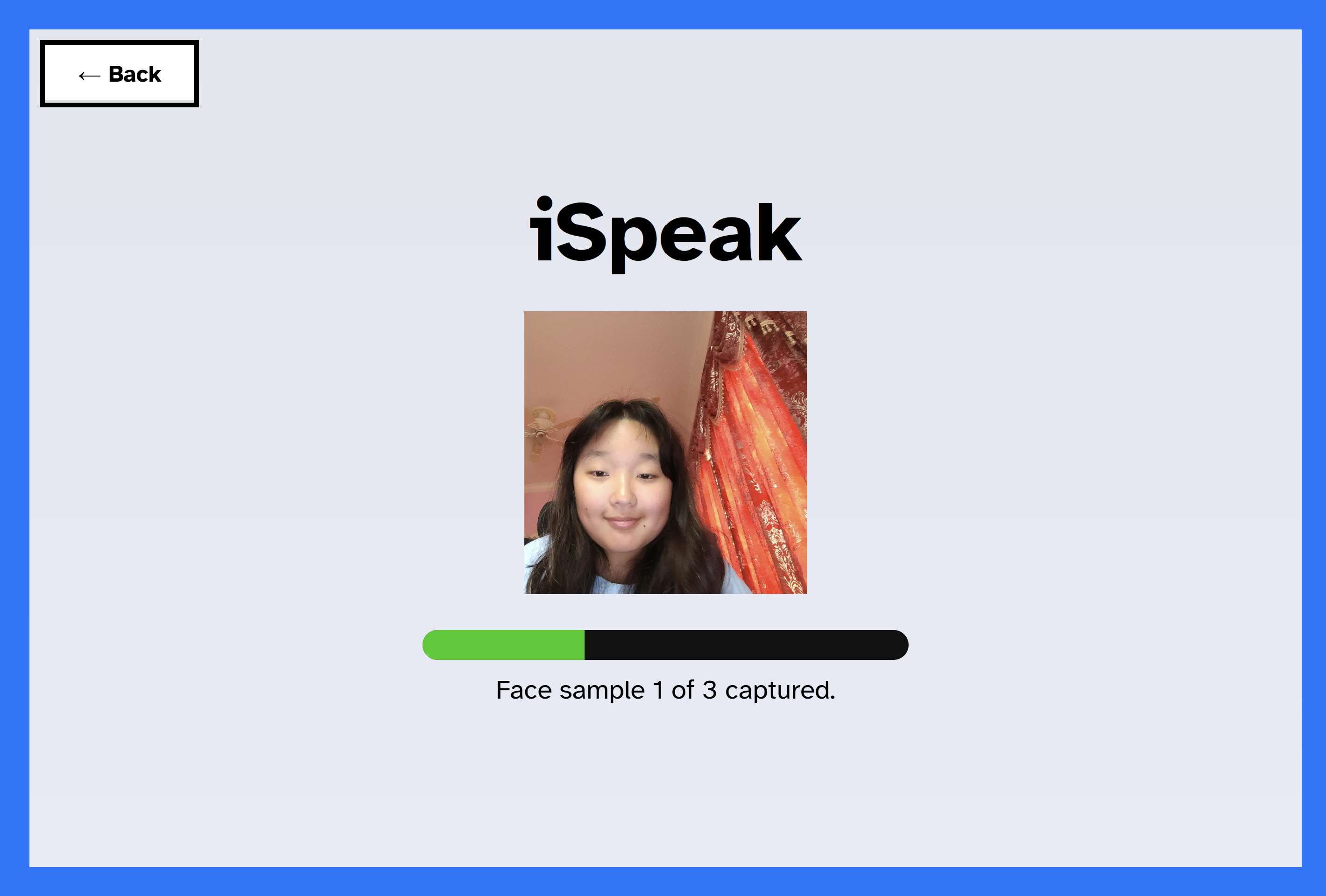
Face Recognition
-
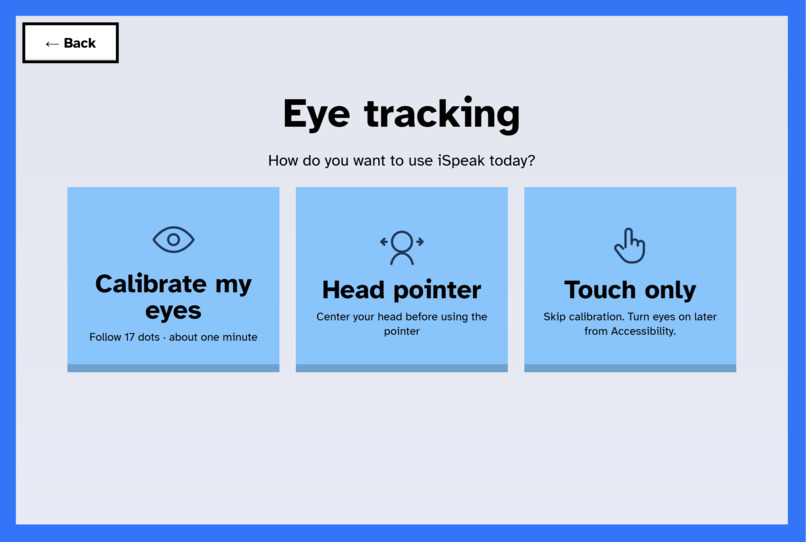
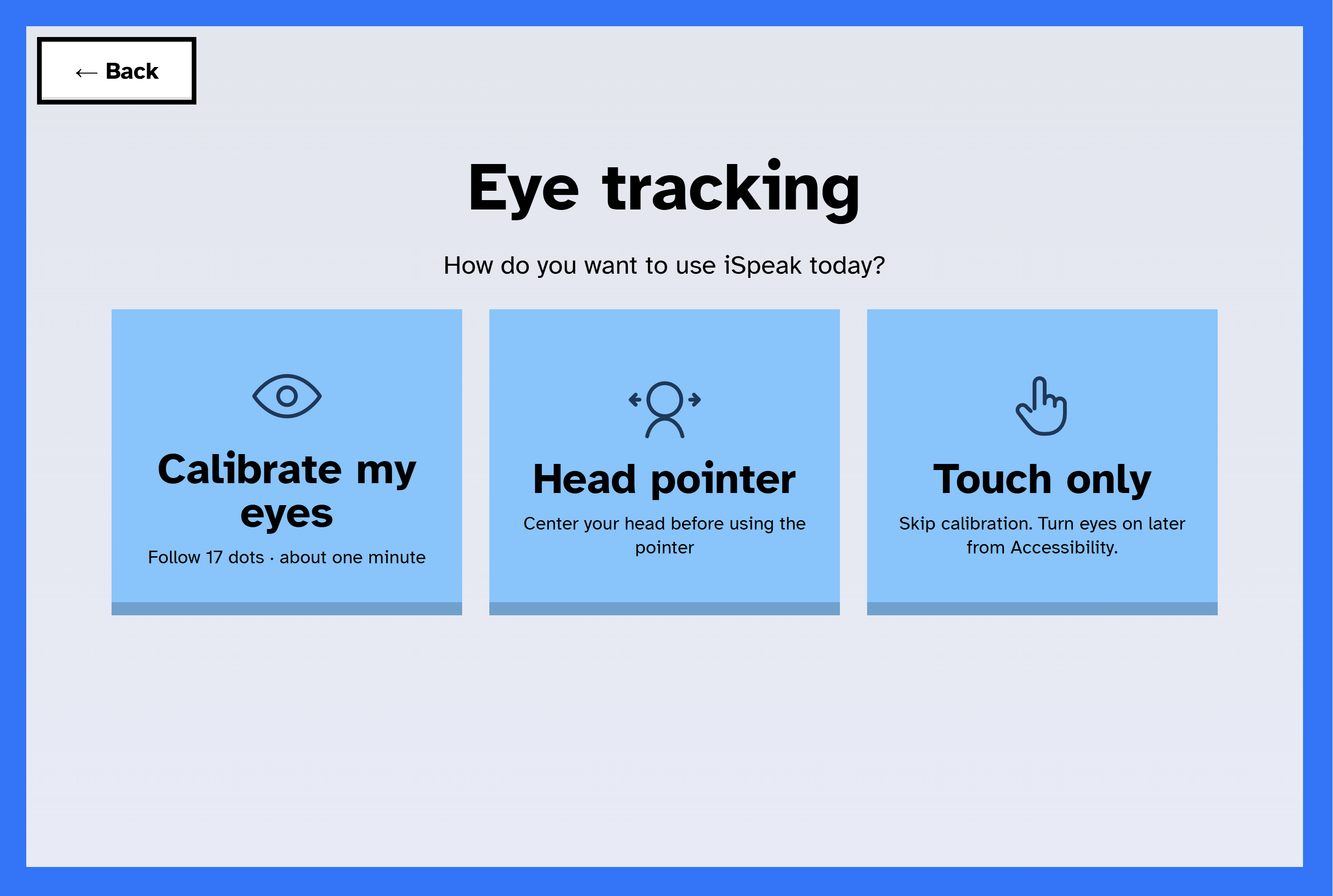
Tracking Methods
-
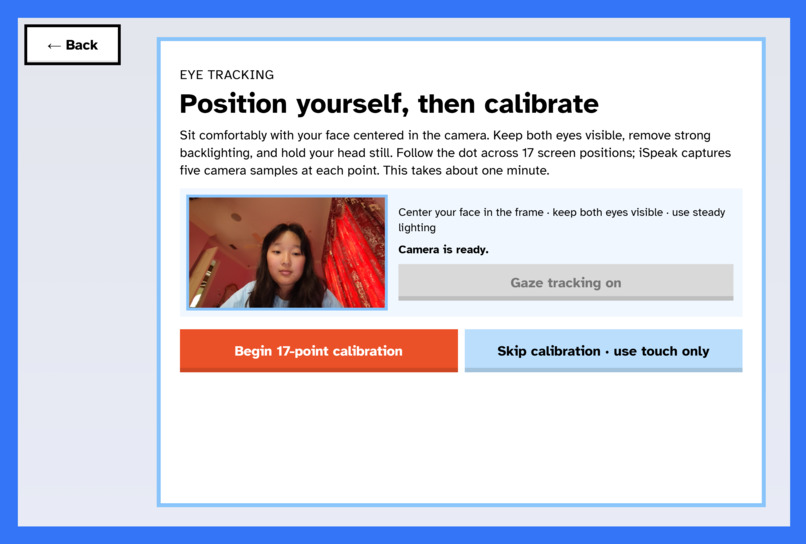
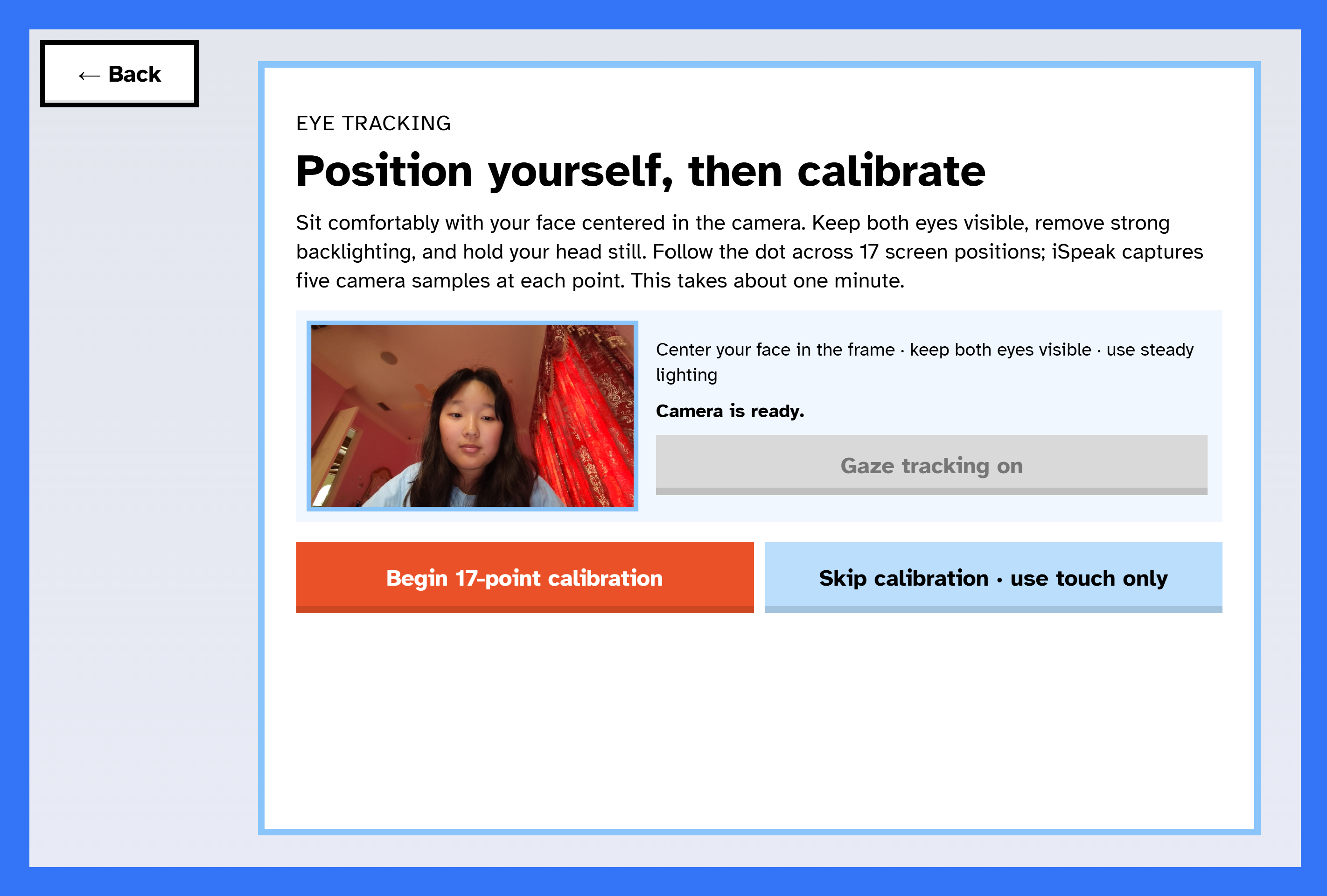
Calibration
-
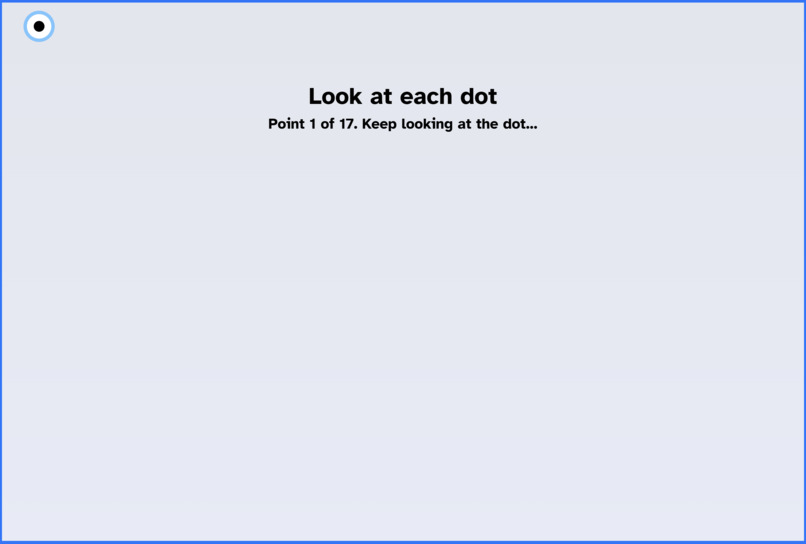
Calibration Dots
-
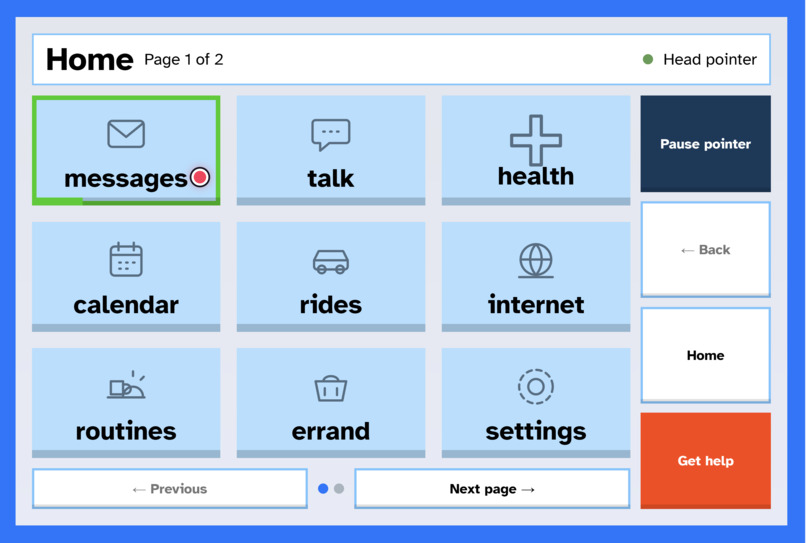
Home Screen page 1
-
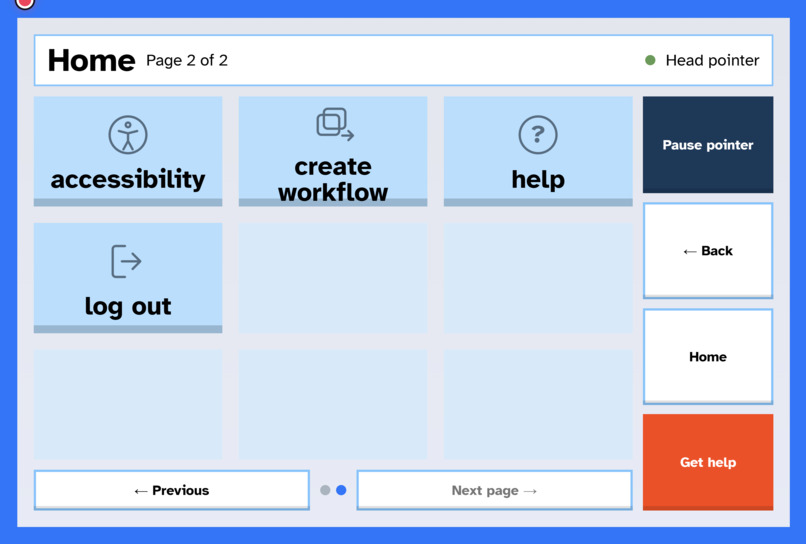
Home Screen page 2
-
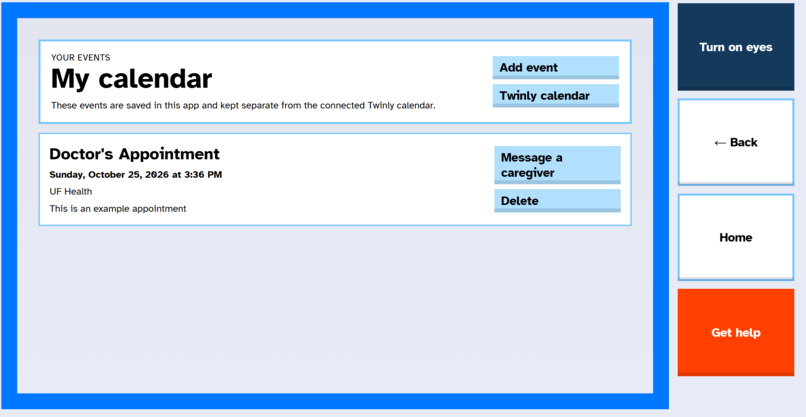
Calendar
-
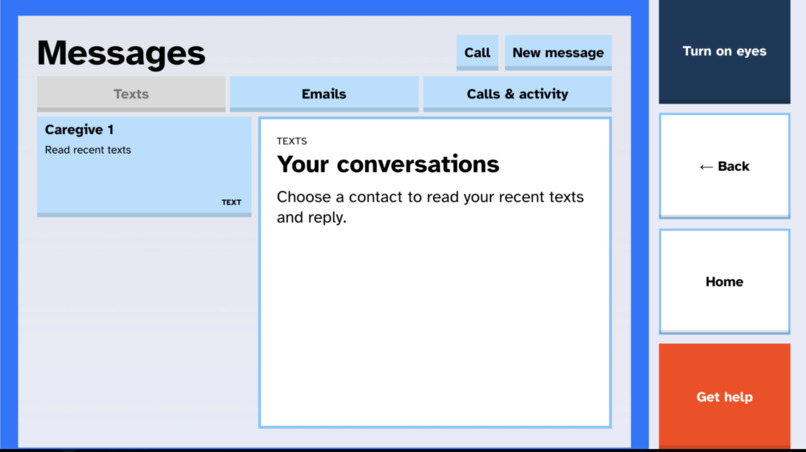
Messages
-
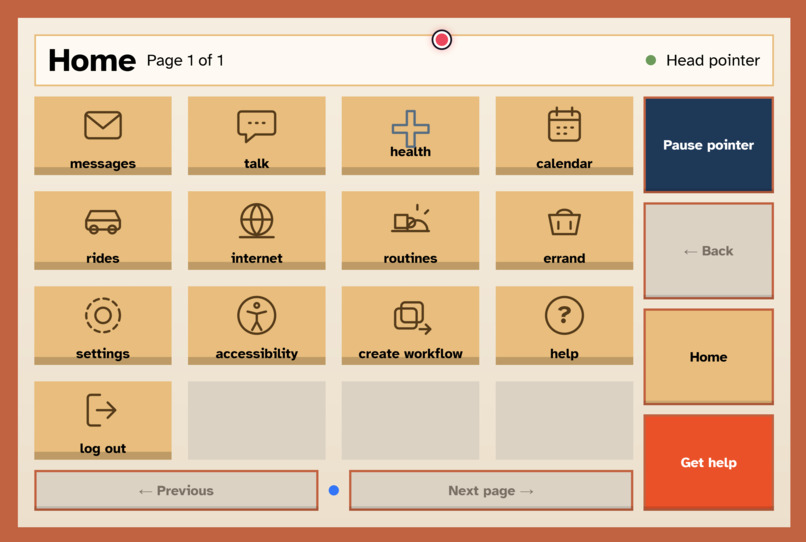
Home screen - Warm Theme, Smaller Text, 4x4 Layout
-
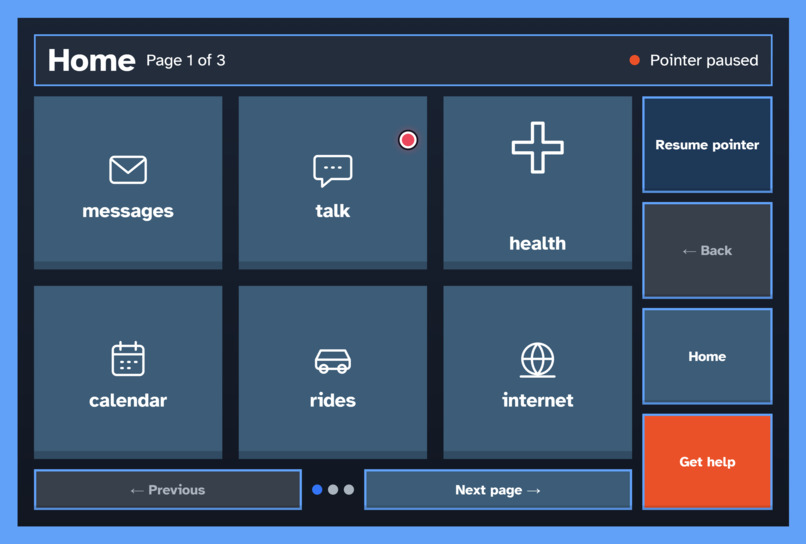
Home Screen - Dark Theme, Smaller Text, 2x3 Layout
-
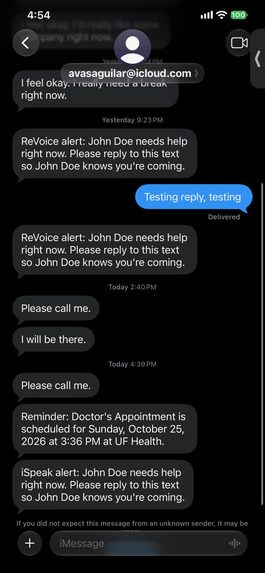
Texting
Inspiration
People living with ALS, spinal cord injury, stroke, and other conditions can lose the ability to move or speak, but their thoughts, identity, and desire for connection remain. In one study of 15 people with ALS, eye movement was the only viable access method for 53% of participants, and in another, eye-tracking users reported significantly better quality of life and lower caregiver burden.
Assistive communication devices help people talk, but everyday life asks for much more: booking appointments, answering emails, refilling prescriptions, getting a ride. On today's devices, every step of those tasks is another tiring click with their eyes or head.
We interviewed Dr. Joanne Carfioli Naylor, Ph.D., CCC-SLP, a speech-language pathologist who has worked with 20 eye-gaze users. Only one of them was ever able to use email and browsing with eye gaze.
"Eye fatigue and attention are the primary struggles."
"It would be nice to have a preprogrammed assistant to help with appointments."
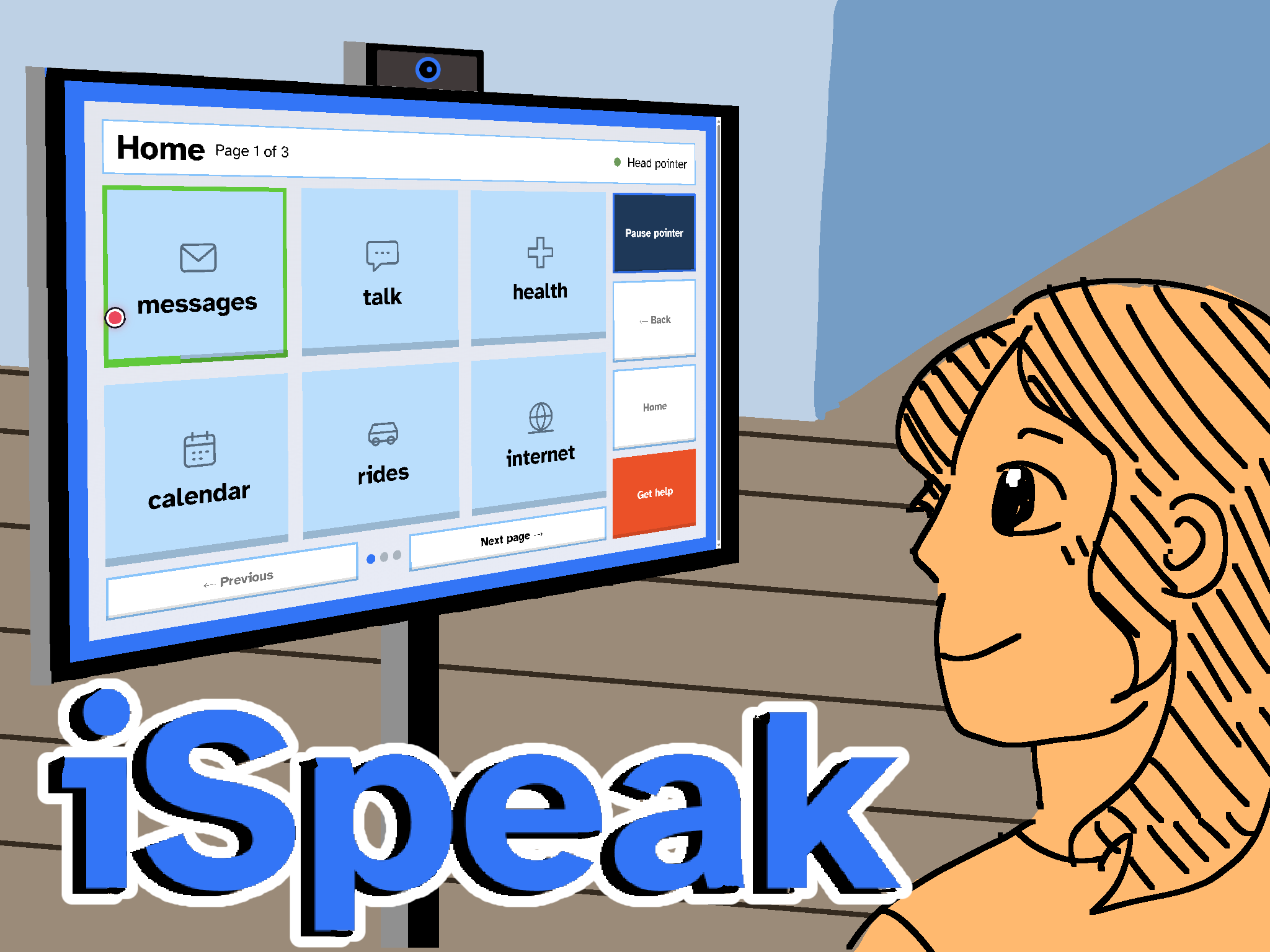
That became iSpeak.
Extra Information
Demo Requires a Mac computer to work, no online hosted link
WATCH THIS ONE PLEASE
Main Demo Video: https://youtu.be/sPTUNQ02WZ0
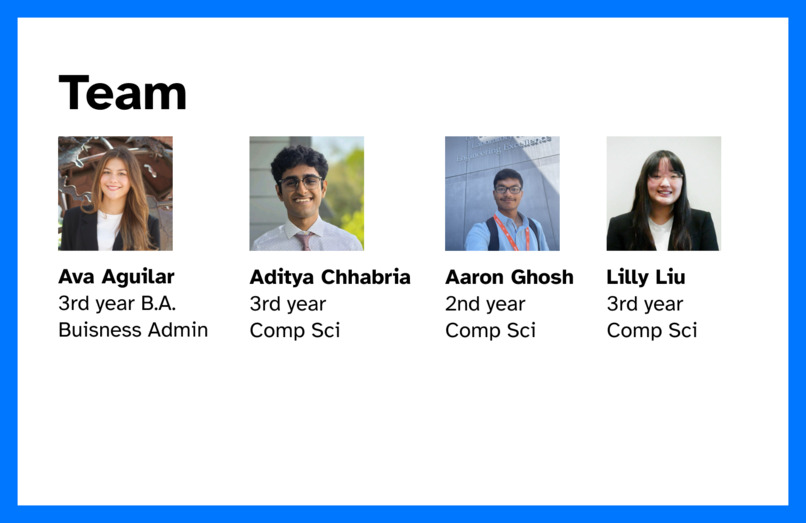
For the multi-department requirement, our team consists of one business admin major, and three computer science majors.
What it does
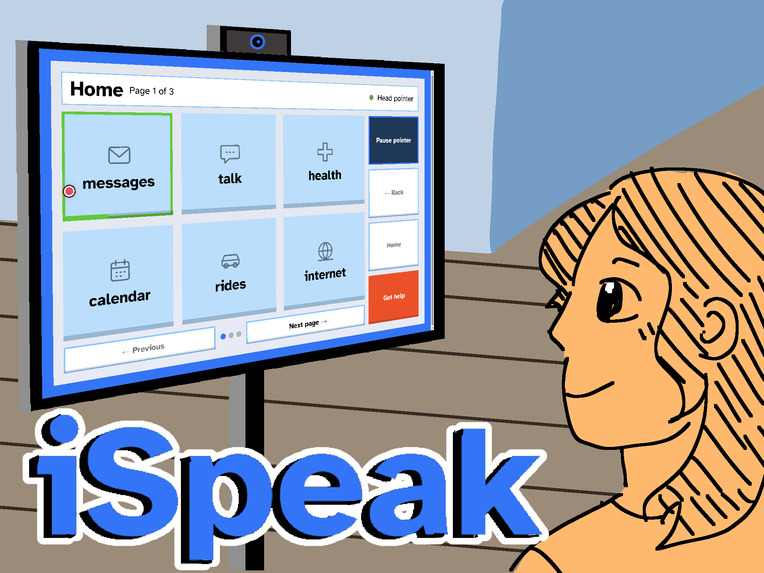
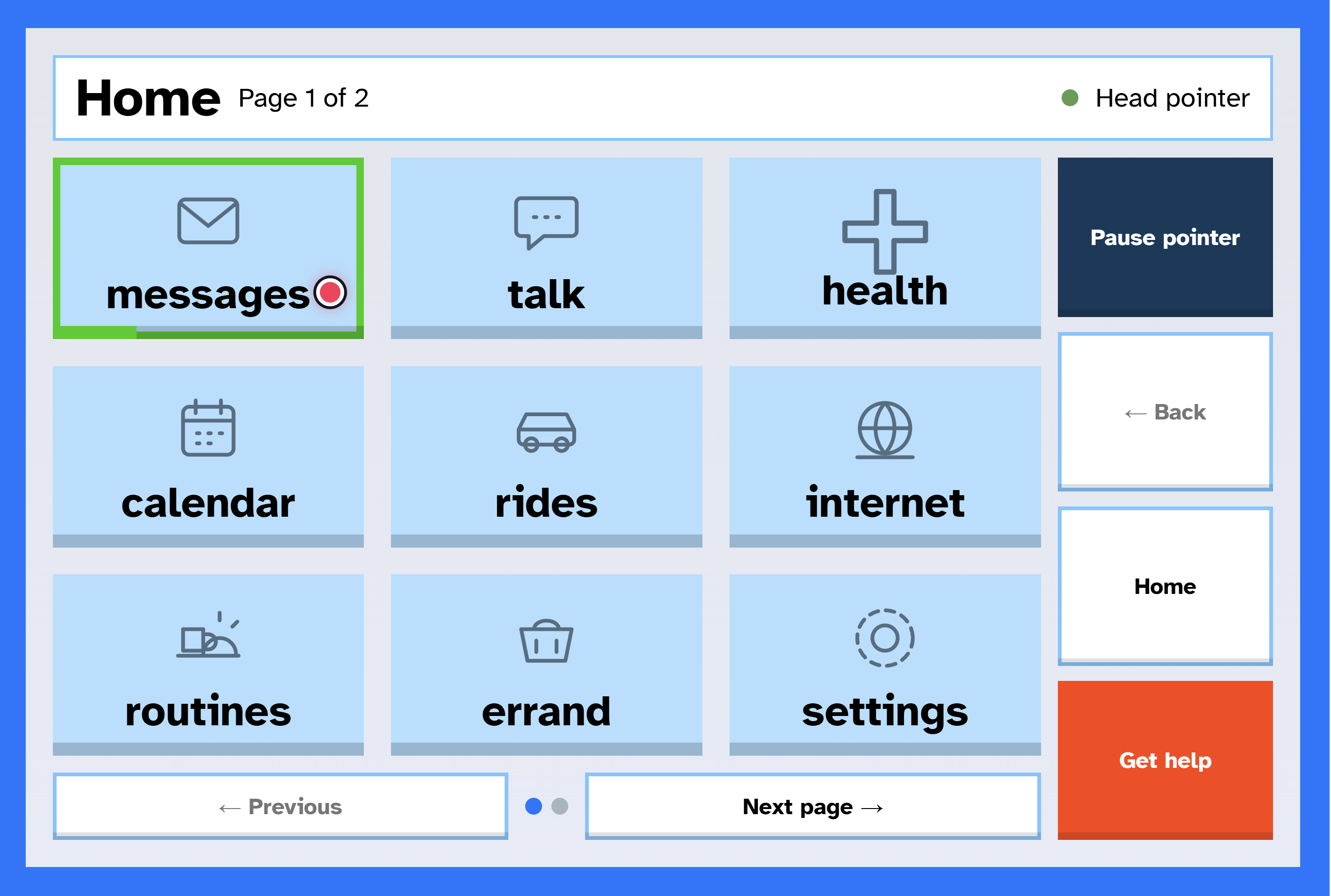
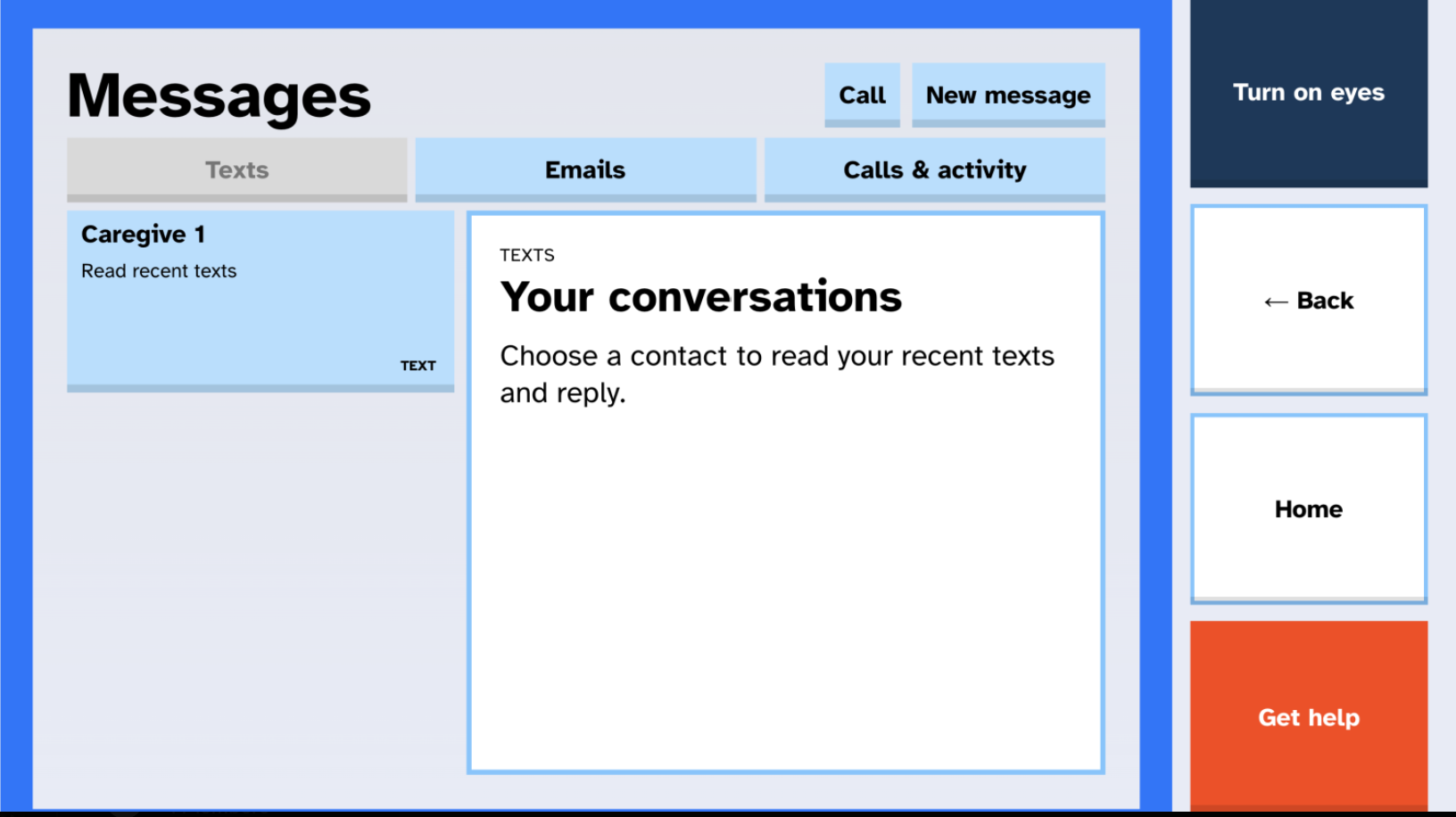
iSpeak is an assistant controlled with eye gaze, head movement, or touch that lets people complete real tasks by intent instead of click by click. The user looks at a large tile, or points at it with their head, and holds still while a ring fills. iSpeak then hands the task to Twinly, a desktop AI agent that carries it out and reports back aloud.
- Errands by intent: Read and summarize emails, reply to texts and emails, read upcoming events from the connected calendar, prepare appointment and refill requests, prepare Uber or Lyft rides, place calls, and run saved website workflows. Twinly always stops before anything final (sending, booking, ordering, paying), and the user confirms with a separate 3-second hold.
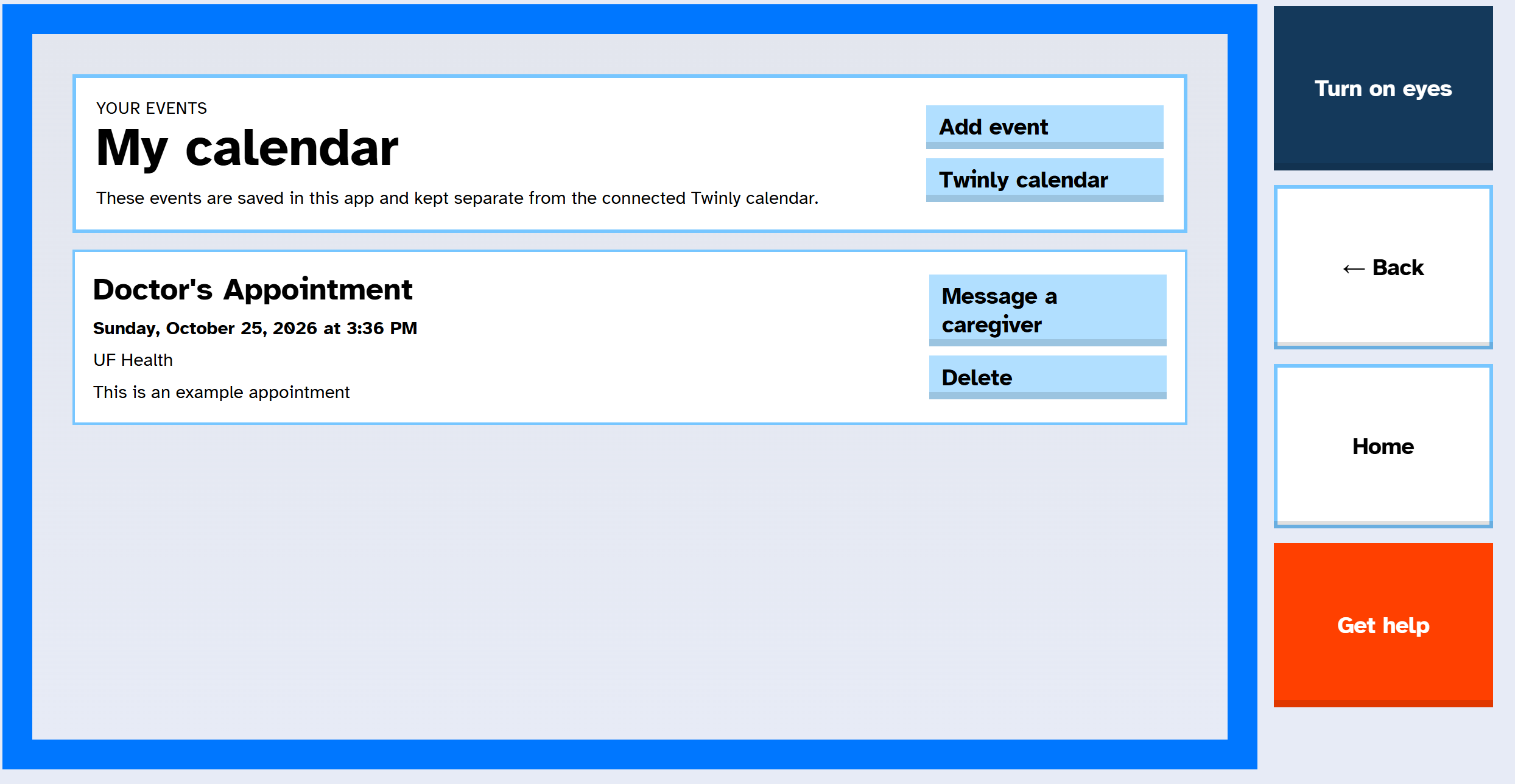
- My calendar: A personal iSpeak calendar, separate from the connected one, where users can keep their own events and share an event reminder with a caregiver. The reminder and recipient are reviewed before anything is sent.
- Speak a request with Gemma: Say "read my newest email," and Gemma 4, running locally, maps it to a safe, allowlisted task for the user to approve. Gemma also drafts replies and turns selected meaning (a feeling, a goal, a tone) into a natural message.
- Talk: Quick phrases, an on-screen keyboard, and a conversation co-pilot that listens to the other person and suggests three full replies, so one selection speaks a whole sentence.
- Fatigue support: iSpeak tracks selections, near-misses, corrections, and selection speed, compares them with the user's own two-week baseline and usual tiring hours, and offers a longer dwell time, fewer and bigger buttons, or a rest. It always asks before changing anything.
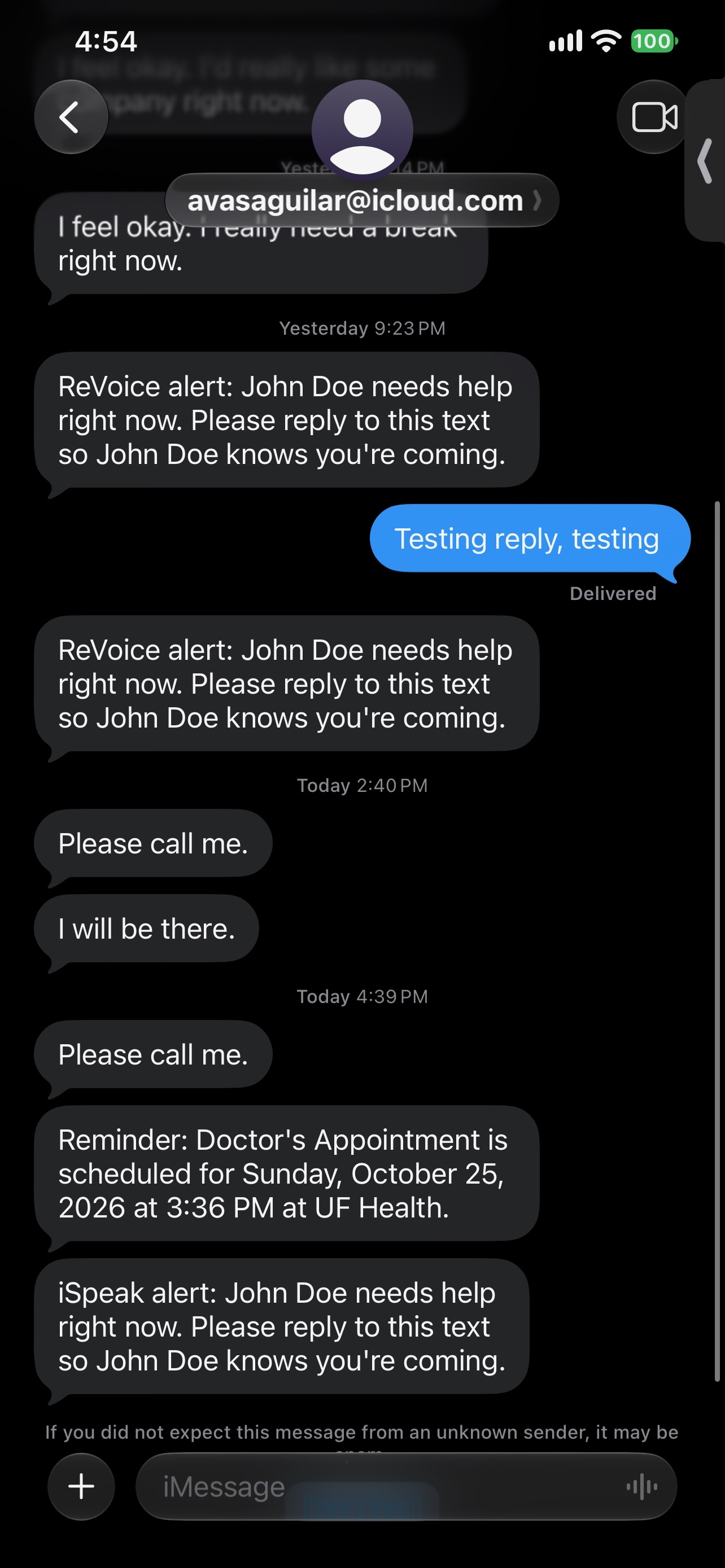
- Safe help alerts: One selection texts the caregiver's help list in order. iSpeak only says help is coming after someone actually replies, escalates to the next contact after two minutes, and lets the user cancel a false alarm.
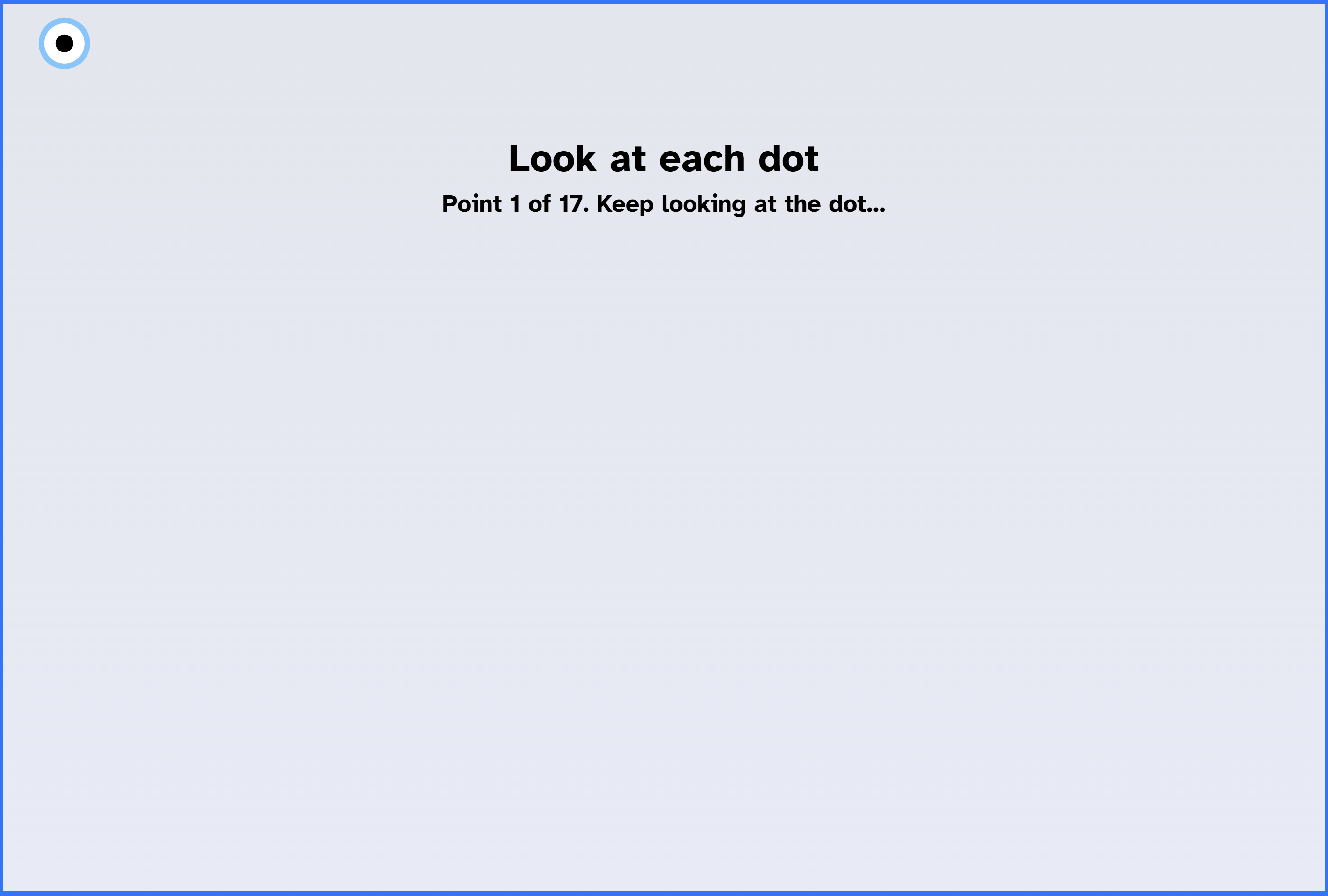
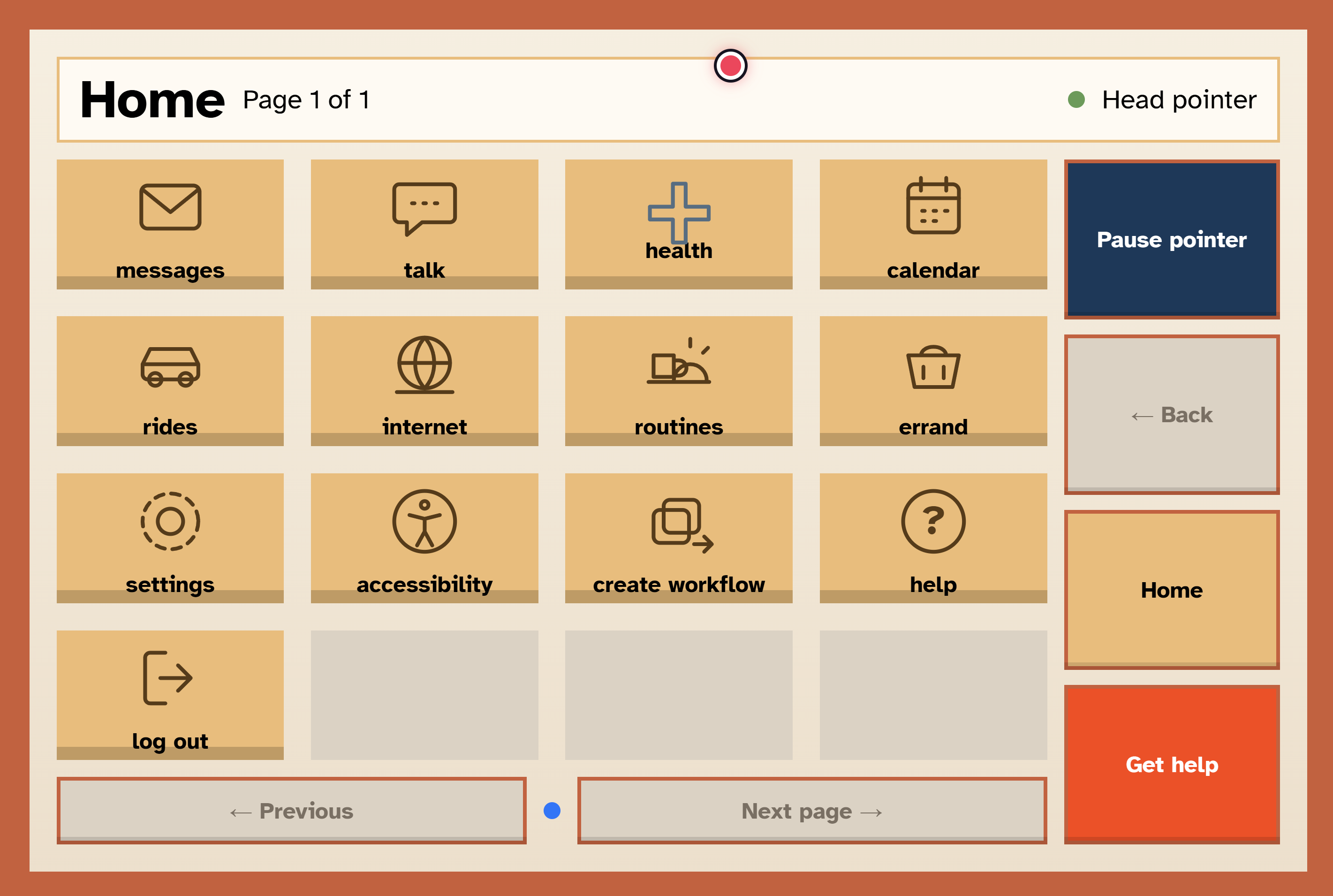
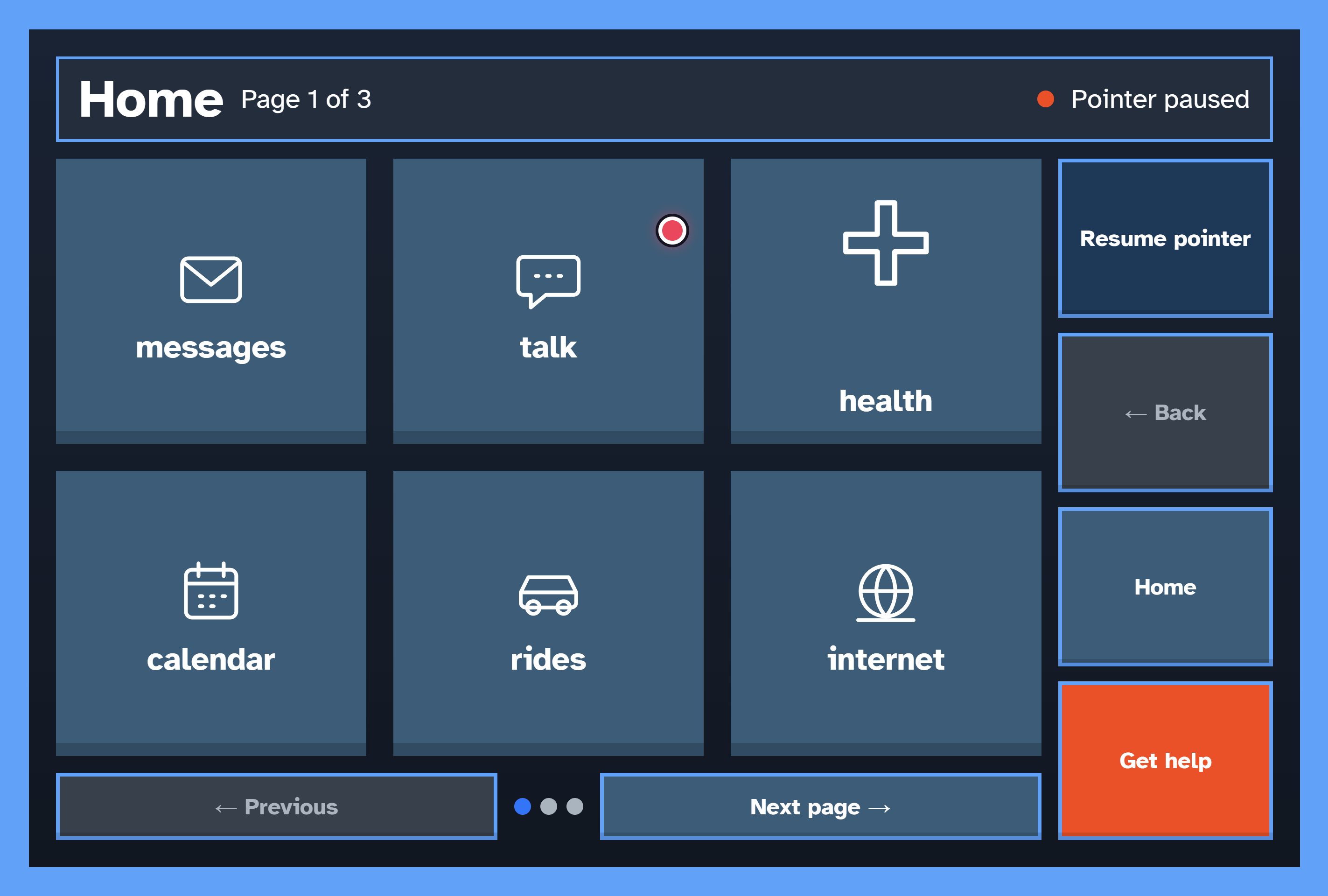
- Flexible access: 17-point eye calibration with saved calibrations, a head pointer that only needs a two-second centering instead of calibration, touch-only mode, adjustable dwell time, themes, text size, and buttons per page.
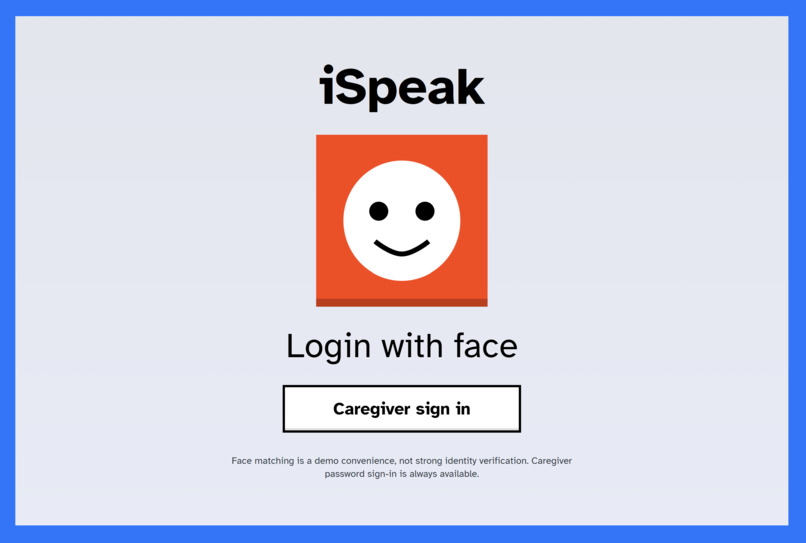
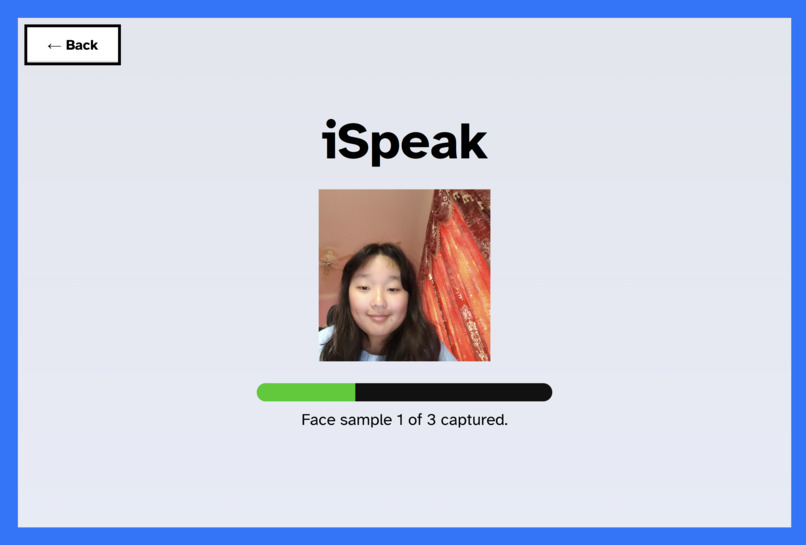
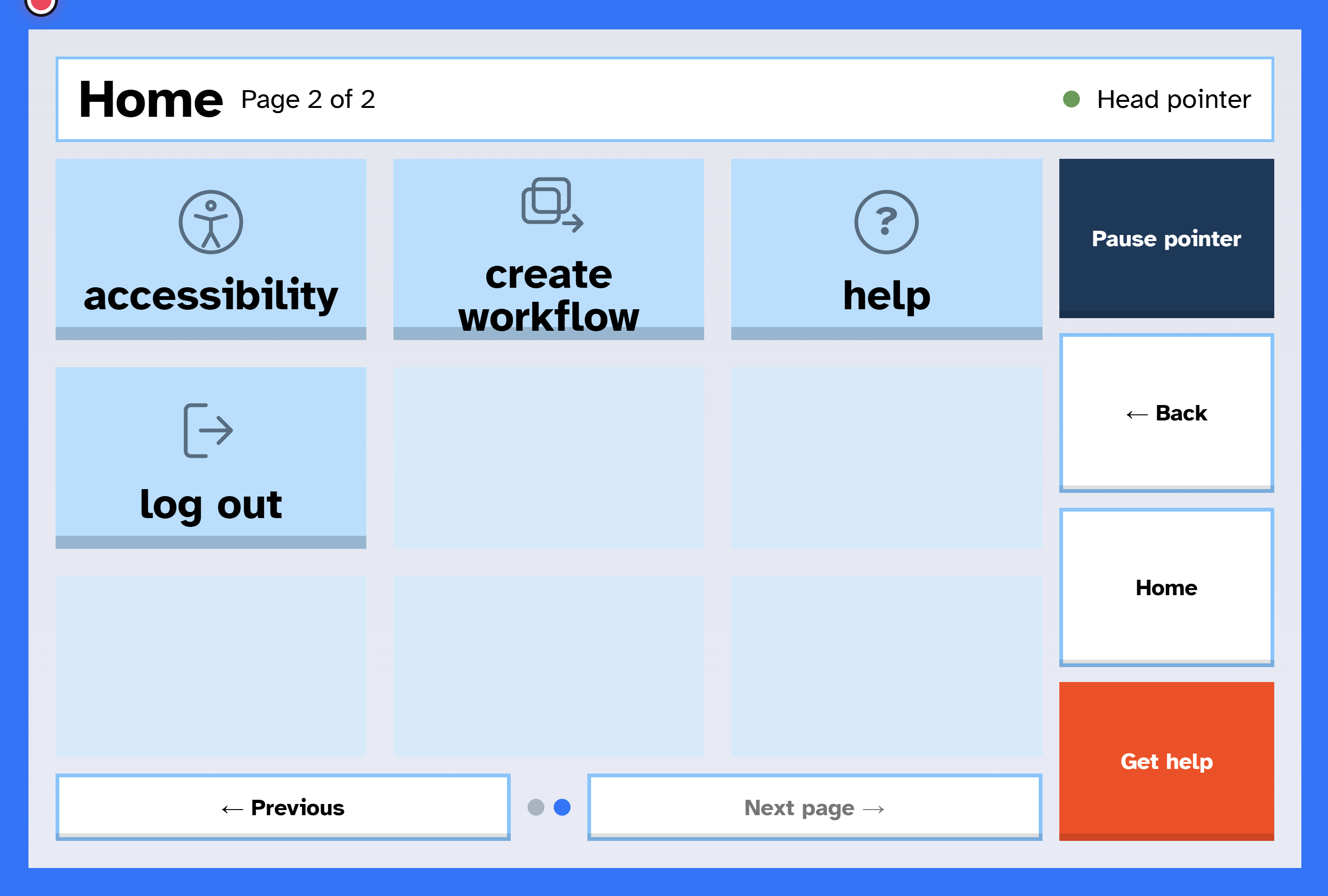
- Caregiver tools: Caregiver accounts, contacts and help order, quick phrases, settings, and on-device face sign-in so the patient can return to the app without typing.
⚠️ Some screens are clearly labeled demo-only for now: the medical emergency simulation, routines, errands, and insurance. iSpeak is a hackathon prototype, not a medical device. Eye and face tracking can be inaccurate, and it shouldn't be relied on for emergencies.
How we built it
- Frontend: JavaScript with Vite, based on our Figma design. Webcam gaze tracking with the open RealEye webcam eye tracker, a head pointer built on the same camera, on-device face matching with Human, and the browser's speech recognition and text-to-speech.
- Backend: Python and Flask with a SQLite database. It keeps the Twinly API key off the browser and handles logins, contacts, phrases, the app calendar, history, help alerts, and fatigue analysis.
- Twinly Developer API: Tasks, messages, calls, personal voice, chat, and job status and cancel, so every action can be tracked, read aloud, and stopped.
- Gemma 4 E2B, run locally with Ollama: Interprets spoken requests into allowlisted tasks and drafts messages. It runs on the user's own computer, so their speech and messages aren't sent to an outside AI service for this step, and it can never start an action by itself.
- Machine learning and datasets: An experimental gaze-mode classifier trained on the MCFW-Gaze and GazeTypeBD datasets. When enabled, it adds up to half a second of dwell time when gaze looks like casual viewing rather than choosing, to reduce accidental selections.
Why this technology is recent
- Gemma 4 was released April 2, 2026, and is small enough to run locally on a laptop.
- Twinly's Developer API was released within the past year. It lets apps hand real computer tasks to an AI agent, with approval and cancel controls.
- MCFW-Gaze (February 21, 2026) and GazeTypeBD (October 8, 2026) are public eye-tracking datasets released this year.
Together they make "intent, not clicks" possible: the user expresses a goal once, and the AI handles the dozens of steps.
Challenges we ran into
- Webcam eye tracking: Calibration drifts when users move, and lighting matters. We added 17-point calibration, saved calibrations, a head pointer, and touch mode as fallbacks.
- Safety with an AI that acts for you: Every send, call, booking, and order requires review and a separate confirmation. Texts only go to saved contacts, and the API key never reaches the browser.
- Help alerts that never mislead: An early design could say help was coming before anyone had seen the alert, and alerts could stall when Twinly paused for approval. We redesigned around real replies and escalation.
- Keeping Gemma safe: We limited it to a fixed list of tasks and treat everything it hears as data, not instructions.
- Reliable speech: Browser text-to-speech sometimes skipped or cut off long messages, so we rebuilt it to speak long text in short chunks and recover when the browser stalls.
- Running everything together: Twinly, Gemma, and the backend all run on the same computer, which shaped our setup and demo.
Accomplishments that we're proud of
- A working end-to-end flow: select a tile → Twinly does the task → iSpeak reads the result aloud.
- Three ways to use the app (eye gaze, head pointer, and touch), so people with different abilities can all use it.
- Feedback from a speech-language pathologist that directly shaped our fatigue support and appointment assistant.
- A fatigue mode that adapts to each person's own baseline, which we didn't find in existing eye-gaze devices.
- An open-source release under the MIT License.
What we learned
- People who rely on eye gaze or head movement are held back less by communicating than by everything else digital life requires, and fatigue limits all of it.
- Dwell time, calibration, and settings have to fit each person.
- Webcam tracking is less precise than dedicated hardware, as our expert pointed out. We see iSpeak as a portable, lower-cost starting point, and as a layer that could run on dedicated eye trackers, not a replacement for them.
What's next for iSpeak
- Support dedicated eye trackers like Tobii alongside the webcam.
- Test with real users and speech-language pathologists, and validate the ML dwell assist on real iSpeak sessions.
- Turn the demo-only features (emergency response, routines, errands) into working features.
- Add more languages and a mobile version.
Built With
- flask
- gemma
- javascript
- ollama
- python
- twinly
- vite


Log in or sign up for Devpost to join the conversation.