

Inspiration:
Our inspiration stemmed from the desire to provide users with a convenient way to access both weather information and the current time in a single, visually appealing device.
What it does:
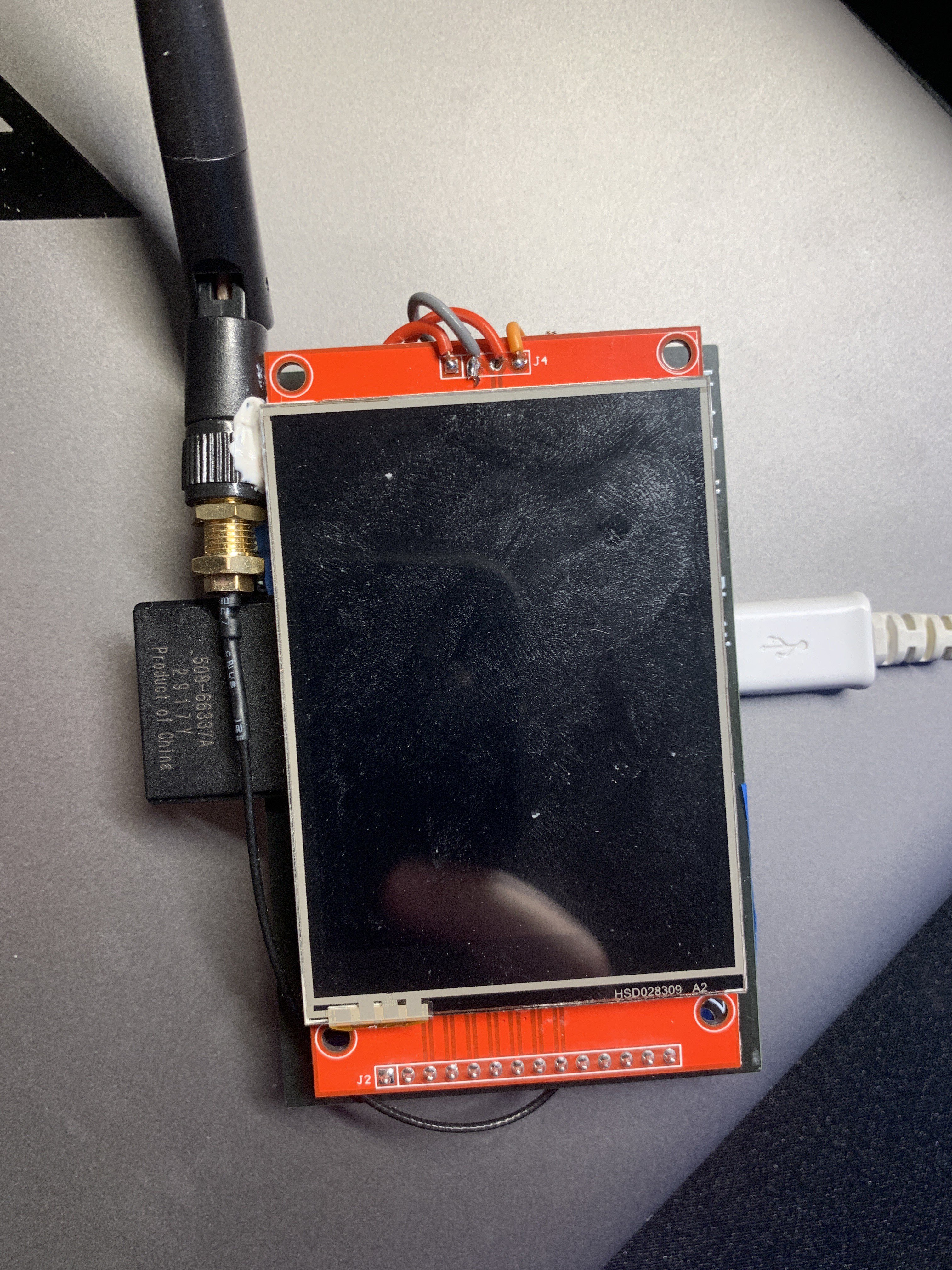
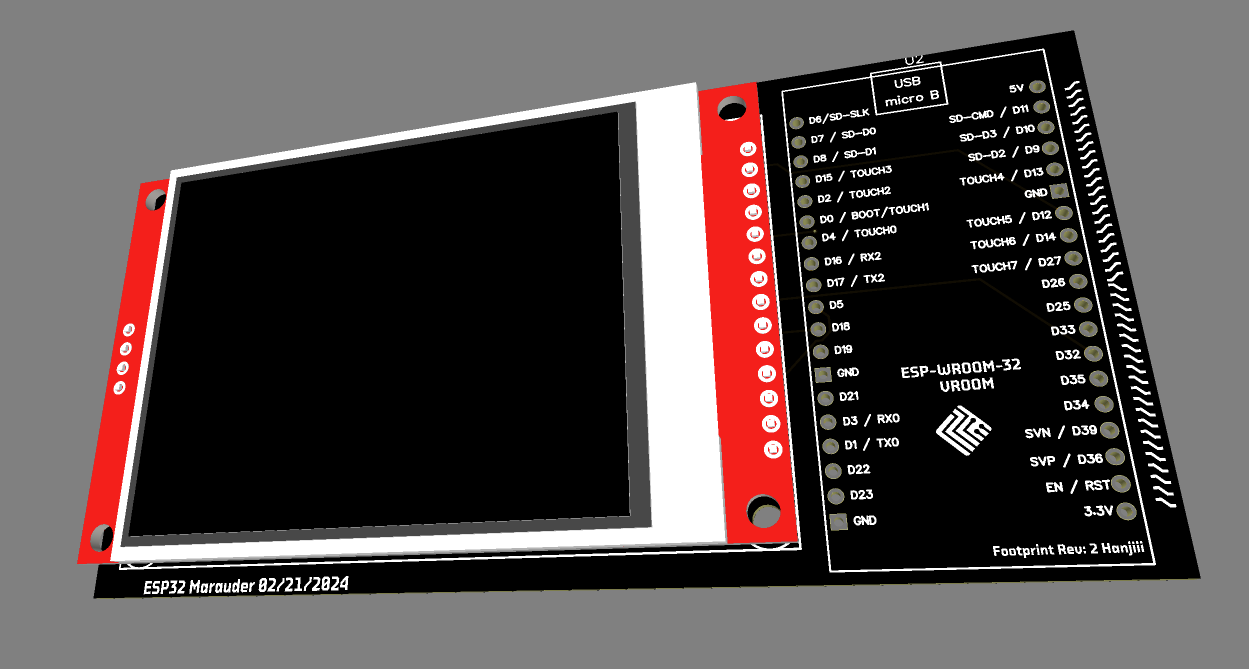
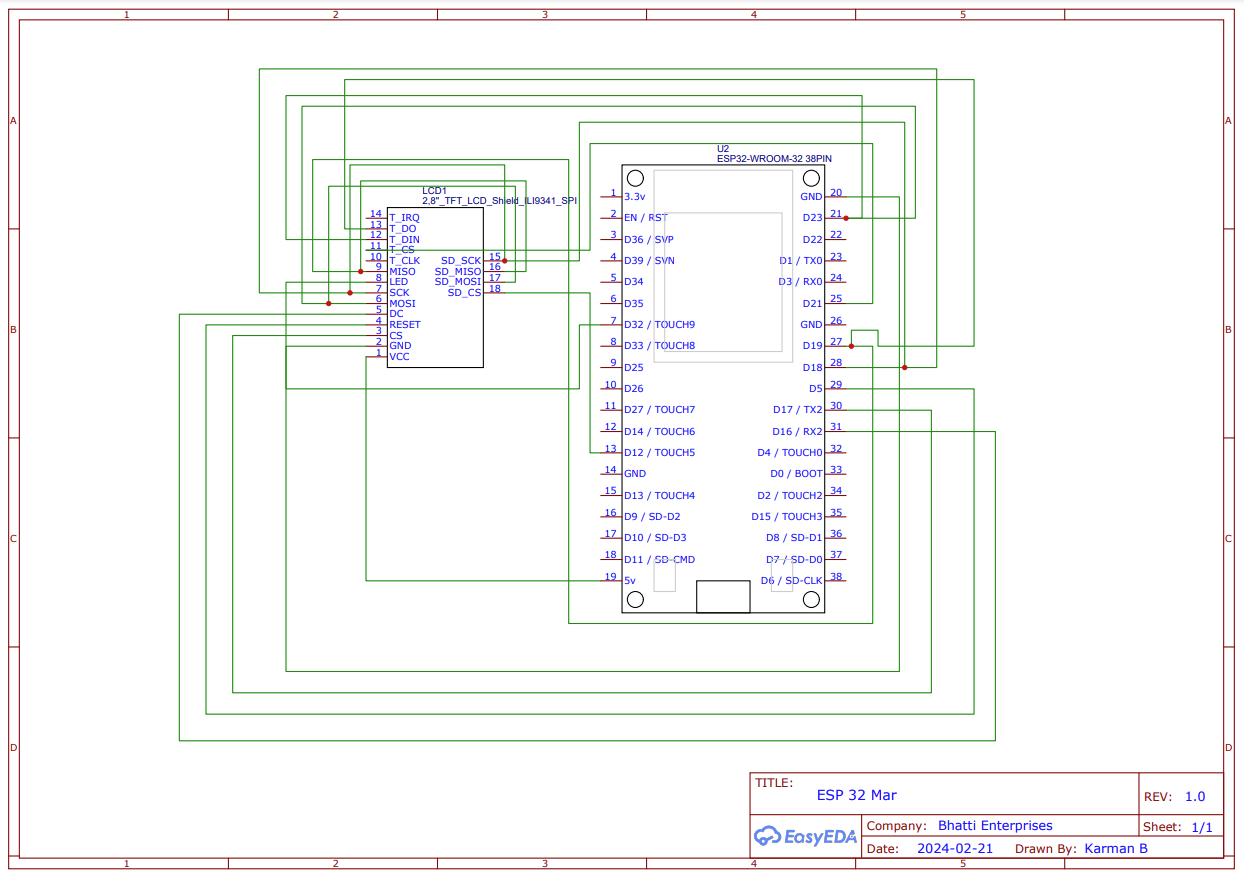
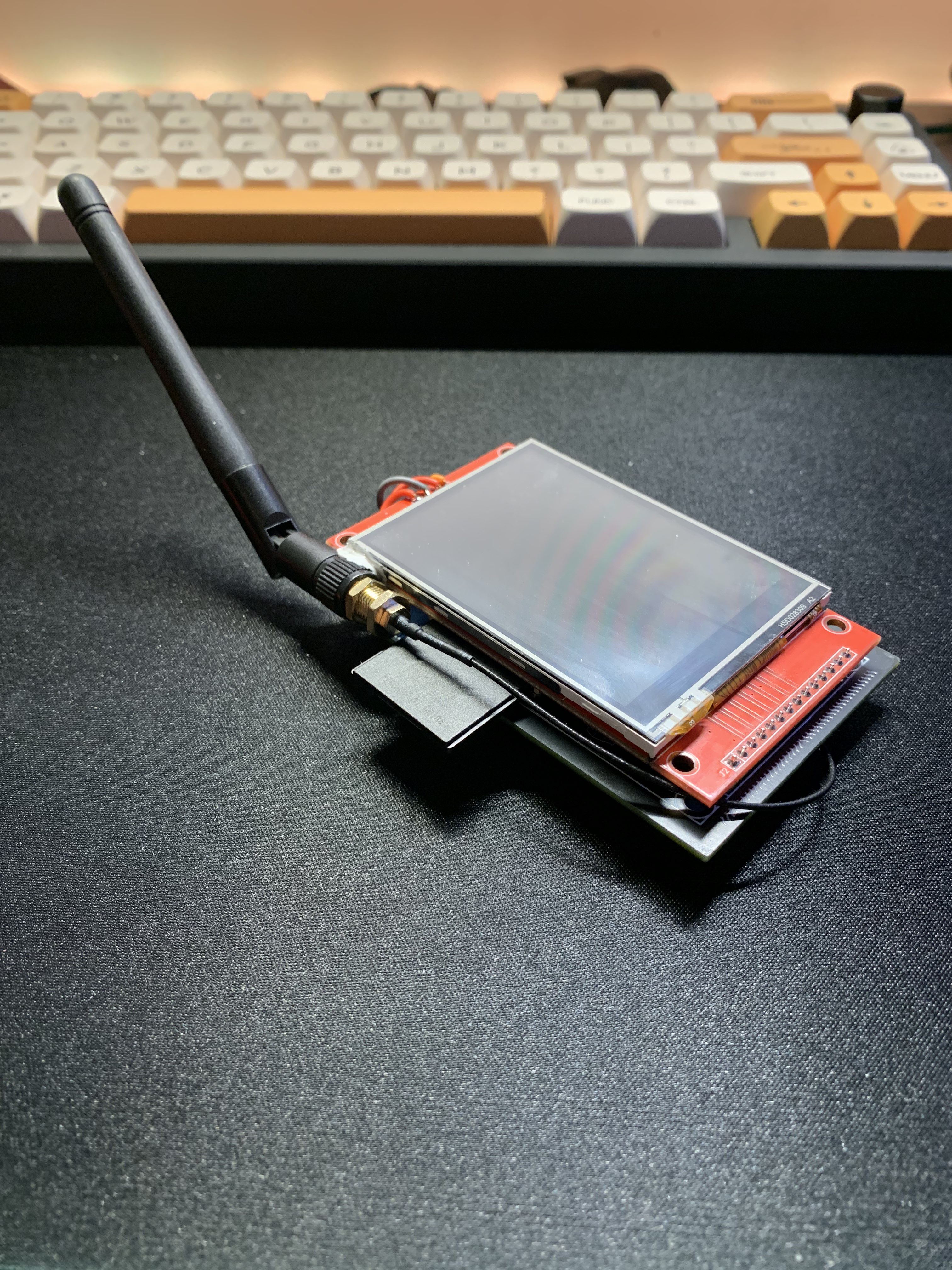
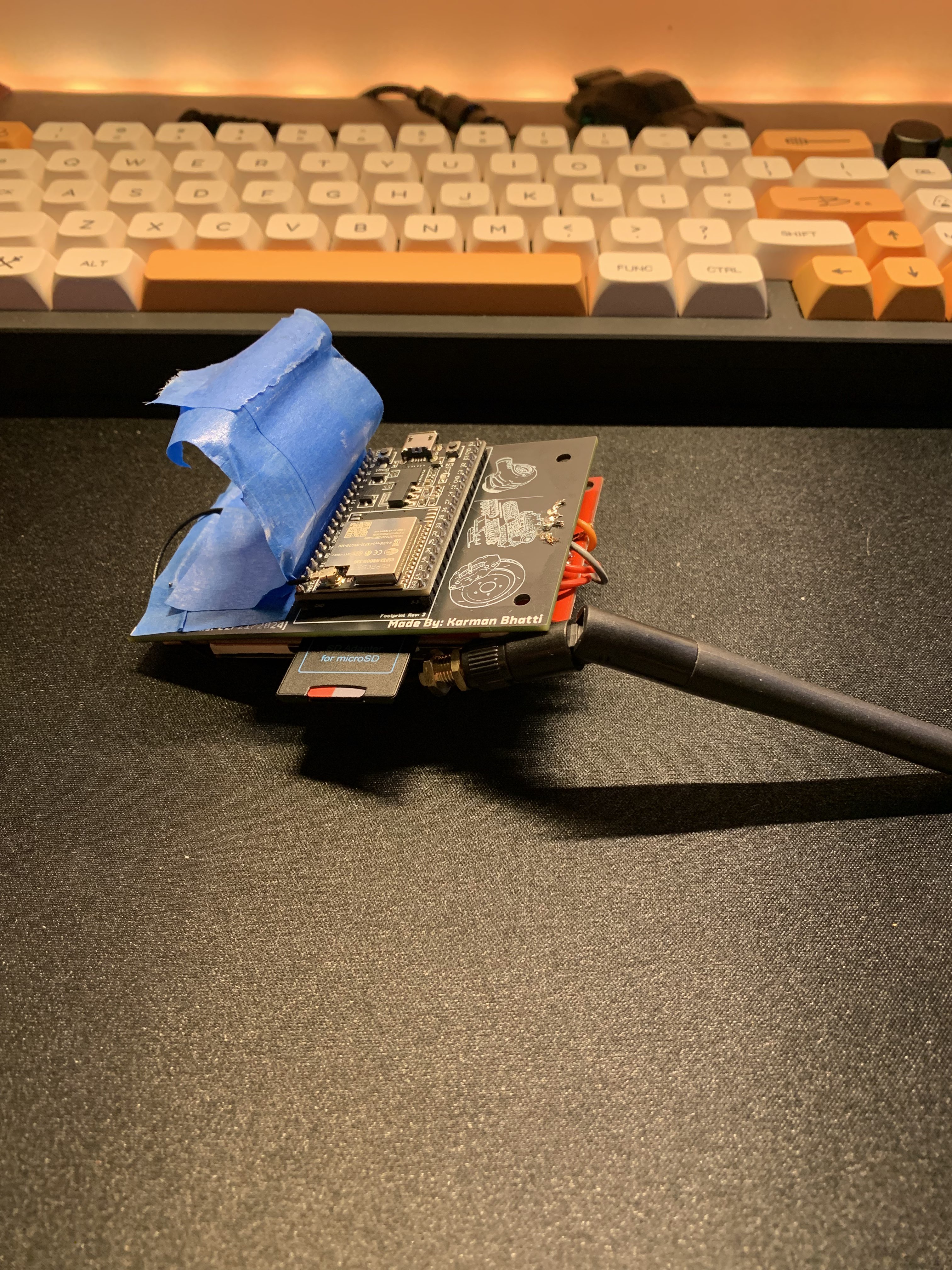
Our Weather Clock Station utilizes an ESP32 Wroom U and a Display Panel to display the current temperature and weather condition, along with the accurate time.
How we built it:
We built the Weather Clock Station using Arduino IDE (C++), leveraging modularity for code organization, real-time data fetching, error handling, user-centric design, energy efficiency, and scalability.
Challenges we ran into:
Despite the limitations of the display panel, we overcame challenges by designing clear and concise representations of weather conditions and ensuring the time display remained readable.
Accomplishments that we're proud of:
We're proud of achieving a balance between functionality and energy efficiency, allowing the device to provide valuable information while conserving power.
What we learned:
Throughout this project, we learned valuable lessons about optimizing code for microcontroller-based systems and designing for constrained display environments.
What's next for this project:
In the future, we plan to explore additional features such as extended weather forecasts, user customization options, and enhanced interactivity.
Technologies used:
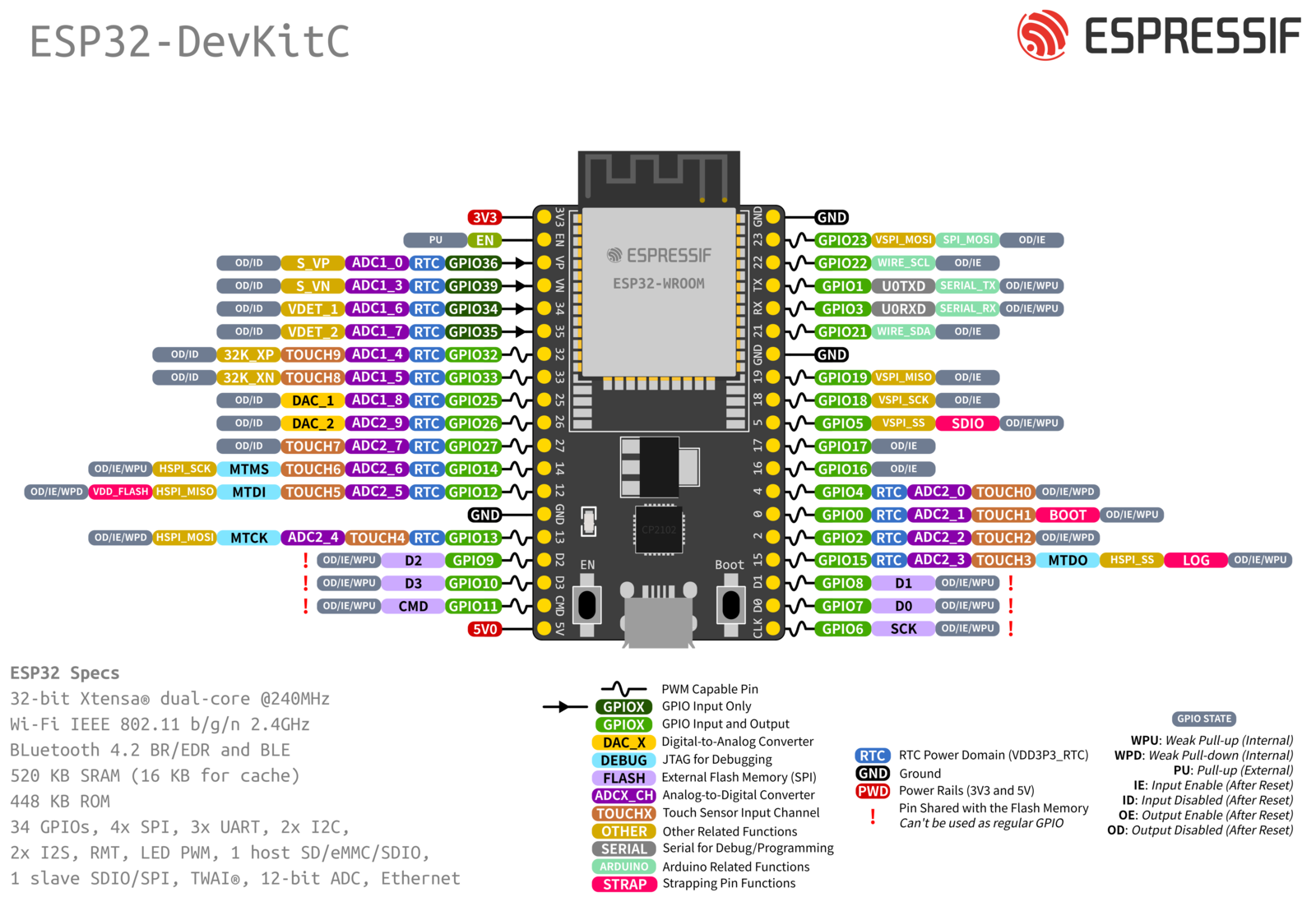
ESP32 Wroom U, Display Panel, Arduino IDE (C++).
Data Display:
- Weather Information: The display panel displays the current temperature and a simplified icon or text describing the weather condition. Due to the limited resolution of the display panel, weather conditions are represented by basic symbols or abbreviated text.
- Time: The current time is displayed on the display panel, which updates regularly to ensure accuracy. Depending on the panel size and resolution, the time might be shown in hours and minutes, and potentially scrolled if the entire representation does not fit on the panel at once.
User Interaction:
- Manual Refresh: If additional buttons are connected, they can be used to manually refresh the weather data or switch between time and weather displays. This adds interactivity, allowing the user to control what information is shown and when it is updated.
Principles Used in Design and Implementation:
Modularity:
- Code Organization: The code is organized into functions, each handling a specific task (e.g., connecting to WiFi, fetching weather data, displaying information). This modular approach makes the code easier to manage, debug, and extend.
- Function Reusability: Functions like
displayWeatheranddisplayTimeare designed to be reusable and independent of the data fetching logic, allowing changes in the display without affecting data retrieval functionalities.
Real-Time Data Fetching:
- Asynchronous Processing: The system handles data fetching asynchronously, ensuring that the device remains responsive and can perform other tasks like updating the display or responding to user inputs even while waiting for data.
Error Handling:
- Connectivity Checks: The code includes checks for WiFi connectivity before attempting data fetches. It responds appropriately if the device is disconnected, attempting reconnections or notifying the user of the issue.
- API Error Responses: The system checks the HTTP response codes from the API requests to handle errors effectively (e.g., invalid API keys, server unavailable).
User-Centric Design:
- Display Clarity: Given the limitations of the display panel, significant consideration is given to how information is presented to ensure it is clear and understandable at a glance.
- Interactivity: By potentially including buttons, the design considers user interaction, allowing users to control the device's functionality actively.
Energy Efficiency:
- Sleep Modes and Update Intervals: The ESP32 can enter sleep modes between updates to conserve energy, particularly important in battery-operated setups. The update intervals are carefully chosen to balance between up-to-date information and power conservation.
Scalability and Flexibility:
- Easy Configuration Changes: The system design allows for easy changes to the configuration, such as switching the location for weather data or changing the NTP server or update intervals. This makes the device flexible and adaptable to different user needs or geographic locations.
By incorporating these principles, the project aims to create a practical, reliable, and user-friendly device that can provide valuable information at a glance, with potential for future expansion or modification to include more features or improve user experience.
Built With
- arduino
- c++
- esp32
- led
- openweathermap


Log in or sign up for Devpost to join the conversation.