Inspiration
As a student, I keep Classroom deadlines, Gmail, a small allowance and exam review in separate apps. The AI chatbots I tried couldn't see my real schedule or email. They stopped working when the signal dropped, and the useful ones cost money. I wanted one assistant that runs my day, works offline and is free.
What it does
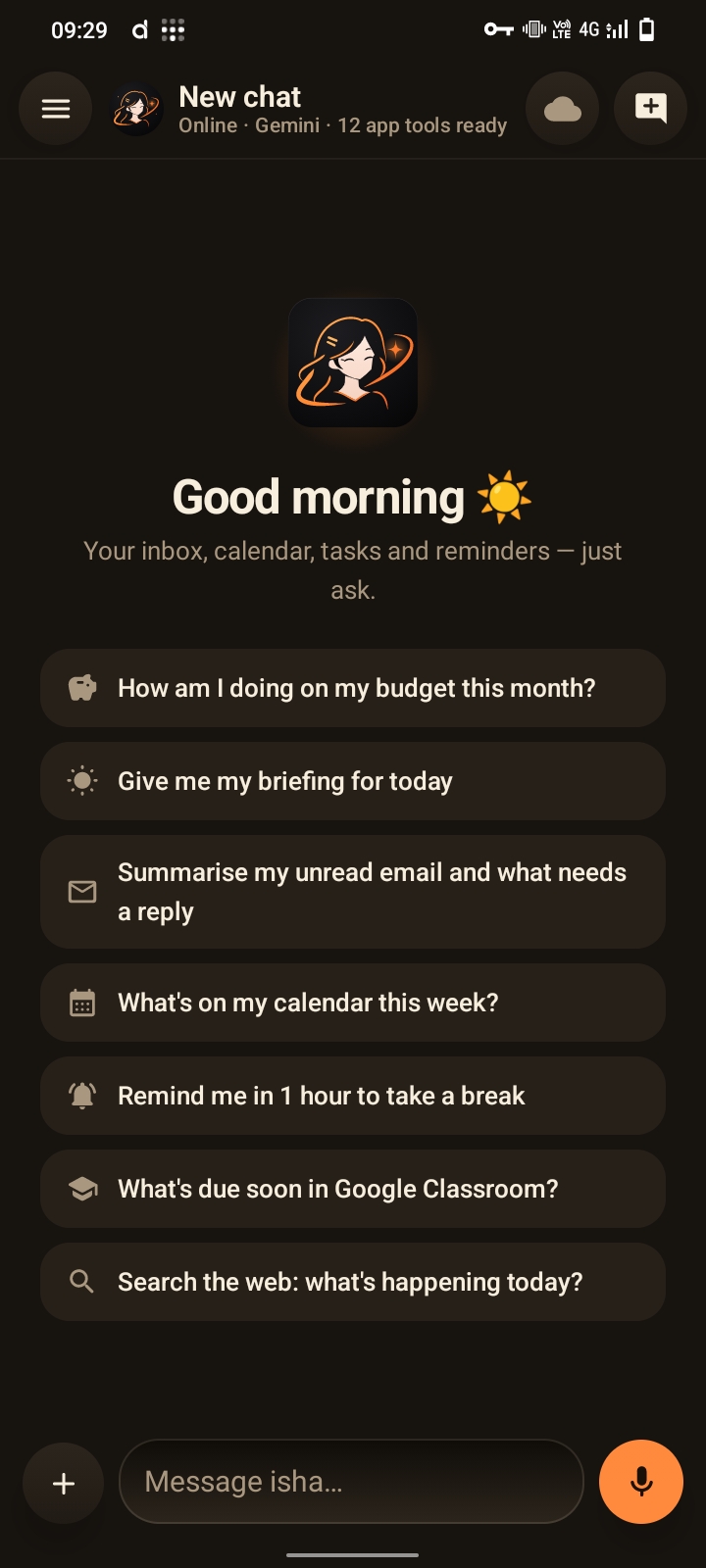
isha is an AI personal assistant for Android:
- Chat with streaming answers, voice mode and file or image attachments.
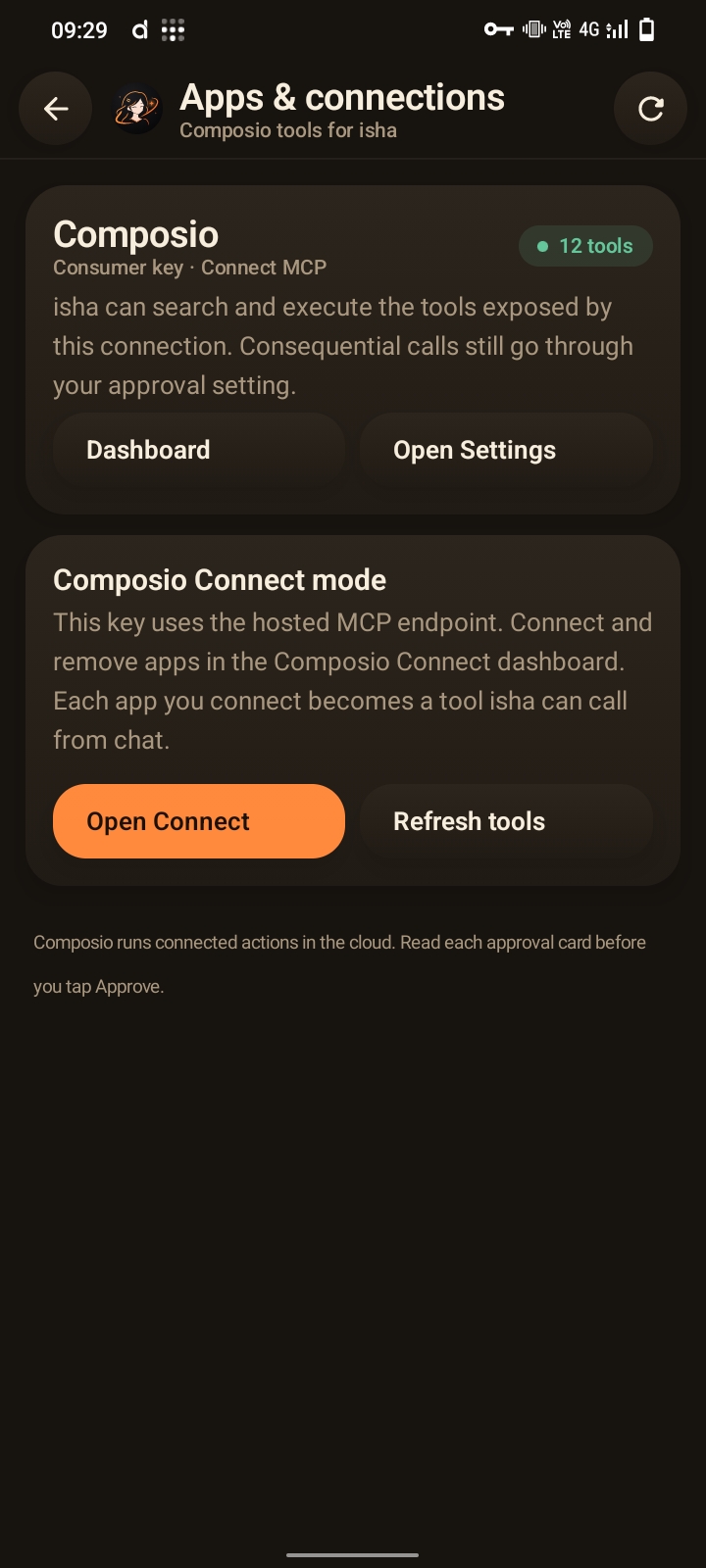
- App actions in Gmail, Calendar, Classroom, Drive, Notion and more. It asks for approval before anything that sends, creates or deletes.
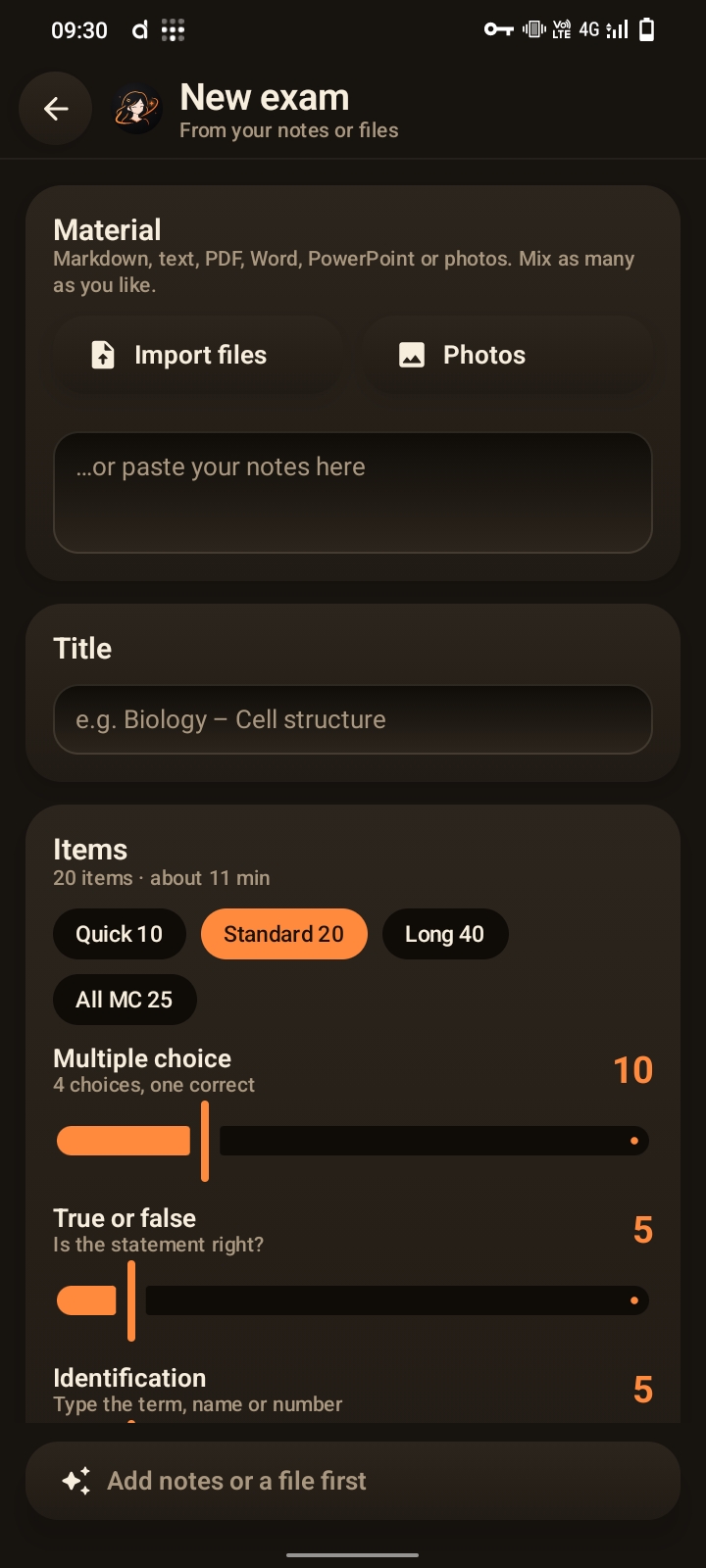
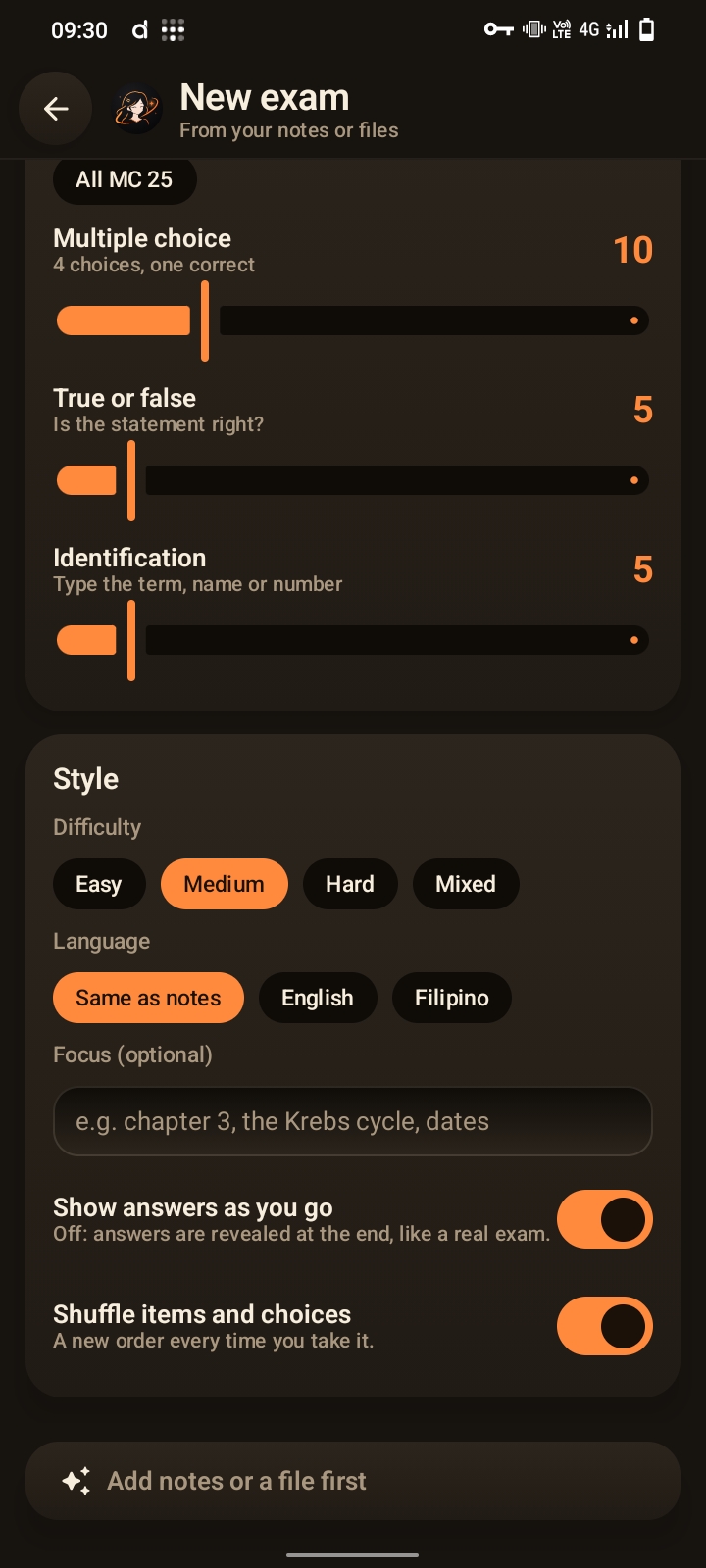
- Exams from notes. It turns a PDF, Word, PowerPoint or text file, or photos of notes, into a multiple-choice, true/false or identification quiz. After the quiz it shows your score and weak topics, and you can retake only the items you missed.
- Due screen. Classroom deadlines are grouped by urgency, with reminders that fire offline.
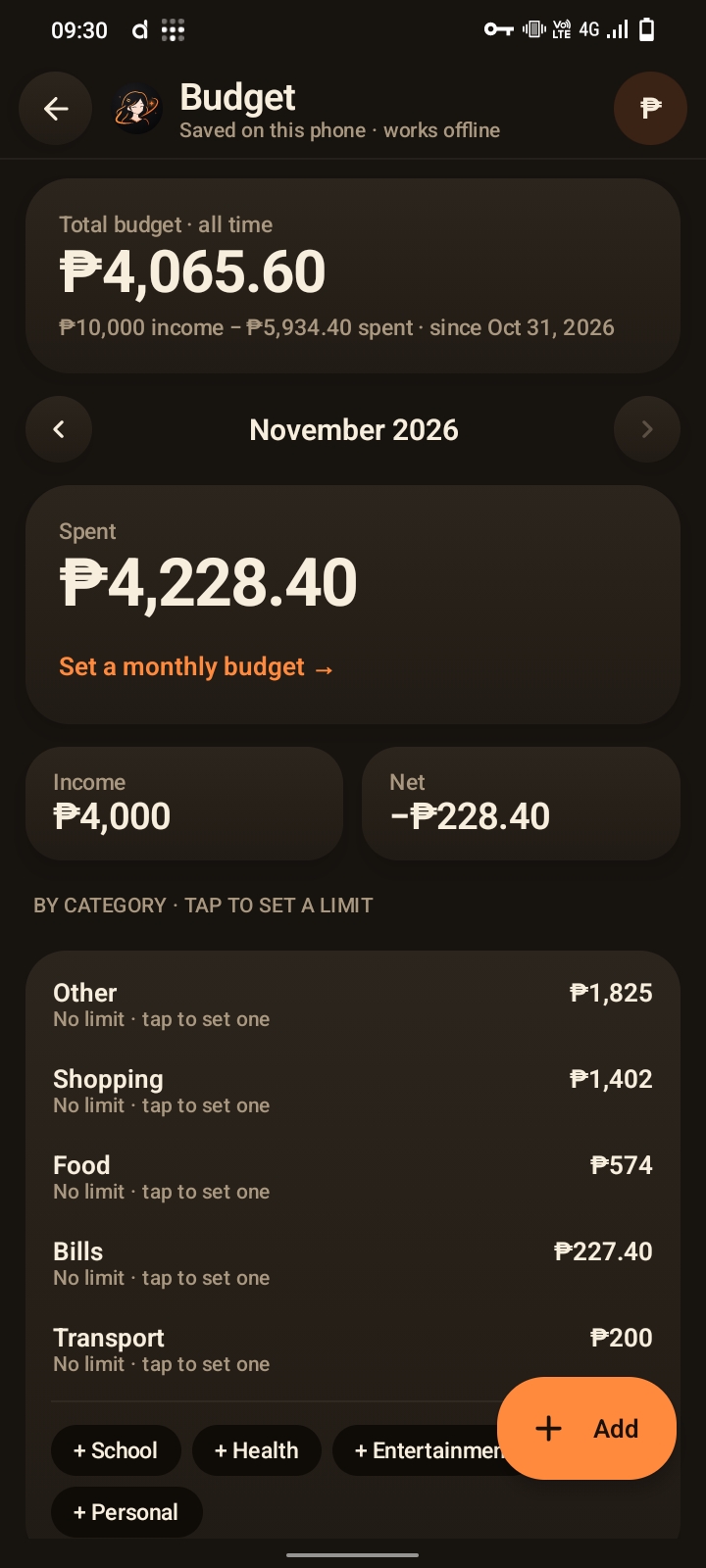
- Budget. Type "spent 150 on lunch" and it's logged. It has monthly and category limits, alerts, and works offline.
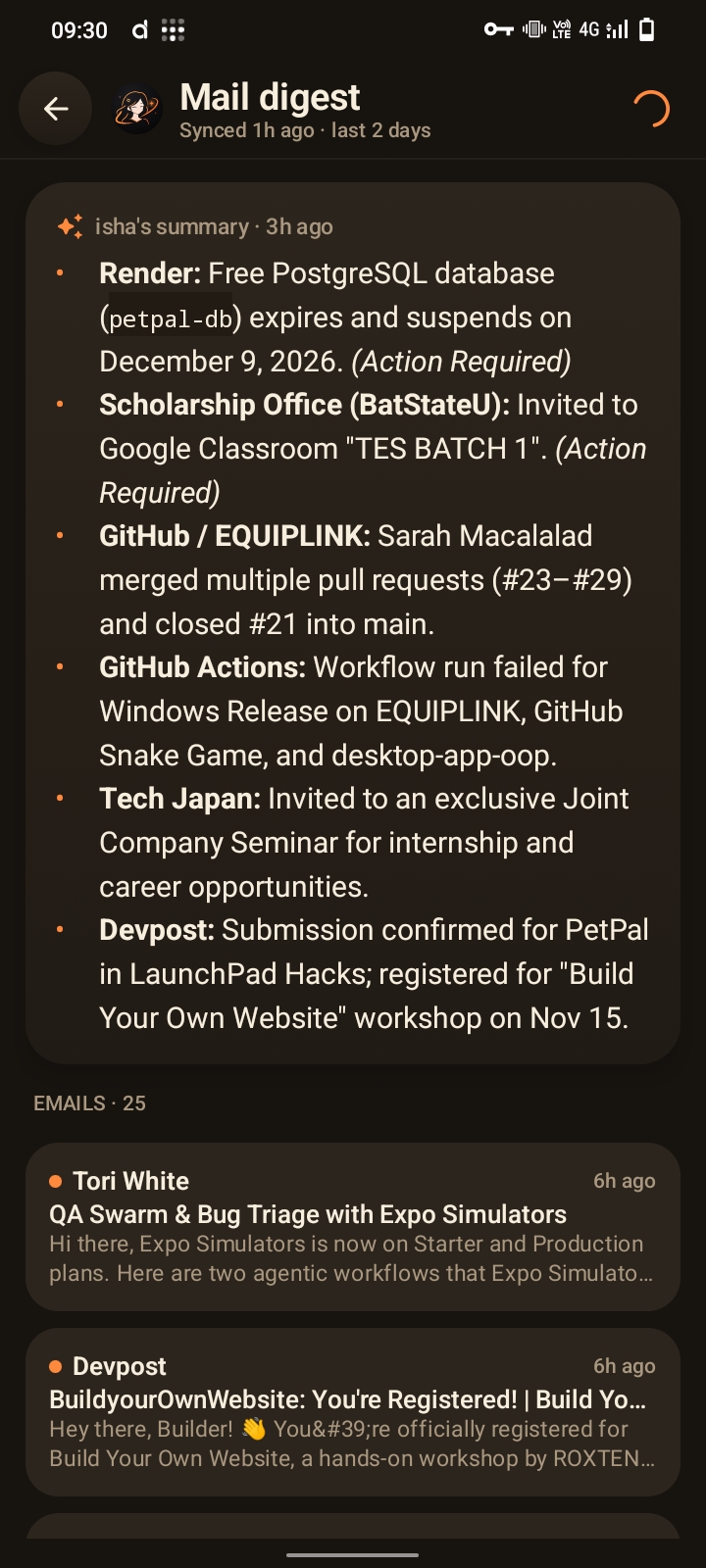
- Mail digest. Short summaries of recent email, readable offline.
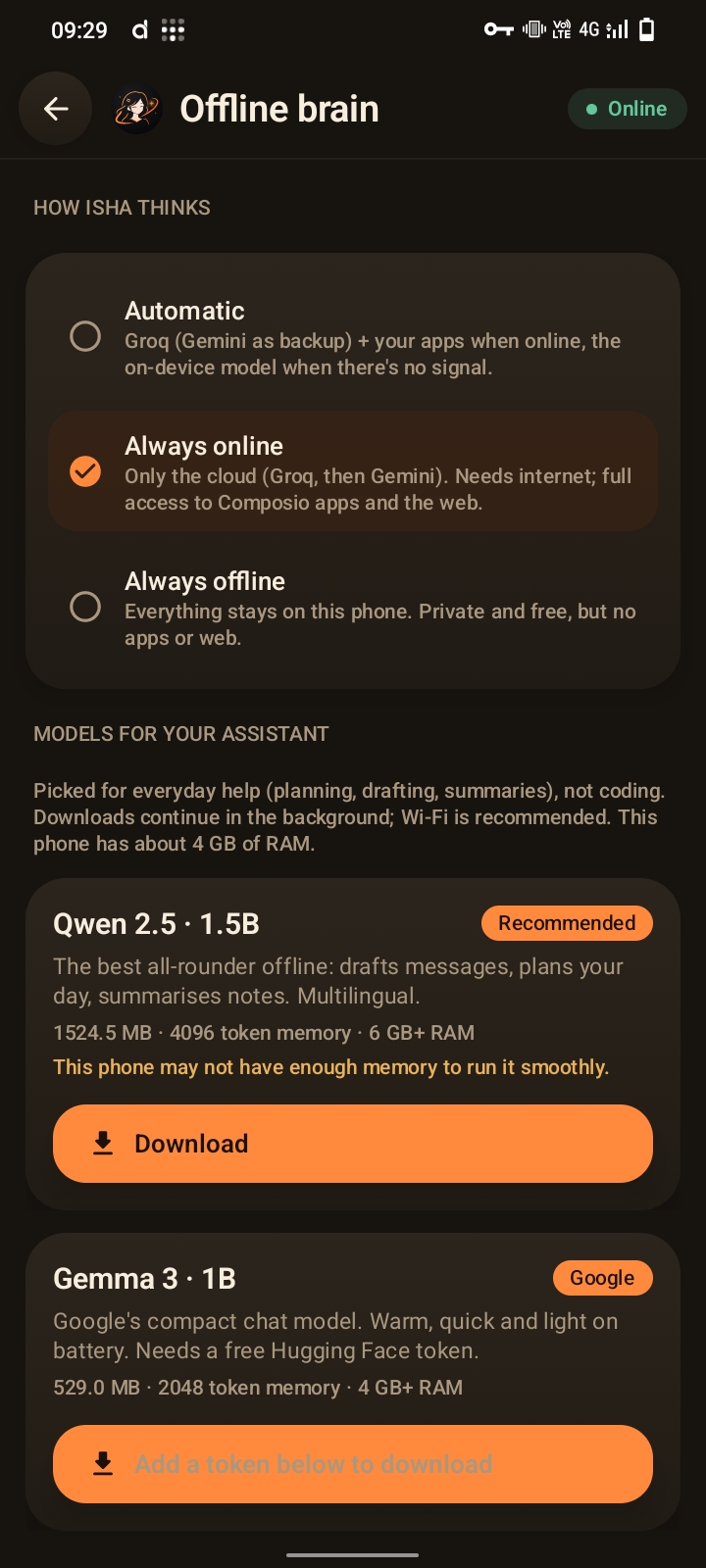
- Offline mode. A small AI model runs on the phone when there's no internet.
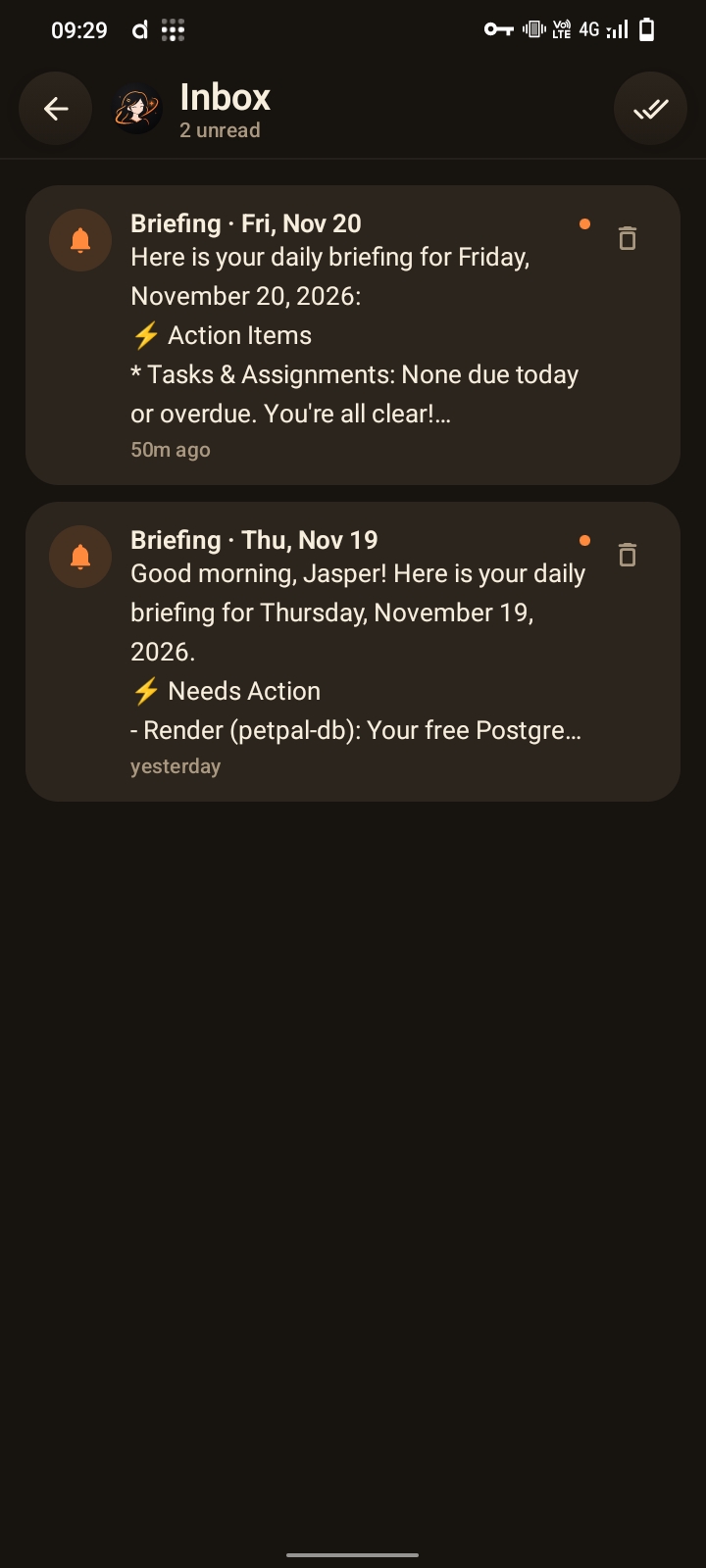
- Widget, Quick Settings tile, share-to-isha and a daily morning briefing.
How we built it
- App: Kotlin and Jetpack Compose. Data is stored as JSON in app-private storage, and API keys are encrypted with the Android Keystore.
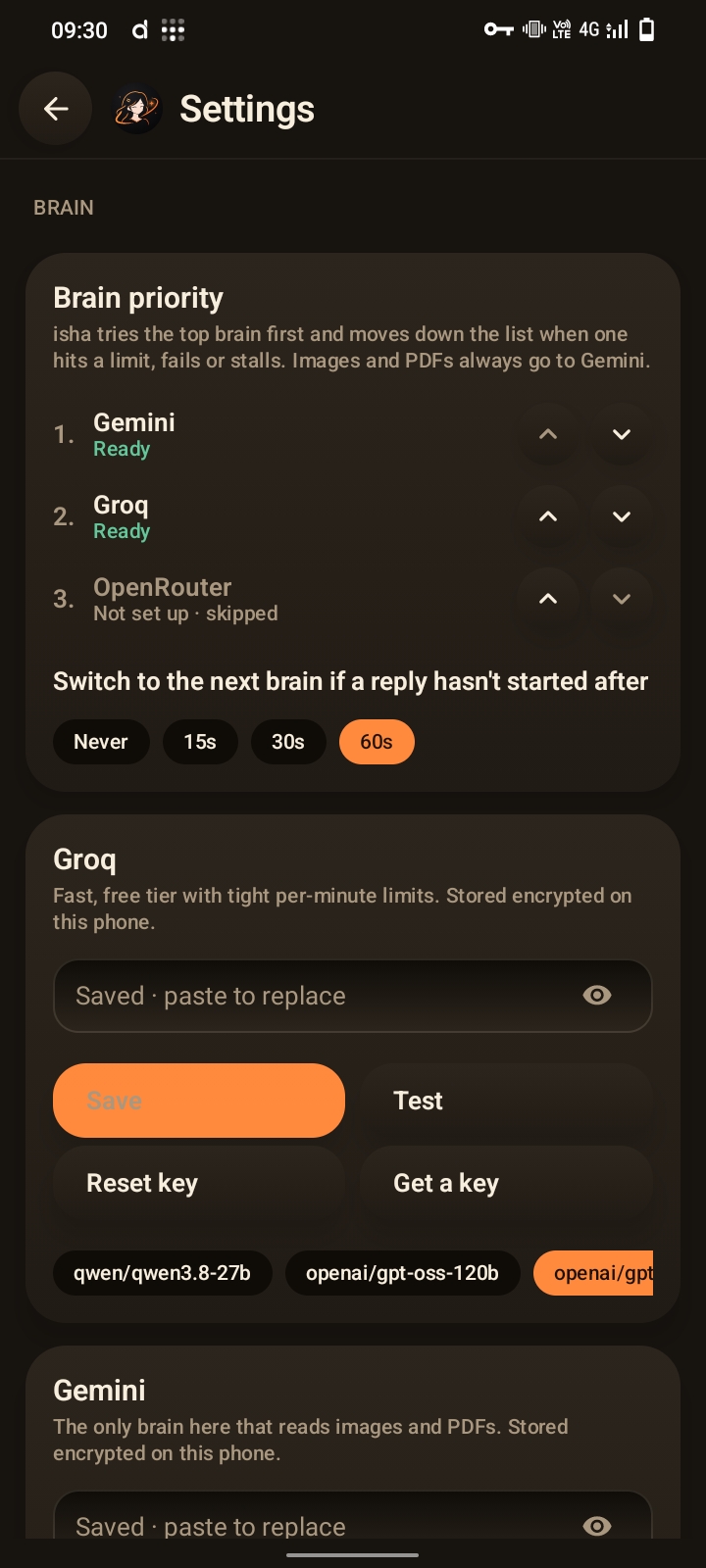
- AI: Groq handles chats first. Gemini takes over automatically when Groq hits its free limit or the message has images or PDFs.
- Apps: Composio connects Gmail, Calendar, Classroom and others, through its MCP or REST API.
- Offline: MediaPipe LLM Inference runs Qwen 2.5, Gemma 3 or Phi-4 mini on the phone.
- Background work: WorkManager syncs Classroom and mail, and exact alarms fire reminders.
Challenges we ran into
- Tool schemas. Gemini accepts only part of JSON Schema, so I wrote a sanitizer that converts Composio's tool schemas into a form Gemini accepts.
- Free-tier limits. When Groq's free limit runs out mid-reply, the answer continues on Gemini without losing the conversation.
- Running AI on a phone. I had to pick models small enough for ordinary phones and make large downloads resumable.
- Safety. An AI that can send email must not do so by accident. Actions need approval. Email is summarised by a model that has no tools, so a malicious email can't trigger actions.
- Offline reliability. Reminders, budget commands and deadlines had to work with no internet and no model at all.
Accomplishments that we're proud of
- One app covers chat, school, money and email, and works both online and offline.
- The exam generator checks every item before keeping it.
- It needs no server and no account, and runs on free tiers.
- The interface is polished, with light and dark themes.
What we learned
- How to stream AI replies and let the model call tools.
- How to fall back to another model when one fails.
- How to run AI models on the phone itself.
- How to design AI actions so they're safe.
- Building for students taught me that offline support matters as much as smart features.
What's next for Isha
- A Play Store release and support for more phones.
- Better offline models, including some tool use offline.
- Study features like flashcards and spaced repetition built from your exams.
- Sharing exams and deadlines with classmates.
- Filipino-first voice and chat improvements.
