-
-
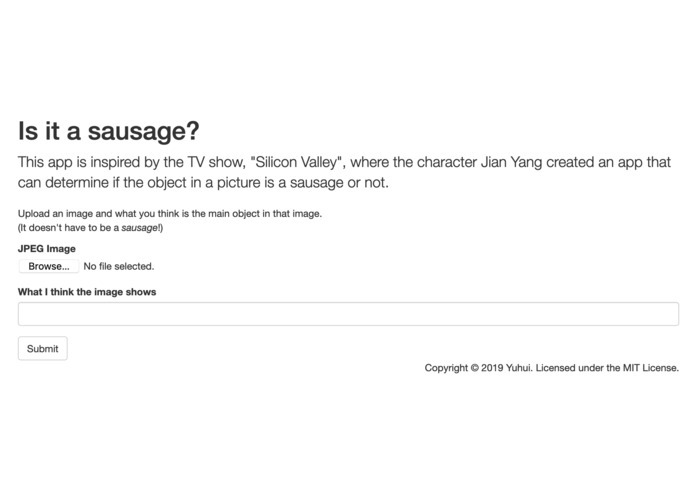
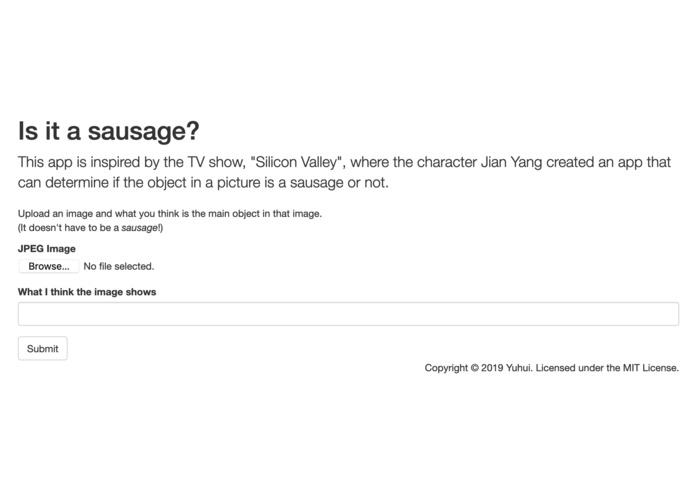
Homepage
-
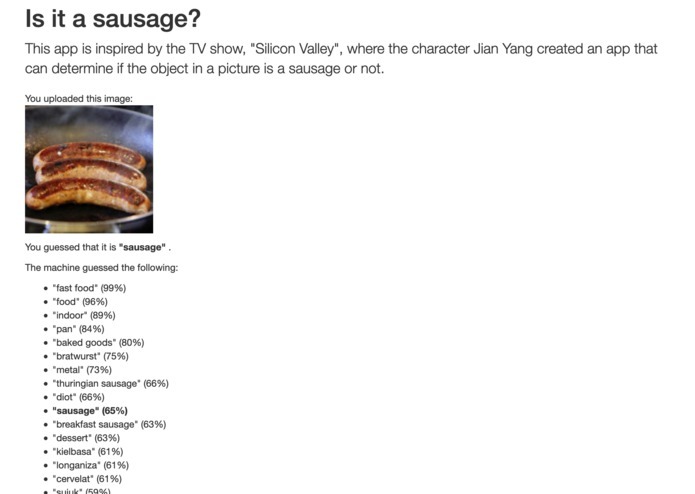
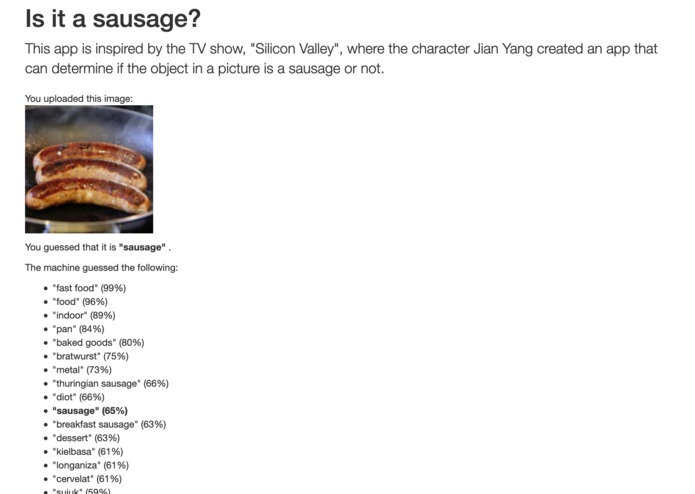
Image labelling
-
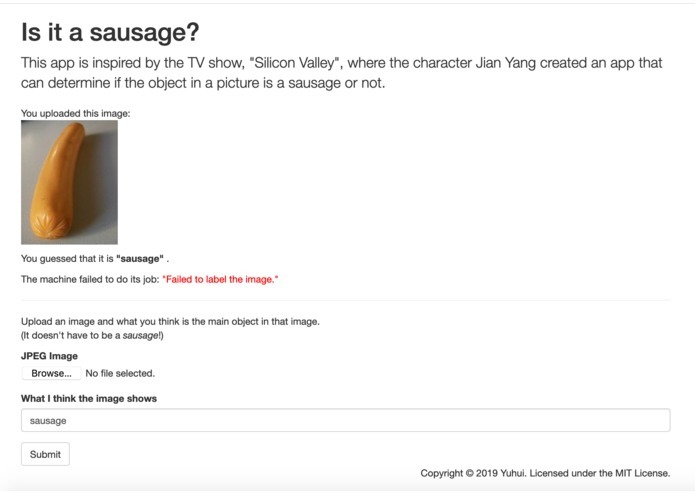
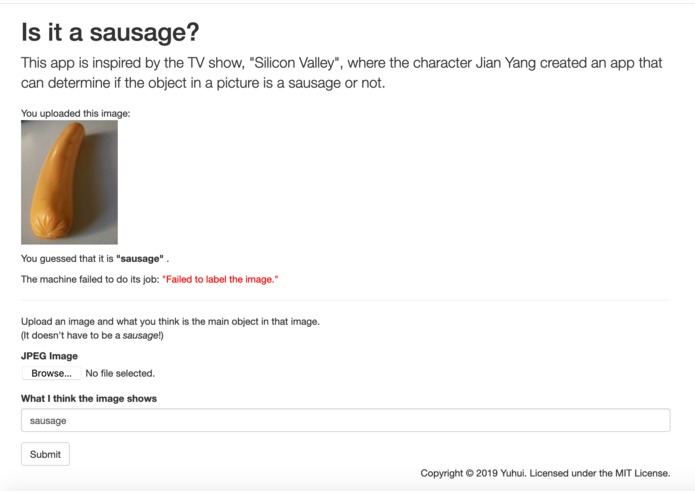
Failed to label
-
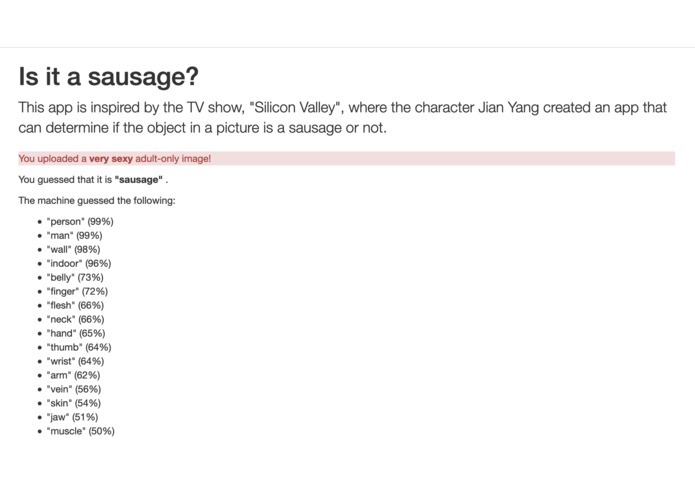
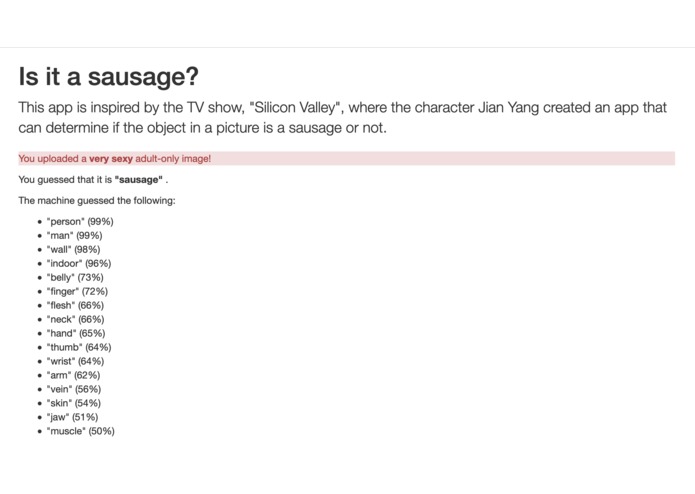
Adult image detection
Inspiration
This app is inspired by the TV show, "Silicon Valley", where the character Jian Yang created an app that can determine if the object in a picture is a sausage or not.
What it does
A user uploads a picture and a word that describes the primary object in that image. The app interacts with Azure Cognitive Services' Computer Vision to determine what is the object in that image. It then returns both the user's guess and the machine's guess.
The user can then use Computer Vision's label as a cross-check for what he has identified. If he is satisfied with Computer Vision's accuracy, then he can rely on Computer Vision to identify labels in unlabelled images, which can reduce human effort in labelling images.
The image can show any object, not just a sausage!
In addition, through Computer Vision, the app can determine if the user had uploaded an "adult" image.
How I built it
This project is built with Python, using Flask as the front-end and Azure Cognitive Services as the AI to identify the object(s) in the uploaded image.
Challenges I ran into
- The main challenge was in getting a trial Azure account! This is so that I could submit this project as part of the Azure AI Hackathon. Since I had registered for Azure previously, I could not qualify for a free trial any more.
- I had to figure out how to use Flask-Uploads, because I had never worked with attaching files in forms before this.
- The Azure Python SDK for Cognitive Services doesn't allow uploads to the endpoint, even though the documentation states that this is possible. (I have filed an issue about this.) As a result, I had to create my own POST request to send the image data to the endpoint.
Accomplishments that I'm proud of
Without much coding effort, my app is able to interact with Azure Cognitive Services' Computer Vision to return back the tags -- and adult raciness -- for an image.
What I learned
- Azure Cognitive Services' Computer Vision is quite easy to program. Most of my work was spent developing the Flask-based web app itself.
- Azure's documentation is atrocious. The sample code is pitiful. The Github-based source code is not linked from anywhere. I'm used to Google Cloud's document structure that is laid out logically, and where the sample code is really enough to get you working on a real-world, production-ready app.
What's next for "Is it a sausage?"
There are no plans for my app, until/unless Azure adds more interesting features to its Cognitive Services' Computer Vision.

Log in or sign up for Devpost to join the conversation.