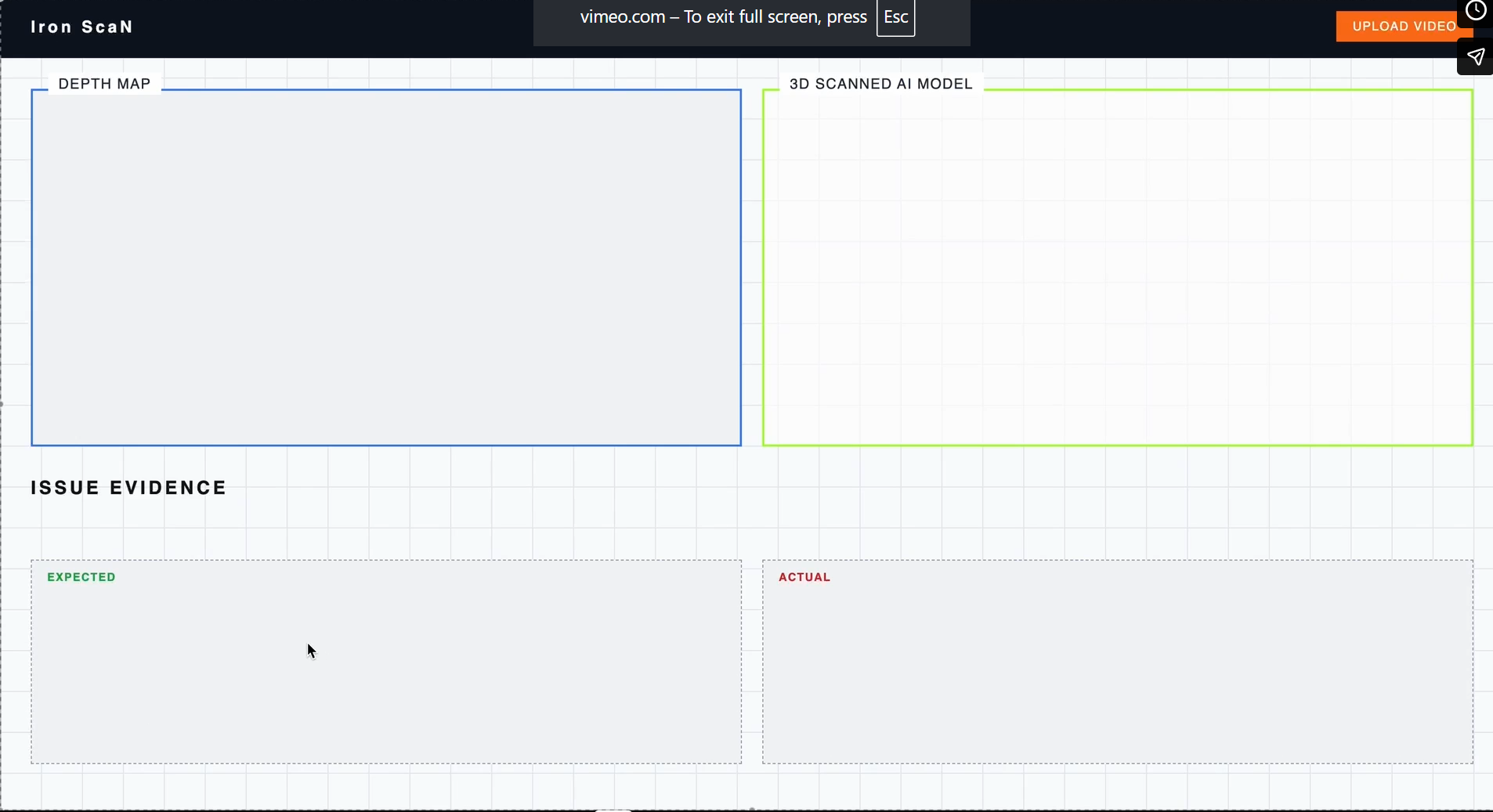
IronScan 🏗️
AI-Powered Construction Verification & Spatial Intelligence
IronScan transforms raw job site footage into measurable, navigable digital twins—automatically flagging deviations between BIM models and as-built conditions before they become expensive to fix.
📋 What It Does
IronScan takes body camera footage from construction workers and a BIM model to produce:
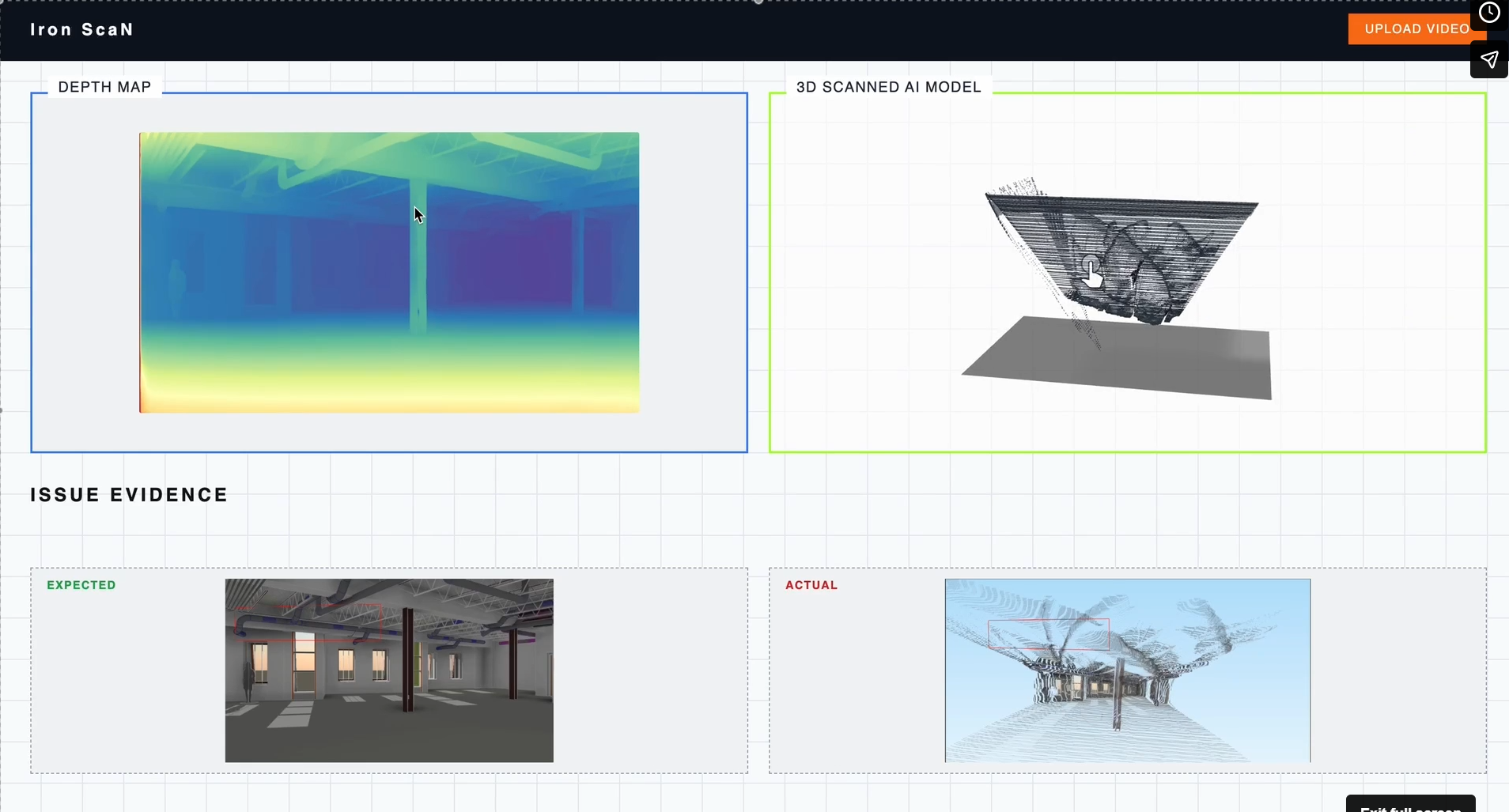
- Deviation Report: Per-frame and per-element analysis of discrepancies between design and built reality, generated by Gemini 2.0 Flash comparing BIM renders against site photos.
- Annotated Keyframes: Site photos with markers showing severity, location, and recommended actions.
- Fused Point Cloud: A colored
.plyfile built from depth-estimated frames, creating a dense mathematical map of the site. - HTML Report: A comprehensive dashboard featuring compliance scores, priority issues, per-element tables, and linkable comparison images.
Result: A web dashboard used by project managers, architects, and managers to monitor compliance and resolve issues remotely, reducing costly site visits.
🎬 Clean Video Enhancement
Before processing, footage passes through Clean Video, an AI-powered enhancement engine that transforms low-quality footage into production-ready data (Higher resolution, higher FPS, sharper, and cleaner).
🧠 How It Works
We use a deep learning pipeline combining:
- RIFE: AI frame interpolation (24/30 FPS → 60 FPS).
- Super-resolution: Upscaling (720p → 1080p / 4K).
- Neural Denoising: Removing compression artifacts and grain.
⚙️ Processing Pipeline
- Frame Extraction: Video is broken into individual frames.
- Denoising: Artifacts and grain are removed.
- Interpolation: Intermediate frames are generated for smoother motion.
- Super-Resolution: Deep neural networks upscale frame detail.
- Reconstruction: Enhanced frames are stitched via FFmpeg, preserving audio/timing.
🏗 Architecture
Stage 1: Frame Selection & Enhancement
Every frame is scored for edge sharpness using a Laplacian transform. Frames below the threshold are discarded. Survivors are enhanced (resharpening, dehazing, motion blur reduction) to ensure the cleanest possible input for AI models.
Stage 2: Depth Estimation
Depth Anything V2 runs on each enhanced frame to produce a per-pixel depth map. Relative depth values are calibrated to metric scale using a known ceiling height as a scene reference.
Stage 3: Point Cloud Reconstruction
Depth maps from multiple frames are back-projected into 3D space and fused into a single dense point cloud via voxel grid deduplication, creating a .ply file of the as-built geometry.
Stage 4: BIM Deviation Analysis
The fused cloud and BIM model are sent to Gemini via API. The model compares geometries and labels structural differences (missing, misplaced, or dimensionally incorrect elements).
🛠 Tech Stack
| Layer | Technology |
|---|---|
| Depth Estimation | Depth Anything V2 (vits/vitb/vitl) |
| Vision LLM | Google Gemini 2.0 Flash |
| BIM Parsing | trimesh |
| BIM Rendering | NumPy software rasterizer (no GPU/OpenGL) |
| Image Processing | OpenCV |
| ML Framework | PyTorch (CUDA / Apple MPS) |
| Point Cloud Output | PLY binary |
| Frontend | React + TypeScript |
| Backend | FastAPI + Three.js (3D Viewer) |
🚀 Usage
Command Examples
# Process video input
python pipeline.py --model site.obj --video footage.mp4 --outdir results/

# Test a single image
python pipeline.py --model site.obj --image frame.png --outdir results/

# Use a stricter sharpness filter for blurry footage
python pipeline.py --model site.obj --video footage.mp4 --blur-threshold 80

### Camera Poses
Edit camera_poses.py before running. For video, add timestamped keypoints — poses are linearly interpolated between them. For single image, set IMAGE_POSE.
camera_poses.py

Log in or sign up for Devpost to join the conversation.