-
-
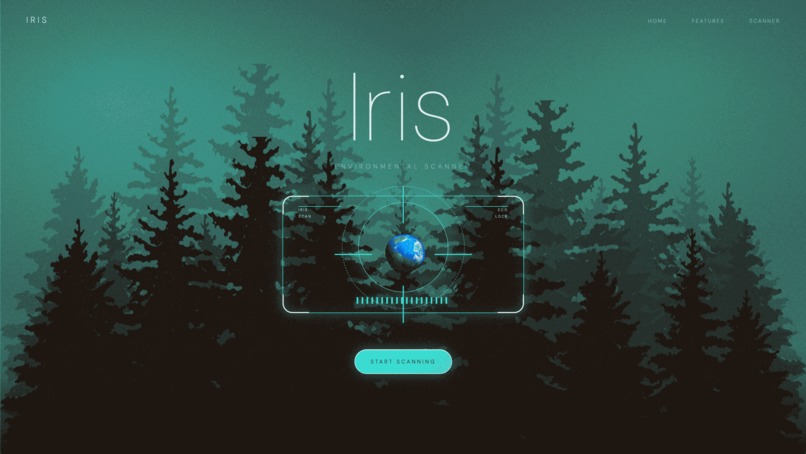
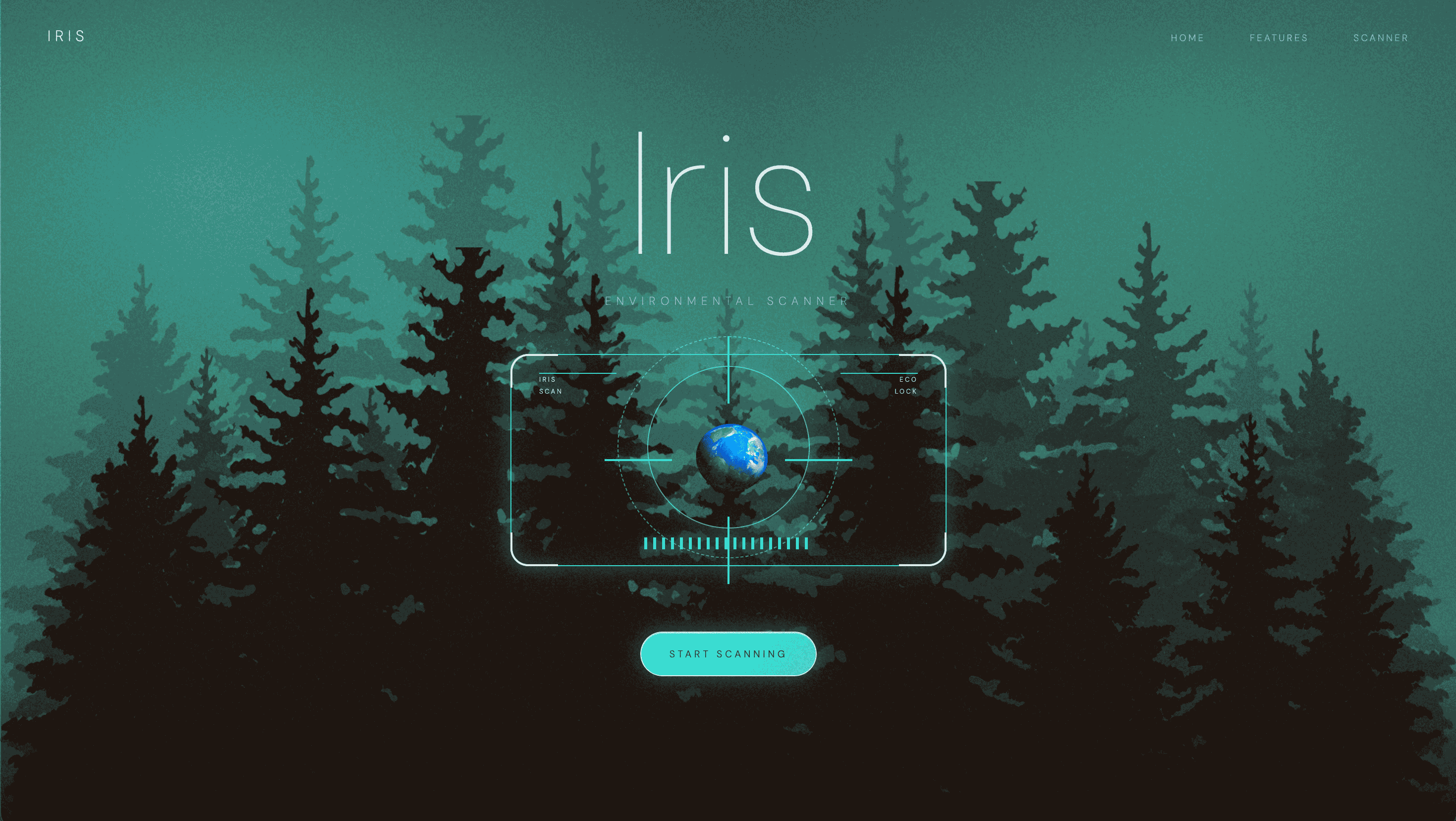
Iris home page
-
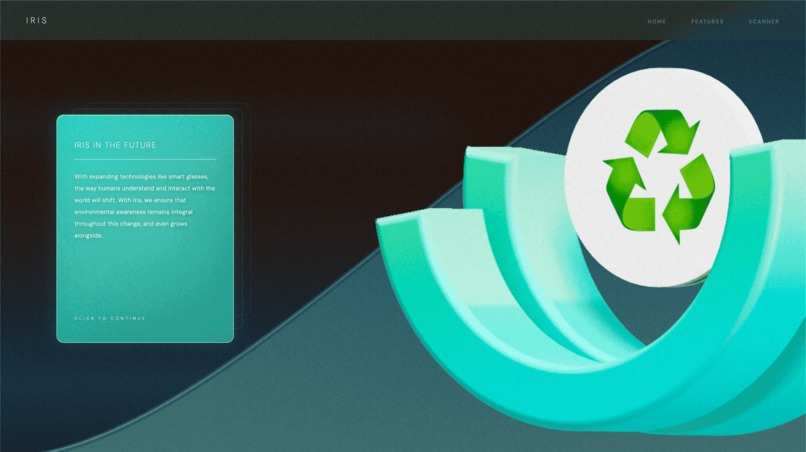
Feature description
-
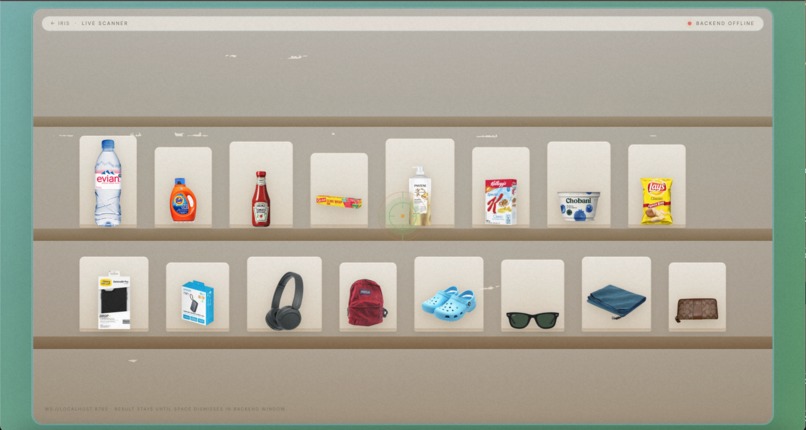
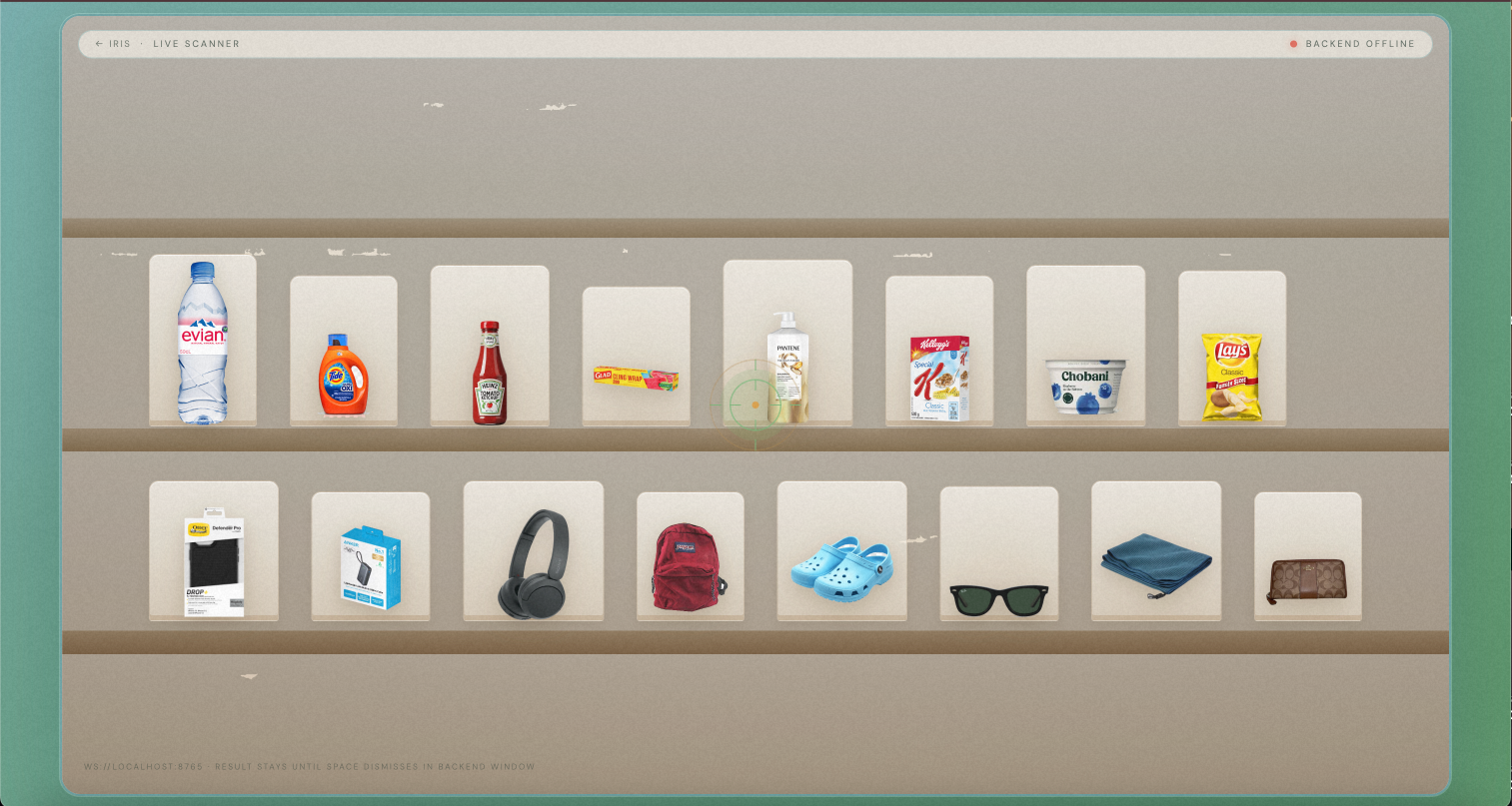
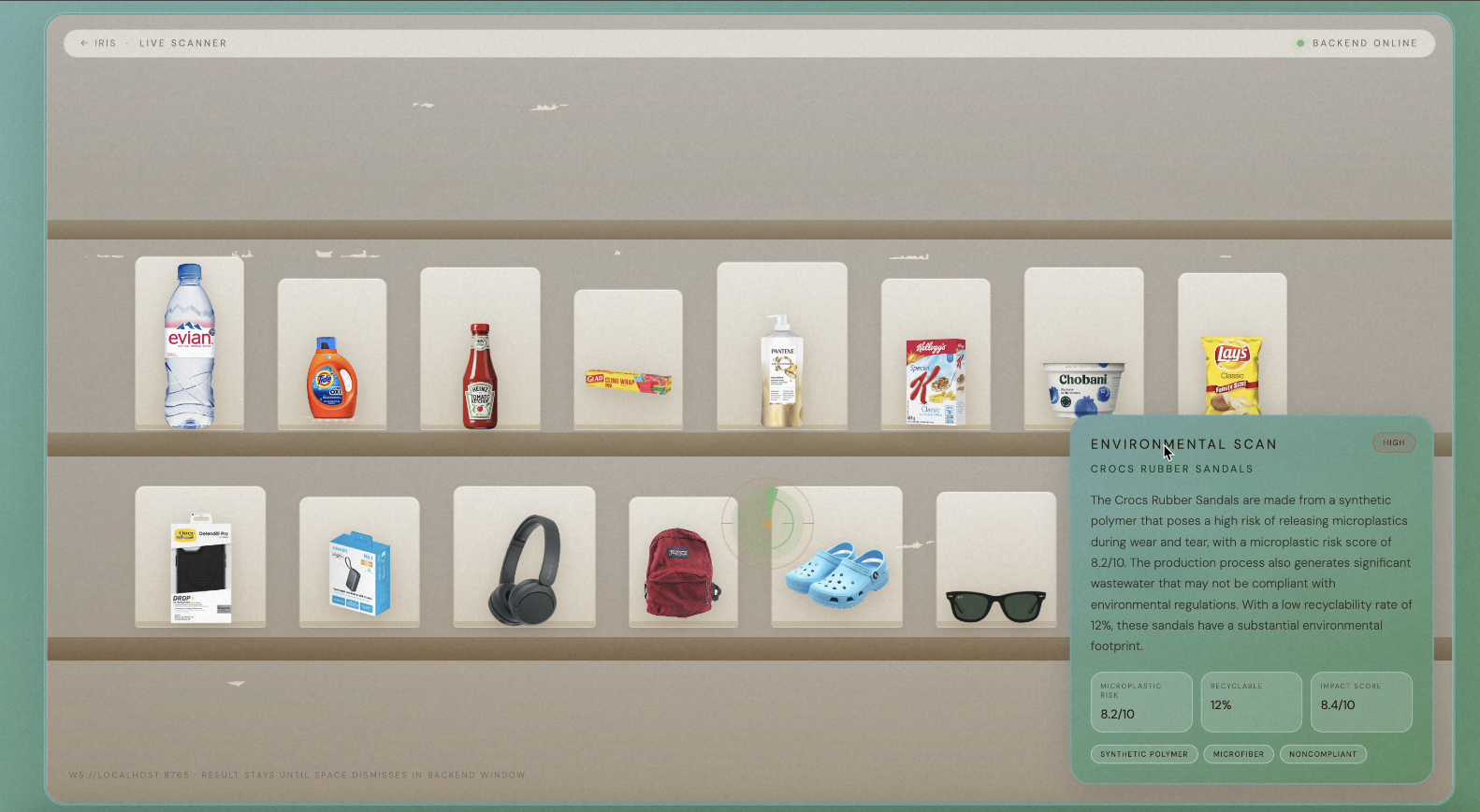
Look at any product on the shelf and Iris tracks it
-
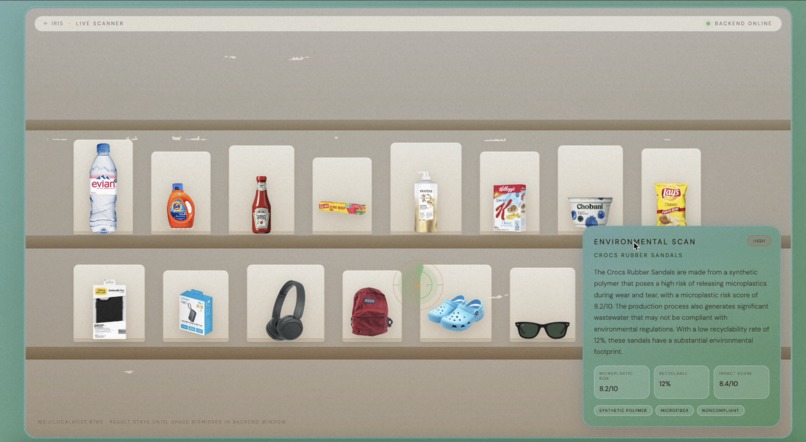
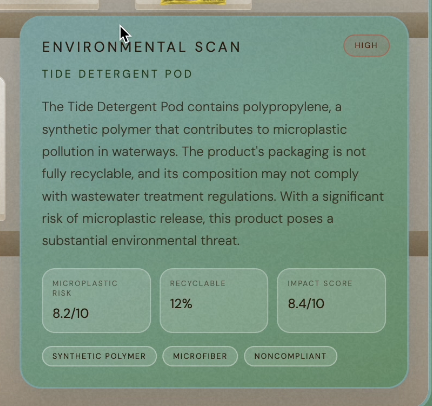
Analysis pop up after scan
-
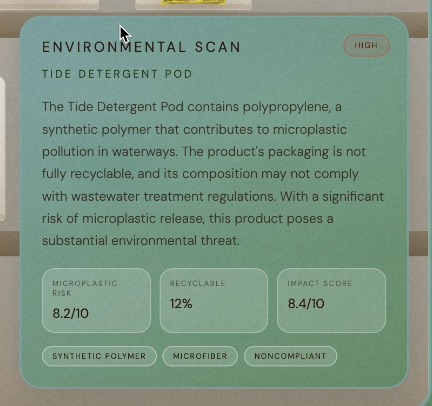
Full environmental breakdown
Inspiration
There is a long history attached to every object around us that runs deeper than we would think; that is, a long chain of materials, production, and transport. We learned this in AP Environmental Science, giving us a completely foreign perspective on ordinary life. More often than not, apathy to the planet is a person's inability to visualize the environmental impact of the choices they make, no matter how nuanced. Iris works to bridge this divide.
What it does
Iris detects what a user is looking at via eye tracking. When a user fixates on an object for a certain time, Iris identifies it and returns a summary of its environmental impact: microplastic risk, recyclability, and overall impact score, along with a threat level ranging from low to critical.
How we built it
We built Iris by combining a Python eye-tracking backend with an HTML/CSS/JavaScript frontend. The backend handles webcam gaze tracking via EyeTrax, product zone detection, AI analysis via Groq's Llama 4 Scout model, and real-time WebSocket broadcasting; the frontend handles the landing page, scanner shelf layout, product images, gaze UI, and popup results. The WebSocket is the connective tissue between the two. Python and the browser are separate runtimes that can't normally communicate, and the WebSocket bridges them, streaming normalized gaze coordinates 30 times per second and delivering scan results the moment the AI responds.
Challenges we ran into
Our biggest technical challenge was calibration. We assumed eye-tracking would simply require dropping in a library, but it quickly became clear that getting it to actually work would require much more iteration than we anticipated. Key components for usability, such as the scanner’s speed and accuracy, depended heavily on the calibration pattern we chose. We had to find a pattern that could train the system, but also not so detailed as to force the user to follow nearly every pixel on the screen. We spent time iterating through several options before landing on one that worked. Our first try was the figure-8 pattern. Despite our initial confidence in it, the system was too sensitive. If the user didn’t follow the dot perfectly, the whole program would fail. We then tested a 9-point grid; it was fast, but not precise enough. We eventually settled on a 16-point calibration. This would give us the accuracy we needed without being too much for the user to handle. A subtler challenge was coordinate normalization. Python tracks gaze in a 1280×720 pixel space, but the browser uses percentage-based positioning. Getting those two systems to agree on where the eyes were actually pointing required careful mapping on both ends. The front-end posed a different challenge. We wanted Iris to feel both cozy and futuristic; finding the right balance was harder than we anticipated. The design went through various renditions across this spectrum until we finally narrowed in on a design that balanced warmth and technical precision with the use of soft earth tones and clean typography in order to make the tool feel approachable.
Accomplishments that we're proud of
Building a real-time pipeline between webcam eye tracking and a web frontend was the biggest technical win we had. Using EyeTrax and a custom dense-grid calibration system, we stream gaze coordinates over a WebSocket 30 times per second. It is the same architecture used in commercial AR products. When your gaze rests on a product for one second, Iris triggers a live Groq AI scan and displays the environmental impact in under two seconds. We're also proud of how the frontend came together by integrating a Spline 3D animation with a real-time Python backend into a seamless experience.
What we learned
We learned that eyetracking is far more layered than it looks from the outside. We used EyeTrax, which is an open-source Python library that uses your webcam and MediaPipe face landmarks to estimate where your eyes are pointing on screen. Going in, we assumed that the library would handle most of the heavy lifting. However, EyeTrax outputs raw gaze predictions that still need calibration to map accurately to screen coordinates. This pushed us to learn how head position, lighting, and monitor distance all distort the mapping, and why calibration pattern choice matters so much. We also learned how to structure the system effectively- for example, using a dwell timer instead of firing an AI call on every gaze frame, which was the difference between a sluggish prototype and a responsive product.
What's next for Iris
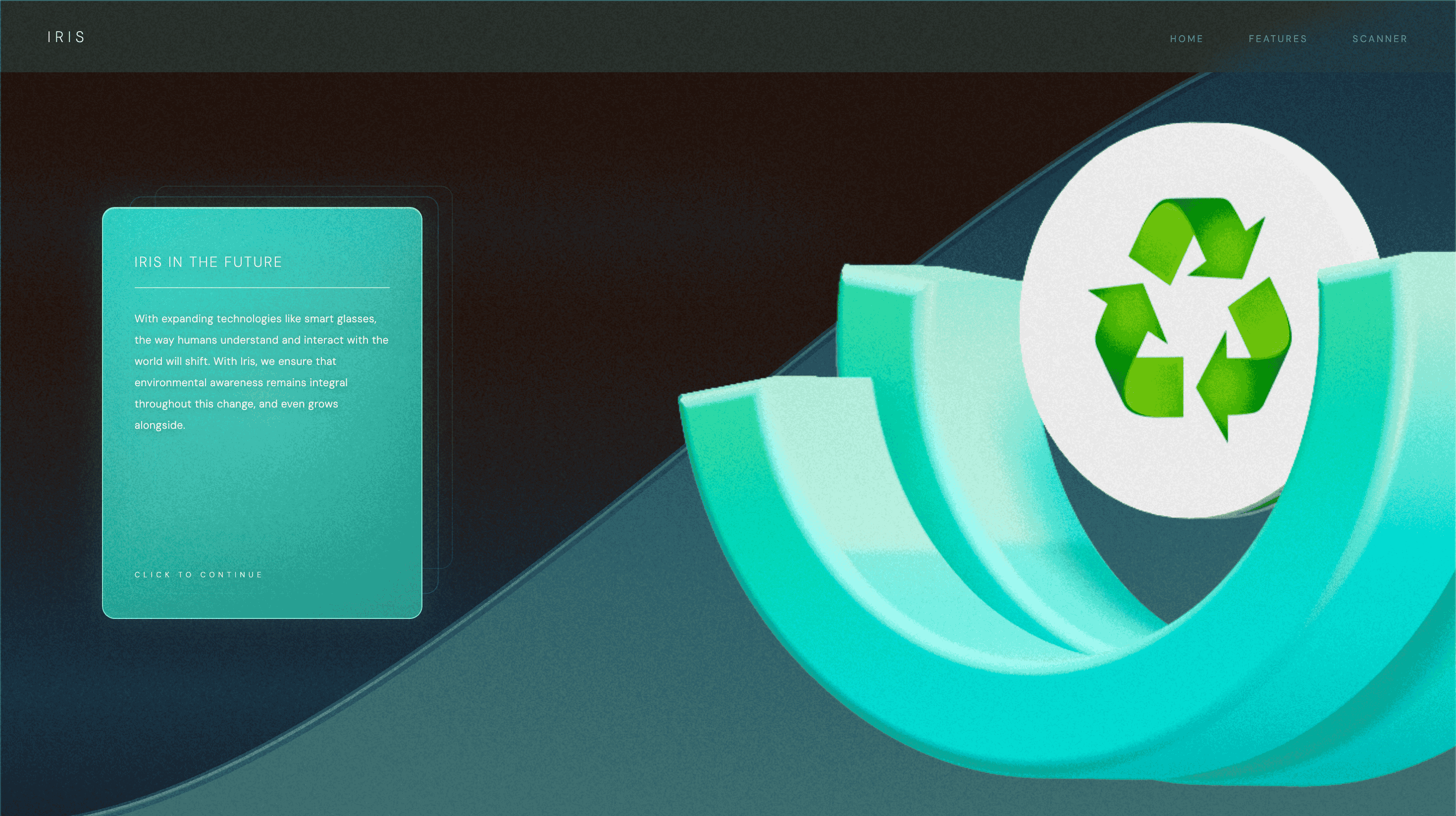
Despite currently living in a browser, Iris is a part of a much larger vision. As smart glasses and brain-computer interfaces improve, the way humans understand and interact with the world around them will fundamentally shift. We believe, however, that environmental awareness should remain integral throughout this change. Iris ensures that our planet is never left behind, and as technology further embeds itself, our awareness of environmental impact grows alongside it.
Built With
- eyetrax
- groq
- html/css
- javascript
- llama-4-scout
- mediapipe
- opencv
- python
- spline
- websocket


Log in or sign up for Devpost to join the conversation.