-
-
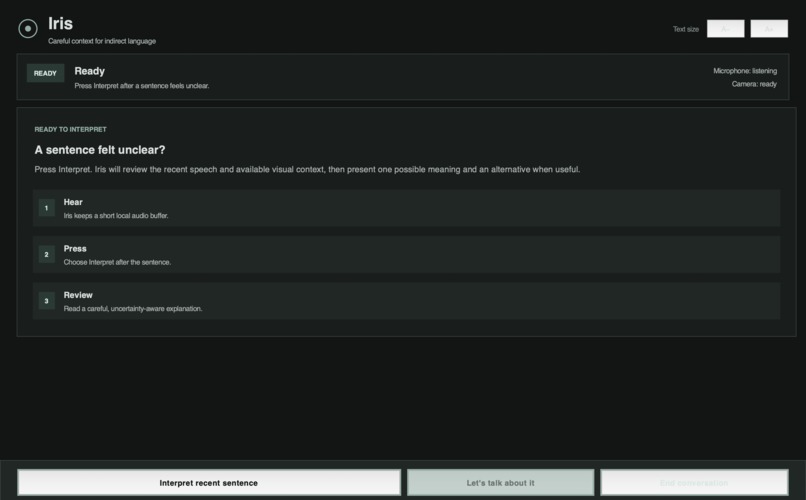
Iris desktop interface, designed to simplify contextual communication through a single interaction.
-
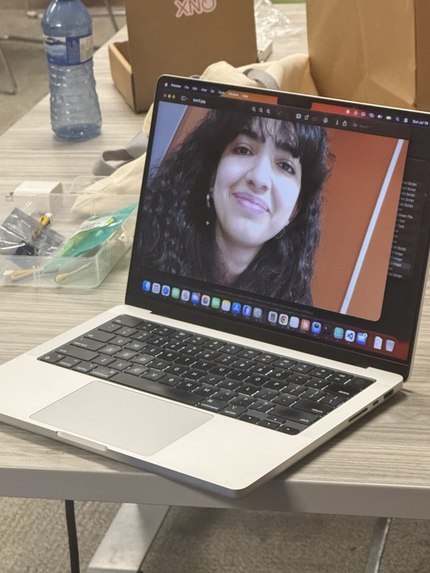
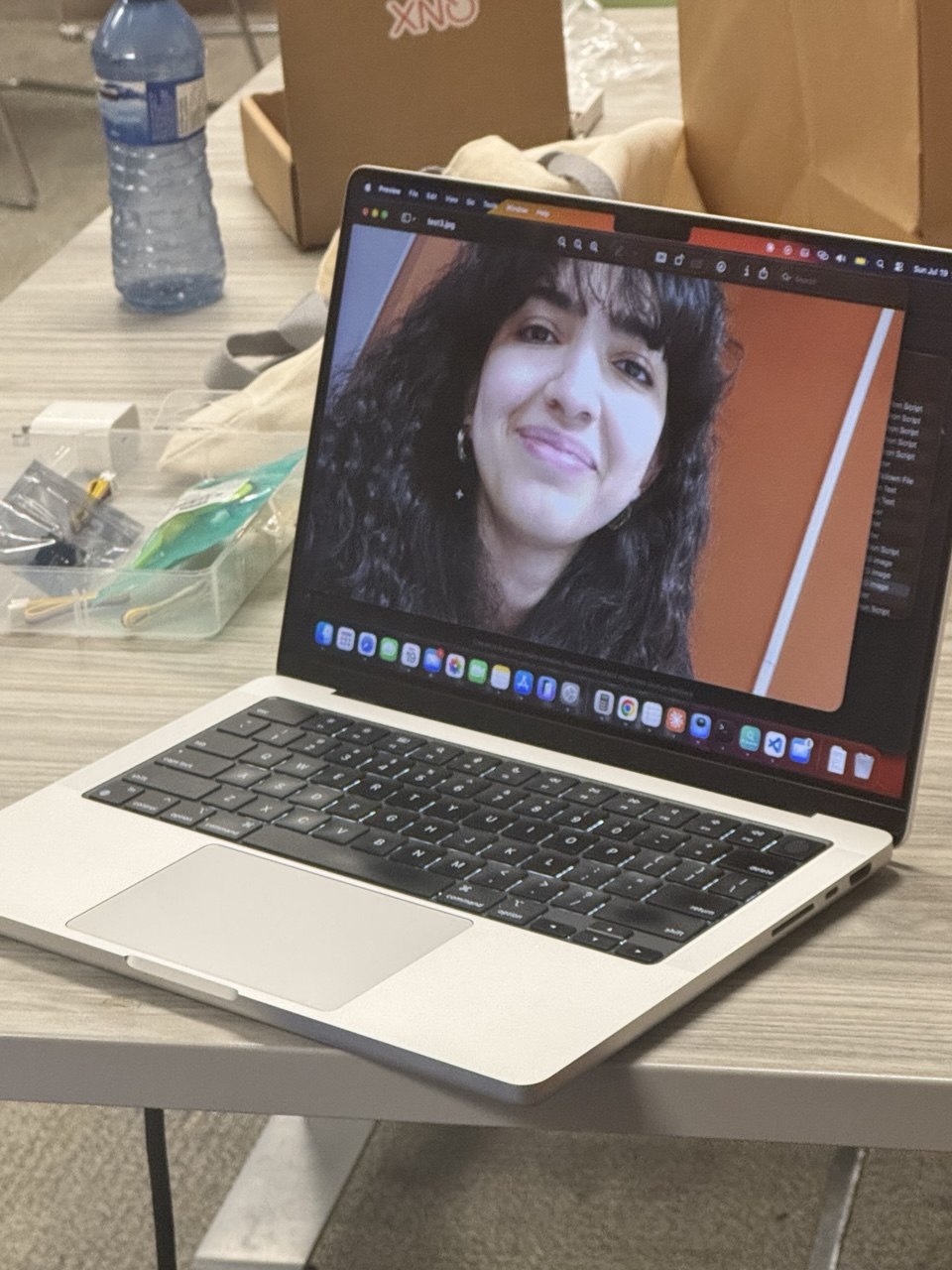
testing camera
-
-
-
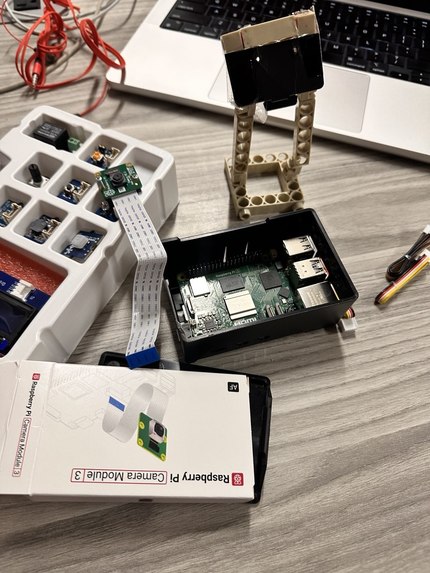
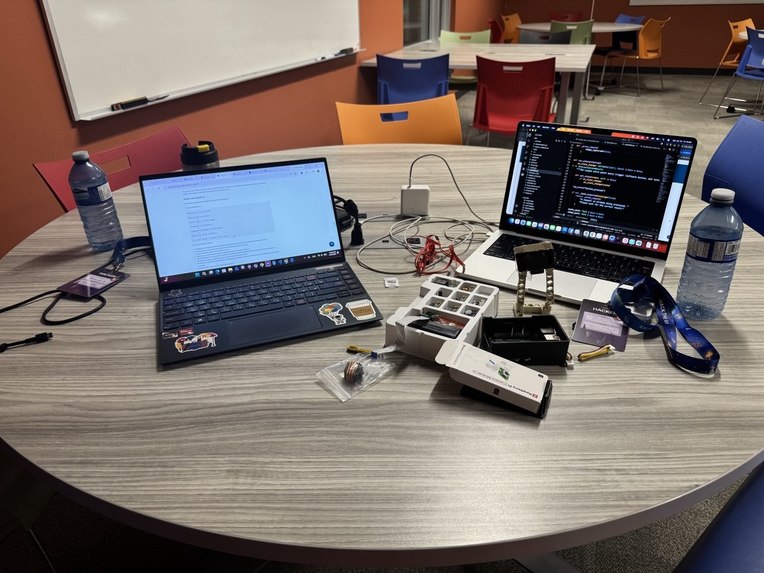
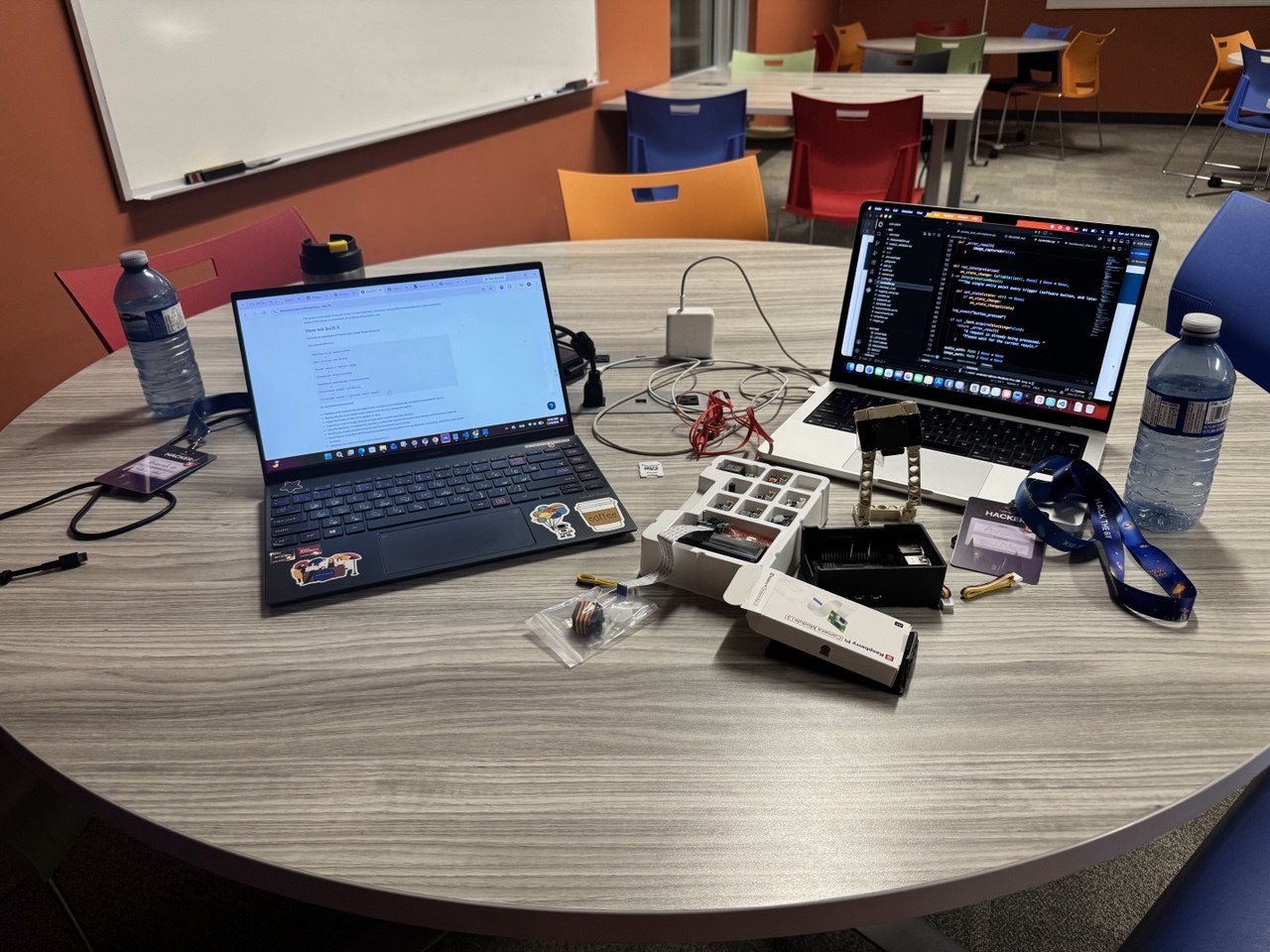
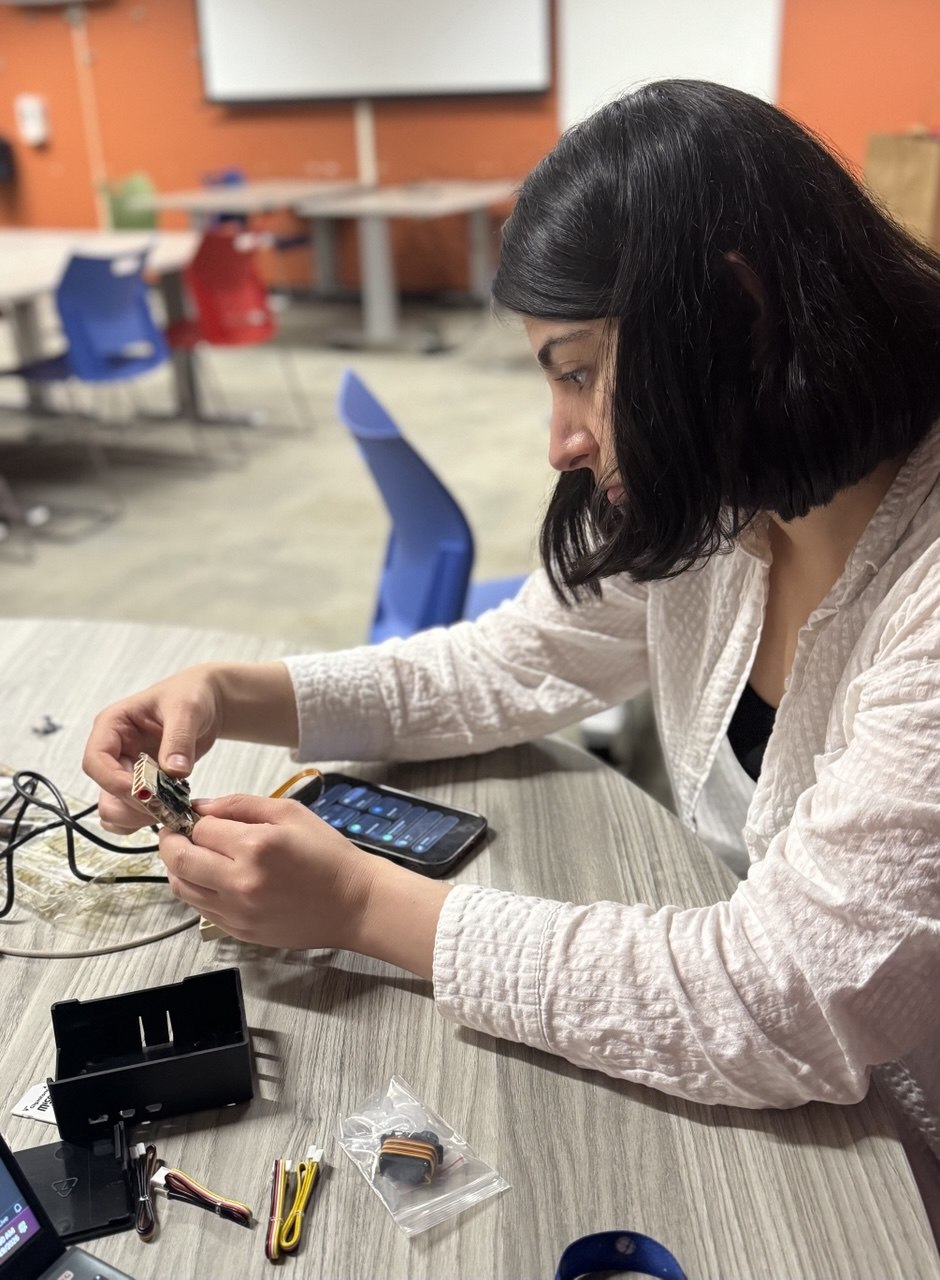
hardware
-
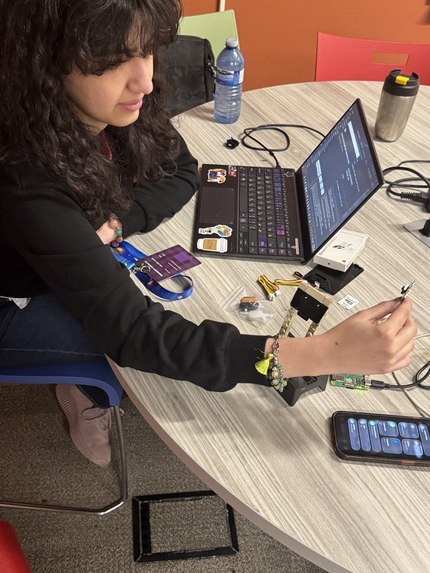
testing camera
-
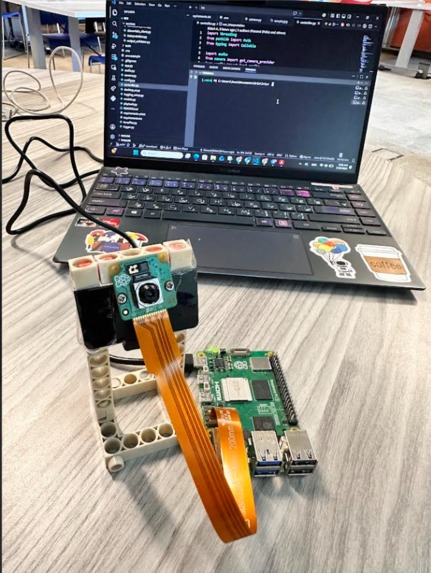
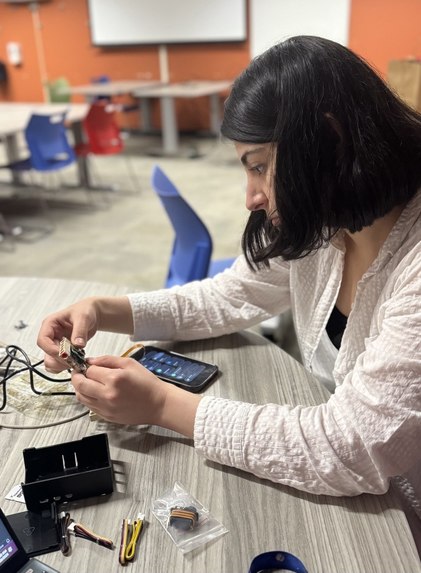
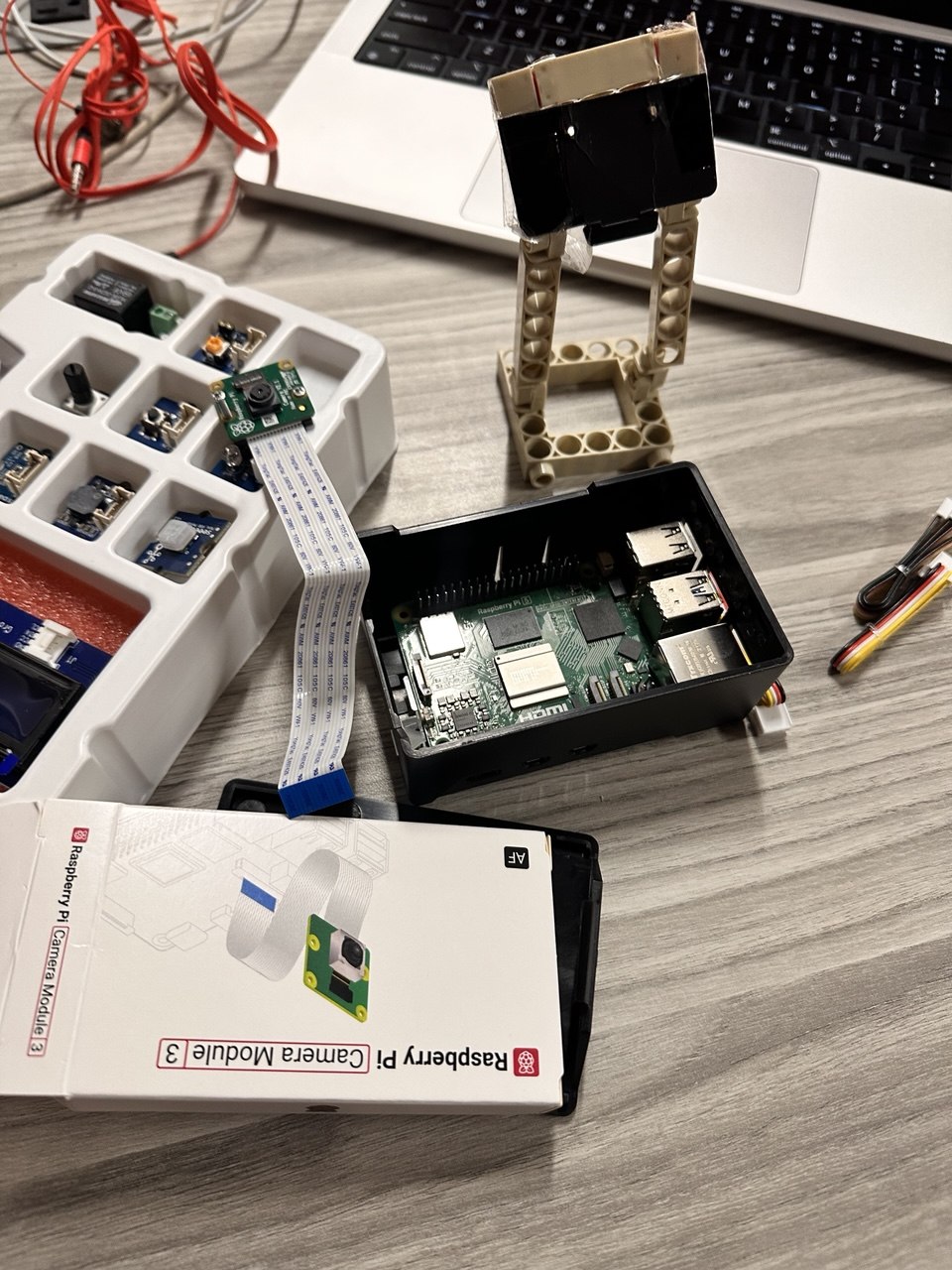
Pi camera
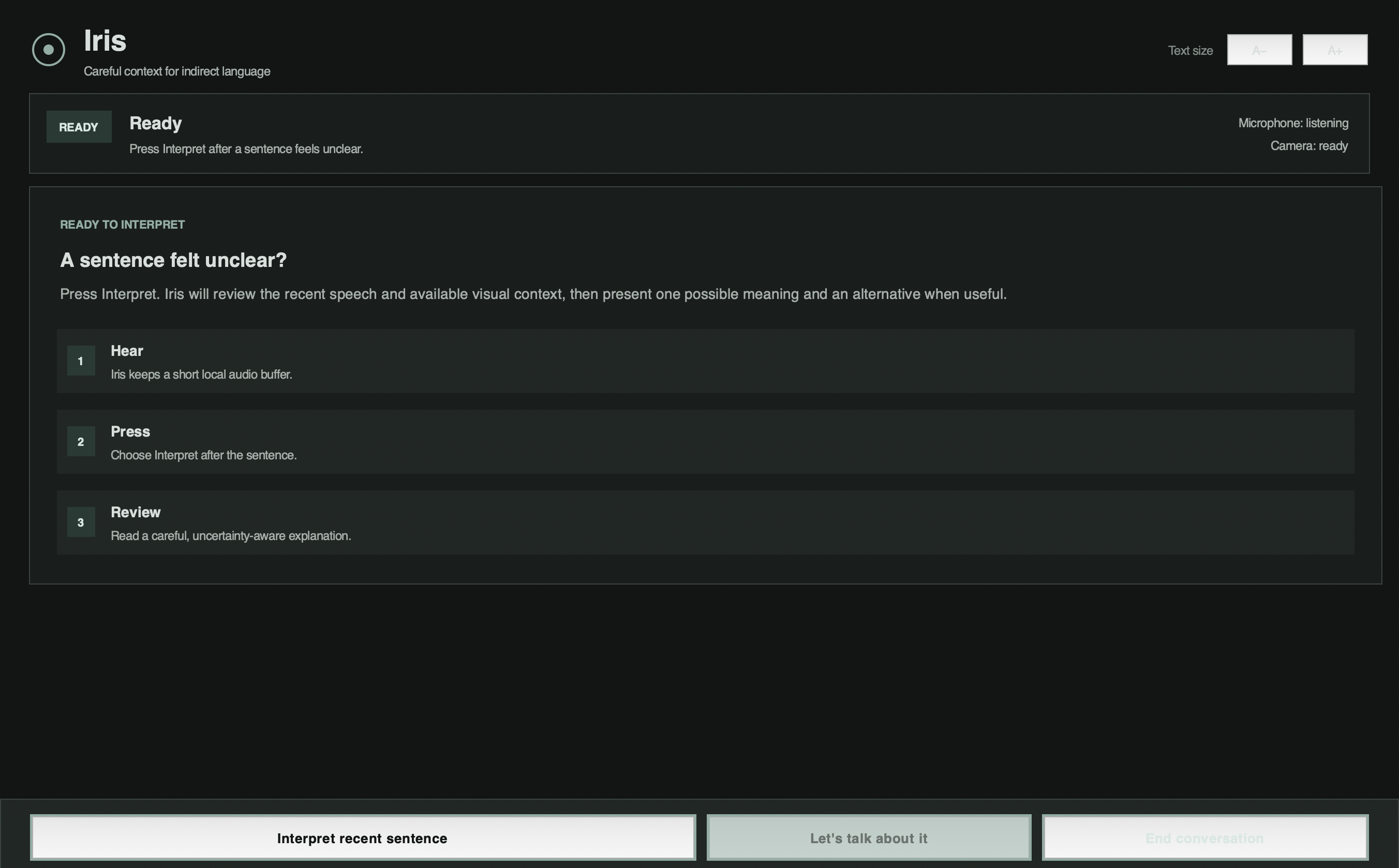
Iris: A Context Interpreter
Inspiration
A person can understand every word in a sentence and still be unsure what the speaker meant. Sarcasm, indirect requests, pauses, tone, and reactions from other people can completely change the meaning.
Many AAC tools help users express what they want to say. Iris explores another part of communication support: helping a user consider what someone else may have meant when words, tone, and context do not clearly match.
Other existing tools usually look at only one part of the interaction. Some analyze written messages, while others label facial expressions as happy, sad, or angry. Real conversations are more complicated than that, and giving one confident answer can be misleading when several interpretations are possible.
We built Iris for moments when an individual on the autism spectrum or another neurodivergent user wants a second perspective. It is not designed to teach anyone to communicate in a more neurotypical way. It gives the user more context so they do not have to rely entirely on guessing.
AIDE Canada’s resources on allyship also shaped our approach: avoid assumptions, respect different communication styles, and keep the user in control.
What it does
Iris helps a user interpret something they have just heard.
The application keeps a short rolling audio window in temporary local memory. Nothing is sent until the user presses Interpret recent sentence. Iris then:
Saves the most recent audio.
Captures one image of the immediate scene.
Transcribes the speech using ElevenLabs.
Sends the transcript and image through Backboard.io to a vision-capable language model.
Returns:
what was heard;
a possible meaning;
the observable signals that support it;
how uncertain the interpretation is;
another possible interpretation when relevant; and
a simple question the user can ask to clarify.
- Optionally reads a short version aloud.
Iris does not label its answer as the correct meaning or claim to know what another person is feeling. It separates what was observed from what was inferred and makes uncertainty visible.
If the camera is unavailable, the application continues using speech alone.
How we built it
We built Iris in Python with a local Tkinter interface.
Rolling local audio buffer

        ↓

User presses one button

        ↓

Recent speech + scene image

        ↓

ElevenLabs transcription

        ↓

Backboard multimodal interpretation

        ↓

Local validation

        ↓

On-screen result

+ optional narration and conversation with Eleven labs
The main technical work included:
Building an in-memory circular audio buffer so speech is not continuously uploaded or permanently stored.
Saving only the most recent audio after the user activates the tool.
Using ElevenLabs Scribe v2 for speech-to-text and ElevenLabs text-to-speech for optional narration and .
Capturing visual context through a replaceable camera interface.
Using Backboard.io to manage the assistant instructions, multimodal model request, temporary interaction thread, and structured response.
Prompting the model to separate observable evidence from interpretation and avoid assumptions based on appearance or identity.
Requiring a consistent JSON response containing the possible meaning, evidence, uncertainty, alternative interpretation, clarification question, and spoken summary.
Checking the response locally before displaying it and showing a clear fallback message when required fields are missing.
Running recording, image capture, and API requests outside Tkinter’s main thread so the interface stays responsive.
Preventing repeated button presses from creating duplicate requests.
Supporting sample-image and speech-only modes for testing and more reliable demos.
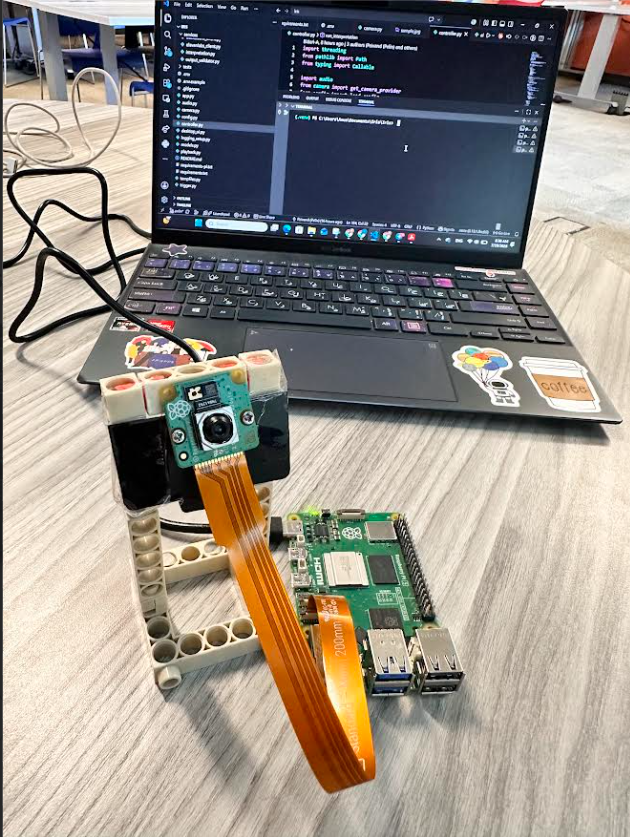
Separating the camera, trigger, interface, and interpretation pipeline so a laptop camera and software button can later be replaced by a Pi Camera and physical GPIO button without rewriting the AI workflow.
We initially used Base44 to quickly prototype the web experience and explore how users would interact with the tool. We then built on that work with a local application that better supported our hardware, live audio, and camera pipeline while keeping the interaction simple and reliable.
Challenges we ran into
The hardest question was not how to connect the APIs. It was how the system should talk about something as uncertain as another person’s intended meaning.
We revised the prompt and output structure several times so Iris would not behave like an emotion detector or present an interpretation as fact. We also narrowed the project from a broad communication assistant to one clear, user-triggered interaction that we could complete during a hackathon.
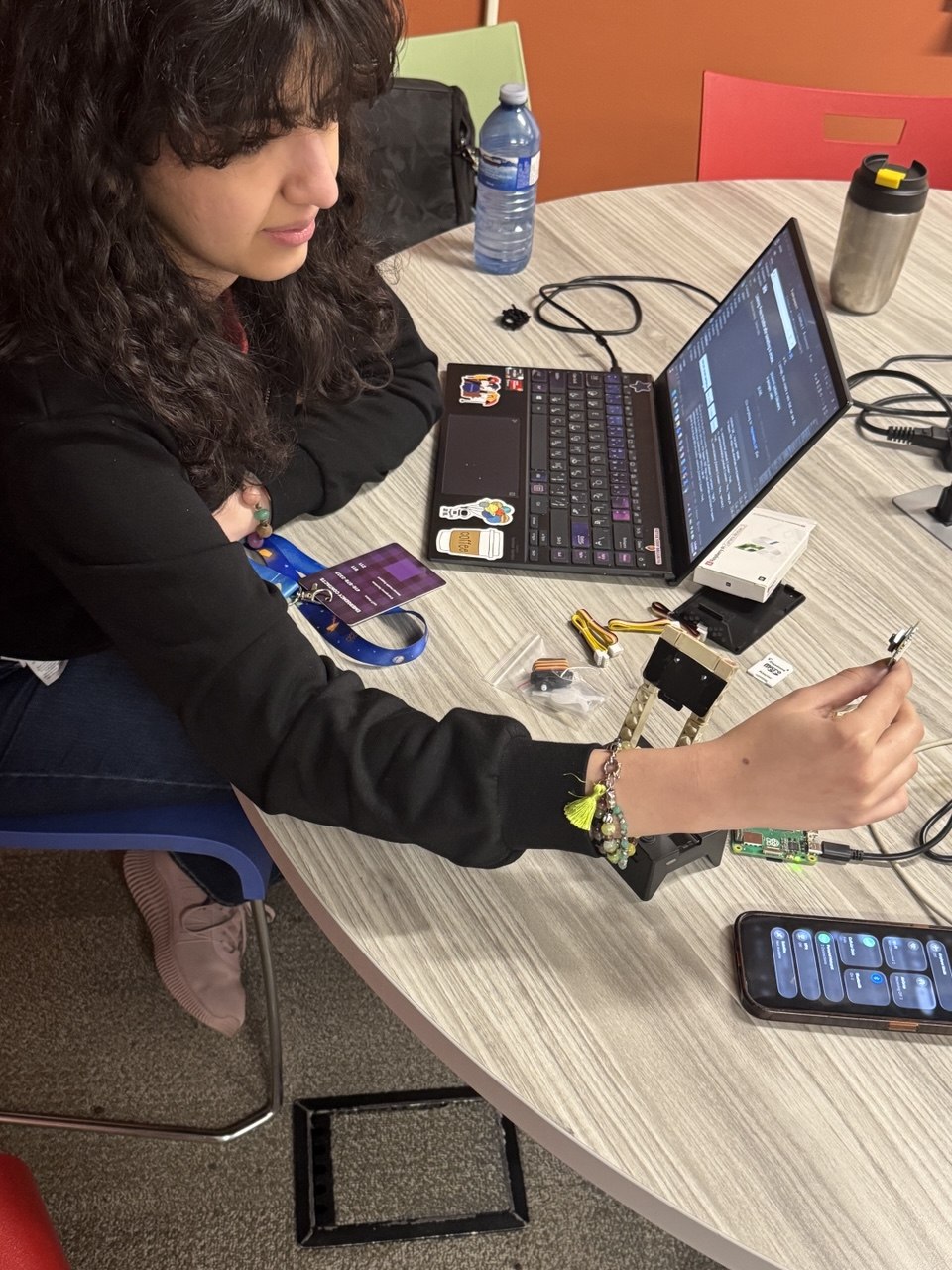
On the technical side, we worked through rolling audio capture, camera failures, multimodal requests, structured output, interface threading, API errors, and fallback behaviour. Our Raspberry Pi also refused to connect to the internet for much of the event, so we finished the working prototype on a laptop while keeping the camera and button components replaceable for the Pi version.
Accomplishments that we're proud of
Building a complete one-button workflow from recent speech and visual context to a readable interpretation.
Making uncertainty part of the product instead of hiding it.
Separating observable evidence from the model’s inference.
Creating a system that still works when the camera or voice output is unavailable.
Designing the interaction around user choice rather than continuous intervention.
Keeping the software modular enough to move onto Raspberry Pi hardware.
Finishing a simple but working core instead of adding several incomplete features.
What we learned
We learned how much we needed to understand before deciding what this tool should do for needs we do not personally experience. We also learned to look for a real gap without assuming that every difference needs to be corrected.
Technically, we learned how to:
Build a multimodal workflow through Backboard.io.
Use ElevenLabs for transcription and voice narration.
Connect a rolling microphone buffer, camera input, model response, validation, and interface state.
Keep the app running when the camera or voice output is unavailable.
Work with Raspberry Pi and Pi Camera hardware.
Learn, build, debug, and compete for 36 hours with very little sleep.
What's next for Iris
The next major step is turning Iris into a wearable or compact embedded device. A physical button and small camera would make it easier to access in the moment without opening a laptop or navigating an application.
The larger goal is personalization. Different users have different communication and sensory preferences, so Iris should not have one fixed interface or response style. Future versions could allow users to choose:
The ElevenLabs voice, tone, speaking speed, and amount of narration.
A minimal interface or a more detailed explanation.
Short answers or step-by-step context.
Visual display, audio, or haptic feedback.
How much information appears at once.
Which features are enabled in different environments.
Stronger privacy controls and more on-device processing where possible.
Before deciding what Iris should become, we would also want to test it with individuals on the autism spectrum and accessibility organizations. The final form should be shaped by the people who may actually use it.
Built With
- ai
- backboard
- elevenlabs
- llm
- open
- python


Log in or sign up for Devpost to join the conversation.