-
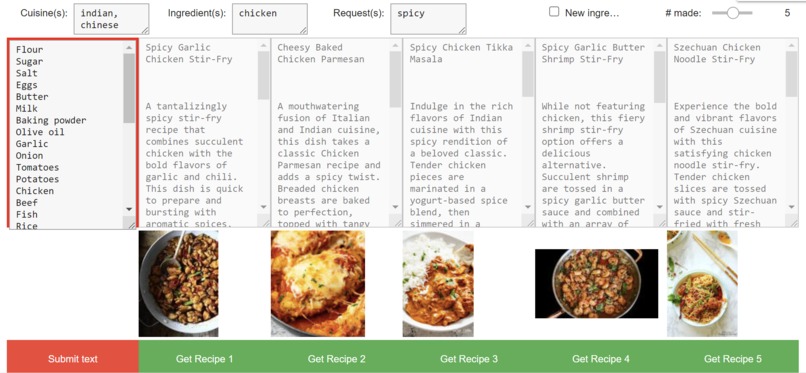
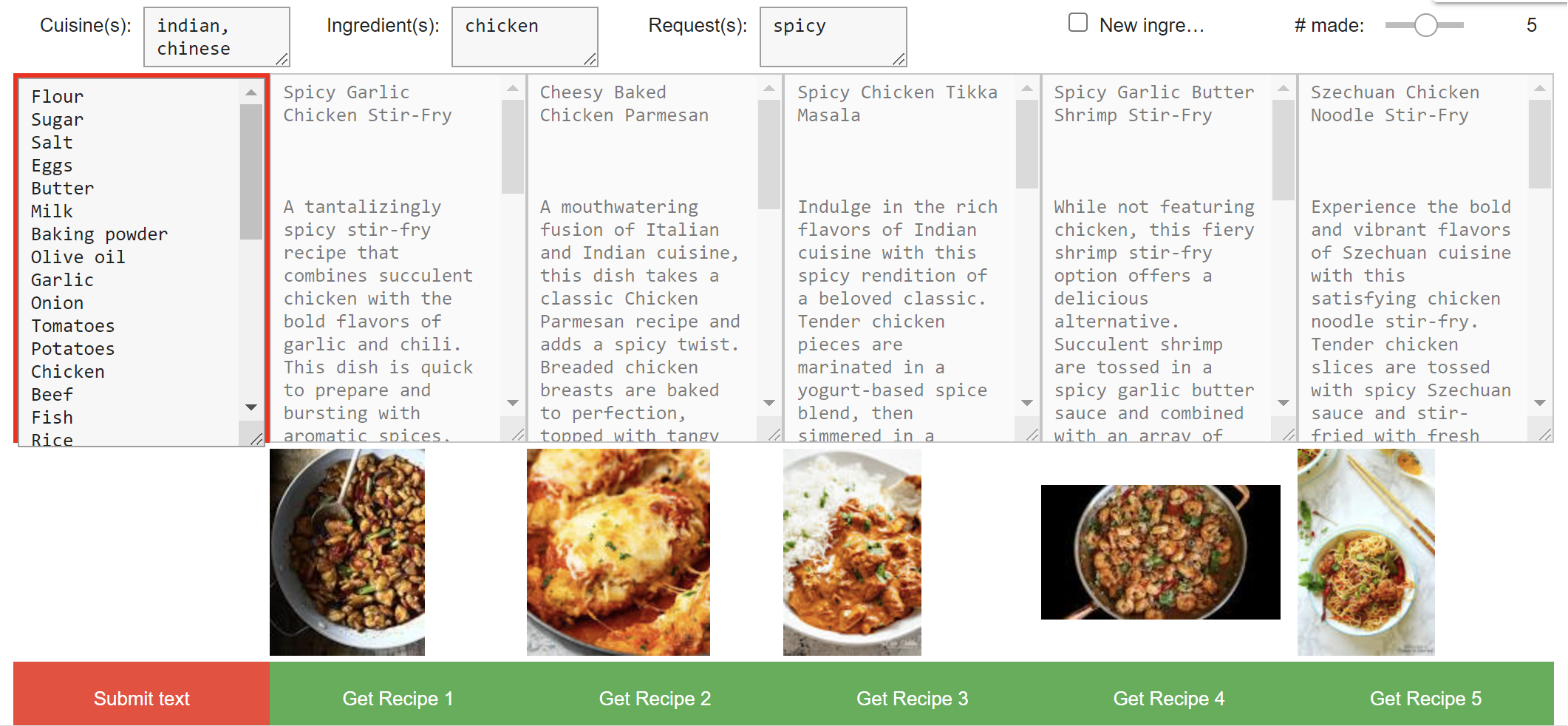
Spicy indian/chinese dishes with chicken
-
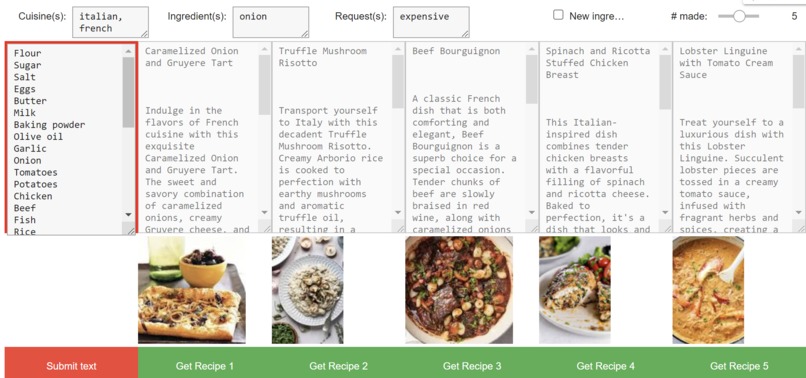
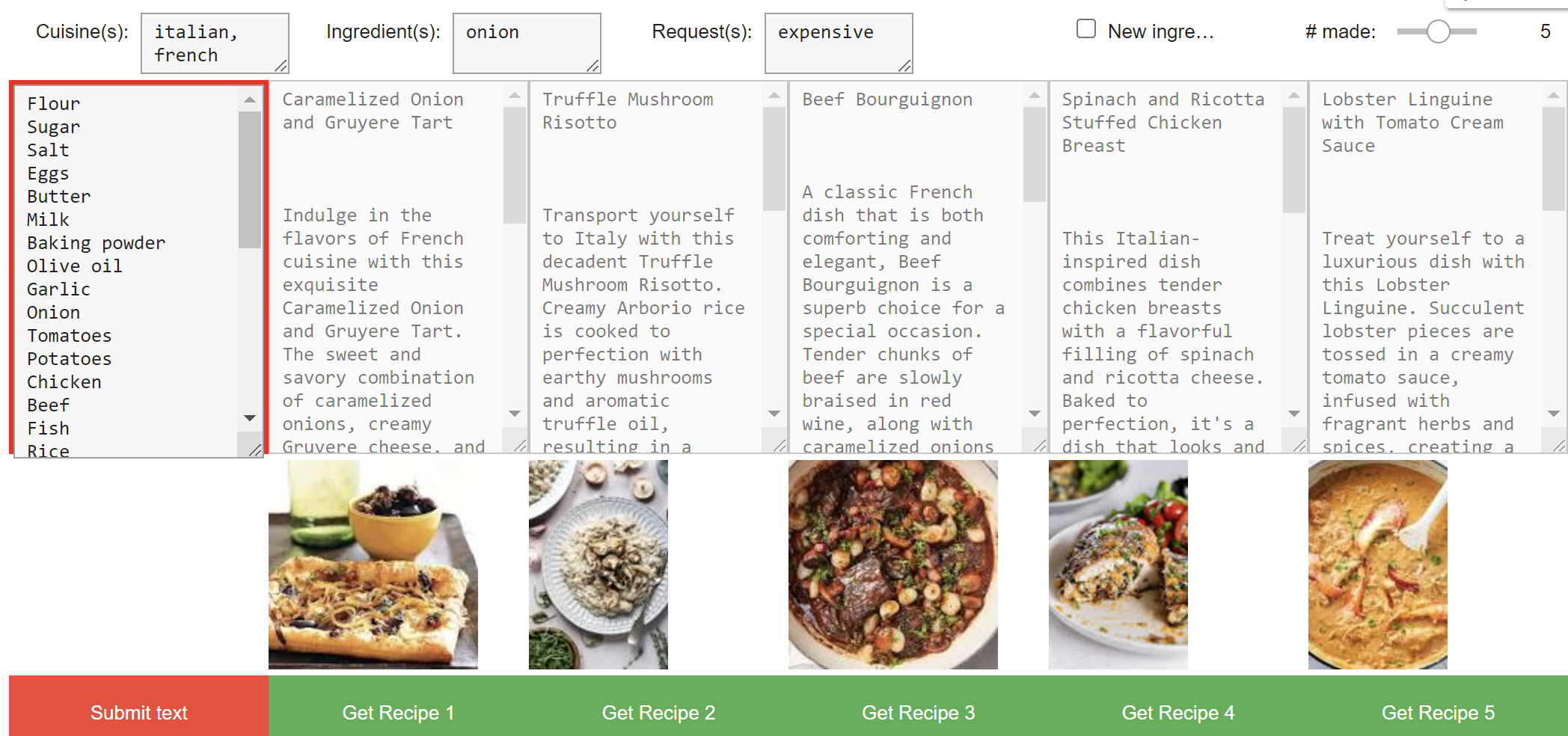
Expensive italian/french dishes with onion
Inspiration
This semester, I've been getting into cooking as a hobby and trying out different dishes and meal planning. This generally goes surprisingly well, so I've been buying groceries in big trips to save time. However, if I don't have a plan, I may end up with spoiled vegetables or an overambitious dish that I don't have the ingredients to make properly. Planning aids can result in ideas for food options that are healthier, have more variety, and even encourage you to cook your own food more, therefore improving your overall wellness. I've already been trying to see how ChatGPT can help me brainstorm healthy ideas with plenty of variety, and it's done a pretty good job the few times I've tried it, so I wanted to make this recipe-brainstorming aid more accessible in a neat, packaged google colab notebook!
What it does
Given a list of ingredients that you have available, the notebook produces a list of dishes you could make, complete with explanations/arguments for each and a picture from google images to make the decisions more concrete (or just harder if they all look great). There are also spaces to provide preferences about the kind of cuisine, core ingredients, new ingredients, and other notes on the recipe you're looking for. For example, I could put "Indian, Chinese" in the cuisine box, "chicken" in the core ingredient box and "spicy" in the extra notes to get the exact kind of dish I'm craving. Once I have my options laid out, the full generated recipes are just one more click away!
How we built it
Used mostly ipywidgets for the GUI and input/output handling on the google colab notebook. These inputs were fed into ChatGPT as part of prewritten prompts that optimize recipe suggestion quality. Google images is then queried for the suggested recipe names, and a quick image is included with the suggestion. These are formatted together and presented in a table.
Challenges we ran into
The GUI was tough to work with and learn the syntax of because we'd never used ipywidgets before. Something as simple as putting an image inside instead of outside a table... Also proper processing of both the design queries and the responses from ChatGPT needed to be thorough.
Accomplishments that we're proud of
Being able to make the entire GUI and code run off a single neatly packaged google colab makes this very easy to use. Additionally, with the addition of easy search customizability and the image results, this will be an upgrade to our current recipe-searching setup, so we're happy with that!
What we learned
ChatGPT is a lot more accessible than we realized and can be easily applied to solve unexpected problems, even if it's not factually perfect or reliable. Learned about designing GUIs as well, and how it can often be the hardest part of such projects. Getting to do the whole project on google colab also helped learn about these notebooks.
What's next for IPyCookBook
Look into what cooking/recipe databases exist that can be used for retrieval augmented generation and therefore more factually accurate recipes that you can feel confident following. Putting this on a website might be ideal, and the GUI can be improved there too. Looking into what makes ChatGPT run for longer and if it can be optimized may improve the existing loading times. Using Dall E to generate images instead of pick a possibly inaccurate first google image search result would be interesting too, though it would likely slow the program further. Finally, more prompt optimization and error checking is necessary to ensure the given recipes don't use ingredients that are unavailable.


Log in or sign up for Devpost to join the conversation.