-
-
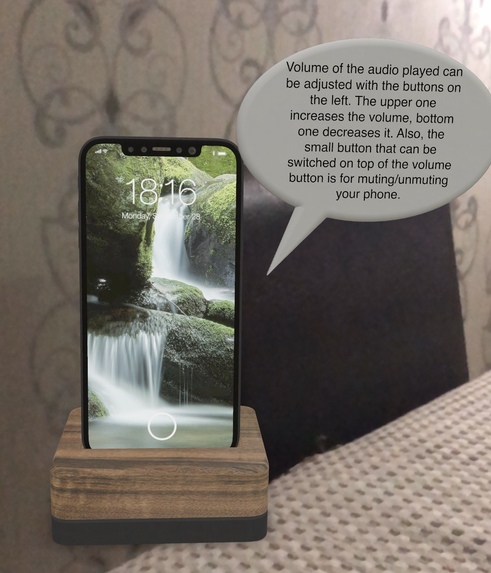
iPhone model8 or above instructions
-
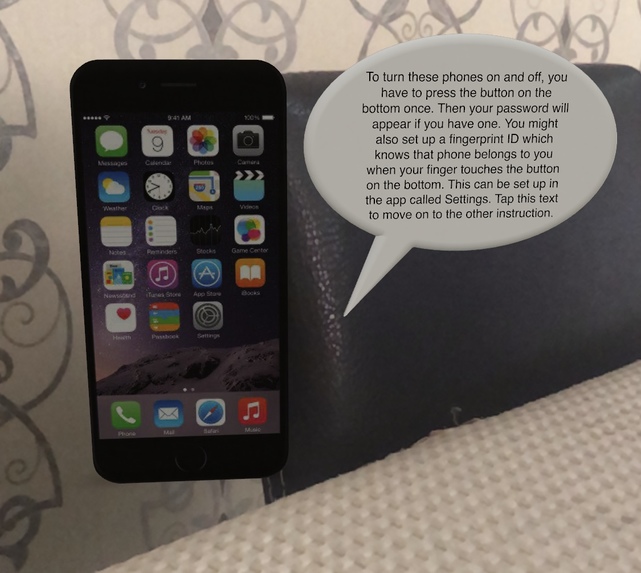
iPhone model8 or below
Inspiration
My grandmother and many other seniors around the world struggle to understand and use smartphones. Since the theme of this hackathon is "Combating Social Issues", I thought of my grandmother and decided to focus on this less known social issue of generation gap in technology usage.
What it does
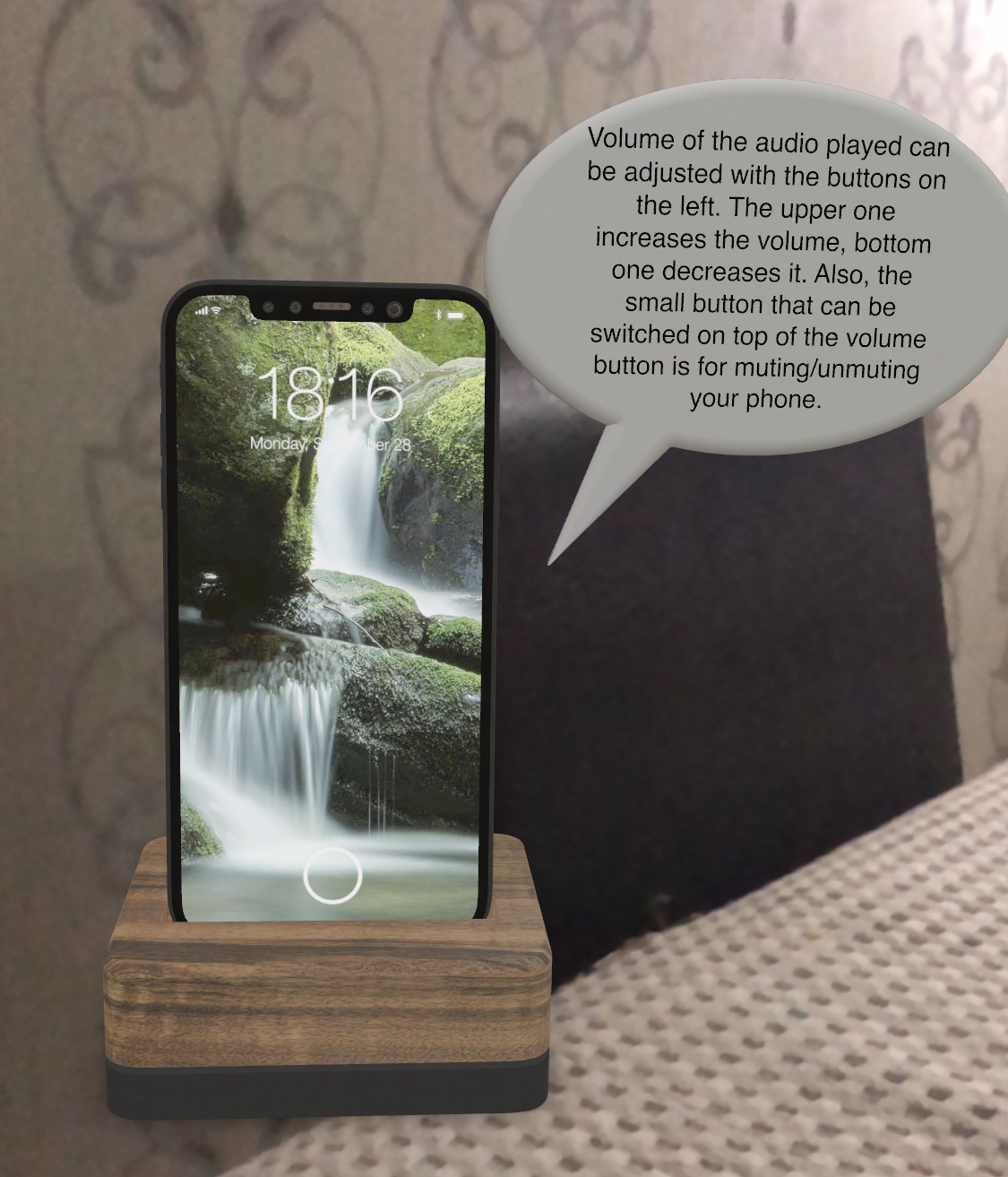
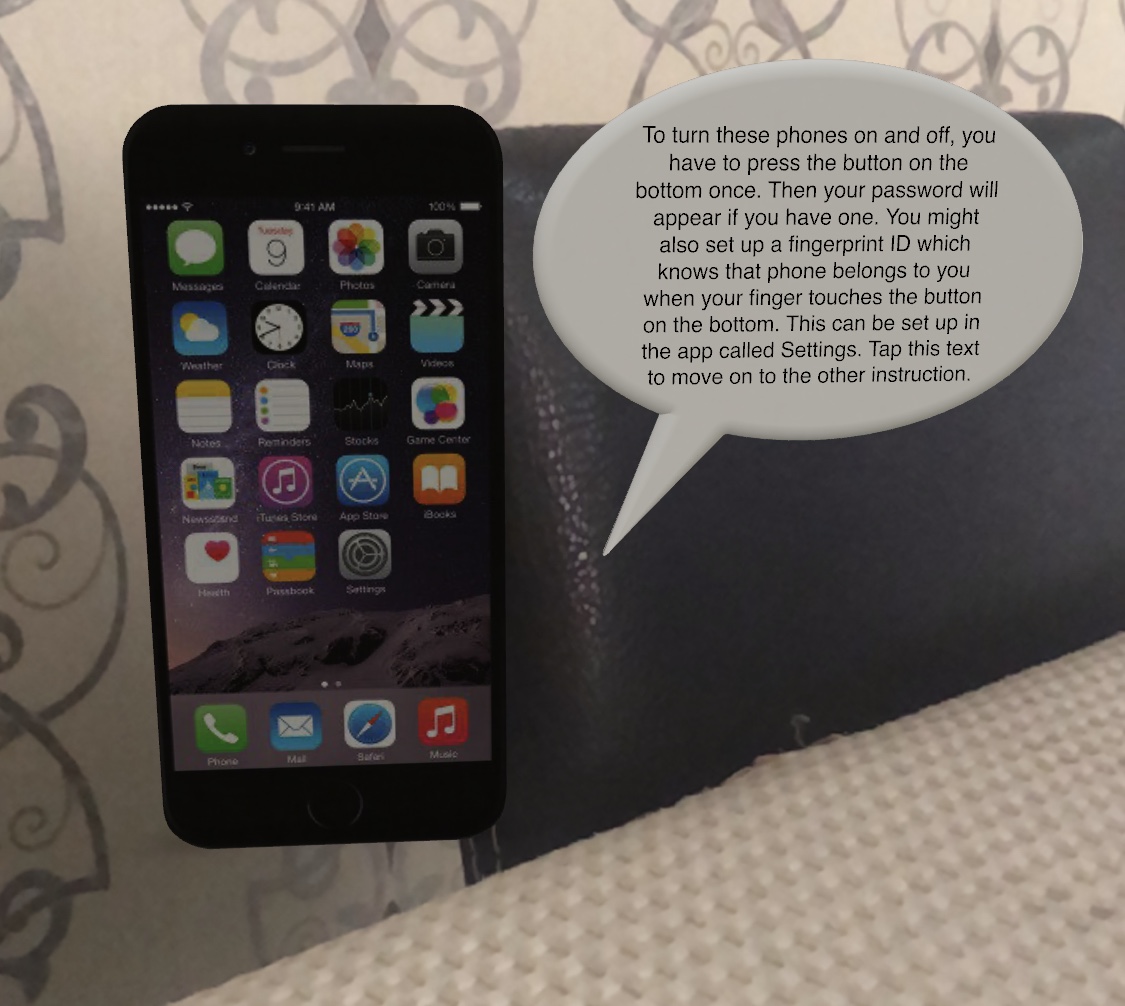
This AR App, with access to Camera, in an iPhone device shows an iPhone model on a horizontal surface that it detects. This 3D model of iPhone comes with text instructions to commonly used, most basic functions of smartphones.
How I built it
I used Xcode to write the code and develop the app using ARKit, RealityKit and SwiftUI. I also used Reality Composer tool pre-equipped with Xcode to add behaviors to my 3D iPhone models so that when tapped, text instructions appear.
Challenges I ran into
This is the first time I created an AR app, that's why I was not familiar with ARKit nor RealityKit. I had to read the documentation several times to understand how to enable AR world tracking, and include my 3D model. I also was not aware of which kits I should use, which the mentors guided me with. Near the project's end, I struggled to actually make the objects behave like I wanted them to. I wanted them to show when tapping to the phone, but that was not available in RealityKit through code, so I had to manually add customer behaviors to each object.
Accomplishments that I'm proud of
As this is my first hackathon, and first AR experience, I am proud that I chose a topic I have witnessed and care about, and create a solution to that using technical knowledge.
What I learned
I learned how to use ARKit and RealityKit, and also learned how to create 3D Models.
What's next for iPhones for Seniors
There are many ways to improve the app, ranging from UI to the actual content of the instructions. To improve UI, the option of scaling the objects in real time can be applied through code and also, more instructions can be added. It would also be nice to include audio instructions or the option of choosing your smartphone type and seeing the tutorial for that instead of going through one of them to see the other.

Log in or sign up for Devpost to join the conversation.