-
-
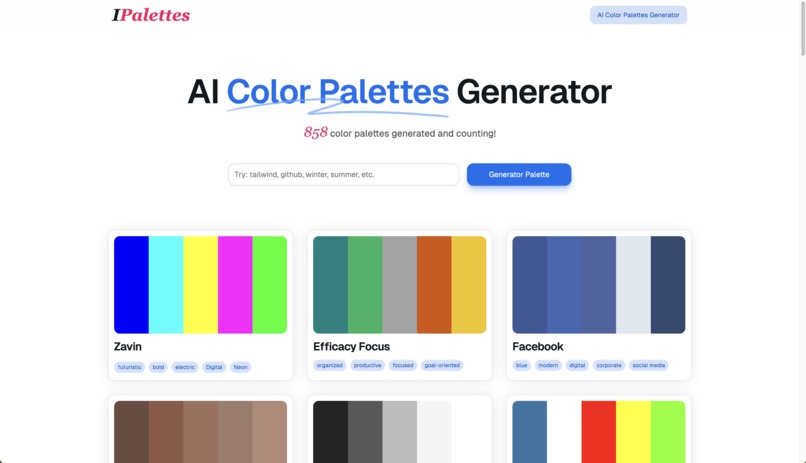
ai color palette Generator
-
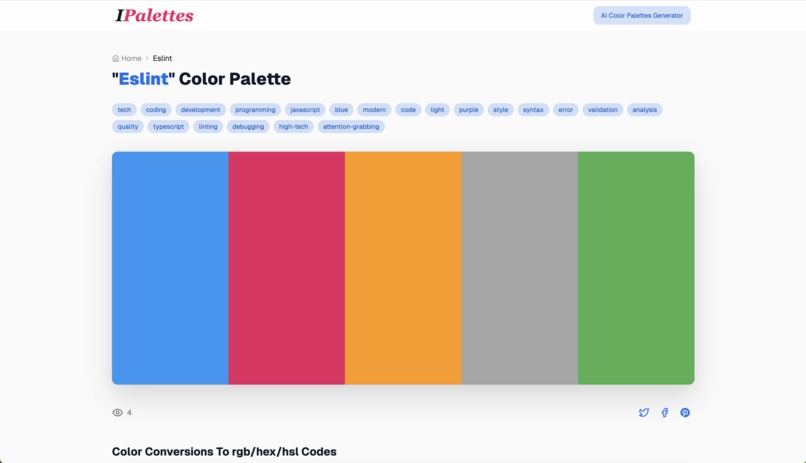
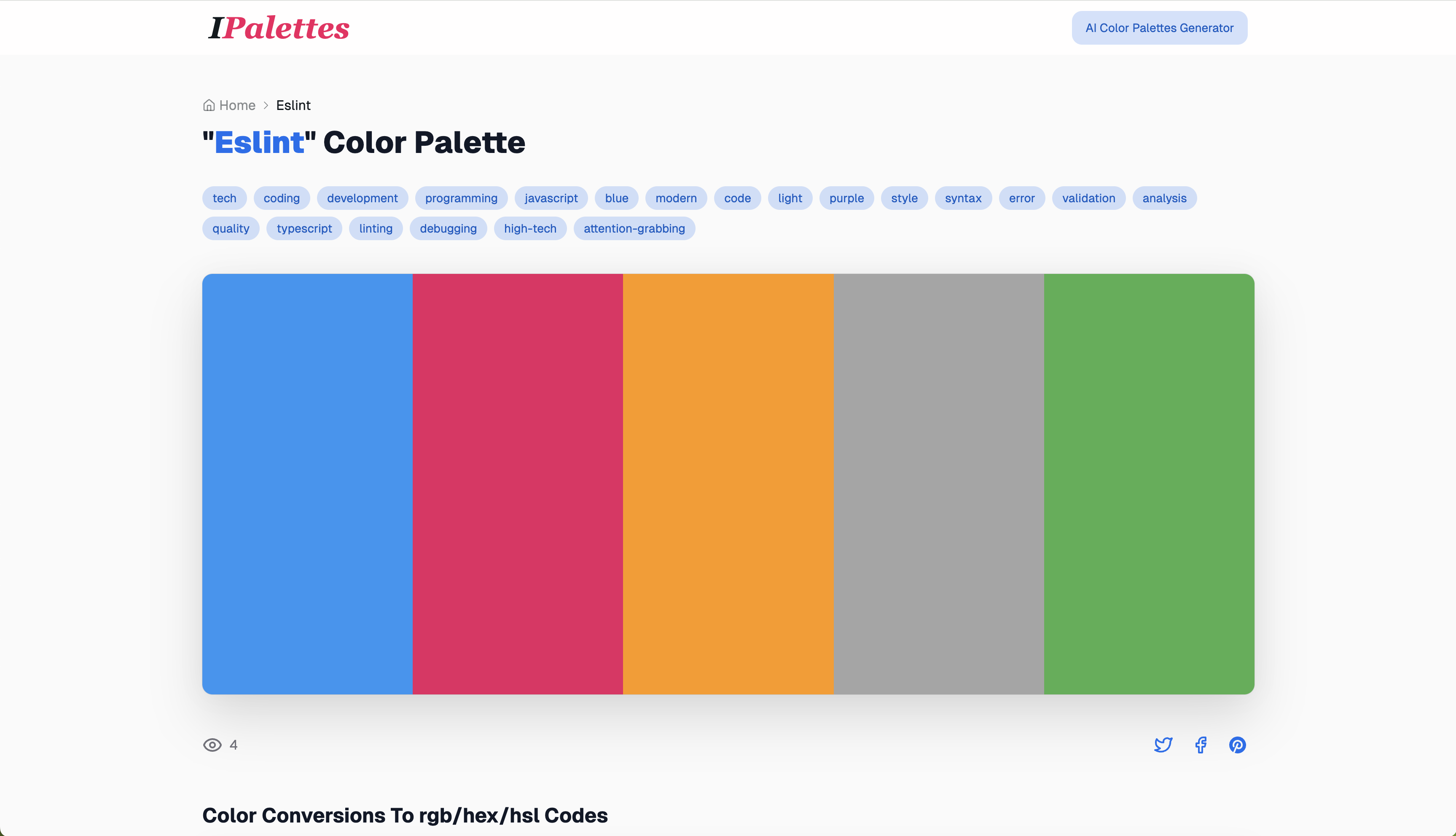
detail - cover
-
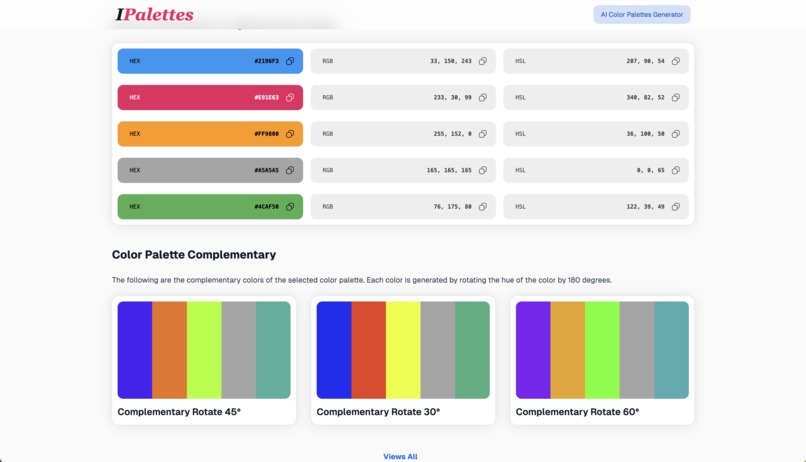
detail - color codes
-
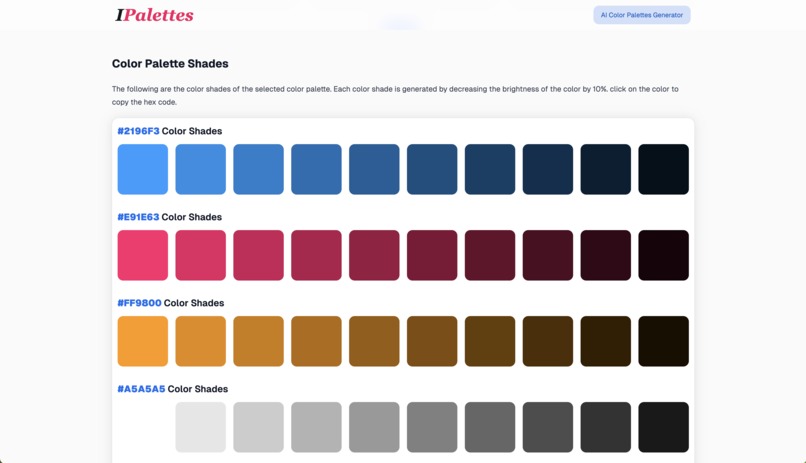
detail - shades
-
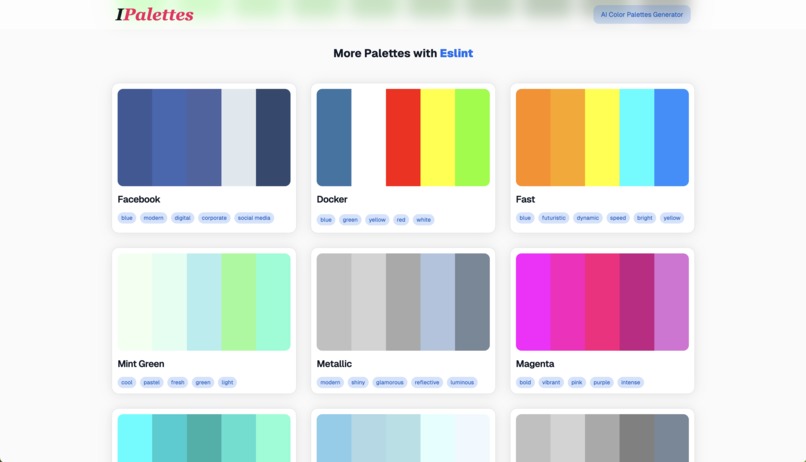
detail - more palette
-
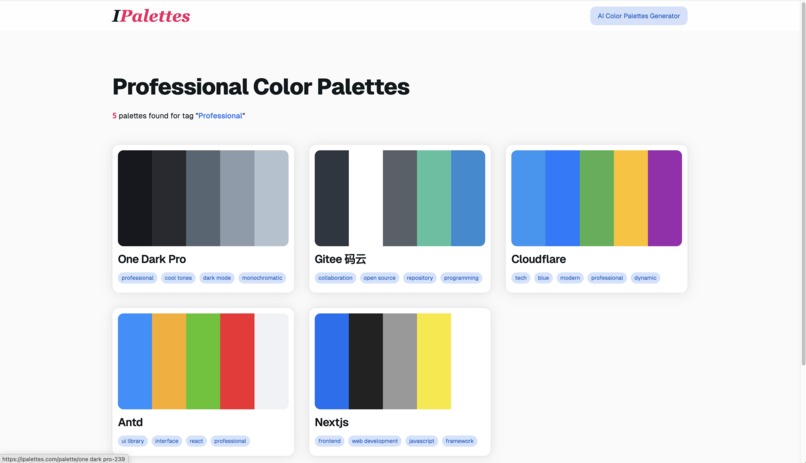
tag
-
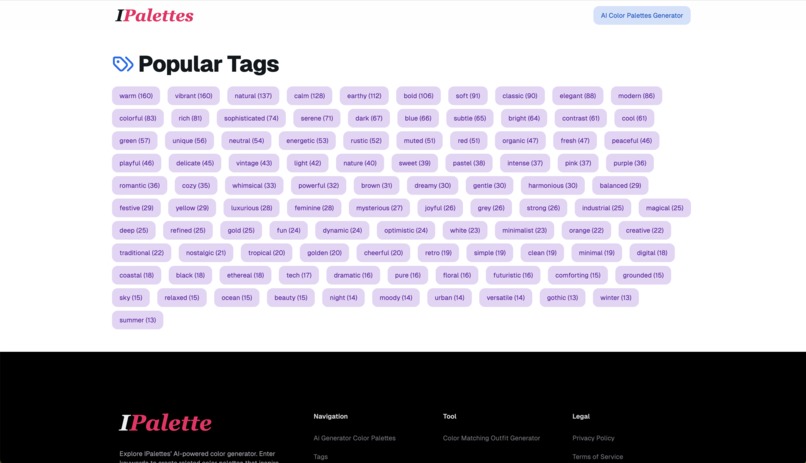
tag list



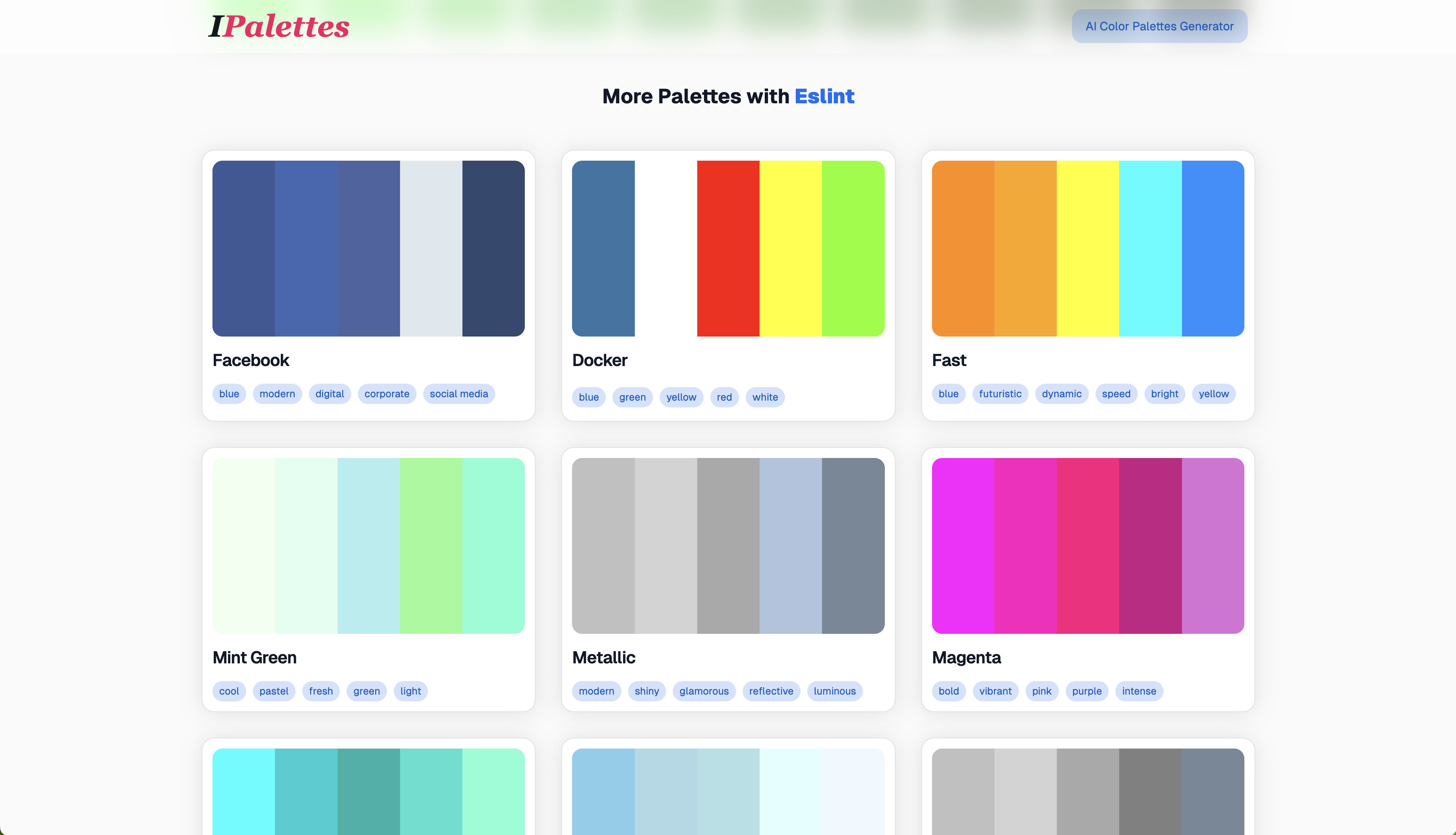

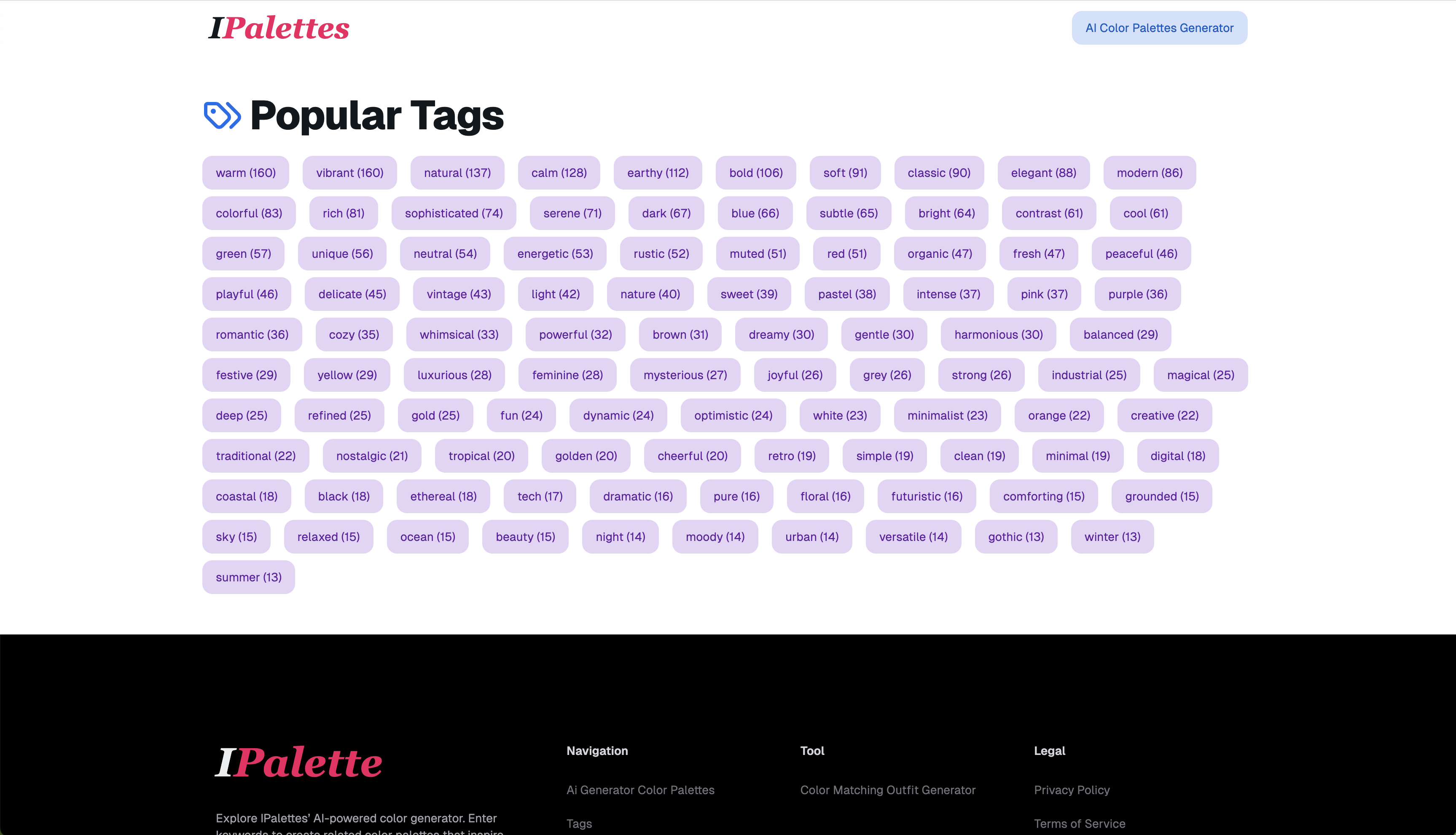
Okay, here's the breakdown of the provided text, organized into the requested sections:
Inspiration
The core inspiration behind IPalettes is the desire to solve the common problem of time-consuming and frustrating color palette selection. Traditional tools often lack inspiration or fail to meet specific needs. The goal is to empower designers, artists, and creators with a tool that makes color selection easier, faster, and more creatively fulfilling.
What it does
IPalettes is an AI-powered color palette generator that:
- Generates color palettes based on keywords: Users input a theme or concept (e.g., "spring", "ocean"), and the AI creates matching palettes.
- Provides detailed color codes: Each generated color comes with its HEX and RGB values for easy application in design and development.
- Offers smart recommendations: Suggests similar palettes to the user's chosen one, encouraging further exploration and discovery.
- Allows search by tags: Users can search for palettes matching specific moods, styles, or trends (e.g., "modern", "minimalistic").
- Provides a user-friendly interface: Offers an intuitive and accessible platform for easy generation and management of color palettes.
How I Built It
The project is built with modern web technologies and AI integration:
Frontend Stack:
- Next.js 13 (App Router) for the core framework
- TypeScript for type safety
- TailwindCSS + NextUI for styling
- Framer Motion for animations
- React Query for state management
Backend Stack:
- tRPC for type-safe API routes
- Prisma as the ORM
- PostgreSQL for the database
- OpenAI API for color theme generation
- Rate limiting & caching for optimization
Key Features:
- AI-powered theme generation from keywords
- Real-time theme previews
- Color code copying in multiple formats
- Responsive design for all devices
- Dark/Light mode support
Developer Experience:
- ESLint + Prettier for code quality
- pnpm for package management
- TypeScript for end-to-end type safety
- Next.js development server with hot reload
Challenges I ran into
(While not explicitly stated, here are some likely challenges the development team may have faced)
- Training the AI: Creating a model that accurately and consistently translates keywords into relevant color palettes is a complex task.
- Balancing Creativity and Accuracy: Striking the right balance between unexpected, inspiring color combinations and palettes that are relevant to the keywords can be difficult.
- Creating an Intuitive Interface: Designing a platform that is easy for all users to navigate, even those without technical expertise.
- Handling Different Color Spaces: Ensuring the accuracy and consistency of color codes across different platforms and browsers.
Accomplishments that I'm proud of
- Keyword-based AI color palette generation: The ability to generate relevant color palettes based on simple keywords.
- Detailed color codes: Providing specific color values to eliminate the need for manual picking.
- Smart recommendation feature: Allowing users to explore new possibilities and save time.
- Intuitive User Interface: A user-friendly platform that is accessible to everyone.
What I learned
(Inferred from the project, not explicitly stated)
- The power of AI: How AI can be used to automate creative tasks and provide inspiration.
- The importance of user experience: Creating a user-friendly experience that makes a tool easy and efficient to use.
- The significance of color theory: A deeper understanding of color relationships and the emotions that they can evoke.
- The challenges of machine learning: Learning to train an AI model that will generate reliable results.
What's next for IPalettes - The Ultimate AI Color Palettes Generator
(Inferred from the general direction of the app)
- Enhanced AI models: Continued refinement of the AI algorithms to generate even more creative and accurate color palettes.
- Expanded Tag Options: Adding new search tags to allow users to find more specific palettes.
- Advanced Color Customization: Allowing users to adjust individual colors within a palette, fine-tuning to their specific requirements.
- User Account Functionality: Implementing user accounts to save favorite palettes and track creative projects.
- Integration with Design Tools: Adding integrations with tools such as Figma and Adobe products to enable easier implementation.
- Community Features: Building a space where users can share and explore each other's color palettes.
Built With
- nextjs
- nextui
- tailwindcss
- typescript


Log in or sign up for Devpost to join the conversation.