-
-
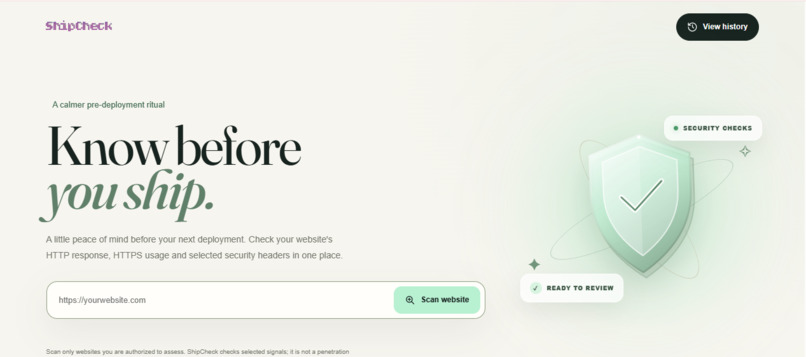
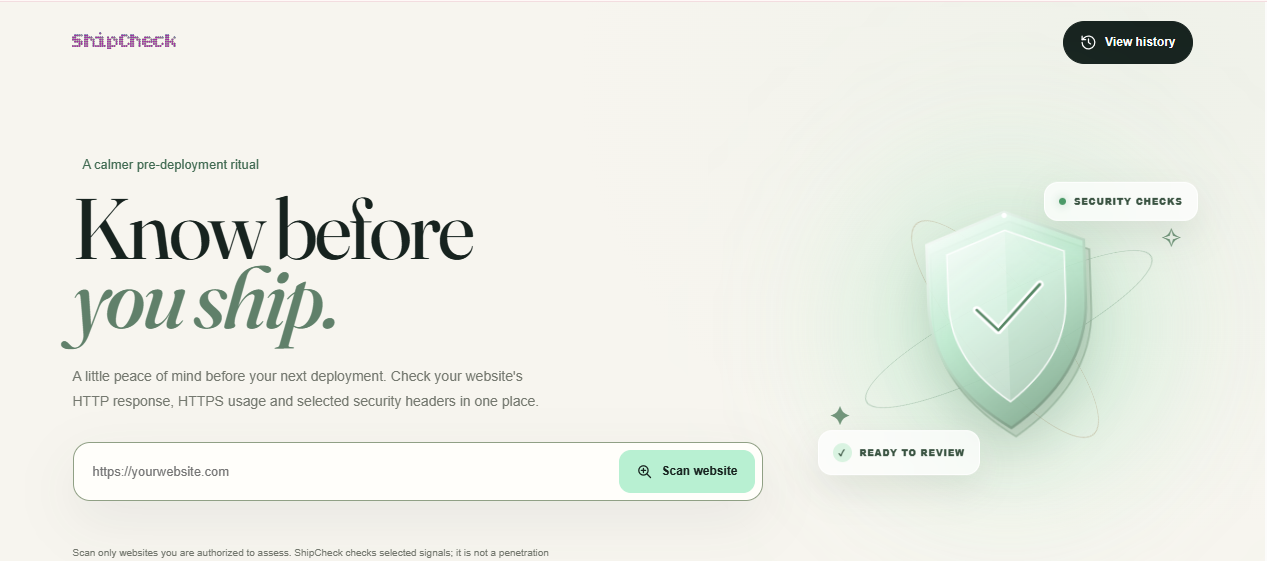
Ship-Check's homepage, where developers can enter a website URL and run a security configuration scan before deployment.
-
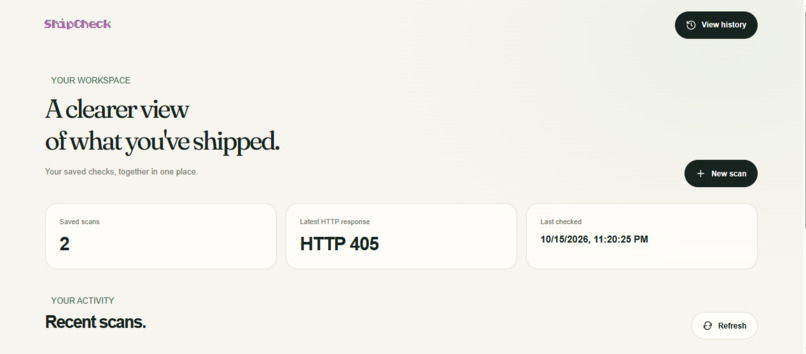
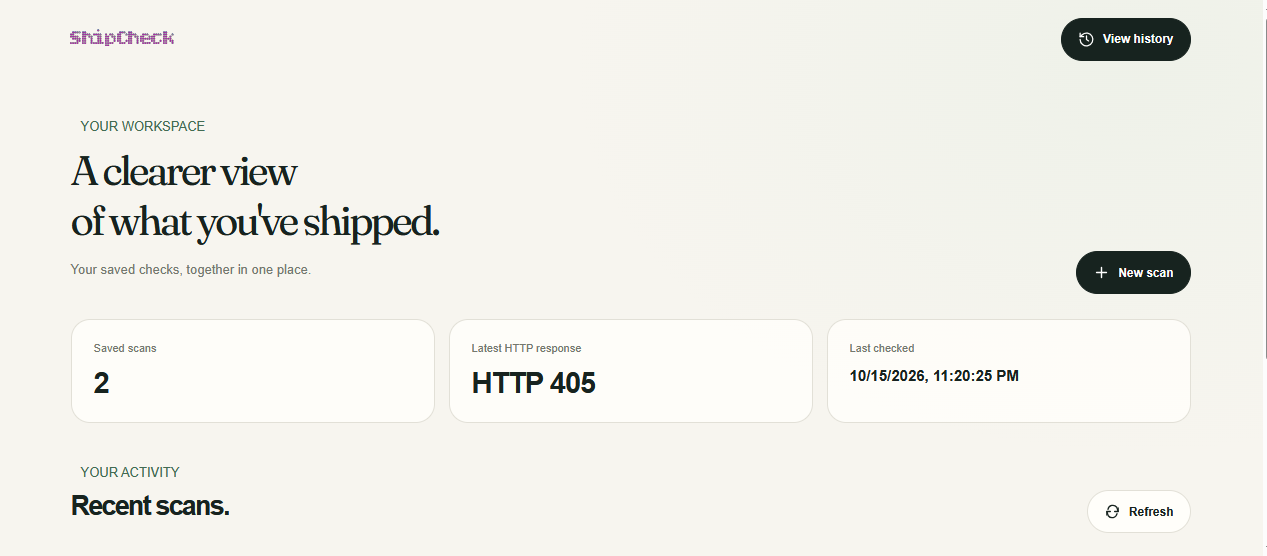
The scan history dashboard brings saved reports together, showing recent scans, HTTP response status, and the latest scan activity.
-
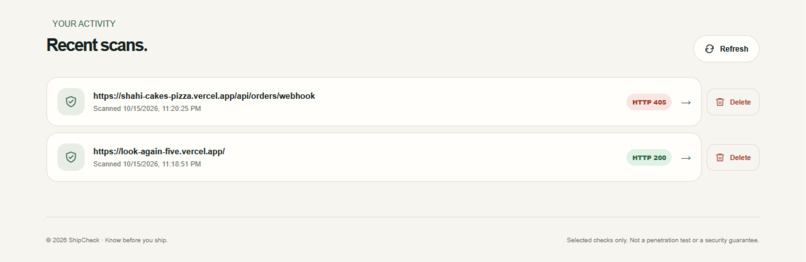
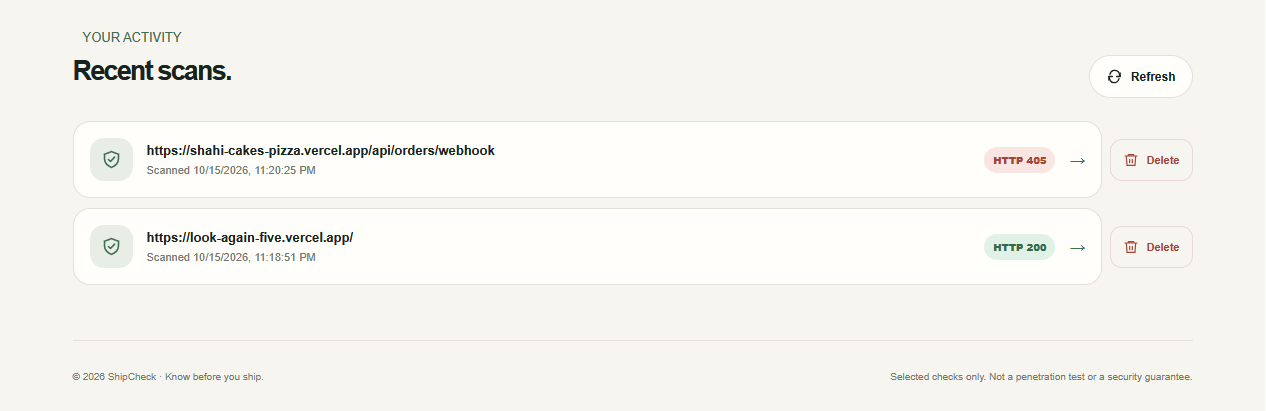
Recent scan reports can be reopened or deleted, making it easier to review previous checks and manage scan history.
Inspiration
As developers, we spend so much time building things that it's easy to overlook the security configurations that matter before deployment. I wanted to build something that makes checking these basics easier, without making developers go through a complicated process.
That's where Ship-Check started: a simple way to check a website's security configuration before shipping it.
What it does
Ship-Check is a website security checker that scans a URL and generates a report of common security configuration issues.
It checks HTTPS usage and important security headers, including HSTS, Content Security Policy (CSP), X-Content-Type-Options, and X-Frame-Options. Each finding includes details and a suggested fix.
It also keeps a history of previous scans, lets users revisit reports, and allows saved scans to be deleted. URL validation and request safeguards help prevent scans from targeting unsafe destinations.
How I built it
I built Ship-Check using TypeScript, Node.js, and Express, with HTML, CSS, and JavaScript for the frontend.
The backend handles website scanning, validates target URLs, checks security headers, and generates structured reports. I also implemented safeguards around outgoing requests, including restrictions on private network addresses, response size limits, and request timeouts.
For scan history, I used JSON file-based storage. The frontend connects to the backend APIs to run scans, display findings, and manage saved reports.
Challenges I ran into
One of the biggest challenges was making URL scanning safer. A scanner shouldn't blindly make requests to every URL it receives, so I had to account for things like localhost, private IP addresses, unsupported schemes, and unsafe ports.
Another challenge was connecting the scanning logic with the frontend and making scan history work across refreshes. Getting the application built and deployed also required debugging the TypeScript build and server configuration.
Accomplishments that I'm proud of
I'm proud that Ship-Check is a working application rather than just an idea or a static dashboard.
It can scan websites, return structured security findings, suggest fixes, save scan history, reopen previous reports, and delete saved scans. I'm also proud of implementing URL validation and request safeguards as part of the scanning workflow.
Most importantly, I took the project from development to a live deployment.
What I learned
This project taught me that building a developer tool involves much more than making its main feature work. Input validation, network safety, persistence, API integration, and deployment all matter.
I also learned to think more carefully about what a security tool can actually promise. Checking a few security headers is useful, but it isn't the same as performing a complete security audit.
What's next for Ship-Check
I'd like to make Ship-Check more useful for developers by improving its reporting, adding more security configuration checks, and making scan history more reliable with persistent database storage.
Future possibilities include comparing scans over time, tracking configuration changes, and integrating checks into deployment workflows so developers can catch issues earlier.
The goal is to keep Ship-Check practical, accessible, and genuinely useful before a developer ships their next project.

