
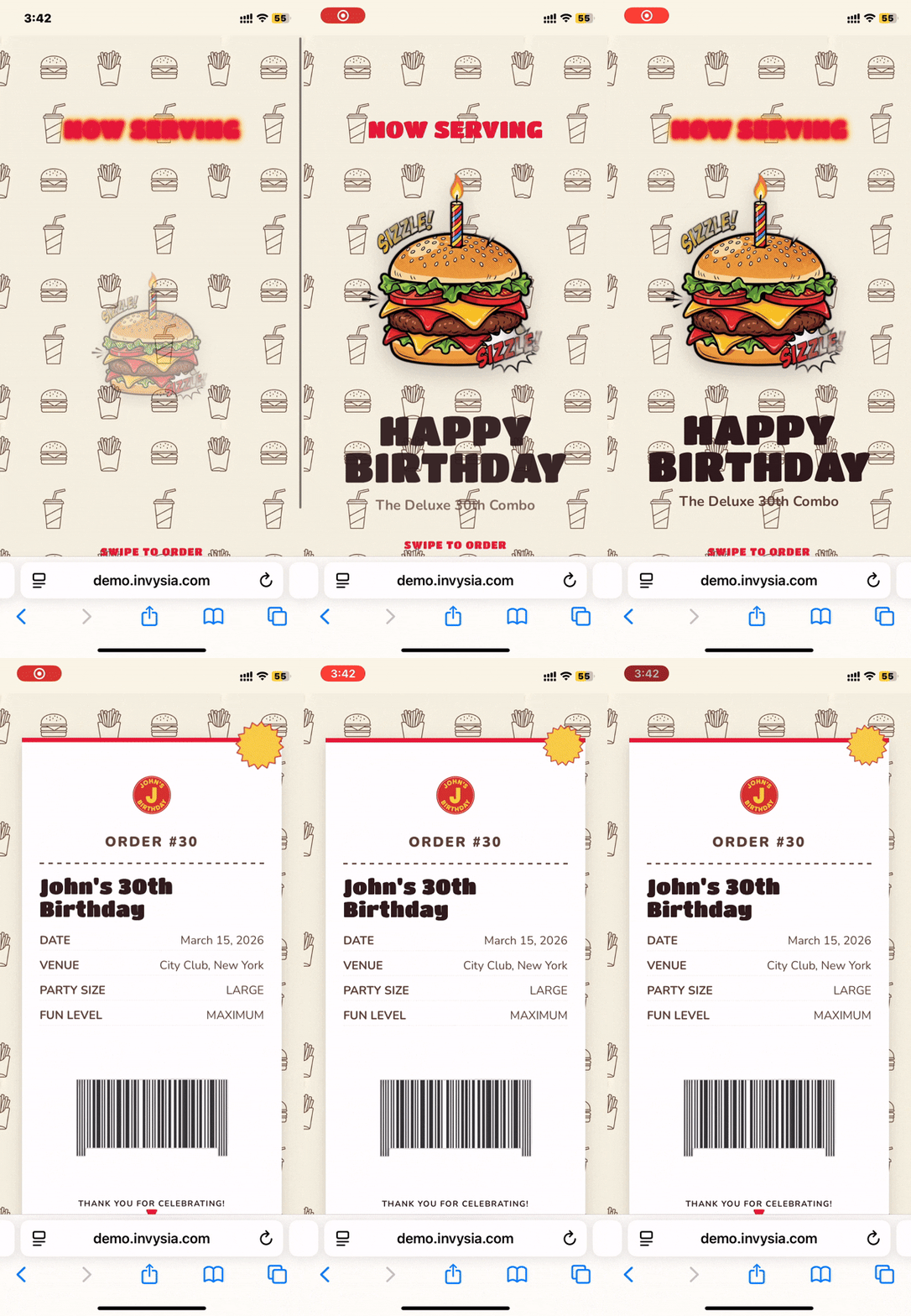

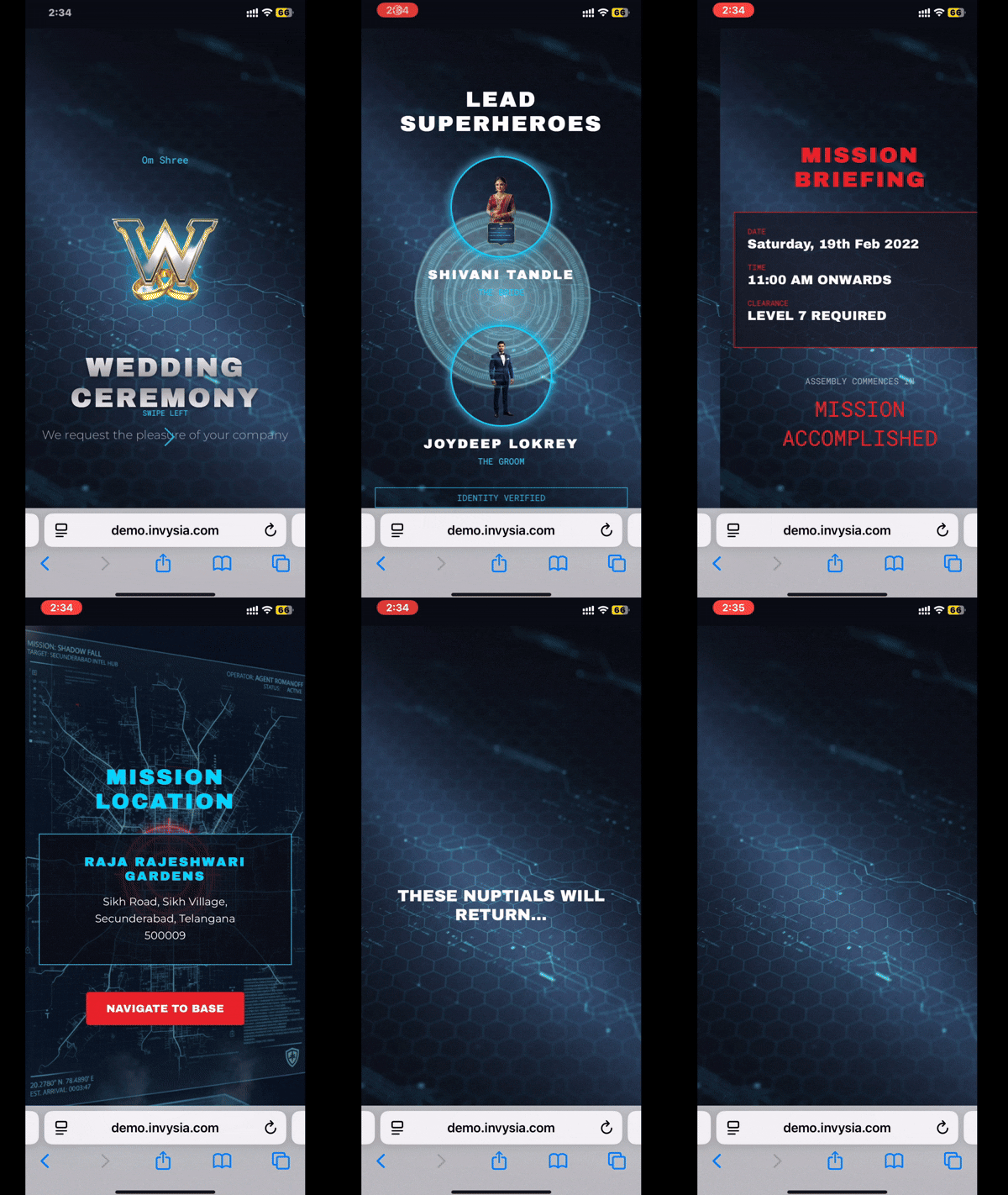
🌐 Building an Autonomous AI System That Designs & Deploys Invitation Websites
🚀 What Inspired Me
I’ve always been fascinated by the gap between intent and execution.
When someone wants to create a wedding invitation or greeting website, they typically need:
- Design skills
- Frontend development knowledge
- Hosting and deployment setup
- Multiple rounds of edits
I asked myself:
What if a user only provides intent — and the system handles everything else?
That question led me to build a fully autonomous pipeline that takes event details and automatically designs, codes, and deploys a live professional webpage.
🧠 What I Learned
1. Agents Are More Than APIs
Using Google ADK helped me understand how AI agents differ from traditional backends. Instead of simple request-response handling, agents reason, use tools, retry on failure, and orchestrate workflows autonomously.
2. LLMs Can Act as Designers and Engineers
With Gemini 3 models, I realized LLMs can:
- Design layouts
- Generate structured UI specifications
- Write responsive HTML/CSS
- Create animations and copy
- Debug and regenerate
The real power comes from orchestration, not just generation.
3. Productionizing AI Is Harder Than Prototyping
Deploying on Google Cloud Run taught me:
- How to manage cold starts
- Optimize Docker images
- Handle latency and retries
- Balance cost and scalability
Making something autonomous and production-ready is a completely different challenge from building a demo.
🏗️ How I Built It
1. Intent Capture
Users submit event details such as names, dates, themes, and language preferences.
2. AI Design Generation
Gemini generates:
- Layout structure
- Color palette
- Typography
- Content blocks
- Animation concepts
This output is structured into a design configuration.
3. Code Generation
The system converts the design specification into:
- Responsive HTML
- Tailwind CSS styling
- Animations
- Optimized layout
The output is production-ready frontend code.
4. Automated Deployment
The system:
- Packages the generated site
- Builds a container
- Deploys to Google Cloud Run
- Returns a live public URL
No manual steps involved.
5. Iteration Loop
If the user requests changes, the agent regenerates only the necessary components and redeploys automatically.
⚠️ Challenges I Faced
- Unstable AI-generated code outputs → Solved with validation and retry layers
- Over-creative layouts breaking structure → Introduced schema constraints
- Cloud Run cold starts → Optimized Docker builds and startup time
- Deployment latency → Cached base templates and improved pipeline efficiency
- Tool orchestration complexity → Carefully designed agent decision logic
🌍 Why This Matters
This project demonstrates how AI, agents, and cloud infrastructure can work together to create self-building software systems.
Instead of manually building websites, we can now build systems that build and deploy them autonomously.
🎯 Final Reflection
This project changed how I think about engineering.
We’re no longer just writing code —
we’re designing systems that write, deploy, and iterate on software independently.
And that’s the future of AI-native applications.
Built With
- google-adk
- javascript
- nextjs
- python

Log in or sign up for Devpost to join the conversation.