-
-
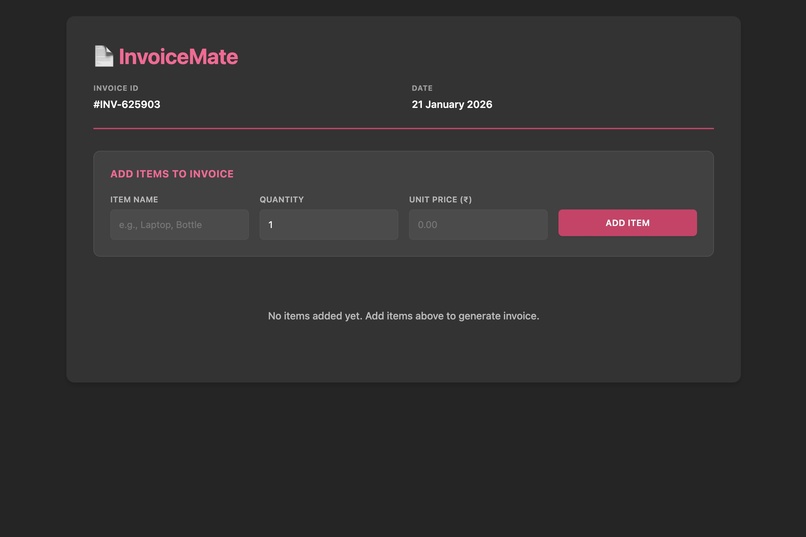
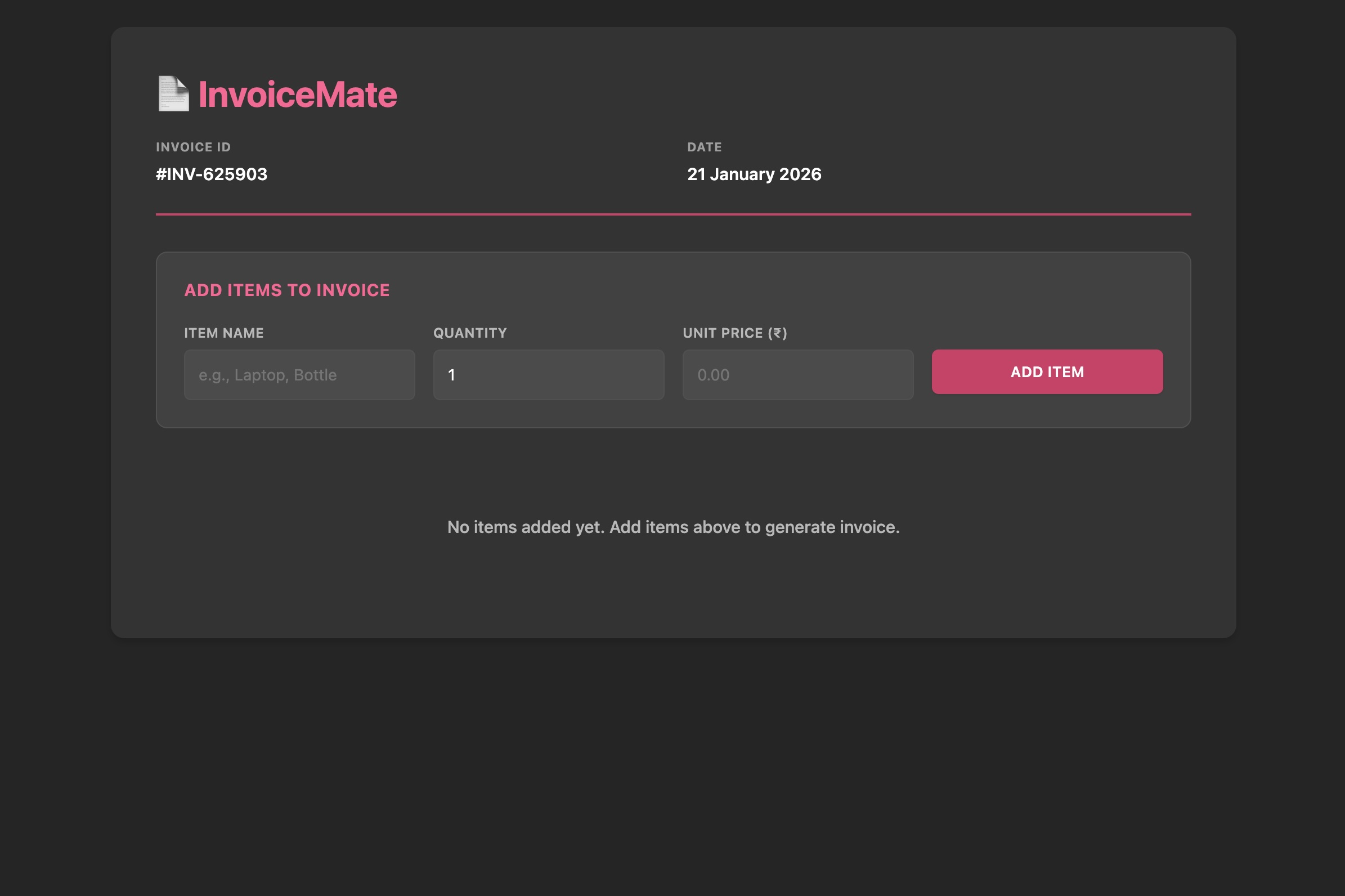
Home page
-
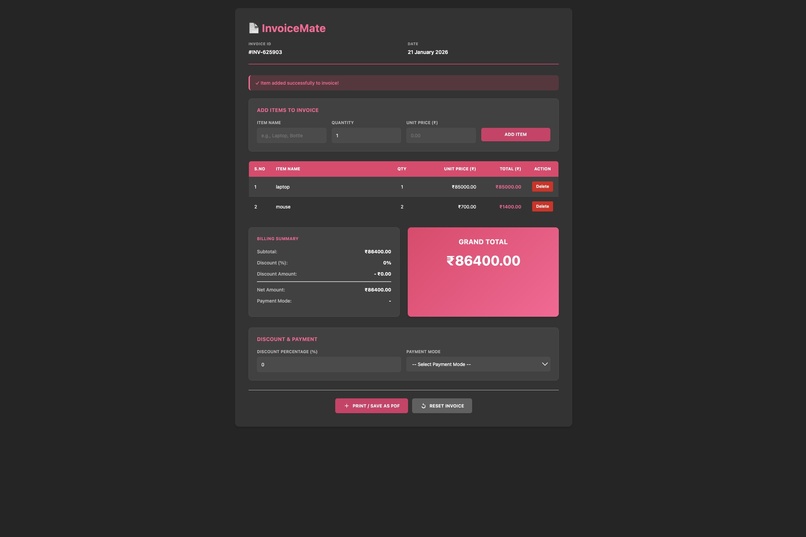
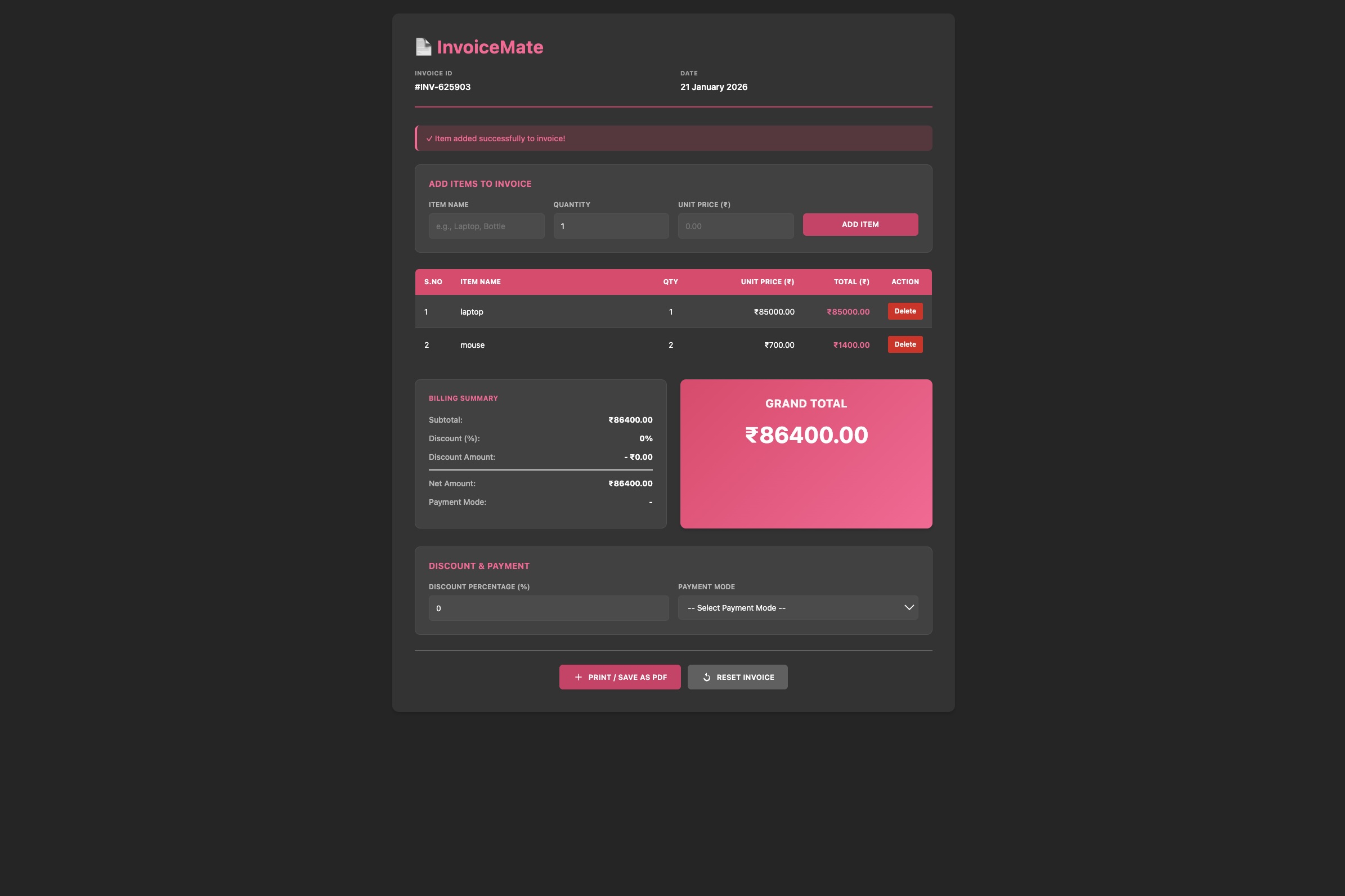
After adding 2 items
-
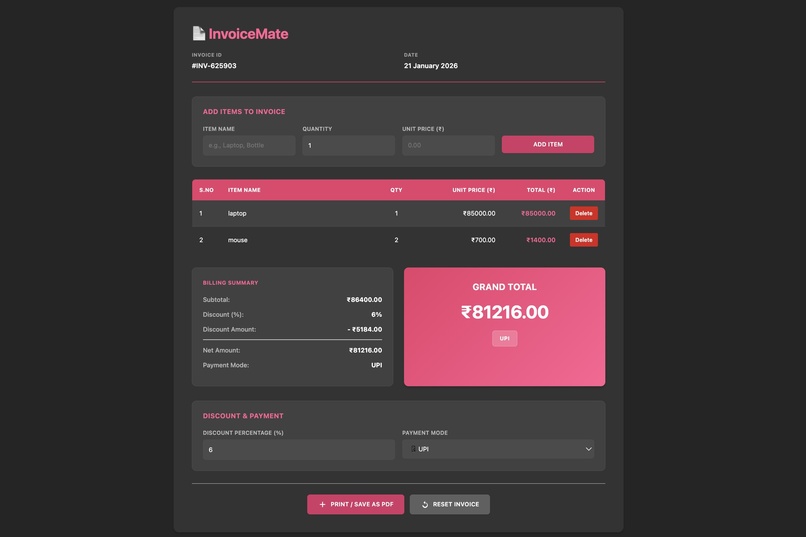
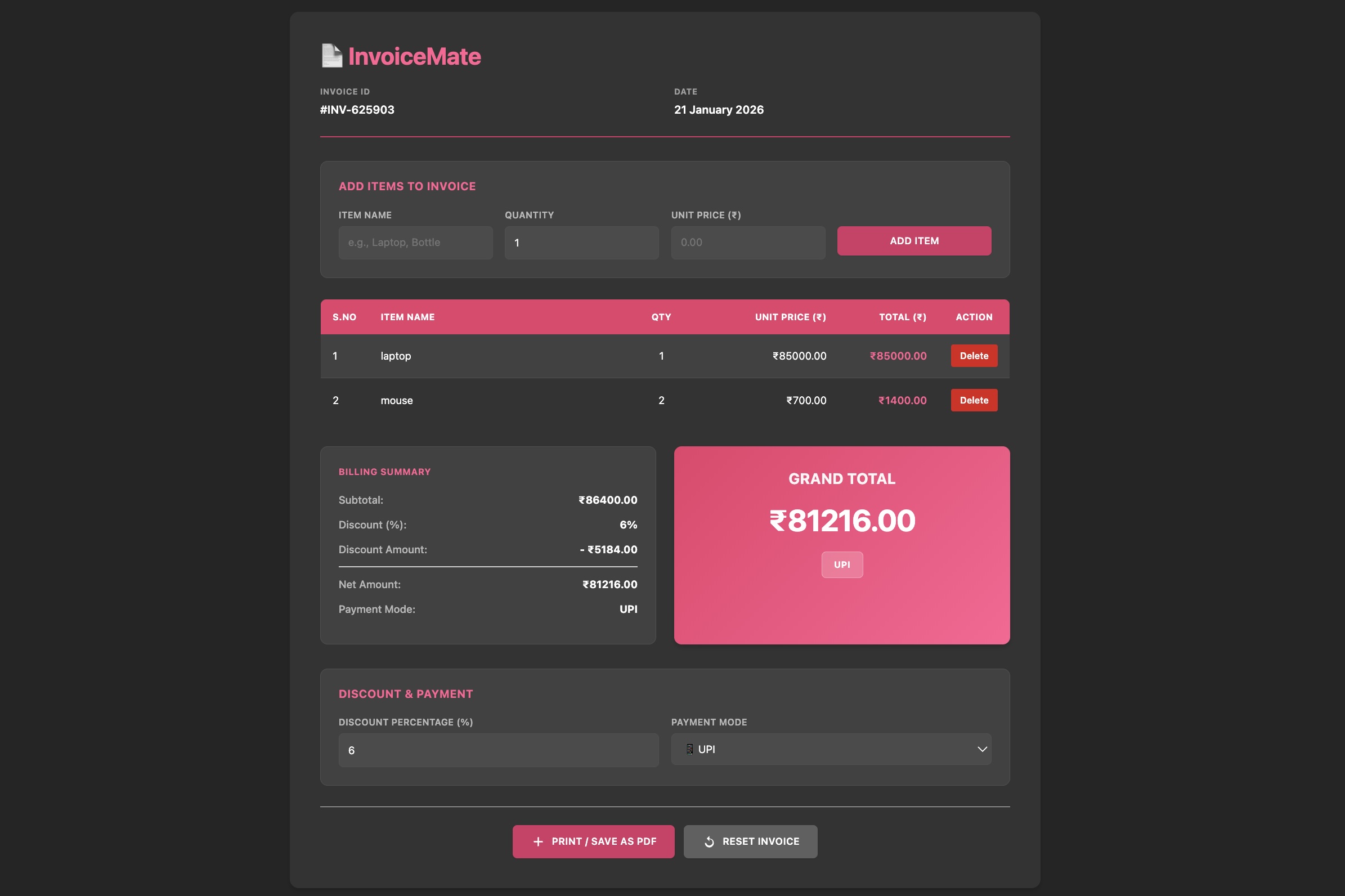
After applying discount and payment method
-
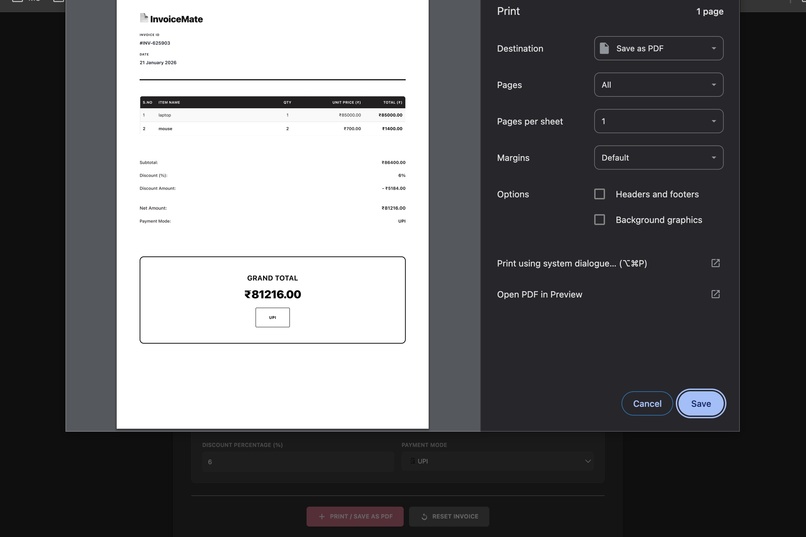
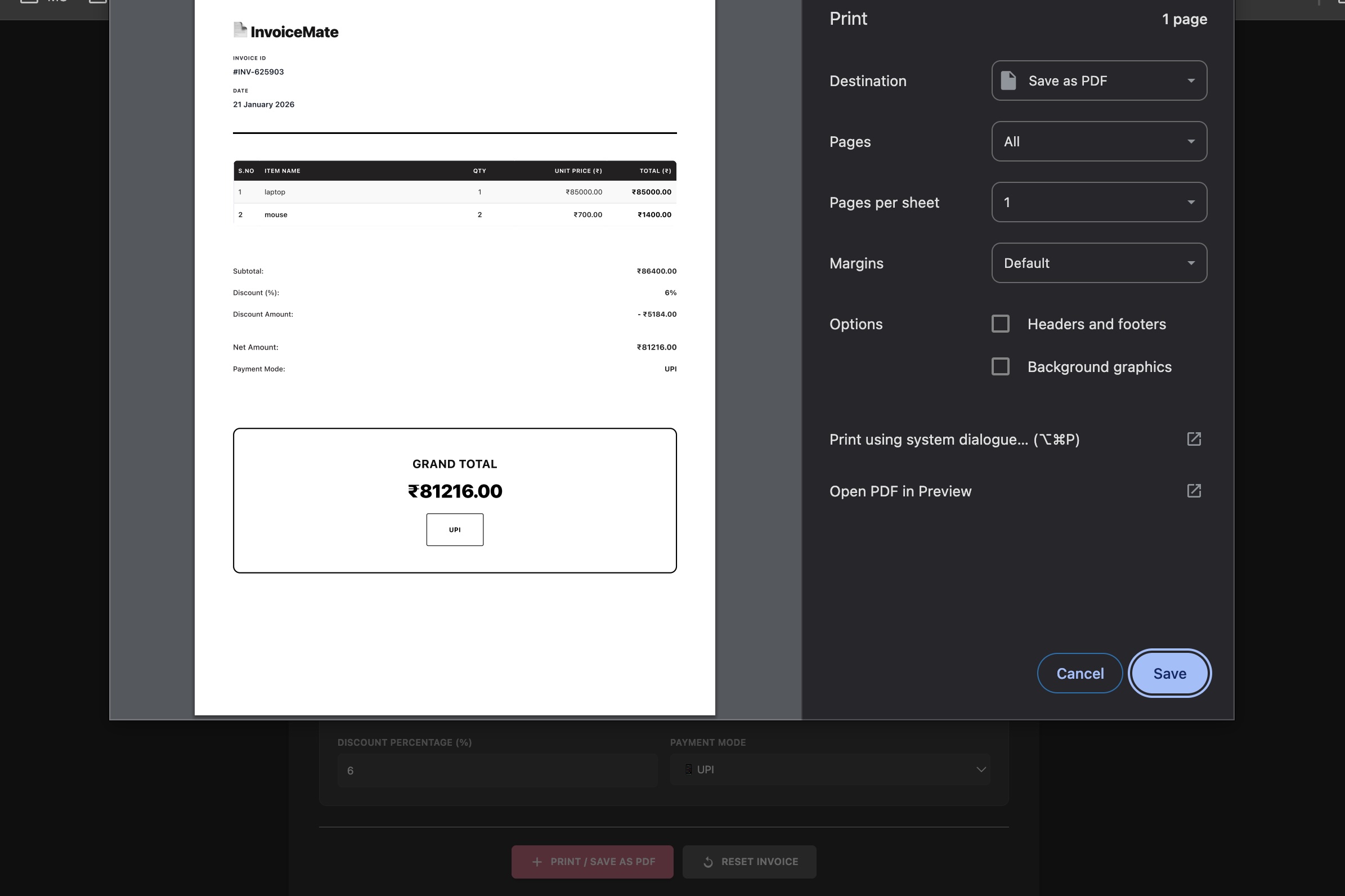
When clicked on print option
-
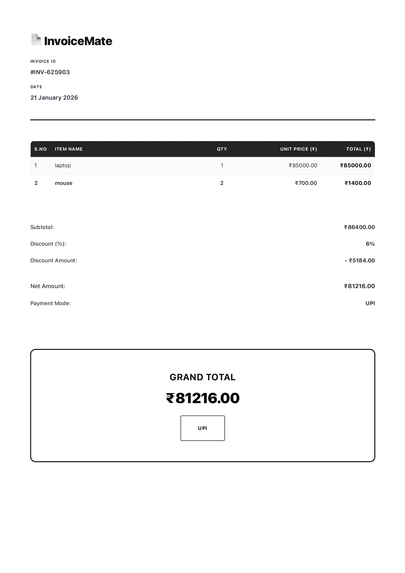
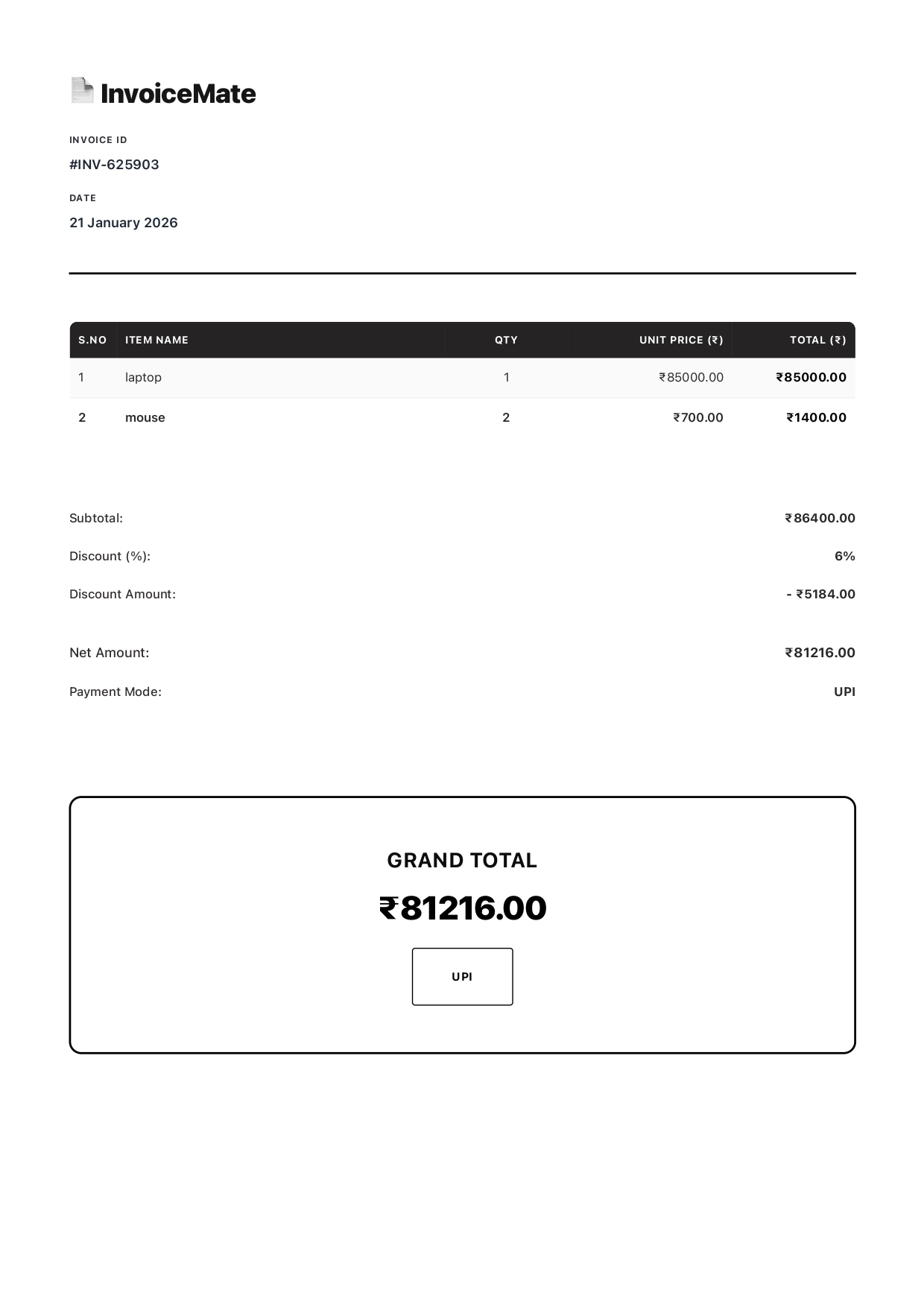
Printed Invoice
-

When clicked on reset option

Inspiration
Small retail shops and beginners often rely on manual billing or unstructured tools. I wanted to build a simple yet realistic invoice system that reflects real-world retail billing while keeping the logic easy to understand and beginner-friendly.
What it does
InvoiceMate allows users to add multiple items with quantity and price, automatically calculates totals, applies percentage discounts, and generates the final payable amount. It also generates a unique invoice ID and date, supports multiple payment modes, and provides a clean, print-ready invoice.
How we built it
InvoiceMate was built using HTML, CSS, Bootstrap, and Vanilla JavaScript. JavaScript handles item management, calculations, and state updates, while Bootstrap and custom CSS were used to design a clean POS-style interface. CSS @media print rules were used to create a professional invoice layout for printing and PDF export.
Challenges we ran into
One of the main challenges was designing a UI that looks good on screen while also printing cleanly as a real invoice. I solved this by separating screen styles and print styles and simplifying the layout for the print view without affecting functionality.
Accomplishments that we're proud of
I’m proud of building a complete, functional invoice system from scratch with real-world features like discounts, payment modes, and print-ready invoices, while keeping the code clean and beginner-friendly.
What we learned
Through this project, I learned how to structure a small front-end application, manage dynamic data using JavaScript, improve UI hierarchy, and design print-optimized layouts for real-world use.
What's next for InvoiceMate
In the future, I would like to add invoice history storage, customer details, shop branding, and support for tax calculations so the system can be reused by small businesses for repeated billing.


Log in or sign up for Devpost to join the conversation.