Inspiration
What it does
How we built it
Challenges we ran into
Accomplishments that we're proud of
What we learned
What's next for Invoice Reconciliation Agent
💡 Inspiration
Every company receives hundreds of supplier invoices every month. Each one must be manually compared against its purchase order (PO) to catch:
- Amount mismatches
- VAT calculation errors
- Missing or duplicate POs
- Unauthorized suppliers
A typical accountant spends 10 to 15 hours per week on this task, with an error rate of around 3%. It's slow, repetitive, and expensive.
When I discovered the Alexa+ track of the Build, Ship, Shape hackathon — which explicitly allows a simulated Alexa+ experience built with any agentic tools — I saw the perfect opportunity: build an autonomous AI agent that could handle this entire workflow end-to-end, and present it through a natural, conversational interface.
The idea: instead of a boring accounting dashboard, why not let users talk to their invoices the way they'd talk to Alexa?
🎯 What it does
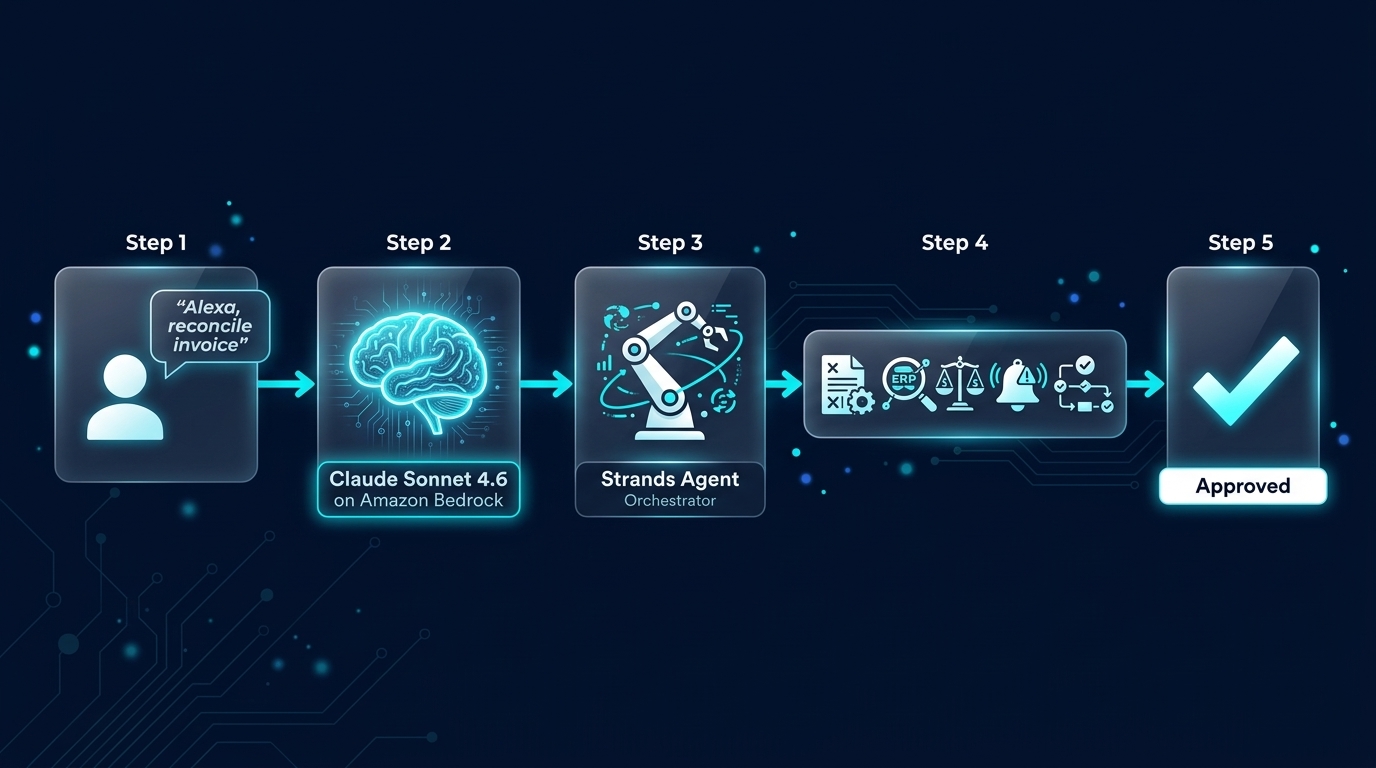
Invoice Reconciliation Agent is an autonomous AI agent that reconciles supplier invoices against purchase orders, detects anomalies, and notifies the accountant — all in seconds.
The user simply says or types:
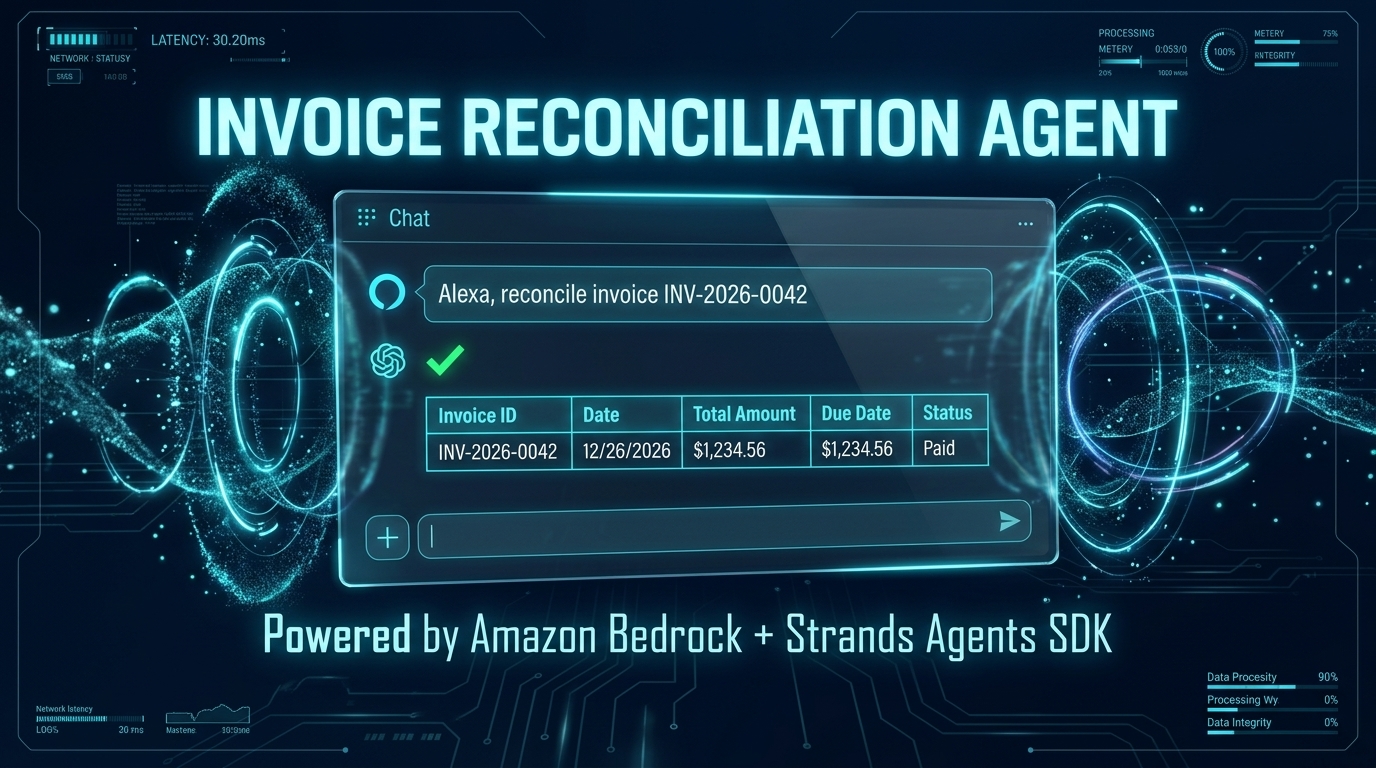
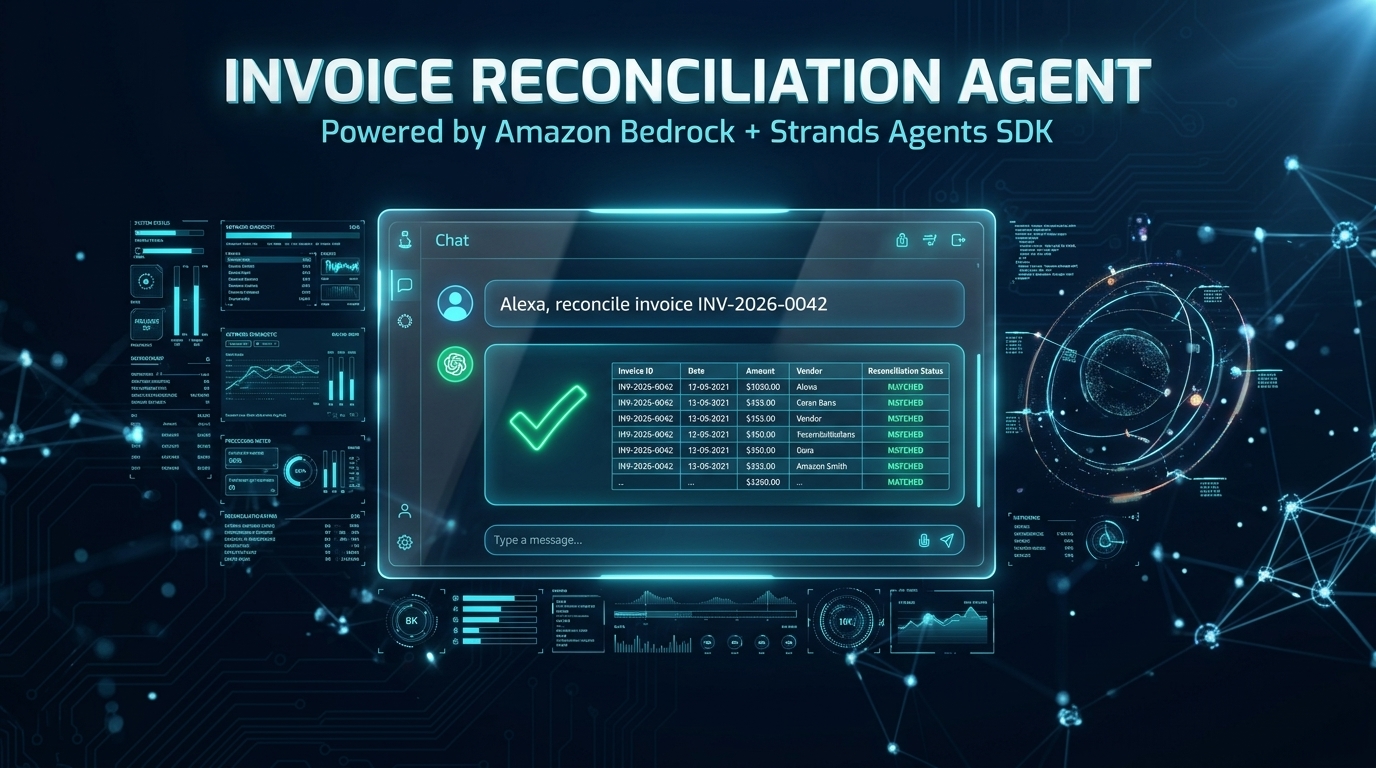
"Alexa, reconcile invoice INV-2026-0042"
The agent then:
- Extracts structured data from the invoice (ID, supplier, PO reference, amount, VAT)
- Looks up the matching purchase order in the database
- Compares amounts, VAT, and line items
- Decides:
- ✅ If everything matches → marks the invoice as approved
- ⚠️ If anomalies are detected → sends an alert with the exact reason
- Notifies the human only when a decision is needed
The agent runs autonomously. The accountant only gets involved when there's a problem.
Robustness
The agent handles all input types:
- ✅ Complete invoices → full workflow
- ⚠️ Incomplete invoices → politely asks for missing fields
- 🚫 Off-topic messages → redirects to its mission
- 📋 Invalid input → asks for clarification
🏗️ How I built it
Architecture (3 layers)
- Frontend (Alexa+ simulation) — A holographic cyan web UI built with vanilla HTML/CSS/JS. Includes an intro animation with particles converging to form the logo, an animated particle background, and a chat interface with Web Speech API support.
- Backend (FastAPI) — Exposes the agent via REST endpoints (
/reconcile,/simulate-alexa) and serves the web UI. - Agent (Strands SDK + Bedrock) — The core intelligence. Uses Claude Sonnet 4.6 through Amazon Bedrock, with 5 tools exposed via the
@tooldecorator.
The 5 tools
| Tool | Purpose |
|---|---|
extract_invoice |
Parses invoice text into structured data |
find_purchase_order |
Looks up the PO in the database |
compare_amounts |
Detects amount and VAT mismatches |
send_alert |
Notifies the accountant of anomalies |
mark_as_approved |
Approves the invoice if everything matches |
Tech stack
- LLM: Amazon Bedrock — Claude Sonnet 4.6 (
us.anthropic.claude-sonnet-4-6) - Agent framework: Strands Agents SDK
- Backend: FastAPI + Python 3.11
- Frontend: Vanilla HTML / CSS / JavaScript
- Deployment: Render (free tier)
- Version control: GitHub (MIT License)
Key technical decisions
1. Deterministic input validation over pure LLM reasoning. Instead of letting the LLM decide whether input is valid, I added explicit rules in the system prompt: 5 distinct cases (complete, incomplete, demo ID, off-topic, ambiguous). This makes the agent's behavior predictable and testable.
2. Robust system prompt. The prompt is ~80 lines and explicitly handles each input case. This is what allows the agent to politely refuse off-topic questions while still running the full workflow for valid invoices.
3. Multi-layer UI. The Alexa+ interface includes:
- An intro animation (particles → logo → fade out)
- An animated background (floating particles + connections)
- A holographic style (cyan neon, scanlines, HUD corners)
- A chat interface with typing indicator
4. Separation of concerns. The 5 tools are pure Python functions with clear docstrings. They're testable in isolation, and the agent orchestrates them via Strands.
🧗 Challenges I faced
Challenge 1 — Model availability on new AWS accounts
Claude Sonnet 5 appeared in the Bedrock Model Catalog but returned an AccessDeniedException for my account. I had to switch to Claude Sonnet 4.6 and use the inference profile prefix (us.anthropic.claude-sonnet-4-6).
Lesson: Model availability depends on your AWS account tier. Always check the Model Catalog with a test invocation before committing.
Challenge 2 — Strands tool registration
My first agent run produced warnings: unrecognized tool specification. The fix was to add the @tool decorator above each function. It's a small detail, but without it, the LLM cannot see the tools.
Lesson: Strands requires explicit decoration. The docstring of each @tool-decorated function becomes the tool description for the LLM.
Challenge 3 — Deployment on Render
The first deployment failed because gunicorn was missing from requirements.txt. After adding it, the deploy succeeded. Later, I had to configure the Procfile correctly with $PORT escaping.
Lesson: On Windows, $PORT in PowerShell gets interpreted as a variable. Use single quotes or Set-Content to avoid this.
Challenge 4 — Handling off-topic input
Initially, the agent would try to reconcile any message, even "blabla". I rewrote the system prompt to explicitly define 5 input cases and to instruct the agent to redirect off-topic messages politely.
Lesson: An autonomous agent needs a clear "scope guardrail" — not just what it can do, but what it should refuse to do.
Challenge 5 — Web Speech API on Firefox
The voice recognition does not work on Firefox (only Chrome, Edge, Safari). For the demo, I used the text input instead. This is a known limitation of the Web Speech API.
Lesson: Always plan for browser compatibility. Voice is nice, but text input is the reliable path.
📚 What I learned
1. The boundary between LLM and code is critical. The LLM should handle understanding and natural language, but deterministic code should handle validation and execution. This makes the agent predictable.
2. Prompt engineering is real engineering. A 20-line system prompt produces mediocre results. An 80-line structured prompt produces a production-ready agent.
3. Tool design matters. A tool that does too much is hard for the LLM to reason about. Small, focused tools (one job each) lead to cleaner agent behavior.
4. Autonomous ≠ unsupervised. A good agent knows when to stop and ask for help. My agent refuses to process incomplete invoices — that's a feature, not a bug.
5. Amazon Bedrock is powerful but its quotas are tight for new accounts. Billing activation was necessary to unlock the full experience.
🚀 What's next
- Real PDF extraction: integrate Amazon Textract or Bedrock vision to parse PDF invoices directly
- Persistent storage: replace the in-memory PO database with DynamoDB
- Real notifications: replace log-based alerts with Amazon SES or Slack integration
- Serverless deployment: package the agent as an AWS Lambda triggered by S3 events
- Multi-agent orchestration: use Strands Swarms to parallelize reconciliations across hundreds of invoices
- Real voice integration: explore the actual Alexa+ Skill or a self-hosted MCP server
🏆 Why this matters
This project demonstrates that autonomous AI agents can handle real business workflows end-to-end — with reasoning, tool use, robustness, and human-like interaction.
It's not a toy demo. It's a production-ready pattern that any company could adopt tomorrow to save their finance team 10 to 15 hours per week.
Built With
- ai-agent
- alexa
- amazon-bedrock
- amazon-web-services
- autonomous-agents
- claude-sonnet
- fastapi
- function-calling
- github
- invoice-reconciliation
- javascript
- llm
- python
- render
- strands-agents-sdk
- web-app


Log in or sign up for Devpost to join the conversation.