-
-
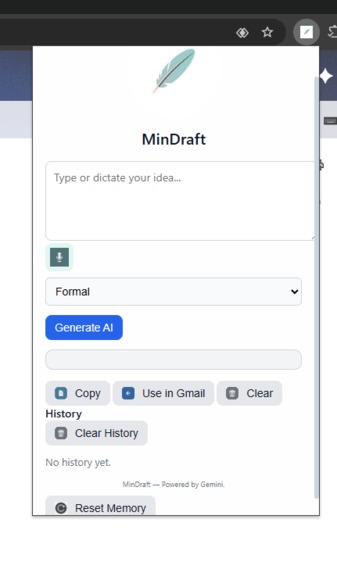
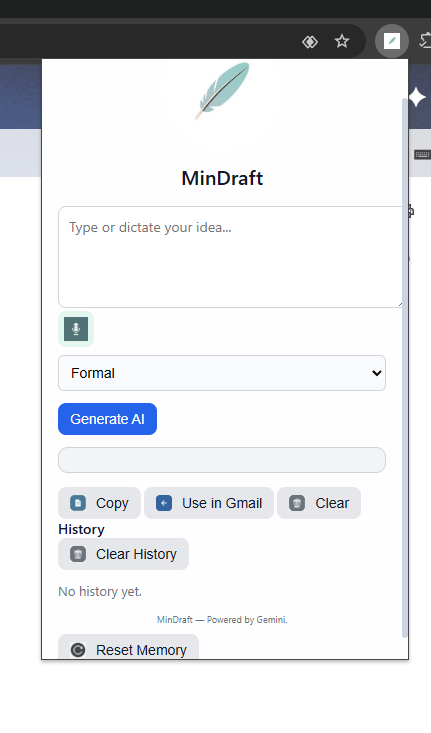
Screenshots of the extension UI
The main motivation behind MinDraft was to save time when writing emails and messages in multiple languages. We wanted an AI assistant that adapts to the user’s style and works seamlessly in English and Spanish.
What it does
MinDraft allows users to draft text in English or Spanish, offering tone options (formal, casual, brief), voice dictation, and direct integration with Gmail. It also keeps a history of responses for style learning.
How we built it
The extension is built using: Frontend: HTML, CSS, JavaScript (React not required yet) Backend: Chrome Extension APIs + Google Gemini API Features: Voice recognition, dynamic tone selection, copy/paste to Gmail, history storage Storage: Chrome local storage for user samples and history
Challenges we ran into
The main challenge was supporting bilingual input and output automatically, ensuring the AI responded in the same language the user wrote, while maintaining tone and style. Accomplishments that we're proud of Real-time AI drafting in two languages Voice dictation fully integrated History-based learning of user style Smooth Gmail integration
Built With
- chromeextensionsapi
- css3
- googlegeminiapiforaitextgeneration
- html5
- javascript
- localstorage
- webspeechapiforvoiceinput


Log in or sign up for Devpost to join the conversation.