-
-
-
-
-
-
-
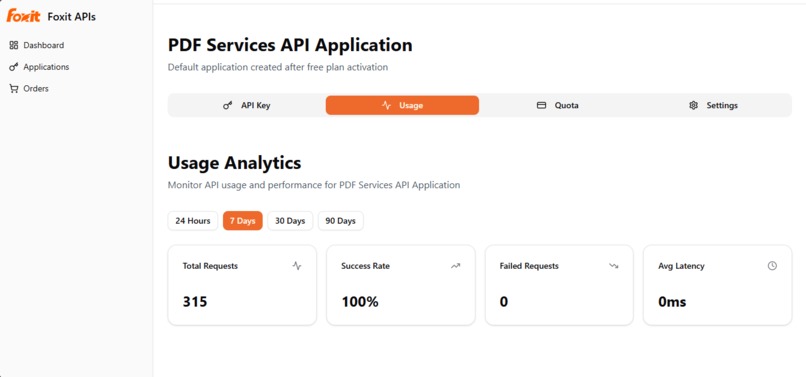
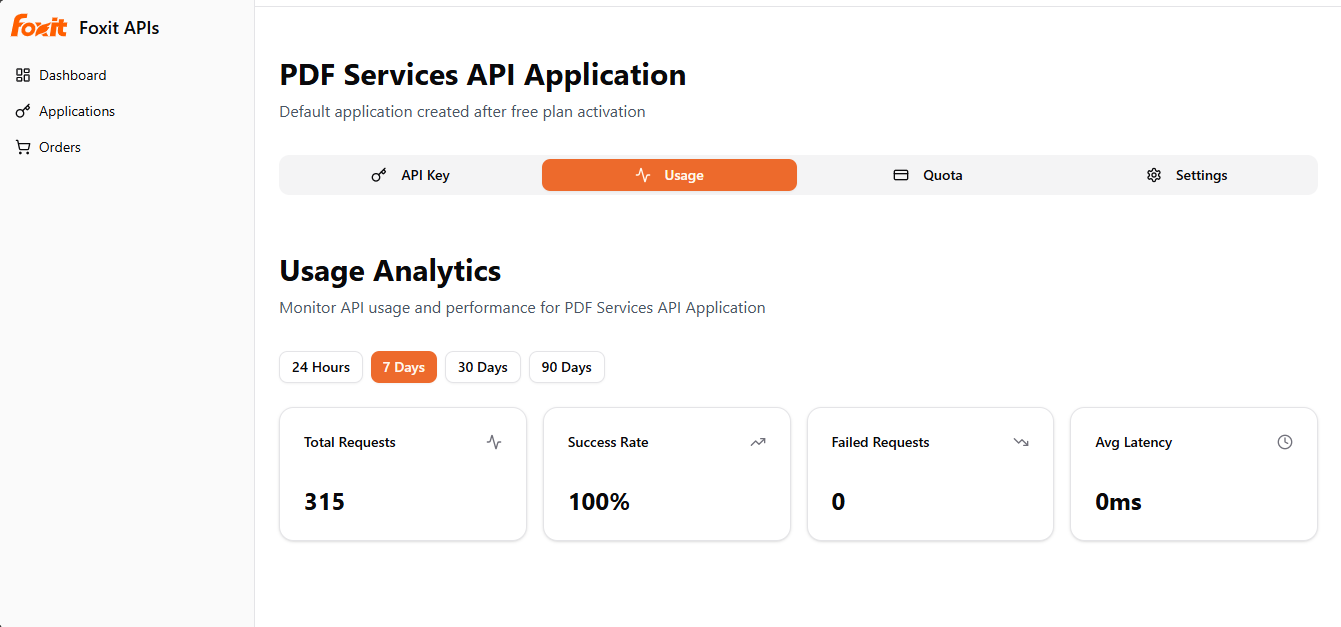
Foxit developer dashboard screenshot
Inspiration
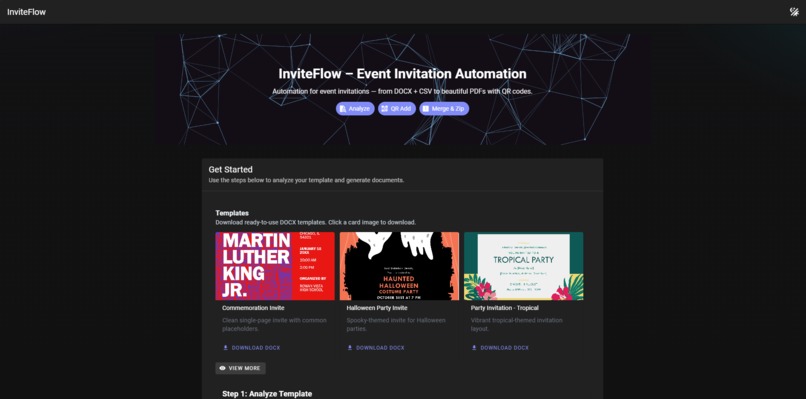
Producing event invites at scale is tedious and error-prone. We wanted a fast, repeatable way for non-technical teams to turn a single template into consistent, branded PDFs with unique access links.
What it does
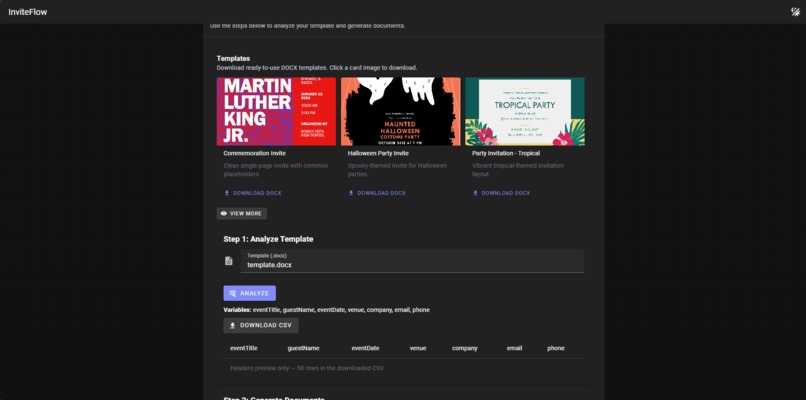
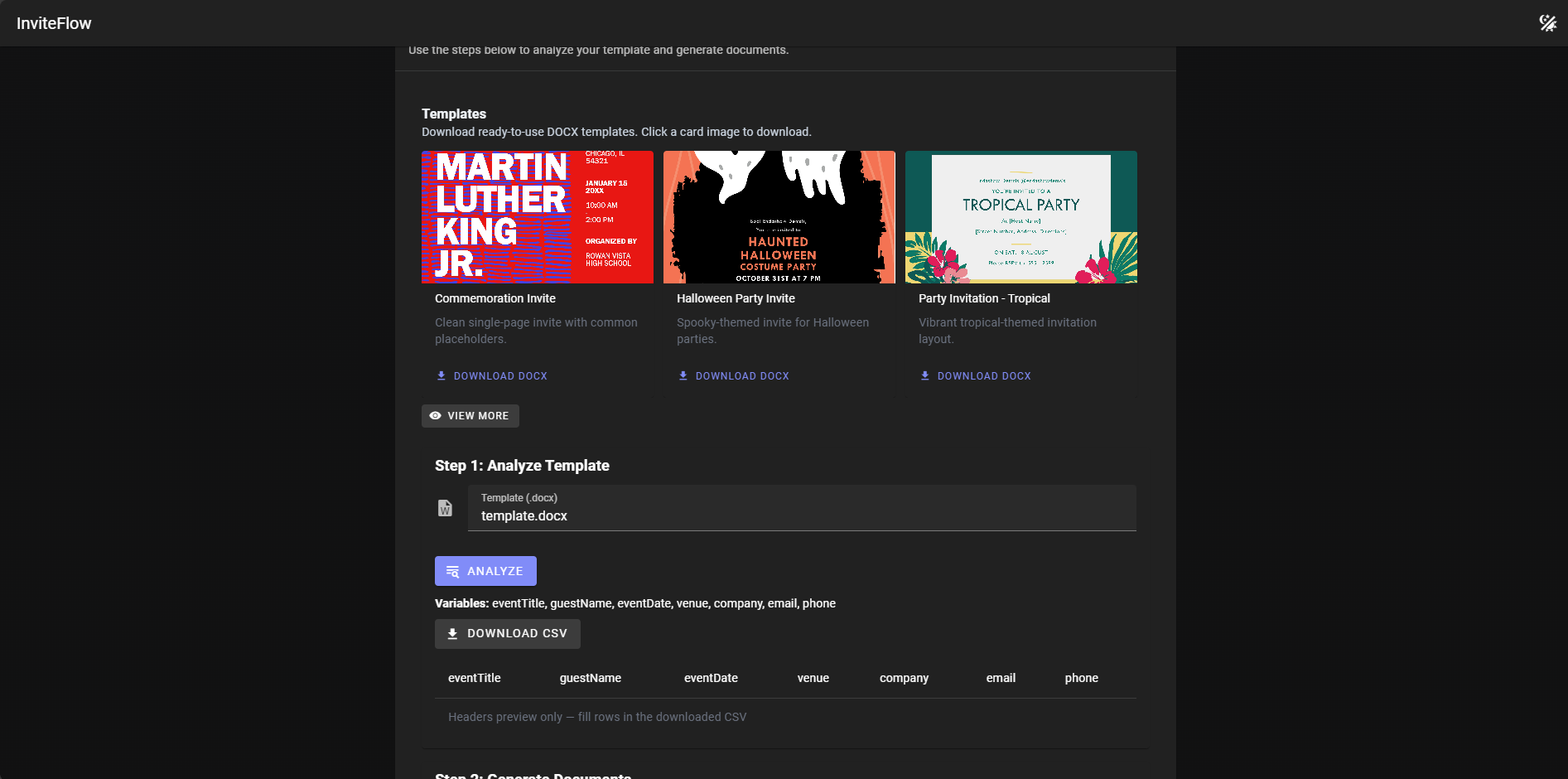
- Analyzes a DOCX template to extract placeholders and returns a ready-to-fill CSV structure.
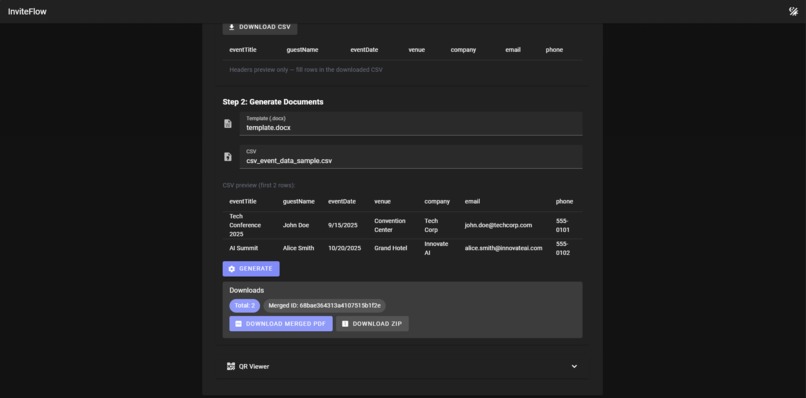
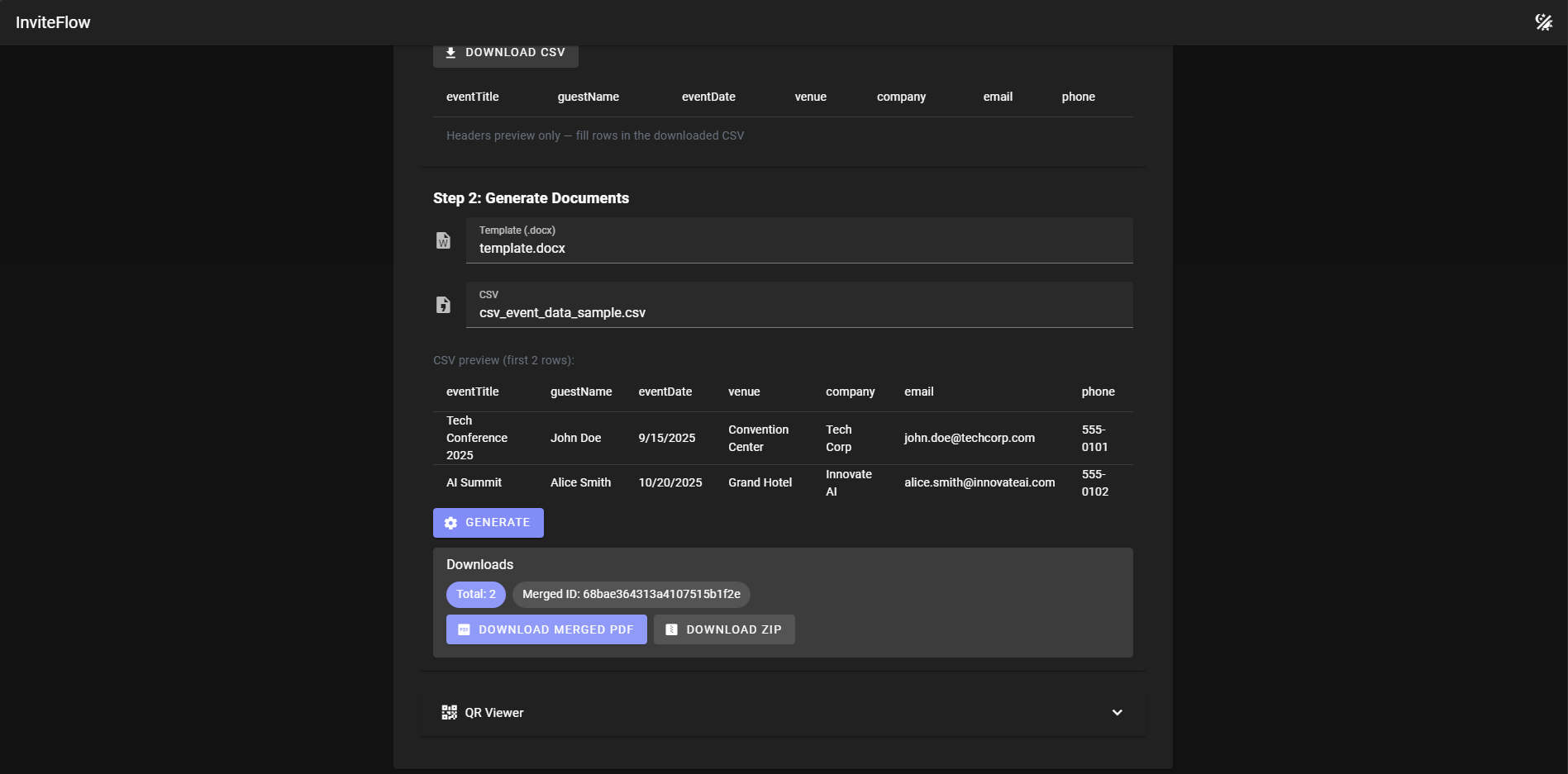
- Generates one PDF per CSV row using the template and data.
- Adds a QR code to each PDF that opens a hosted viewer for that document.
- Merges all PDFs into one file and/or bundles them as a ZIP for easy distribution.
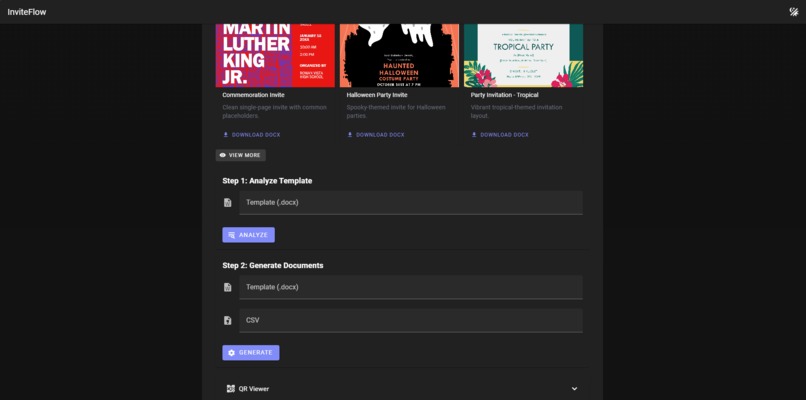
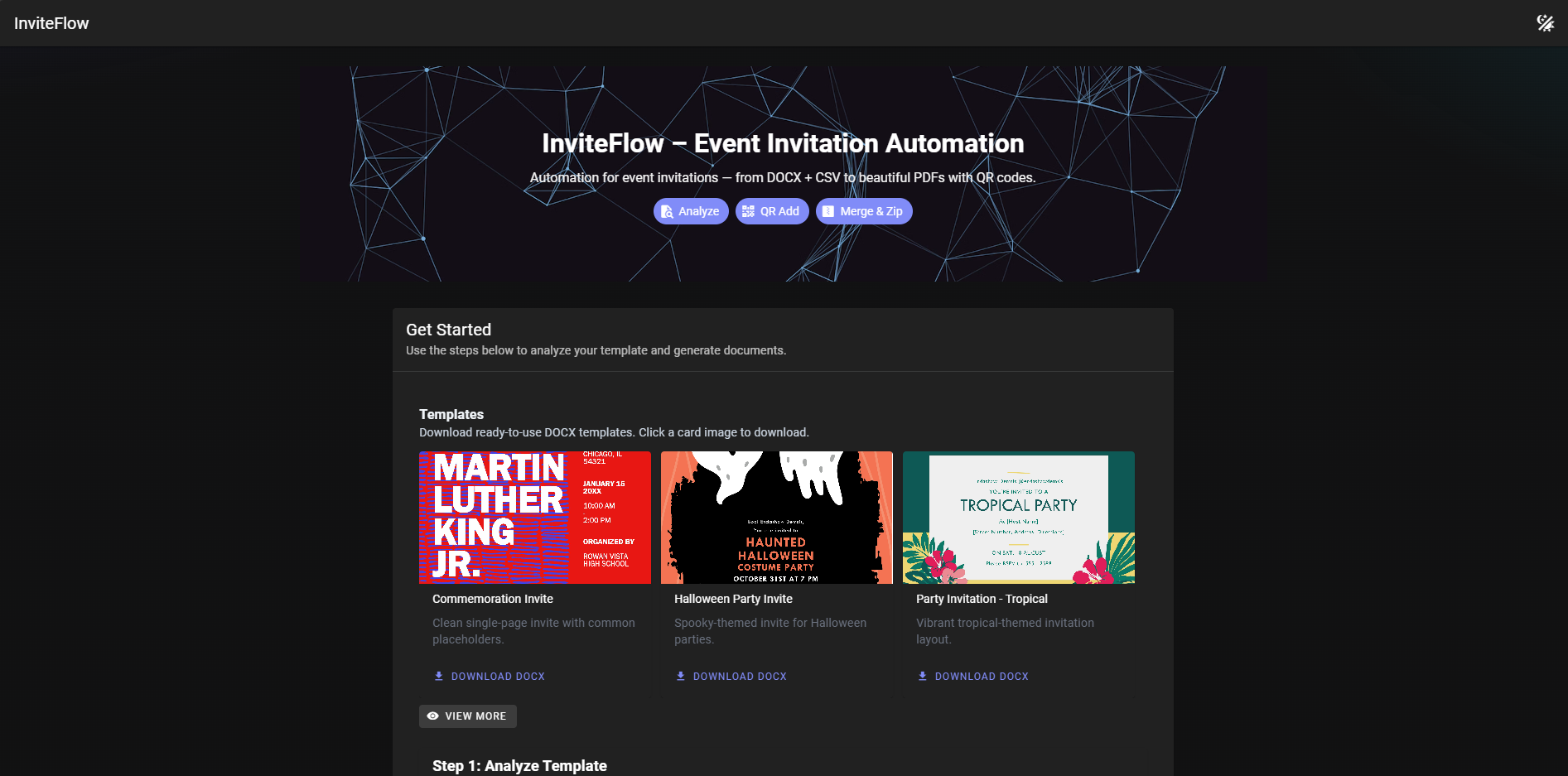
- Provides a simple web UI and routes to download individual, merged, or zipped documents.
How we built it
- Foxit API Services are the core engine:
- AnalyzeDocumentBase64 extracts merge tags from a DOCX template (we send the file as base64 and receive a comma‑separated list of placeholders).
- GenerateDocumentBase64 produces a PDF for each CSV row by passing
documentValuesand the template’s base64 string. - Documents Upload and Create PDF from Image let us turn a QR PNG into a one‑page PDF; we then use PDF Combine to append that QR page to each invitation.
- PDF Combine also merges all invite PDFs into one master PDF with TOC/bookmarks.
- Task polling (GET tasks/{taskId}) ensures we wait for Foxit jobs to complete reliably before proceeding.
- App glue: Node.js + Express + Multer (uploads) + Axios (Foxit calls) +
qrcode(QR image generation). - Frontend: Vue 3 + Vite + Vuetify for a clean, responsive workflow.
- Efficient downloads via streaming and a simple in‑memory store to track batches and document tokens during a session.
How it works (detailed)
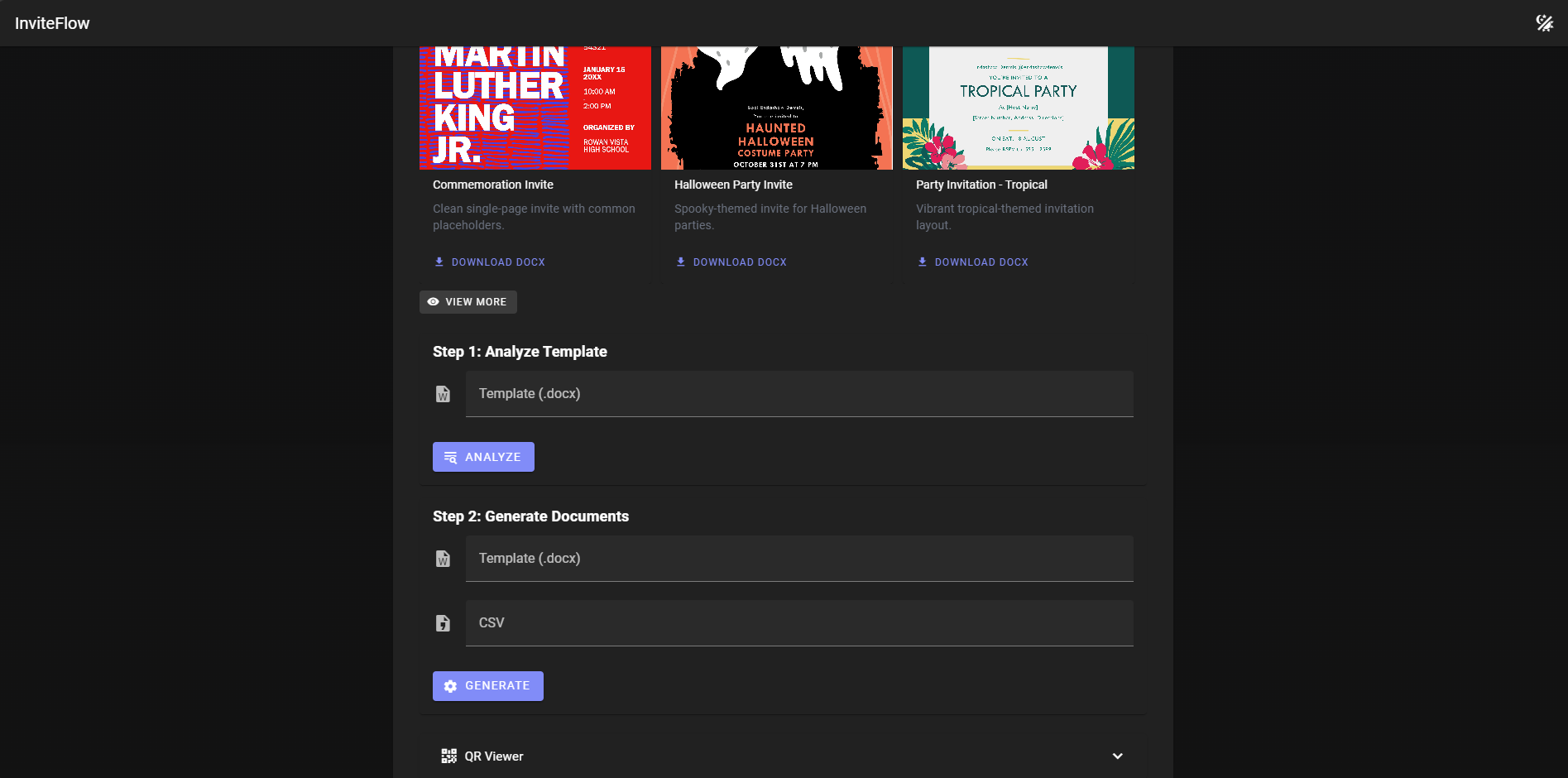
1) Analyze a template (POST /analyze-template) - User uploads a .docx template. - Server reads file → base64 → calls Foxit AnalyzeDocumentBase64. - Returns the list of tags and a ready‑to‑fill CSV header to the UI.
2) Generate invitations (POST /generate-documents) - User uploads the same template + a populated CSV. - For each CSV row: - Call Foxit GenerateDocumentBase64 with the template base64 and row values → get back a PDF (base64). - Locally generate a QR PNG that points to a view URL. - Upload the QR image to Foxit (documents/upload) → get a documentId. - Call Foxit Create PDF from Image to turn the QR PNG into a one‑page PDF. - Use Foxit PDF Combine to append the QR page to the invite PDF → final invite documentId. - Save a token → documentId mapping in memory for viewing. - After all rows are processed, use Foxit PDF Combine to merge all final invite PDFs into a single master PDF.
3) Download and share - Individual PDF: GET /download/:documentId streams directly from Foxit. - All invites as ZIP: GET /batches/:batchId/zip fetches each PDF stream from Foxit and zips on the fly. - Merged PDF: response returns a direct Foxit download link for the combined document.
4) View via QR - The QR page appended to each PDF points to /view/:token, which renders a minimal HTML viewer. - The embedded iframe calls /view/:token/file to stream the PDF directly from Foxit.
5) Reliability - Every Foxit async operation returns a taskId; we poll GET /pdf-services/api/tasks/{taskId} until status is COMPLETED/FAILED. - Errors surface cleanly to the UI; temp files are cleaned after use.
Challenges we ran into
- Coordinating asynchronous Foxit tasks (upload, convert, merge) and robustly polling for completion.
- Ensuring QR flows worked reliably across environments and local development (CORS/proxy nuances).
- Managing file sizes and cleanup for uploads and generated artifacts.
Accomplishments that we're proud of
- A complete analyze → generate → merge/zip pipeline with a friendly UI.
- Reliable, streamed downloads for large merged PDFs and ZIPs.
- Integrated with Foxit Service API successfully.
What we learned
- Practical template-tag conventions in DOCX and mapping them to CSV data.
- Foxit PDF Services patterns for document generation, conversion, and merging.
- UX details that help non-technical users succeed on the first try.
What's next for InviteFlow
- Stronger authenticity: signed QR links with server-side verification and optional expiry.
- Persistent storage (DB) for batches, audit logs, and analytics.
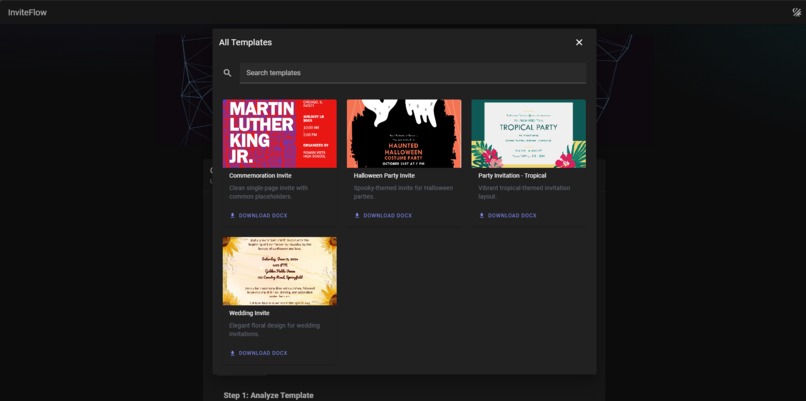
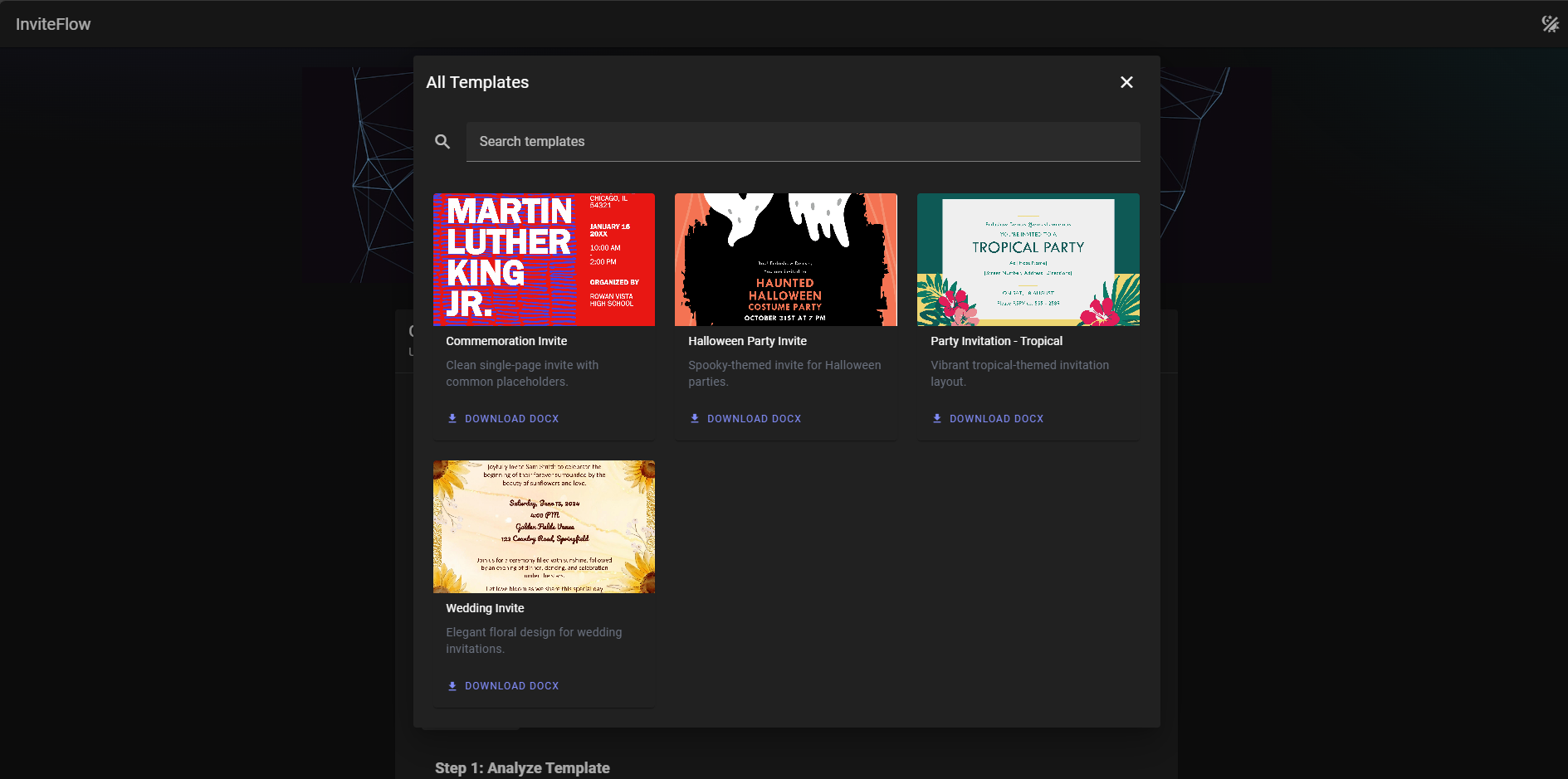
- Template marketplace/gallery with previews and categories.
- Fine-grained access control and role-based sharing.
- Richer QR placement (on-page positioning) and optional PDF digital signatures.
- Performance work for very large datasets and background job processing.
Built With
- express.js
- foxit-api-service
- node.js
- vuejs

Log in or sign up for Devpost to join the conversation.