-
-

Logo
-
-
-
-
-
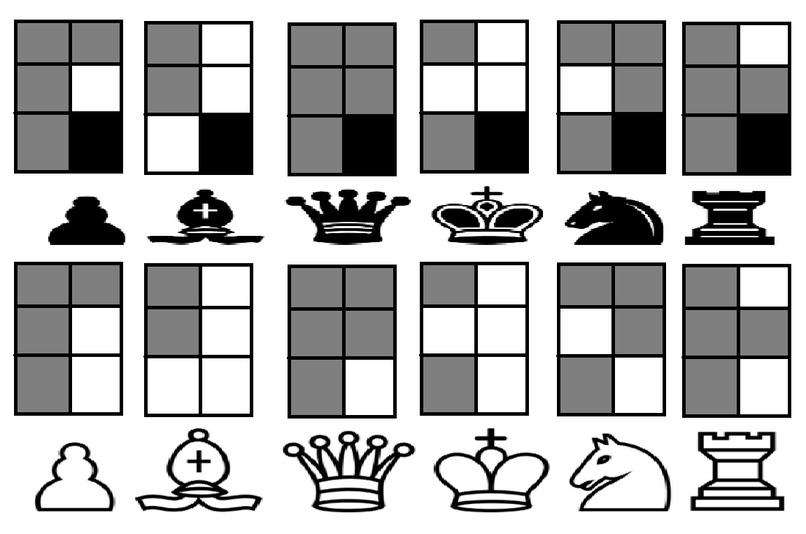
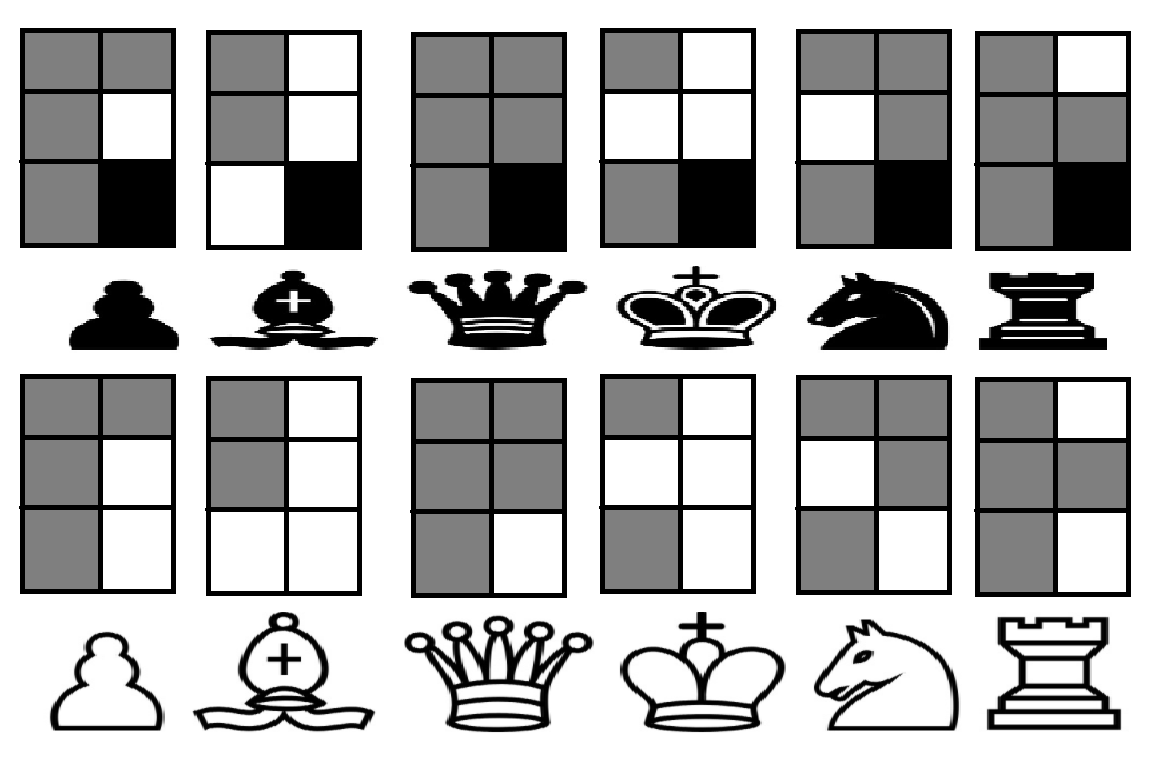
Braille Symbol Mapping for Chess
-
-
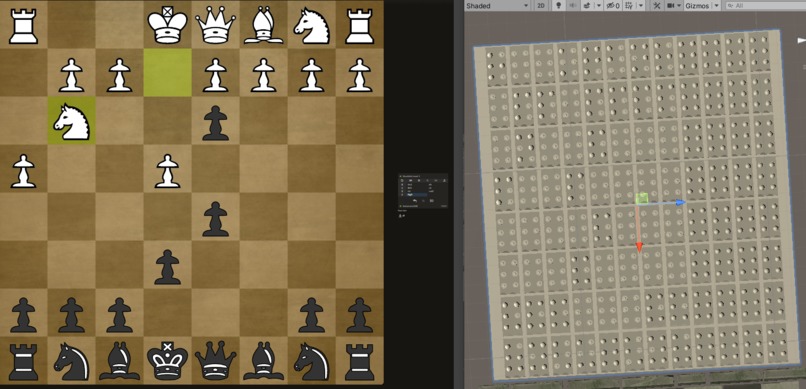
Symbols are in Braille: Pawn is P, Knight is N, Bishop is B, Rook is R, Queen is Q, King is K
-
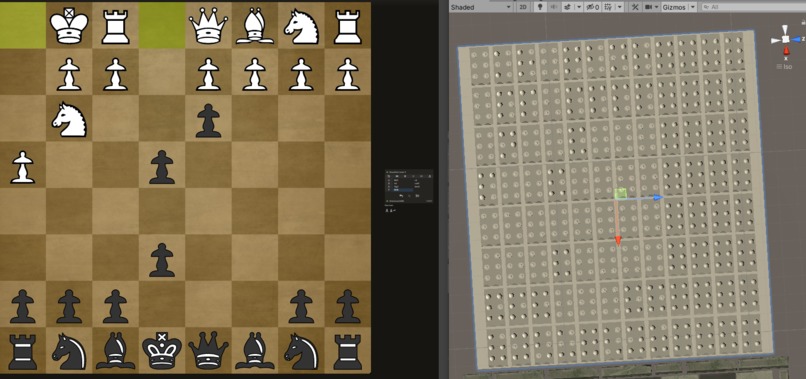
Symbols are in Braille: Pawn is P, Knight is N, Bishop is B, Rook is R, Queen is Q, King is K
-
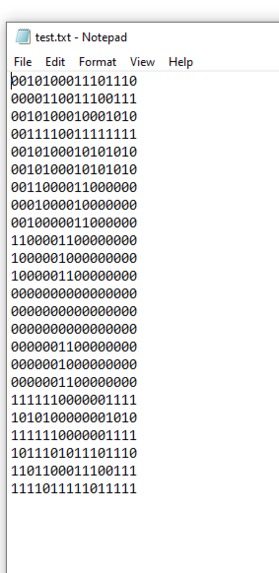
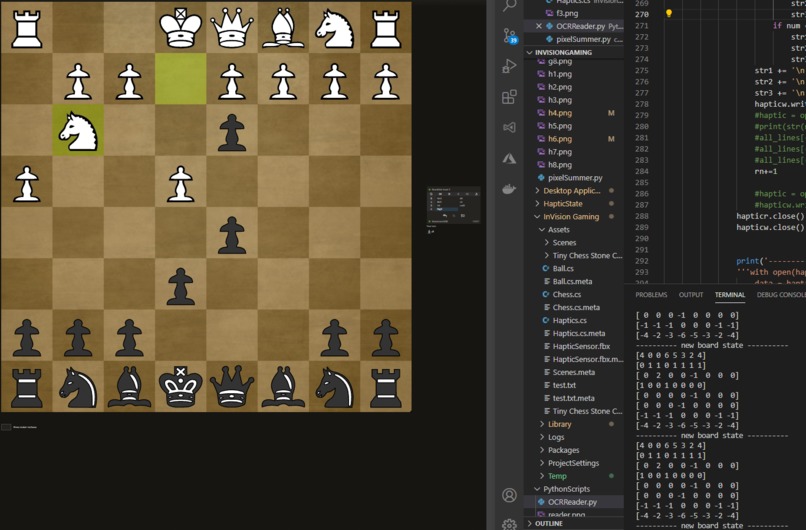
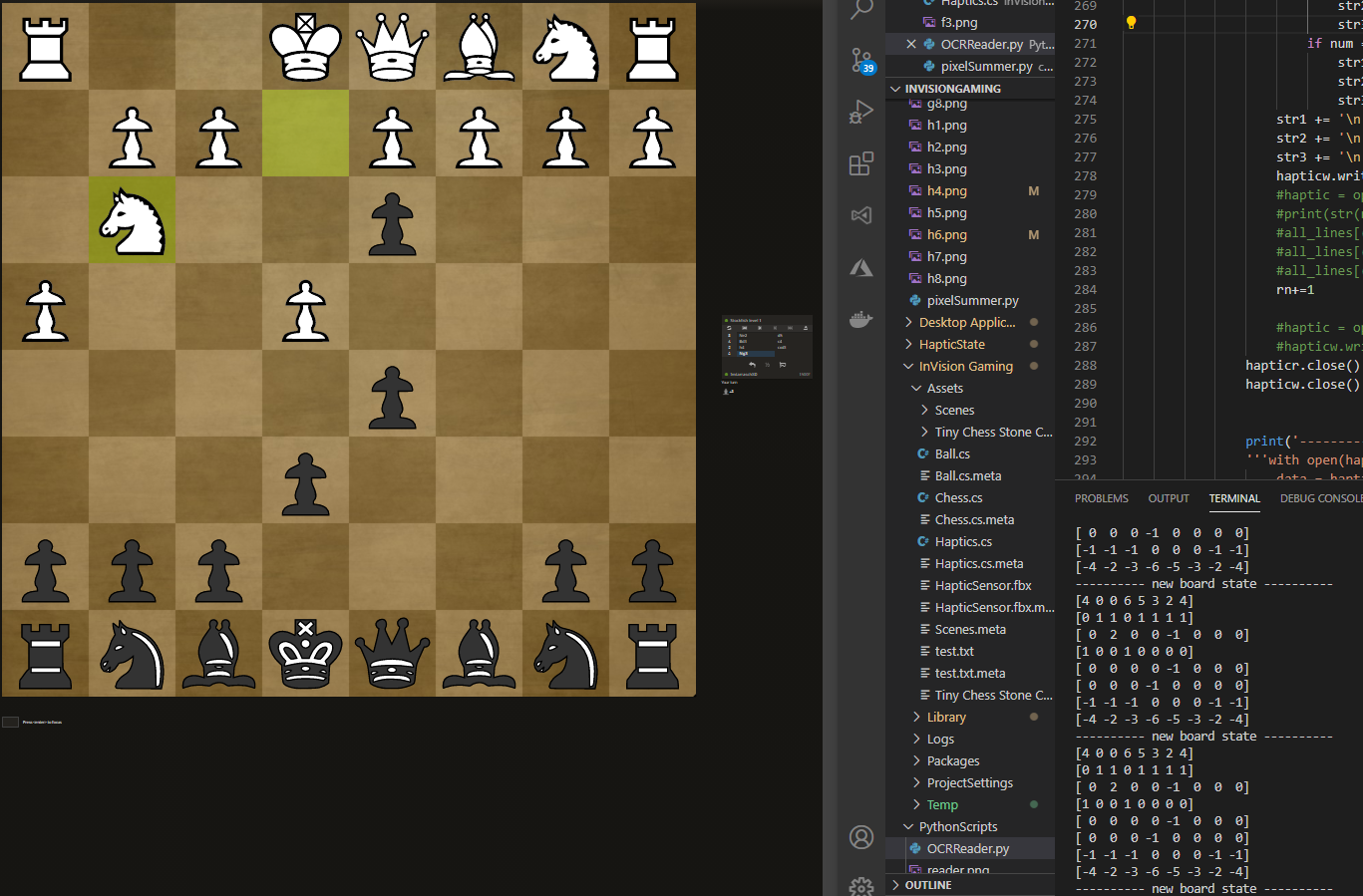
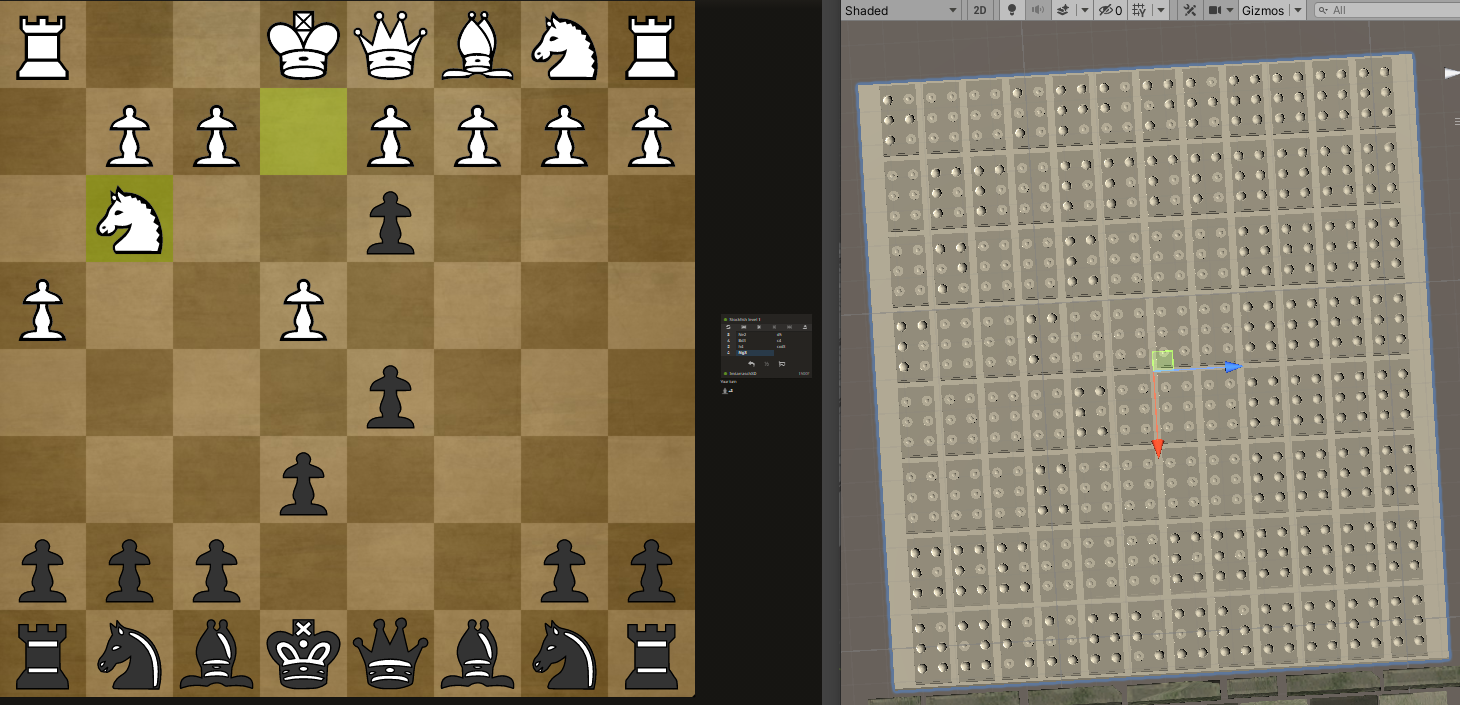
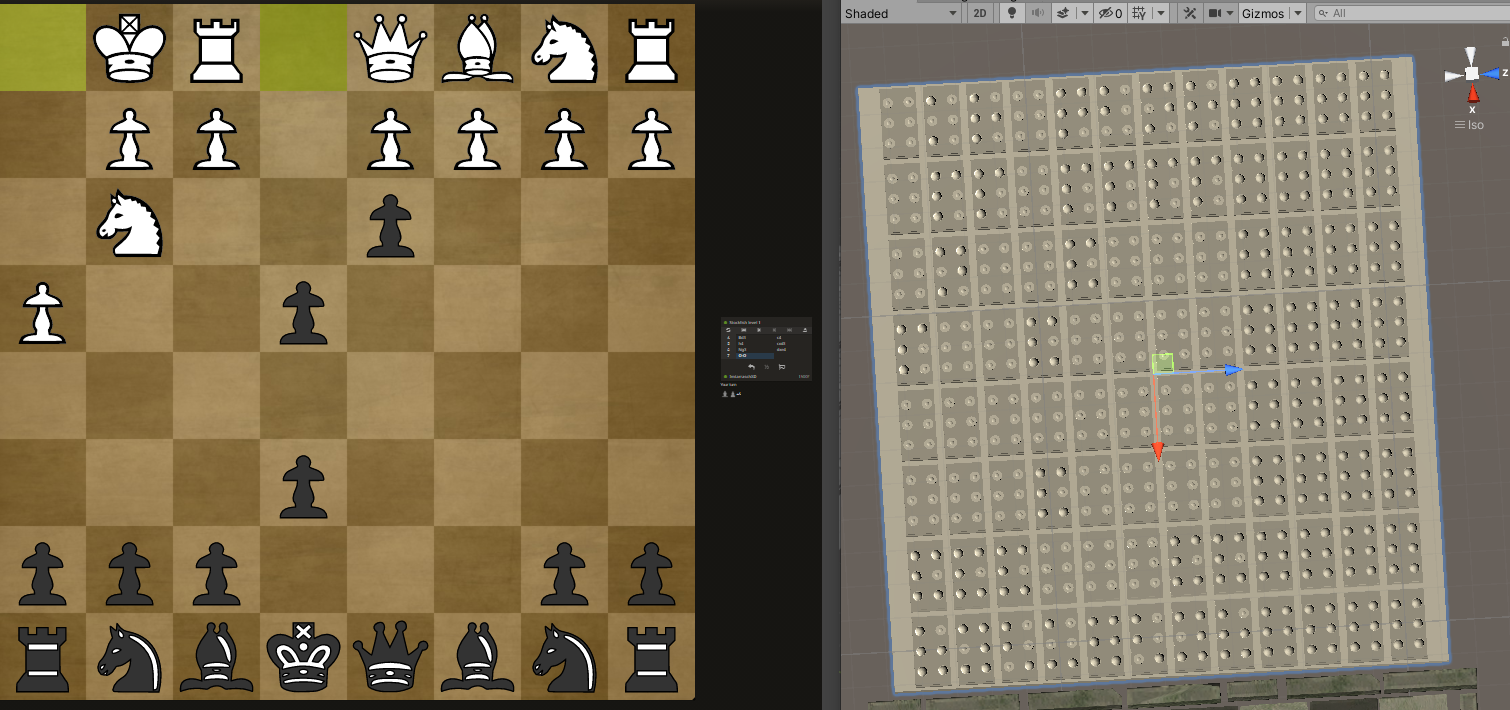
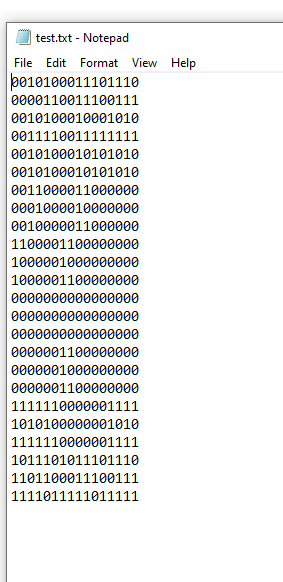
Realtime Haptic Feed. Each number maps to a coordinate in the Haptic Sensor.
Inspiration
I was inspired by watching a video from ChessBase India: https://www.youtube.com/watch?v=OYVU9Ha_rHs about how people adapted to games 'Over the Board'. Now that the world has been shifted into operating virtually, I want to help the visually impaired to play chess again with the community.
What it does
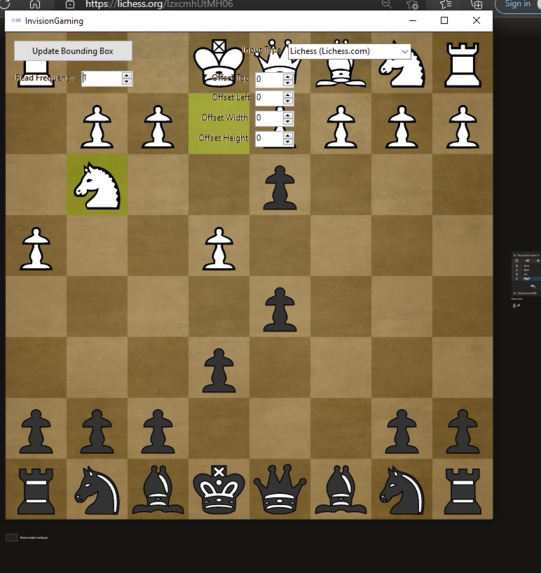
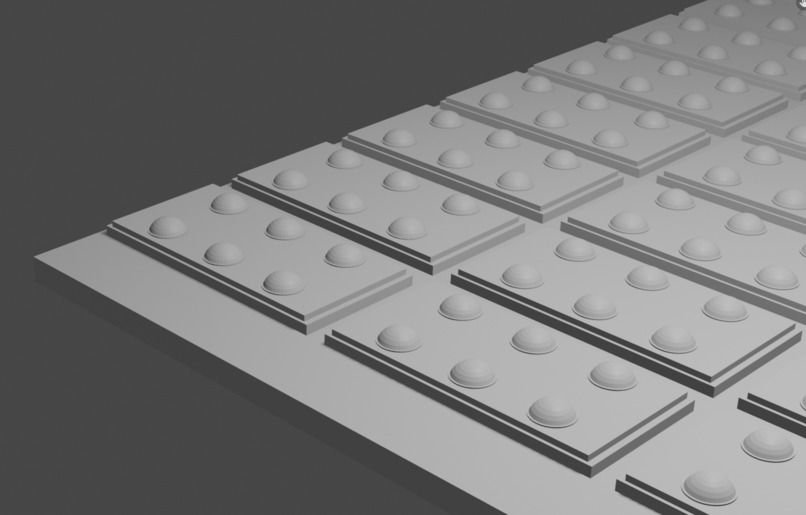
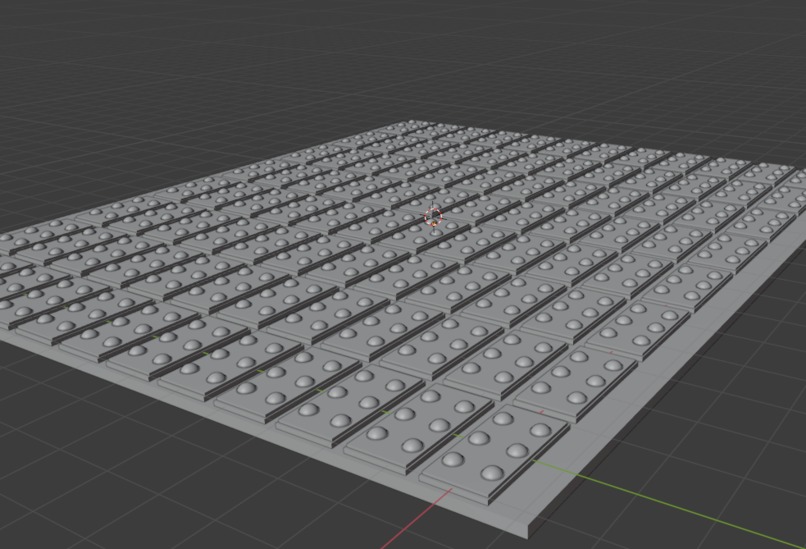
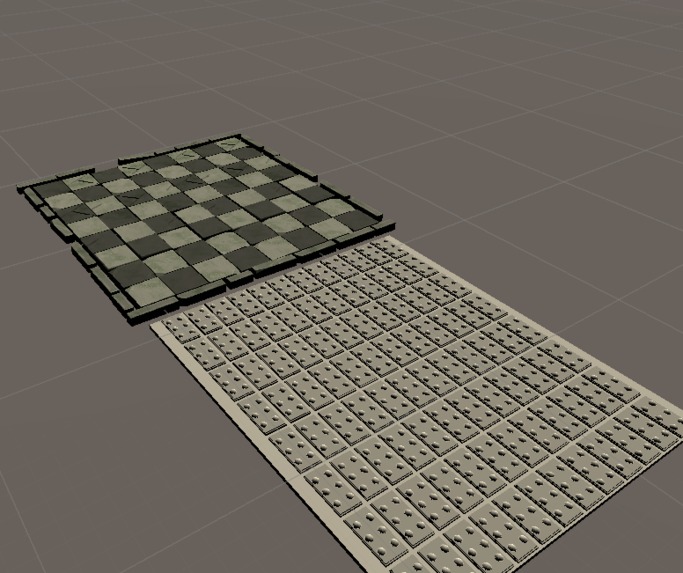
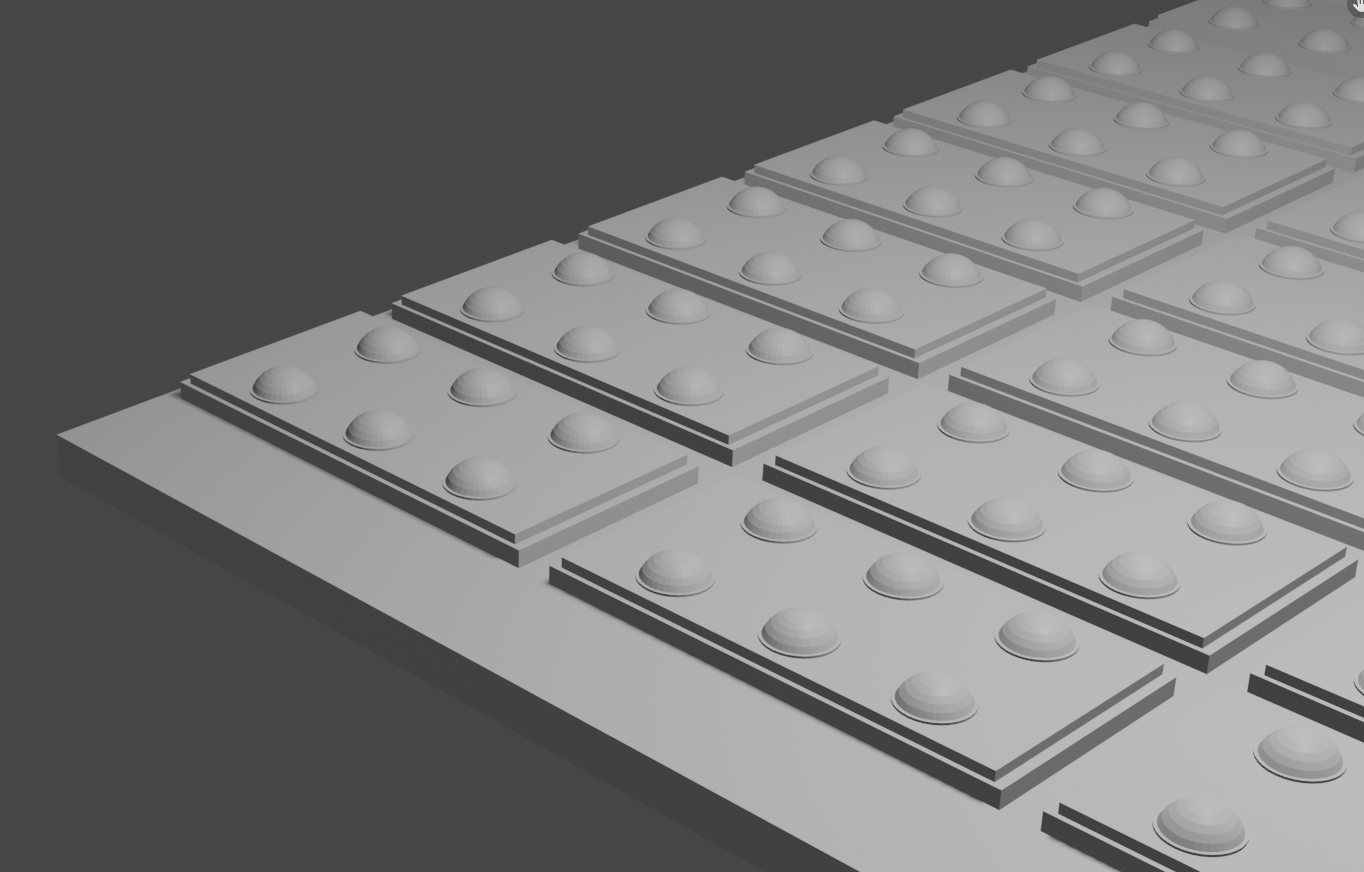
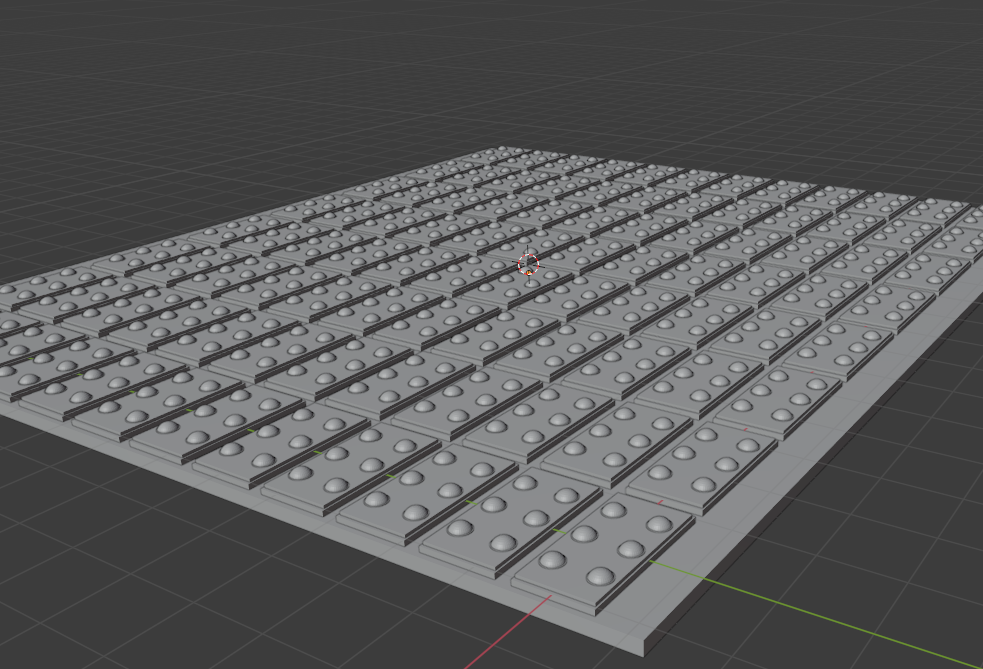
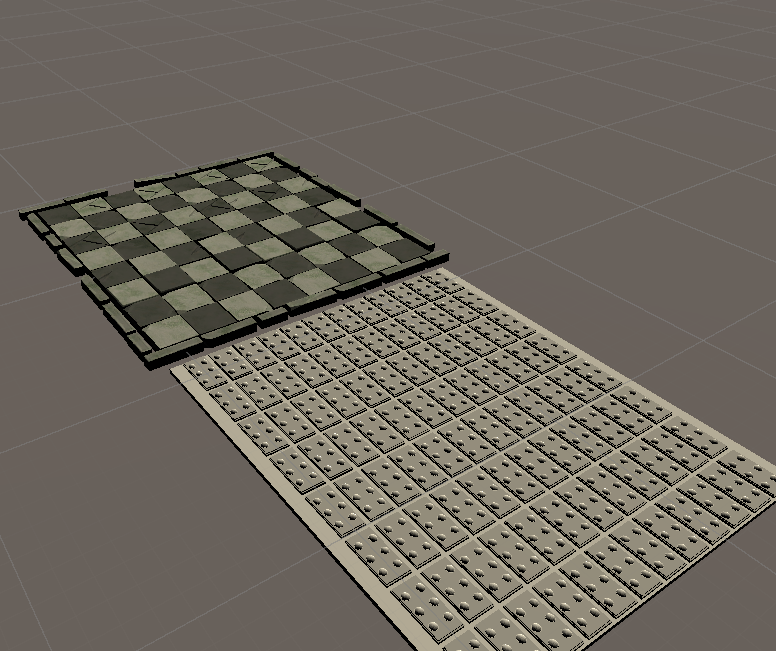
The Software I wrote uses Computer Vision and Text to Speech through OCR for people to get a sense of what is going on in games played through their computer or that can be viewed through a webcam. There is also a completed simulation of the Haptic Hardware that would work in conjunction with the Computer Vision. The Haptic Sensor can be used in different ways. For certain games it can be used to signal events in certain areas within the game in which it can be attached to high surface area parts of your body like your chest or on your thigh. In the case where you want to be reading it manually like for the chess example I built, it be laid down and be read similar to how people read braille.
How I built it
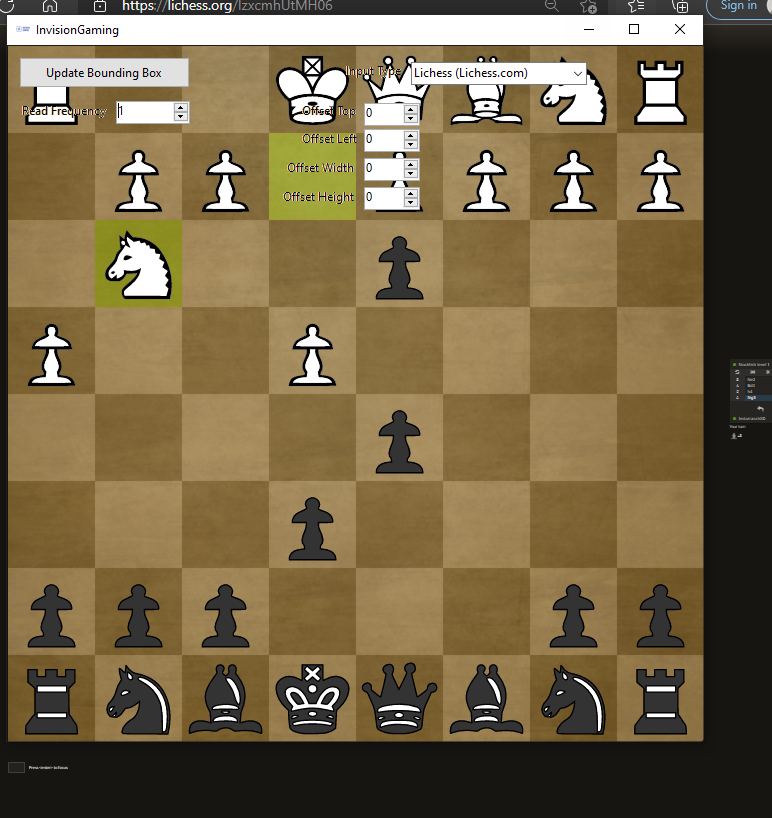
I modeled the Haptic Sensor in Blender 3d and brought it to unity to code the simulation in C#. The Sensor reads directly from a text file called 'test.txt' which can be configured to convert what it is trained to detect through your computer screen or webcam. I built a C#.Net Windows Application to allow you to Highlight parts of the Screen to be mapped to the Haptic Sensors. The Overlay is transparent and what it covers on your screen can be used for audio or haptic feedback. For audio feedback, it uses Pytesseract module to perform OCR in real time which is used to develop text and speech. For the haptic feedback and my example of the software working for a chess game, it uses an algorithm to do object detection and converts the object into braile symbols which are updated in 'test.txt' which controls the haptic sensor in real time.
Challenges I ran into
Syntax errors! I spent 2 hours on a pair of missing brackets, 3 hours on a python matrix that was improperly declared, and 2 hours on mapping the binary text file to the haptic sensor.
Accomplishments that we're proud of
Completed it in under 24 hours
What we learned
Learned how to build Windows .NET Applications and use OCR for the first time

Log in or sign up for Devpost to join the conversation.