Inspiration
We started with a simple thought: why does an interactive workspace have to be an expensive smart board?
In classrooms, offices, meetings, and even field work, people often use normal walls and projectors to present ideas, but they cannot actually interact with what is being projected. We wanted to change that.
We already had access to a projector, camera, and laptop, so instead of buying expensive hardware, we decided to combine them and see if we could turn an ordinary wall into an interactive workspace.
That idea became Invisible Canvas.
What it does
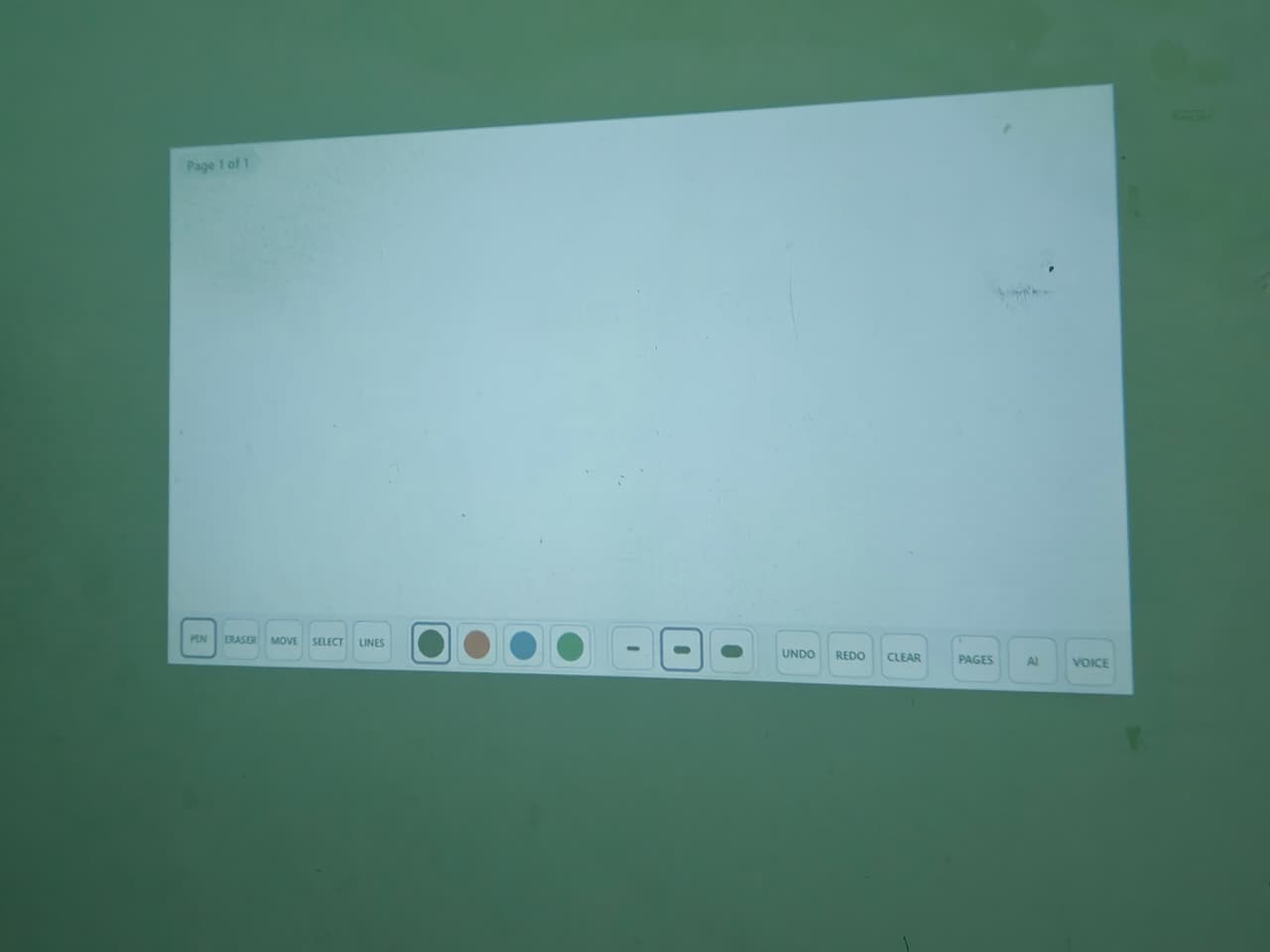
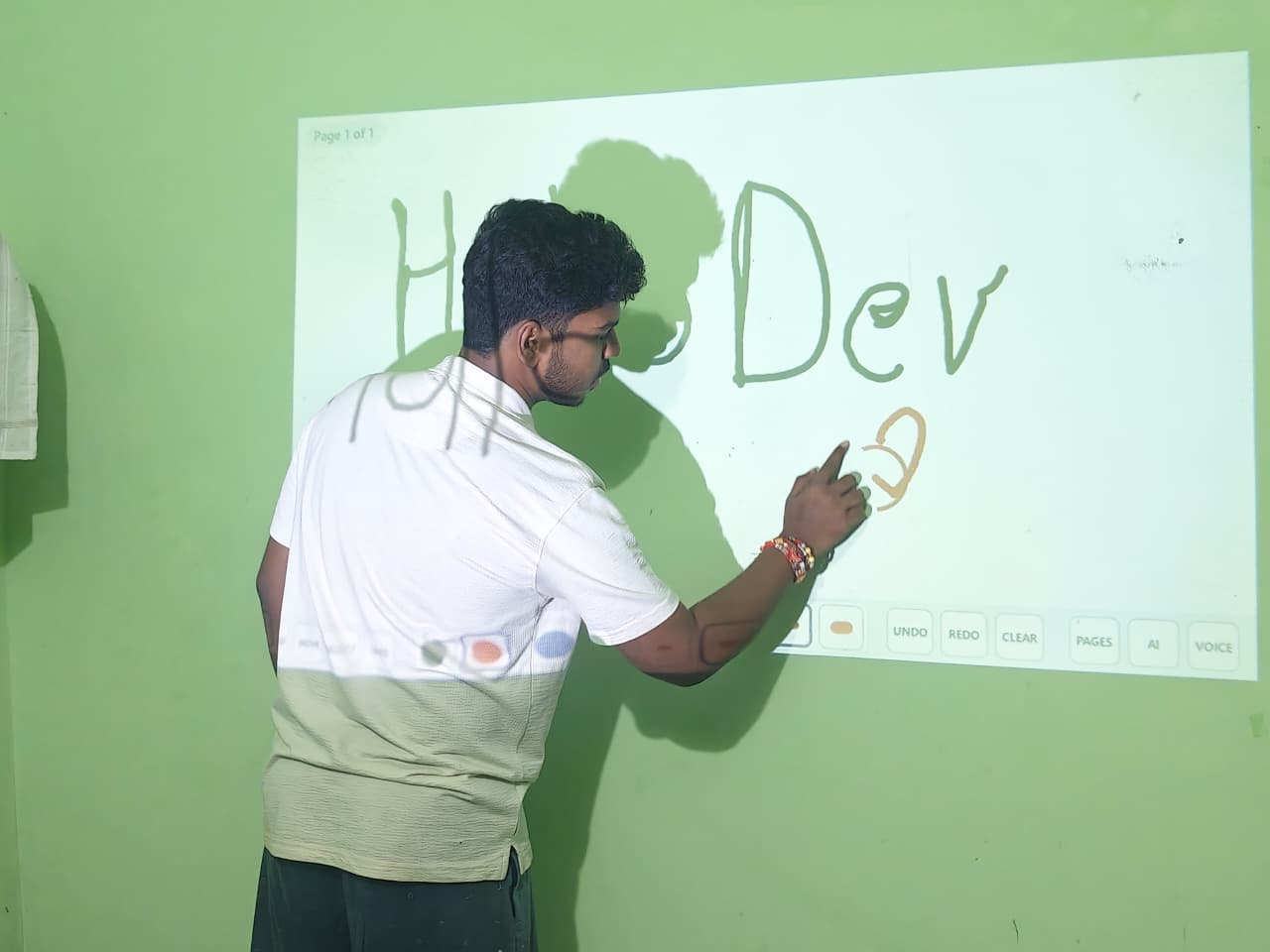
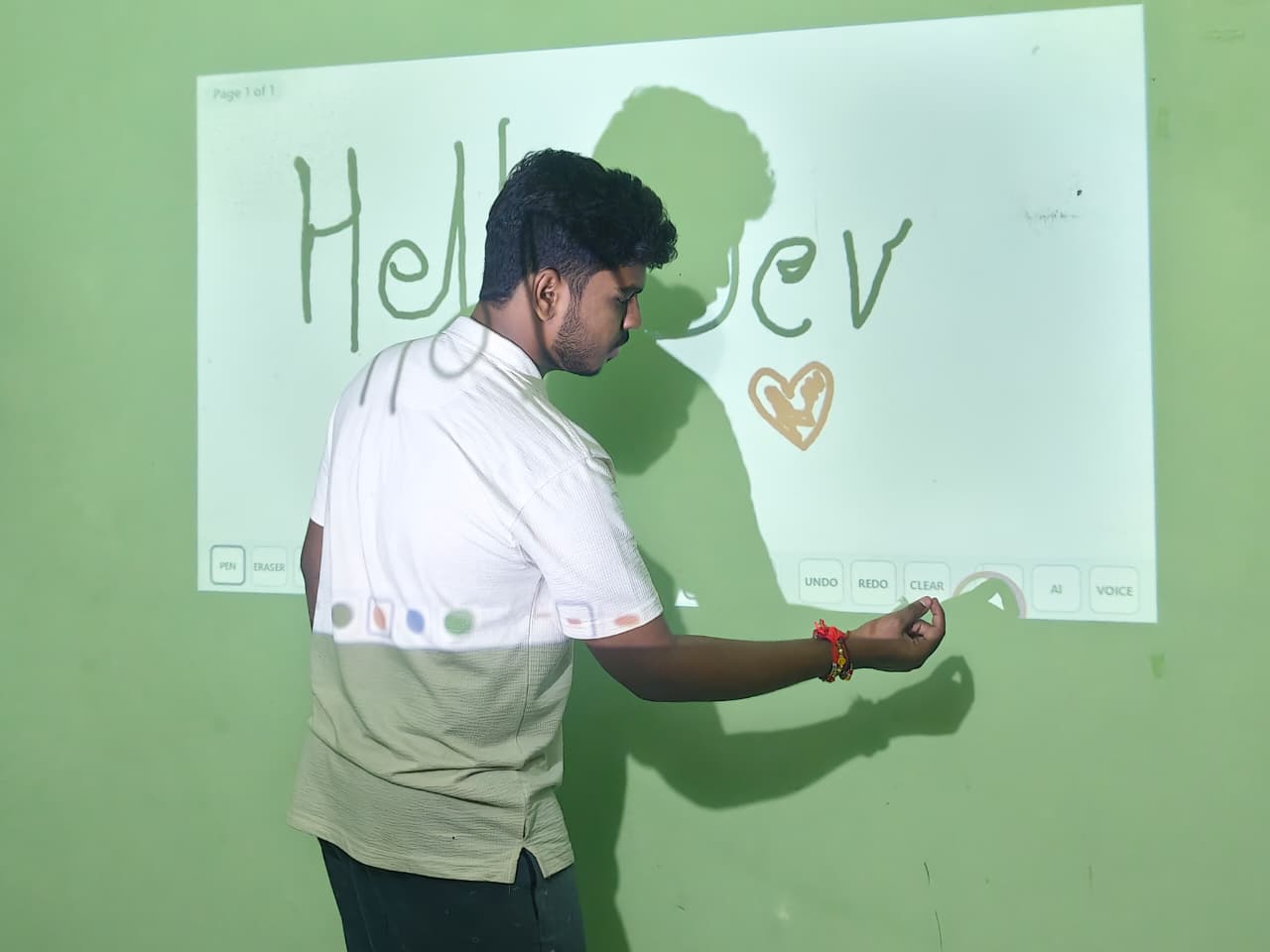
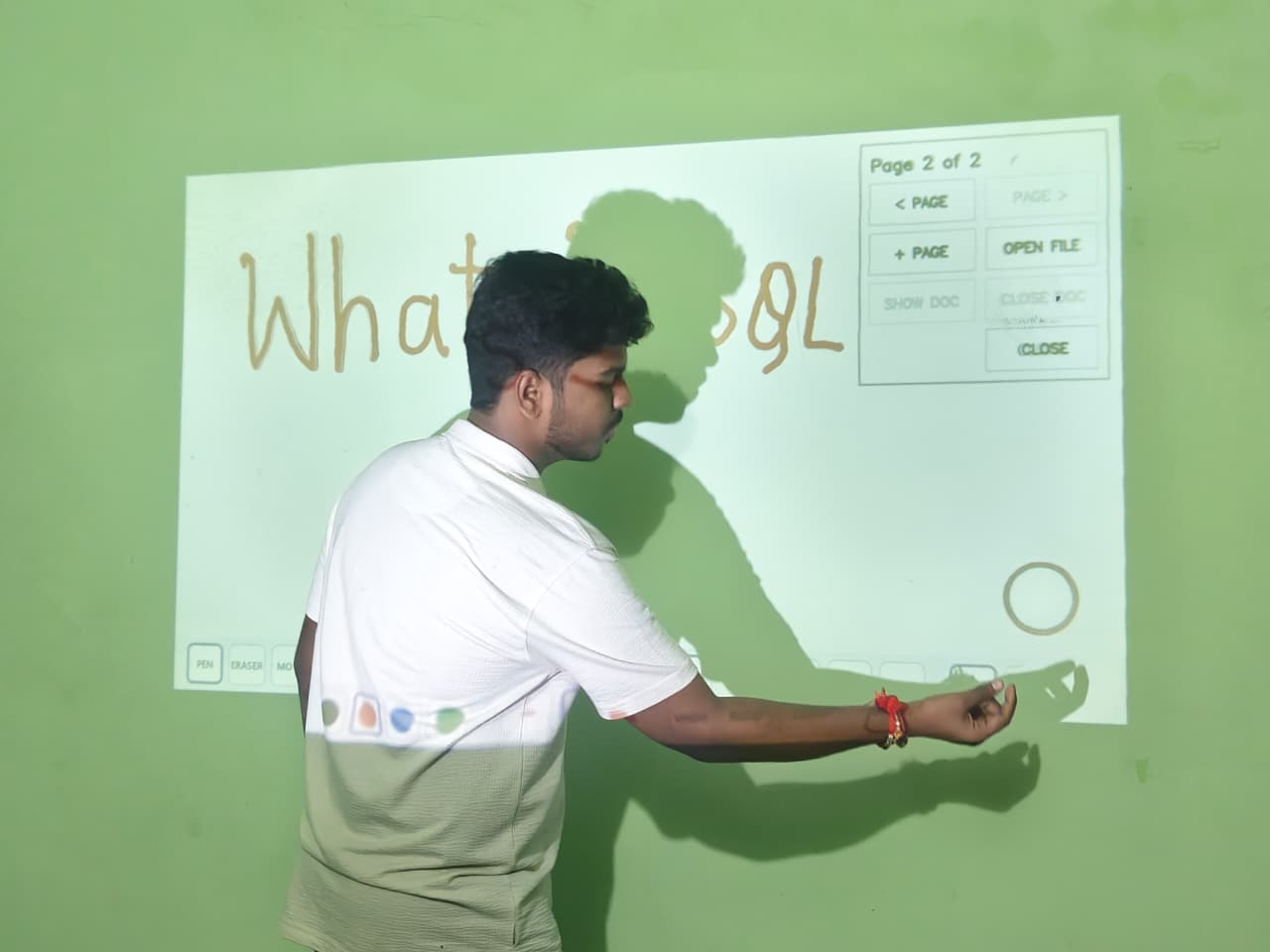
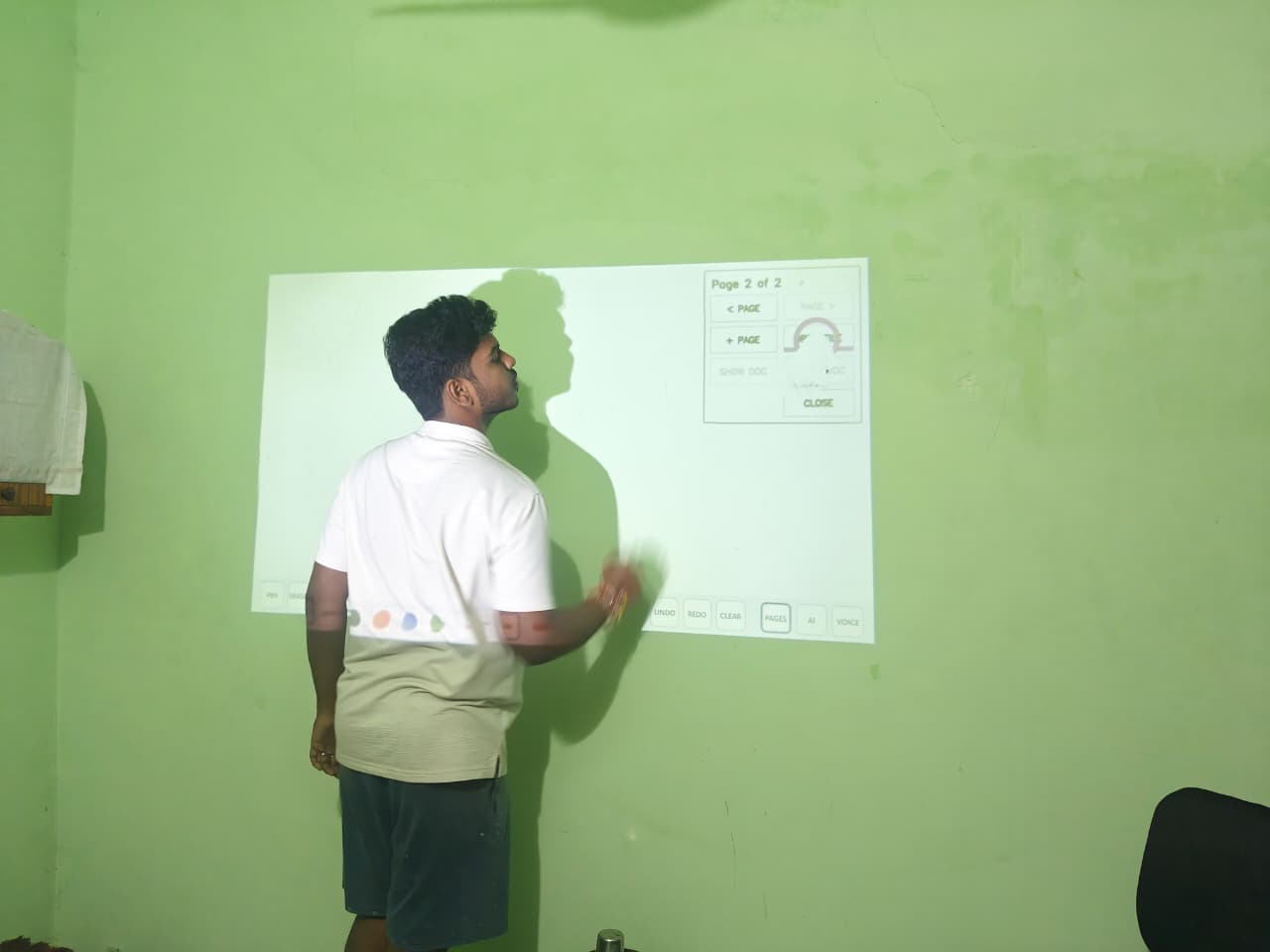
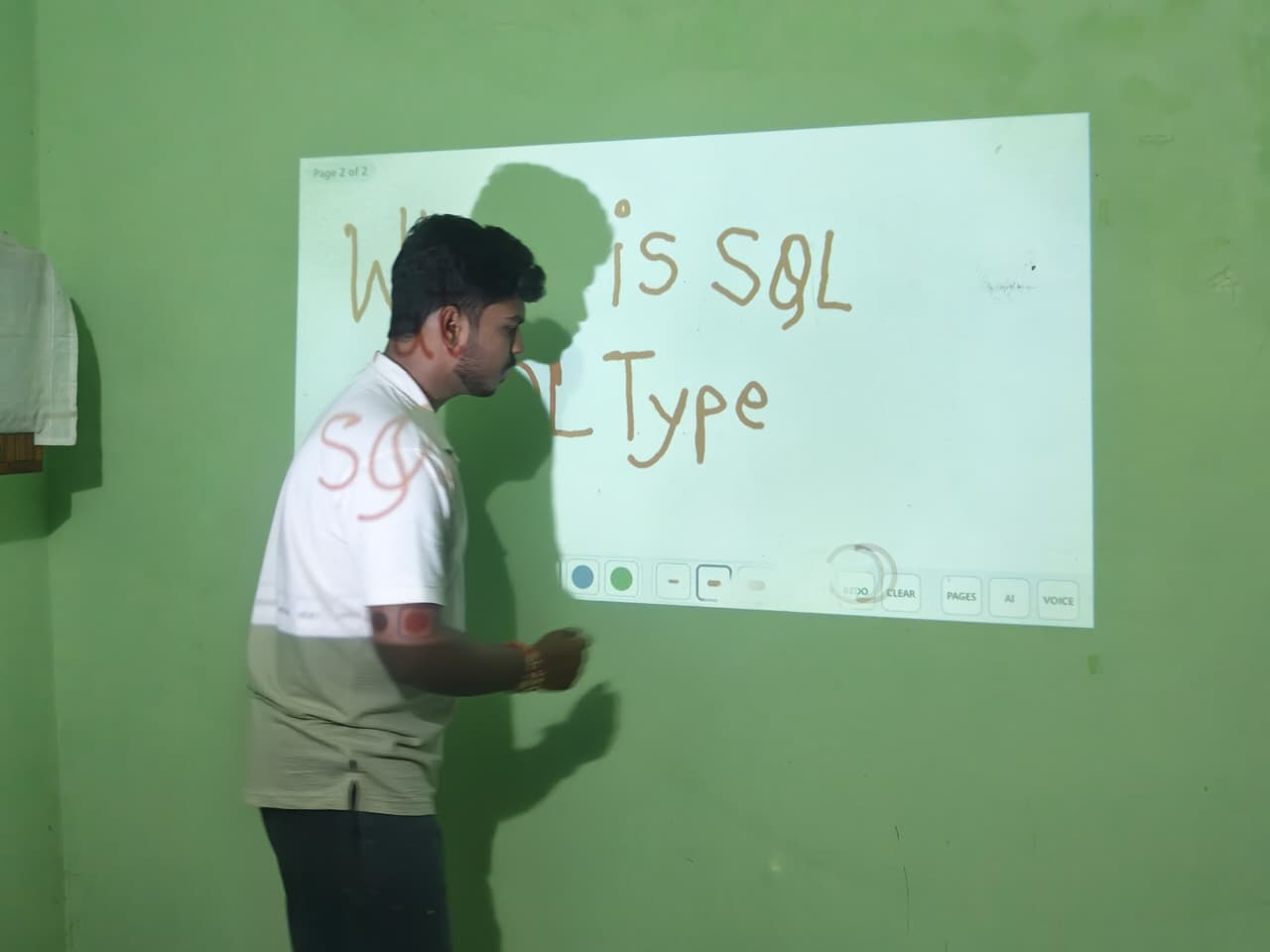
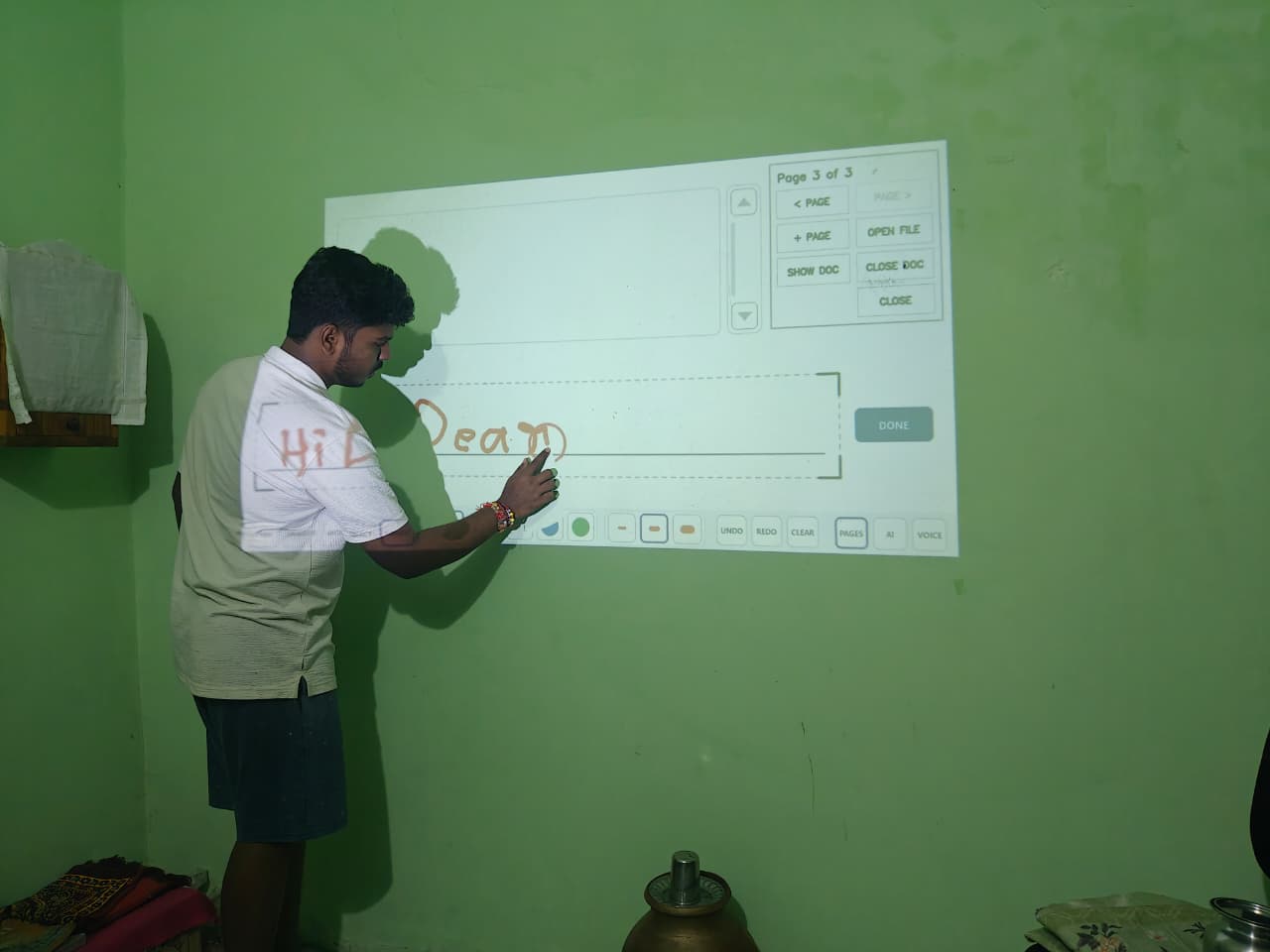
Invisible Canvas turns a normal wall or projected surface into a touch-free interactive workspace.
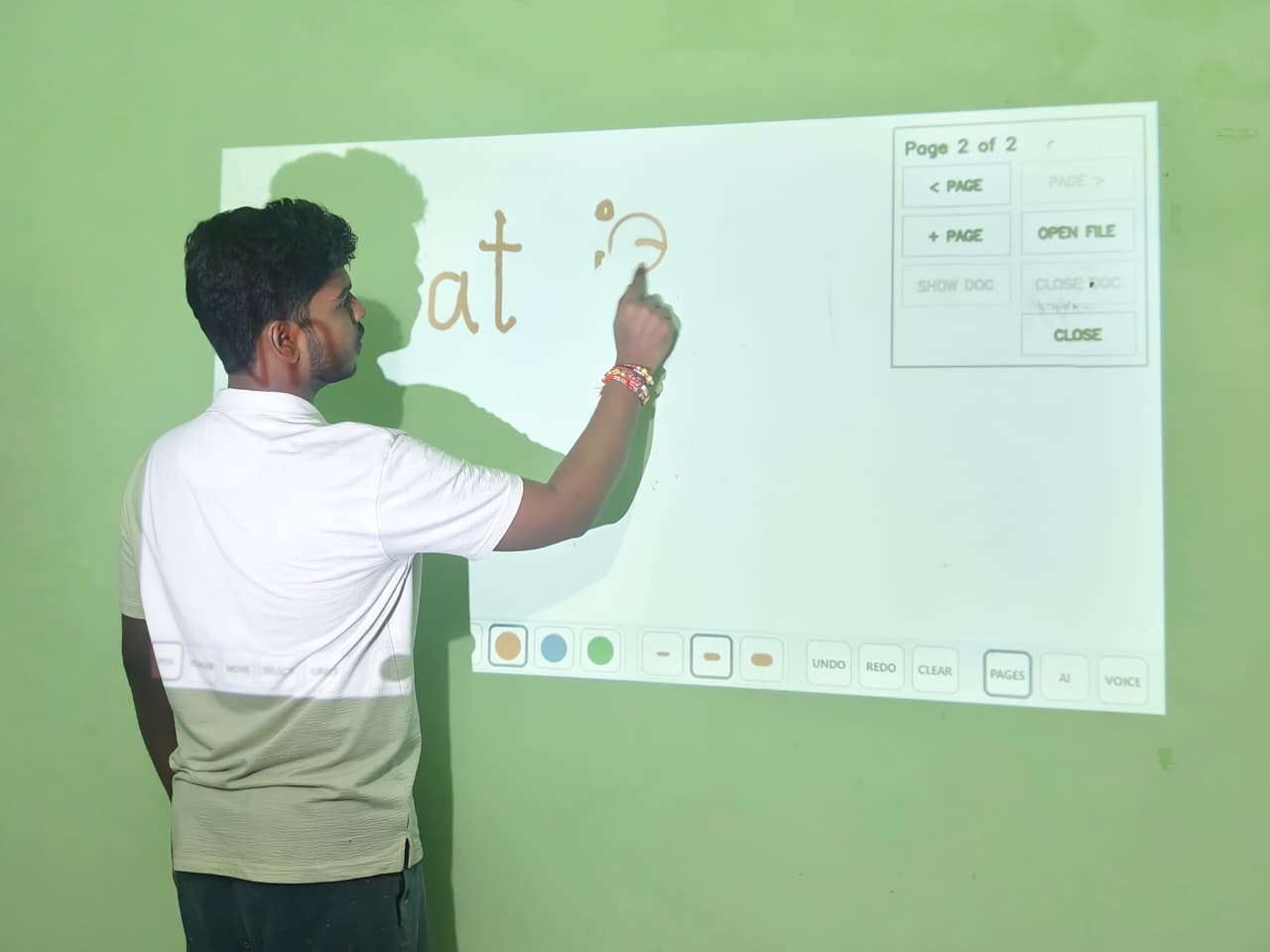
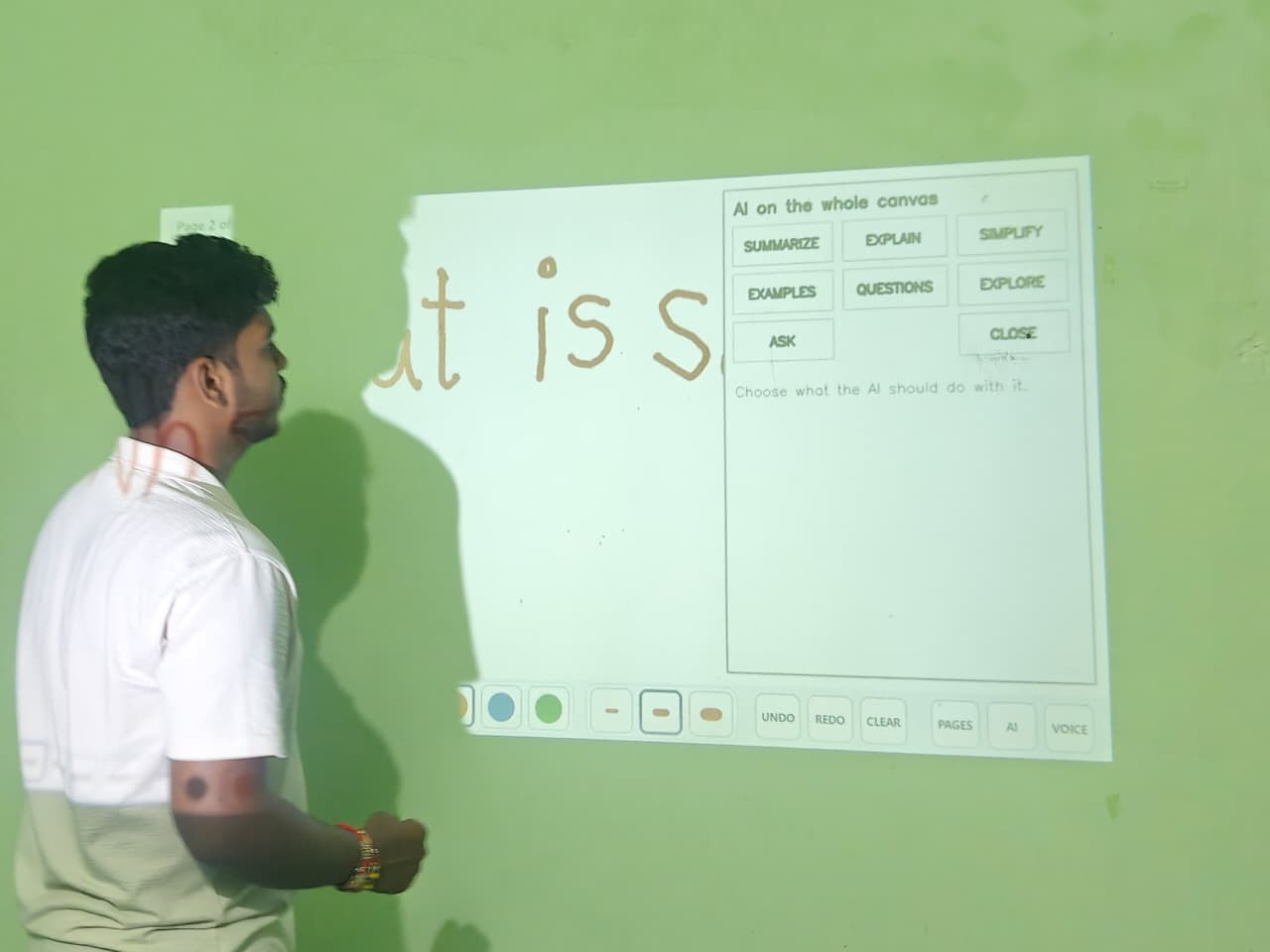
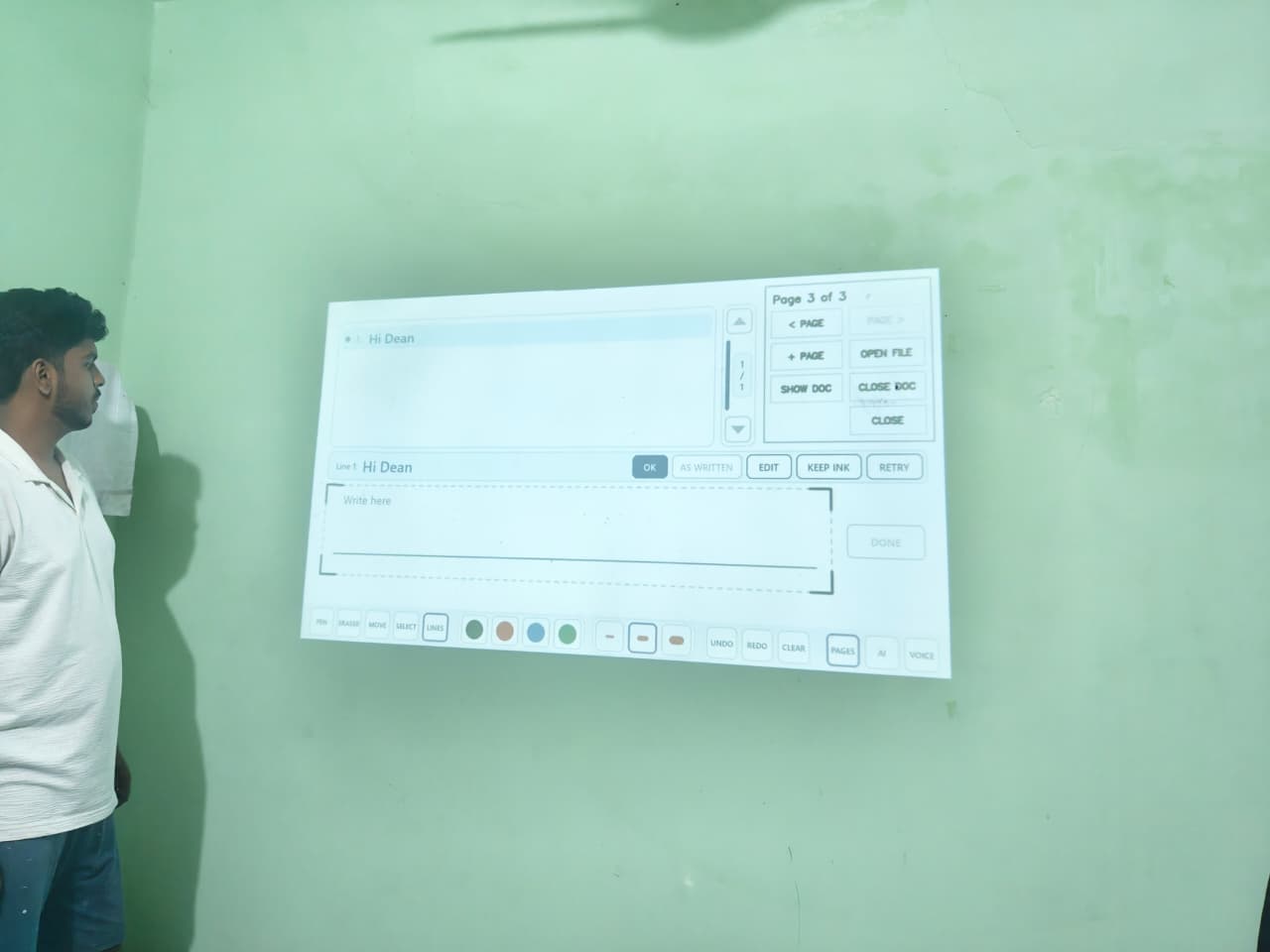
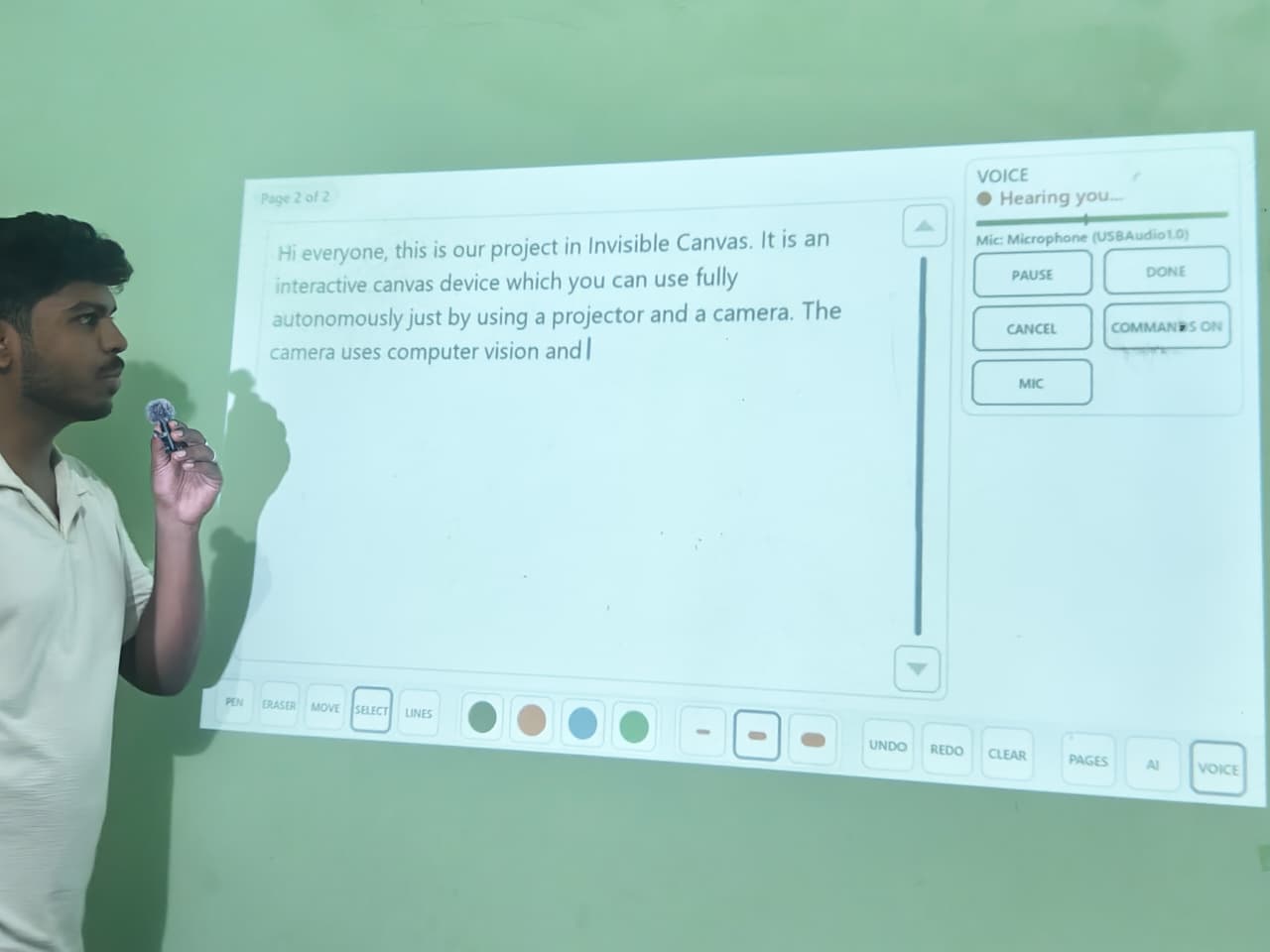
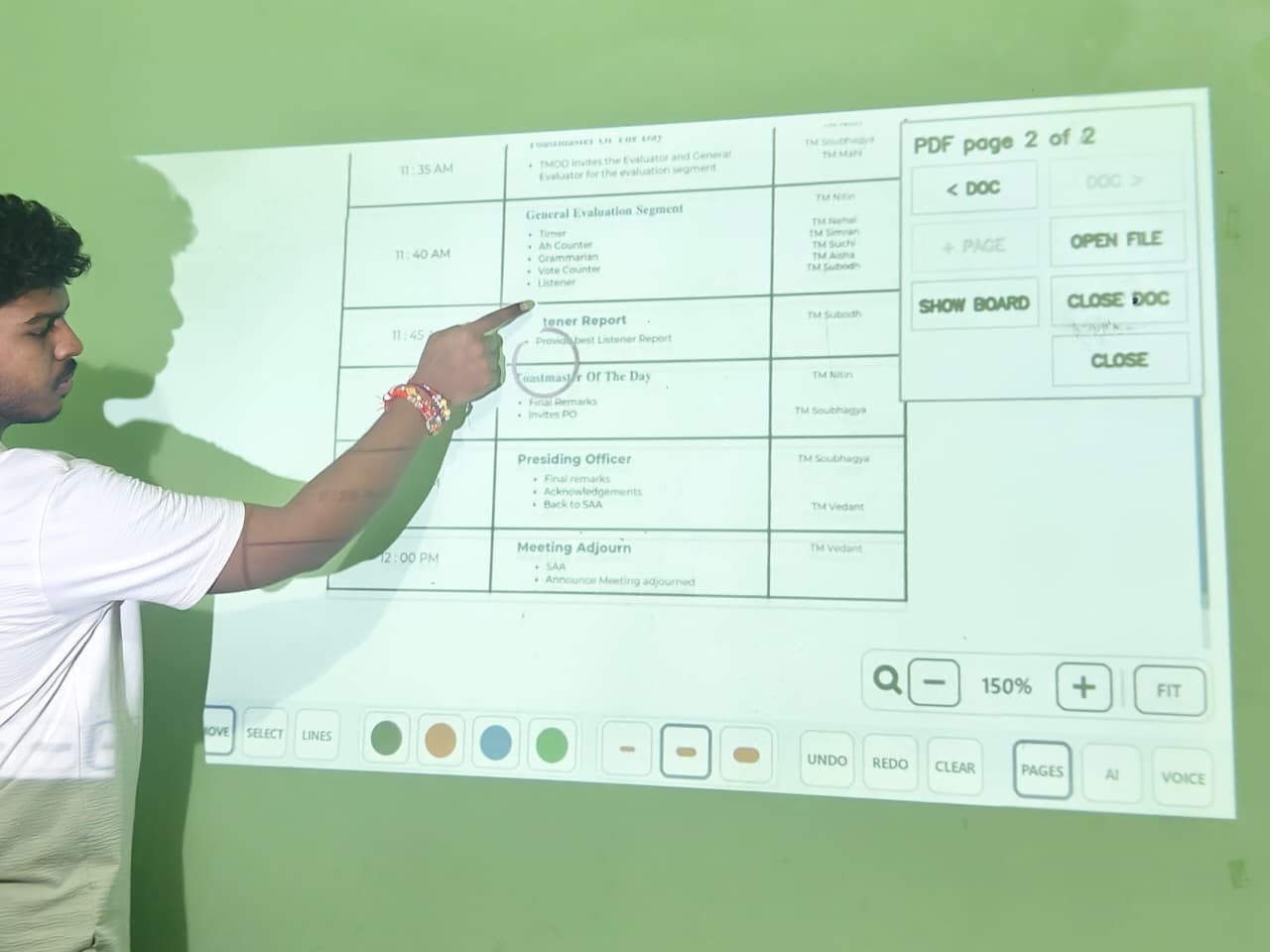
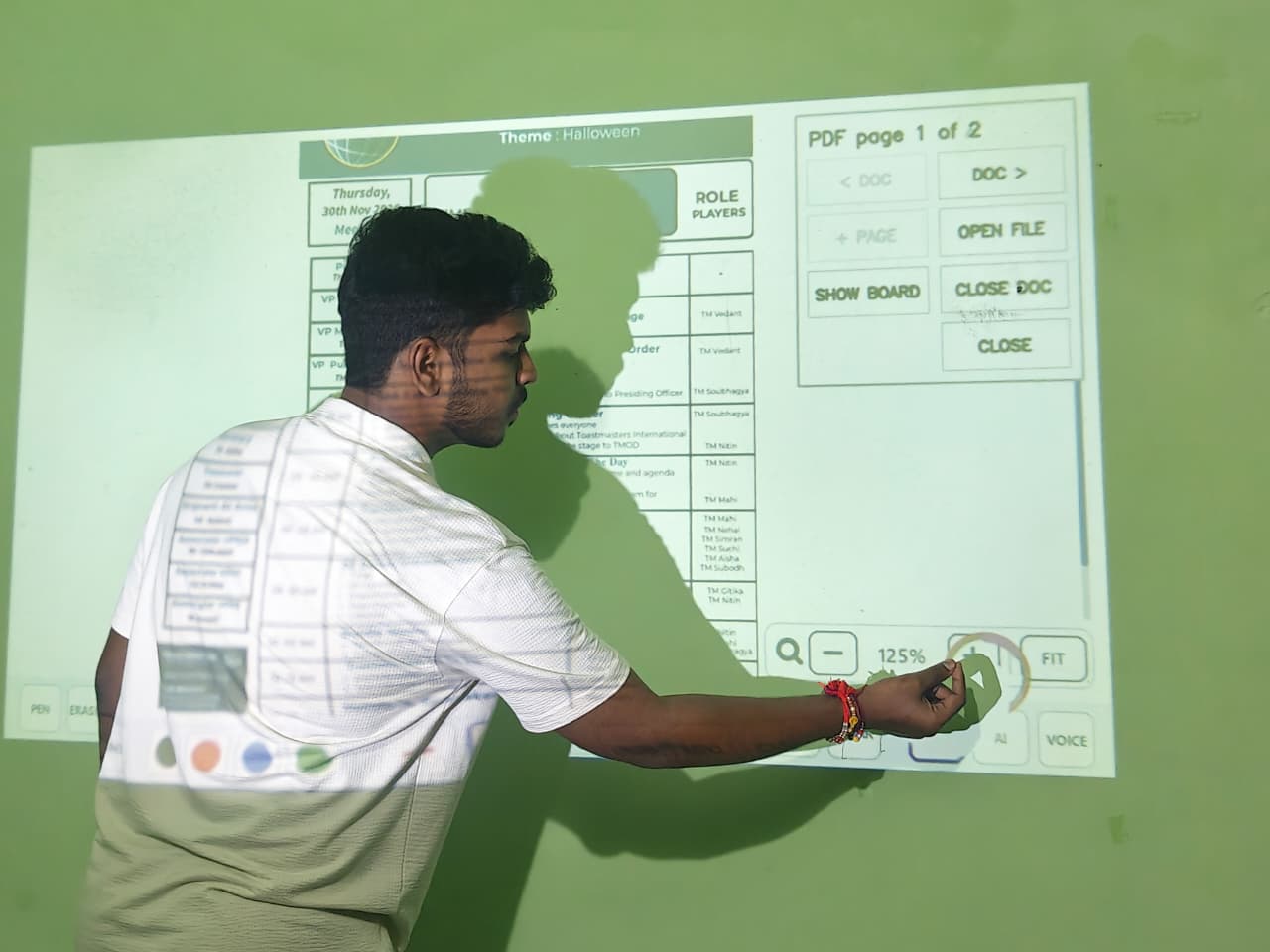
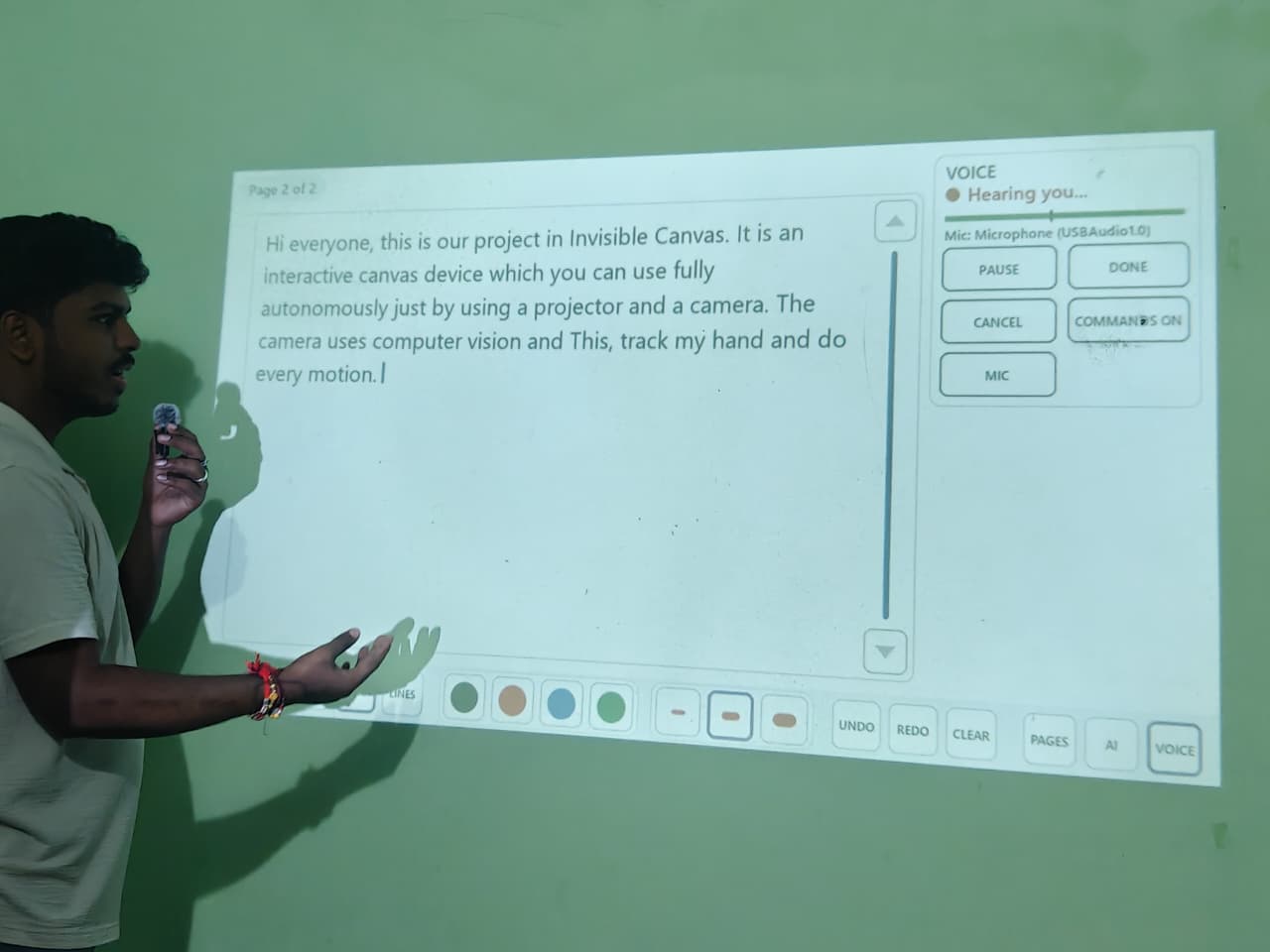
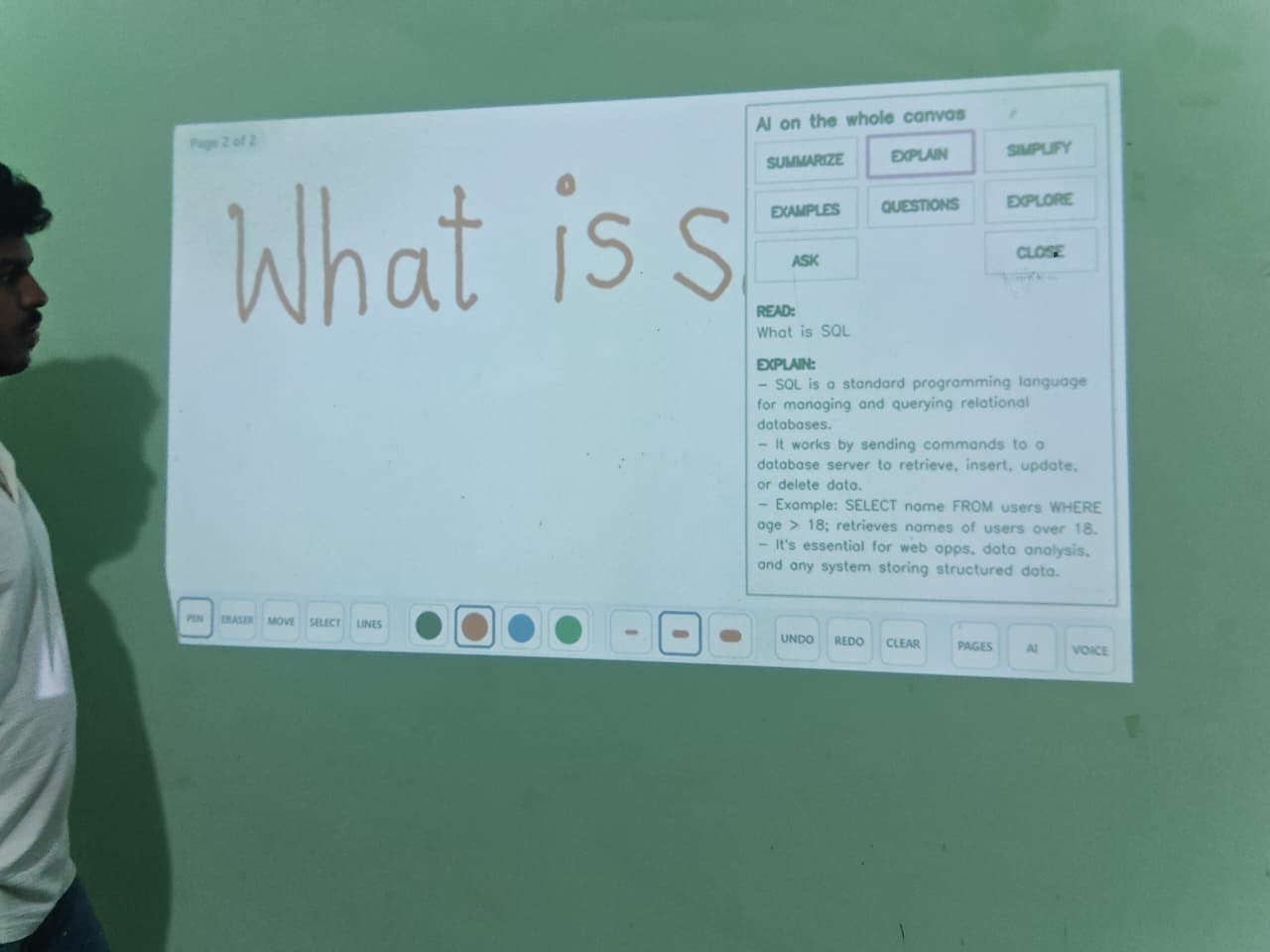
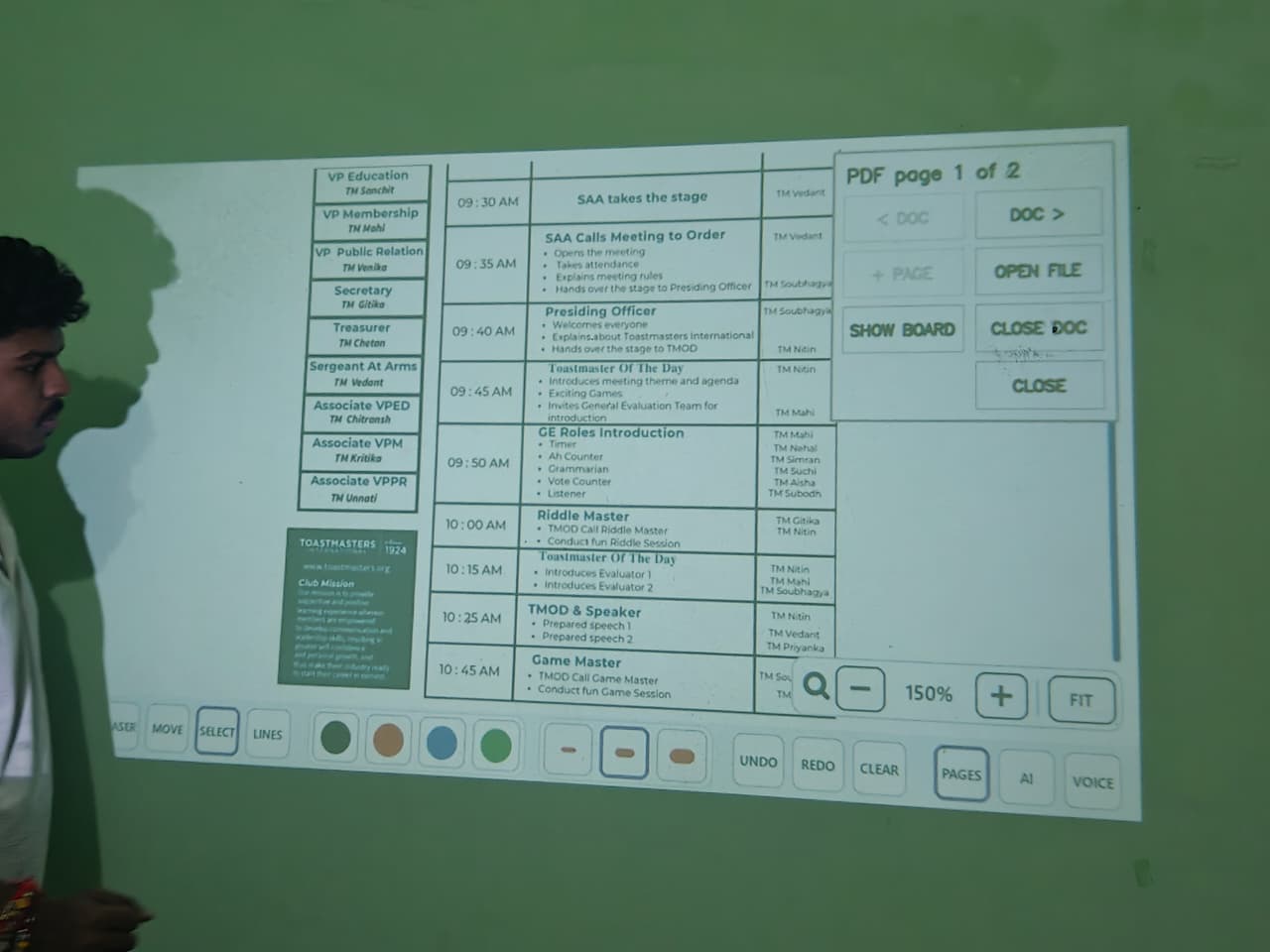
You can write, draw, erase, undo, redo, switch between pages, and interact with documents using hand movements. It also supports voice input, allowing spoken words to become digital text.
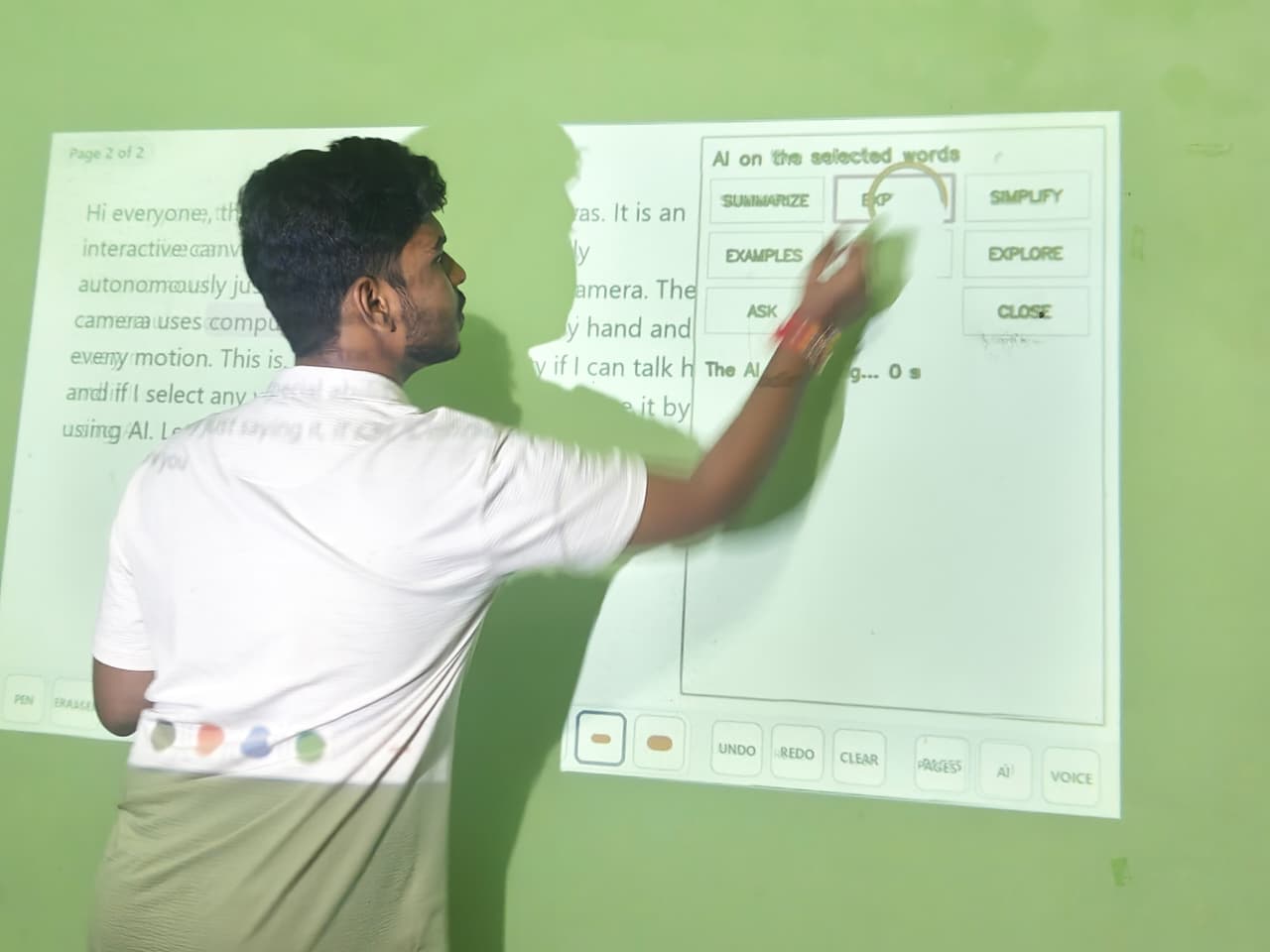
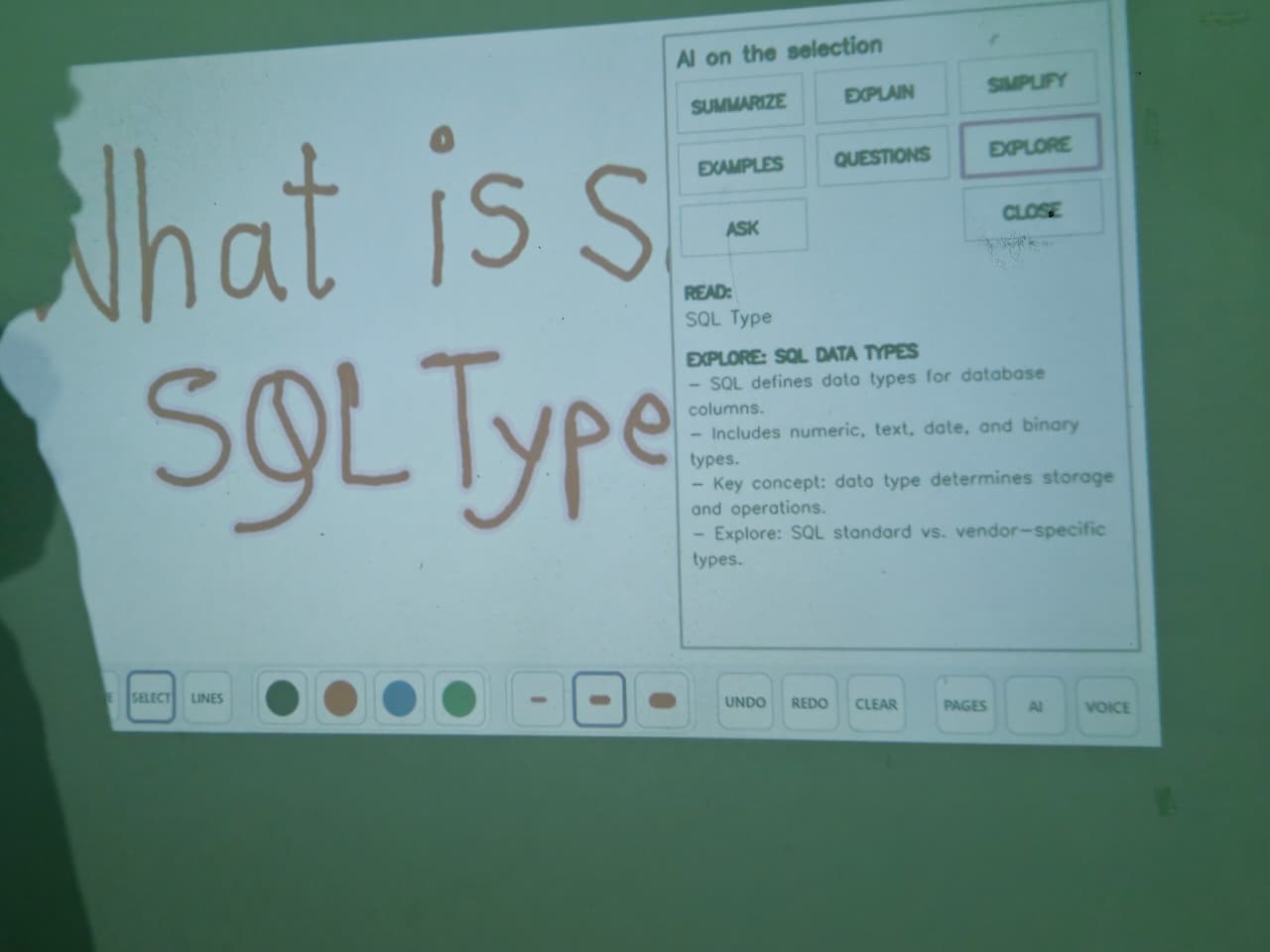
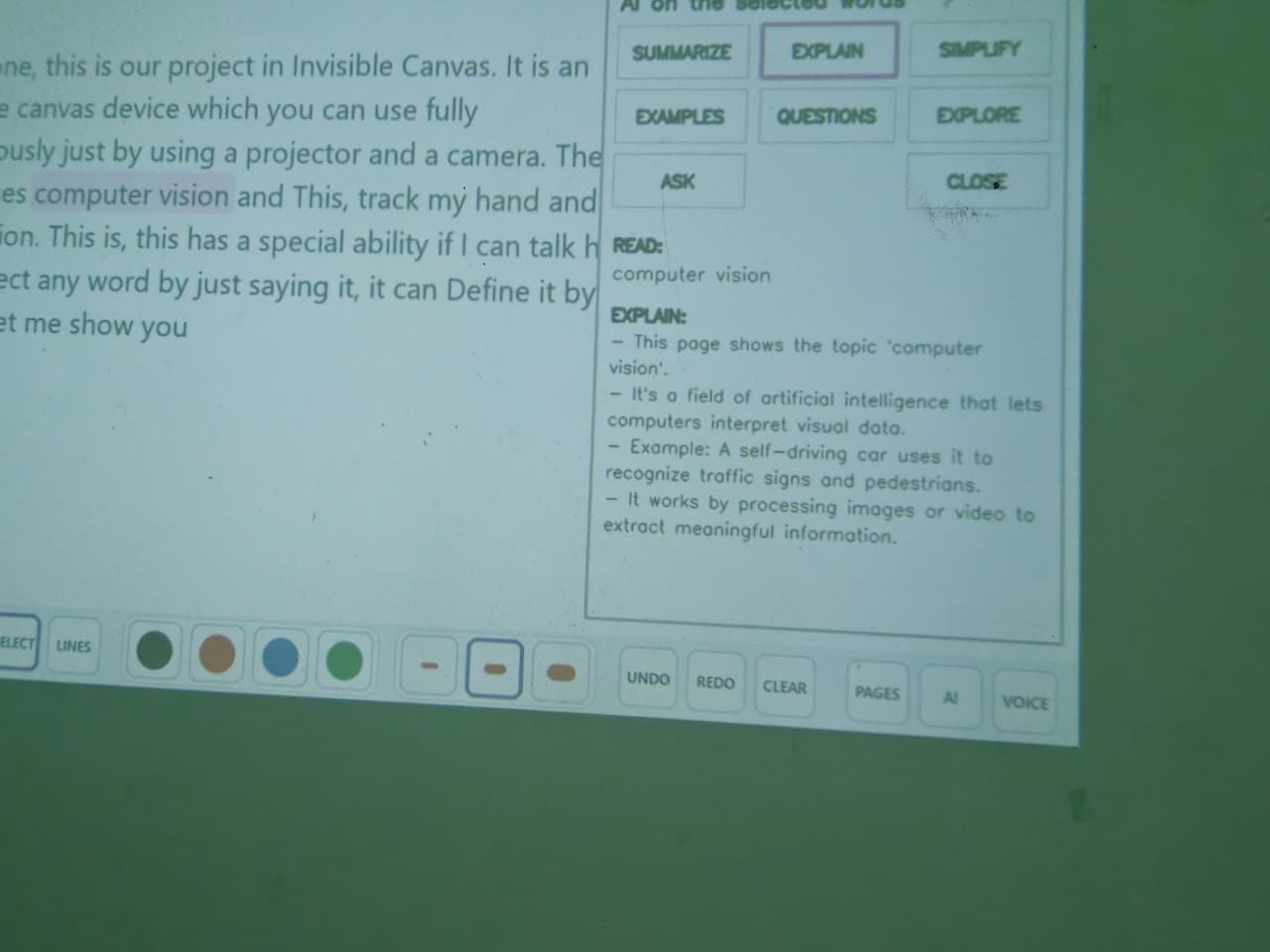
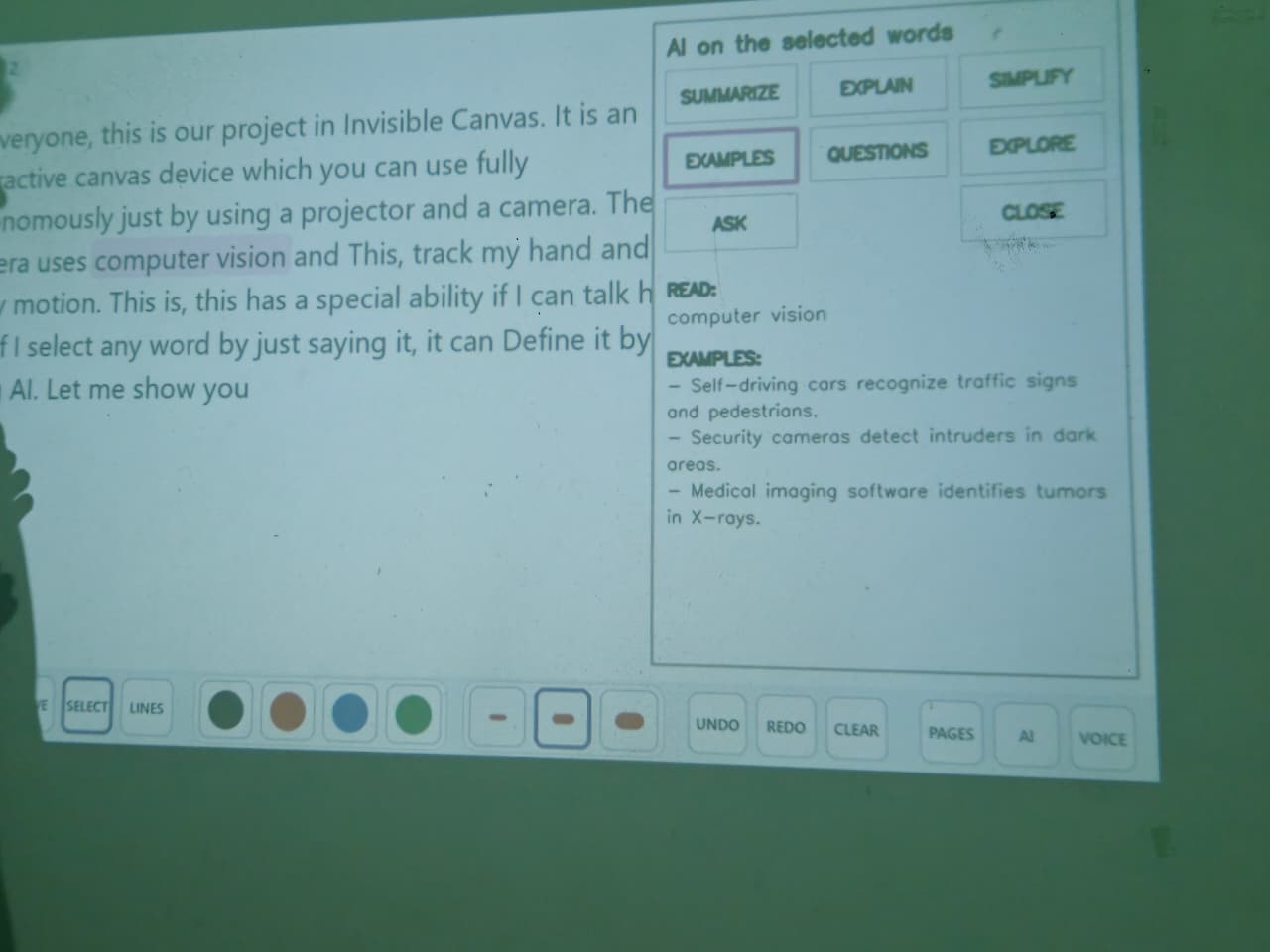
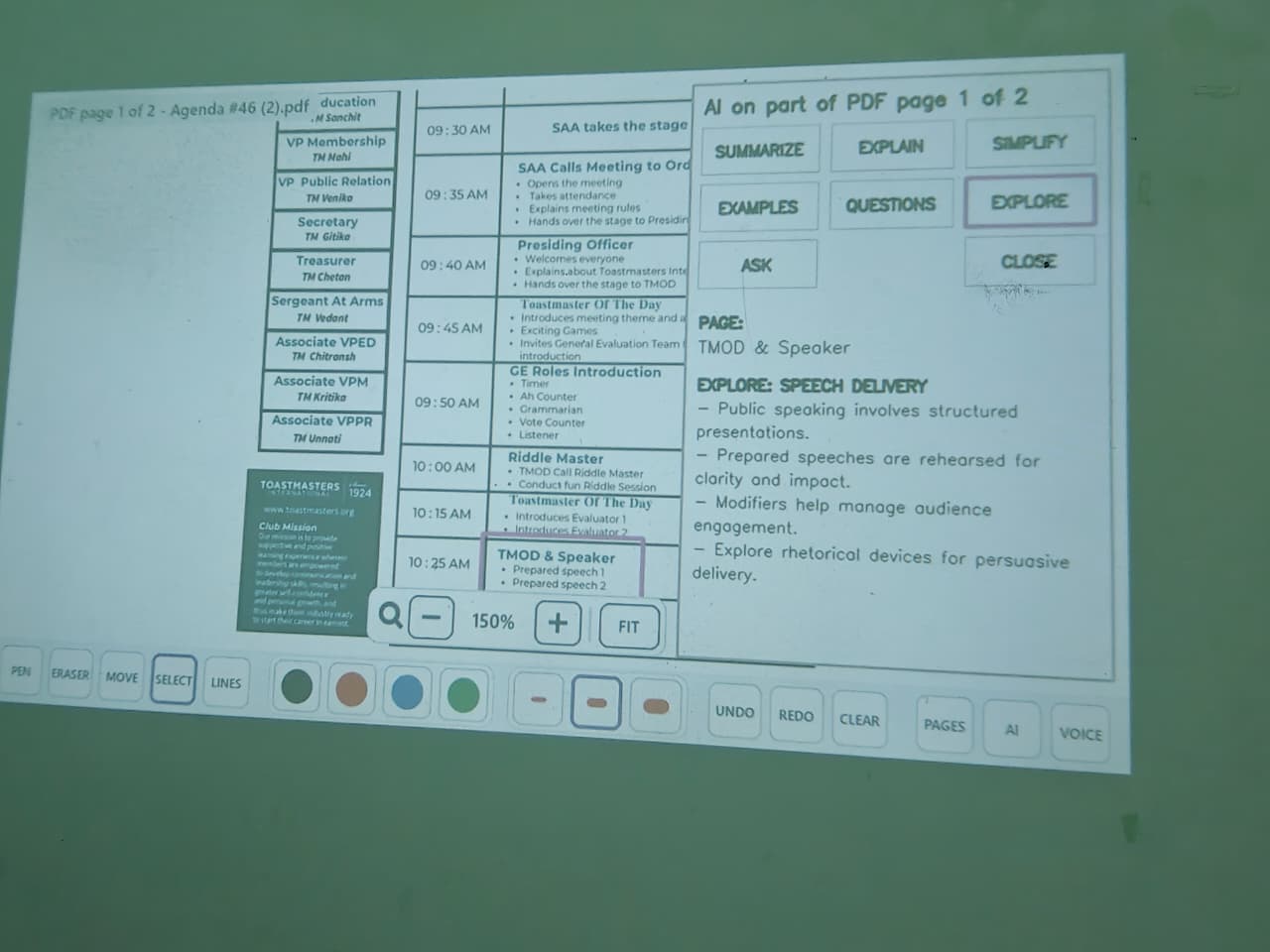
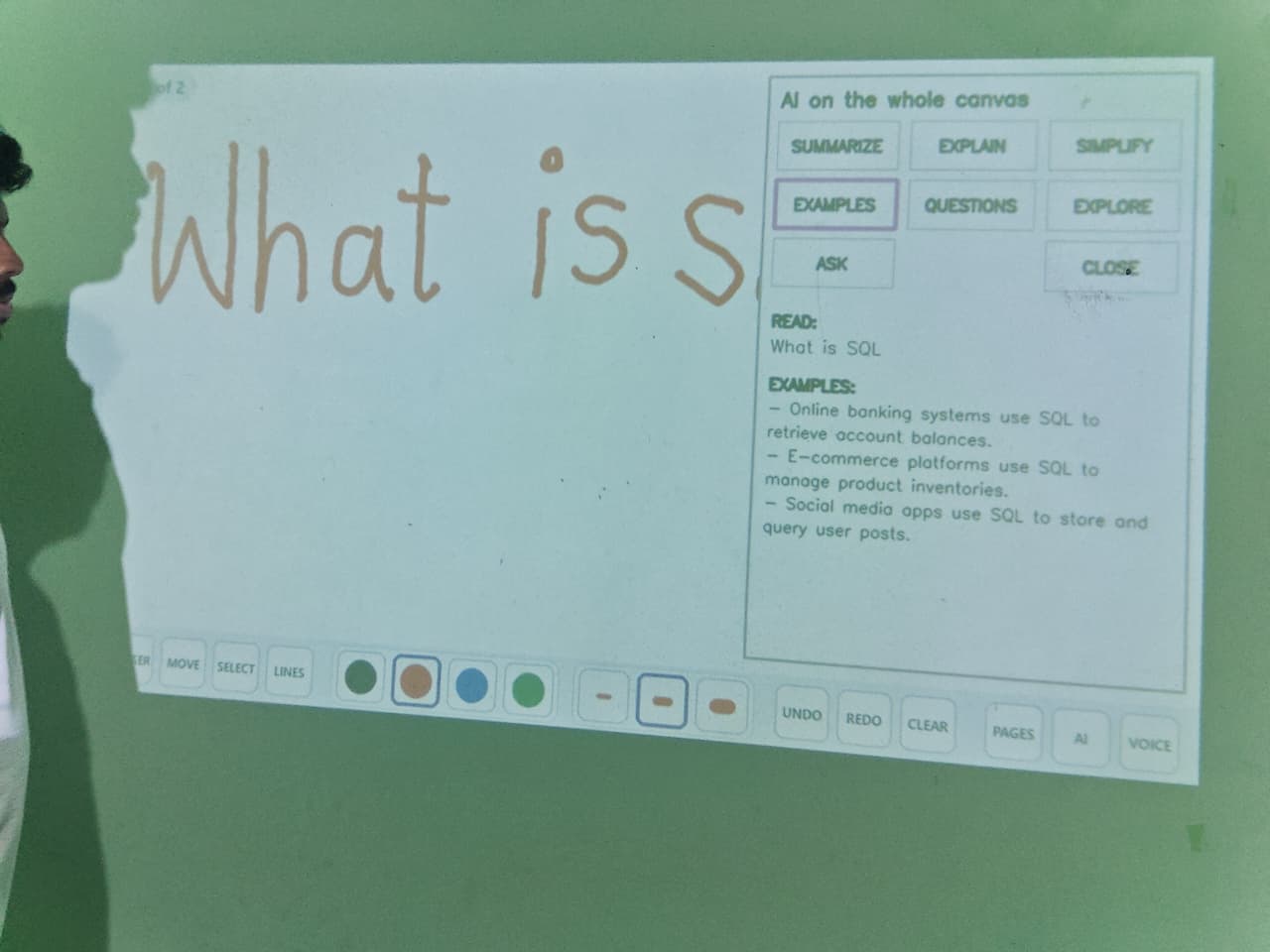
The project goes beyond basic interaction with local AI. It can understand handwritten content and documents and help with tasks such as summarizing, explaining, generating examples, exploring topics, and answering questions.
The goal is to make the experience feel natural—like using a smart board, without actually needing one.
How we built it
We built Invisible Canvas using a combination of Python, OpenCV, Computer Vision, camera-projector calibration, gesture recognition, and local Edge AI.
The camera continuously observes the interaction area and tracks the user's hand and fingertip. We then use camera-projector calibration to map the camera's coordinates onto the projected surface accurately.
From there, we built the interaction layer for writing, drawing, erasing, page navigation, and document handling. We added voice input and connected local AI models so the system could work with handwriting and documents without depending entirely on cloud services.
A major part of the development was testing everything together and making sure that adding a new feature didn't break something that was already working.
Challenges we ran into
The biggest challenge was reliability.
A small change in camera position could affect calibration. Different lighting conditions could make hand tracking harder. Projector alignment, focus, shadows, and the surface itself could all affect the experience.
Another challenge was getting multiple systems to work together in real time—computer vision, projection, gestures, documents, voice input, and AI.
We spent a lot of time testing, finding unexpected failures, fixing them, and then testing again. Some problems looked small from the outside but required significant changes behind the scenes.
Accomplishments that we're proud of
We are proud that Invisible Canvas became more than just a computer vision demo.
We built a complete interactive workspace where users can write, draw, navigate pages, interact with documents, use voice input, and work with AI from the same projected surface.
We're especially proud of the fact that the system is portable and affordable. Instead of requiring a dedicated smart board, the core idea works with hardware that is already widely available.
Most importantly, we turned an ordinary wall into something that feels interactive.
What we learned
This project taught us that building a good product is not just about adding features.
We learned how important calibration, real-world testing, error handling, and system integration are. Something can work perfectly on a laptop but behave very differently when tested physically on a wall.
We also learned that simplicity for the user often means complexity behind the scenes. The experience should feel effortless even when there is a lot happening in the background.
Most importantly, we learned to build around a real problem, test with real conditions, and improve based on what actually fails—not just what looks good in a demo.
What's next for Invisible Canvas
We want to make Invisible Canvas more reliable, faster to set up, and easier for anyone to use.
Our next steps include improving automatic calibration, making hand tracking more robust across different lighting and surfaces, improving handwriting and voice recognition, and expanding the AI capabilities.
We also see potential applications in classrooms, offices, architecture and engineering, business meetings, training, and temporary workspaces.
Our long-term vision is simple:
If you have a surface and a few basic devices, you should be able to create your own intelligent interactive workspace.

