-
-
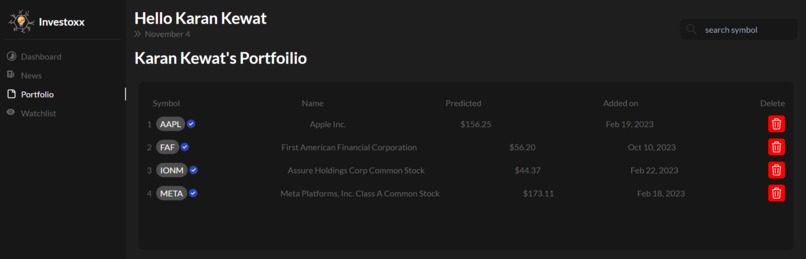
portfolio
-
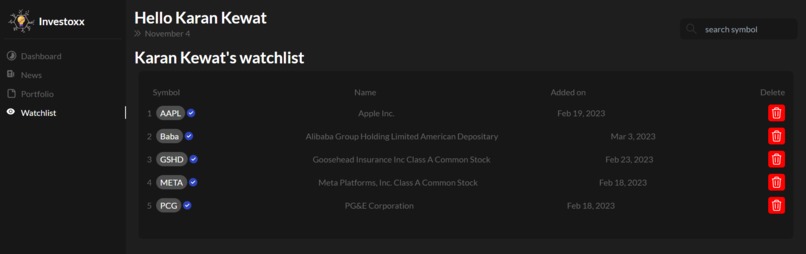
wishlist
-
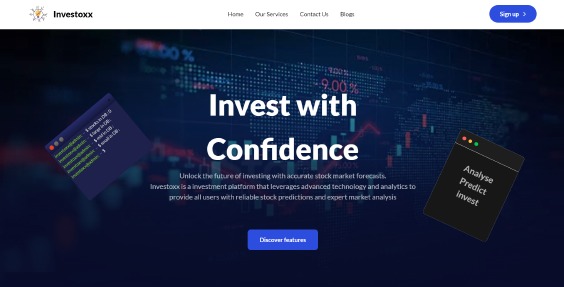
Landing Page
-
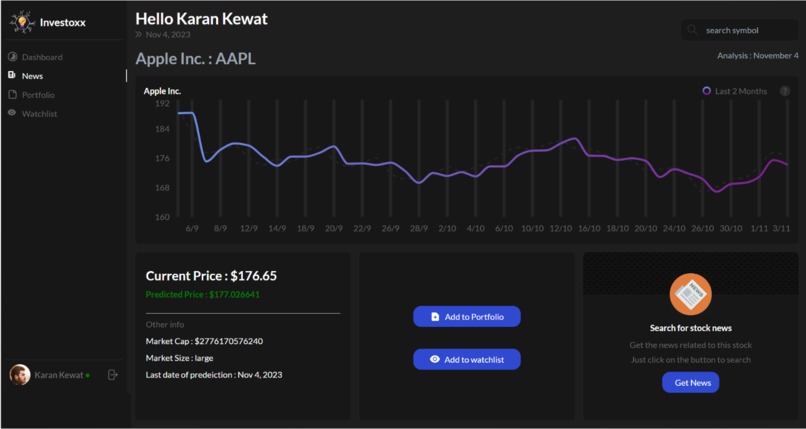
Stock Graph
-
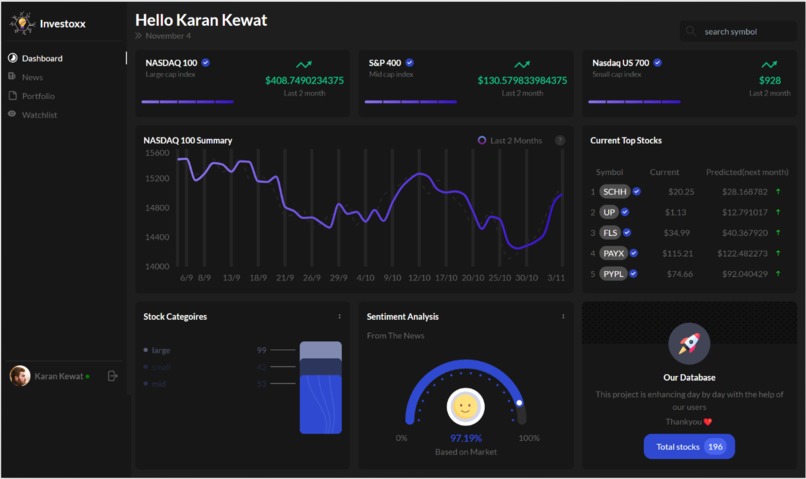
Dashboard
-
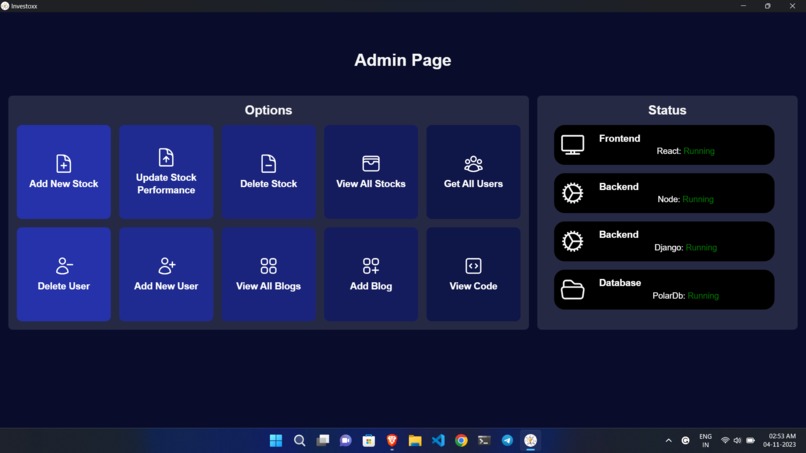
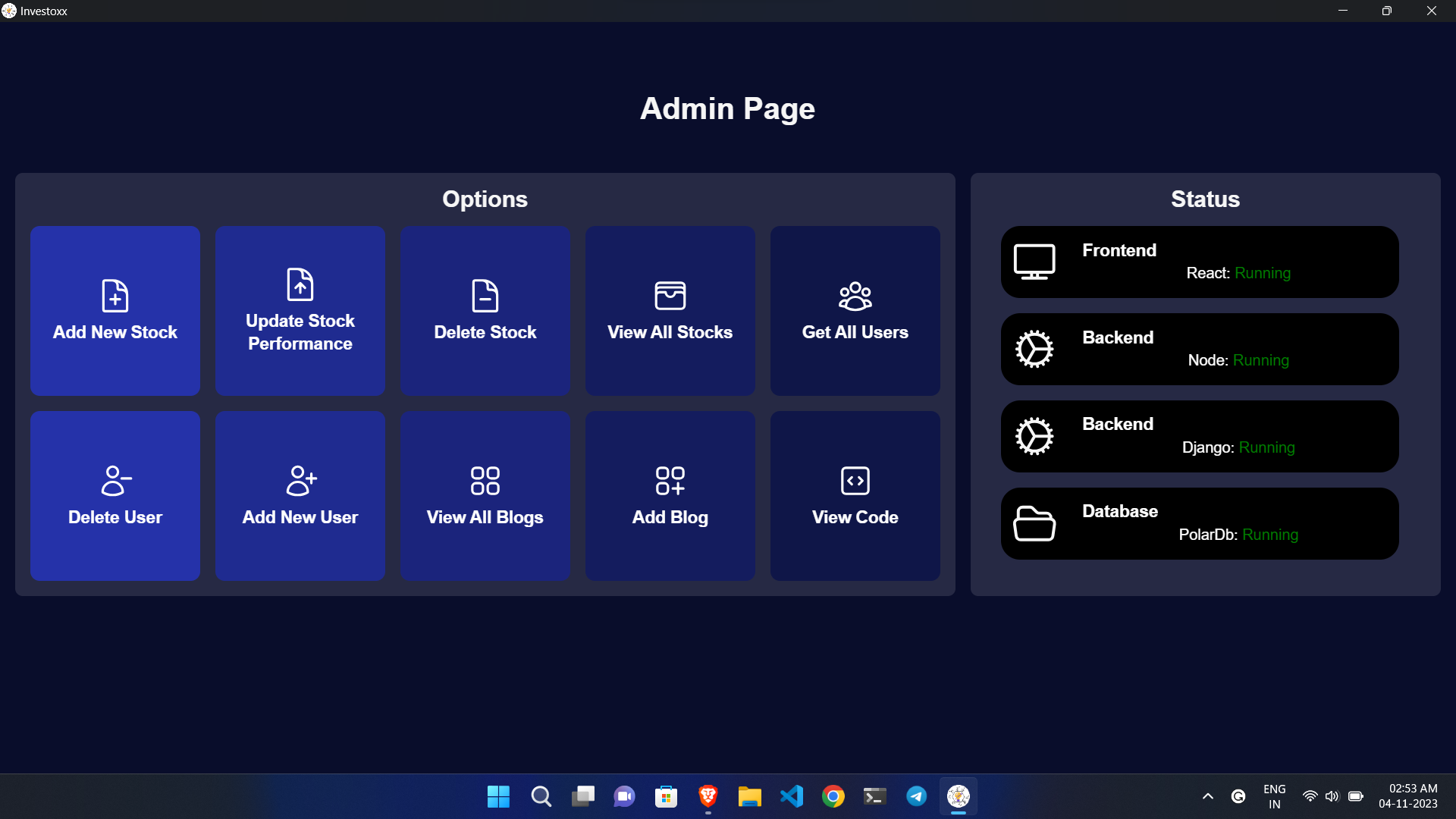
admin dashboard
-
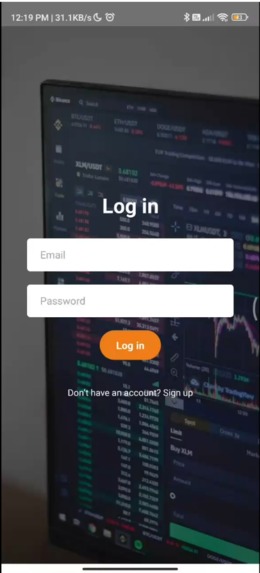
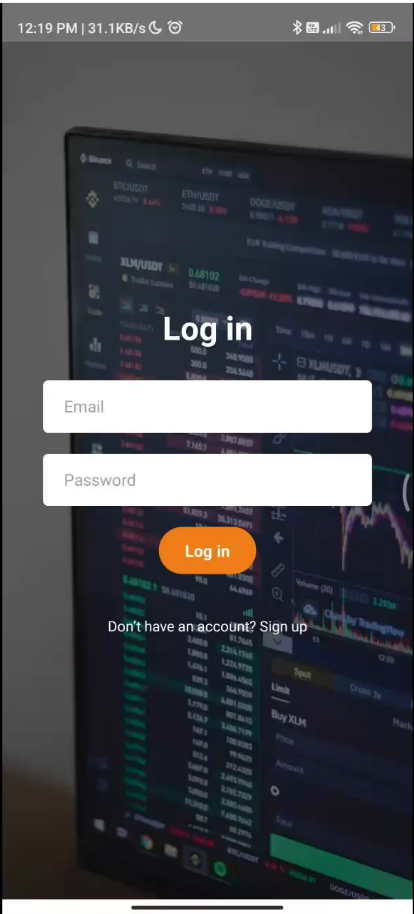
App login
-
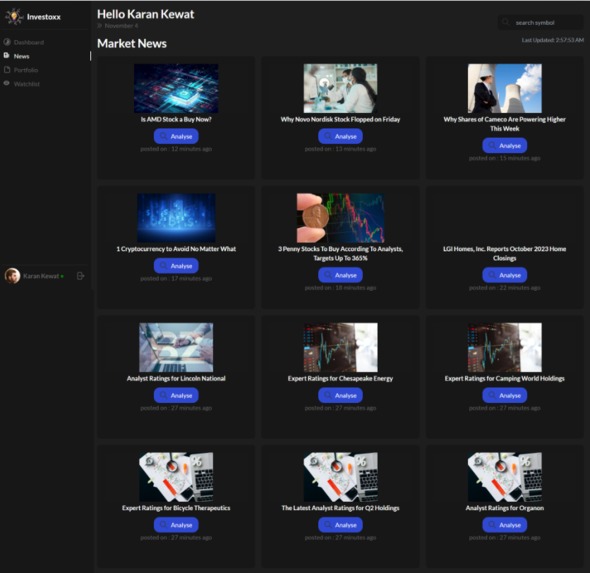
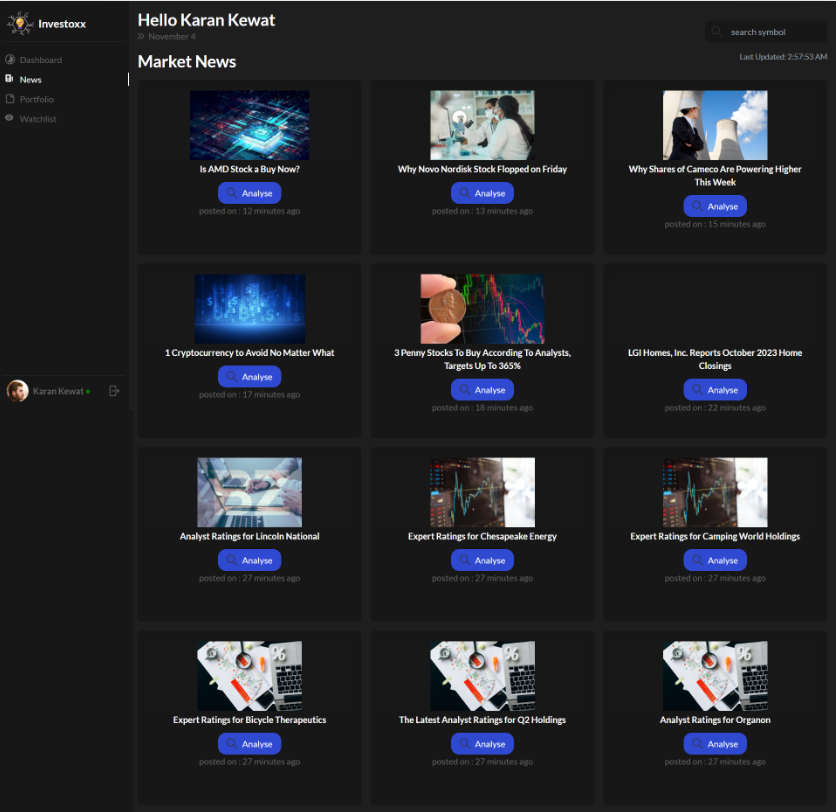
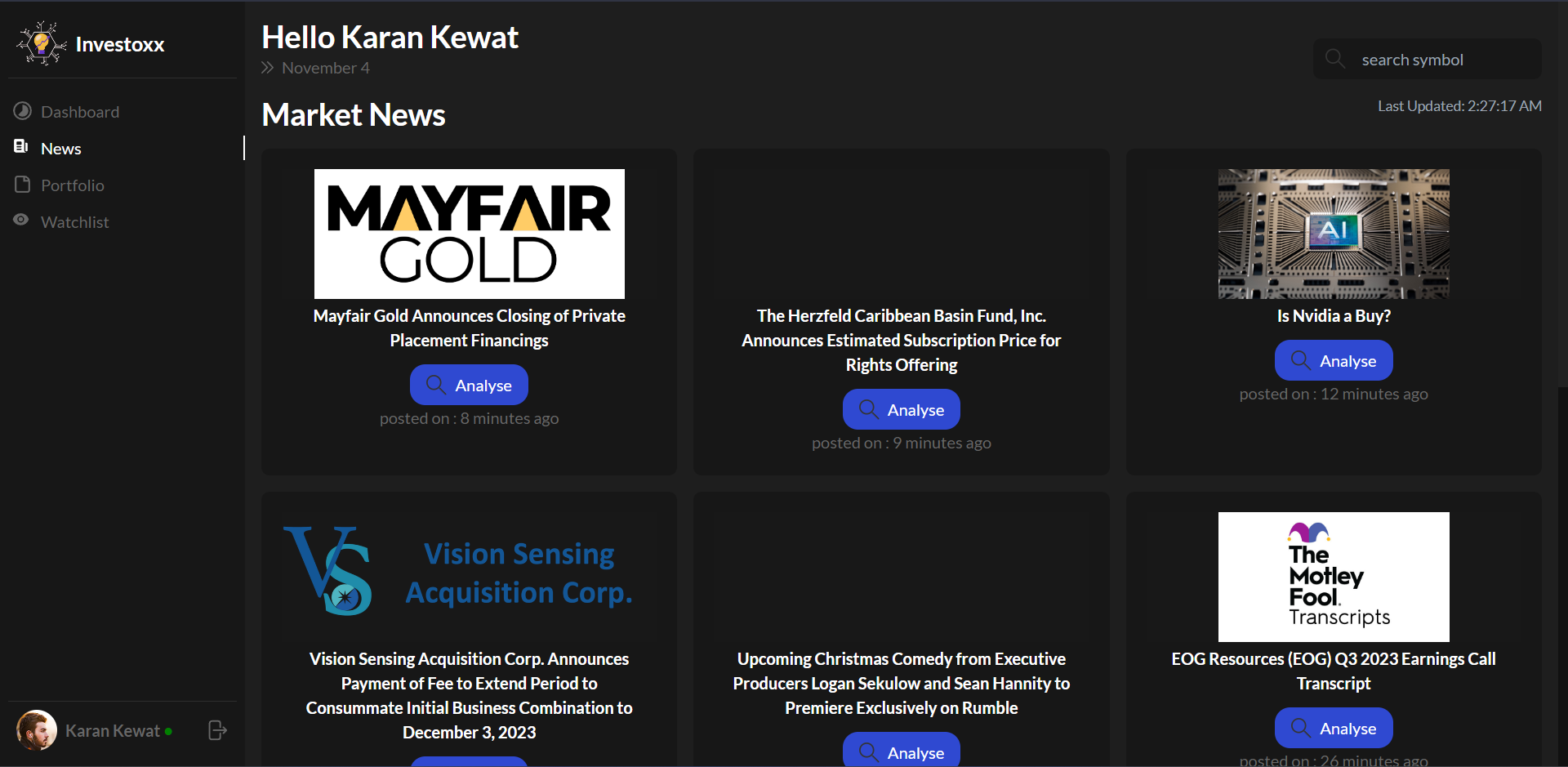
News
-
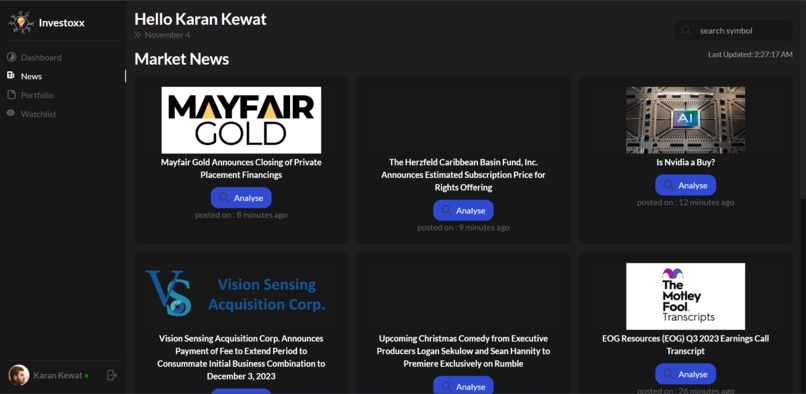
news
-
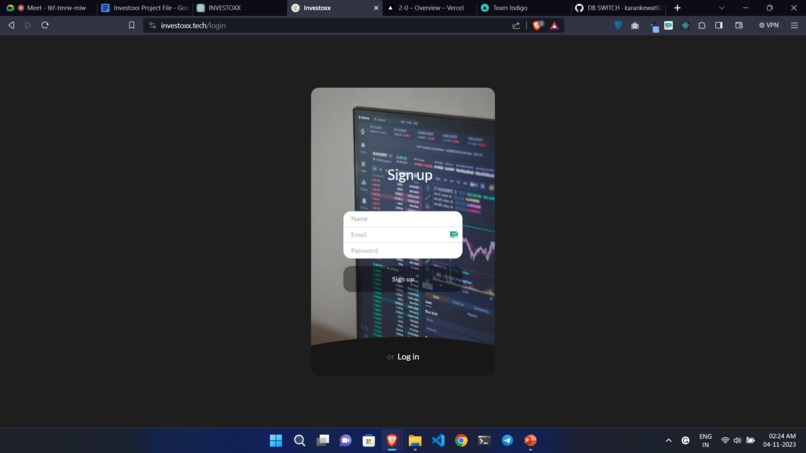
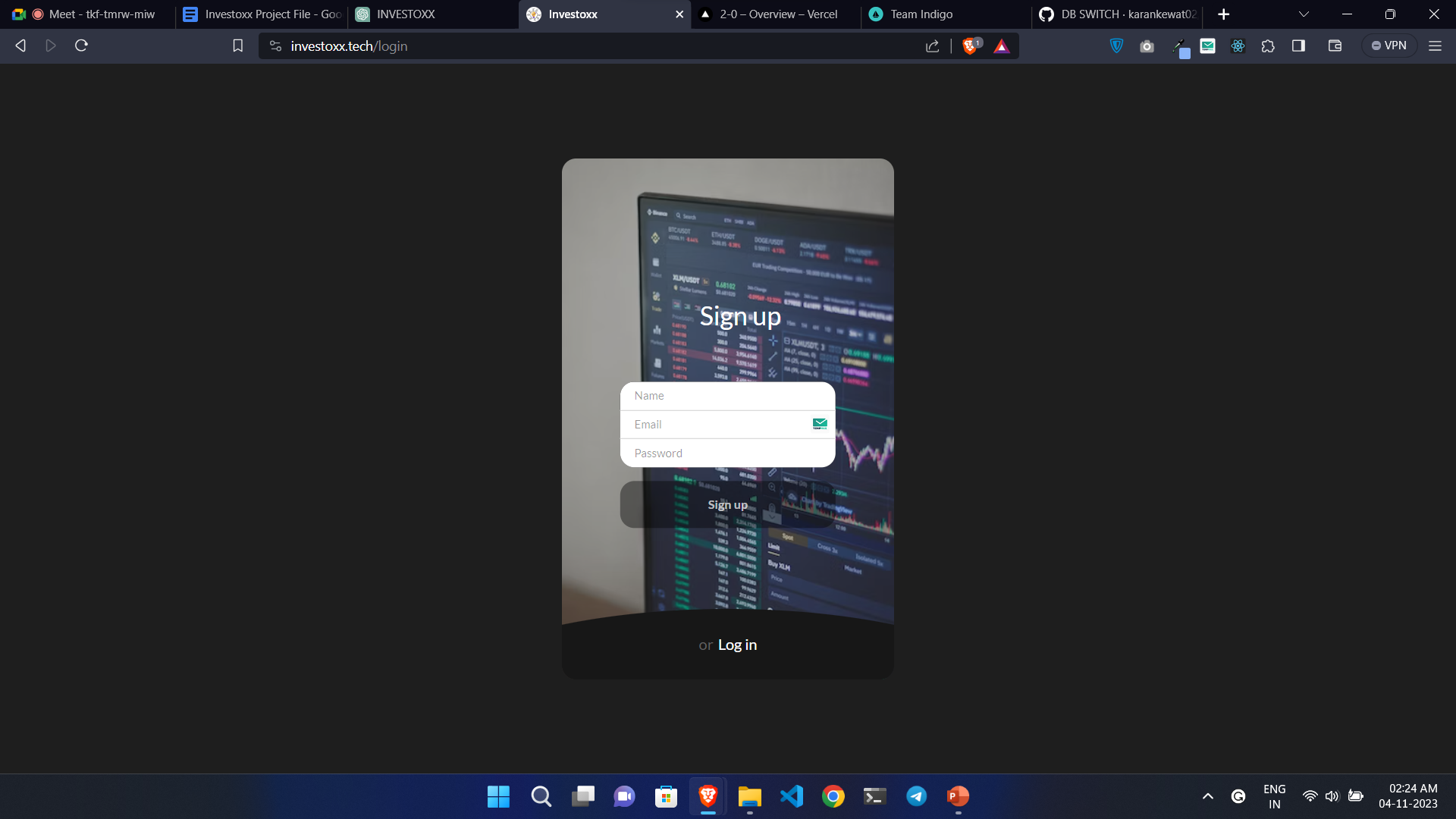
login/singup
-
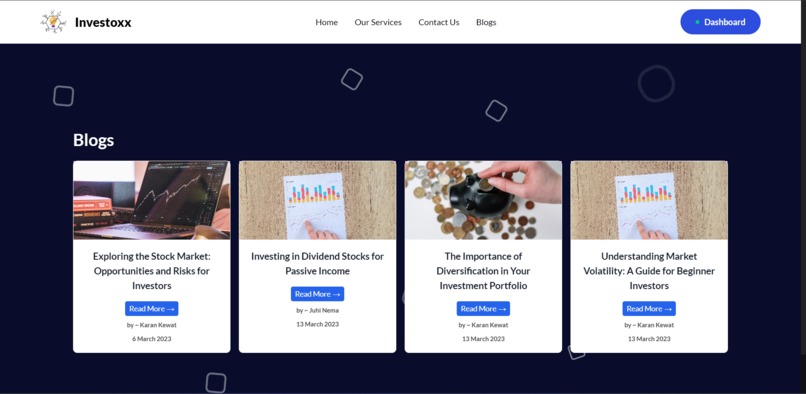
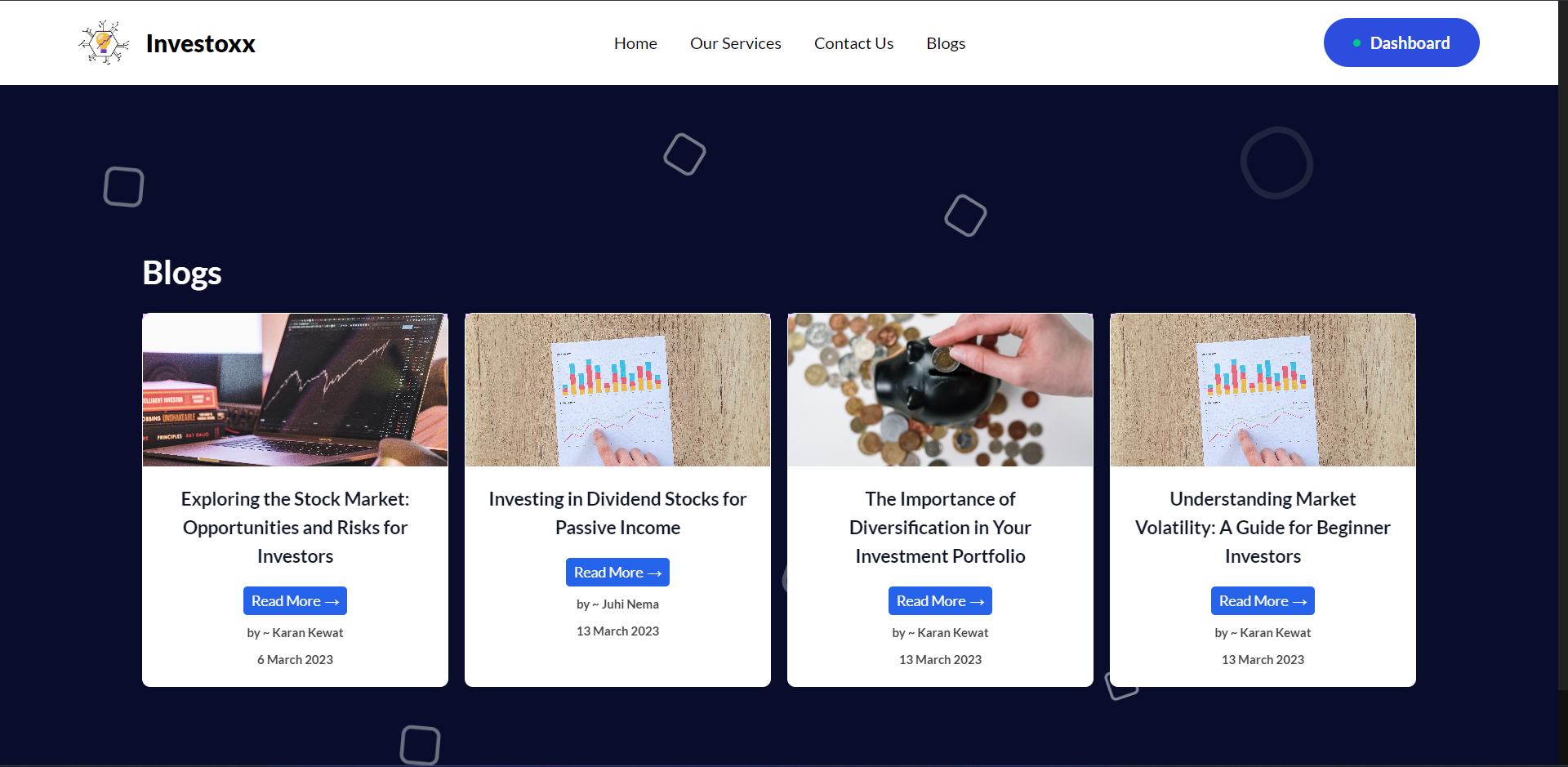
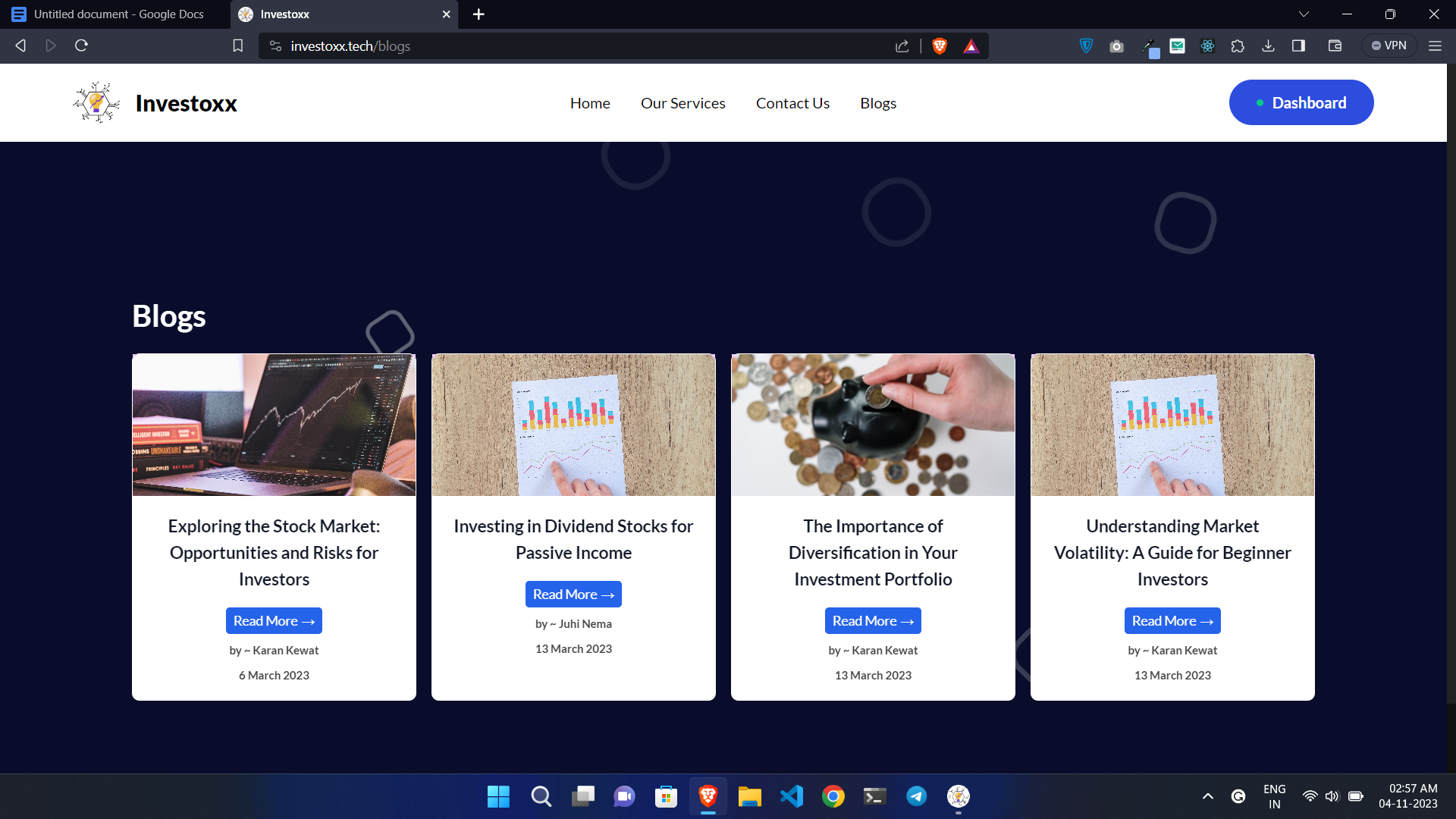
blogs
-
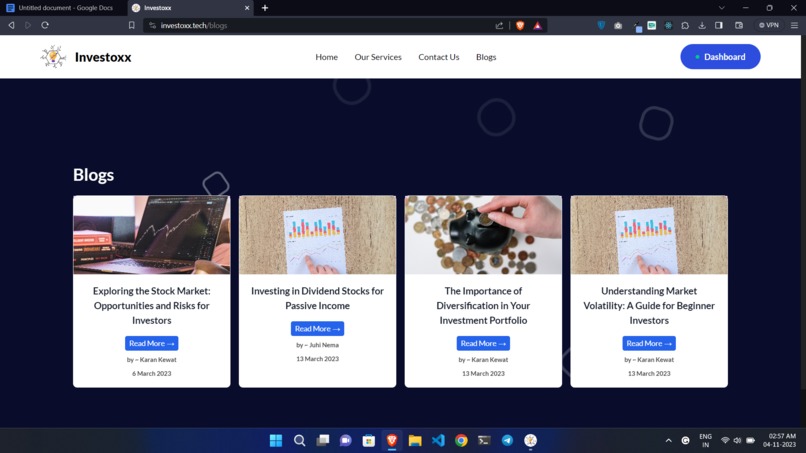
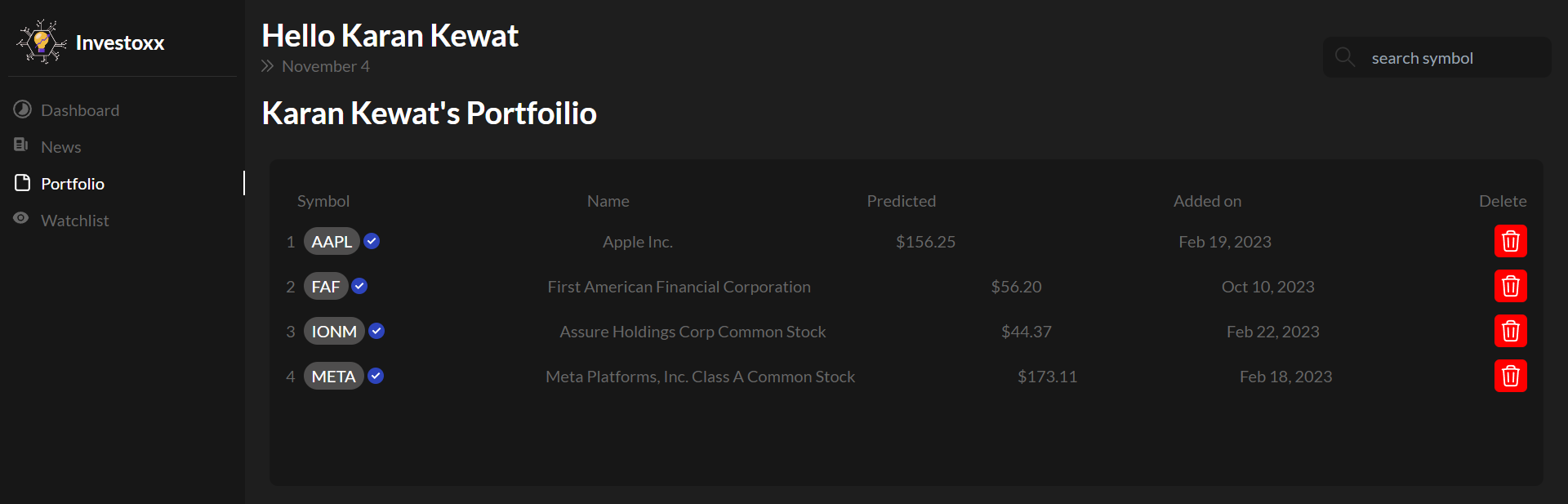

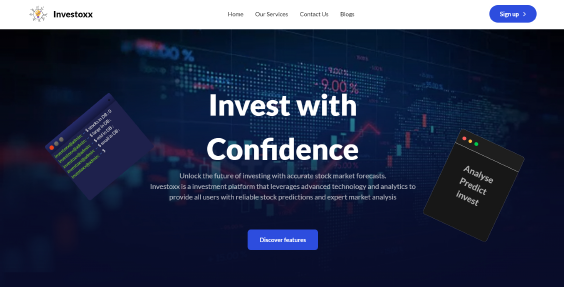
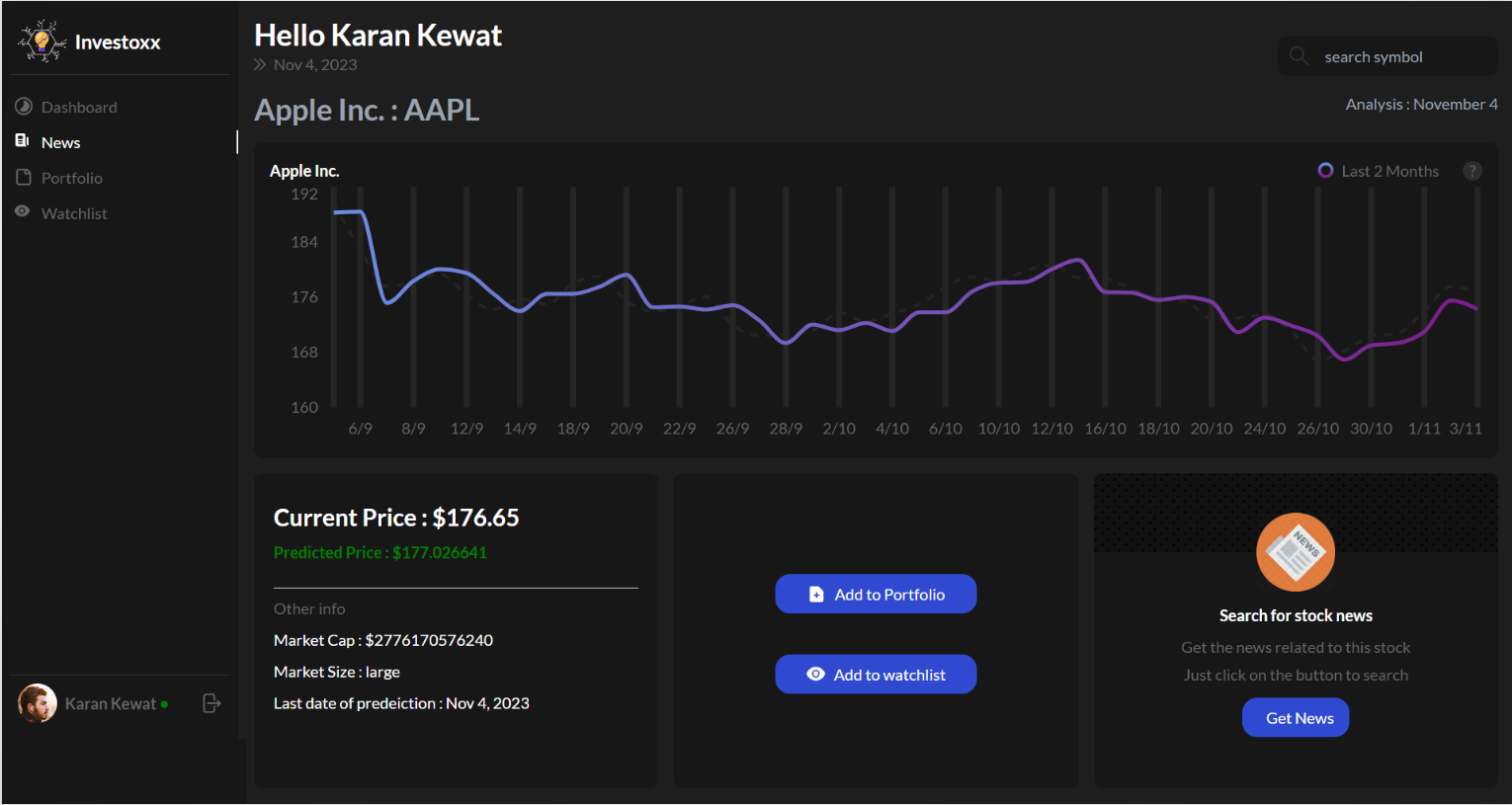
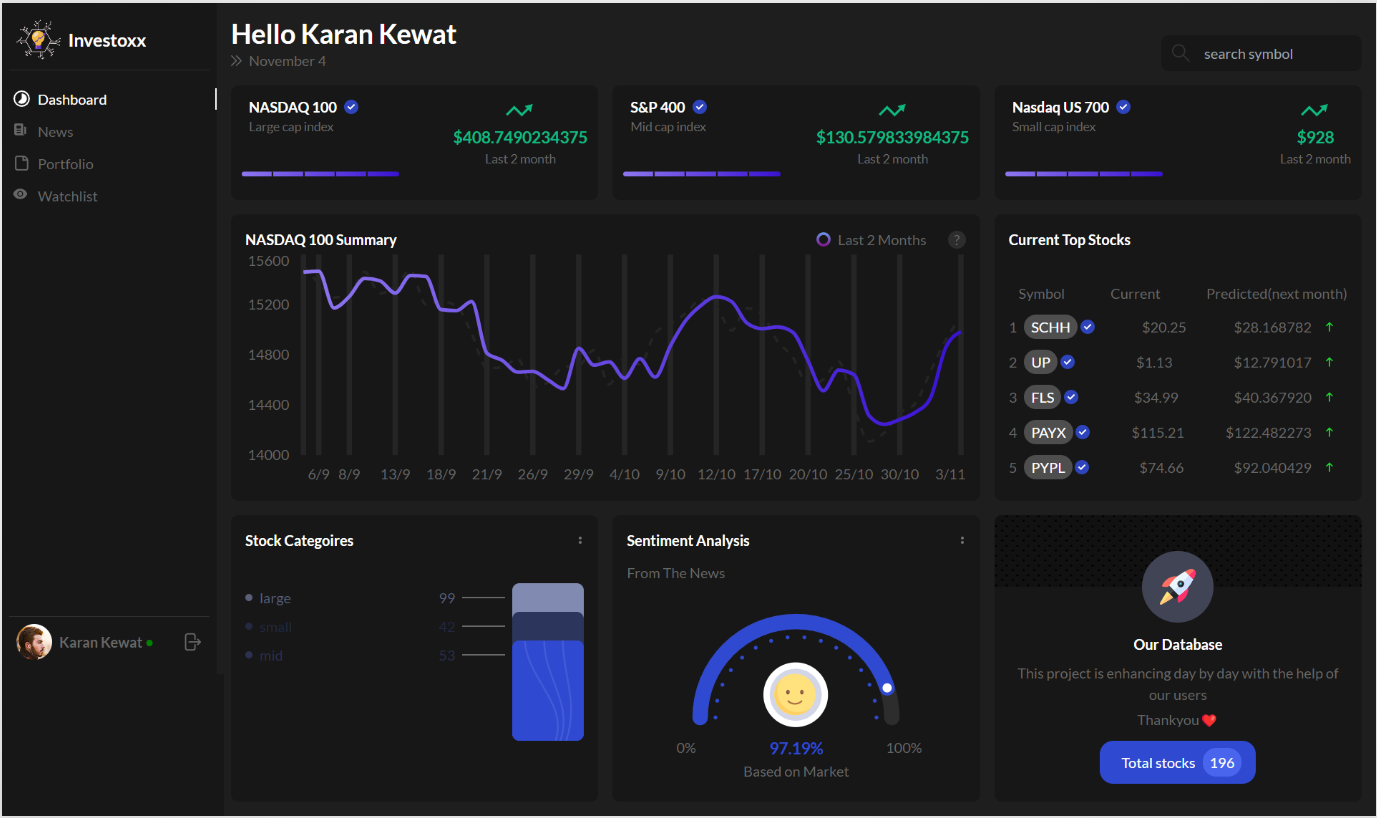
Inspiration
Investing in the stock market can appear daunting, especially for newcomers, as it's marked by perpetual fluctuations and requires informed decision-making amidst a deluge of information. However, rather than shying away from its complexities, embracing them as opportunities for growth and learning is key. Each fluctuation presents a chance to capitalize on potential gains, provided one approaches it with a strategy that aligns with their risk tolerance and investment goals. While staying informed about market dynamics and industry trends demands dedication and time, breaking down the process into manageable steps and seeking guidance from experienced investors or financial advisors can ease the overwhelm. By adopting a patient and disciplined mindset, newcomers can gradually build confidence in navigating the stock market, leveraging both successes and setbacks as valuable learning experiences on their journey towards financial empowerment and independence.
Service Used
PolarDB : Investoxx.tech has strategically implemented PolarDB as its preferred database solution, capitalizing on its high-speed, secure, and reliable data storage and retrieval capabilities. PolarDB's advanced architecture guarantees unparalleled availability and fault tolerance, making it the optimal choice for businesses that require a robust and dependable database solution. Its scalable design also facilitates seamless expansion of data capacity as Investoxx.tech continues to scale.
Elastic Compute Service (ECS) : For its cloud computing needs, Investoxx.tech has strategically chosen Elastic Compute Service (ECS), a potent platform that hosts the server for Django. ECS is renowned for its capacity to handle heavy workloads, making it the perfect solution for running sophisticated AI models. The use of ECS was possible because we are given an free t5 burstable instance as a part of student benefit.
Domain Name system : Investoxx.tech has also utilized the globally available and dependable Alibaba Domain Name system to safeguard its domain name. This service guarantees high reliability and security, quickly and reliably converting domain names into IP addresses.
Object Storage Service (OSS) : Additionally, Investoxx.tech has opted for Object Storage Service (OSS) to store and manage the various assets and files for its website. OSS is an infinitely scalable and dependable solution that ensures maximum durability, availability, and accessibility, allowing Investoxx.tech to retrieve data rapidly and utilize it effectively when necessary.
How we built it: Investoxx was built by a dedicated team with expertise in various domains. Our development process followed a structured approach, starting from conceptualization to deployment. We leveraged technologies such as React.js, Node.js, Express.js, and Django to build a robust frontend and backend system. Our architecture utilized a three-tier model, ensuring efficient communication between the client, server, and database. Through meticulous planning, collaborative teamwork, and iterative development cycles, we transformed our vision into a fully functional investment tool.
Challenges we ran into: Throughout the development of Investoxx, we encountered several challenges that tested our skills and perseverance. One major challenge was integrating machine learning algorithms for stock performance prediction accurately. This required extensive research and experimentation to ensure the reliability of our predictions. Additionally, optimizing the platform for performance and scalability posed significant challenges, especially when dealing with large volumes of real-time data. Despite these obstacles, our team remained resilient, continuously iterating and refining our approach to overcome each hurdle successfully.
Accomplishments that we're proud of: Despite the challenges we faced, our team achieved several significant accomplishments with Investoxx. One of our proudest achievements is the successful implementation of AI-driven stock prediction algorithms, providing users with valuable insights into future market trends. Additionally, we're proud of creating a user-friendly interface that simplifies the complexities of stock market analysis, making it accessible to investors of all levels. Our platform's seamless integration of portfolio management, news analysis, and stock tracking features further enhances its utility and value for our users.
What we learned: The development of Investoxx provided us with invaluable learning experiences that enriched our skills and knowledge. We gained a deeper understanding of machine learning techniques and their application in financial forecasting, enhancing our expertise in data analysis and prediction. Furthermore, collaborating as a team taught us the importance of effective communication, coordination, and adaptability in achieving project goals. We also honed our problem-solving abilities, learning to tackle complex challenges with creativity and resilience.
What's next for Investoxx: Looking ahead, we have exciting plans to further enhance Investoxx and expand its capabilities. One area of focus is refining our machine learning models to improve the accuracy of stock predictions and incorporate additional factors for analysis. We also aim to introduce new features such as advanced portfolio analytics, personalized investment recommendations, and integration with external financial platforms. Furthermore, we plan to enhance the scalability and performance of Investoxx to accommodate a growing user base and ensure a seamless user experience across various devices. Overall, our vision for Investoxx is to continue innovating and empowering investors with powerful tools for informed decision-making in the dynamic world of finance.
Investoxx has 3 Platforms:
- Web App - investoxx.tech
- Mobile App - Downlaod APK
- Desktop App - Download Microsoft Installer
Web App -
Preqrequisites
Installation
- Make a folder for the project and open git bash in that folder.
Clone the repository
- React JS Frontend
bash git clone -b react git@github.com:karankewat02/Investoxx.git react - Django Backend
bash git clone -b django git@github.com:karankewat02/Investoxx.git django - Node Backend
bash
git clone -b node git@github.com:karankewat02/Investoxx.git node
- React JS Frontend
This will create a folder named
react,djangoandnodein the current directory.Add the
.envfile in thenodefolder. The.envfile contains the environment variables for the project. The.envfile is not included in the repository for security reasons.
- Visit [This Link](https://investoxx-assets.oss-ap-south-1.aliyuncs.com/.env) to download the `.env` file. If the file is downloaded as `env` than make sure to rename it as `.env`
- Copy the `.env` file in the `node` folder.
- Install the dependencies for the project.
- React JS Frontend, open git bash in the `react` folder and run the following command.
    ```bash
    npm install
    ```

- Django Backend, open git bash in the `django` folder and run the following command.
    ```bash
    pip install -r requirements.txt
    ```

- Node Backend, open git bash in the `node` folder and run the following command.
    ```bash
    npm install
    ```
- Run the project.
- Django Backend, open git bash in the `django` folder and run the following command.
    ```bash
    python manage.py runserver
    ```

- Node Backend, open git bash in the `node` folder and run the following command.
    ```bash
    npm start
    ```
- React JS Frontend, open git bash in the `react` folder and run the following command.
    ```bash
    npm start
    ```

```
NOTE : The backend server should be running before the frontend server.
```
- Open the browser and go to
http://localhost:3000/to view the project.
Common Issues and Solutions
If the node server crashes make sure the
.envfile is in thenodefolder, also the name of the file is.envNOTenv.If the django server is not starting and giving error of "module name" not found, in that case try to run the django server in an virtual enviornment (venv). Follow these steps -
- Create a new folder.
- Open terminal in the folder.
- Create a virtual enviornment, run the following command.
bash python -m venv investoxxenv - Activate Virtual Environment
bash cd investoxxenv Scripts\activate - Cloning django source code
bash git clone -b django git@github.com:karankewat02/Investoxx.git investoxx - Go to the investoxx folder
bash cd investoxx - Install requirements
bash pip install -r requirements.txt - Running server
bash
python manage.py runserver
If your django server crashes or you are facing issuse even after trying the solutions, then check if there are multiple version of python is installed. If installed then only keep python3 and remove the others.
If you are running the project on linux or mac, then you might face the error of pypywin32 unable to install. To solve this issue, go to the
djangofolder and open therequirements.txtfile. Remove the linepypiwin32==223from the file and save it. Then run the following command in thedjangofolder.pip install -r requirements.txtIf the application keeps loading, then the backend server is not running. Please check the backend server is running or not. Try to run the backend server again.
If node js backend is not running, make sure there is nothing running on port 5000.
If the application is not loading, then the frontend server is not running. Please check the frontend server is running or not. Try to run the frontend server again.
Mobile App -
Preqrequisites
- Node.js
- React Native CLI (Development OS - Windows and Target OS - Android)
- Android Studio with a virtual device
- Git
- SSH key Linked to Github
Installation
- Make a folder for the project and open git bash in that folder.
Clone the repository
- React Native
bash
git clone -b reactNative git@github.com:karankewat02/Investoxx.git reactNative
- React Native
This will create a folder named
reactNativein the current directory.Install the dependencies for the project.
- Open git bash in the `reactNative` folder and run the following command.
    ```bash
    npm install
    ```
- Run the project.
- Open git bash in the `reactNative` folder and run the following command.
    ```bash
    npm run android
    ```
Desktop App -
Preqrequisites
Installation
- Make a folder for the project and open git bash in that folder.
Clone the repository
- Taui JS
bash
git clone -b taurijs git@github.com:karankewat02/Investoxx.git taurijs
- Taui JS
This will create a folder named
taurijsin the current directory.Install the dependencies for the project.
- Open git bash in the `taurijs` folder and run the following command.
    ```bash
    npm install
    ```
- Run the project.
- Open git bash in the `taurijs` folder and run the following command.
    ```bash
    npm run tauri dev
    ```
Built With
- alibaba
- django
- ecs
- express.js
- mysql
- node.js
- oss
- react
- react-native
- taurijs
- vercel

Log in or sign up for Devpost to join the conversation.