Inspiration
What it does
How we built it
Challenges we ran into
Accomplishments that we're proud of
What we learned
What's next for Inventory QC
Inventory QC OpenCV 5 + AWS system that detects blurry inventory files and triggers actions in a perception-decision-action loop.
Inspiration
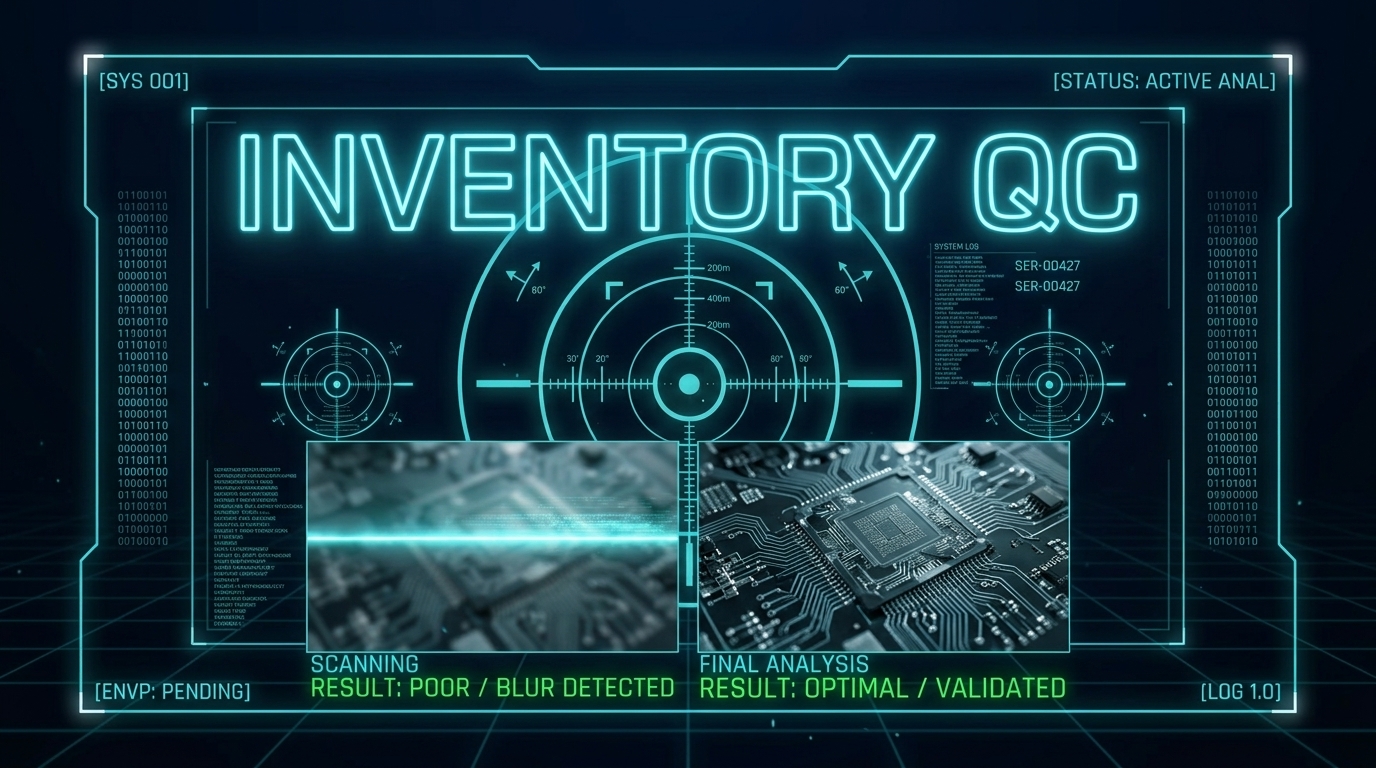
Warehouse and retail workers waste hours sorting blurry, unusable inventory photos. Photos are taken quickly, sometimes in poor lighting or with shaky hands, and the low-quality ones slip through — causing inventory errors, returns, and lost productivity.
Existing tools either don't check quality at all, or require expensive manual review. I wanted to build something that automatically catches bad photos at the source, before they enter the inventory system, using only serverless AWS services and open-source computer vision.
The OpenCV AI Competition 2026 theme of Agentic Vision — where visual understanding drives real decisions and actions — was the perfect fit.
What it does
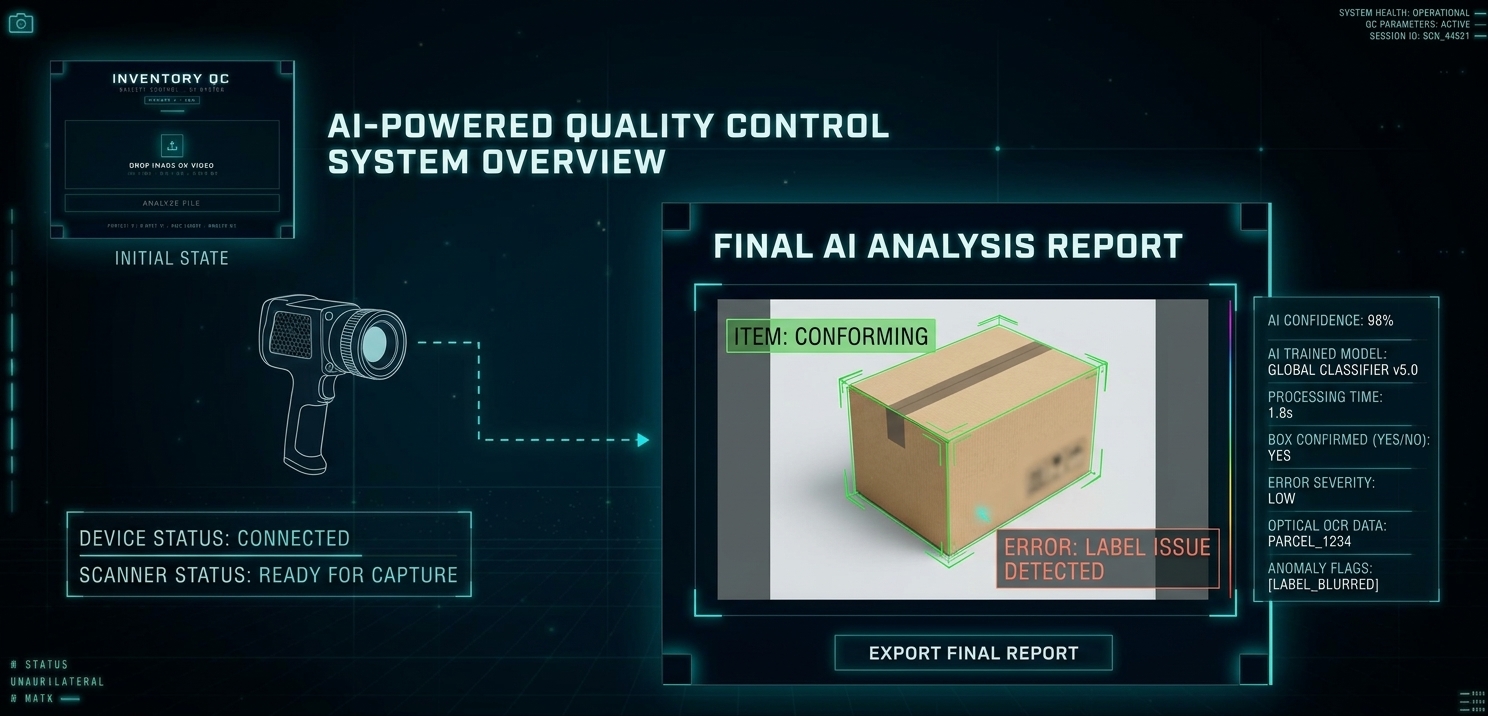
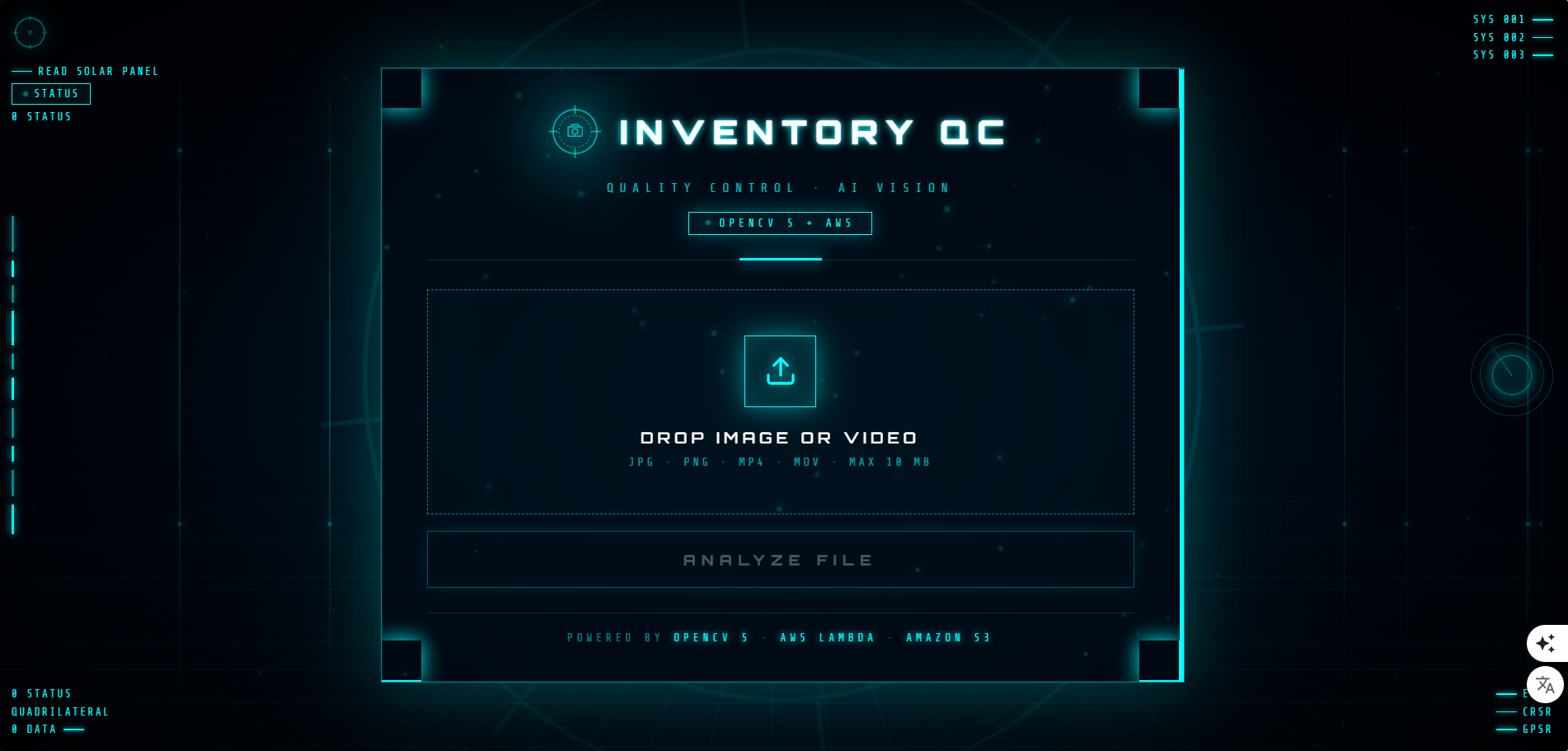
Inventory QC is an automated quality control system for inventory images and videos. Users upload a file through a web interface (or drop it directly into S3). The system:
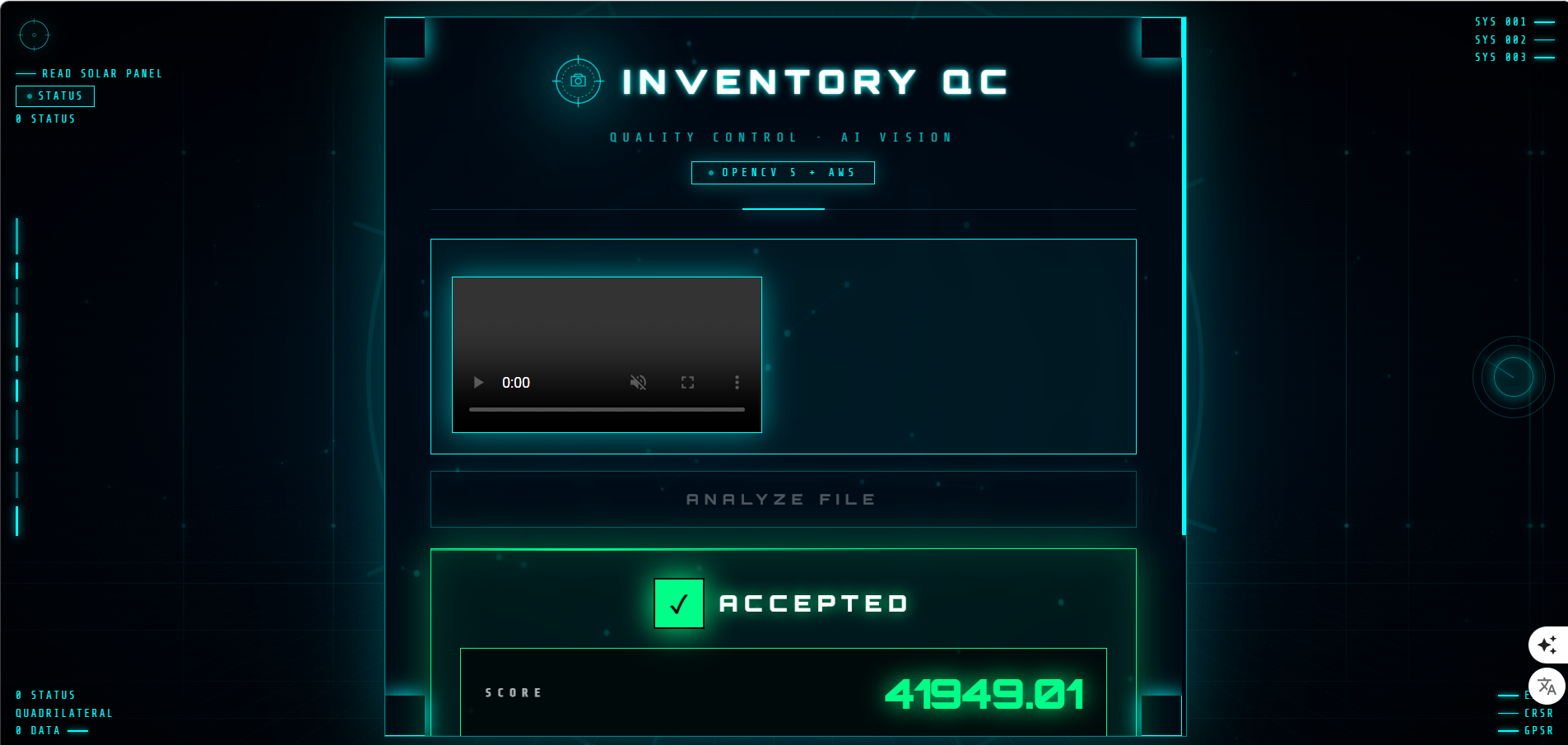
- Perceives — OpenCV 5 computes the sharpness score using Laplacian variance. For videos, it extracts up to 10 frames and averages the scores.
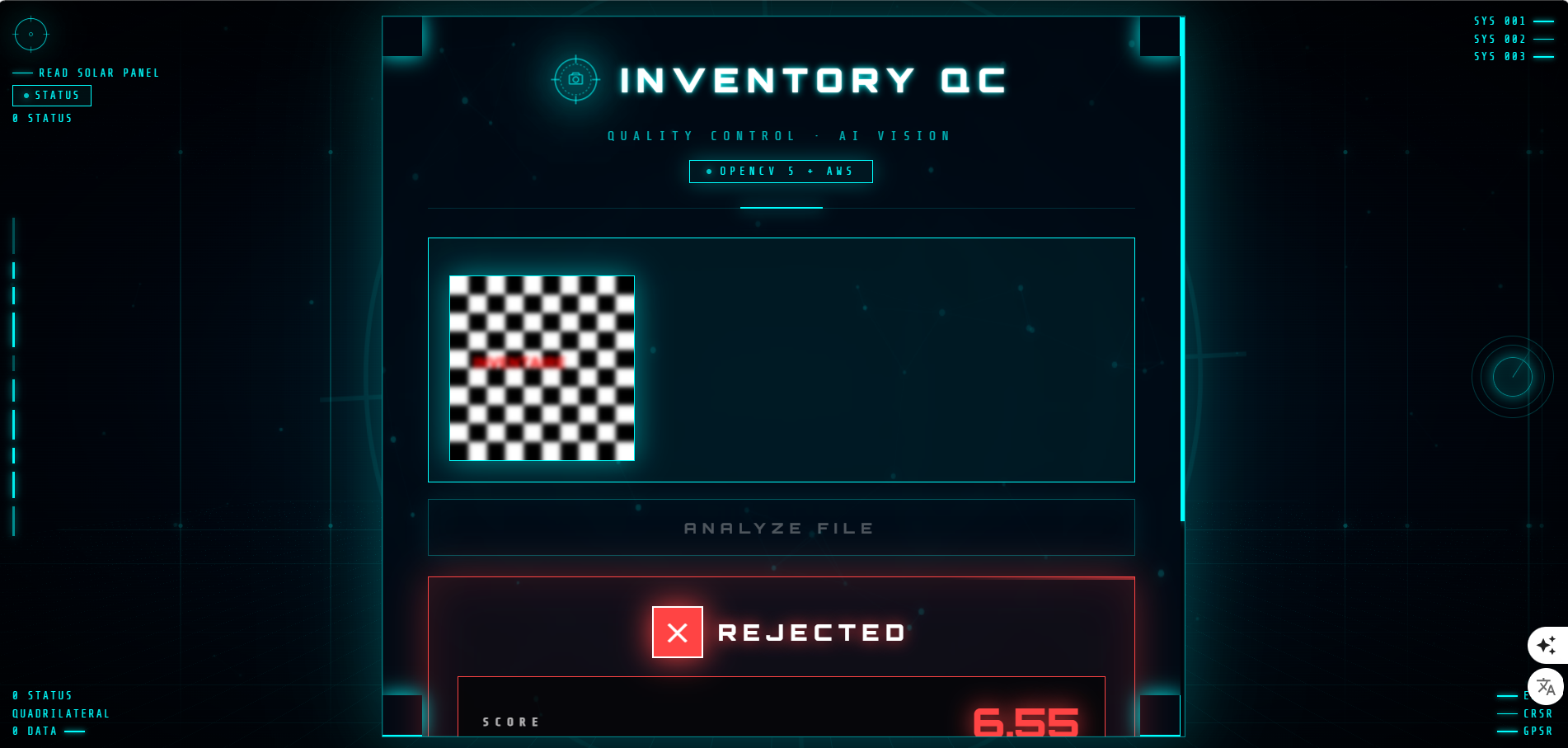
- Decides — The agent compares the score to a threshold (100). If below, the file is rejected. If above, it's accepted.
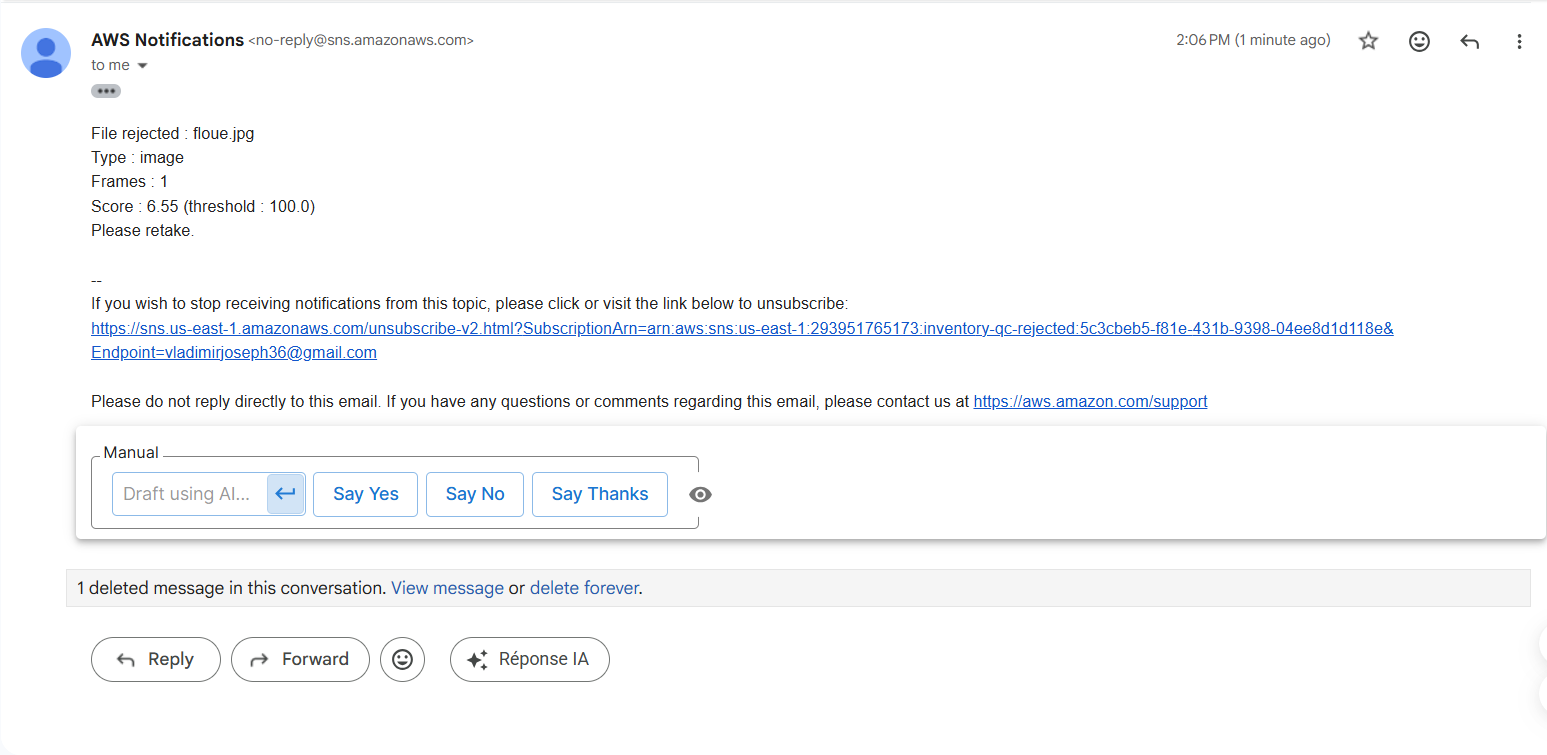
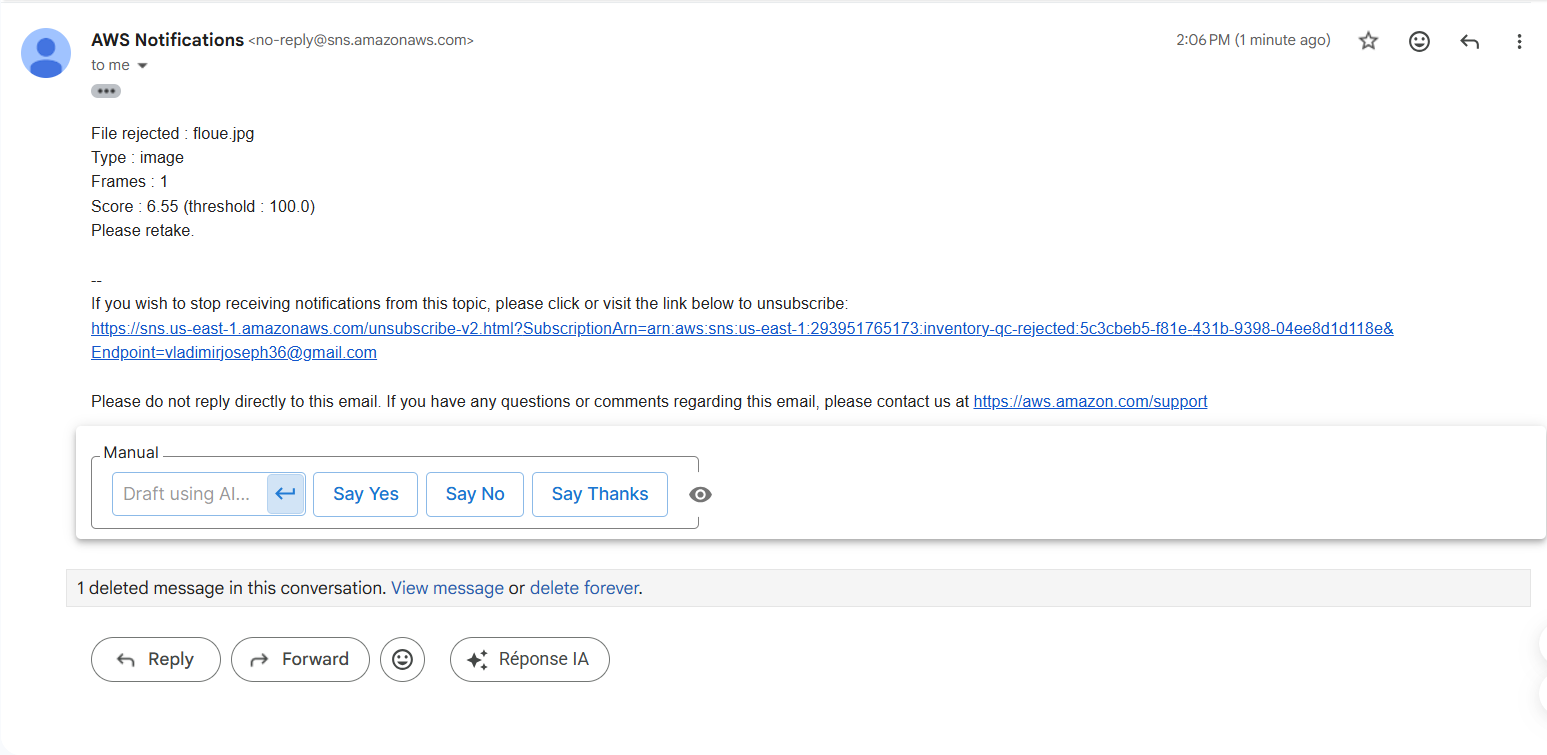
- Acts — If rejected, an AWS SNS notification is sent to the user to retake the photo. If accepted, no action is needed.
This is a real perception -> decision -> action loop, exactly what the Agentic Vision track asks for.
How I built it
Architecture
User (web interface) -> API Gateway -> AWS Lambda (OpenCV 5) -> Amazon S3 (image storage) -> Amazon SNS (rejection alerts). Web interface is hosted on S3 static hosting.
The same Lambda function handles two event types:
- S3 events (when a file is dropped directly into the bucket)
- API Gateway events (when the user uploads via the web interface)
OpenCV 5 Implementation
The core of the vision analysis is Laplacian variance — a well-known, computationally cheap method for blur detection:
gray = cv2.cvtColor(img, cv2.COLOR_BGR2GRAY) score = cv2.Laplacian(gray, cv2.CV_64F).var()
A sharp image has high variance (lots of high-frequency edges); a blurry image has low variance. The threshold was calibrated empirically:
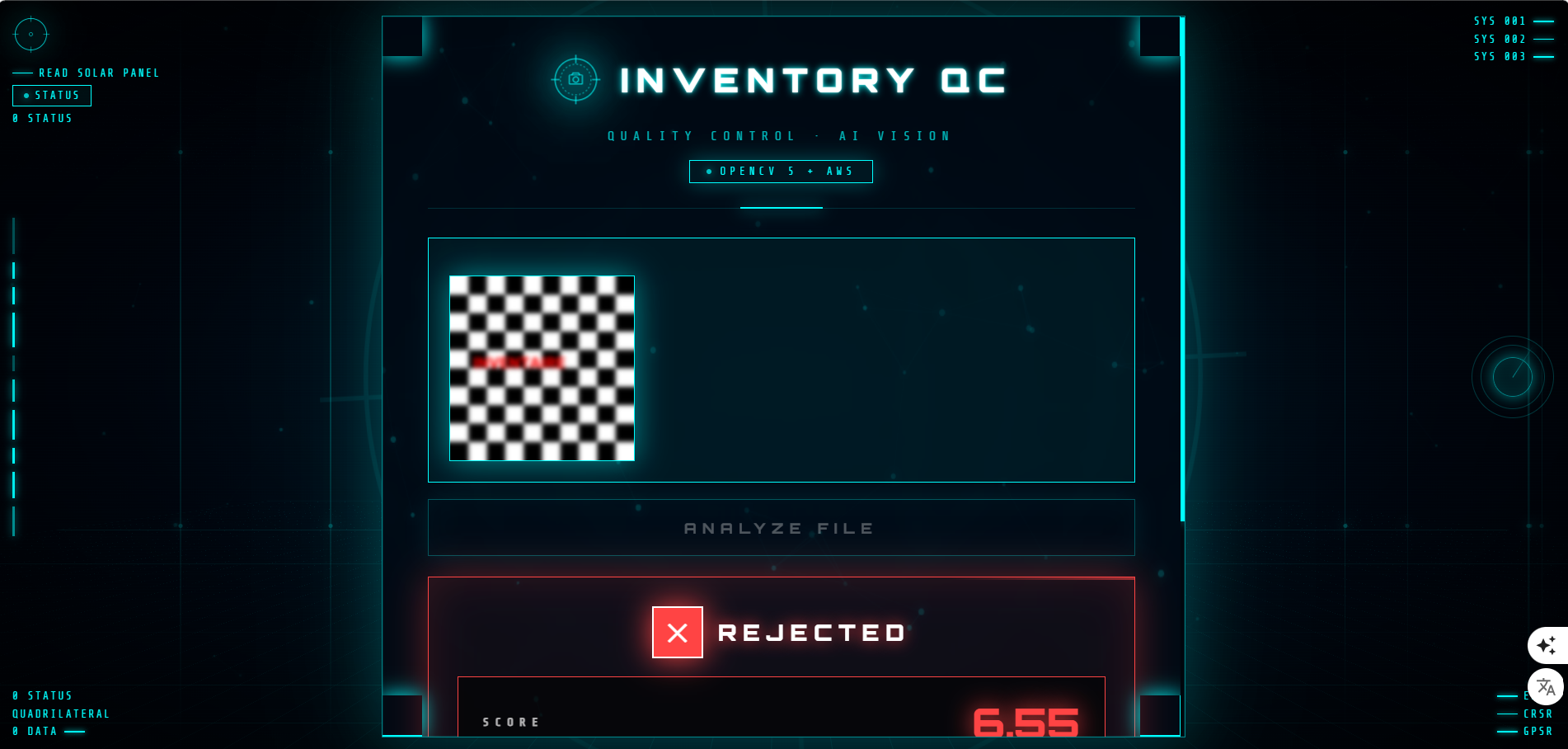
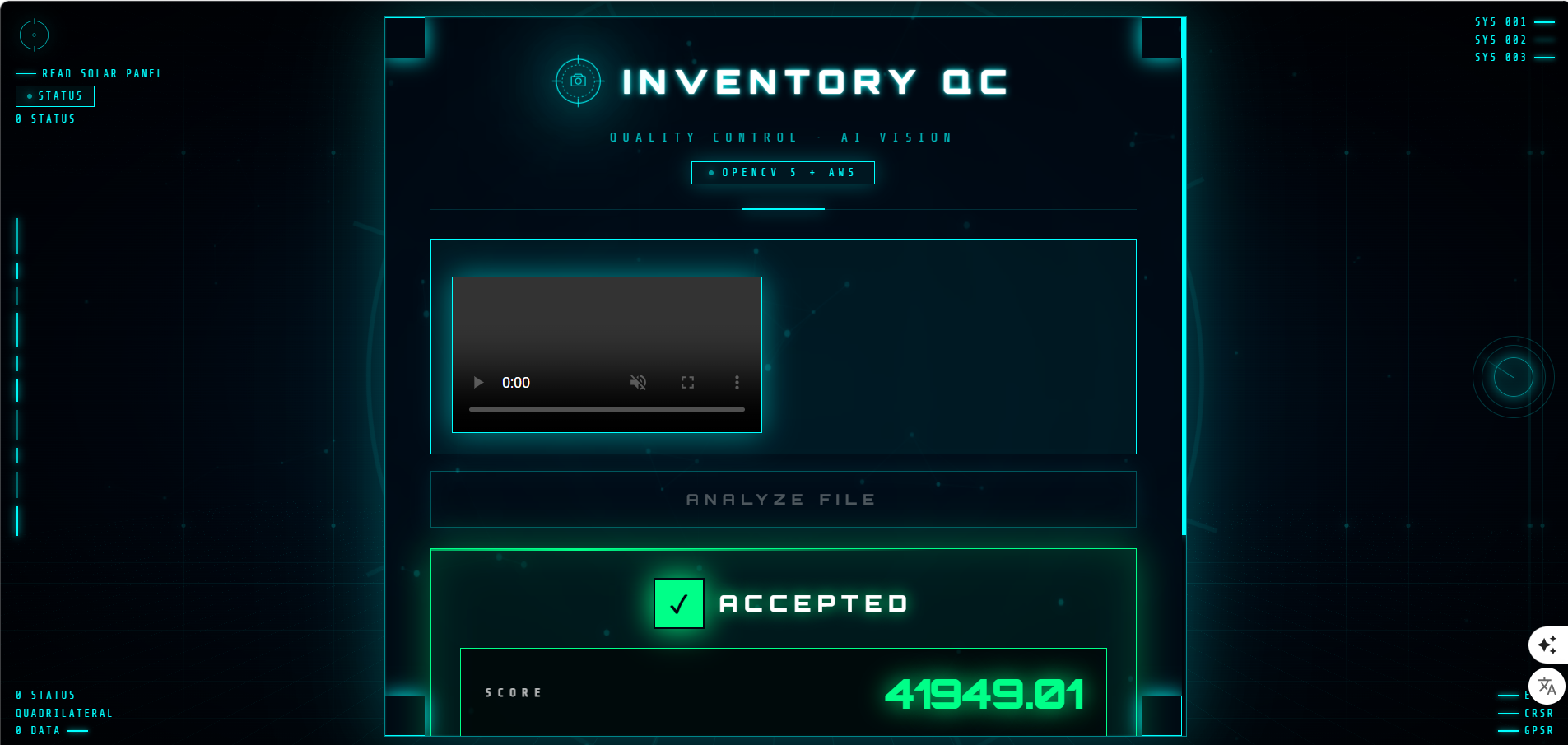
floue.jpg (image): score 6.55 -> REJECTED nette.jpg (image): score 6059.05 -> ACCEPTED test_video.mp4 (video, 10 frames): score 41949.01 -> ACCEPTED
The gap between 6.55 and 6059.05 shows the method is highly discriminative.
AWS Deployment
- OpenCV 5 was packaged as a Lambda Layer (77 MB) using a Linux-compatible wheel (manylinux2014_x86_64).
- Lambda runs Python 3.13 with 1 GB RAM and a 30-second timeout.
- API Gateway exposes a POST endpoint /analyze with Lambda Proxy integration.
- S3 stores uploads and hosts the static web interface.
- SNS sends email notifications on rejection.
Web Interface
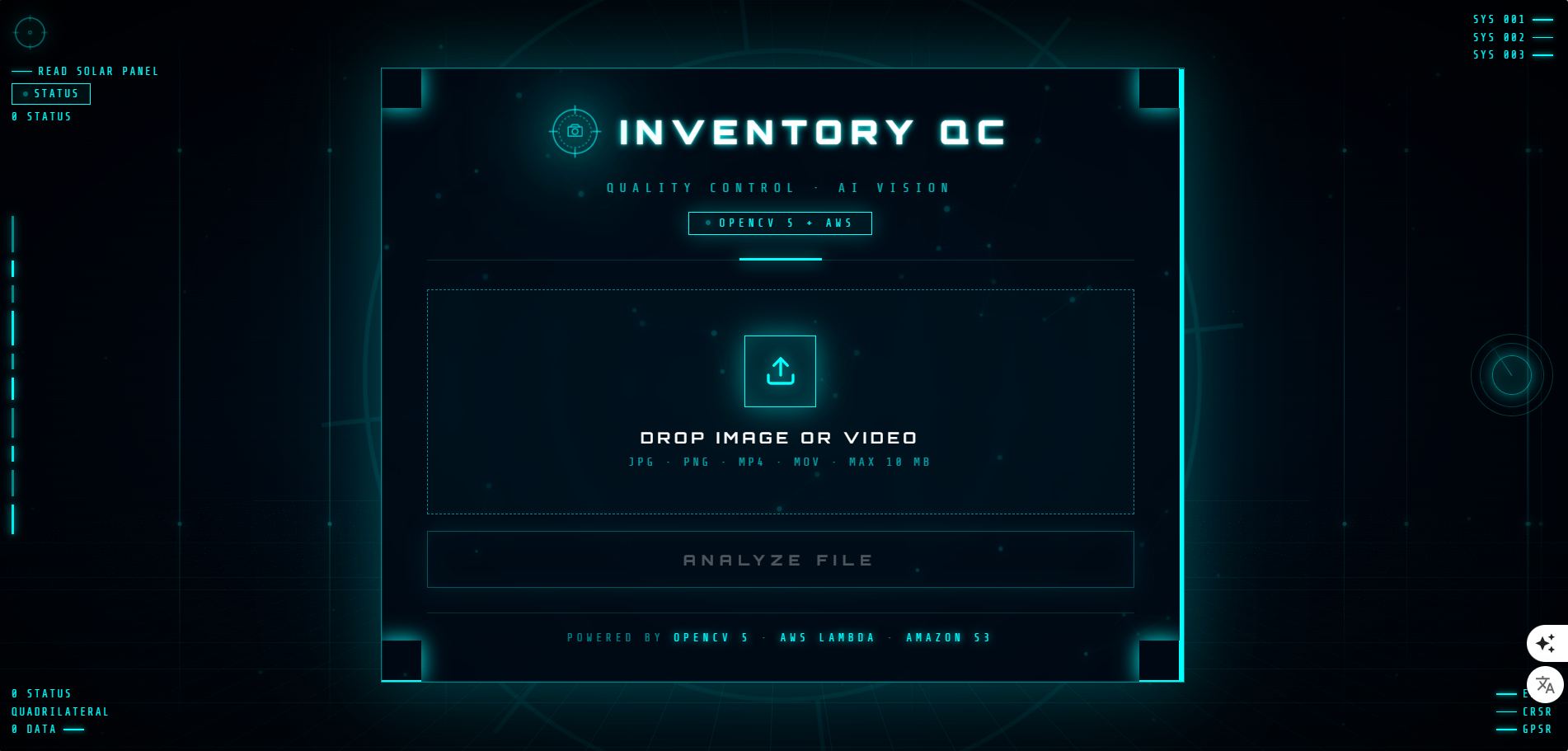
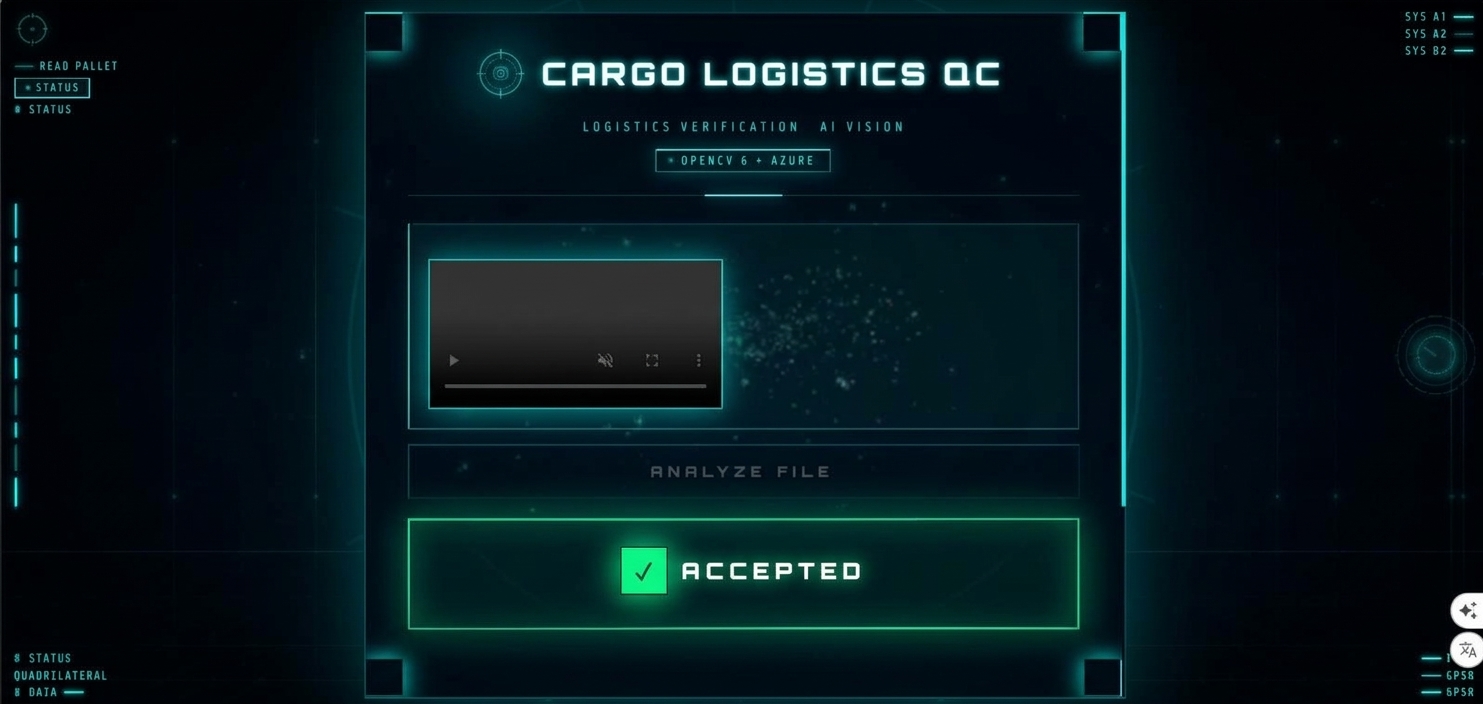
A cyberpunk HUD-style interface built in pure HTML/CSS/JavaScript — no frameworks. Features:
- Animated boot screen with a camera crosshair logo and system log
- Military crosshair reticle background
- Particle cloud that reacts to mouse movement
- Real-time analysis with clear accept/reject feedback
- Handles both images and videos — a video preview for uploads, img for images
- Reset button to analyze another file without reloading
Challenges I faced
Packaging OpenCV 5 for Lambda — The default pip install opencv-python produces a Windows binary that won't run on Lambda's Linux environment. I had to use pip install opencv-python-headless --platform manylinux2014_x86_64 and package the result as a Lambda Layer with the correct python/ directory structure.
CORS on API Gateway — The browser blocked requests from the S3-hosted interface to the API Gateway domain. I had to enable CORS on the resource and ensure the Lambda returned Access-Control-Allow-Origin: * headers.
Two event types in one Lambda — S3 and API Gateway send completely different event structures. I built a dispatcher that detects the event type and adapts the parsing logic.
Video size limits — API Gateway has a 10 MB payload limit. Base64 encoding inflates the size by 33%, so videos must stay under ~7 MB. This is a documented limitation.
Timeout and memory — The default Lambda settings (3s, 128 MB) were far too small for OpenCV. I bumped them to 30s and 1 GB.
What I learned
- How to package native libraries (OpenCV) for AWS Lambda
- How to build a perception-decision-action loop with serverless services
- The importance of CORS in distributed web applications
- How to handle multiple event sources with a single Lambda function
- Video analysis: extracting frames with cv2.VideoCapture and averaging scores
What's next
- Real-time live mode using WebSocket API Gateway
- Object detection with YOLO (e.g., detecting missing items in inventory photos)
- Multi-file batch processing
- COOL (Cloud-Optimized OpenCV) on AWS Graviton for lower latency and cost — a natural extension toward the Best Use of COOL track
Why this matters
Manual inventory photo review costs businesses time and money. Inventory QC automates the first line of defense — catching bad files before they enter the system. Because it's entirely serverless, it scales to thousands of uploads per day at near-zero cost, and it can be deployed in any AWS region in minutes.
The system is a complete, working proof-of-concept that demonstrates how OpenCV 5 and AWS can combine to solve a real-world problem — and it's ready to grow into a production-grade tool. https://youtu.be/GOtx6mhf_CU https://github.com/vladimirjoseph36-png/inventory-qc http://inventory-qc-website-vladi-2026.s3-website-us-east-1.amazonaws.com OpenCV 5, Python 3.13, AWS Lambda, Amazon S3, Amazon SNS, Amazon API Gateway, HTML, CSS, JavaScript, AWS IAM Agentic Vision Vladimir Joseph Inventory QC uses OpenCV 5 Laplacian variance analysis on AWS Lambda to automatically reject blurry inventory images and videos, triggering SNS notifications in a perception-decision-action loop.
Built With
- amazon-api-gateway
- amazon-sns
- amazon-web-services
- aws-iam
- aws-lambda
- css
- html
- javascript
- opencv
- python
- serverless

