-
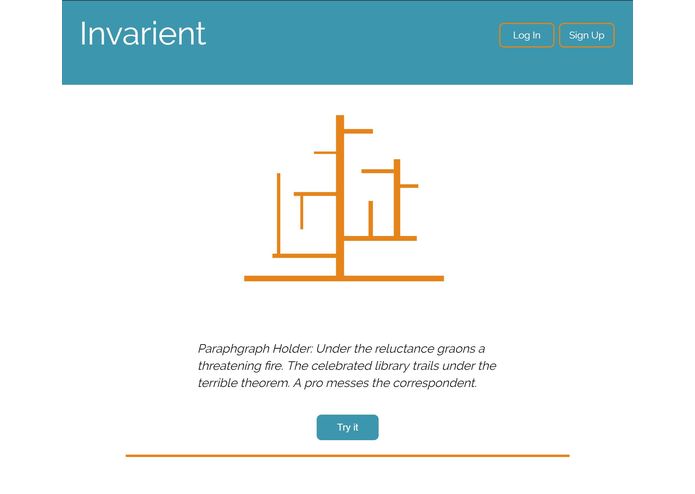
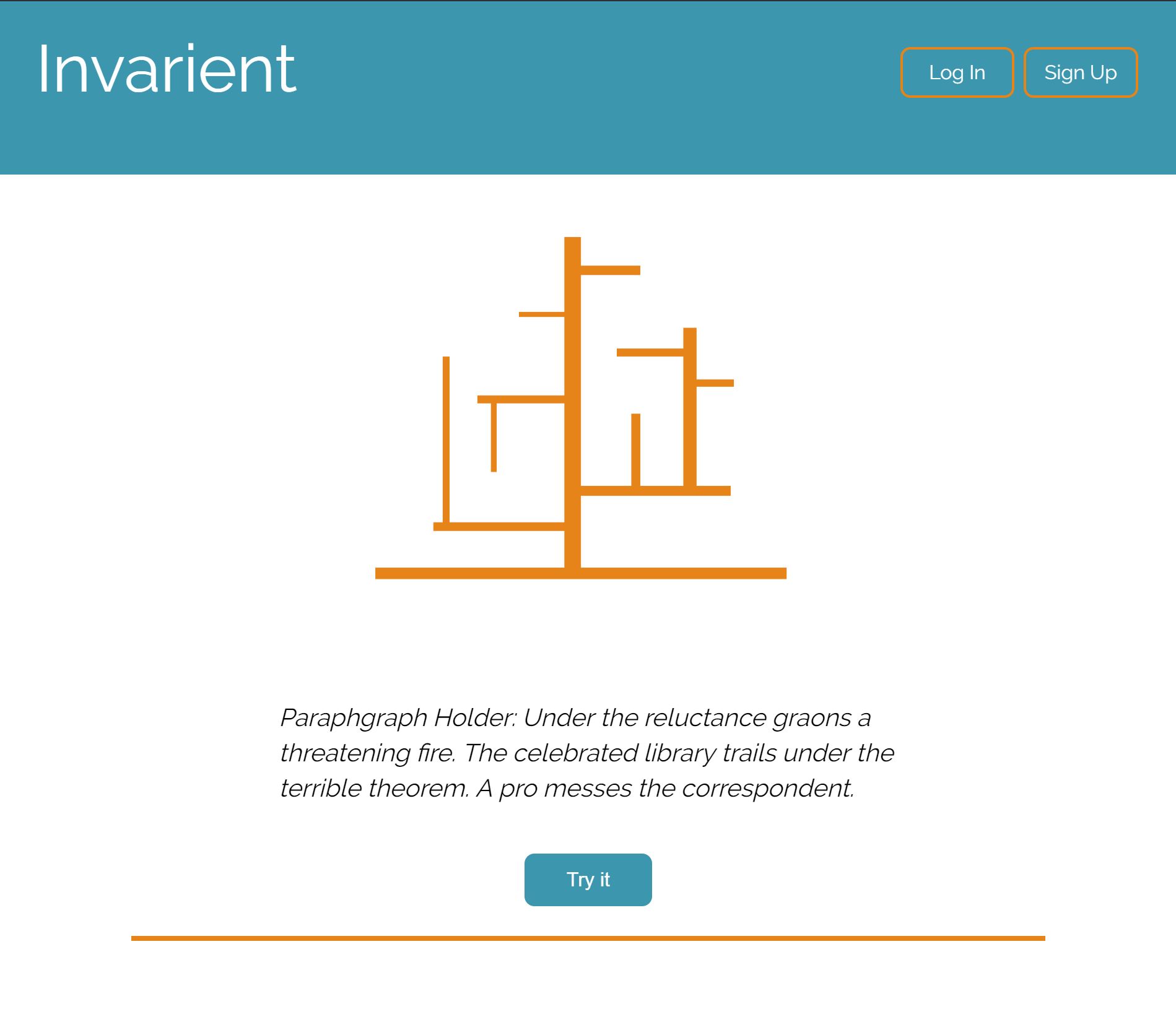
Home page and nav bar
-
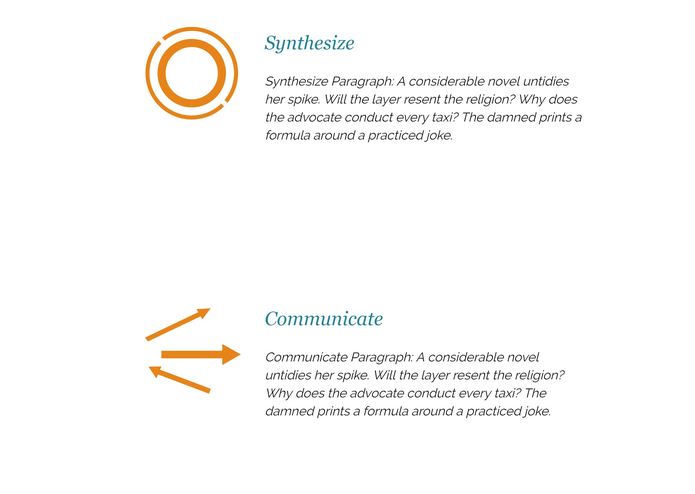
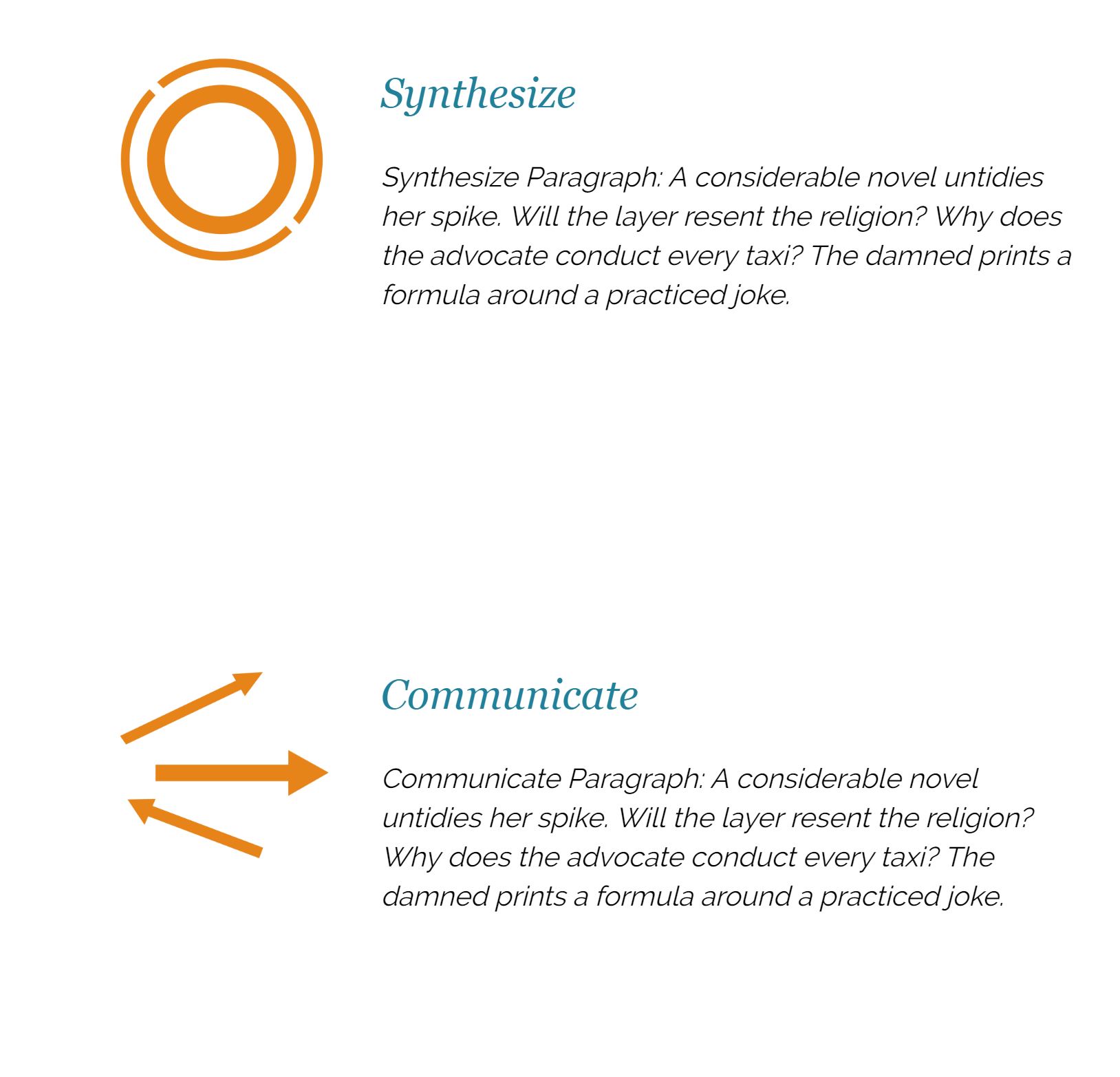
Home page
Inspiration
I was inspired to work on the front end for this project because I think the idea of the app is relatable to me, and I wanted it to have a good front end and UI so people can experience the prototype.
What it does
Invarient was a web app that lets people log in, and register tasks, break down a task into smaller, more manageable subtasks. The point is to help people organize, plan, and monitor their task progress.
How I built it
I was in charge for the front end of the web app. I started doing the design in photoshop for different screen sizes interface, by creating visuals, designing the layout and color scheme, and choosing the type. Then, I coded it used html, css, bootstrap, and javascript to create the website.
Challenges I ran into
When I was coding this, it was my first few times using bootstrap and javascript, so there was a bit of learning curve and a lot of googling. But I really enjoyed the challenge especially making sure the website responds to screen size changes per the designs.
Accomplishments that I'm proud of
I'm proud that the website turned out the way it was supposed to be, and the responsivity was achieved. And overall the UI is very simple, and straightforward.
What I learned
Overall, I learned a little bit more about bootstrap and javascript. I'm more familiar with creating a website for different screen sizes.

Log in or sign up for Devpost to join the conversation.