
Inspiration
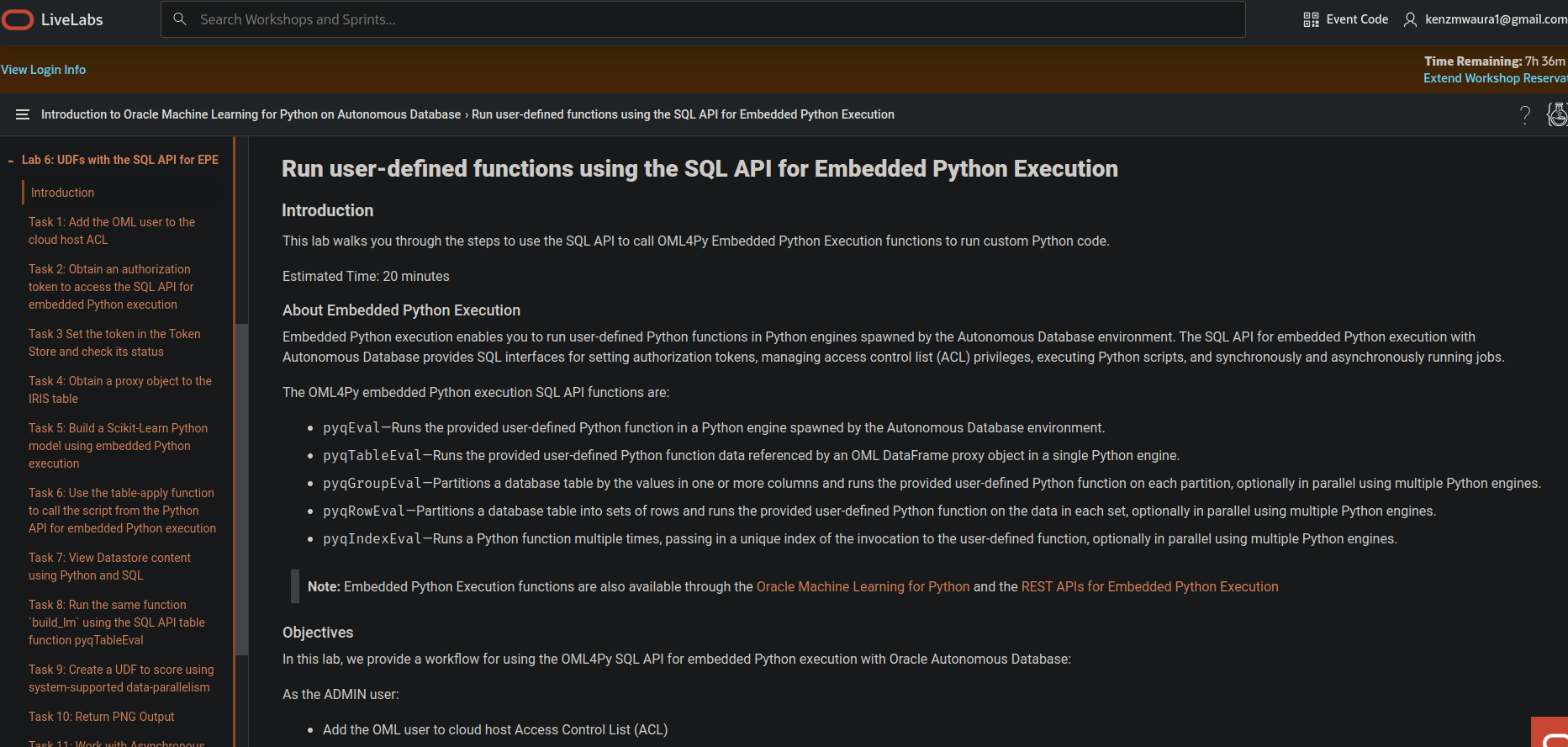
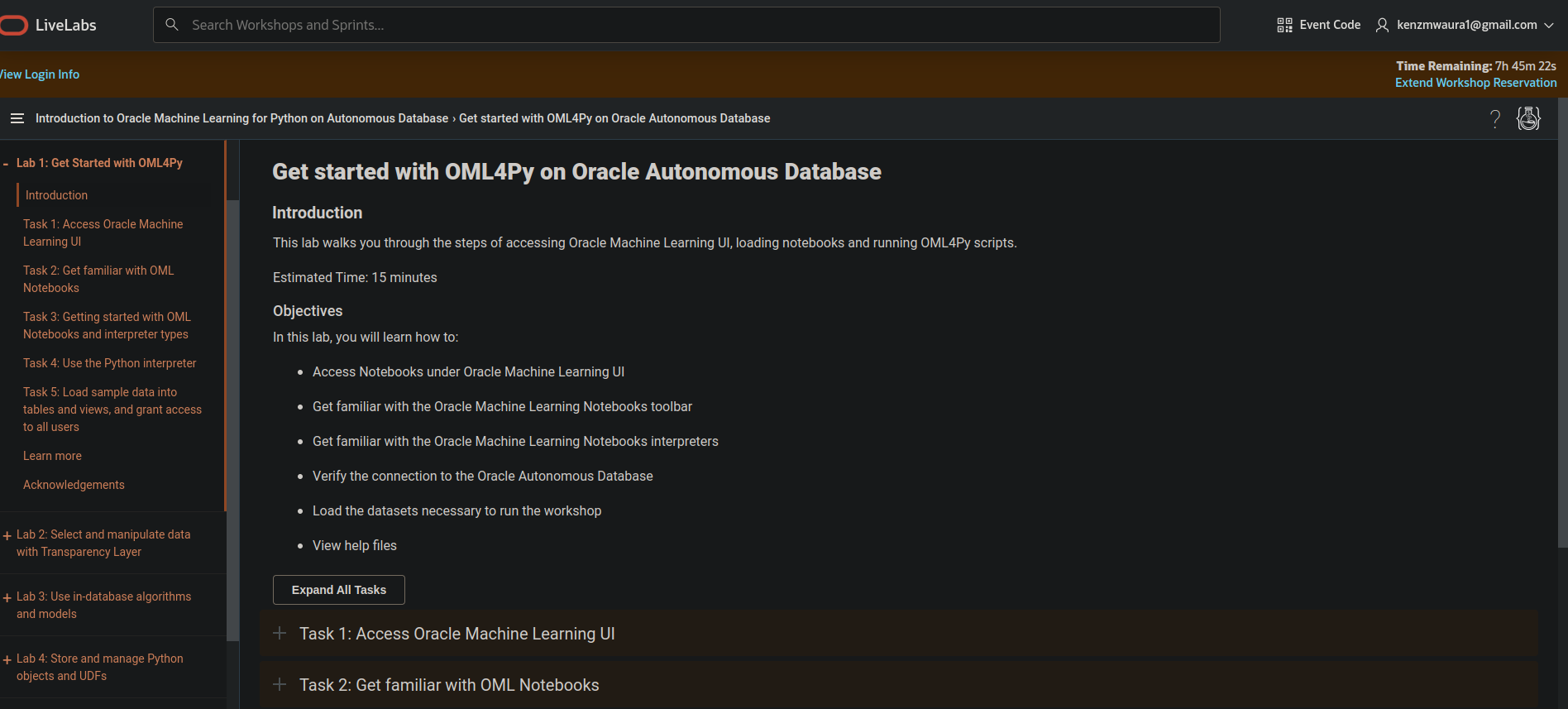
Python is a major programming language used for data science and machine learning. OML4Py is a feature on Oracle Autonomous Database that provides Python users access to powerful in-database functionality supporting data scientists for both scalability, performance, and ease of solution deployment.
What it does
Oracle Machine Learning for Python (OML4Py) is a component of Oracle Autonomous Database, which includes Oracle Autonomous Data Warehouse (ADW), Oracle Autonomous Transaction Processing (ATP), and Oracle Autonomous JSON Database (AJD). By using Oracle Machine Learning Notebooks on Oracle Autonomous Database, you can run Python functions on database data for exploration, preparation, and modeling while leveraging Oracle Database as a high-performance computing environment.
How we built it
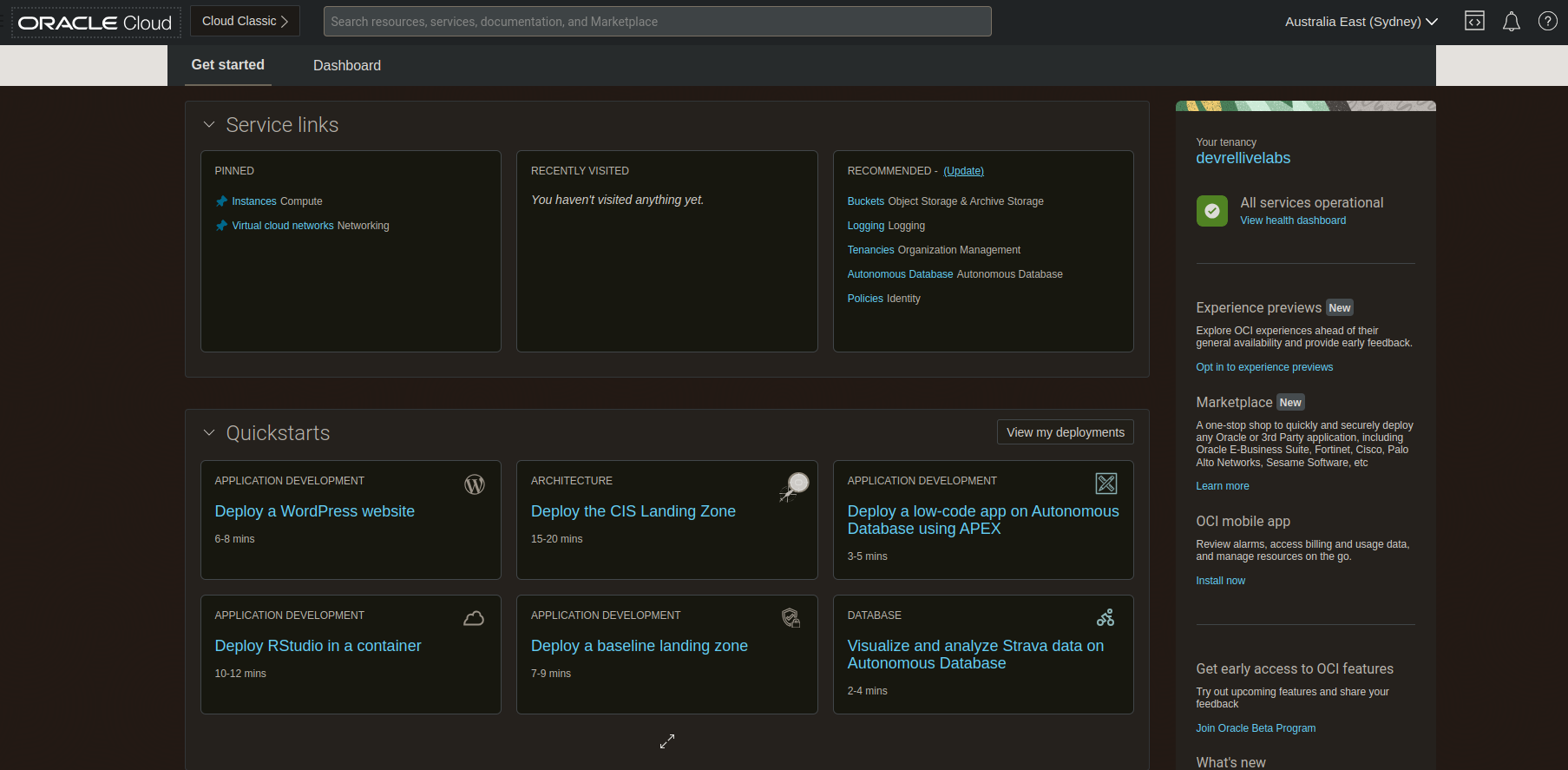
- An Oracle Cloud Account. Please view this workshop's LiveLabs landing page to see which environments are supported
- Some knowledge in statistics and Python programming is helpful
Accomplishments that we're proud of
- Access Oracle Machine Learning AutoML UI
- Create an experiment
- Edit and adjust experiment settings
- View the leaderboard and other settings
- Deploy models to Oracle Machine Learning Services
- View Oracle Machine Learning Models menu with deployed metadata and endpoint JSON
- Create a notebook for the top model
- View generated notebook and individual paragraph ## What we learned
- Create a Pandas DataFrame (OML DataFrame) proxy object for the CUSTOMER_INSURANCE_LTV database table to predict who would buy insurance based on the current customer behavior
- Use automl.AlgorithmSelection to rank the in-database algorithms by predicted score metric for classification of the BUY_INSURANCE target
- Use automl.FeatureSelection to identify the most relevant feature subset for the training data and the selected algorithm
- Use automl.ModelTuning to tune selected algorithm hyperparameters
- Use automl.ModelSelection to select the top in-database algorithm and return the tuned model in a single function


Log in or sign up for Devpost to join the conversation.